Begin
14 pages · ~28 min
Data Joins: Matching Rows & Tables
This training teaches learners how to combine data from multiple tables using join operations, focusing on matching rows to build complete datasets.
A digital instructor presents all 14 pages. Hold “Ask” at any point and ask out loud — the answer comes from this course. No sign-up needed.
What you’ll learn
- 01Introduction to Data Joins: Matching Rows and TablesWelcome. In this session we are going to explore data joins, specifically how we match rows and combine tables. The challenge we face every day is that real business data is scattered. You typically have a customer table, an order table, and a product table, and each one only tells part of the story. To get a complete business picture, you need to bring them together safely. When you use the correct joins, you prevent mismatches, avoid missing data, and stop those silent errors that can appear in your reports. If you choose the wrong join, entire groups of customers can disappear from your analysis without any warning. Over the next few minutes we will walk through a clear roadmap. We will start with how keys establish relationships between tables. Then we will work through inner joins and left joins so you can decide which one fits your question. We will look at unmatched values and understand why nulls appear in your results. We will highlight common pitfalls and finish with a practical exercise. By the end, you will be able to confidently match rows and trust the completeness of your combined data. Let's begin by looking at how tables relate, starting with keys and relationships.postgresql.orgdatabase.guidedbsyntax.com+22 min
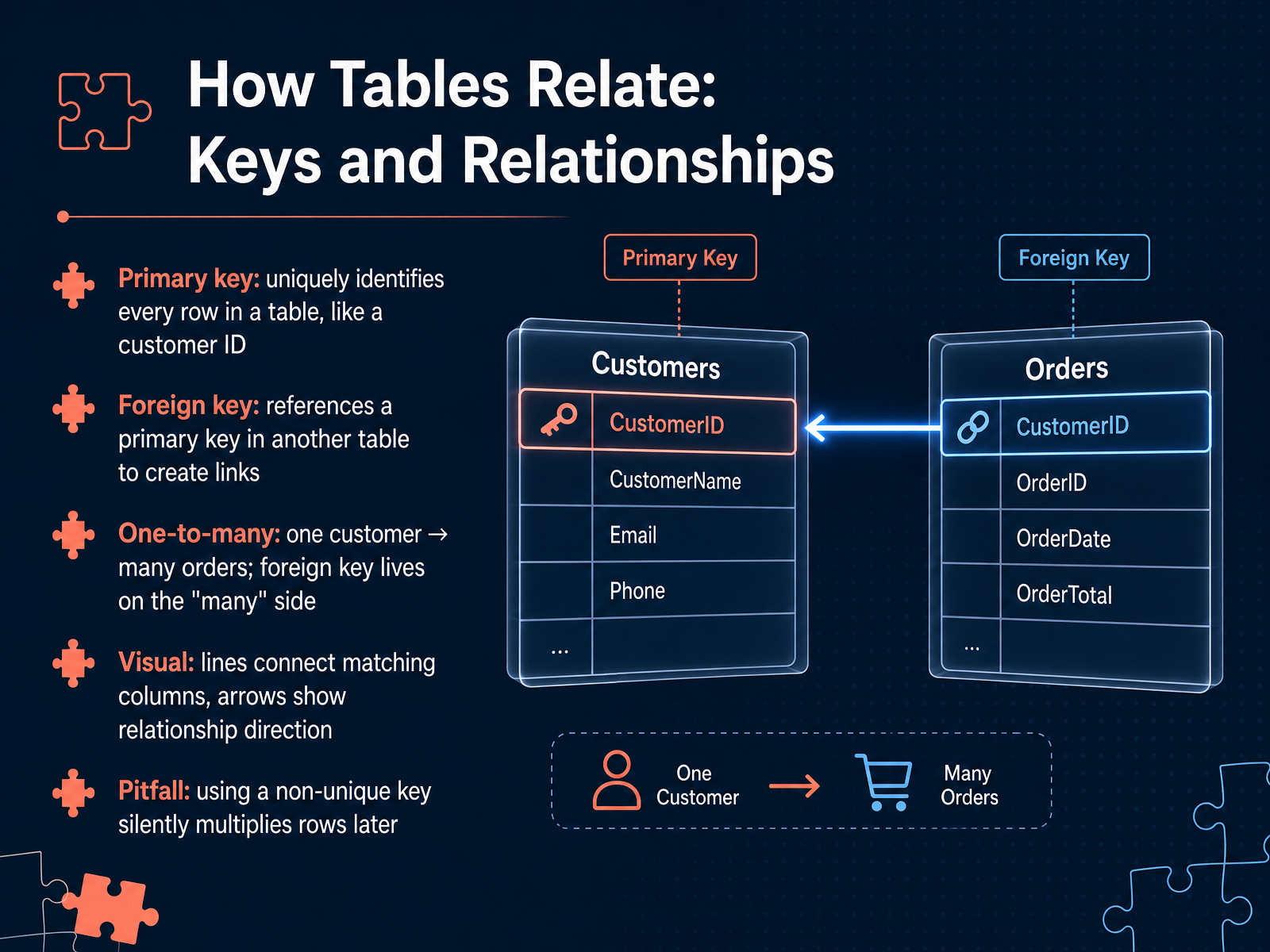
- 02How Tables Relate: Keys and RelationshipsNow let's look at how tables actually relate to each other. The foundation is something called a primary key. Think of a primary key as a unique ID card for every single row in a table. For example, a customer ID. No two rows can share the same primary key, and it can never be left blank. Then we have a foreign key. A foreign key is simply a column that points to a primary key in a different table. It creates the link between them. This is how we build a one-to-many relationship. One customer can place many orders, so the foreign key always lives on the many side. In this case, the customer ID goes into the orders table. Visually, we draw lines connecting matching columns, with arrows showing the direction of the relationship. But here’s a critical pitfall to avoid. If you join tables using a key that is not truly unique on one side, the database will silently multiply your rows. You’ll get duplicate data and incorrect results. Always make sure your primary keys are unique. Next, we’ll explore the inner join, which keeps only the matched rows from both tables.
 swcarpentry.github.iocs50.harvard.edufivetran.com+22 min
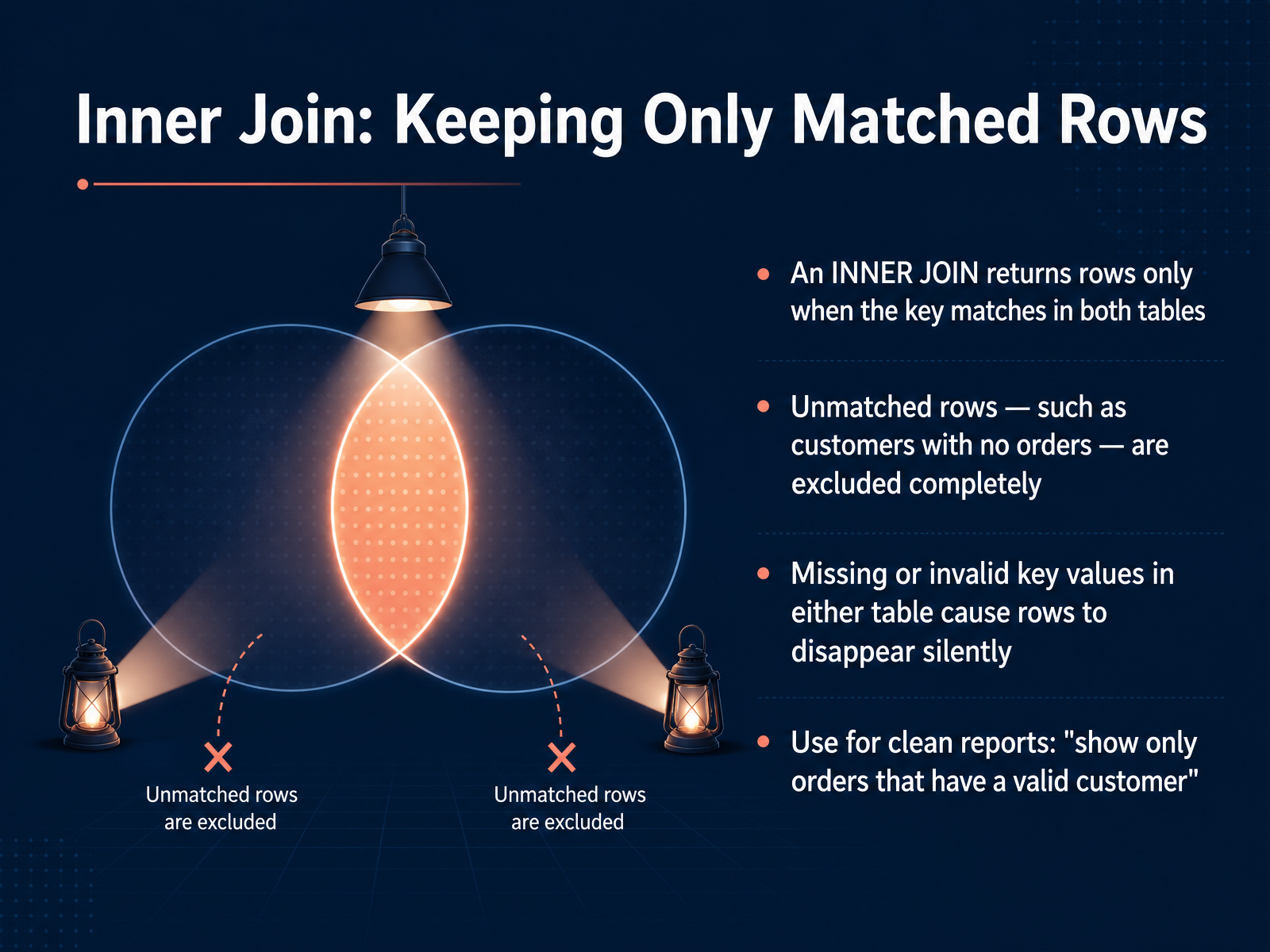
 - 03Inner Join: Keeping Only Matched RowsNow let's focus on the inner join, which is sometimes simply called a join. Think of it as a strict matching rule. An inner join returns rows only when the key you are joining on exists in both tables. If a value appears in one table but not the other, that entire row is excluded from the results. For example, imagine a customers table and an orders table. If a customer has never placed an order, an inner join will not show that customer at all. They simply disappear from the output. This also happens silently when a key is missing or invalid in either table. You won't get an error; the row just won't be included. That makes the inner join perfect for clean, actionable reports where you only want complete records. A common use case is "show only orders that have a valid customer." Up next, we will contrast this with a left join, which keeps all rows from the first table, even unmatched ones.
 w3schools.comdataengineeracademy.comsqlshack.com+21 min
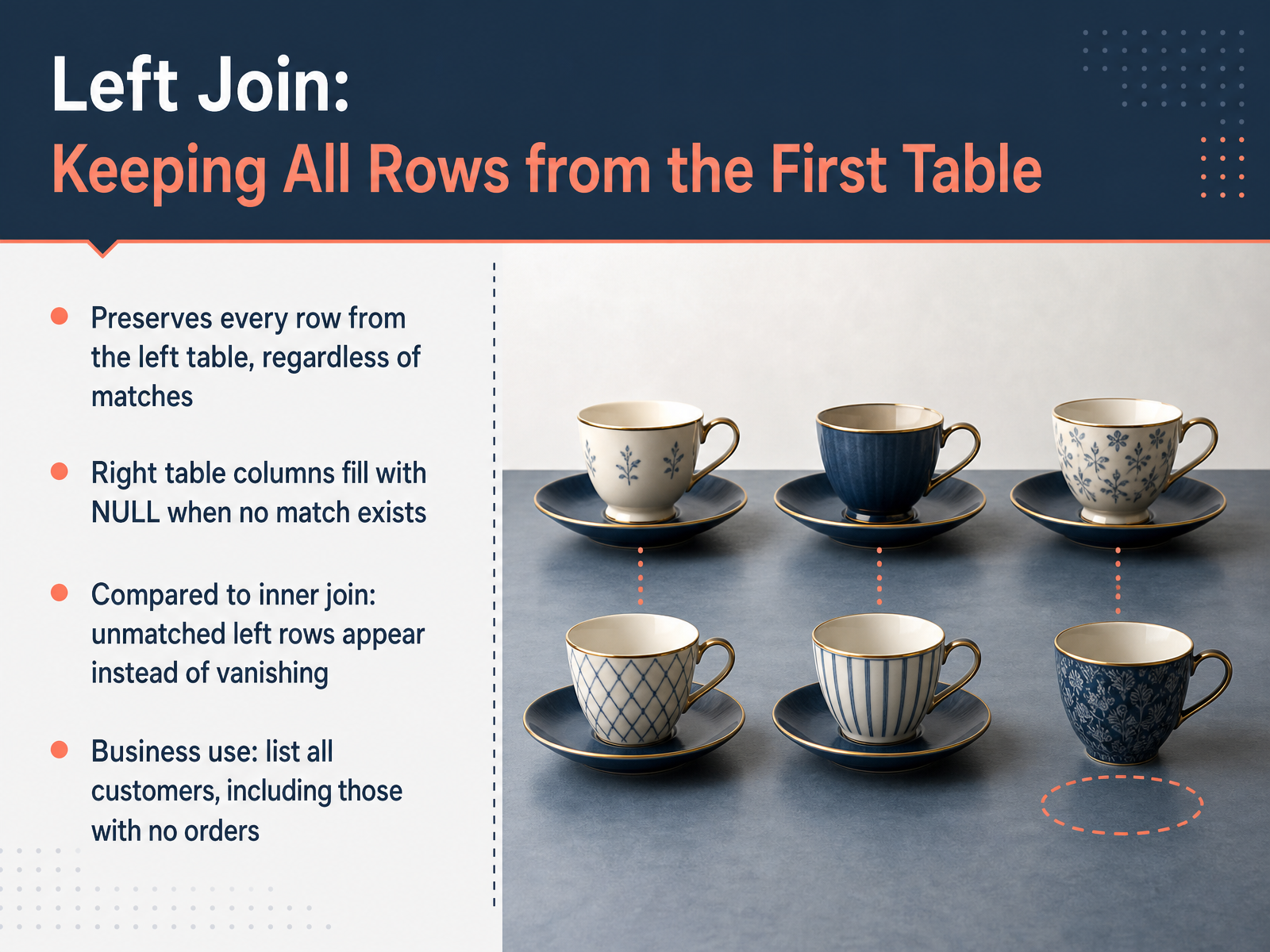
 - 04Left Join: Keeping All Rows from the First TableNow, let's look at the left join. A left join preserves every single row from the left table, no matter what. If there is no matching row in the right table, we do not lose that left row. Instead, the columns from the right table simply get filled with null values. Think of it this way. With an inner join, unmatched rows vanish. A left join keeps them visible. A great business use case is listing all your customers. You can attach their orders if they have them, but customers who have never placed an order still appear, with empty order data. This guarantees your left table stays complete. Now that you see how a left join retains all left-side rows, let's move on to comparing inner and left joins directly, so you can confidently choose the right tool for any scenario.
 postgresql.orgdatabase.guidedbsyntax.com+21 min
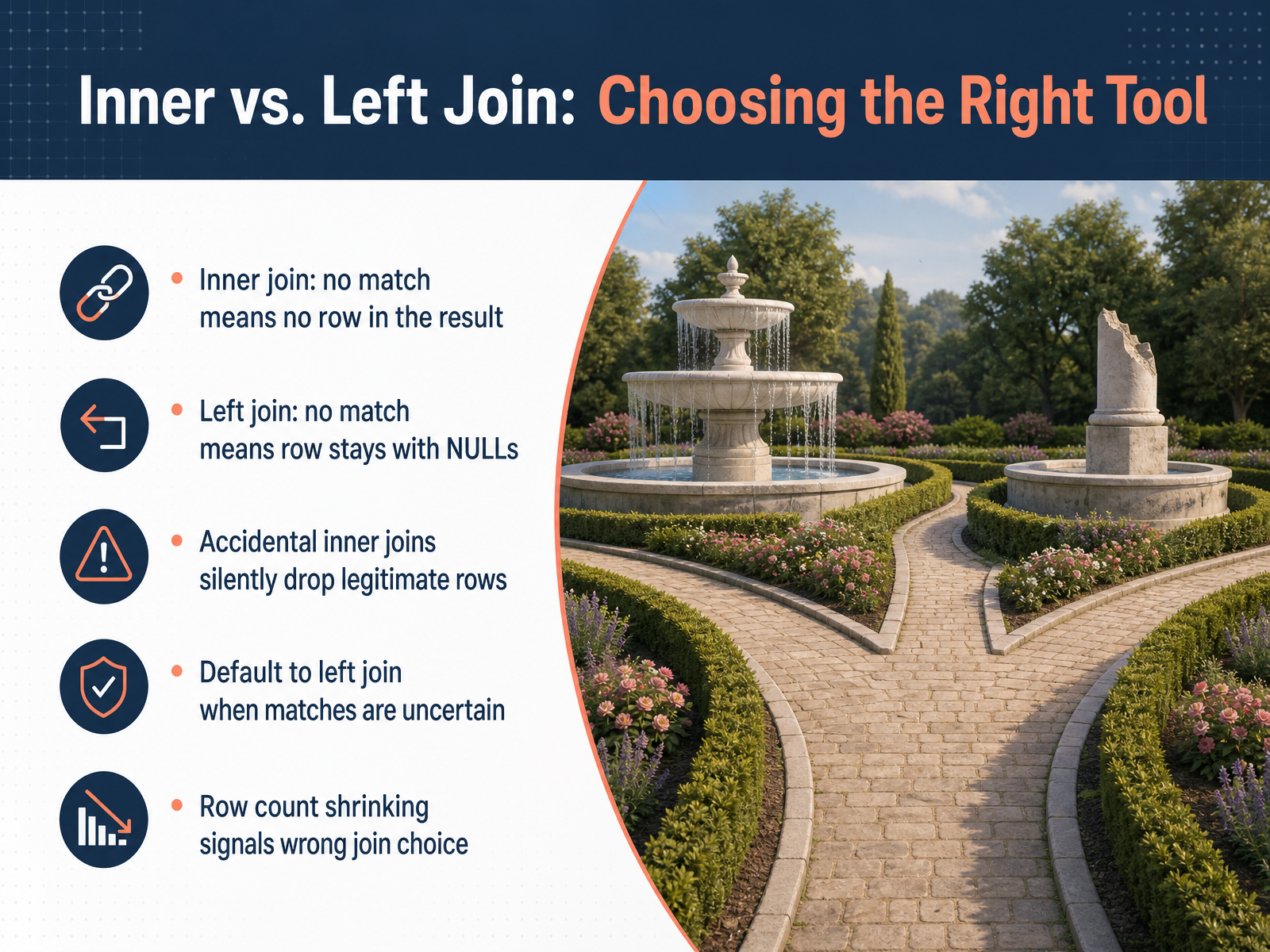
 - 05Inner vs. Left Join: Choosing the Right ToolNow let's talk about the two most common join types: the inner join and the left join. Think of an inner join as a strict filter. It only keeps rows that have a perfect match in both tables. If a row in your first table doesn't find its partner in the second table, it is completely removed from the final result. A left join, on the other hand, is more protective. It takes every single row from your first, or left, table. If a match is found, great, the data fills in. But if no match is found, the row still stays in your results. The unmatched spots are just left blank, which we see as NULLs. This is a critical safety feature. If you accidentally use an inner join when you really needed a left join, legitimate rows can silently disappear from your analysis. You might not even realize it happened. A good habit is to default to a left join when you are unsure if every row has a match. Your biggest clue that you picked the wrong join? Watch your row count. If your result suddenly has fewer rows than your main table, you are probably dropping data with an inner join. Coming up next, we will explore other join types like right, full outer, and cross joins to round out your toolkit.
 2 min
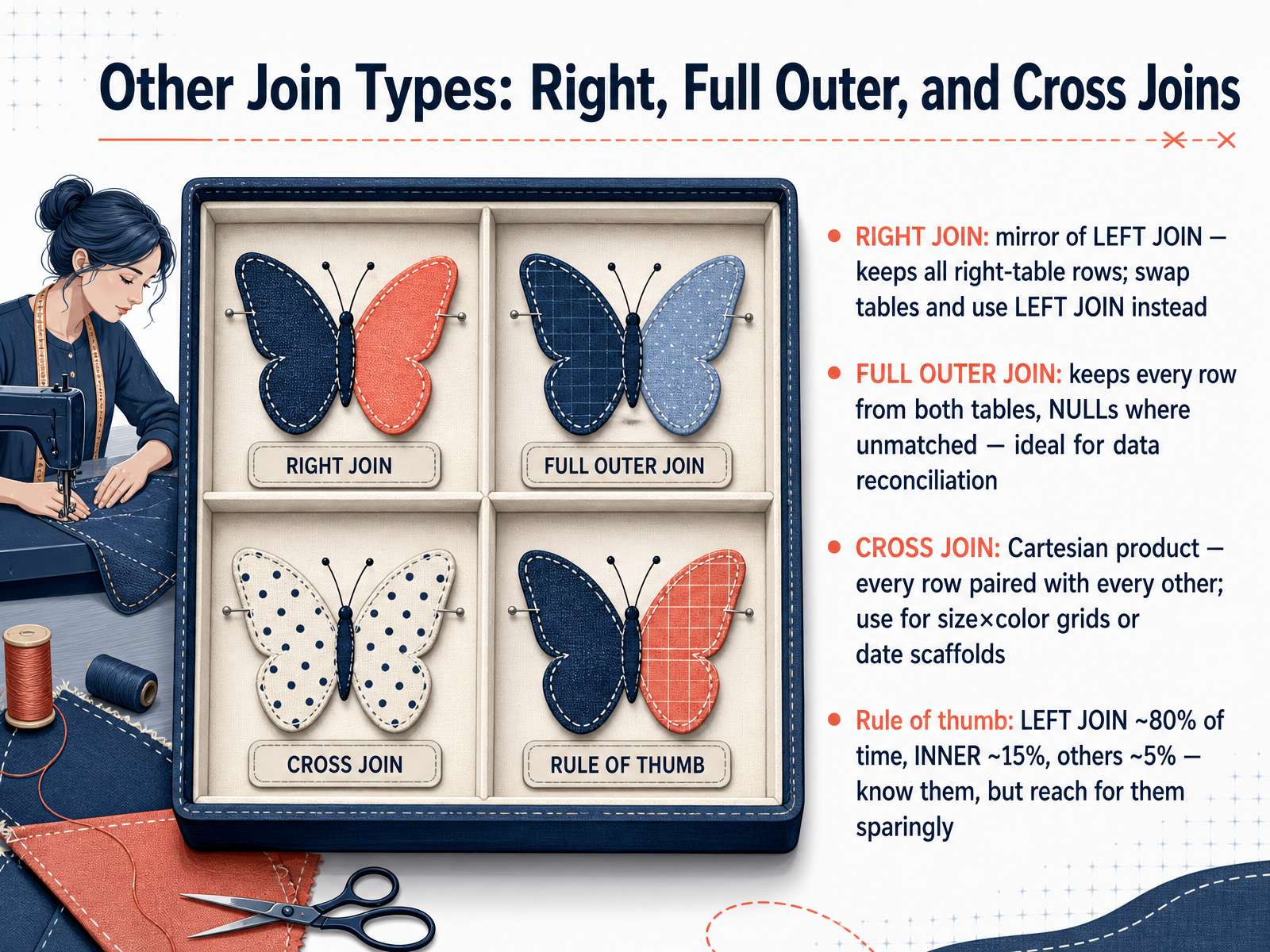
2 min - 06Other Join Types: Right, Full Outer, and Cross JoinsNow let's look at the other join types you might encounter. First is the RIGHT JOIN. It is simply the mirror image of a LEFT JOIN: it keeps every row from the right table and fills in NULLs for the left side when no match exists. In practice, experienced data professionals almost never write RIGHT JOIN. They just swap the table order and use a LEFT JOIN instead, which makes queries much easier to read. Next is the FULL OUTER JOIN. This one keeps every row from both tables. Where there is a match, you see combined data. Where there is not, you see NULLs. Think of it as a complete picture of two datasets, which makes it ideal for data reconciliation. For example, you can compare your customer list against an external contact file and instantly spot which records exist in only one system. Finally, there is the CROSS JOIN. This creates a Cartesian product, pairing every single row from the first table with every single row from the second table. You would use this deliberately to generate all possible combinations, like pairing every product size with every available color. But be careful: even relatively small tables can produce a huge result set. As a practical rule of thumb, you will use LEFT JOIN roughly eighty percent of the time, INNER JOIN about fifteen percent, and these other types only for the remaining special cases. Know they exist, but reach for them sparingly. Up next, we will explore understanding unmatched values and where those NULLs actually come from.
 freecodecamp.orgdrivedatascience.comsqlnoir.com+22 min
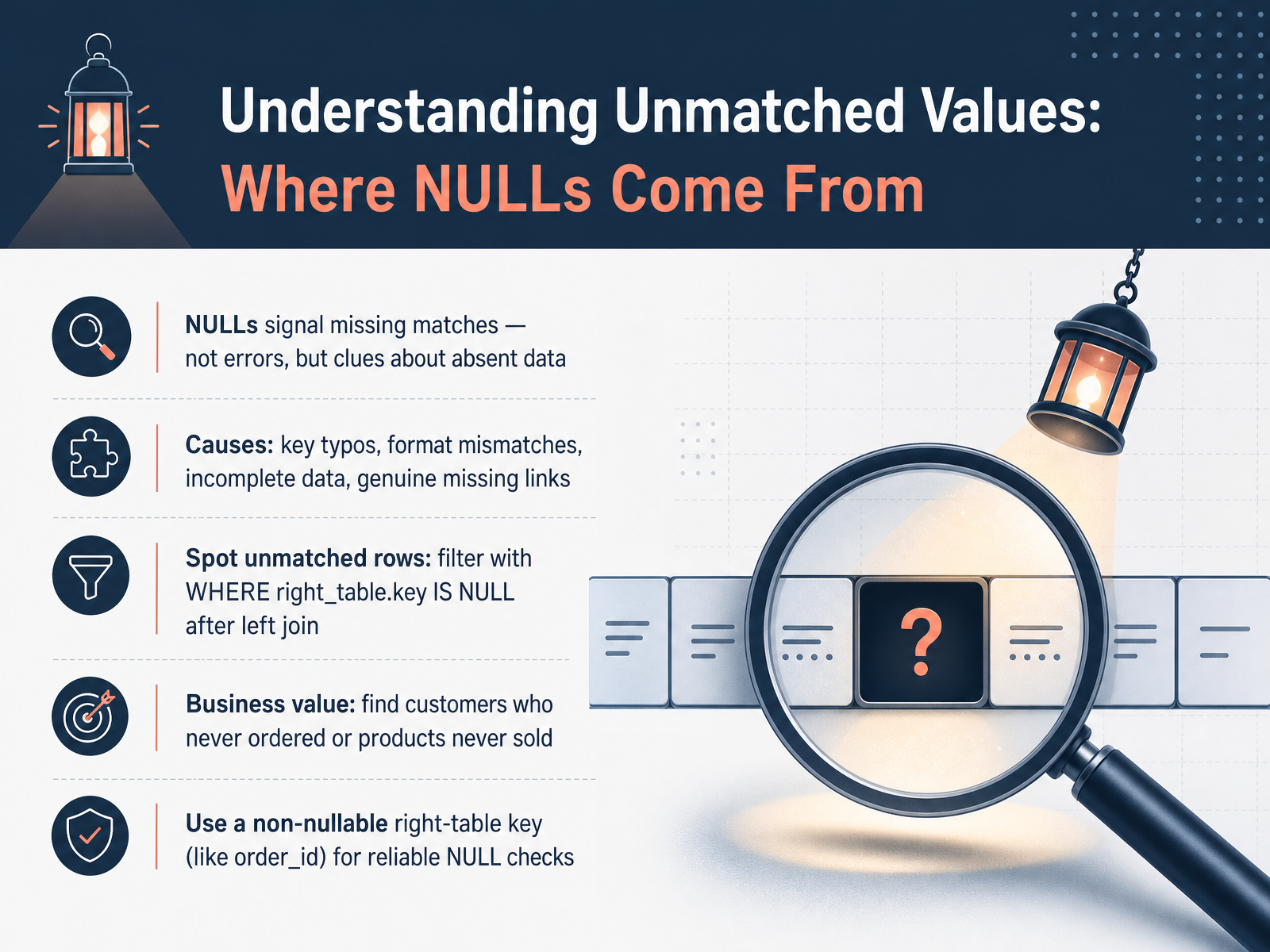
 - 07Understanding Unmatched Values: Where NULLs Come FromLet's explore where those NULLs actually come from and what they tell us. When you see a NULL after a left join, treat it not as an error, but as a clue that a match was missing on the right side. Think of it as the database leaving a blank space where it couldn't find the corresponding row. There are a few common causes for these missing matches. The join keys might have a typo or inconsistent capitalization. Data formats might differ, like a date stored as text in one table and a real date in the other. Sometimes the data is simply incomplete, or the link genuinely does not exist yet, like a new customer who has not placed any orders. To find these unmatched rows intentionally, you add a WHERE clause after your left join, checking for NULL in a key column on the right table. A reliable choice is a non-nullable primary key, such as an order ID. For example, filter with WHERE orders dot order ID IS NULL to find all customers who have never placed an order. This pattern is enormously valuable for business insights: spotting products that were never sold, customers who never returned, or any process where the absence of a relationship is the key finding. Now, a word of caution: checking a column that can legitimately be NULL on the right side can mislead you. That's why using a non-nullable key like order ID is the safest and most reliable approach. Next, we will tackle a common trap that turns a left join into an inner join by accident: The WHERE versus ON dilemma.
 2 min
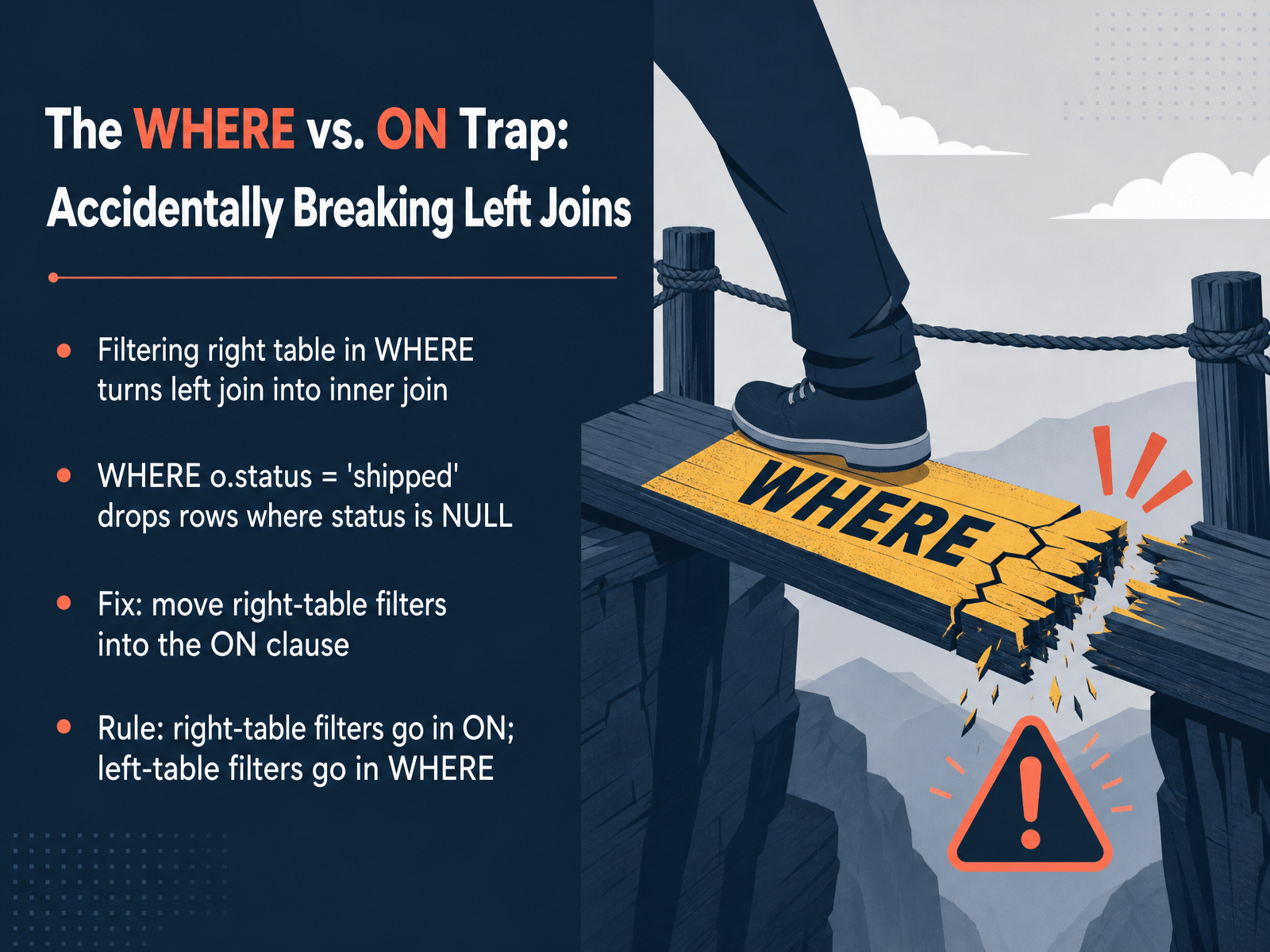
2 min - 08The WHERE vs. ON Trap: Accidentally Breaking Left JoinsNow, here is a mistake that even experienced users make sometimes: accidentally breaking a left join with a WHERE filter. Suppose you write a left join between an orders table and a customers table. Then, in the WHERE clause, you add a condition like "order status equals shipped." The database sees that condition and, for any rows where the status is null because no matching order exists, the entire row gets dropped. Your left join silently turns into an inner join. The fix is to move right-table filters into the ON clause instead. When the filter lives inside ON, the database applies it during the join, not after. So the rule is simple: right-table filters belong in ON, and left-table filters can stay in WHERE. Next, let's look at another common pitfall: duplicate keys and row multiplication.
 1 min
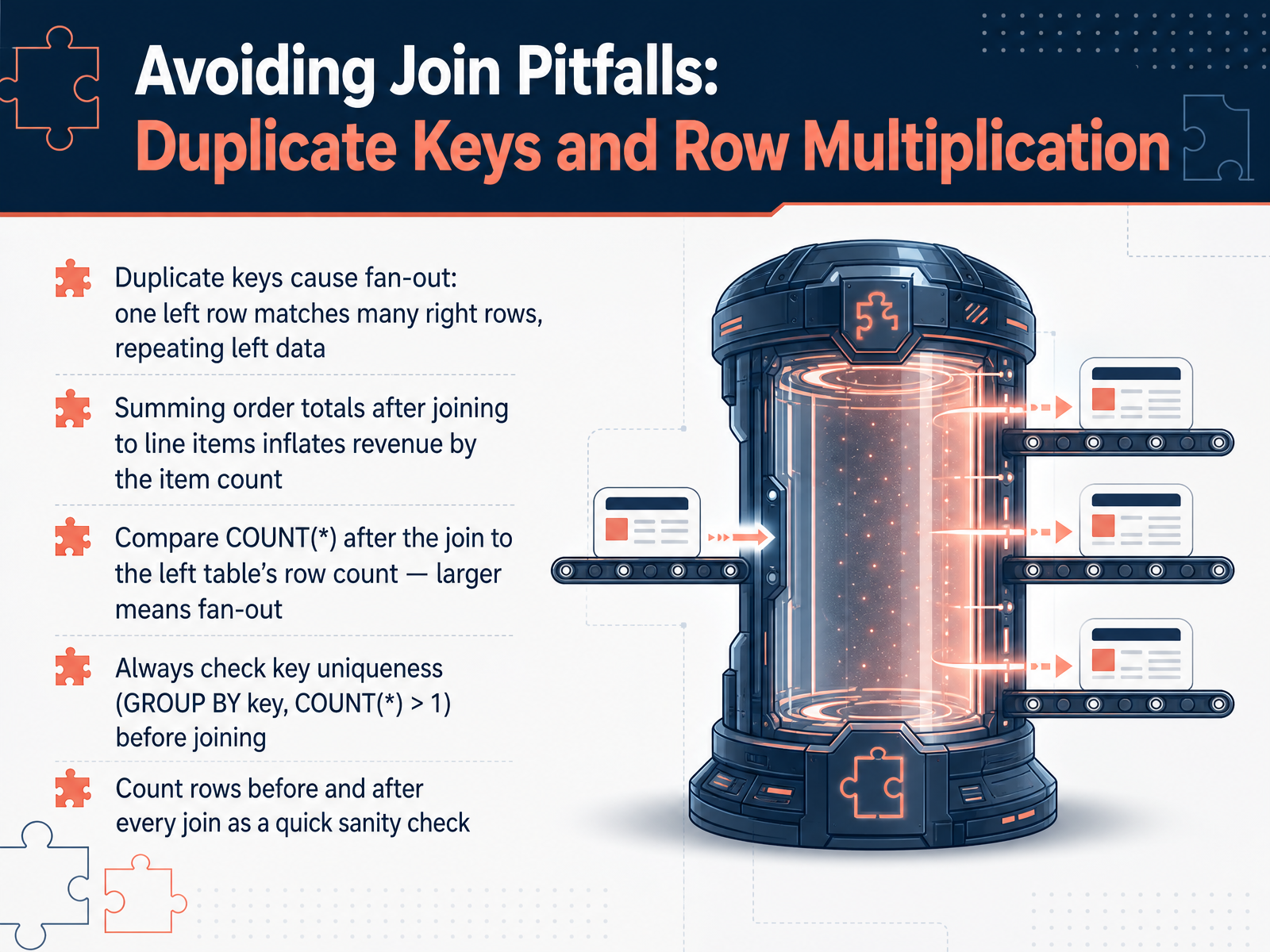
1 min - 09Avoiding Join Pitfalls: Duplicate Keys and Row MultiplicationNow let's talk about one of the most common and costly join pitfalls: duplicate keys causing row multiplication, often called fan-out. Imagine an orders table with one row per order, joined to an order items table that has multiple rows per order, maybe three line items. The result is three rows for that single order, repeating all the order-level data. The rows are real, not a database bug, but the danger appears when you sum something like the order total. That total gets multiplied by the item count, silently inflating your revenue figures. A fast way to spot this is to compare the row count after the join to the original left table row count. If the joined count is larger, fan-out has occurred. Before any join, check key uniqueness by grouping on the key and looking for any count greater than one. Get in the habit of counting rows before and after every join as a quick sanity check. Next, we'll explore the core fix: aggregate before you join.
 2 min
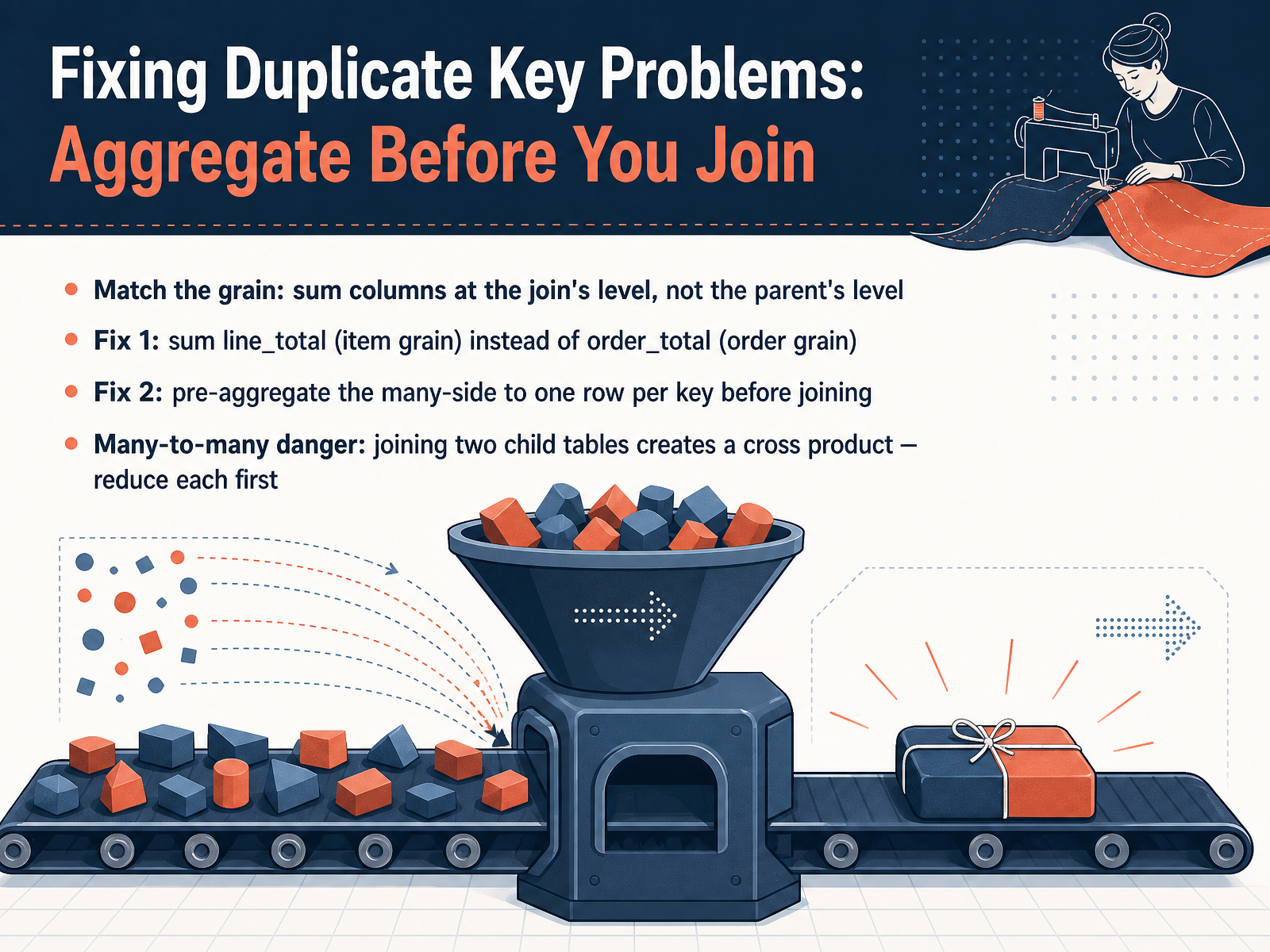
2 min - 10Fixing Duplicate Key Problems: Aggregate Before You JoinLet's move on to fixing duplicate key problems. The most reliable approach is to aggregate before you join. Think of it this way: you want the grain of your data to match before the join happens. If you need to calculate total revenue, avoid summing the order-level total after joining to line items, because that multiplies the value for every item row. Instead, sum the line-level amounts directly. A better fix, especially when you need to combine multiple detail tables, is to pre-aggregate the many-side first. Use a subquery or a common table expression to collapse, for example, your order items table to one row per order, calculating the totals you need. Then join that clean, single-row result to your orders table. This avoids fan-out completely. There is a particular danger with many-to-many joins. If you join an orders table directly to a payments table and a separate shipments table, and both child tables have multiple rows per order, you create a cross product that multiplies rows and inflates every aggregate. The safe path is to reduce each child table to one row per key before any joins happen. Now that we have a handle on fixing duplicates, let's apply similar careful thinking to join conditions that go beyond simple equality. Our next topic is range and non-equi joins.
 2 min
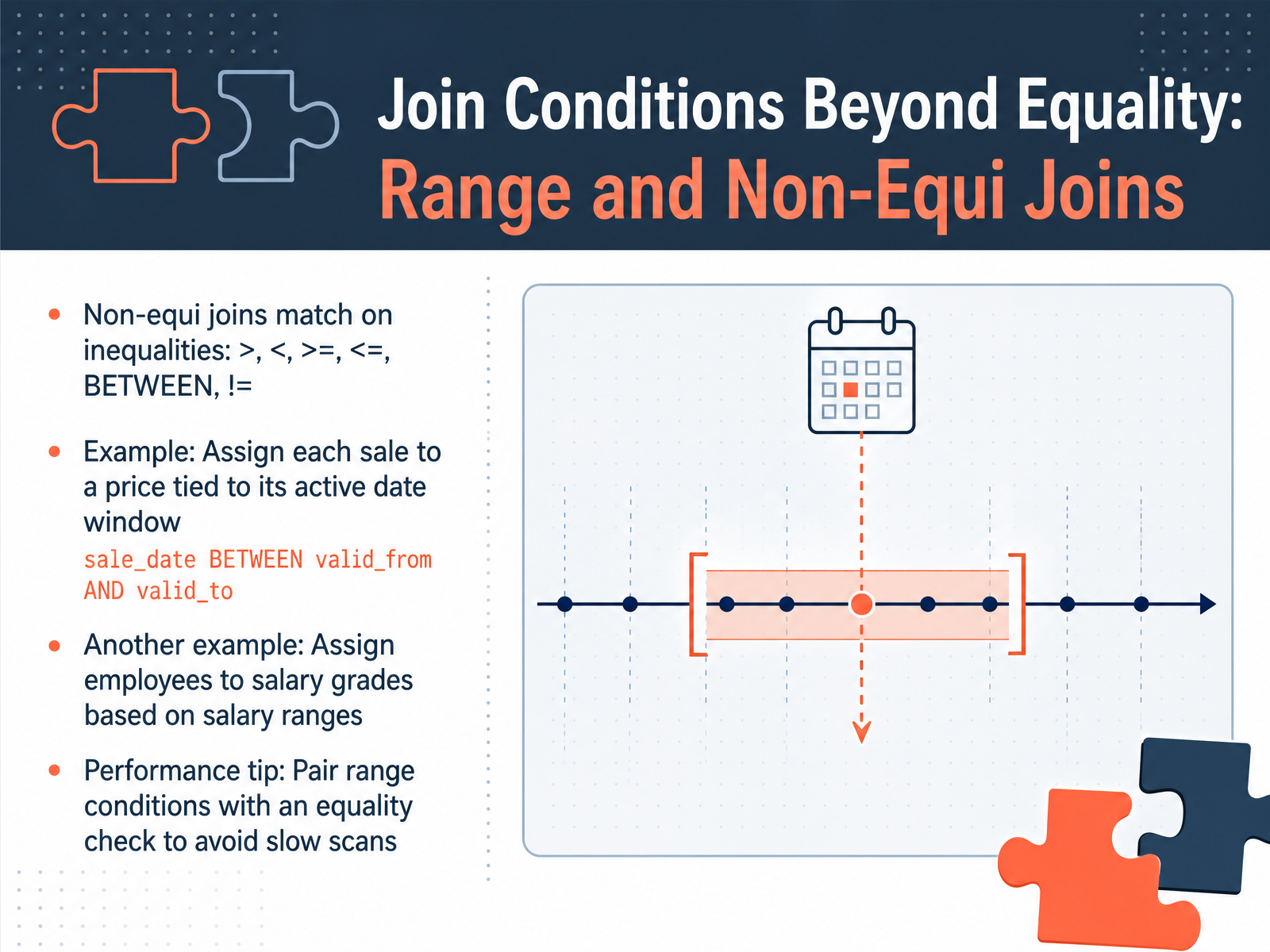
2 min - 11Join Conditions Beyond Equality: Range and Non-Equi JoinsSo far, we’ve joined tables by looking for exact matches. But what if you need to match based on a range of values, or comparisons like greater than or less than? That’s where non-equi joins come in. Simply put, a non-equi join is any join where the condition uses something other than the equals sign. Think of operators like >, <, >=, <=, BETWEEN, or not equal to. A classic example is assigning a sale to a price record that was active at the time. You’d join the sales and pricing tables on a condition like: sale date BETWEEN valid from AND valid to. Notice that’s a range, not a single matching value. Another everyday use case is assigning employees to salary grades. You join the employee table to the salary grades table where the employee’s salary falls BETWEEN the grade’s min salary and max salary. One important performance tip: pair your range condition with at least one equality condition whenever you can. For instance, if you’re matching sales to a price window, also join on the product ID. That simple equality check lets the database narrow down the rows dramatically before it evaluates the range, helping you avoid painfully slow table scans. Up next, we’ll tackle a different challenge: handling NULL values that often appear after a join, using COALESCE and default replacements.
 2 min
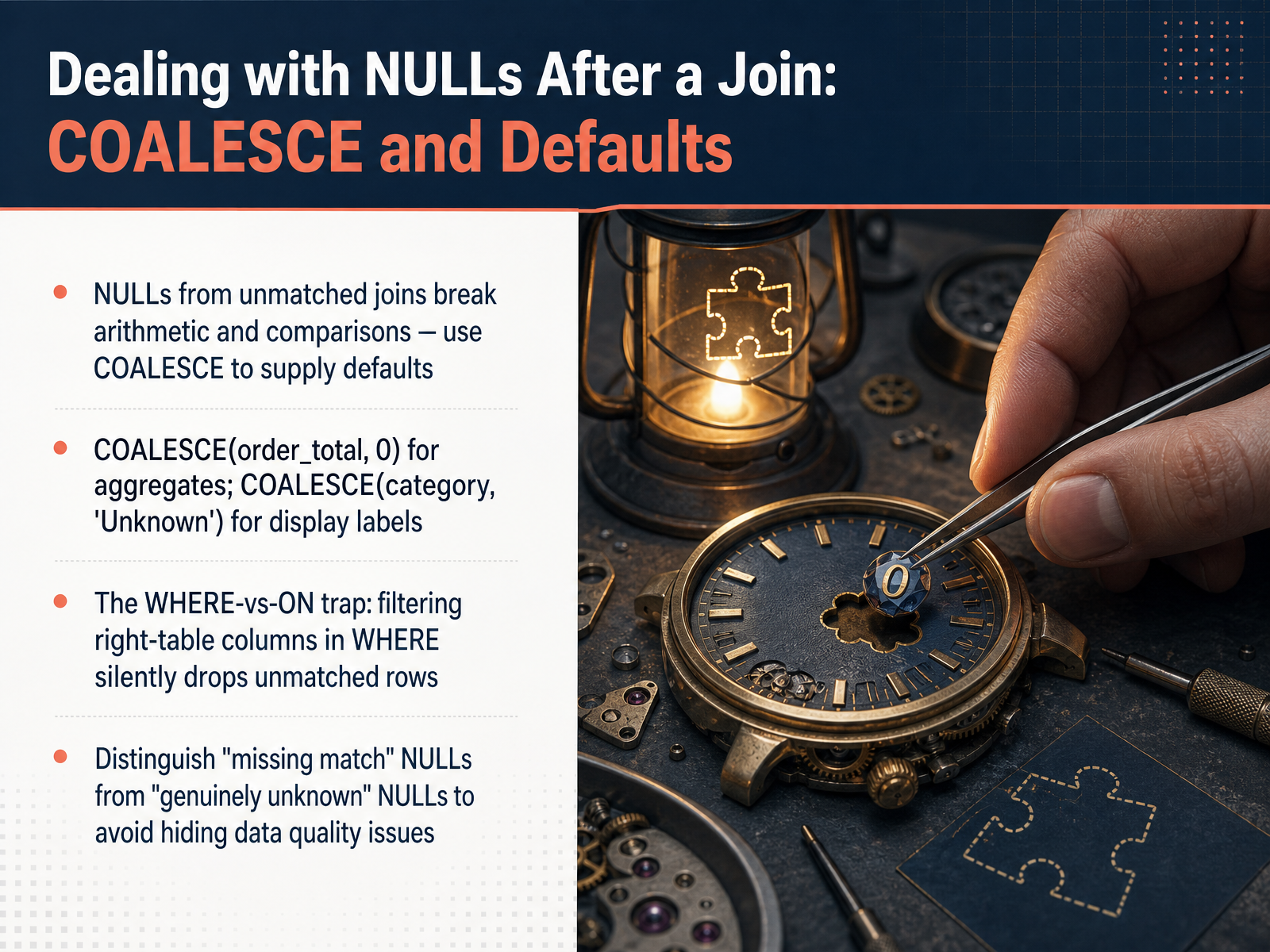
2 min - 12Dealing with NULLs After a Join: COALESCE and DefaultsSo you've kept your unmatched rows with a left join, but now you're seeing NULLs in your results. Let's talk about what to do with those NULL values. First, NULLs can break your math. If you try to add or compare anything to NULL, the result is usually NULL. To fix this, use COALESCE. This function returns the first non-NULL value in a list. For example, COALESCE with order_total and zero replaces a missing total with zero, so your sums work correctly. For labels, you might use COALESCE with category and the string 'Unknown', so your dashboard shows 'Unknown' instead of a blank space. Now, here's a critical trap to avoid. Imagine you write a WHERE clause to filter on a column from the right table, like order status. Those unmatched rows have NULLs in that column, so they fail the filter and disappear from your results. Your left join has silently turned into an inner join. To keep all your records, put that filter in the ON clause instead. Finally, understand why a value is NULL. A NULL from a failed match is different from data that is genuinely unknown. Distinguishing them helps you identify real data quality problems instead of hiding them. Think of COALESCE as a safe way to supply defaults, but always know when you're masking a missing match. That's your toolkit for handling NULLs. Next, we'll move from fixing results to planning them: let's discuss reading and writing join logic, turning a problem into a plan.
 2 min
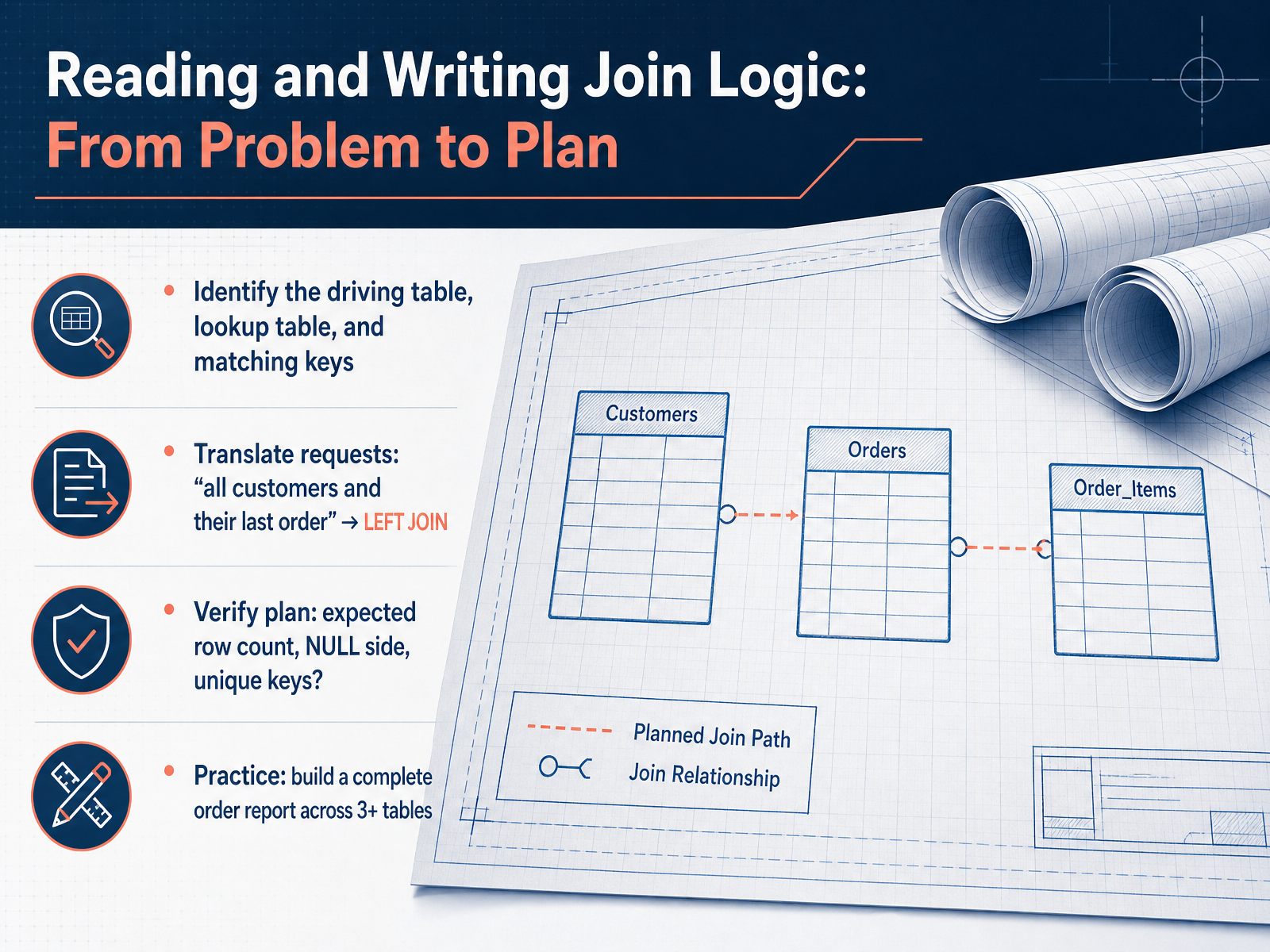
2 min - 13Reading and Writing Join Logic: From Problem to PlanNow we move from understanding the problem to writing the plan. A strong join plan always answers three questions. First, what is your driving table? That’s the table where you want to keep every row, like your customer list. Second, what is your lookup table? That’s the table that might have missing matches, like orders. And third, what are your matching keys? Those are the columns, like customer ID, that link the two tables. Once you have those three pieces, you can translate a request into a join type. For example, a business question like ‘show me all customers and their last order’ becomes a LEFT JOIN. Before you run the query, verify your plan. Ask yourself: how many rows do I expect? Where will the NULLs appear? And are my keys truly unique, or could they accidentally duplicate my totals? Finally, let’s practice. Try building a complete order report that pulls from three or more tables. Use a fact table for the numbers and dimension tables for customer names, product details, and dates. Drawing this out turns a messy request into a clear, reliable report. In the final slide, we’ll wrap up with the key takeaways and your next steps.
 drivedatascience.comcodegiz.com2 min
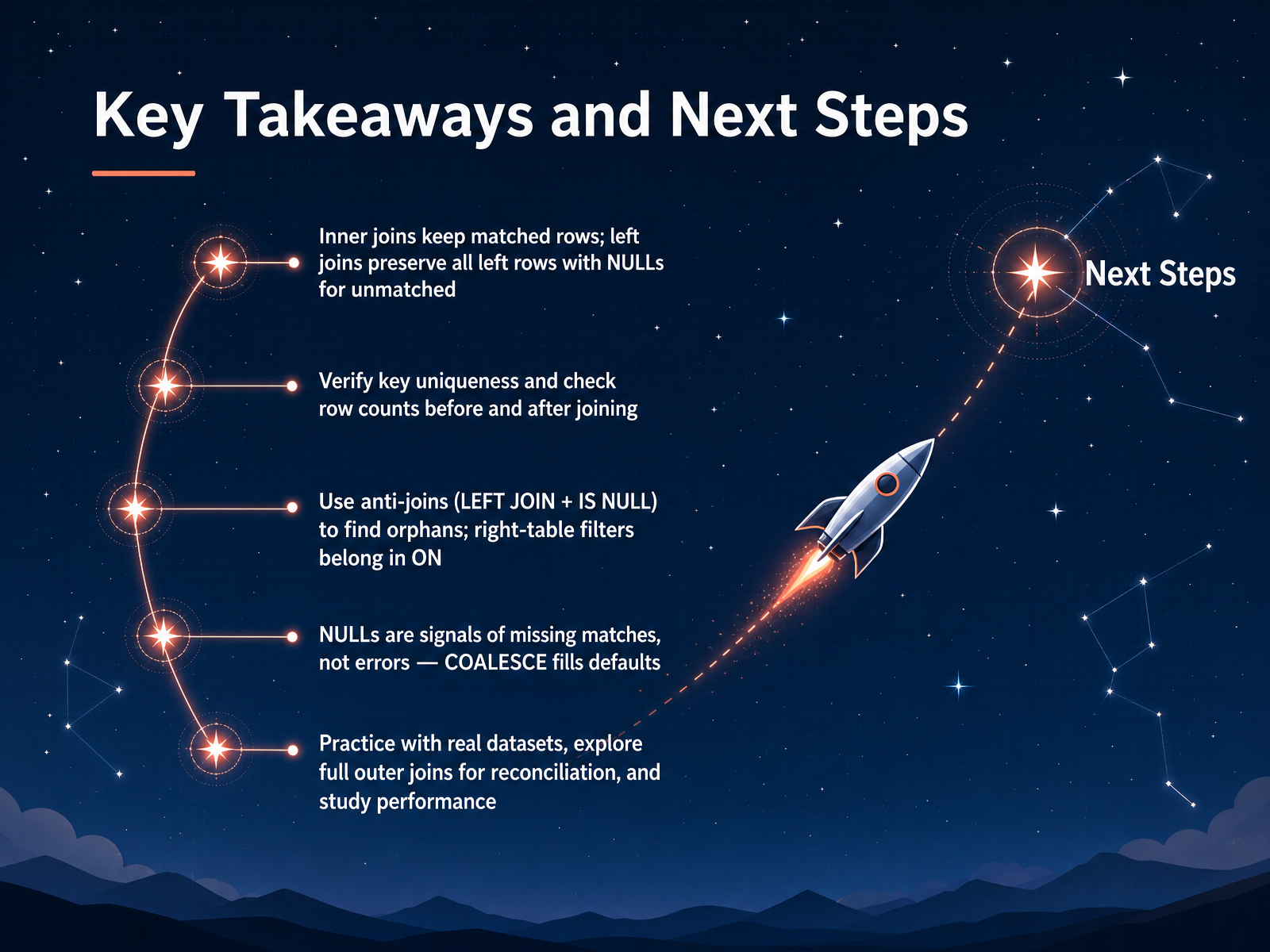
 - 14Key Takeaways and Next StepsLet's wrap up with the most important ideas. First, inner joins keep only the rows that have a match on both sides. Left joins keep every row from your starting table, and where there is no match, you see nulls. Those nulls are not errors. They are useful signals that tell you data is missing on the other side. Use COALESCE to give them a friendly default in your reports. Before you join, always check that your key columns are unique, and compare your row counts before and after the join. To find orphaned records, use a left join and filter for nulls on the right side. And remember the common trap: filters on the right table belong in the ON clause, not the WHERE clause, to keep your unmatched rows. For your next steps, practice with real datasets. Try a full outer join for data reconciliation, and start watching how your joins perform. Thank you for joining me today. Go connect some data and build great insights.
 postgresql.orgdatabase.guidedbsyntax.com+22 min
Take the deck with you
Download this course as a file — free, no sign-up needed.
- PDF handoutEvery slide page, ready to print or share.15 pages · 4.0 MBDownload
- Narrated PowerPointThe deck that presents itself — every slide carries the digital human's narration video.15 pages · 15.1 MBDownload
- PowerPoint slidesThe full deck as a .pptx — open it in PowerPoint, Keynote, or Google Slides.15 pages · 3.9 MBDownload
Free to use in your own training — please keep the PersonWise credit page at the end.
Have your own deck? Turn it into a course
Sources consulted
Web sources consulted while building this course.
- PostgreSQL: Documentation: 18: 2.6. Joins Between Tables — postgresql.org
- The Difference Between INNER and LEFT JOINs in SQL — database.guide
- INNER JOIN vs LEFT JOIN — SQL Reference | dbSyntax — dbsyntax.com
- SQL Joins Explained: INNER, LEFT, RIGHT, FULL | SQL Protocol — sqlprotocol.com
- SQL Joins (Inner, Left, Right and Full Join) — geeksforgeeks.org
- Databases and SQL: Combining Data — swcarpentry.github.io
- CS50’s Introduction to Databases with SQL — cs50.harvard.edu
- Primary key vs. foreign key: What are the differences? — fivetran.com
- Primary Keys vs Foreign Keys in SQL: A Beginner’s Guide with Examples - SHEET INSIGHTS — sheetinsights.com
- SQL Primary Keys and Foreign Keys for Table Relationships | Tutorial Reference — tutorialreference.com
- SQL INNER JOIN — w3schools.com
- SQL Inner Joins Simplified – How to Combine Data for Better Insights — dataengineeracademy.com
- A step-by-step walkthrough of SQL Inner Join — sqlshack.com
- Inner Join in SQL: A Comprehensive Guide — dbvis.com
- SQL for Finance: JOINs in Depth: Putting the Tables Back Together | Codegiz — codegiz.com
- SQL Joins Tutorial: Cross Join, Full Outer Join, Inner Join, Left Join, and Right Join. — freecodecamp.org
- SQL Joins Explained: INNER, LEFT, RIGHT, FULL, CROSS, and SELF Joins with Real Examples - DriveDataScience — drivedatascience.com
- SQL Join Types Explained: All 6 Types With Visual Examples (2026) | SQLNoir — sqlnoir.com
- SQL Joins Explained: INNER, LEFT, RIGHT, FULL, CROSS & SELF (2026) — generalistprogrammer.com
- RIGHT JOIN, FULL JOIN, CROSS JOIN and Self-Joins – StackLesson.com – React + FastAPI Tutorial — stacklesson.com