Begin
14 pages · ~28 min
Signposting Language for English Presentations
This training helps non-native English speakers learn signposting language to structure presentations clearly and guide audiences through their key points.
A digital instructor presents all 14 pages. Hold “Ask” at any point and ask out loud — the answer comes from this course. No sign-up needed.
What you’ll learn
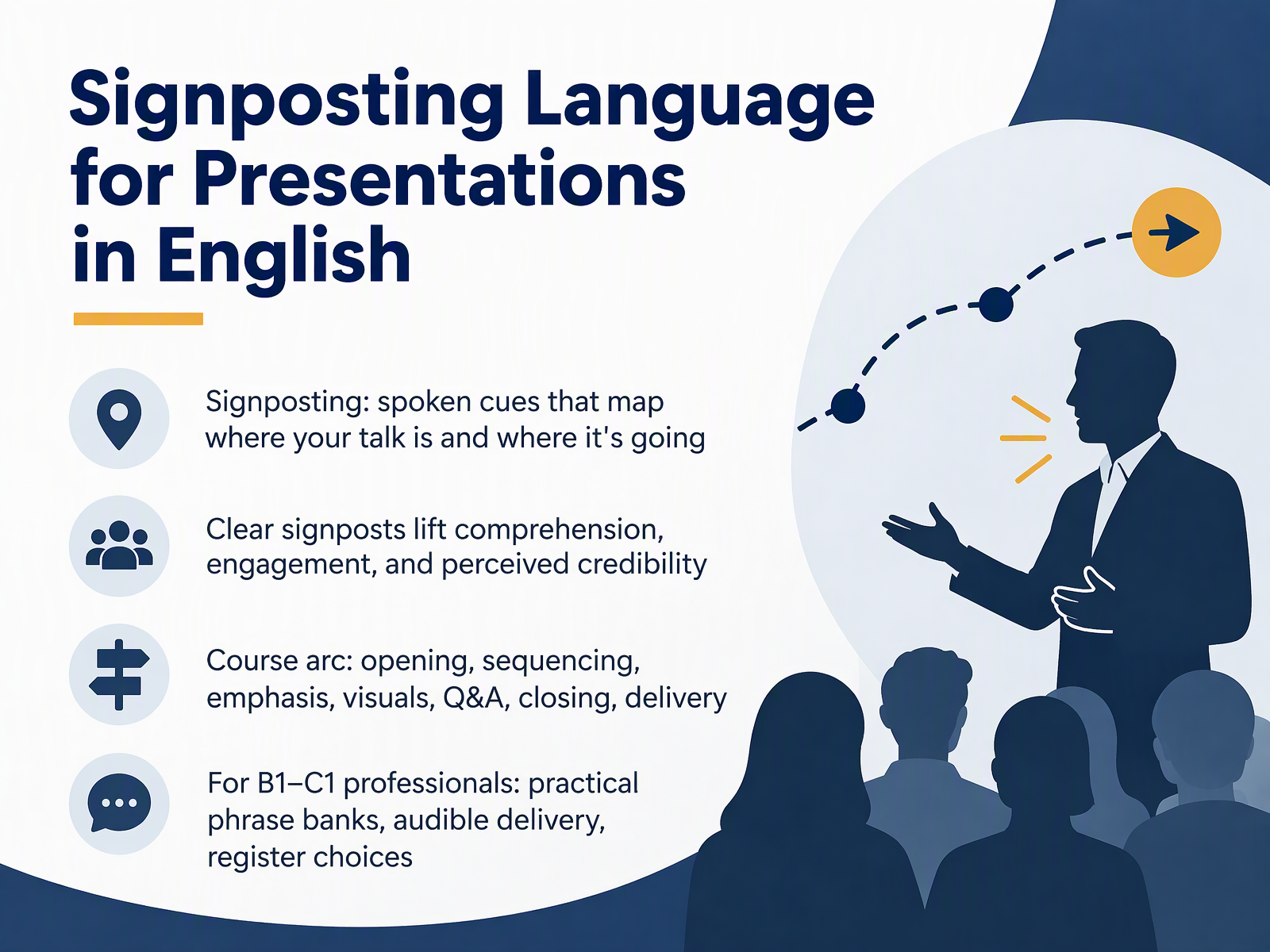
- 01Signposting Language for Presentations in EnglishWelcome. I'm glad you're here. This course is about signposting language for presentations in English, and it's built for professionals like you, working at the B1 to C1 level. So, what is signposting? Put simply, signposts are spoken cues that map where your talk is, and where it's going. Think of them as the road signs of a presentation. They tell your listeners, here's the main point, here's an example, and now let's move on. Clear signposts do real work. They lift comprehension, they keep people engaged, and they make you sound more credible, because your structure becomes easy to follow. Over the next slides, we'll walk through the full arc: opening, sequencing, emphasis, visuals, question and answer, closing, and delivery. You'll build practical phrase banks, practice audible delivery, and compare register choices for different rooms and audiences. So, try to notice the phrases as we go, and pick the ones that feel natural in your own voice. Let's begin by looking at why signposts matter, starting with listener orientation and credibility.2 min
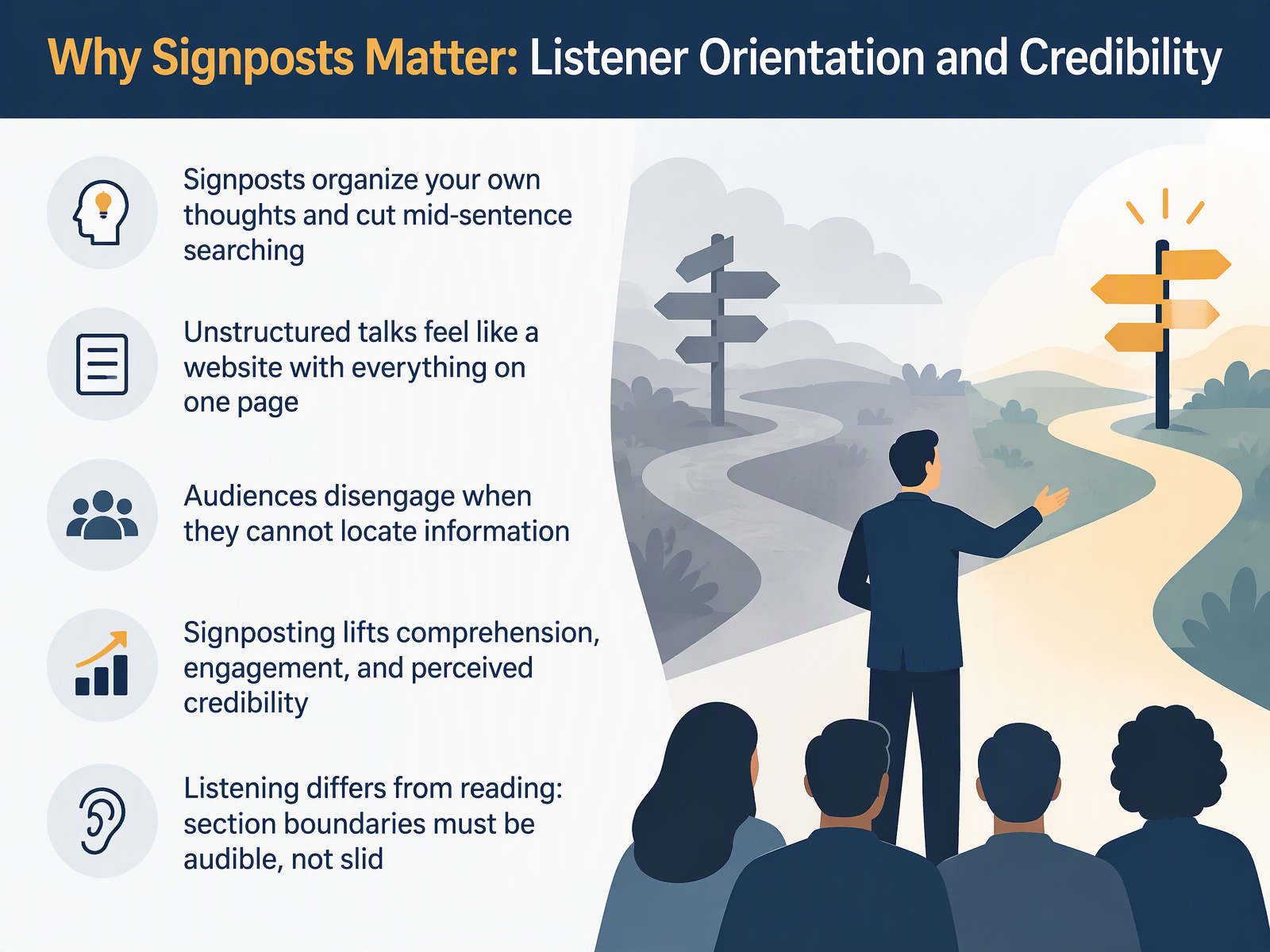
- 02Why Signposts Matter: Listener Orientation and CredibilityLet's talk about why signposts actually matter. First, they help you, not just your audience. A clear signpost organizes your own thinking, and it cuts out that mid-sentence searching for the right word or the next idea. Now picture an unstructured talk. It feels like a website where everything sits on one single page. Your audience has no menu, no sections, and no clear path. When people cannot locate information, they disengage. They stop listening. Good signposting changes that. It lifts comprehension, it keeps engagement steady, and it raises how credible you sound. One more point worth noticing. Listening is not reading. Your audience cannot scroll back or glance at a heading. The section boundaries have to be audible, spoken out loud by you. So think of signposts as spoken headings that guide the room. Next, we'll look at what actually counts as signposting, and the phrase categories you can use.
 2 min
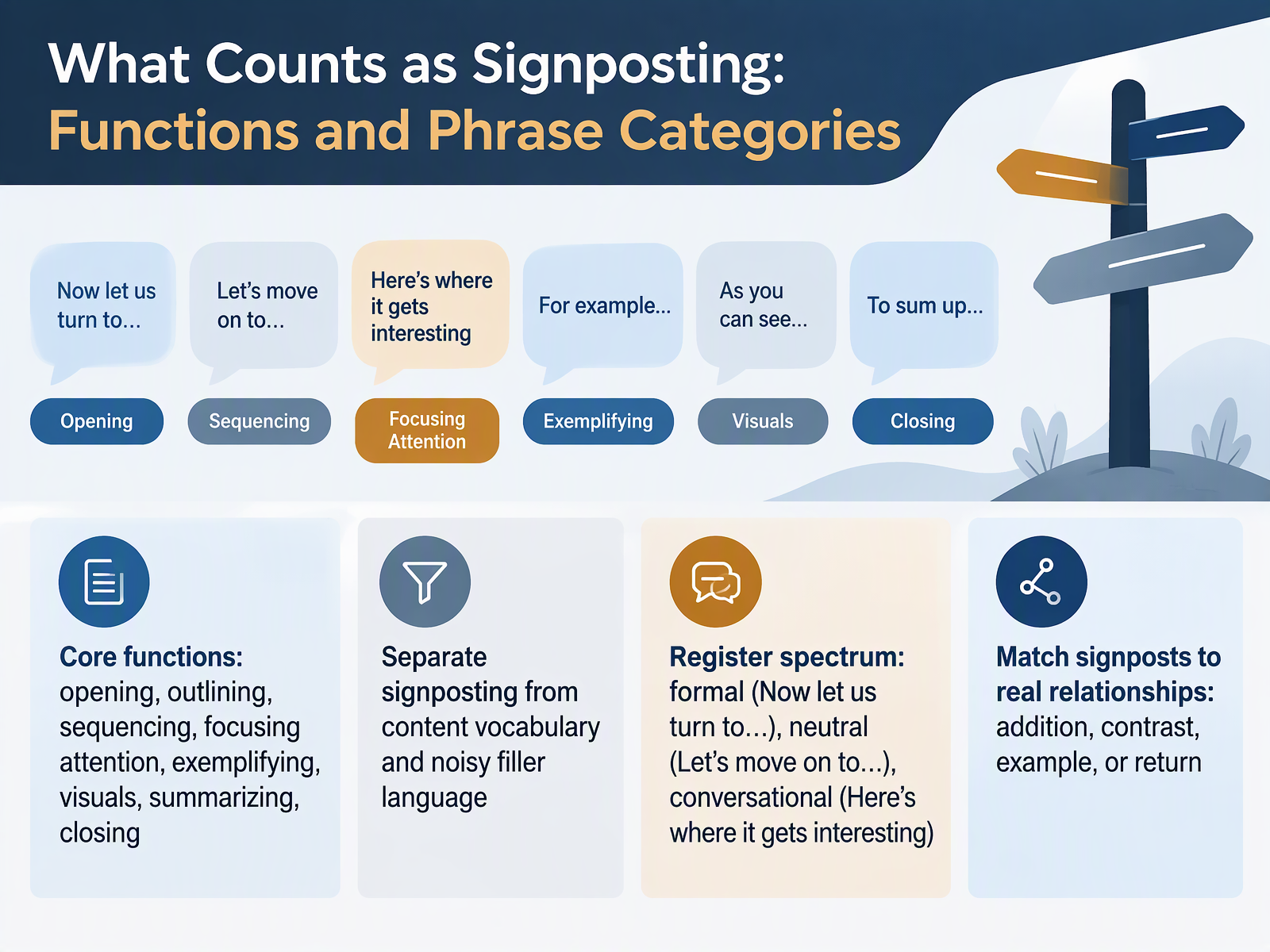
- 03What Counts as Signposting: Functions and Phrase CategoriesLet's look at what actually counts as signposting. Signposting covers a small set of functions. Opening the talk, outlining your structure, sequencing your points, focusing attention, giving examples, referring to visuals, summarizing, and closing. Notice these are all about navigation, not content. Signposting is separate from the technical vocabulary of your topic, and separate from noisy filler like, um, sort of, or you know. Think of signposts as the road signs around your content. They also come in different registers. Formal: Now let us turn to the next point. Neutral: Let's move on to the next point. Conversational: Here's where it gets interesting. All three work. What matters is matching the signpost to the real relationship between your ideas, addition, contrast, an example, or a return to an earlier point. Try this as you review your next deck: tag each transition with one of those four relationships. That simple habit keeps your signposting accurate and easy to follow. Next, we'll compare weak and strong signposting side by side, in one idea, three versions.
 2 min
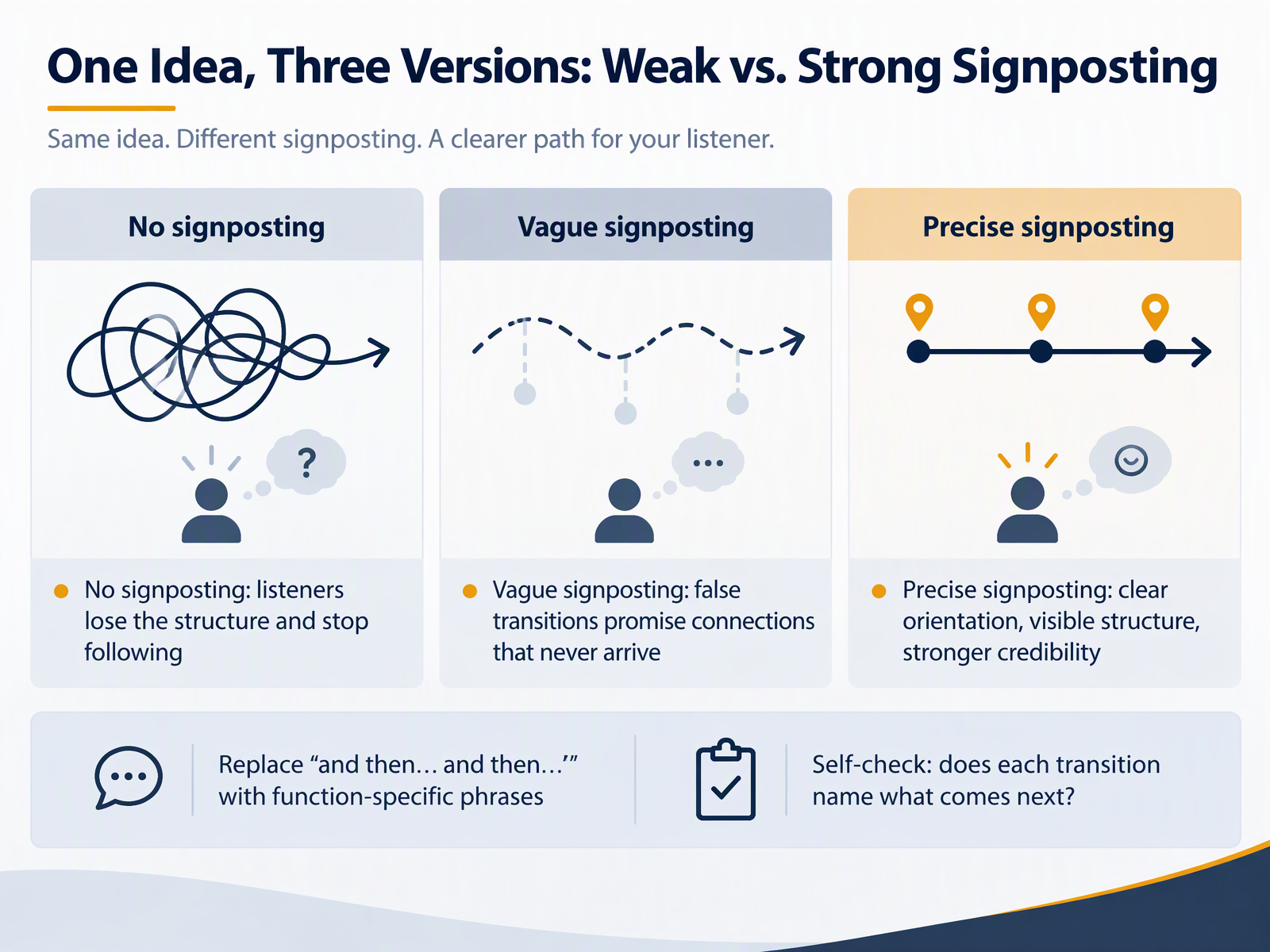
- 04One Idea, Three Versions: Weak vs. Strong SignpostingLet's look at the same idea, told three ways. First, no signposting at all. You simply move from point to point, and listeners lose the structure. Their attention drifts, and they stop following. Second, vague signposting. Phrases like "and then" or "moving on" promise a connection that never quite arrives, so people wait for a link that isn't there. Third, precise signposting. You name the function of each move: "This leads to our second finding," or "By contrast, look at this cost." The structure becomes visible, and your credibility goes up. So try this. Replace "and then, and then" with function-specific phrases. Then self-check: does each transition name what comes next? If it doesn't, make it more specific. Next, let's open strong, with your greeting, purpose, agenda, and logistics.
 2 min
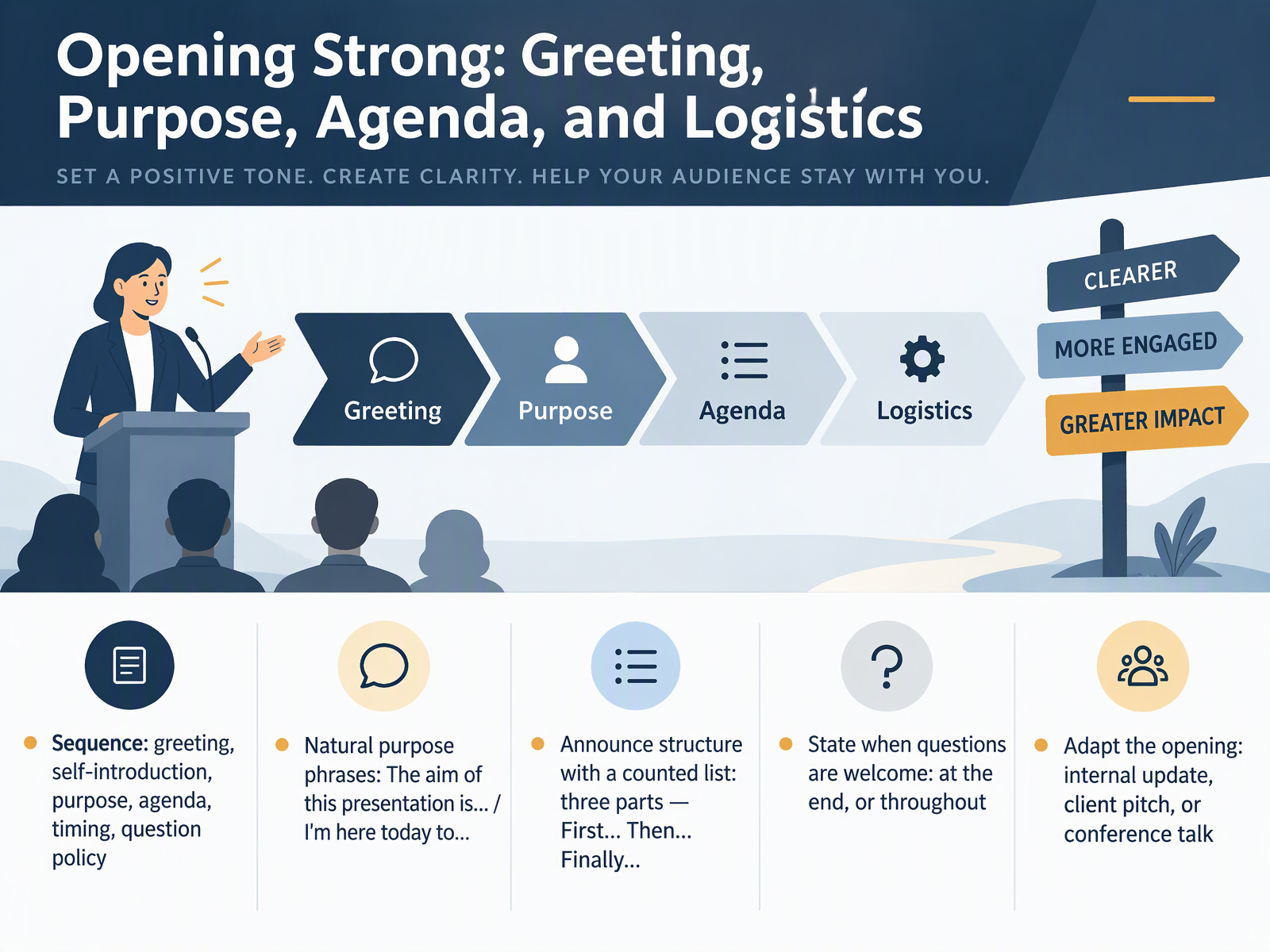
- 05Opening Strong: Greeting, Purpose, Agenda, and LogisticsLet's talk about how to open strong. A clear opening usually follows a simple sequence: greet, introduce yourself, state your purpose, preview the agenda, mention timing, and explain your question policy. For purpose, keep it natural. You can say, "The aim of this presentation is to align our team on the new process," or "I'm here today to share three lessons from the pilot." Then announce structure with a counted list. For example, "I'll cover this in three parts. First, the context. Then, the results. Finally, next steps." Be clear about questions. Say, "I'm happy to take questions at the end," or "Feel free to ask throughout." And adapt the opening to your setting: an internal update, a client pitch, or a conference talk each needs a slightly different tone and level of detail. Try one of these purpose phrases in your next meeting, and notice how it helps your audience settle in. Next, we'll look at sequencing the middle, using transitions and section changes.
 2 min
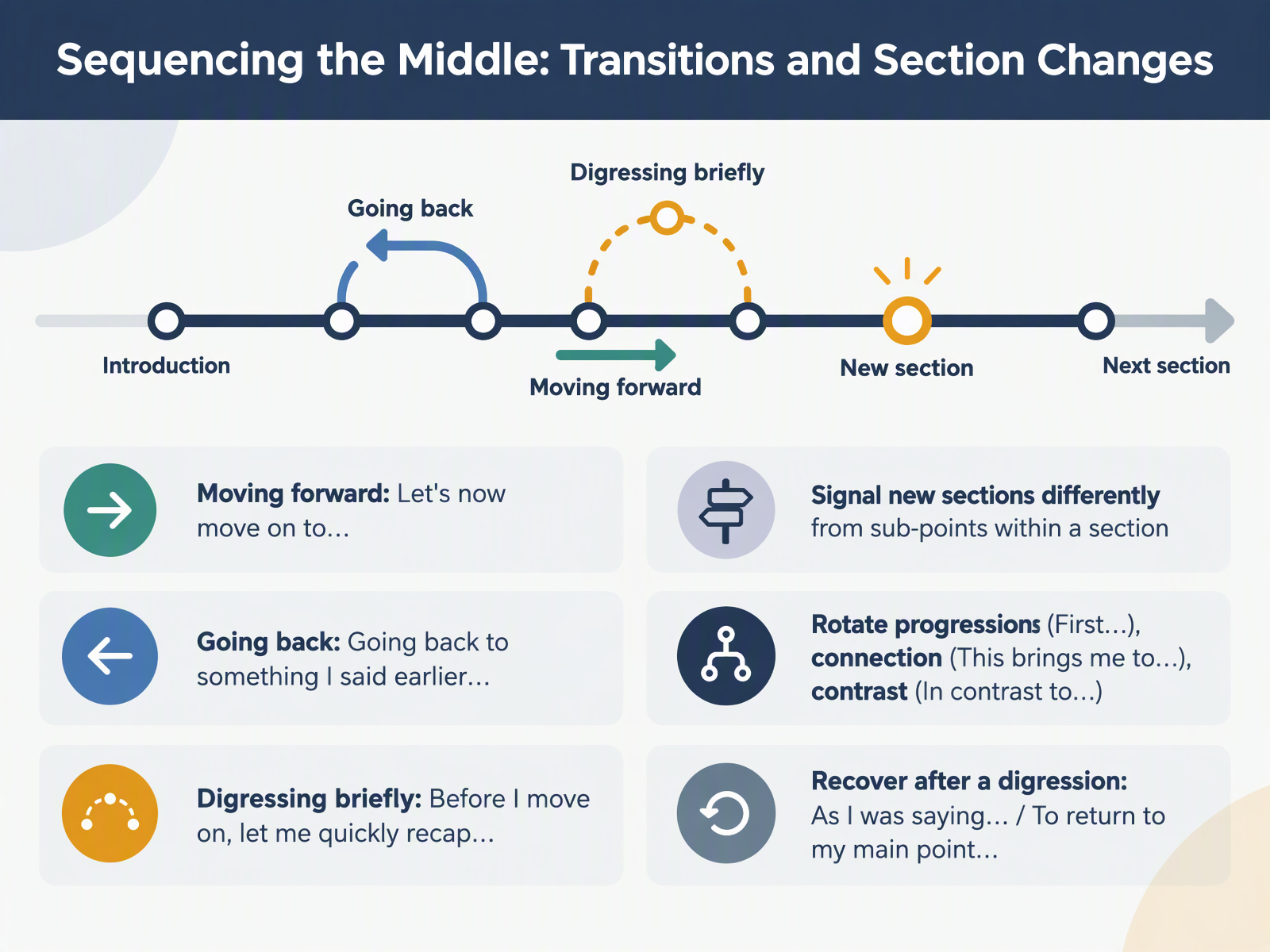
- 06Sequencing the Middle: Transitions and Section ChangesNow let's look at sequencing the middle of your talk, where transitions and section changes do most of the work. Think of these phrases as clear road signs, so people always know where they are. To move forward, say: Let's now move on to the next part. To go back, try: Going back to something I said earlier. And for a short detour, you can say: Before I move on, let me quickly recap. One useful habit: signal a new section differently from a sub-point inside a section. For variety, rotate three moves. Progression: First, we'll look at the data. Connection: This brings me to the next question. Contrast: In contrast to the earlier example. And after a digression, simply recover: As I was saying, or, To return to my main point. Notice how each phrase tells the audience what is coming next. Try one in your own words. Next, we'll look at focusing attention through emphasis, examples, and recommendations.
 2 min
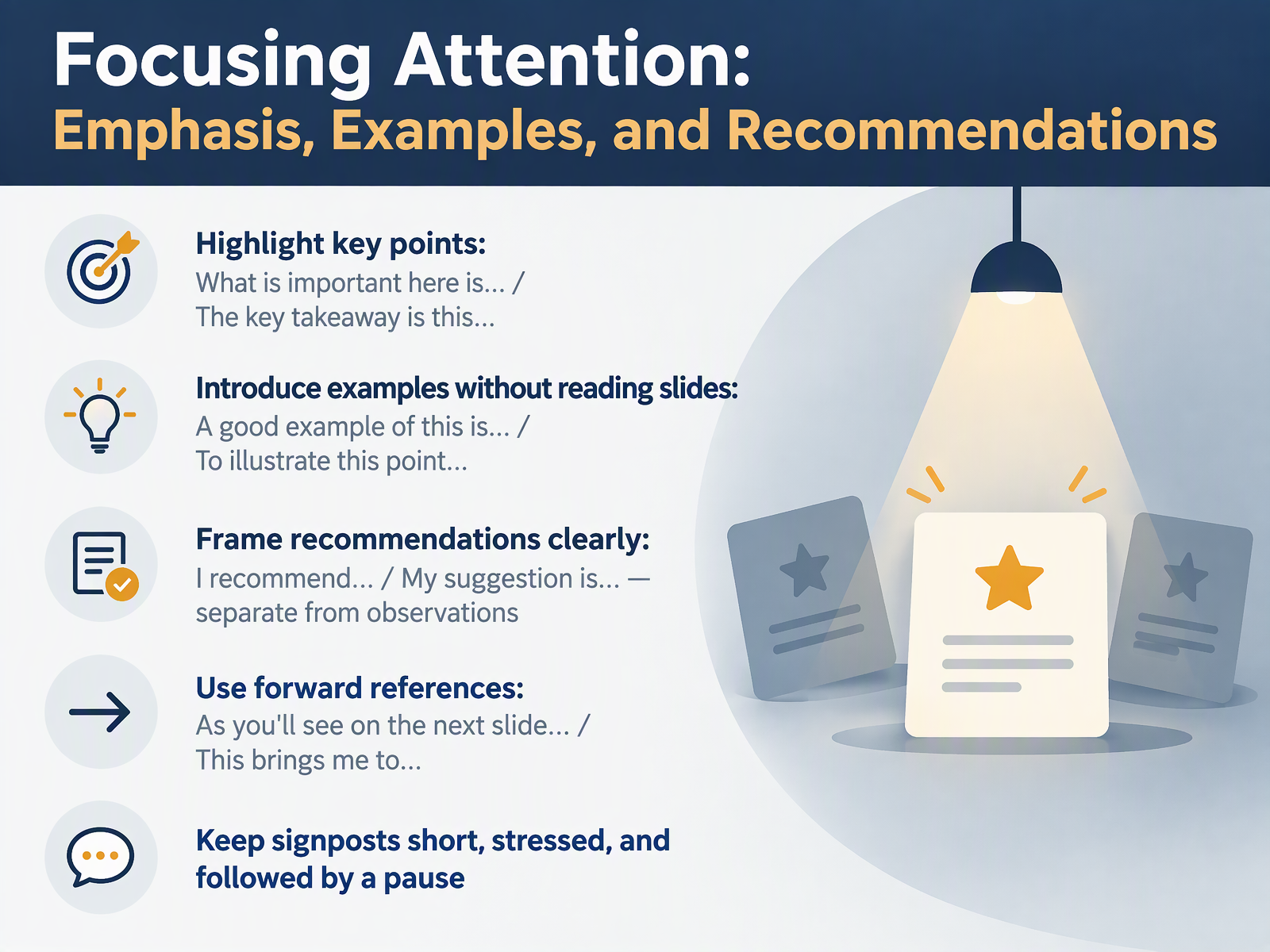
- 07Focusing Attention: Emphasis, Examples, and RecommendationsLet's look at signposting that directs attention. This is how you help your audience know what matters, without raising your voice. To highlight a key point, try, what is important here is this, or the key takeaway is this. Keep it short, put stress on the key words, then pause. Next, examples. You can introduce one without reading the slide. Try, a good example of this is the recent customer survey, or to illustrate this point, consider last quarter's results. Then, keep recommendations separate from observations. Say, I recommend we test the new format in May. My suggestion is we start with a small team. That is different from, I noticed the current format is slow. Finally, forward references. Try, as you'll see on the next slide, or this brings me to. Keep these signposts short and stressed, and pause after each one. Try one emphasis phrase and one example phrase in your next rehearsal, and notice how the pause gives the audience time to follow. Now, let's move to talking about data and visuals without reading the slides.
 2 min
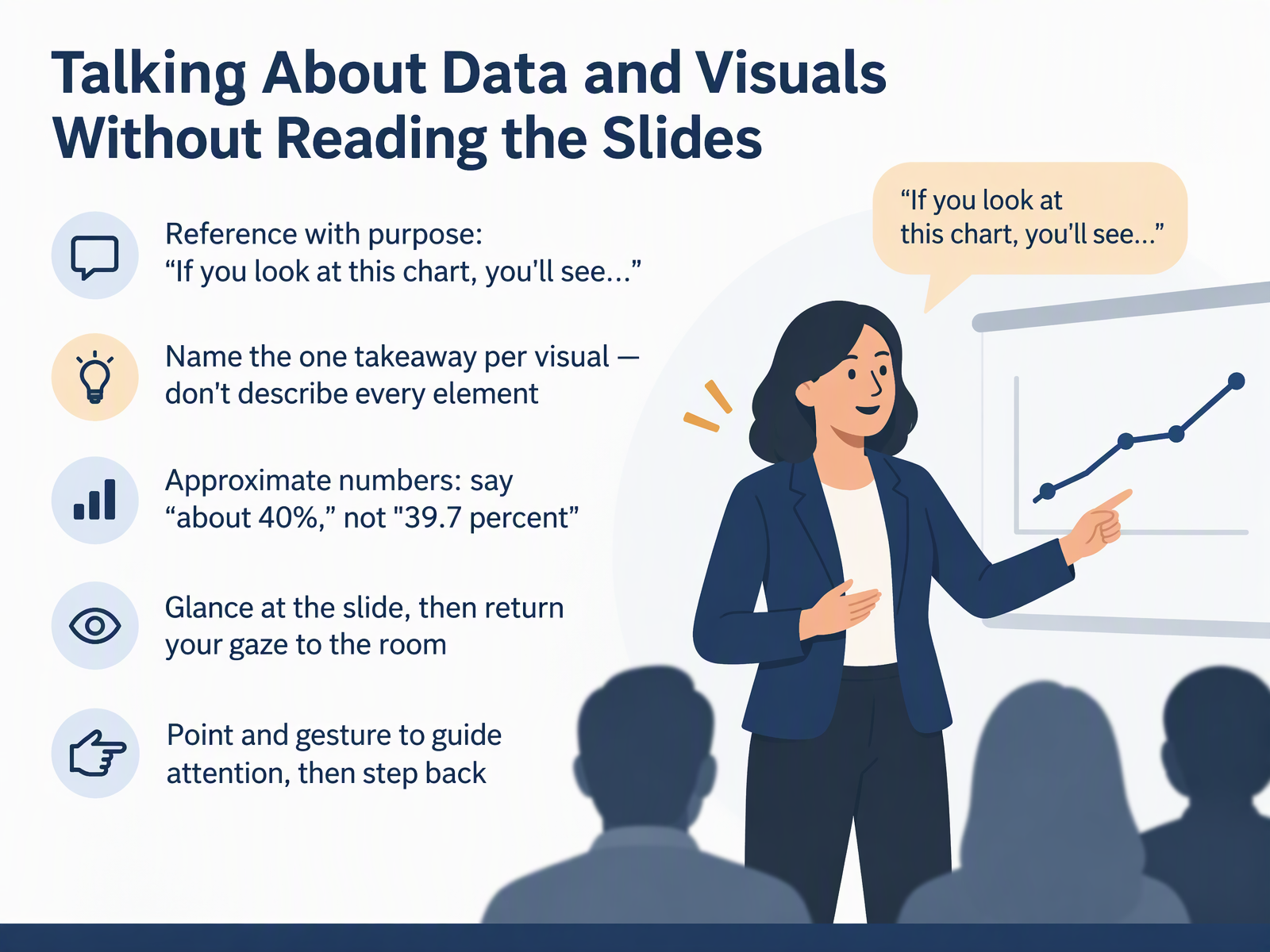
- 08Talking About Data and Visuals Without Reading the SlidesNow let's talk about data and visuals. The goal here is simple. Help people see the point, without reading the slide aloud. First, reference with purpose. Say, if you look at this chart, you'll see, and then give the meaning. Second, name one takeaway per visual. Don't describe every element. Third, approximate your numbers. Say about forty percent, not thirty nine point seven percent. Fourth, glance at the slide, then return your gaze to the room. Fifth, point and gesture to guide attention, then step back. Try it once with a chart you use often. Notice how much calmer it feels when you lead with the takeaway. Next, we'll look at handling questions and managing interaction.
 1 min
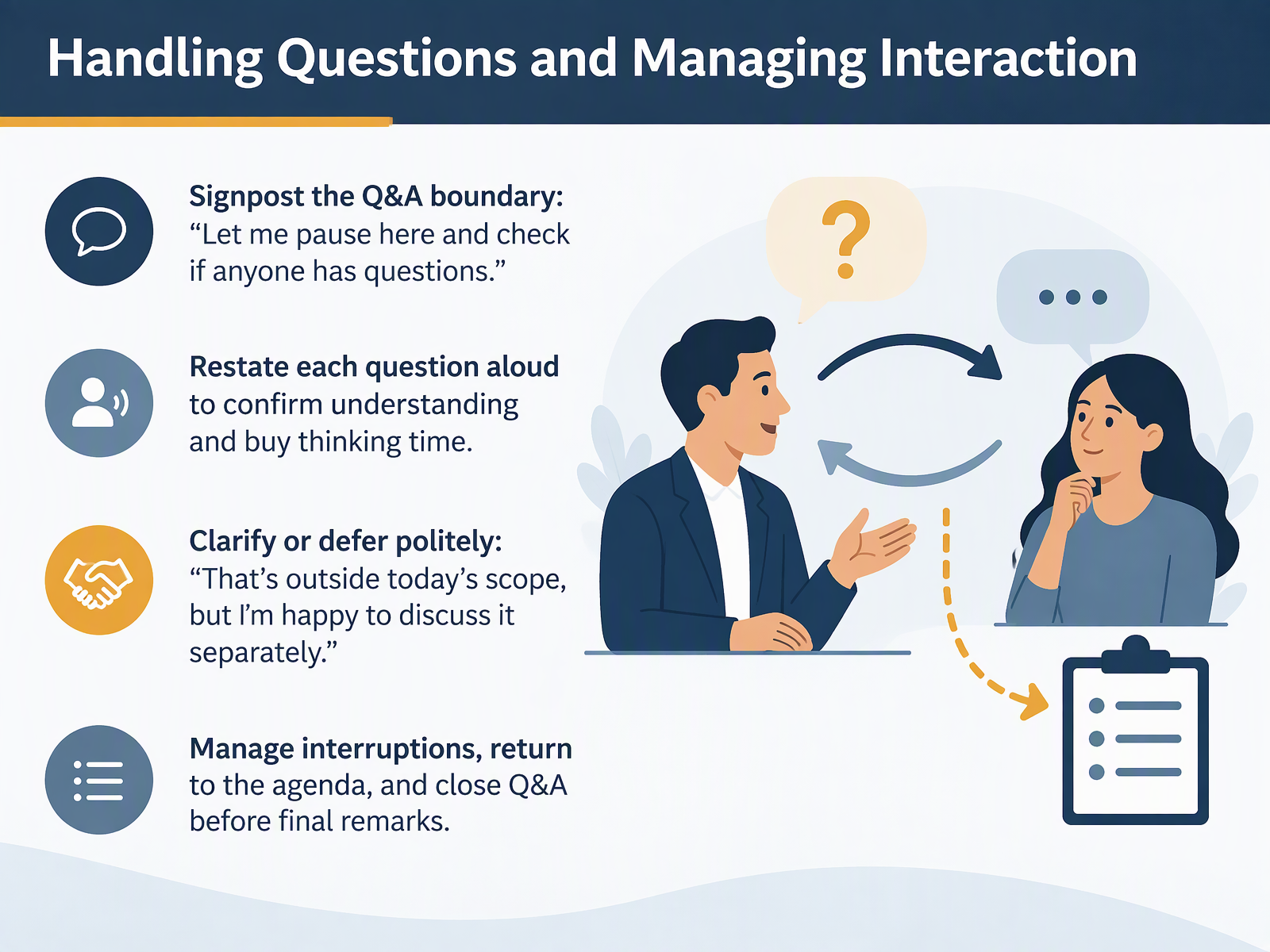
- 09Handling Questions and Managing InteractionNow let's talk about questions and interaction. A clear boundary helps everyone. Before you open the floor, signpost it. Say, "Let me pause here and check if anyone has questions." That one sentence tells people the main talk is done and the discussion is starting. When a question comes, restate it aloud to confirm you understood, and to buy yourself a moment to think. You can say, "So your question is about the timeline. Is that right?" If a question goes too far, clarify or defer politely. For example, "That's outside today's scope, but I'm happy to discuss it separately." And if someone interrupts, manage it calmly, return to the agenda, and close the Q and A before your final remarks. These small moves keep the room steady and you in control. Next, we'll look at closing and summarizing with signposts.
 2 min
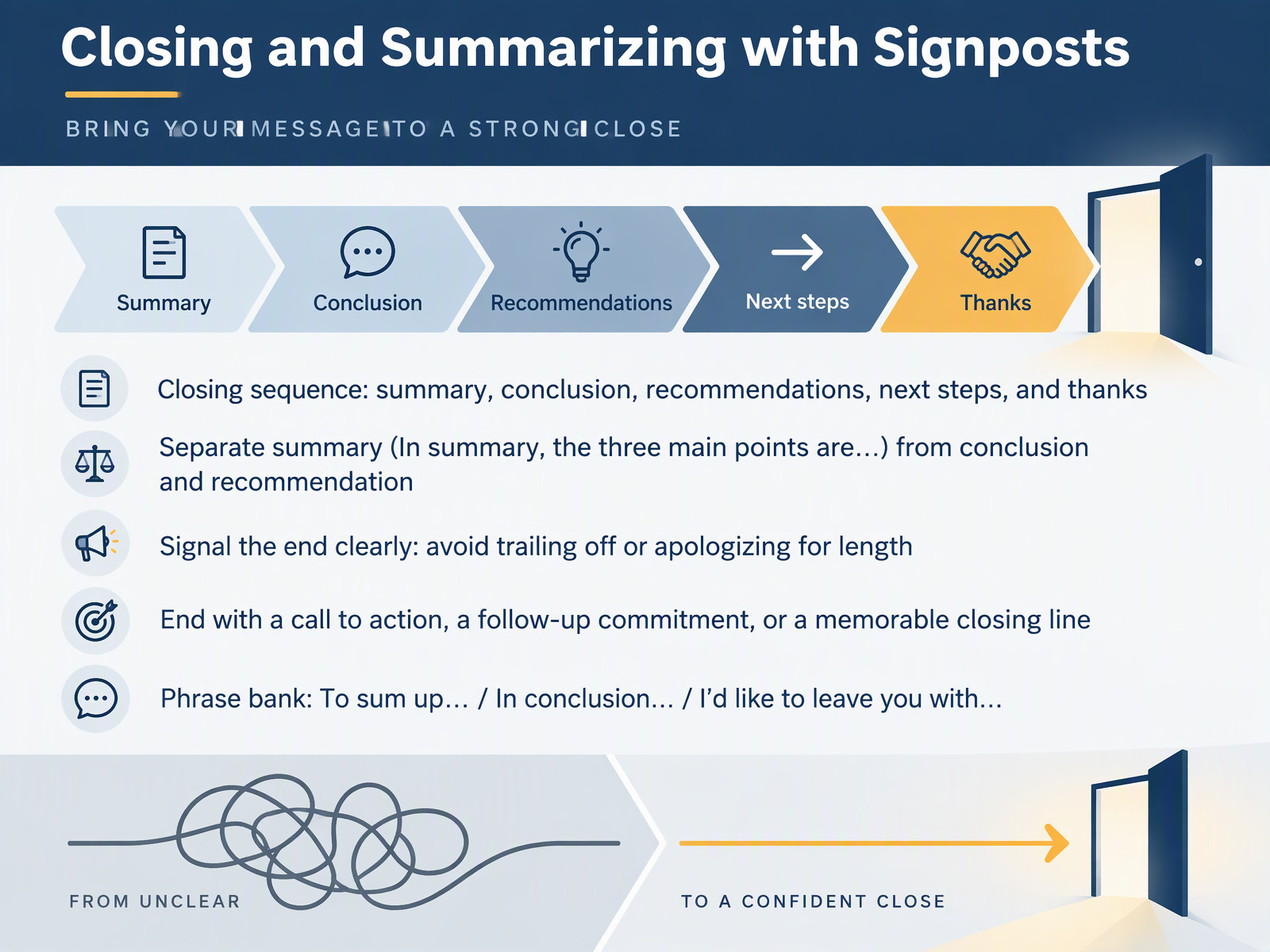
- 10Closing and Summarizing with SignpostsNow let's look at how to close and summarize with clear signposts. A strong close follows a simple sequence: summary, conclusion, recommendations, next steps, and thanks. Keep the summary separate from the conclusion and the recommendation. For example, say "In summary, the three main points are cost, timing, and risk." Then add "In conclusion, the timing is tight but workable." And then "I recommend we start with the pilot." Signal the end clearly. Avoid trailing off, and avoid apologizing for length. Finish with a call to action, a follow-up commitment, or a memorable closing line. Three phrases you can rely on are: "To sum up," "In conclusion," and "I'd like to leave you with." Try one of these in your next presentation. Next, we'll look at making signposts audible through pausing, stress, and intonation.
 1 min
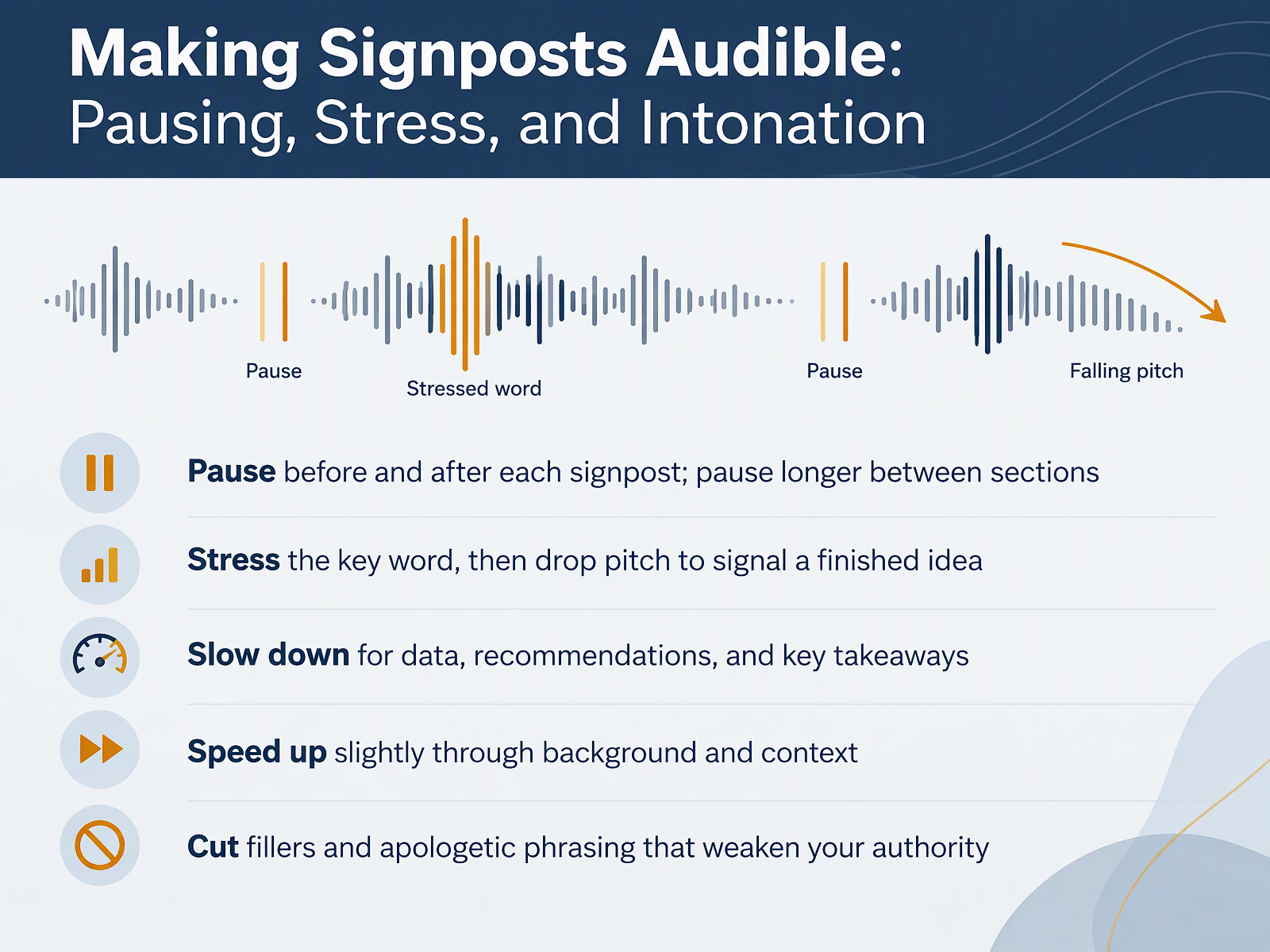
- 11Making Signposts Audible: Pausing, Stress, and IntonationNow let's make your signposts actually audible. A signpost that's rushed or mumbled does very little work. So first, pause before and after each signpost. And pause a little longer between sections. Second, stress the key word, then let your pitch drop to signal a finished idea. For example, "The main point is this: start small." Third, slow down for data, recommendations, and key takeaways. Speed up slightly through background and context. And finally, cut the fillers and apologetic phrasing, like "sorry, this may be obvious," that quietly weaken your authority. Notice how a calm pause and a clear stress pattern make you easier to trust and follow. Try one line of your own with these three moves. Then, we'll put them into a simple practice routine.
 2 min
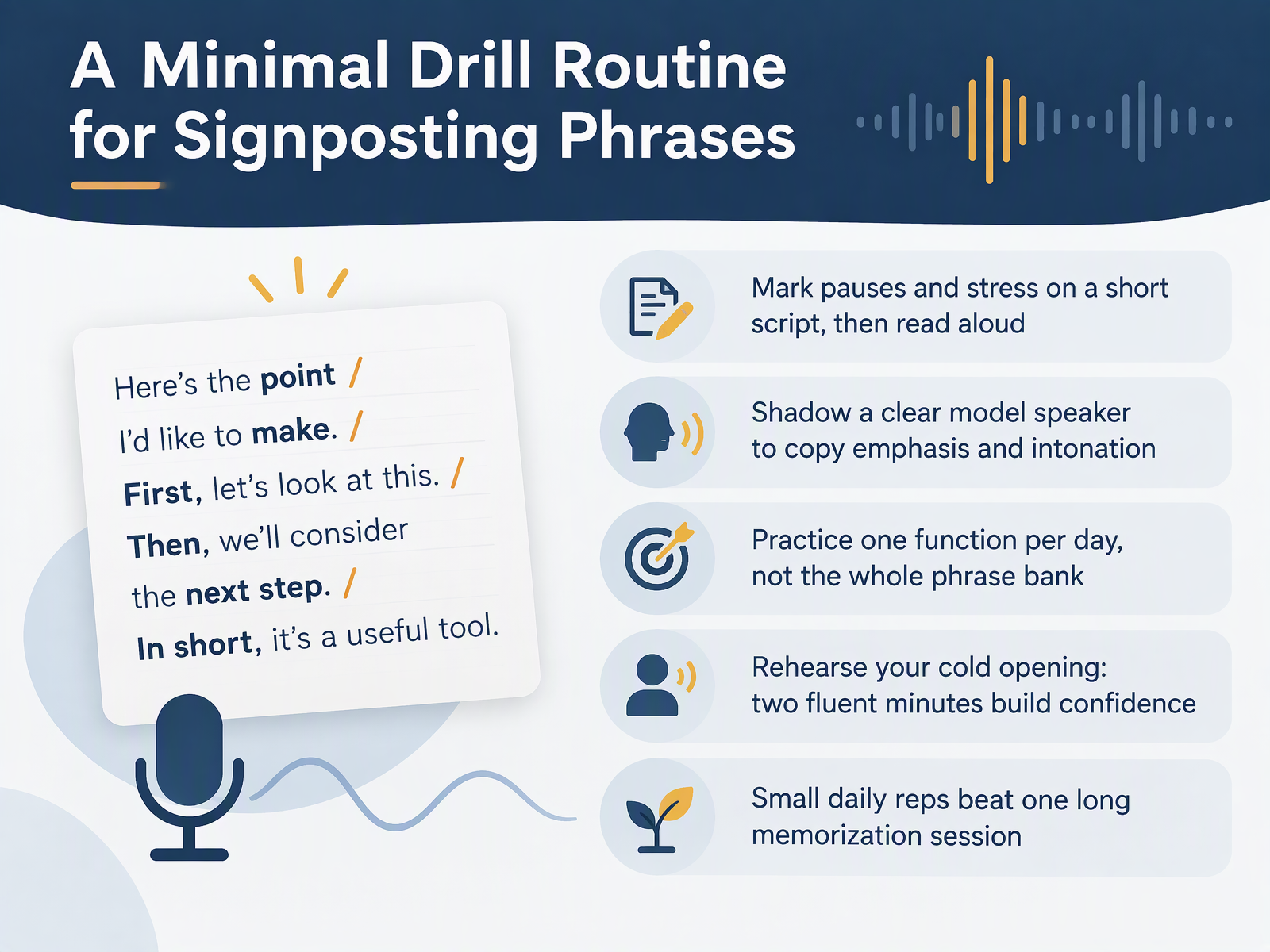
- 12A Minimal Drill Routine for Signposting PhrasesNow let's turn these phrases into a simple routine you can actually keep. First, take a short script and mark pauses and stress, then read it aloud. For example, mark a short pause after the signpost, and stress the key word that follows. Second, shadow a clear model speaker, and copy their emphasis and intonation. Notice how their voice rises, then settles. Third, practice one function per day, not the whole phrase bank. One day for opening, one for linking, one for closing. Fourth, rehearse your cold opening. Two fluent minutes build confidence. Small daily reps beat one long memorization session. Try one function tomorrow, and notice how much smoother it feels. In the next session, we'll put it into practice. Practice Lab: Build and Deliver a Signposted Mini-Presentation.
 1 min
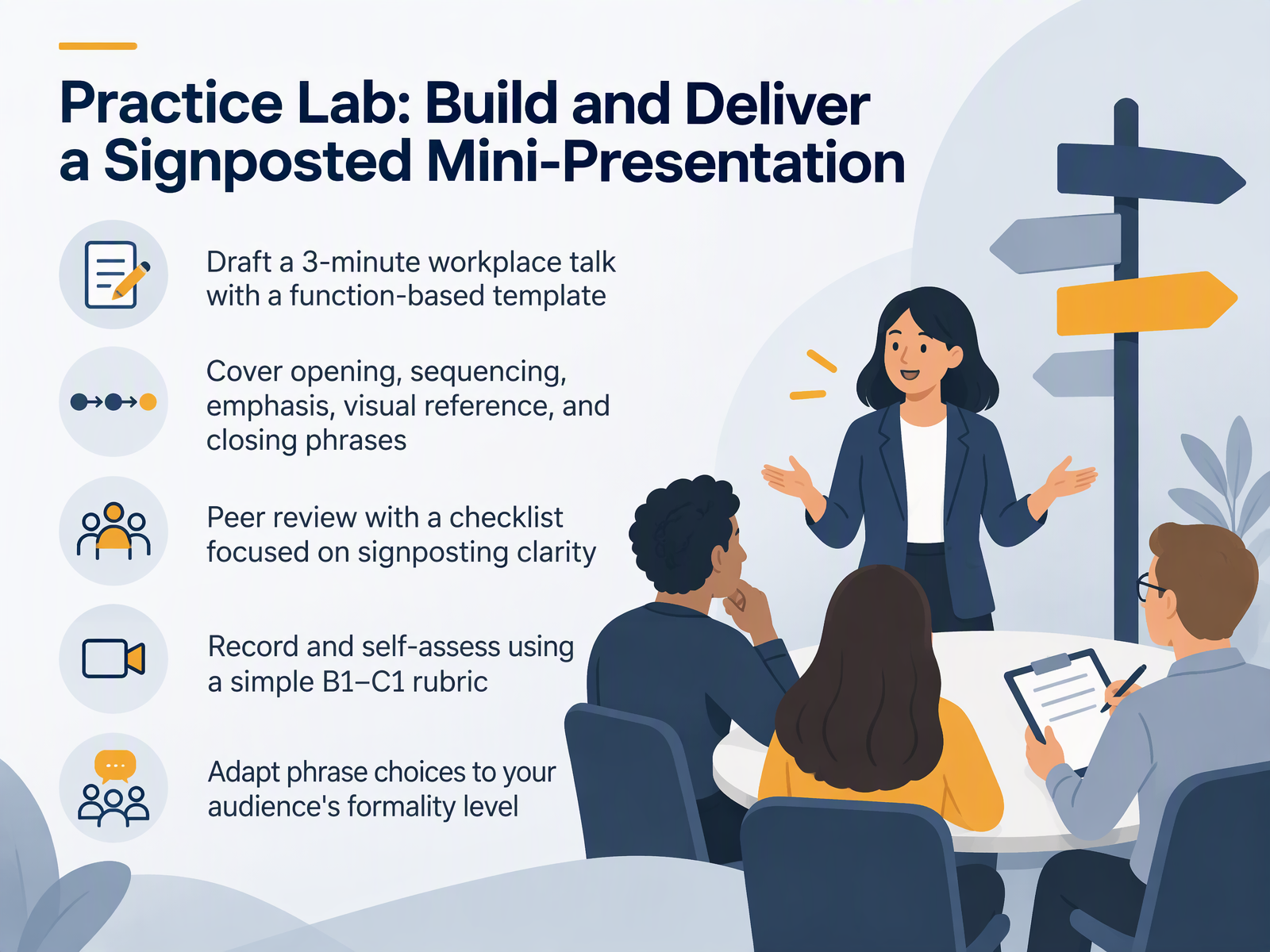
- 13Practice Lab: Build and Deliver a Signposted Mini-PresentationNow let's put all of this into practice. In this lab, you will build and deliver a short, signposted mini-presentation of about three minutes. Start by drafting a workplace talk with a function-based template. That means you plan your opening, your sequencing, your emphasis, your visual reference, and your closing, each with a clear phrase. For example, open with, today I want to walk you through three points. Sequence with, first, next, and finally. Emphasize with, the key takeaway here is this. Then, review a slide with, as you can see on this chart. And close with, to sum up, we have covered the main steps. After you draft, try a peer review with a checklist focused on signposting clarity. Ask your partner, could you follow the structure easily? Then record yourself, and self-assess with a simple B1 to C1 rubric. Notice your pacing, your transitions, and how naturally the phrases fit. Finally, adapt your phrase choices to your audience's formality level. A phrase like, let's dig into this, works with a close team, while, let's now examine this point, may suit a formal client meeting. Try it once, compare the two versions, and keep what feels clear and comfortable for you.
 2 min
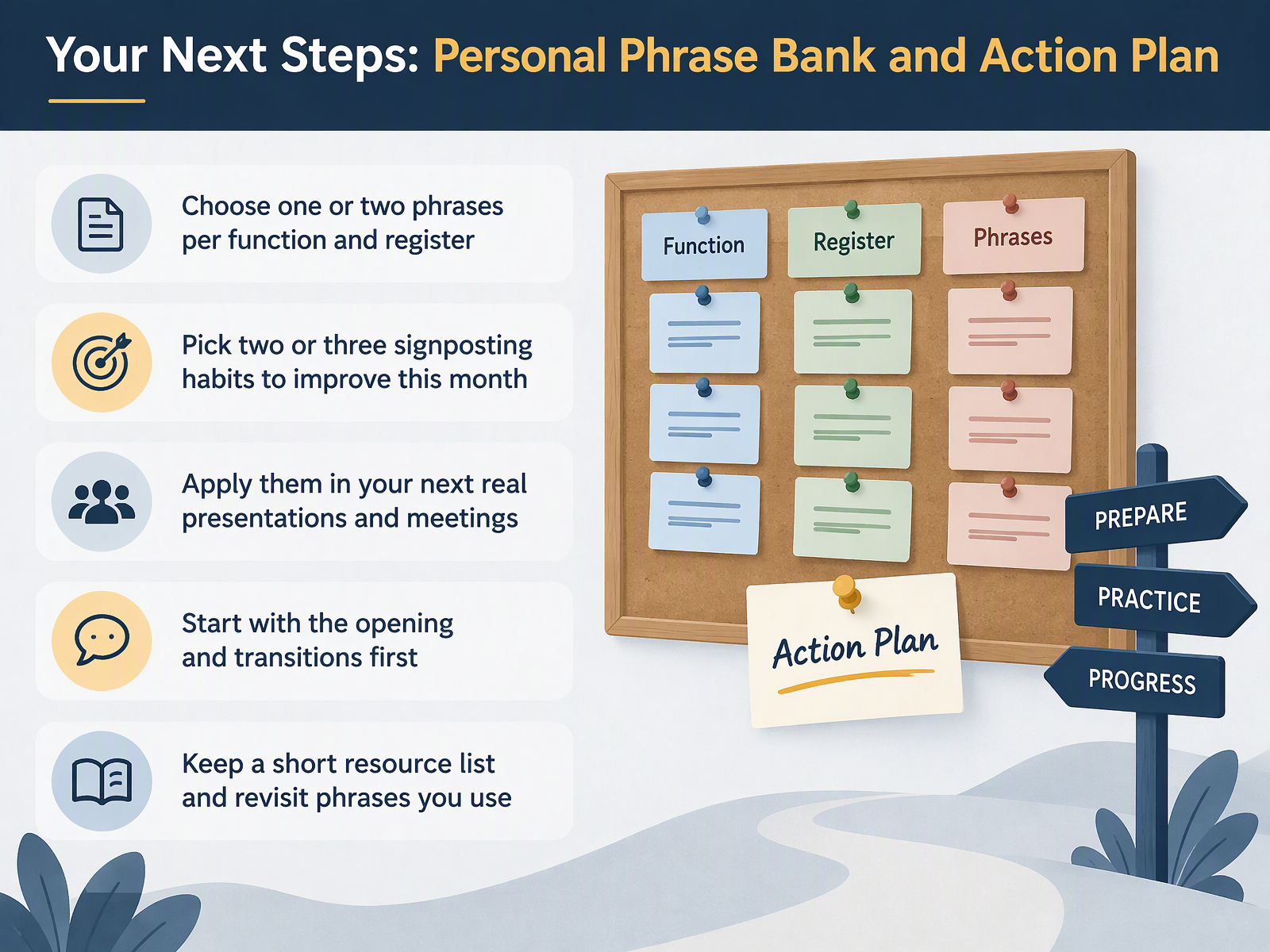
- 14Your Next Steps: Personal Phrase Bank and Action PlanAs we close, let's turn everything into a simple plan. First, choose one or two phrases per function and register, so you are not carrying too many at once. Second, pick two or three signposting habits to improve this month, and give them a little practice before your next meeting. Third, apply them in your next real presentations and conversations, and start with the opening and transitions first. Those two moves carry the most weight. Finally, keep a short resource list, and revisit the phrases you actually use. Notice what feels natural, try it out, and compare how it lands with your audience. You have covered the key functions today, framing, sequencing, highlighting, and closing. Thank you for your attention and your effort. Keep your phrase bank small, practical, and yours, and you will sound clearer and more confident, step by step.
 1 min
Take the deck with you
Download this course as a file — free, no sign-up needed.
- PDF handoutEvery slide page, ready to print or share.15 pages · 3.1 MBDownload
- Narrated PowerPointThe deck that presents itself — every slide carries the digital human's narration video.15 pages · 11.9 MBDownload
- PowerPoint slidesThe full deck as a .pptx — open it in PowerPoint, Keynote, or Google Slides.15 pages · 3.0 MBDownload
Free to use in your own training — please keep the PersonWise credit page at the end.
Have your own deck? Turn it into a course