Begin
14 pages · ~28 min
Technical Writing Portfolio Development
This training helps aspiring and current technical writers build a professional portfolio that showcases their skills and attracts employers.
A digital instructor presents all 14 pages. Hold “Ask” at any point and ask out loud — the answer comes from this course. No sign-up needed.
What you’ll learn
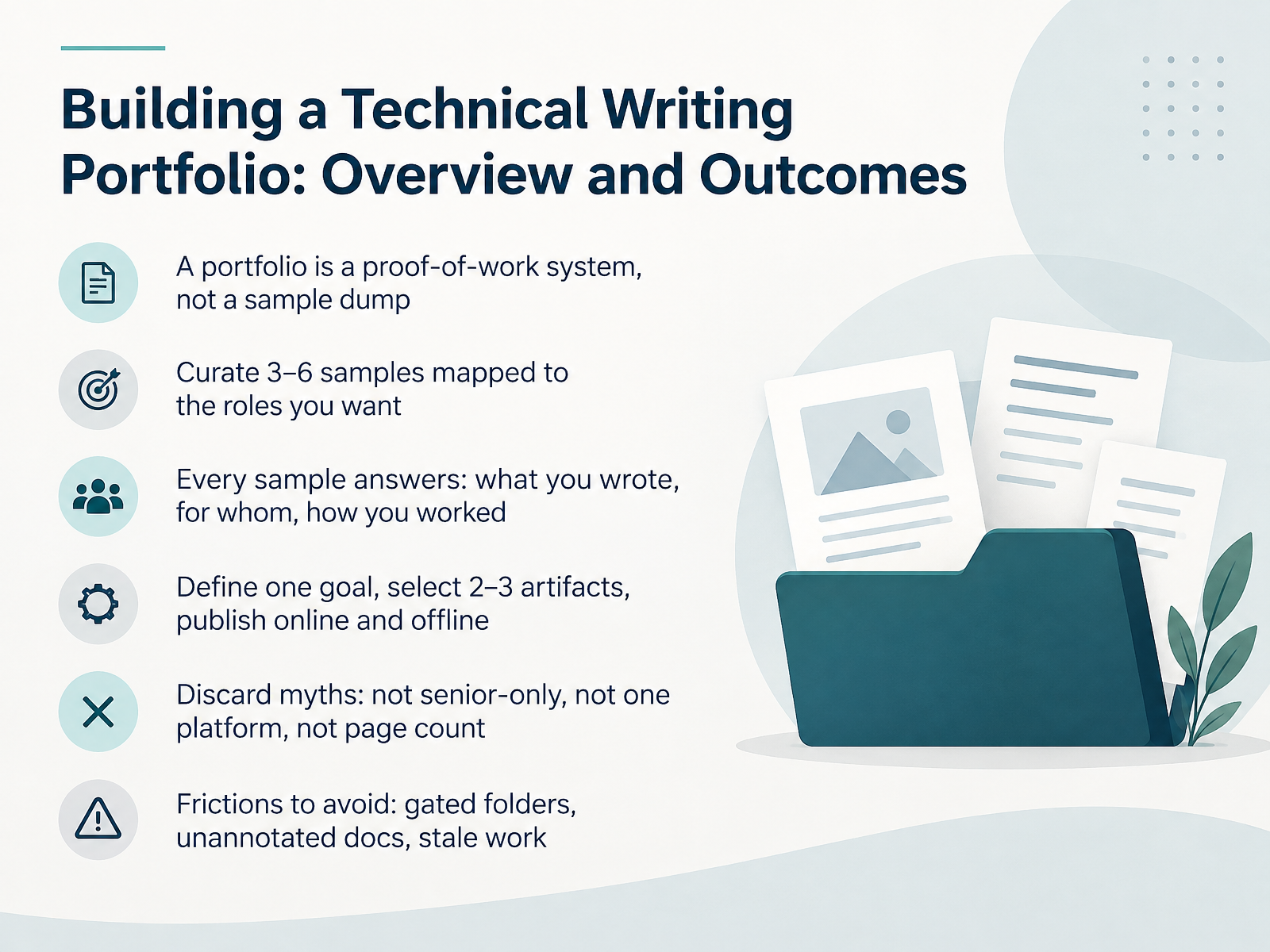
- 01Building a Technical Writing Portfolio: Overview and OutcomesWelcome. Over the next fourteen slides, we will build a technical writing portfolio that works as proof of your ability. A portfolio is not a dump of every file you have ever written. It is a curated set of three to six samples mapped directly to the roles you want. Each sample should answer three questions: what you wrote, who it was for, and how you worked. By the end, you will be able to define one clear goal, select two or three artifacts, and publish them online and offline. We will also discard some myths. You do not need senior-level experience. You do not need every platform. Page count is not quality. And we will name the frictions to avoid, including gated folders, unannotated documents, and stale work. Keep one takeaway in mind: your portfolio is evidence of how you think, not just what you produced. Now, let us look at what reviewers actually scan for in 2026.2 min
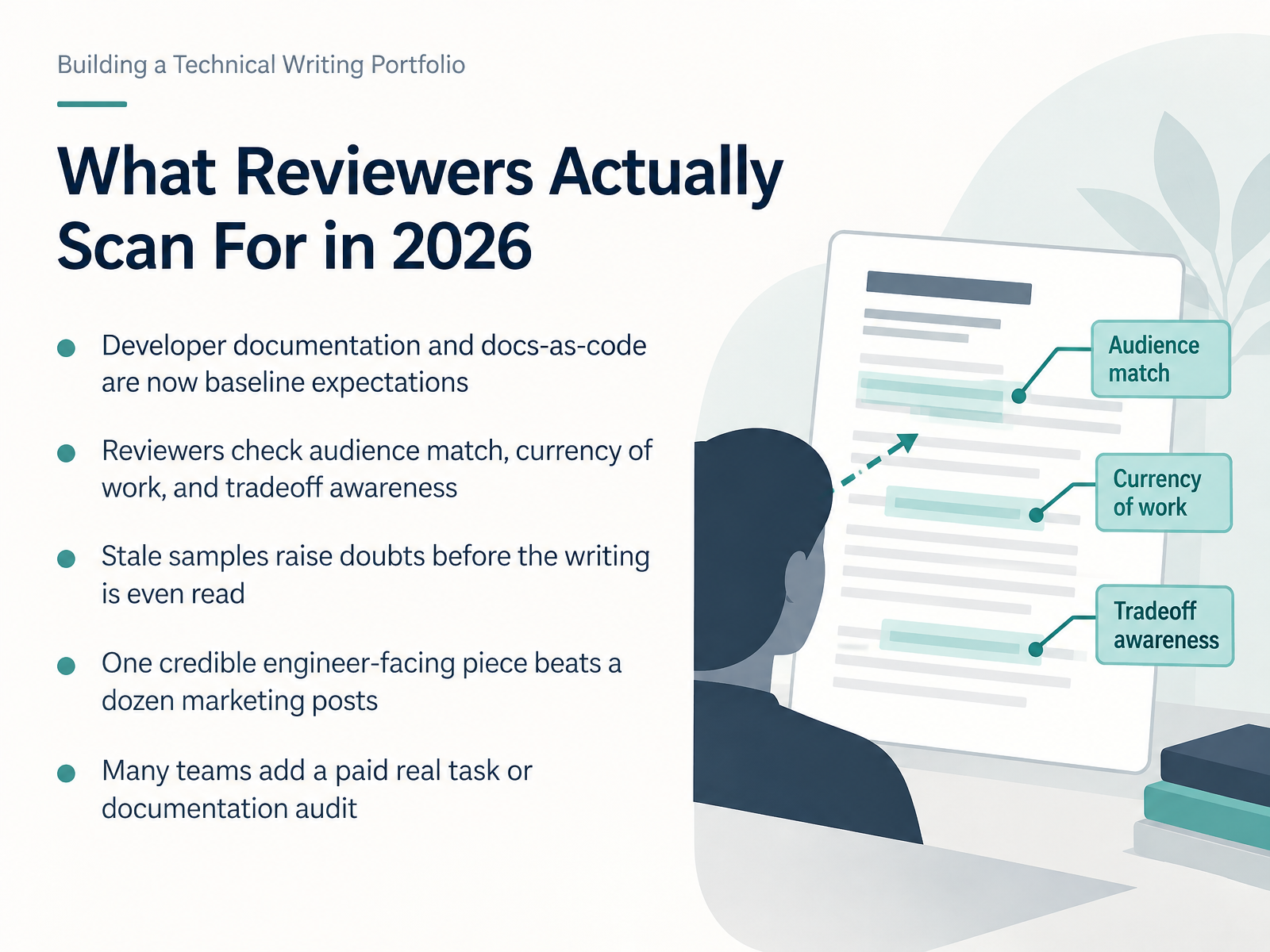
- 02What Reviewers Actually Scan For in 2026Let's look at what reviewers actually scan for in 2026. Developer documentation and docs-as-code are baseline expectations now. Docs-as-code means your samples live in the same tools engineers use, like a repository and a review workflow. Beyond tools, reviewers check three things quickly: audience match, currency of work, and tradeoff awareness. Audience match means the piece clearly serves a named reader. Currency means the sample reflects current tools and practices. Tradeoff awareness means you explain what you chose and what you gave up. Stale samples raise doubts before the writing is even read. A sample built around an old interface can suggest your judgment is out of date. One credible engineer-facing piece beats a dozen marketing posts. A single integration guide with tested steps often outperforms a large, shallow collection. Many teams now add a paid real task or a documentation audit. That lets them see how you think, ask questions, and handle feedback. As you build your portfolio, favor fewer, stronger, recent samples. Next, we will define your portfolio goal, audience, and positioning.
 2 min
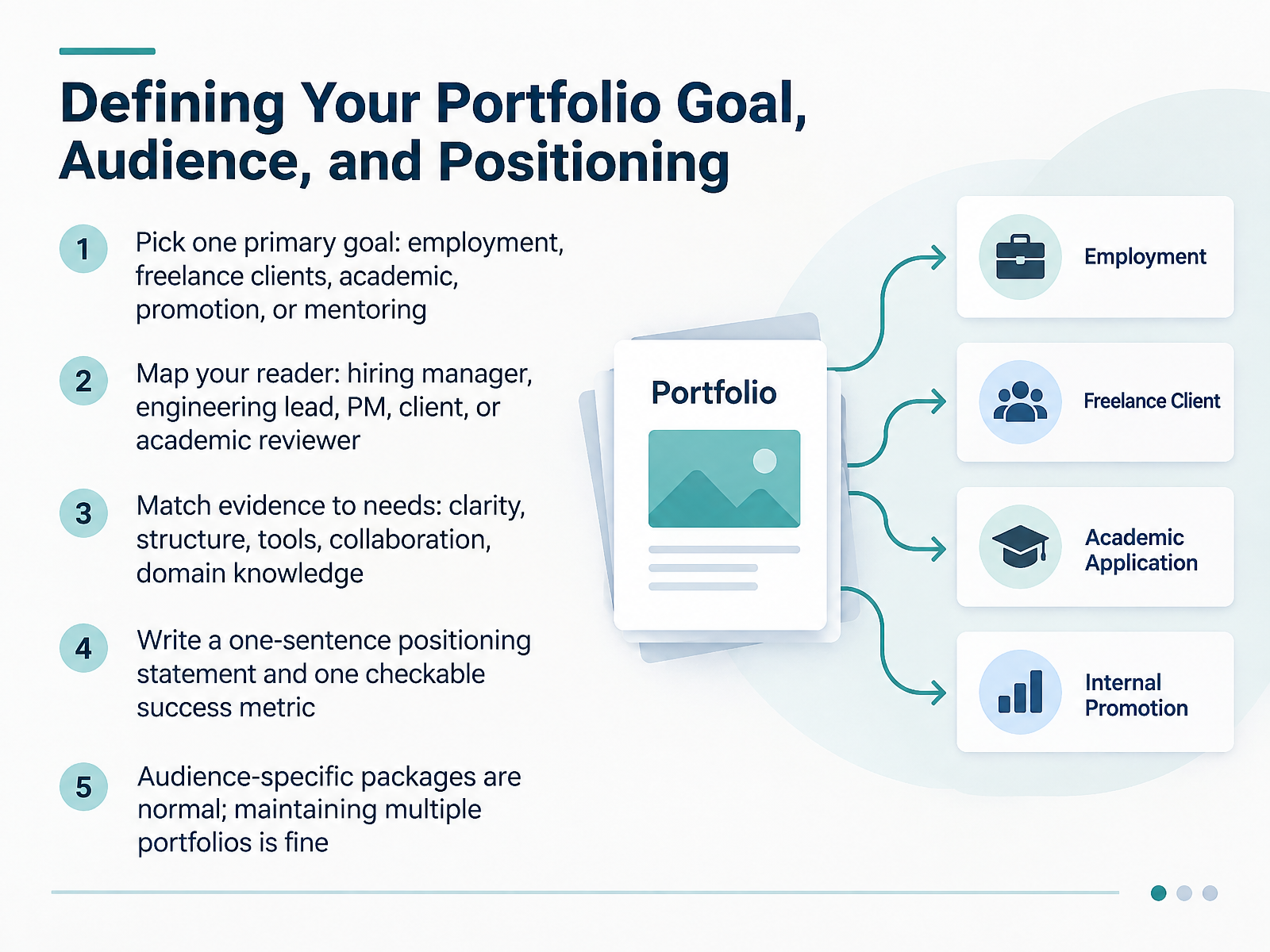
2 min - 03Defining Your Portfolio Goal, Audience, and PositioningLet's talk about defining your portfolio goal, audience, and positioning. Before you collect a single sample, decide why the portfolio exists. Pick one primary goal. Employment, freelance clients, academic review, promotion, or mentoring. You can hold more than one goal over time, but for now, choose the one that drives your decisions. Next, map your reader. That might be a hiring manager, an engineering lead, a product manager, a client, or an academic reviewer. Each one scans for different signals. Then match your evidence to their needs. A hiring manager may look for clarity and structure. An engineering lead may want tool fluency and collaboration. A client may care about domain knowledge and deadlines. Try to write a one-sentence positioning statement, such as, I turn complex API documentation into clear onboarding guides for developer teams. Then add one checkable success metric. For example, three interview requests within two months, or two paid client inquiries. Keep it measurable. And remember, audience-specific packages are normal. Maintaining multiple portfolios is fine. A short version for job applications, a deeper one for clients, and a teaching portfolio for academic roles can all coexist. Your goal is fit, not universality. Decide what success looks like, then build only what serves it. Next, we will look at choosing the right sample types for your target role.
 2 min
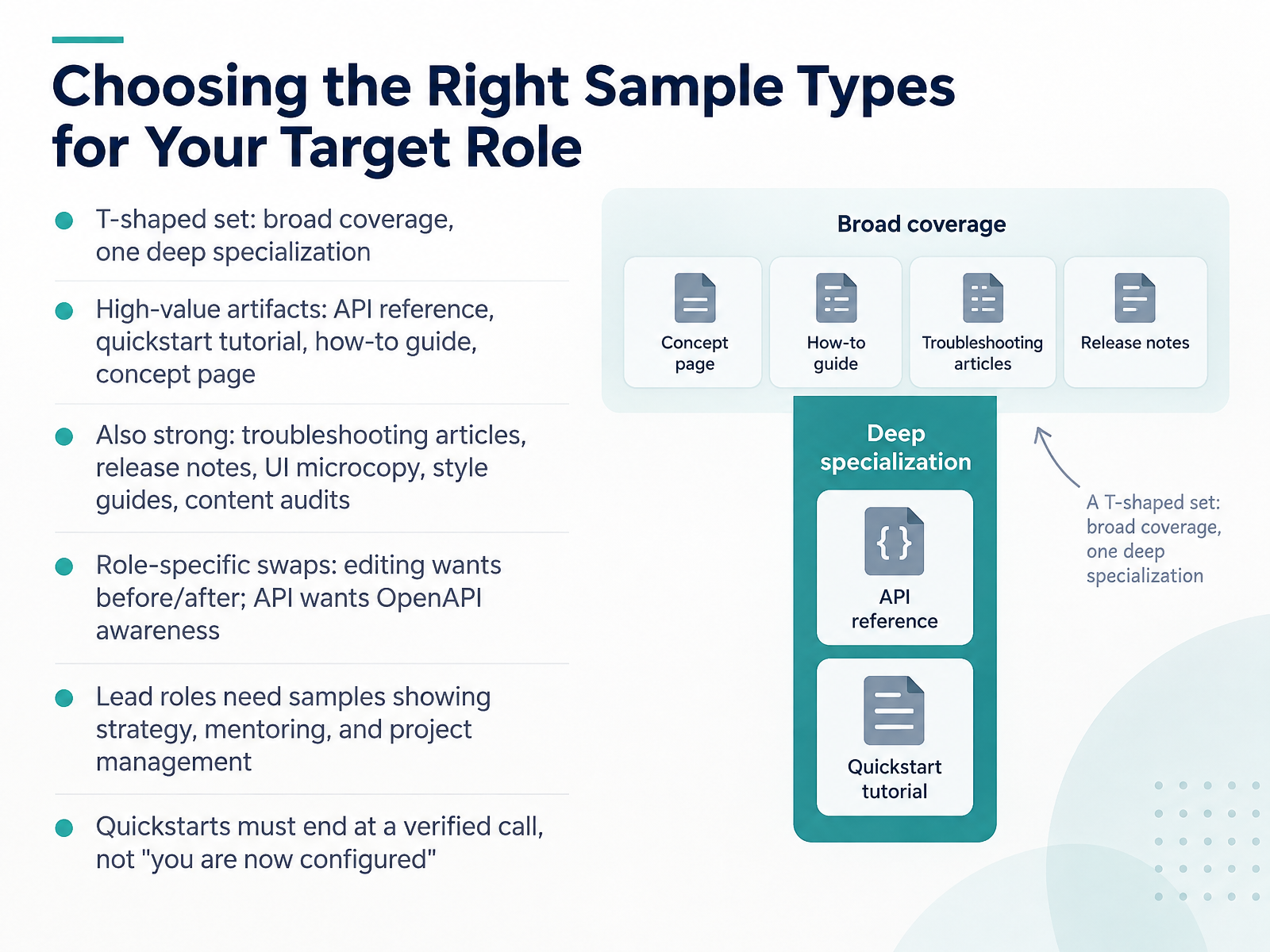
2 min - 04Choosing the Right Sample Types for Your Target RoleLet's look at how to choose the right sample types for your target role. A useful starting shape is the T-shaped set. You cover several formats broadly, then go deep in one specialization. High-value artifacts include an API reference, a quickstart tutorial, a how-to guide, and a concept page. Troubleshooting articles, release notes, UI microcopy, style guides, and content audits also strengthen your portfolio. Then swap samples for the role. Editing roles want before-and-after revisions. API roles want awareness of OpenAPI, a standard format for describing APIs. Lead roles need samples showing strategy, mentoring, and project management. And make sure every quickstart ends at a verified call, not just the words you are now configured. Choose depth over volume. Next, we will cover building samples when your real work is confidential.
 2 min
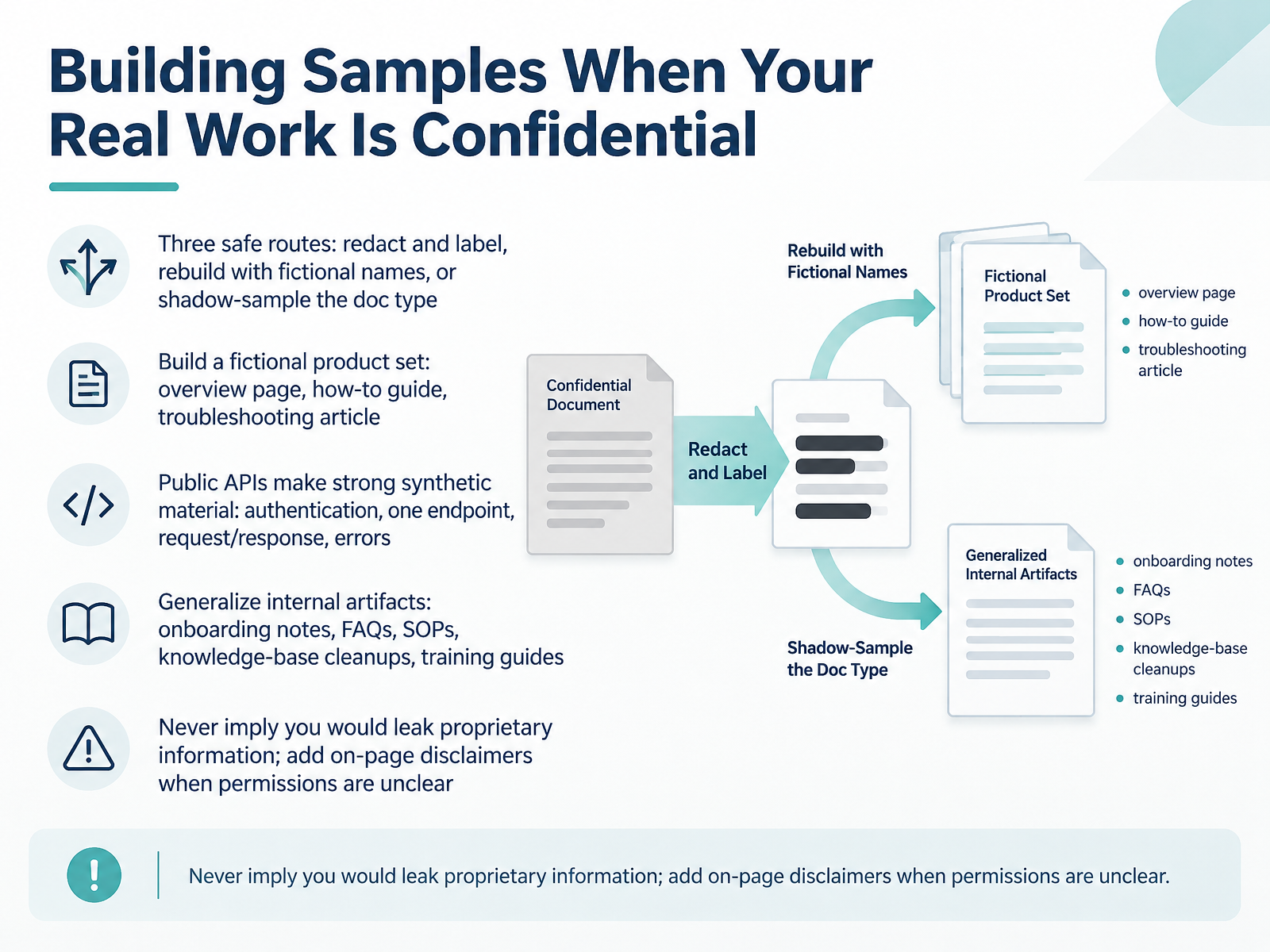
2 min - 05Building Samples When Your Real Work Is ConfidentialLet's look at what to do when your real work is confidential. You have three safe routes. First, redact and label. Remove client names and specifics, mark what you removed, and note why. Second, rebuild with fictional names. Keep the structure and logic, swap in invented details. Third, shadow-sample the document type. Write a new piece in the same format, like a release note or a standard operating procedure.
A strong option is to build a fictional product set. Create an overview page, a how-to guide, and a troubleshooting article for one imaginary product. Public application programming interfaces, or APIs, also work well. Document authentication, one endpoint, a sample request and response, and common errors.
You can also generalize internal artifacts. Onboarding notes, frequently asked questions, standard operating procedures, knowledge-base cleanups, and training guides all count when the confidential details are stripped out.
One rule matters. Never imply you would leak proprietary information. If permissions are unclear, add a short on-page disclaimer stating the sample is fictional or anonymized.
Next, we will walk through the anatomy of a concise case study.
 2 min
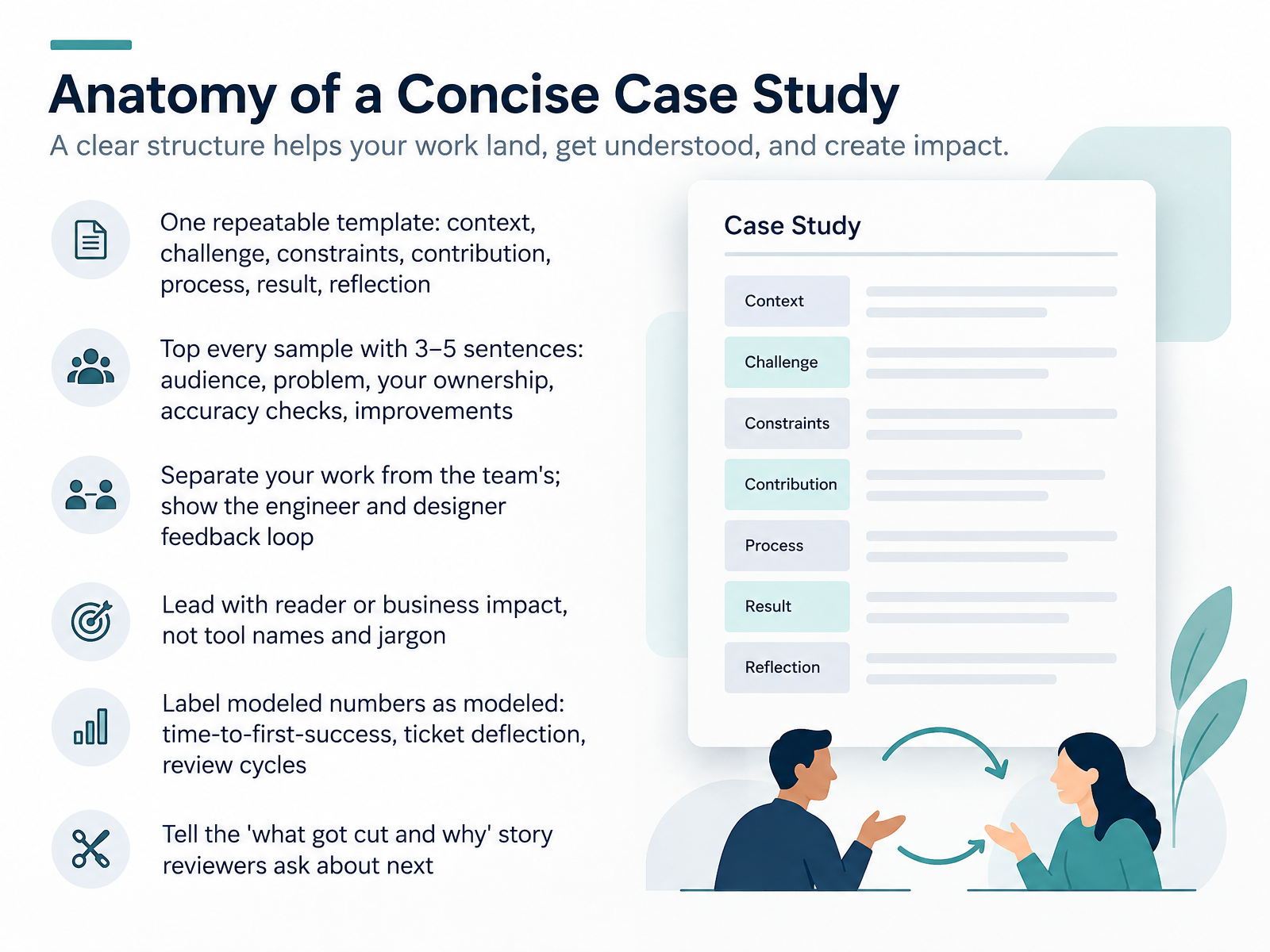
2 min - 06Anatomy of a Concise Case StudyNow, let's look at how to structure one strong case study. The easiest approach is a repeatable template: context, challenge, constraints, contribution, process, result, and reflection. That order keeps you from burying the point. Start every sample with three to five sentences that cover the audience, the problem, what you personally owned, how you checked accuracy, and what improved. Then separate your work from the team's. Name the feedback loop between engineers and designers, not just the final document. Lead with reader or business impact, not tool names. If you use numbers like time-to-first-success, ticket deflection, or review cycles, label any estimate as modeled. Finally, tell the what got cut and why story. Reviewers ask about that next. Next, we'll cover structuring the portfolio for fast scanning.
 1 min
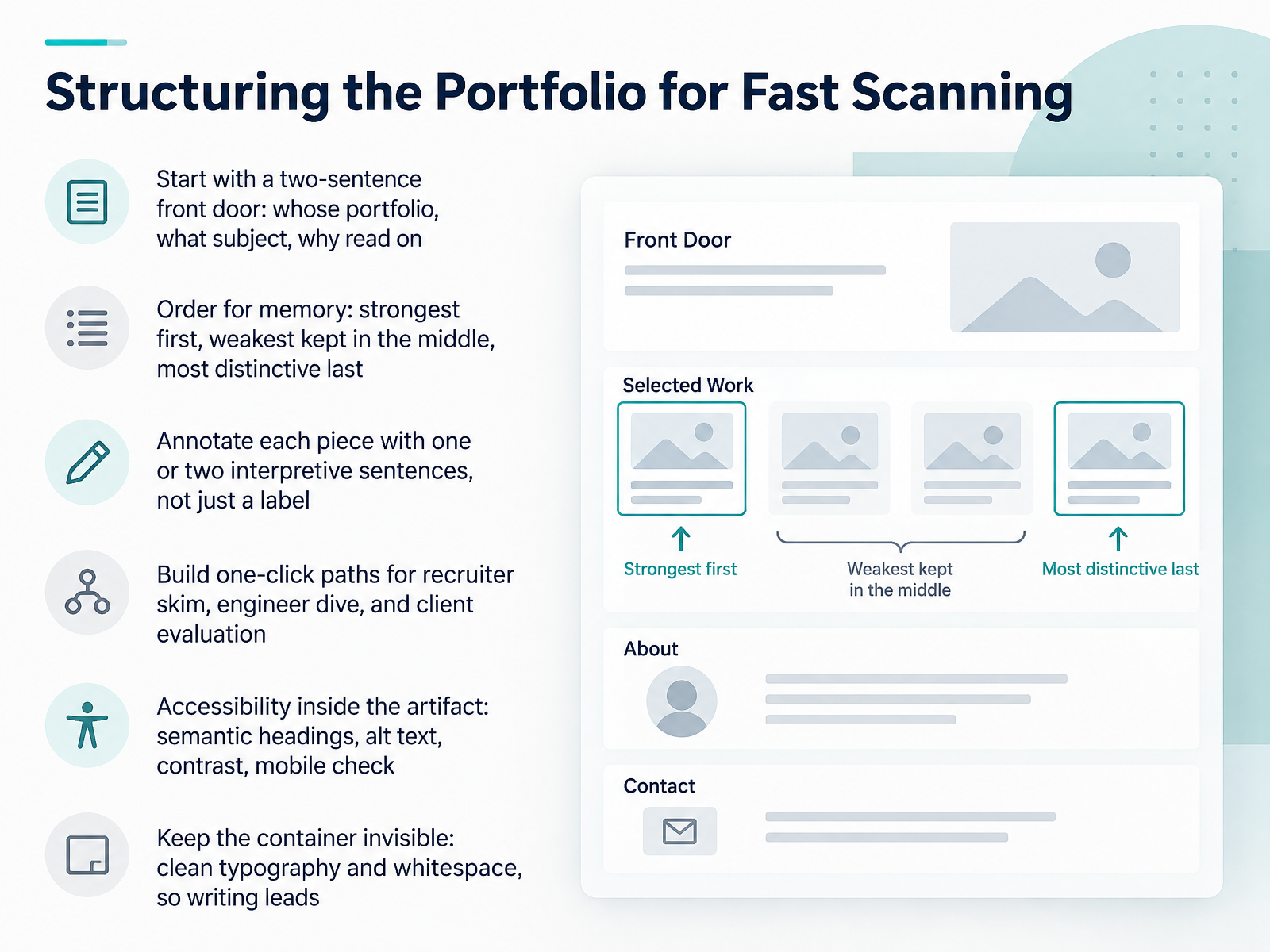
1 min - 07Structuring the Portfolio for Fast ScanningLet's talk about how to structure the portfolio itself. Hiring managers rarely read top to bottom. They scan, so design for fast scanning. Start with a two-sentence front door. Say whose portfolio this is, what subject it covers, and why someone should keep reading. Order your pieces for memory. Put your strongest work first. Keep weaker pieces in the middle. Save your most distinctive piece for last, because people remember beginnings and endings. Annotate each piece with one or two interpretive sentences, not just a label. Tell the reader what problem you solved and what tradeoff you made. Build one-click paths for three readers: a recruiter skim, an engineer dive, and a client evaluation. That means clear sections and visible links near the top. Then handle accessibility inside the artifact, using semantic headings, alt text for images, sufficient contrast, and a quick check on mobile. Finally, keep the container invisible. Clean typography and generous whitespace let the writing lead. Next, we will look at publishing options: websites, repositories, and documents.
 2 min
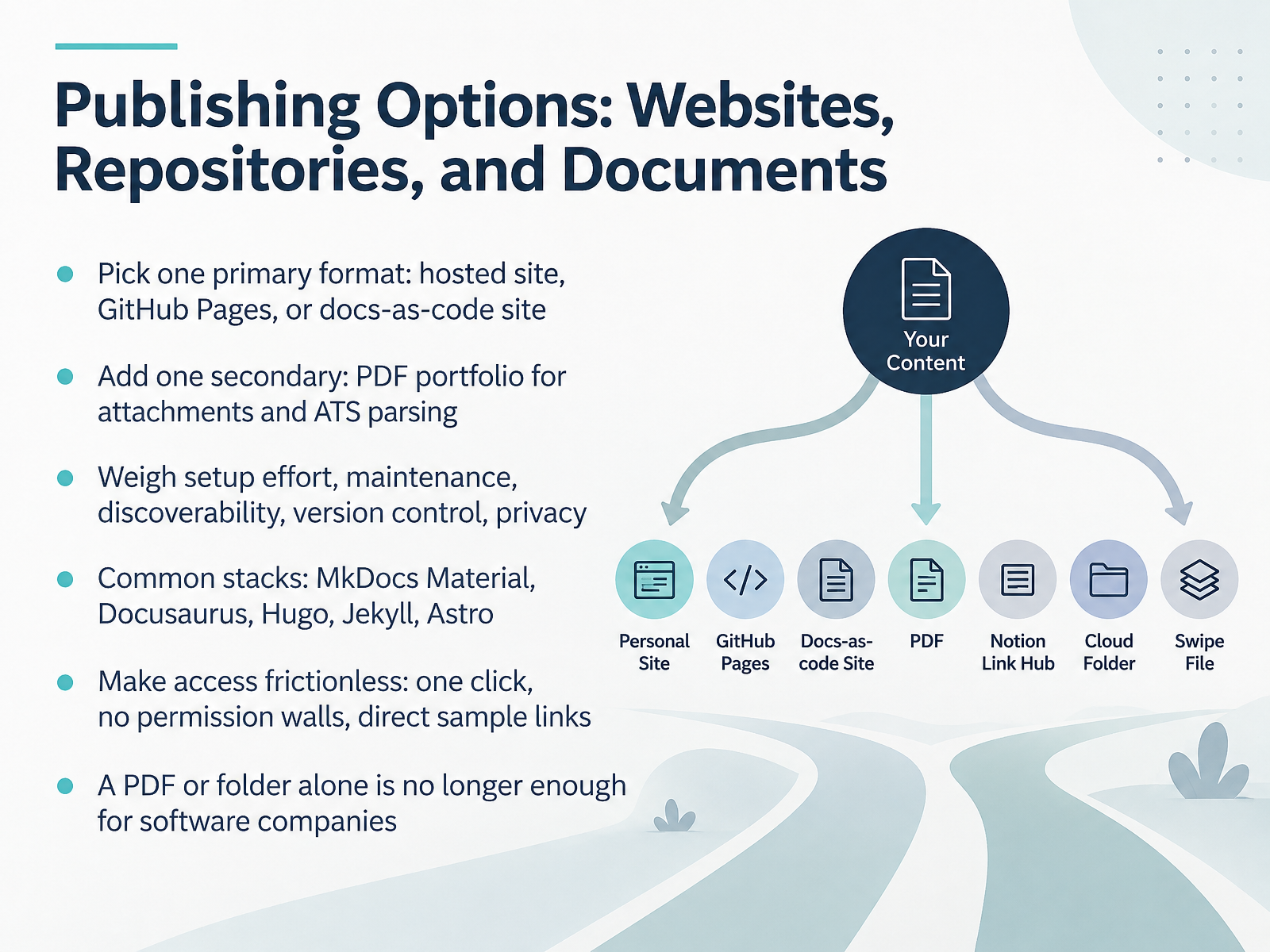
2 min - 08Publishing Options: Websites, Repositories, and DocumentsLet's talk about where your portfolio actually lives. Your goal is one primary format, not five. Choose a hosted site, GitHub Pages, or a docs-as-code site. Then add one secondary format, a PDF portfolio, for email attachments and for applicant tracking systems, often shortened to A T S, which parse resumes and files automatically. Weigh your options honestly: setup effort, long-term maintenance, discoverability, version control, and privacy. Common stacks include MkDocs Material, Docusaurus, Hugo, Jekyll, and Astro. If you are new to this, MkDocs Material is a gentle starting point; Docusaurus suits product documentation; Hugo and Jekyll are fast static site generators; Astro works well when you need a modern front end. Whatever you choose, make access frictionless. One click, no permission walls, no login requests. Link directly to writing samples, not a homepage. And remember, a PDF or folder alone is no longer enough for most software companies. They want to see how you work in a live, versioned environment. Decide your primary format this week, then layer in the PDF. Next, we'll cover demonstrating process and tool proficiency.
 2 min
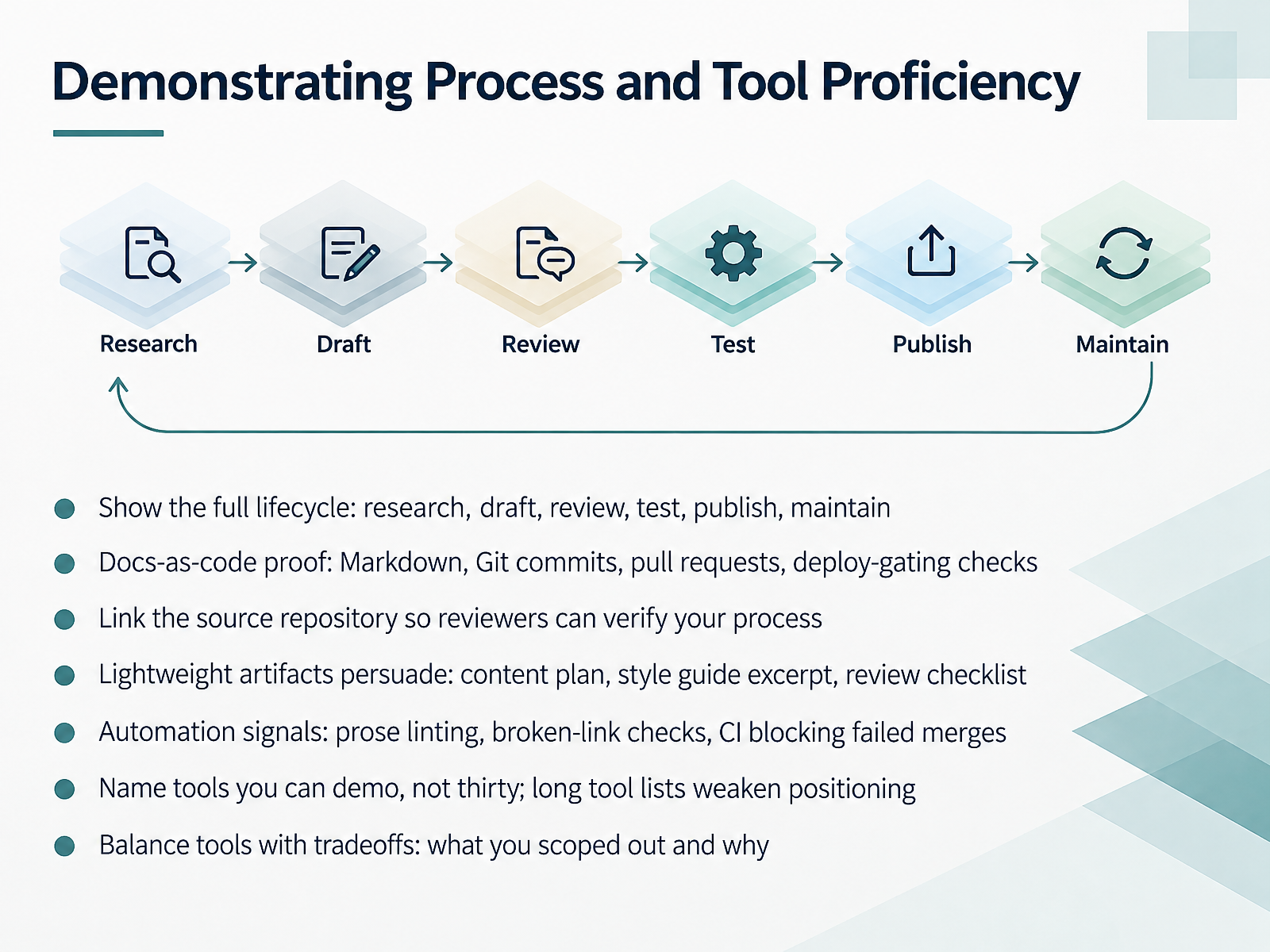
2 min - 09Demonstrating Process and Tool ProficiencyLet's look at how you demonstrate process and tool proficiency. Hiring managers want to see the full lifecycle: research, draft, review, test, publish, and maintain. Show all of it. With docs as code, that means Markdown files, Git commits, pull requests, and deploy gating checks. Link your source repository so reviewers can verify the process themselves. Lightweight artifacts often persuade more than polished prose. A content plan, a style guide excerpt, or a review checklist all work well. Automation sends a strong signal too: prose linting, broken link checks, and continuous integration that blocks failed merges. And here is a tradeoff to name honestly. List only tools you can actually demo. A long tool list weakens your positioning. Instead, explain what you scoped out and why. That shows judgment, not just familiarity. Next, we will explore the AI era shift, from technical writer to developer educator.
 1 min
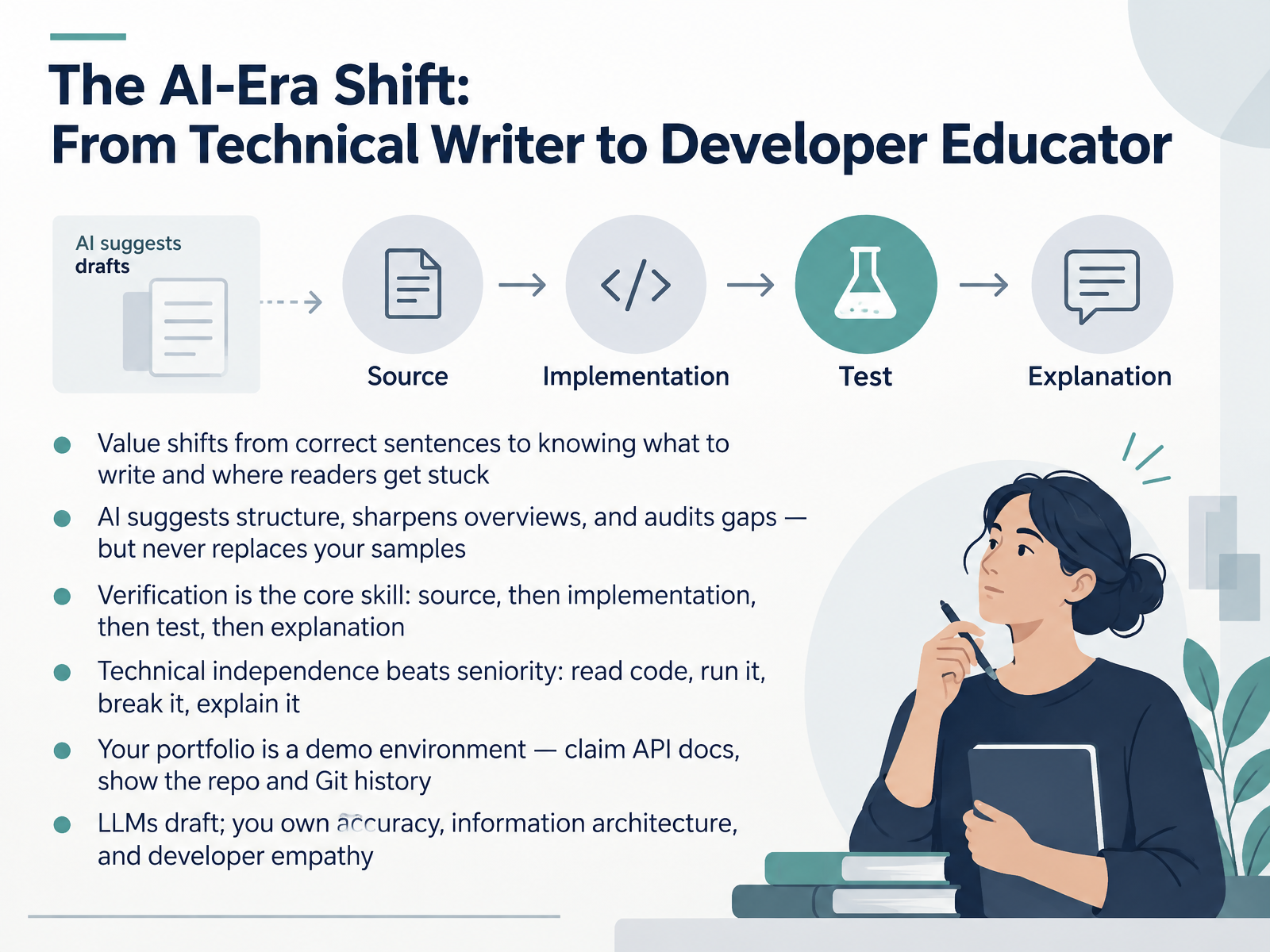
1 min - 10The AI-Era Shift: From Technical Writer to Developer EducatorLet's talk about how the role itself is shifting, from technical writer toward developer educator. The core value is moving away from perfectly correct sentences and toward knowing what to write and where readers actually get stuck. AI tools, meaning large language models like the ones behind chat assistants, can suggest structure, sharpen an overview, and audit gaps in your draft. But they never replace your samples. Verification becomes your core skill here. Source first, then implementation, then test, then the explanation. Technical independence matters more than seniority. You need to read code, run it, break it, and explain what happened. Treat your portfolio like a demo environment. Claim a set of API docs, meaning application programming interface documentation, and show the repository along with its Git history, the version control record of your commits. The pattern is simple. Language models draft, and you own accuracy, information architecture, and developer empathy. Next, let's look at tailoring one artifact set to different readers.
 2 min
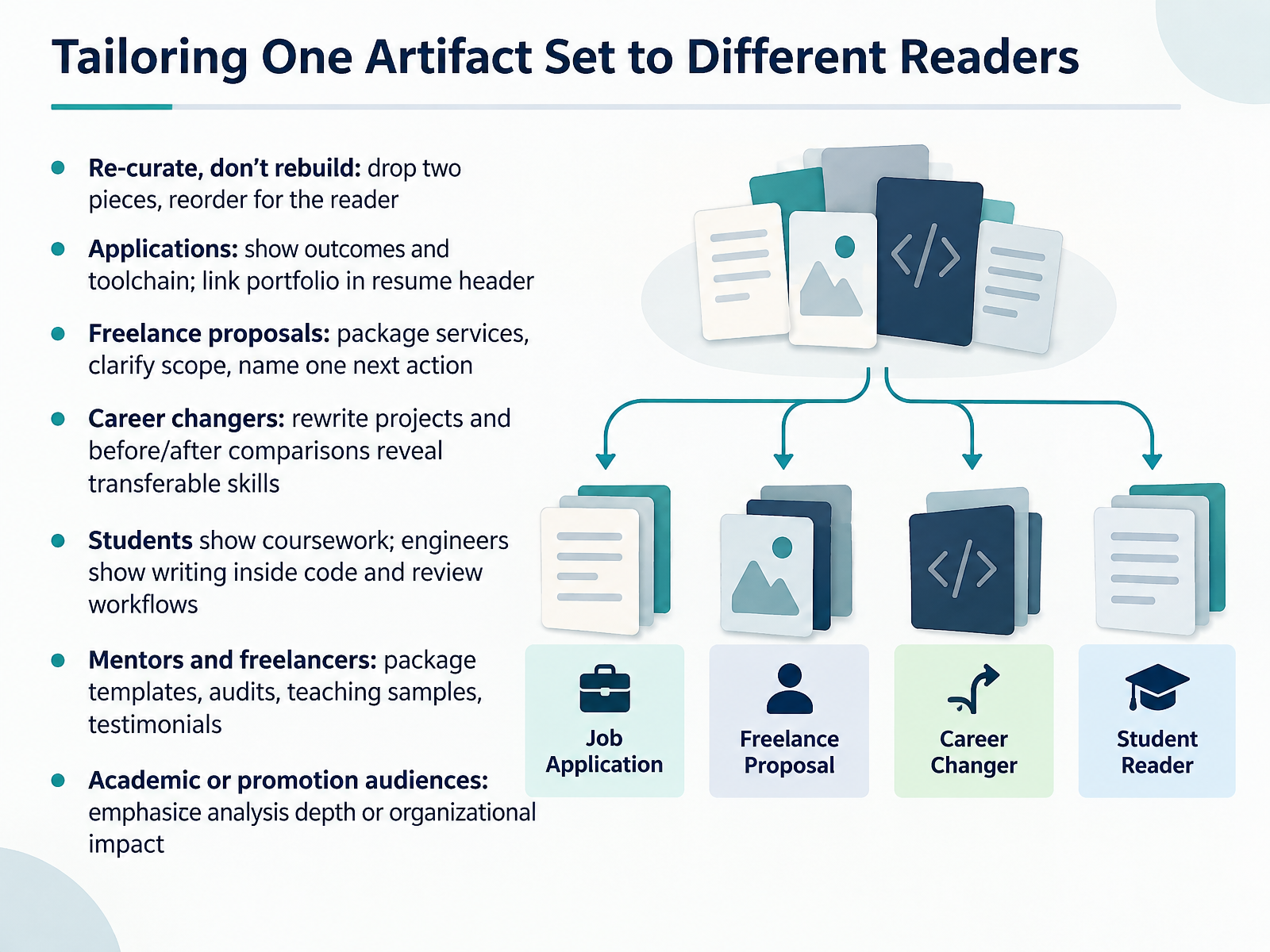
2 min - 11Tailoring One Artifact Set to Different ReadersNow let's talk about tailoring one artifact set to different readers. The key idea is re-curate, don't rebuild. You can drop two pieces and reorder the rest for a specific audience. For job applications, show outcomes and your toolchain, and link your portfolio in your resume header. For freelance proposals, package services, clarify scope, and name one next action. If you're changing careers, rewrite projects and use before and after comparisons to reveal transferable skills. Students can show coursework. Engineers can show writing inside code and review workflows. Mentors and freelancers, package templates, audits, teaching samples, and testimonials. For academic or promotion audiences, emphasize analysis depth or organizational impact. The point is to make the same work speak directly to the reader in front of you. Next, we'll look at review, feedback, and iteration.
 1 min
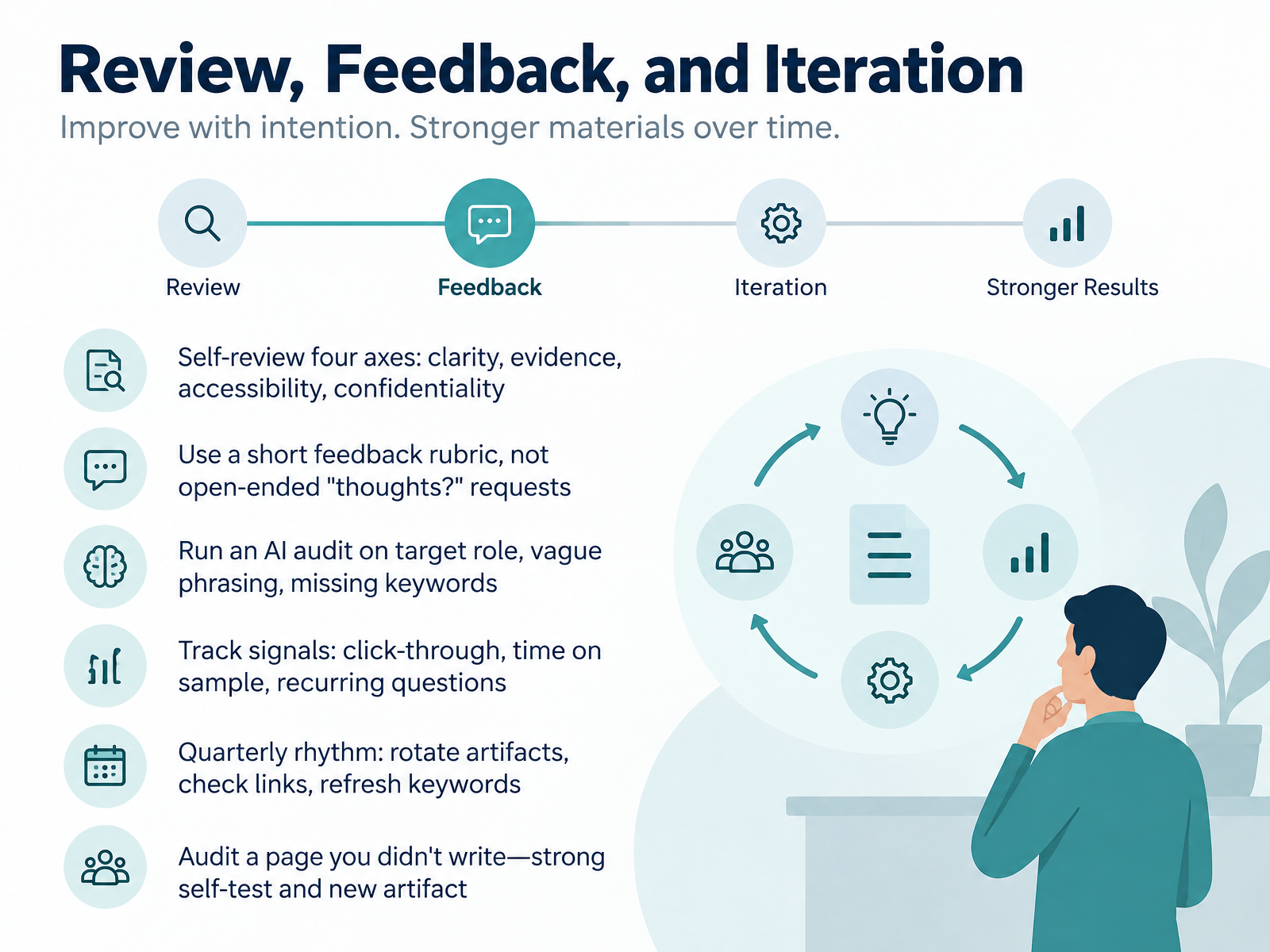
1 min - 12Review, Feedback, and IterationNext, let's talk about review, feedback, and iteration. Strong portfolios are not written once. They are maintained. Start with self-review across four axes: clarity, evidence, accessibility, and confidentiality. Ask whether a reader can follow each section, whether claims are backed by visible artifacts, whether the format works with assistive technology, and whether you have removed client or employer secrets. When you ask for feedback, use a short rubric instead of an open-ended request for thoughts. For example: Is the problem clear in the first two sentences? Is my role specific? Is the outcome measurable? Then run an AI audit on your target role, vague phrasing, and missing keywords. AI is a checking tool, not a ghostwriter. Track real signals, including click-through, time on sample, and recurring questions. Every quarter, rotate artifacts, check links, and refresh keywords. Finally, audit a page you did not write. That is both a strong self-test and a new artifact. Let's move on to the launch plan, from empty page to published portfolio.
 2 min
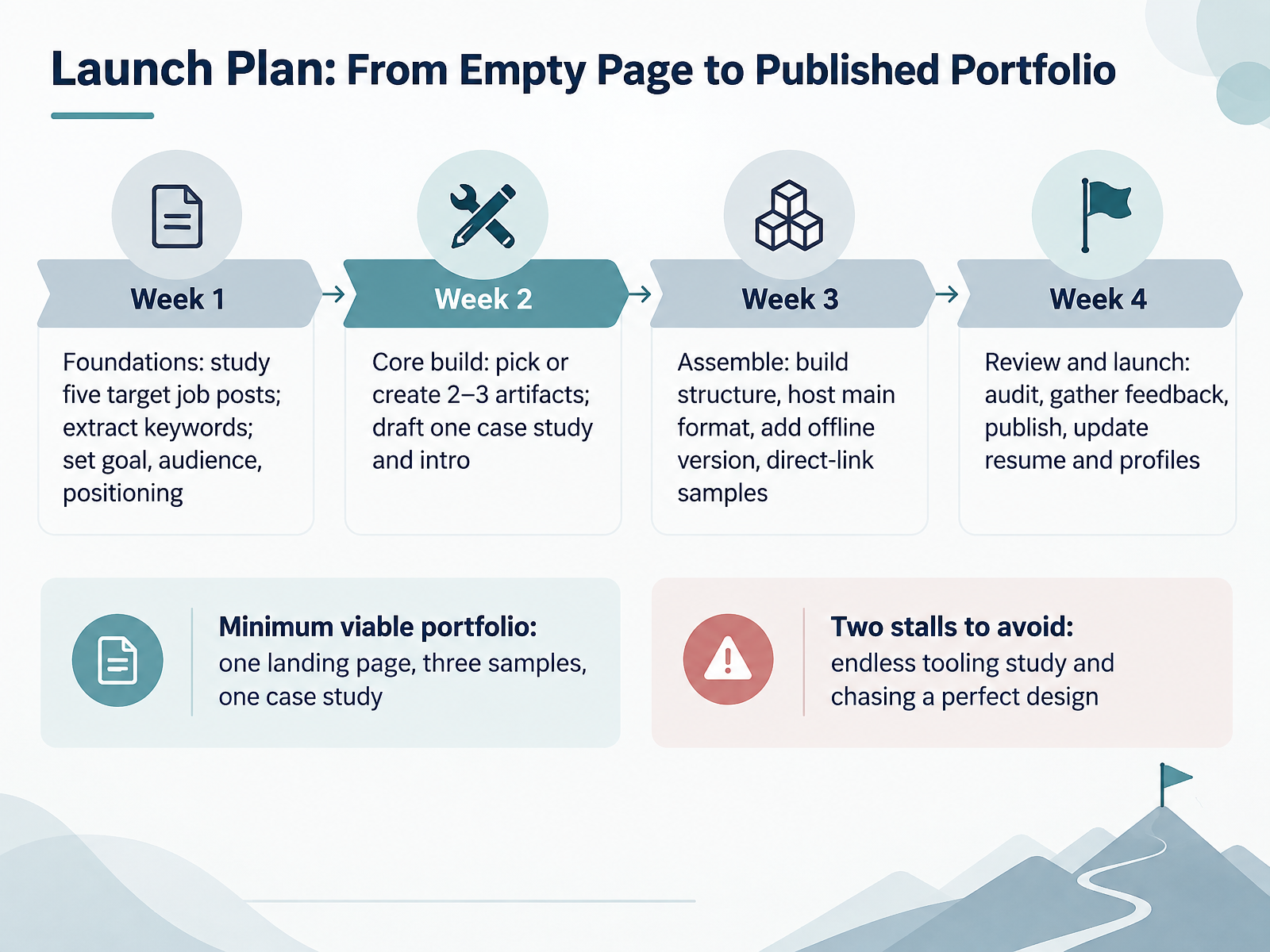
2 min - 13Launch Plan: From Empty Page to Published PortfolioNow let's turn your plan into a published portfolio. Here is a four-week launch plan you can adapt to your own schedule.
Week one is foundations. Study five target job posts. Extract the keywords that repeat, then set your goal, audience, and positioning in one sentence.
Week two is the core build. Pick or create two to three artifacts. Draft one case study and your introduction.
Week three is assembly. Build the structure, host the main format, add an offline version, and make each sample directly linkable.
Week four is review and launch. Audit everything, gather feedback, publish, then update your resume and profiles.
Your minimum viable portfolio is one landing page, three samples, and one case study. That is enough to start.
Avoid two common stalls. First, endless tooling study. Pick a simple host and move on. Second, chasing a perfect design. Clarity beats polish. Your content matters more.
Start week one today. Next, we will look at practice activities and next steps for learners and mentors.
 2 min
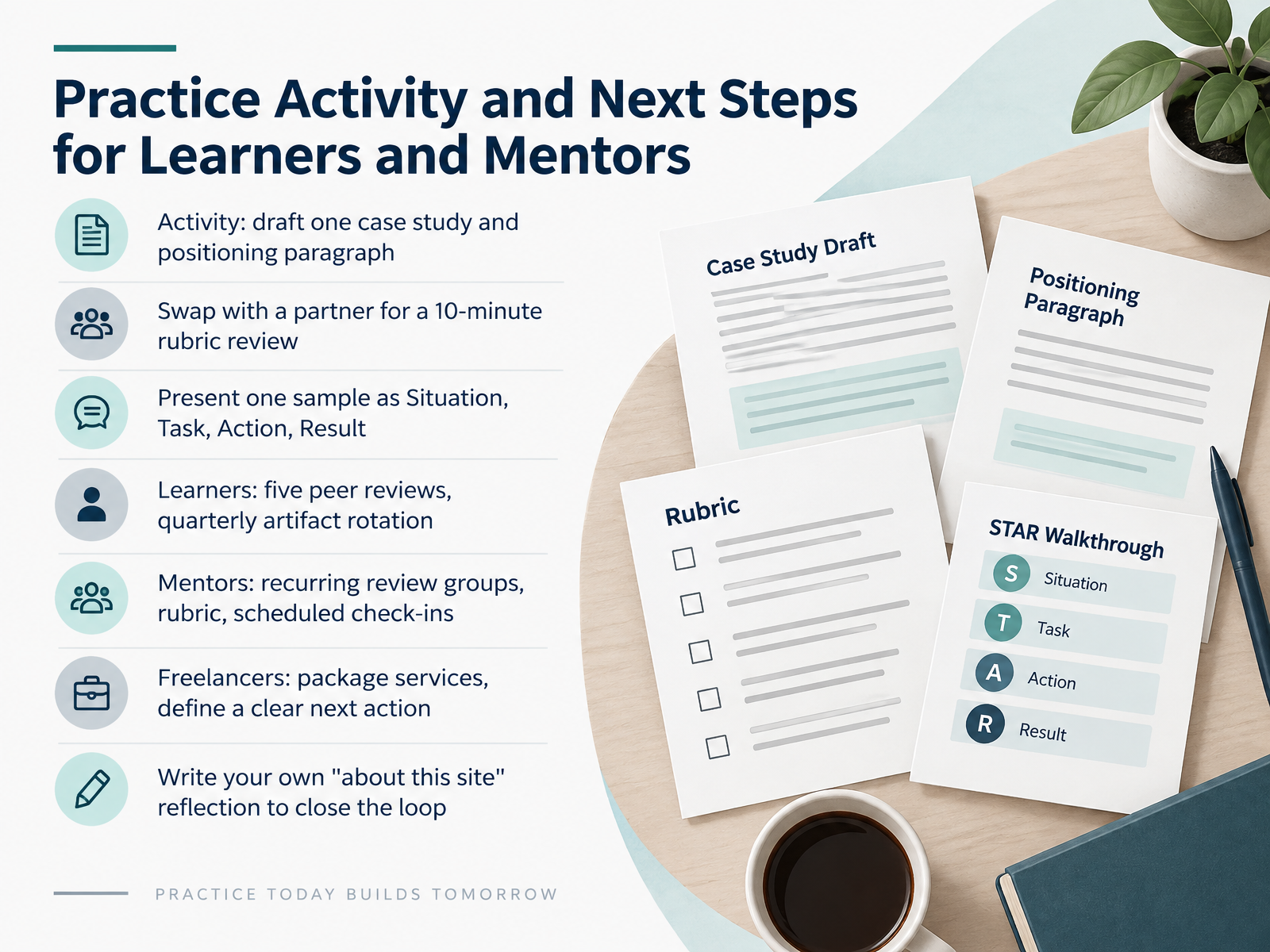
2 min - 14Practice Activity and Next Steps for Learners and MentorsLet's close with a practice activity and a clear set of next steps. Start by drafting one case study and a positioning paragraph. Then swap with a partner and review each other's work against the rubric for ten minutes. When you present, frame one sample as Situation, Task, Action, Result. That structure keeps your evidence concrete. For learners, commit to five peer reviews and rotate one artifact each quarter so your portfolio stays current. For mentors, run recurring review groups, use the same rubric, and schedule regular check-ins. If you freelance, package your services and define one clear next action, such as sending a proposal or publishing a case study. Finally, write your own about this site reflection to close the loop between your work and how you present it. Take one small step this week, and keep building. Thank you for your attention, and good luck.
 2 min
2 min
Take the deck with you
Download this course as a file — free, no sign-up needed.
- PDF handoutEvery slide page, ready to print or share.15 pages · 3.2 MBDownload
- Narrated PowerPointThe deck that presents itself — every slide carries the digital human's narration video.15 pages · 25.7 MBDownload
- PowerPoint slidesThe full deck as a .pptx — open it in PowerPoint, Keynote, or Google Slides.15 pages · 3.2 MBDownload
Free to use in your own training — please keep the PersonWise credit page at the end.
Have your own deck? Turn it into a course