Begin
14 pages · ~28 min
Project Management Software Selection and Workflow
This training teaches how to select project management software, define requirements, and optimize workflows for efficient project execution.
A digital instructor presents all 14 pages. Hold “Ask” at any point and ask out loud — the answer comes from this course. No sign-up needed.
What you’ll learn
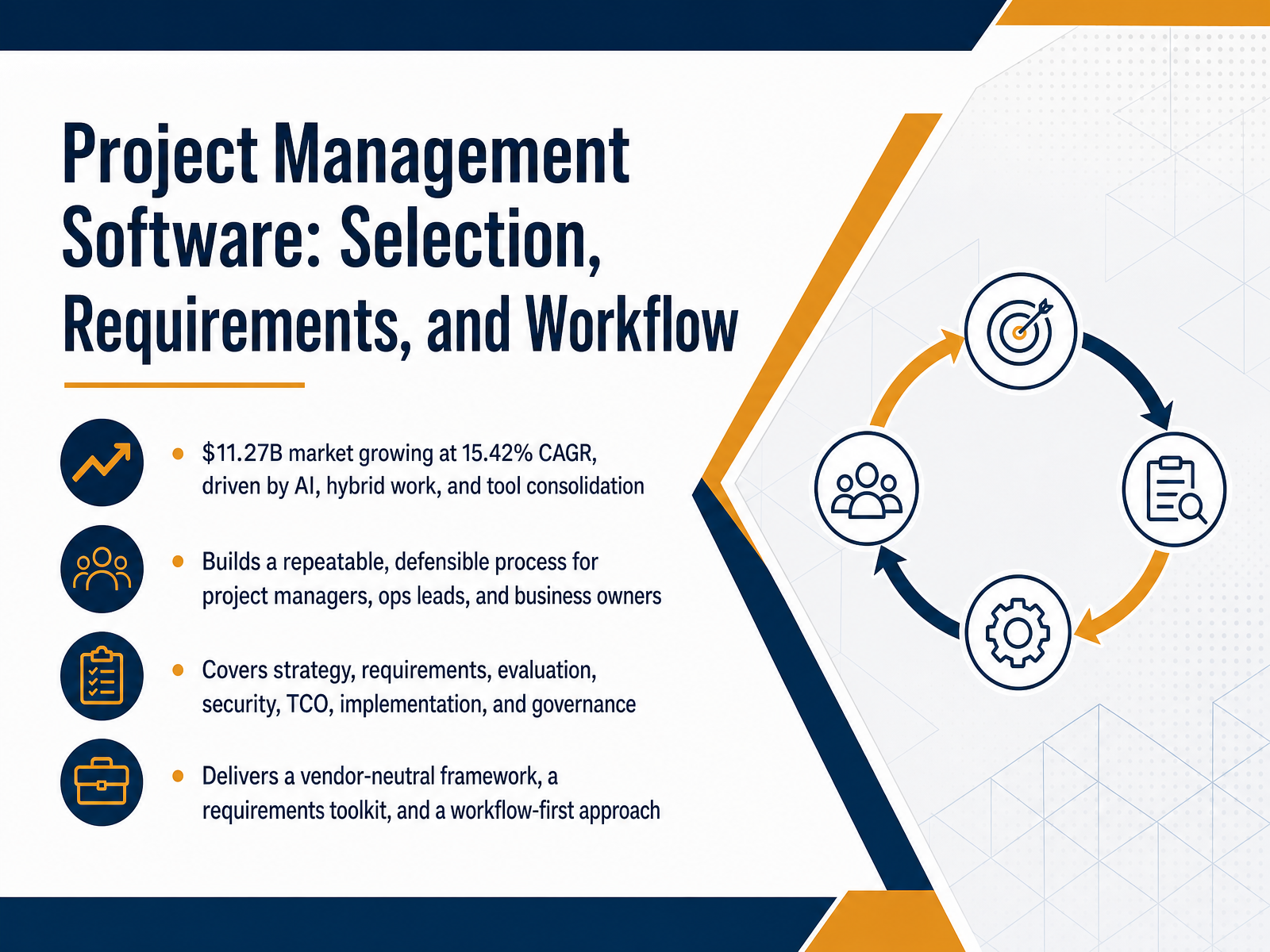
- 01Project Management Software: Selection, Requirements, and WorkflowWelcome. If you are leading a team or running operations, you already know that the right project management tool can cut status meetings, reduce duplicate data entry, and make ownership crystal clear. The problem is the market is moving fast: an eleven point two seven billion dollar space growing at over fifteen percent annually, pulled by AI, hybrid work, and pressure to consolidate tools. This course gives you a repeatable, defensible selection process built for project managers, ops leads, and business owners. Over the next several modules, you will define strategy, map real requirements, compare vendors, evaluate security and total cost of ownership, and plan implementation and governance. What you walk away with is a vendor-neutral framework, a practical requirements toolkit, and a workflow-first approach that ties every decision to outcomes your team and stakeholders actually care about. Starting with Strategy, Not Features.mordorintelligence.comramp.comfuturemarketinsights.com+21 min
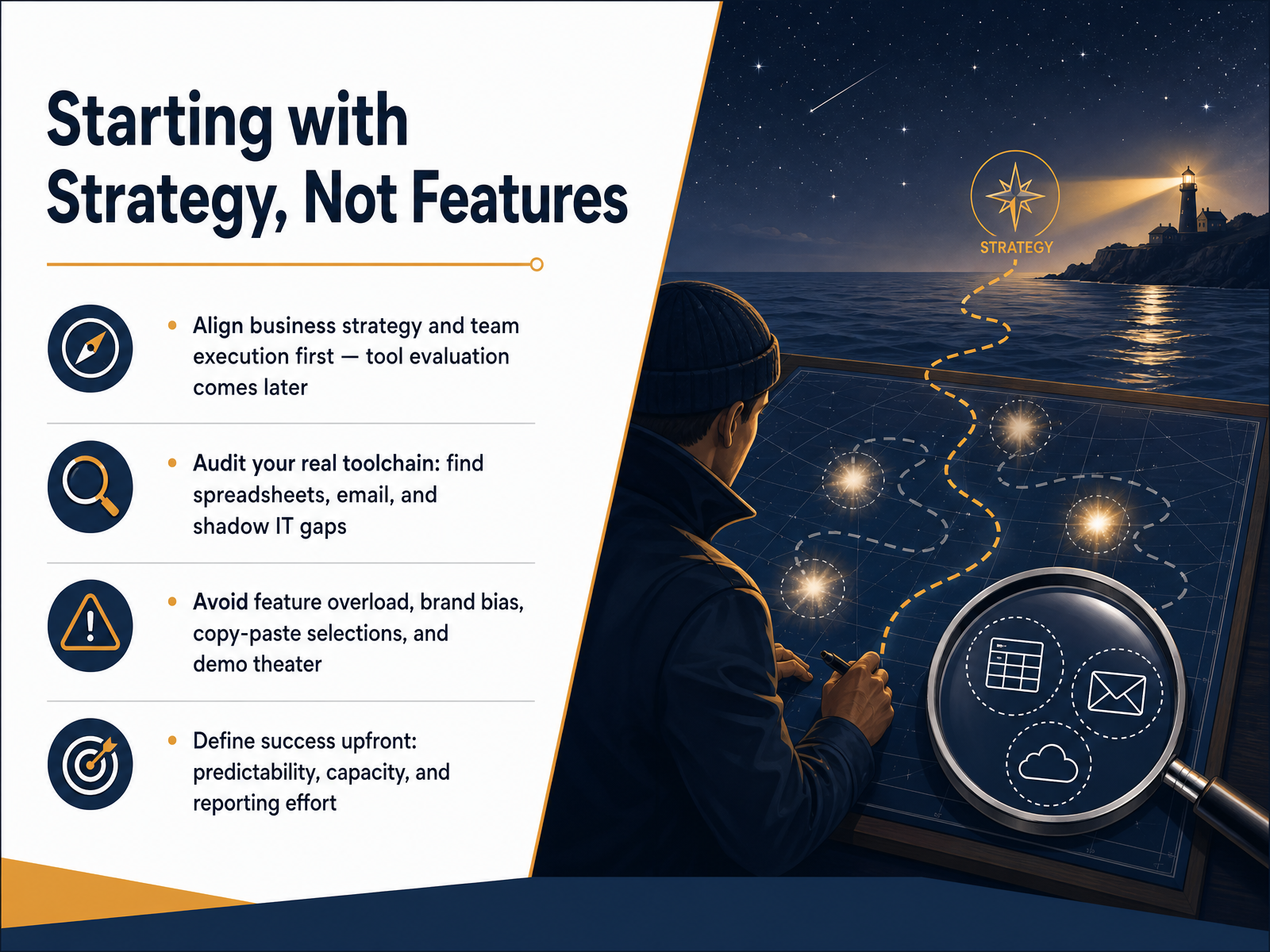
- 02Starting with Strategy, Not FeaturesLet's ground this decision where it belongs: your actual strategy, not a product demo. Most teams jump straight to comparing features. But the data tells a different story. Half of organizations still lack access to real-time KPIs, and nearly forty percent of project managers say their tool is missing features they actually need. That gap comes from starting with the software instead of starting with the work. Start here instead. Align your business strategy and how your teams execute day-to-day. Tool evaluation comes later. First, audit what you really use right now. Walk through the spreadsheets, the email chains, and the shadow IT tools that quietly keep projects moving. That audit reveals your true toolchain. Next, name the traps. Avoid feature overload, brand bias, copying a competitor's selection without your own analysis, and getting sold by a polished demo. A demo shows the happy path; your team lives in the exceptions. Finally, define what success looks like before you see a single screen. Pick outcomes that matter: better delivery predictability, clearer capacity visibility, and less manual reporting effort. Those become your scorecard. When you're ready, the next step is mapping your current workflows before you design future states.
 mordorintelligence.comramp.comfuturemarketinsights.com+22 min
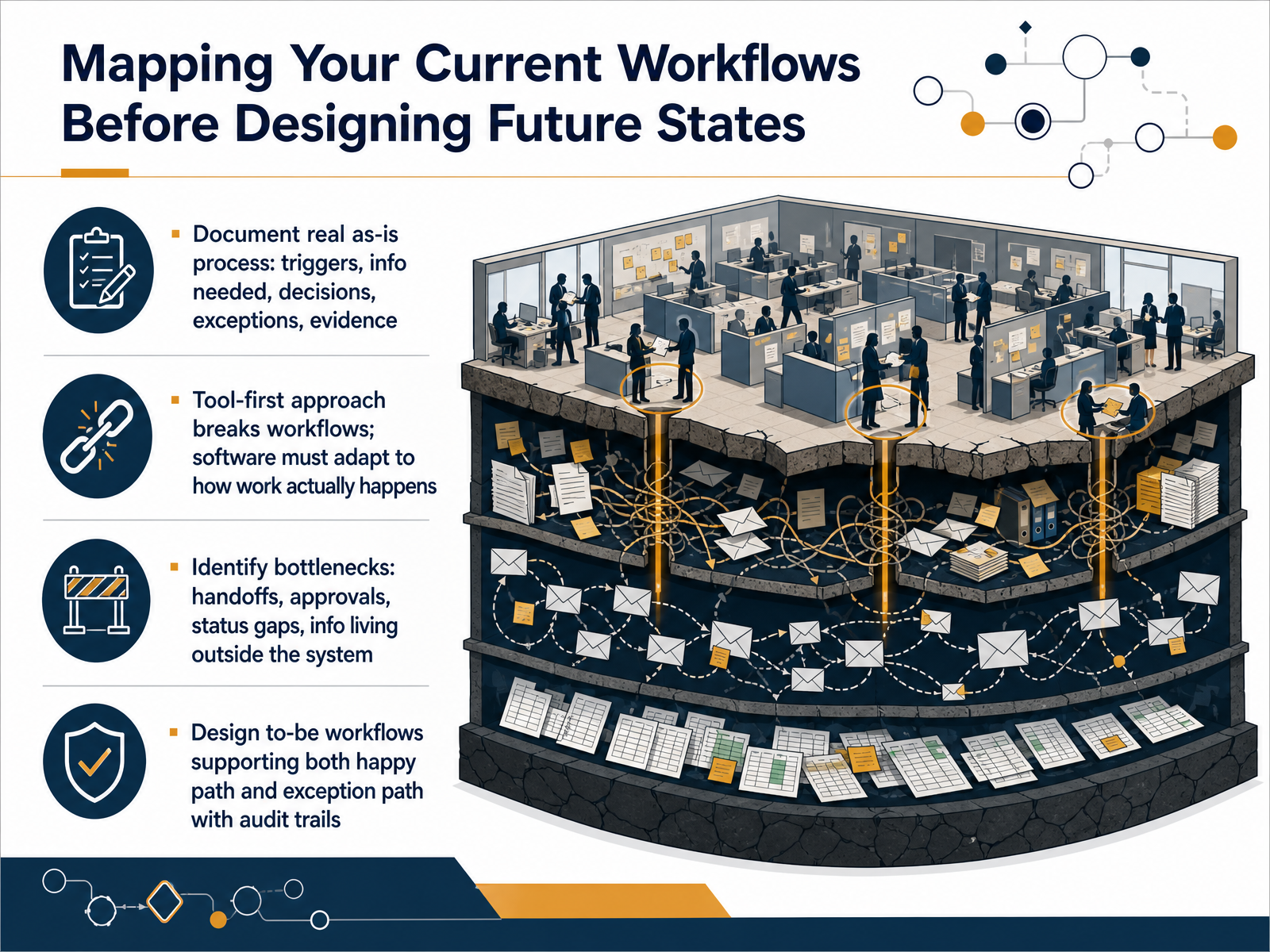
 - 03Mapping Your Current Workflows Before Designing Future StatesNow let's talk about mapping your current workflows before you design the future state. This step is non-negotiable. You need to document your real, as-is process. Not the clean version, but what actually happens. Capture the triggers that start the work, the information someone needs to proceed, the judgment calls they make, and where exceptions hide. Document the evidence they use for reporting. A tool-first approach breaks workflows. The software must adapt to how work actually happens, not the other way around. As you map the process, you'll identify the real bottlenecks. Look for handoffs that stall, approvals that sit, status gaps no one can see, and critical information living in a rogue spreadsheet instead of a shared system. When you design the to-be workflow, you must support two paths. First, the happy path where everything runs smoothly. Second, the exception path, where a person has to step in. Both need a clear audit trail so you always know who decided what and when. Next, we'll move into capturing the requirements that drive the right decision.
 clickup.comlegalclarity.orgthesaaseducation.com+22 min
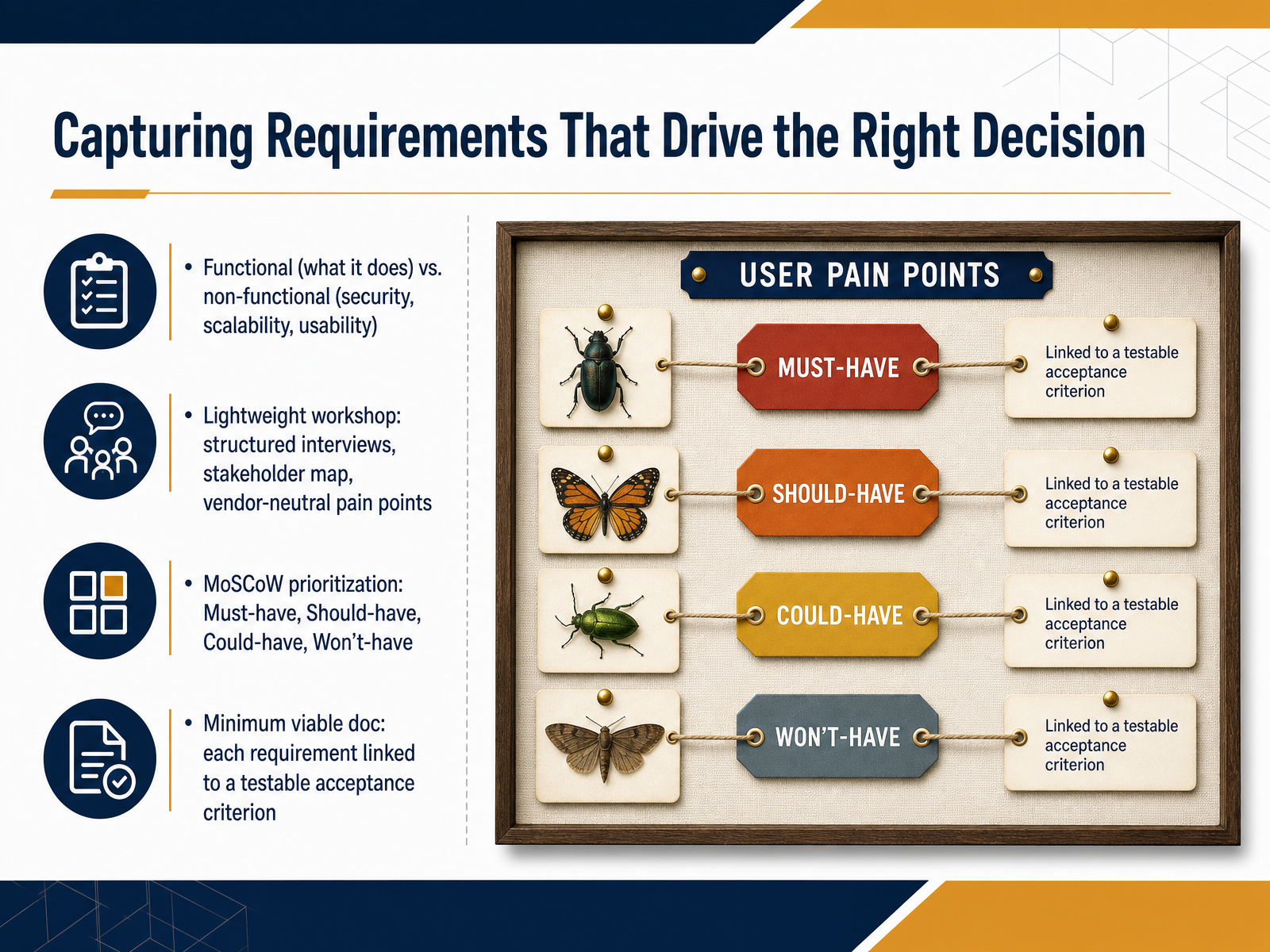
 - 04Capturing Requirements That Drive the Right DecisionNow, how you gather requirements makes all the difference between buying a tool that looks good in a demo and one that actually fixes your team's daily friction. Let's start with the two buckets you'll document. Functional requirements describe what the tool must do, like letting a team lead assign a task to an owner. Non-functional requirements cover how it performs, including security, scalability, and usability. Skip the jargon-heavy sessions. Run a lightweight workshop instead. Map your stakeholders, conduct structured interviews, and capture vendor-neutral pain points. Listen for where people say they're duplicating data or sitting in too many status meetings. That's your real spec. Once you have the list, apply MoSCoW prioritization. Separate the Must-haves from Should-haves, Could-haves, and Won't-haves. This keeps the demo conversation honest and prevents emotional wishlist items from driving the decision. Finally, build a minimum viable document. Every requirement needs a testable acceptance criterion. For example, instead of saying 'the tool should notify managers,' write 'when a task is overdue by one day, the assigned manager receives an email notification.' That clarity protects your team from expensive misunderstandings later. Up next, we'll explore the modern project management software landscape in twenty twenty-six.
 clickup.comlegalclarity.orgthesaaseducation.com+22 min
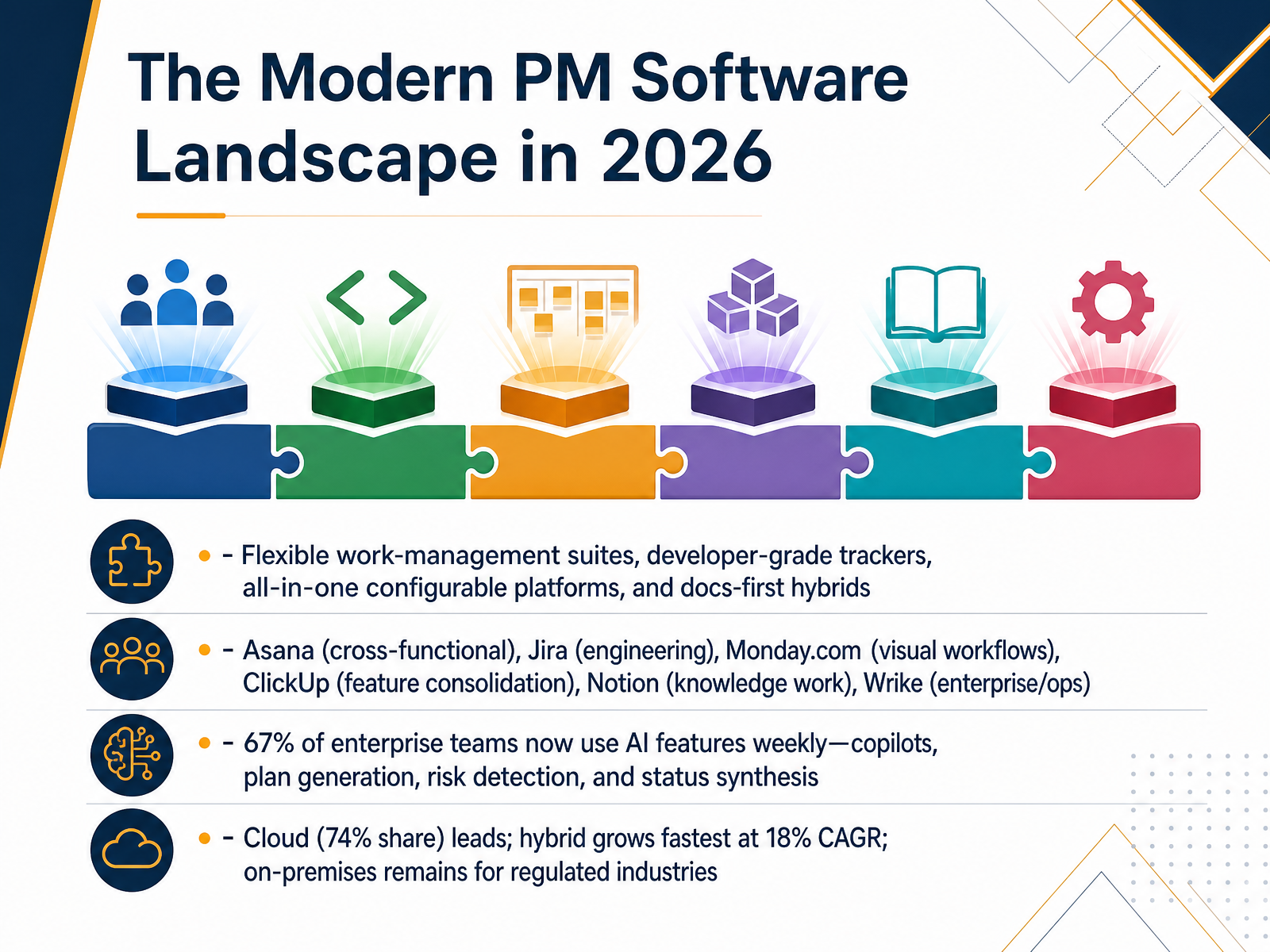
 - 05The Modern PM Software Landscape in 2026Now let's look at the modern project management software landscape. You are not just choosing between task lists anymore. The market splits into four main archetypes. Think flexible work-management suites for cross-functional teams, like Asana. Then developer-grade trackers like Jira, purpose-built for engineering sprints. You have all-in-one configurable platforms that prioritize visual workflows and feature depth, such as Monday.com and ClickUp. Finally, there are docs-first hybrids like Notion, where knowledge work drives the project structure. You compare these by mapping your team's day-to-day work to the right archetype, not by comparing feature checklists. A major shift you cannot ignore is AI adoption. Sixty-seven percent of enterprise teams now use AI features weekly. This is not a future trend. You will see AI copilots for plan generation, risk detection, and automated status synthesis inside these tools. On the deployment side, cloud holds the largest share, but hybrid deployment is growing fastest, especially for regulated industries that need local data control. We will unpack the AI capabilities that actually impact your project workflows next.
 mordorintelligence.comramp.comfuturemarketinsights.com+22 min
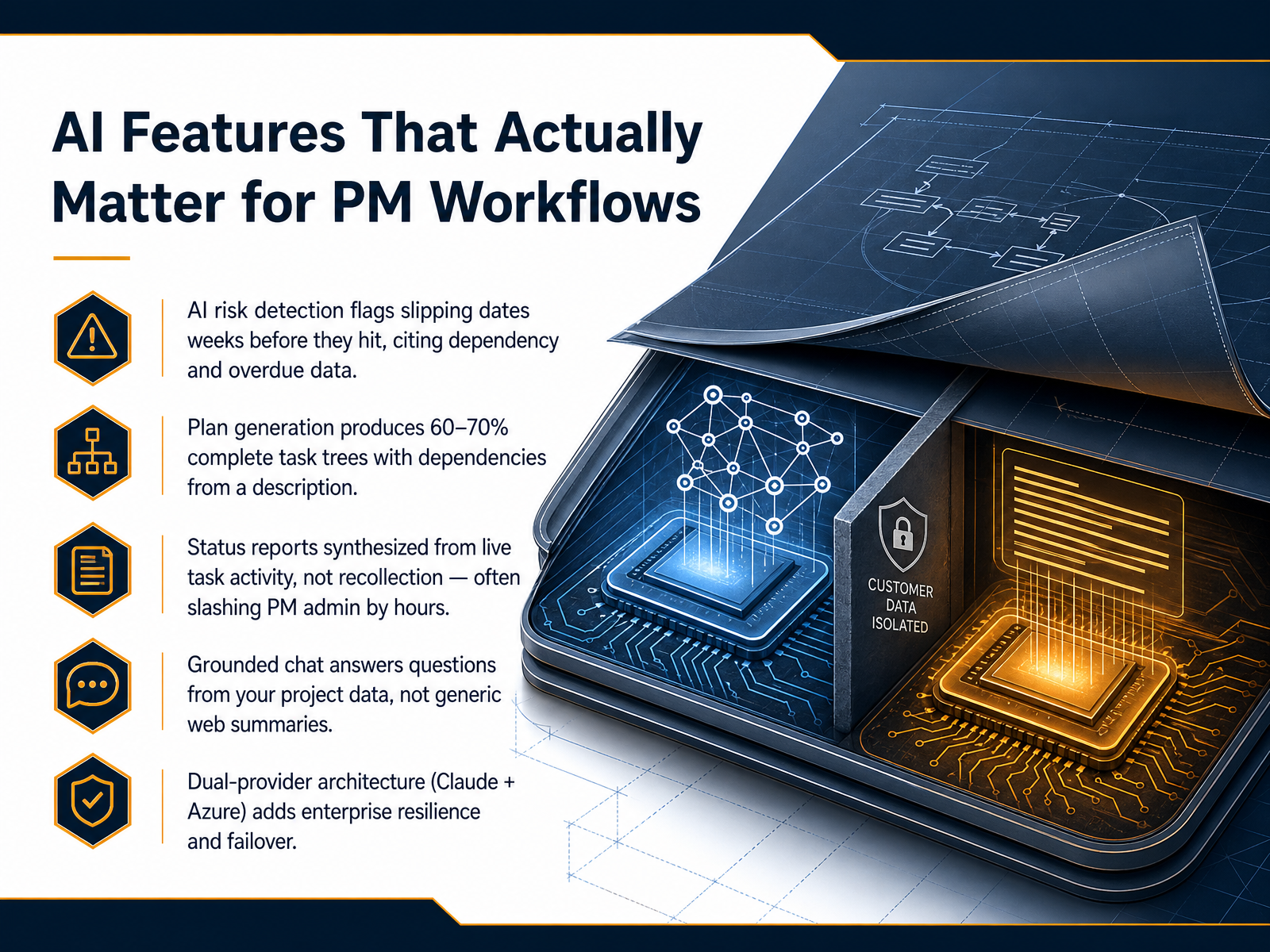
 - 06AI Features That Actually Matter for PM WorkflowsLet’s focus on the AI features that actually change how a project team works day to day, not the ones that just look good in a demo. The first is risk detection. Tools now scan your live schedule and flag slipping dates weeks before they hit, citing the specific dependency or overdue task causing the problem. You get an early warning, not a surprise. Next, plan generation. You describe a project in a few sentences and the AI produces a task tree with dependencies that’s about 60 to 70 percent complete. You’ll review and adjust it, but you start from a solid draft instead of a blank page. Status reports are another big time-saver. The AI synthesizes a report from live task activity, not from someone’s memory, which often cuts the weekly admin from hours down to minutes. Then there’s grounded chat. You can ask a direct question about your project, like who owns a blocked task, and get an answer cited from your actual project data, not a generic web summary. Finally, evaluate the underlying architecture. A dual-provider setup, like Claude plus Azure, gives you enterprise resilience. If one provider has an outage, the platform fails over automatically, so your team keeps working. These five capabilities are the ones to test. In the next section, we’ll build your evaluation and selection process.
 cplace.comonplana.comtechrepublic.com+22 min
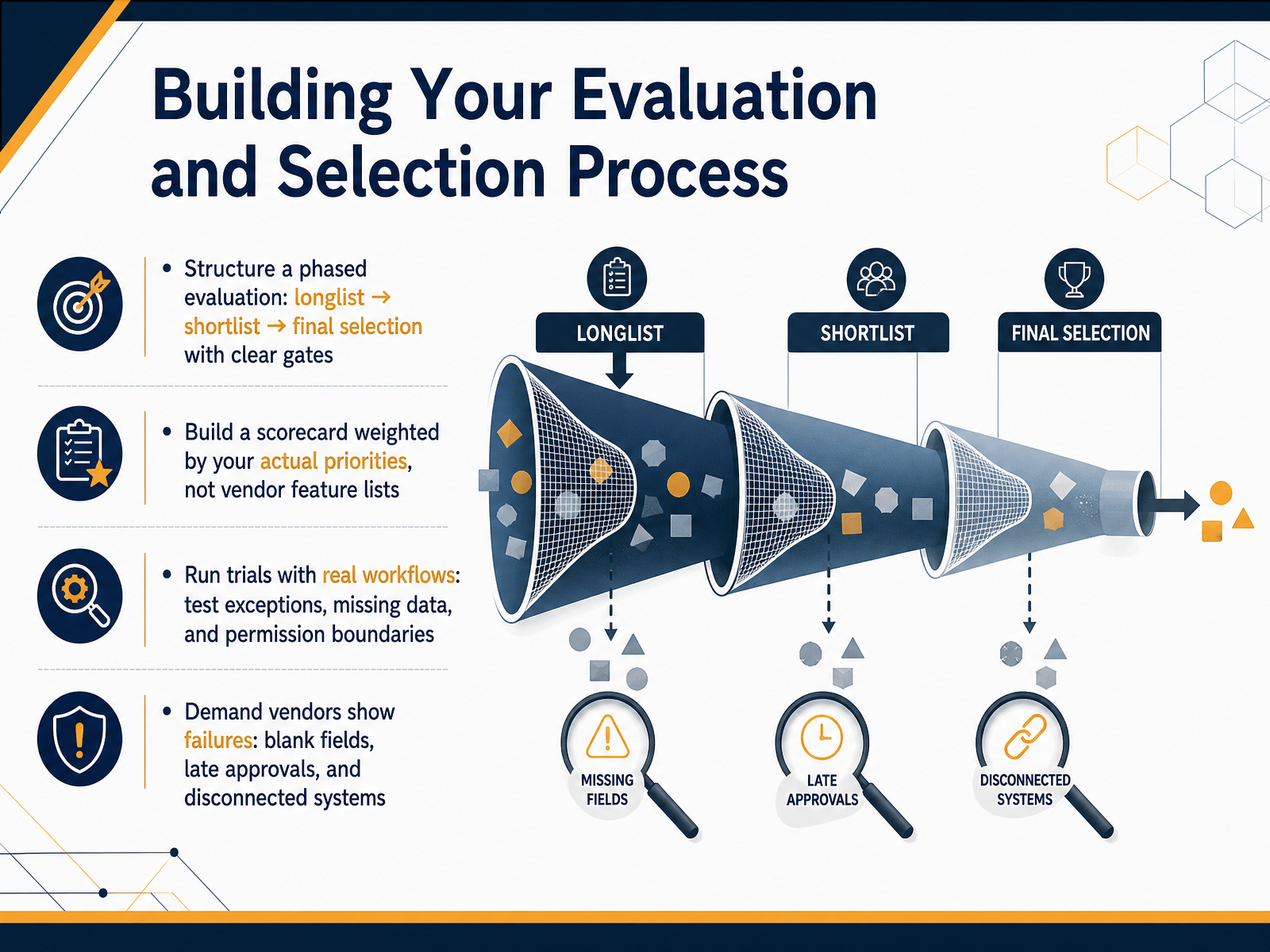
 - 07Building Your Evaluation and Selection ProcessNow let's build a real evaluation process, not just a beauty contest of feature lists. Start with a phased approach. Create a long list of tools, narrow it to a short list of two or three, and then make your final pick only after passing clear, objective gates. Next, build a scorecard. But weight it by your actual priorities, like cutting down on status meetings or clarifying task ownership, not by how many features a vendor lists on their website. Then, run trials with your real workflows. Don't just test the happy path. Throw in exceptions, missing data, and test what happens when someone lacks permissions. Finally, demand that vendors show you the failures. Ask them to demonstrate what a blank field looks like, what happens when an approval is late, or how the system behaves when a connected app is disconnected. A polished demo only tells you half the story. These steps shift the power back to you and filter for tools that hold up under your real-world pressure. Next, we'll look at total cost of ownership and ROI estimation.
 uk.pcmag.combrightfieldresearch.comaxis-intelligence.com+22 min
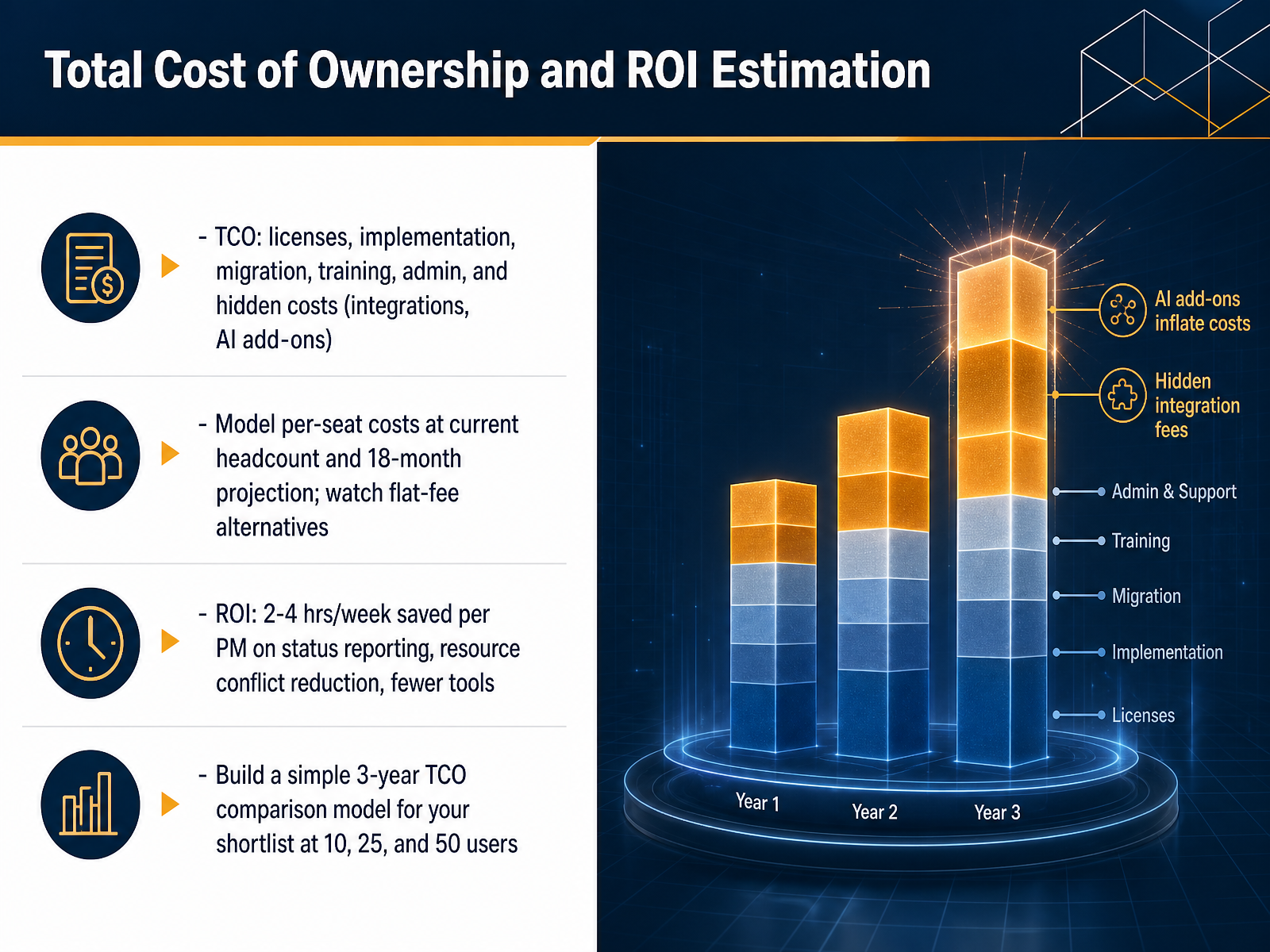
 - 08Total Cost of Ownership and ROI EstimationNow let's talk about the real cost. The headline price per user is just the starting point. You need to look at the total cost of ownership. This includes licenses, yes, but also the time and money for implementation, data migration, and training your team. Don't forget ongoing administration and the hidden costs that add up quickly, like integration fees and separate AI add-ons. Some tools charge an extra eight dollars per user per month just for AI features. You'll model the per-seat costs at your current headcount and project it out for eighteen months. When you do, compare it against flat-fee alternatives like Basecamp, which can save serious money for larger teams. Now think about the return on investment. The biggest gain is reclaiming time. Standardizing on a single tool typically saves each project manager two to four hours per week just on status reporting. You also reduce resource conflicts and eliminate the cost of overlapping tools. Build a simple three-year comparison model for your shortlist at ten, twenty-five, and fifty users. That one spreadsheet will clarify the financial decision faster than any demo. Next, we'll cover security, compliance, and data governance requirements.
 uk.pcmag.combrightfieldresearch.comaxis-intelligence.com+22 min
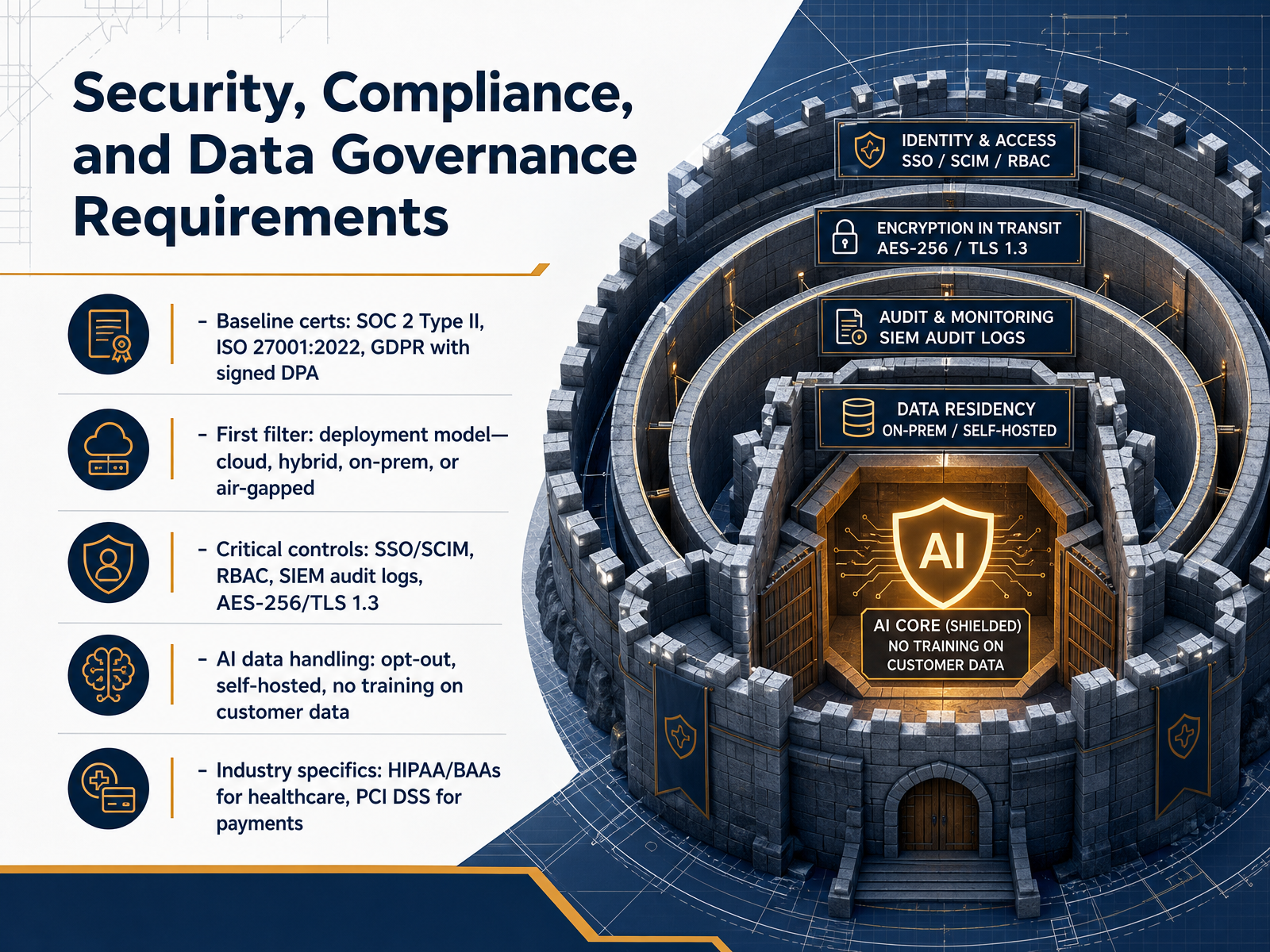
 - 09Security, Compliance, and Data Governance RequirementsNow let's move to the controls that your security team will scrutinize first: security, compliance, and data governance. Start your evaluation with the baseline certifications. Look for SOC Two Type Two, ISO twenty-seven-thousand-one from twenty twenty-two, and GDPR compliance backed by a signed Data Processing Agreement. But don't stop there. Your first hard filter should be the deployment model. Determine whether you need pure cloud, hybrid, on-premise, or even air-gapped infrastructure. This single decision immediately narrows your vendor list. Next, verify the critical day-to-day controls. You'll need single sign-on and SCIM provisioning, role-based access control, SIEM-integrated audit logs, and encryption using AES two-fifty-six and TLS one point three. With AI now embedded in so many tools, you must define data handling rules upfront. Confirm you can opt out of model training, and ideally, look for self-hosted AI processing where your data never leaves your perimeter. Finally, map industry-specific requirements. If you are in healthcare, confirm the vendor will sign a Business Associate Agreement for HIPAA. If you handle payments, mandate PCI DSS compliance. By treating these as immediate disqualifiers, not negotiation points, you save months of procurement dead ends. Next, we'll put all these criteria into action with the vendor security review checklist.
 2 min
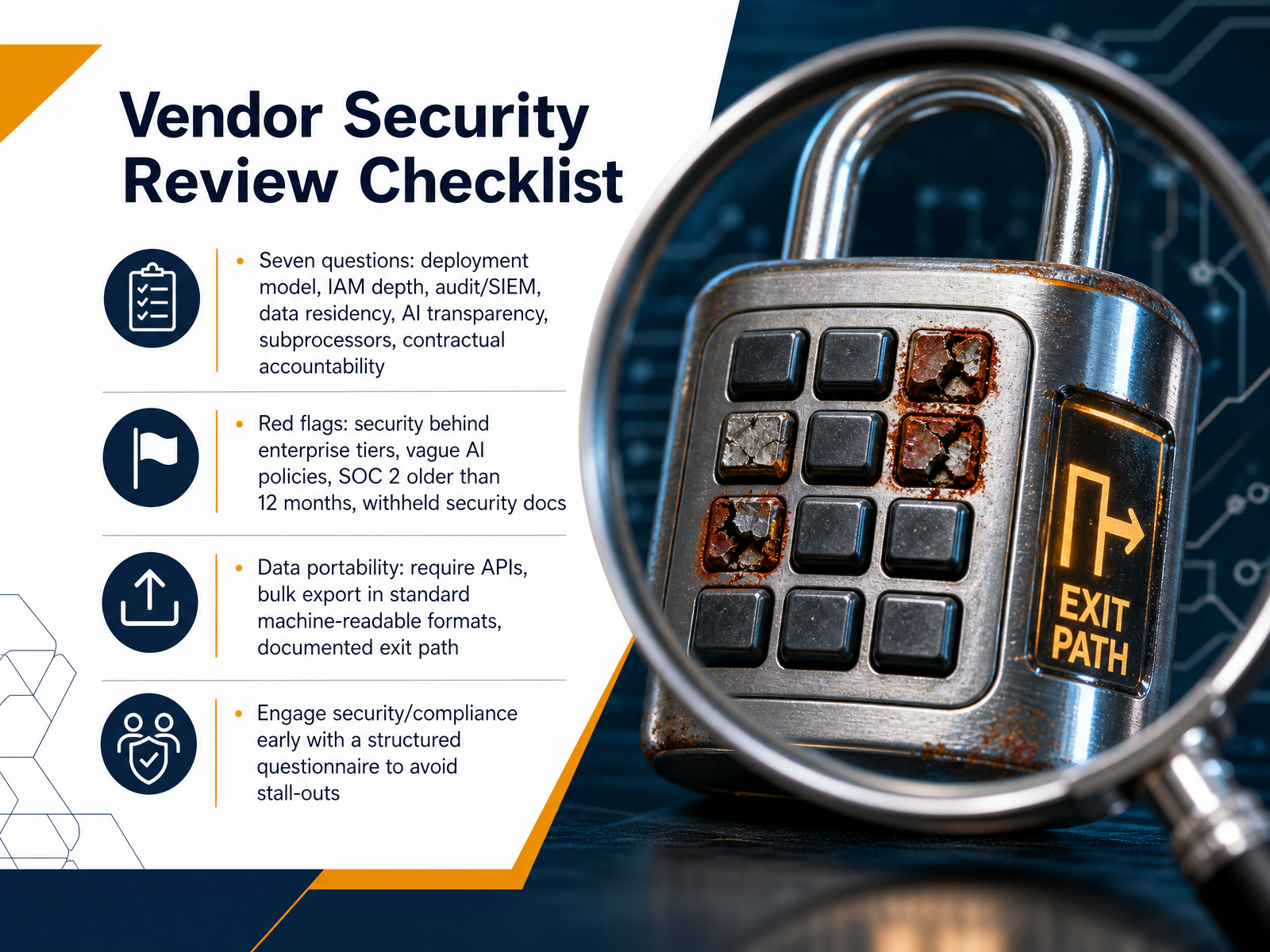
2 min - 10Vendor Security Review ChecklistLet's walk through the vendor security review checklist. Start with seven core questions. Ask about deployment models, identity and access management depth, audit and SIEM integration, data residency, AI data handling transparency, subprocessors, and contractual accountability. Next, identify red flags quickly. Watch for security controls locked behind enterprise tiers, vague AI policies, a SOC Two Type Two report older than twelve months, or vendors that withhold security documentation. Data portability is non-negotiable. Require APIs, bulk export in standard machine-readable formats, and a documented exit path. Most importantly, engage your security and compliance teams early with a structured questionnaire. This prevents later stall-outs and keeps your evaluation moving. Coming up, we'll structure implementation and migration for adoption.
 1 min
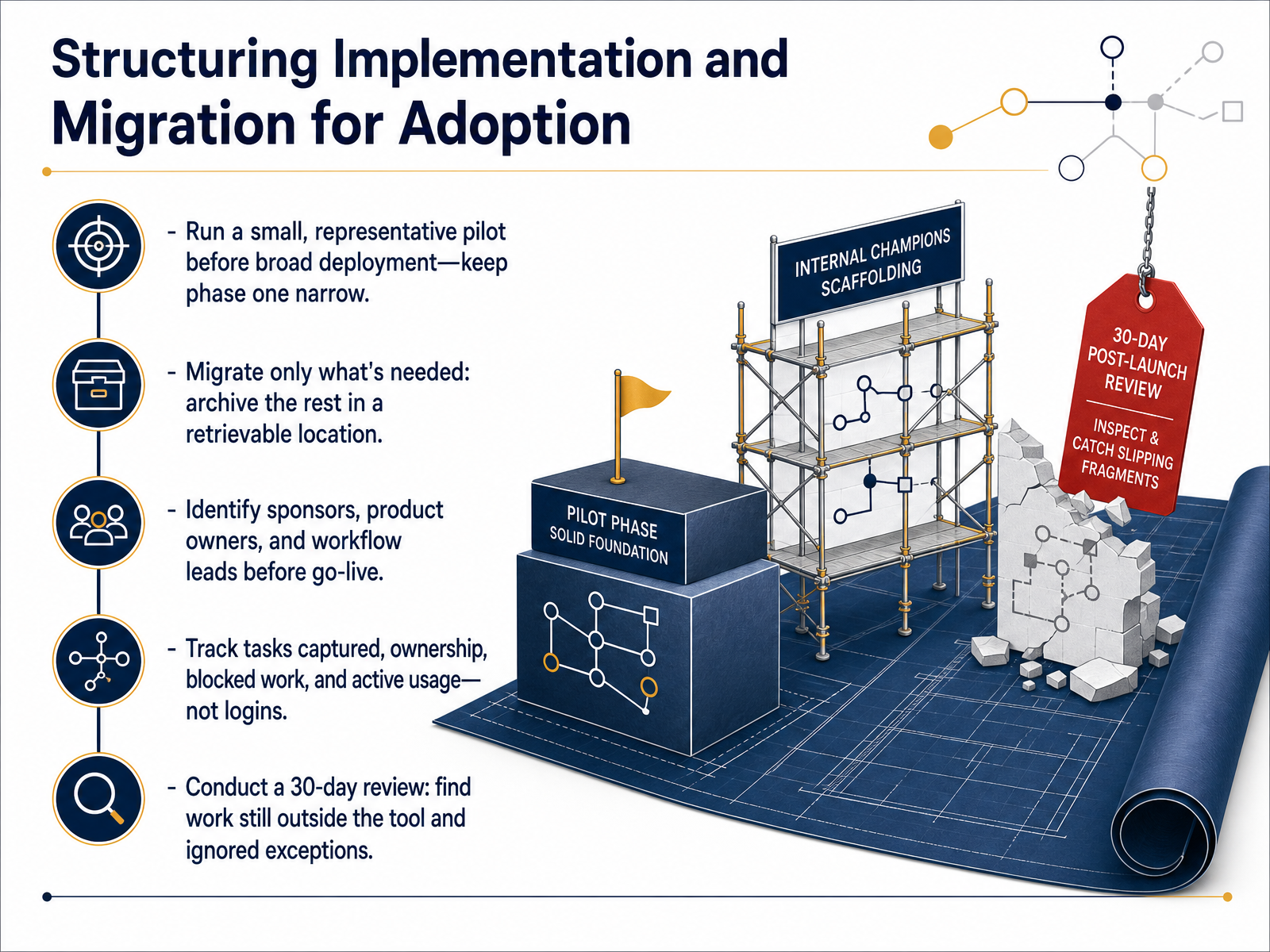
1 min - 11Structuring Implementation and Migration for AdoptionNow let's talk about implementation and migration, which can make or break adoption. You'll run a small, representative pilot before any broad deployment. Keep phase one narrow. Migrate only what people need for their everyday work. Archive the rest in a retrievable location, so it's still there but doesn't clutter the new tool. Before go-live, identify your sponsors, product owners, and workflow leads by name. Everyone must know who owns each process. Once you're live, track the tasks captured, clear ownership, blocked work that surfaces, and active usage. Don't measure logins. Measure whether work is actually moving through the system. Then, at thirty days, conduct a focused review. Find the work that still happens outside the tool and the exceptions that are being ignored. Adjust the configuration to pull that work in. This keeps your project grounded in real behavior instead of wishful thinking. Next, we'll cover change management and training that sticks.
 clickup.comlegalclarity.orgthesaaseducation.com+21 min
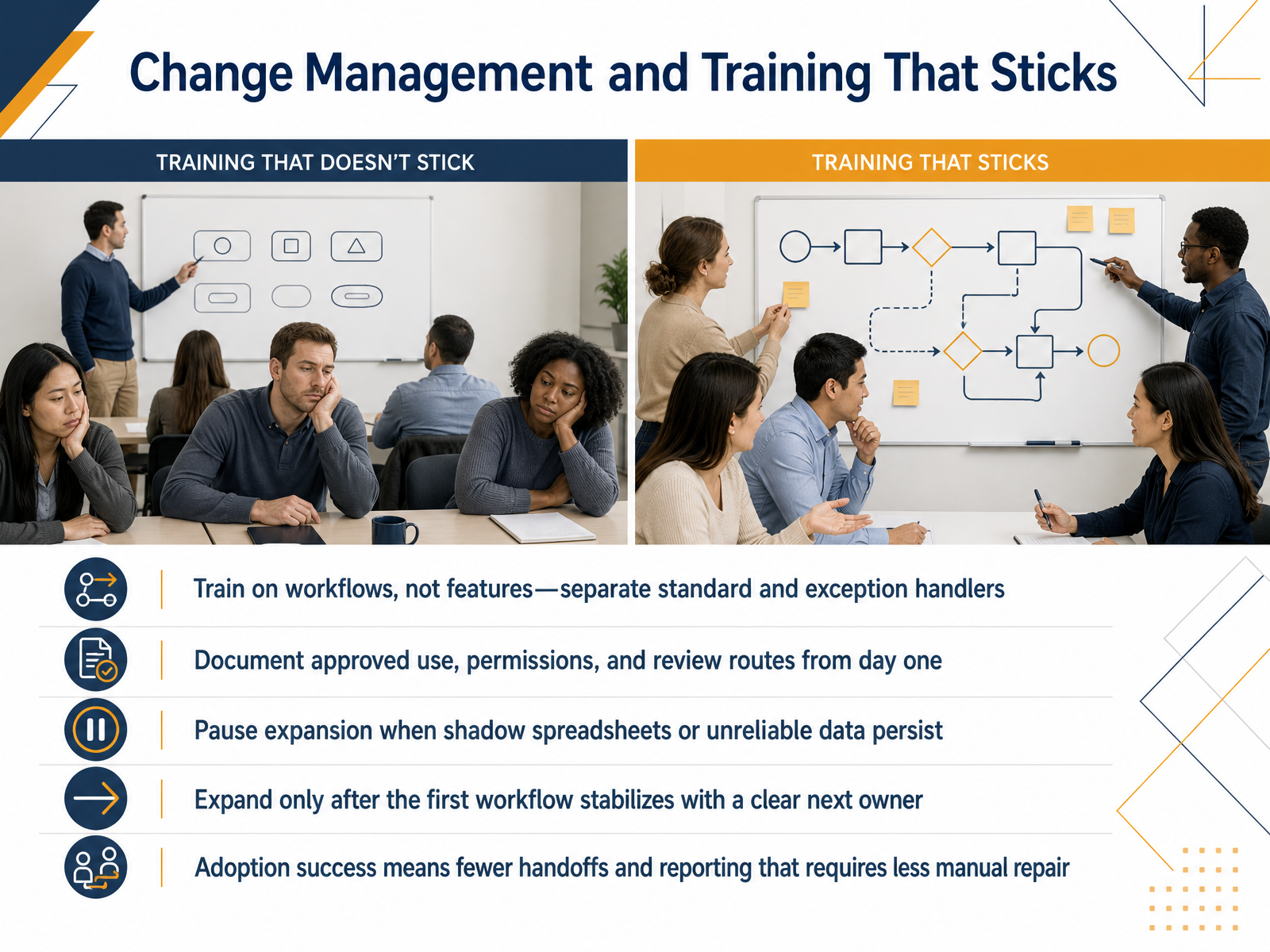
 - 12Change Management and Training That SticksLet’s talk about making the tool stick after you’ve picked one. Train people on real workflows, not just features. Separate how standard work gets done from the path for exceptions, so nobody freezes when a task doesn’t fit the happy path. Document the approved use, permissions, and review routes from day one. That becomes your single source of truth. If you see shadow spreadsheets pop up or data you can’t trust, pause. Stop expanding features until the first workflow is stable and has a clear owner who can coach others. Real adoption success looks like fewer handoffs between people and reporting that requires less manual cleanup. That’s the actual outcome you’re paying for. Next, we’ll look at how to lock in those gains with continuous improvement and lightweight governance.
 clickup.comlegalclarity.orgthesaaseducation.com+21 min
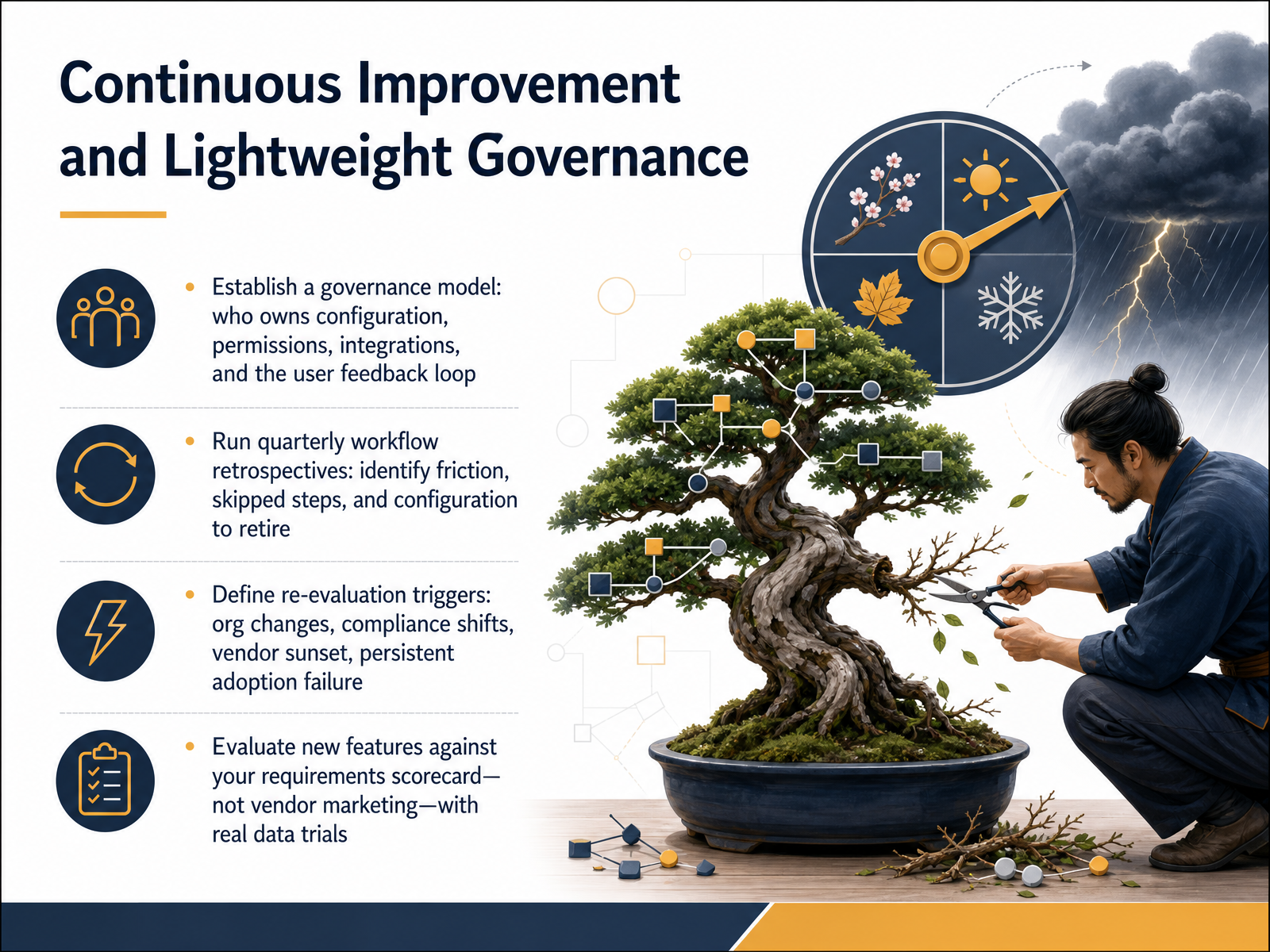
 - 13Continuous Improvement and Lightweight GovernanceNow let's talk about keeping your tool useful long after launch. Governance doesn't mean heavy bureaucracy. It means being clear about who owns what. You'll name one person who owns configuration, another who manages permissions, and someone responsible for the integration and user feedback loop. This prevents configuration drift and shadow changes that break trusted workflows. Next, schedule quarterly workflow retrospectives. Treat these like a focused health check. Ask the team: where are people skipping steps, what fields are never used, and which notifications do they ignore? Remove what adds friction instead of clarity. You'll also define re-evaluation triggers. Common ones are a major org restructure, a new compliance requirement, a vendor announcing end-of-life, or persistent adoption failure below your baseline. These triggers prevent you from running on autopilot with a tool that no longer fits. Finally, when the vendor releases new features, evaluate them against your original requirements scorecard, not their marketing. Run a real data trial with a small group before rolling anything out to everyone. This keeps your project stack lean, trusted, and actually used by the people doing the work. Up next, we'll summarize the key takeaways and outline your next steps.
 clickup.comlegalclarity.orgthesaaseducation.com+22 min
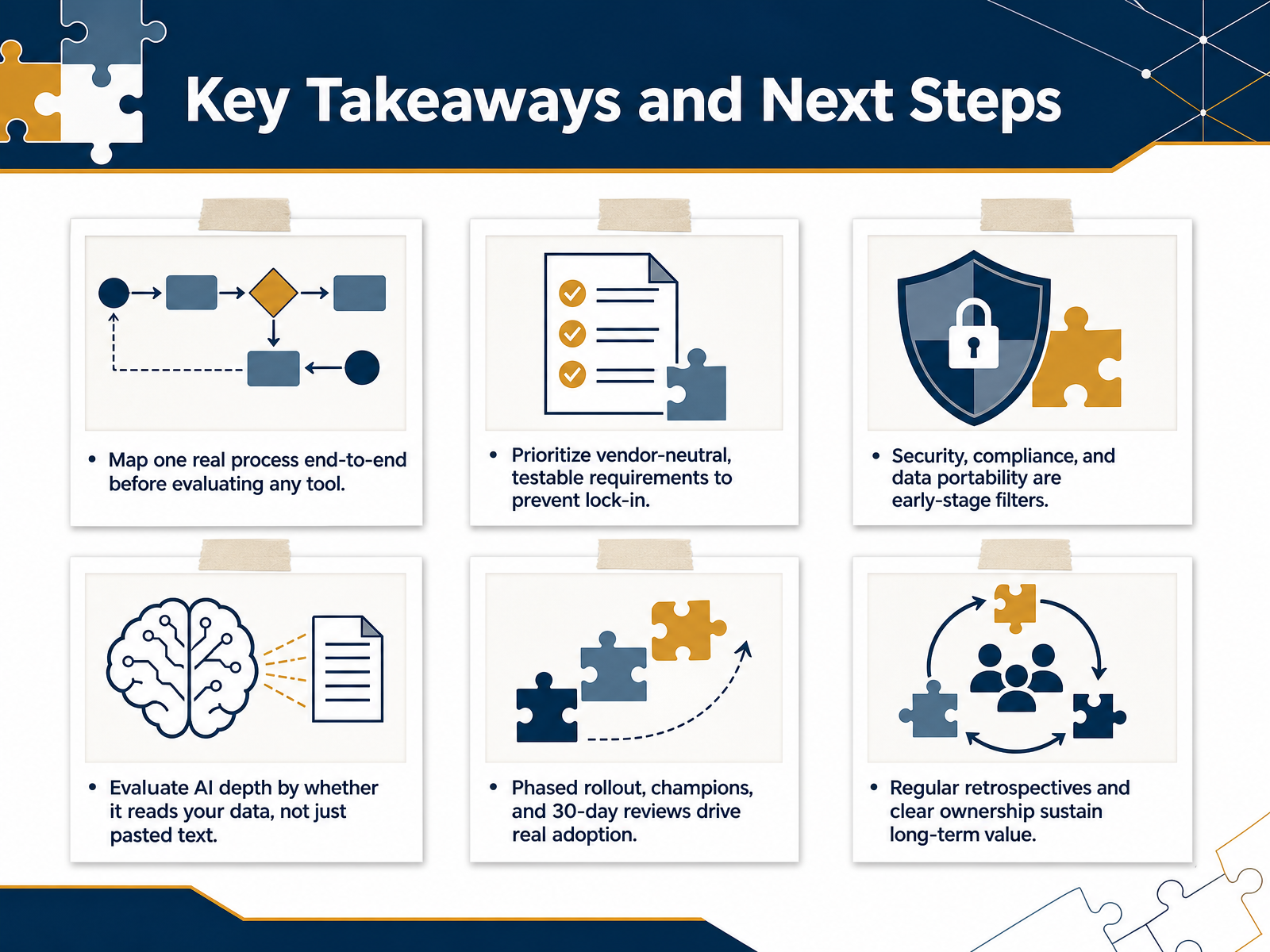
 - 14Key Takeaways and Next StepsHere we are at the final slide. This is your consolidated action plan. First, map one real process end-to-end before you evaluate any software. You'll spot the real friction points that a tool actually needs to solve. Second, lock in vendor-neutral requirements early. This prevents lock-in and keeps your options open. Third, treat security, compliance, and data portability as early-stage filters, not afterthoughts. If a vendor can't sign the right agreements or export your data cleanly, they're off the list. Fourth, when you hear AI, ask whether it reads your actual project data or just pasted text. The real value comes from context-aware risk detection and scheduling, not a chat sidebar. Fifth, adoption doesn't happen by itself. Plan a phased rollout with champions and thirty-day reviews. People need to feel the reduction in meeting time and manual status chasing to trust the tool. Finally, regular retrospectives and clear ownership are what sustain value year after year. The software market keeps growing, but success still comes down to disciplined process, honest vendor evaluation, and the team's willingness to use the tool daily. Thank you for working through this with me. Now, go choose the tool that fits your real workflow, roll it out in phases, and measure what actually improves.
 mordorintelligence.comramp.comfuturemarketinsights.com+22 min
Take the deck with you
Download this course as a file — free, no sign-up needed.
- PDF handoutEvery slide page, ready to print or share.15 pages · 4.6 MBDownload
- Narrated PowerPointThe deck that presents itself — every slide carries the digital human's narration video.15 pages · 17.6 MBDownload
- PowerPoint slidesThe full deck as a .pptx — open it in PowerPoint, Keynote, or Google Slides.15 pages · 4.5 MBDownload
Free to use in your own training — please keep the PersonWise credit page at the end.
Have your own deck? Turn it into a course
Sources consulted
Web sources consulted while building this course.
- Project Management Software Systems Market Size Report ... — mordorintelligence.com
- Project Management Software Market Share & Growth — ramp.com
- Explore the Global Project Management Software Market — futuremarketinsights.com
- PM Software Trends 2026: What Buyers Need to Know — clickup.com
- Project Management Software Market Trends, Share Report 2026 — thebusinessresearchcompany.com
- How to Write Project Requirements Documents with Examples — clickup.com
- How to Write a Project Management Requirements Document - LegalClarity — legalclarity.org
- Project Management Software Checklist — thesaaseducation.com
- Software Requirements Specification (SRS) Document: How to Create in Simple 7 Steps — aqua-cloud.io
- How to Write System Requirements Specifications Documents | SPD Technology — spd.tech
- AI that does the work, not just the demo | cplace — cplace.com
- AI Project Management in 2026: 5 Workflows That Ship Today — onplana.com
- 9 Best AI Project Management Tools — techrepublic.com
- AI Agents for Project Management 2026: Build a PM Agent Team | Taskade Blog — taskade.com
- AI Project Management Software | How Onplana Uses AI for Plans, Risk, and Status | Onplana — onplana.com
- The Best Project Management Software for 2026 — uk.pcmag.com
- Project Management Software: 2026 Benchmark — brightfieldresearch.com
- Best Project Management Software 2026: 12 Platforms Tested and Compared - Axis Intelligence — axis-intelligence.com
- "How to Choose Project Management Software (2026 Guide)" — resources.rework.com
- Best Project Management Software 2026: The Ultimate Comparison of 24 Tools Across Pricing, Features & User Reviews — ProjectMgmtTools — projectmgmtools.net