Begin
12 pages · ~24 min
Designing Offline States
Learn to design effective offline states for mobile apps, ensuring seamless user experiences when connectivity is lost.
A digital instructor presents all 12 pages. Hold “Ask” at any point and ask out loud — the answer comes from this course. No sign-up needed.
What you’ll learn
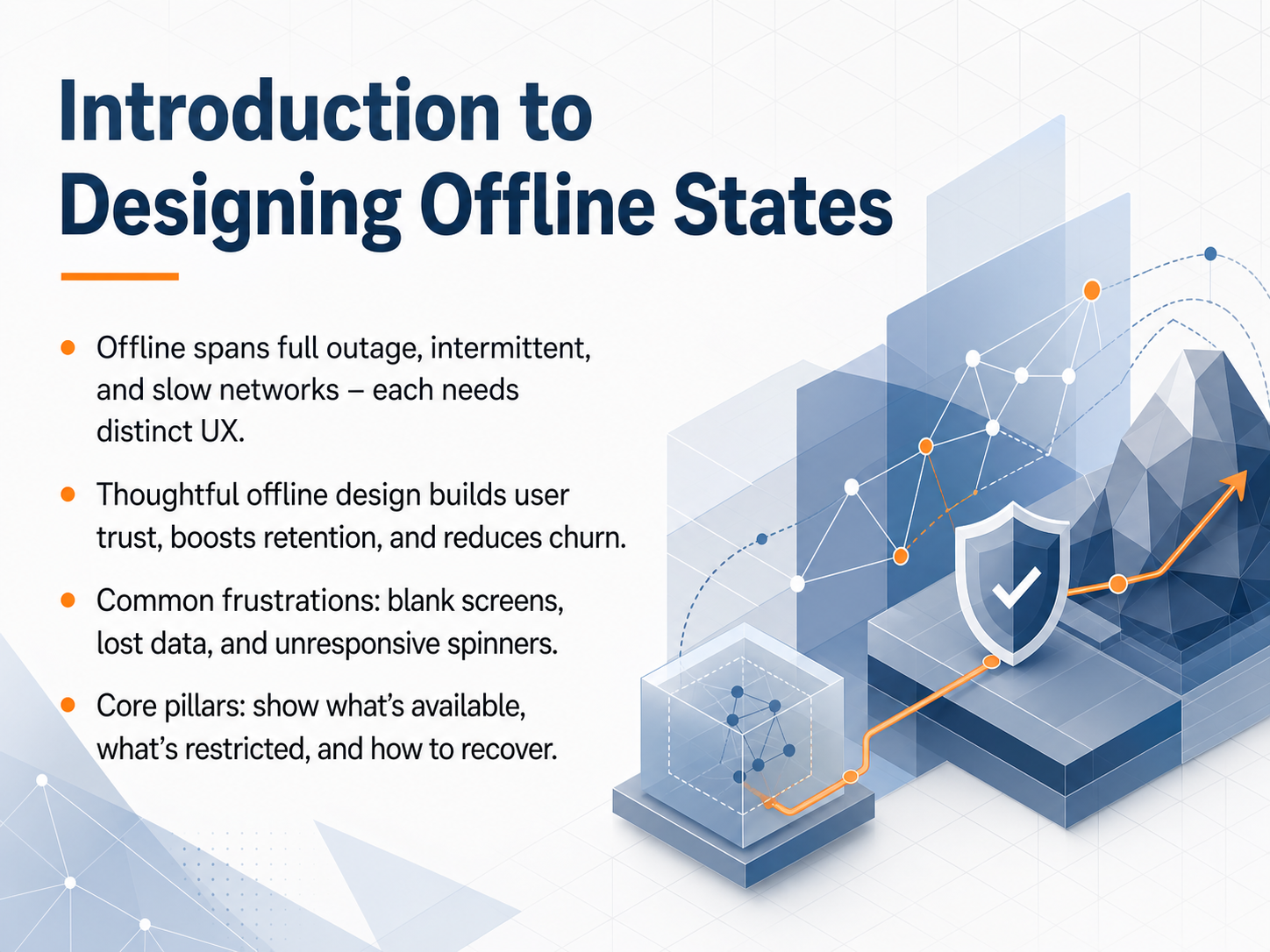
- 01Introduction to Designing Offline StatesWelcome. In this module, we will explore how to design for offline states. Our goal is to help you handle situations where your learners face full outages, spotty connections, or very slow networks. Each of these conditions needs a distinct user experience. Thoughtful offline design does more than prevent blank screens or lost data. It actively builds trust, keeps people engaged, and reduces the chance they will leave your platform out of frustration. The core approach rests on three clear pillars. First, always show what content is still available. Second, make it obvious what is temporarily restricted. Third, provide a clear, simple path for restoring full access when the connection improves. Let's begin by looking at how different types of connectivity problems actually affect the people using your product.developer.chrome.comelysiate.comdeveloper.mozilla.org+21 min
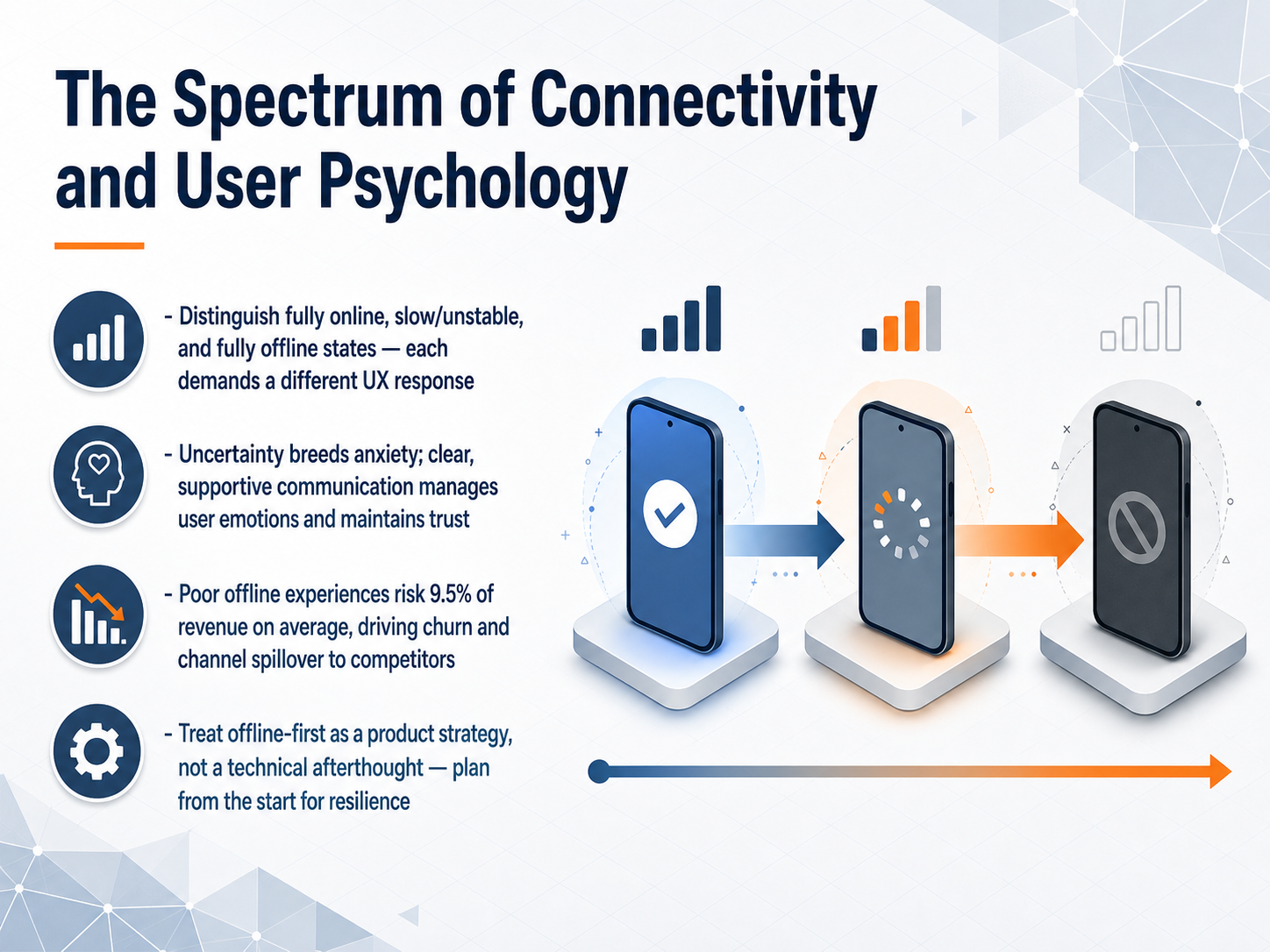
- 02The Spectrum of Connectivity and User PsychologyConnectivity is rarely just on or off. It exists on a spectrum, and each state demands a different response from your product. At one end, you have a fully online user. In the middle, there is the slow or unstable connection, where requests hang and nothing feels certain. At the other end, the device is fully offline. Your interface needs to react distinctly to each of these conditions; a spinner that works for a slow network is just misleading when there is no network at all. Uncertainty breeds anxiety. When users cannot tell if a task completed or if data was lost, they lose trust in the entire application. Clear, supportive communication becomes your primary tool for managing their emotions. This is not just about feelings; poor offline experiences put real revenue at risk. Research shows that, on average, organizations risk losing about nine and a half percent of their revenue because of bad digital experiences. It drives churn and pushes users toward competitors. The takeaway is this: resilience cannot be an afterthought. You should treat offline-first as a core product strategy, planned from the start, not just a technical patch added at the end. Now that we understand the spectrum, let's look at how to accurately detect these states on the user's device.
 developer.chrome.comelysiate.comdeveloper.mozilla.org+22 min
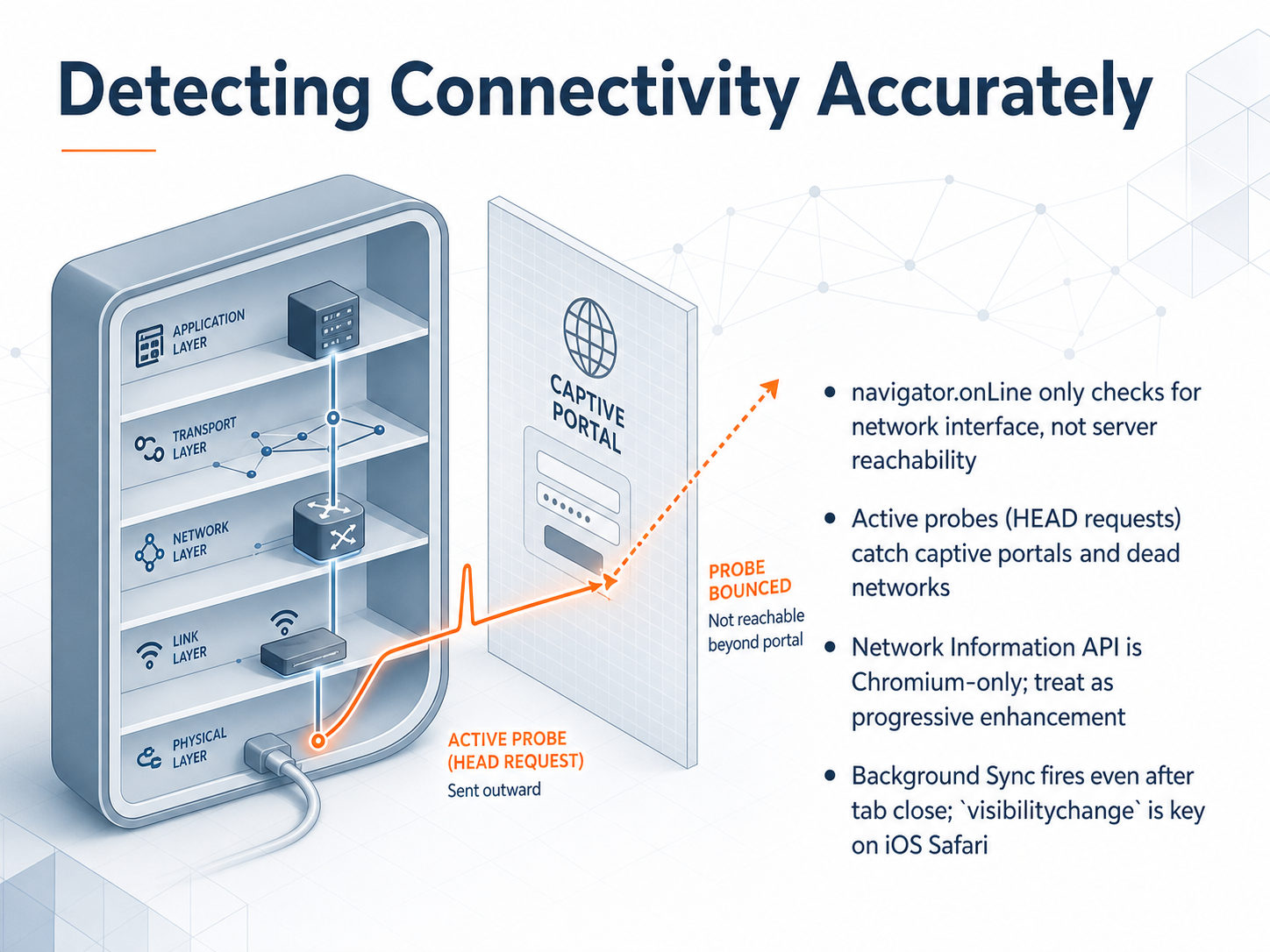
 - 03Detecting Connectivity AccuratelyNow, let's talk about detecting connectivity accurately. The browser gives us a simple tool called navigator dot online. But it only checks for a network interface, like a Wi-Fi radio being on, not whether your server is actually reachable. Behind a captive portal or a dead network, it still reports true. To confirm real connectivity, we use an active probe, typically a lightweight HEAD request to your own server. This catches those hidden blockages. The Network Information API can give us richer hints, like the connection type or signal strength, but it is only available in Chromium browsers. Treat it as a progressive enhancement, never your only source of truth. For recovery, Background Sync can fire even after a tab closes, which is powerful on supported browsers. On iOS Safari, though, it is unavailable, so we rely on the visibility change event as the primary trigger for draining queues. In short, trust the probe, not the interface, for knowing when you are truly back online. Next, we will explore communicating what is available, what is restricted, and the exact steps to recover.
 wicg.github.iowebshareapi.comblog.openreplay.com+21 min
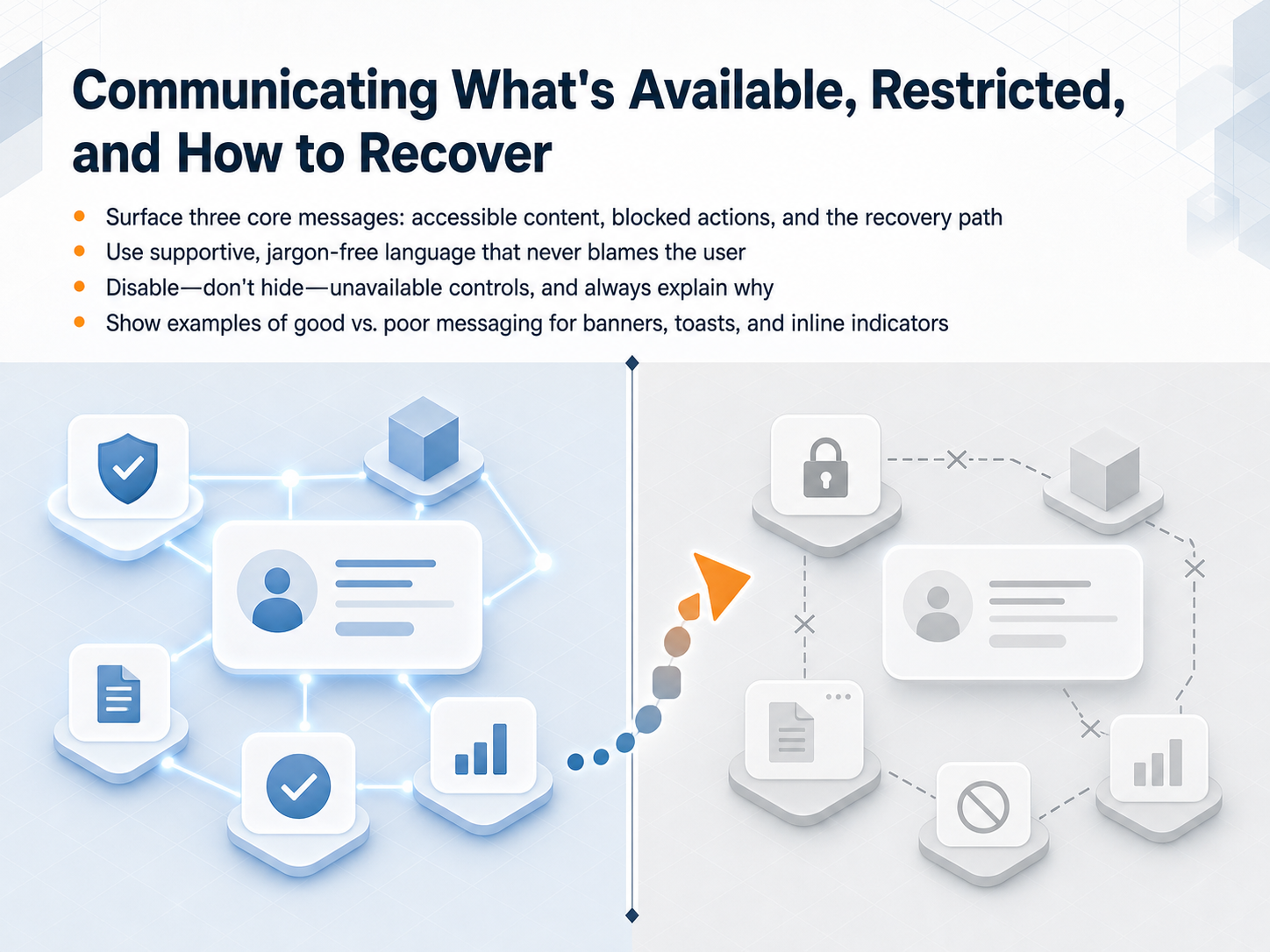
 - 04Communicating What's Available, Restricted, and How to RecoverBuilding on those foundations, let's talk about how to clearly communicate what's available, what's restricted, and how to recover. When a user is offline, their experience should be built around three core messages. First, name what content and actions they can still use right now. Second, show exactly what is blocked and explain why. Third, always provide a visible path to reconnect and restore full access. Use supportive, jargon-free language that never blames the user for their connection. A helpful phrase is, 'You are offline. You can still view your saved reports.' This feels much better than a cold error code. A critical design rule is to disable unavailable controls, but never hide them. Keep the button visible with a clear explanation, like 'Submit requires a connection.' Hiding controls only creates confusion. Let's compare good and poor messaging across common patterns. For a banner, a good example reads 'Offline, changes saved locally' instead of a generic warning icon alone. For a toast, say 'Two photos queued for upload' rather than a silent success checkmark. For inline indicators, label a stale record as 'Last updated two hours ago,' not just grayed out. These small word choices make a big difference in user trust. Next, we will move into caching strategies for reliable content.
 uxpatternsguide.comuxpatternsguide.comcoderlegion.com+22 min
 - 05Caching Strategies for Reliable ContentNow let's look at the caching strategies that make reliable content possible. Think of each strategy as a rule that decides where to fetch a file first. For versioned static assets like JavaScript, CSS, and fonts, we use a cache-first strategy. Because the filename contains a unique hash, the content never changes, so serving it from cache is always safe and instant. For fresh API data, we use a network-first strategy. The app tries the network, and if it fails, it falls back to the last saved version. This avoids showing truly stale business data. Another pattern is stale-while-revalidate. The app serves cached content immediately, so the user sees something right away, then silently updates the cache in the background. The next visit gets the fresh version. We also pre-cache the app shell at install time. This guarantees that the main UI structure renders instantly, even without a network connection. To keep users informed, we label content with freshness indicators. These show what is live, what is cached, and what might be slightly stale. And to respect storage limits, we use cache versioning and clean up old caches during the activate event. This prevents storage bloat and ensures offline always uses the correct assets. Next, we will build on these strategies to handle actions when offline, in 'Designing Action Queues and Offline Writes.'
 developer.chrome.comelysiate.comdeveloper.mozilla.org+22 min
 - 06Designing Action Queues and Offline WritesNow let's look at how to design the action queue itself so users stay confident while offline. First, save every action into a local foreground queue and mark it with a clear pending indicator. The user should see that their work is captured and safe on the device. It is equally important to separate two different conditions visually: waiting to sync and failed to sync. Waiting items need a quiet, informational label. Failed items demand a more prominent alert and a clear decision, like a retry or cancel button right next to the error. To protect data, every action must carry an idempotency key and a stable request ID. These technical guards prevent duplicate writes if a retry occurs, so the server processes the same action only once. Give users manual controls. They need a retry now button, the ability to cancel queued items, and a visible outbox list where they can review everything that is waiting. Finally, and most critically, never claim server success for an action that is only stored or queued locally. The interface must never show a success checkmark until the server has truly confirmed the write. Next, we will explore sync and conflict resolution patterns to handle what happens when those queued actions finally reach the server.
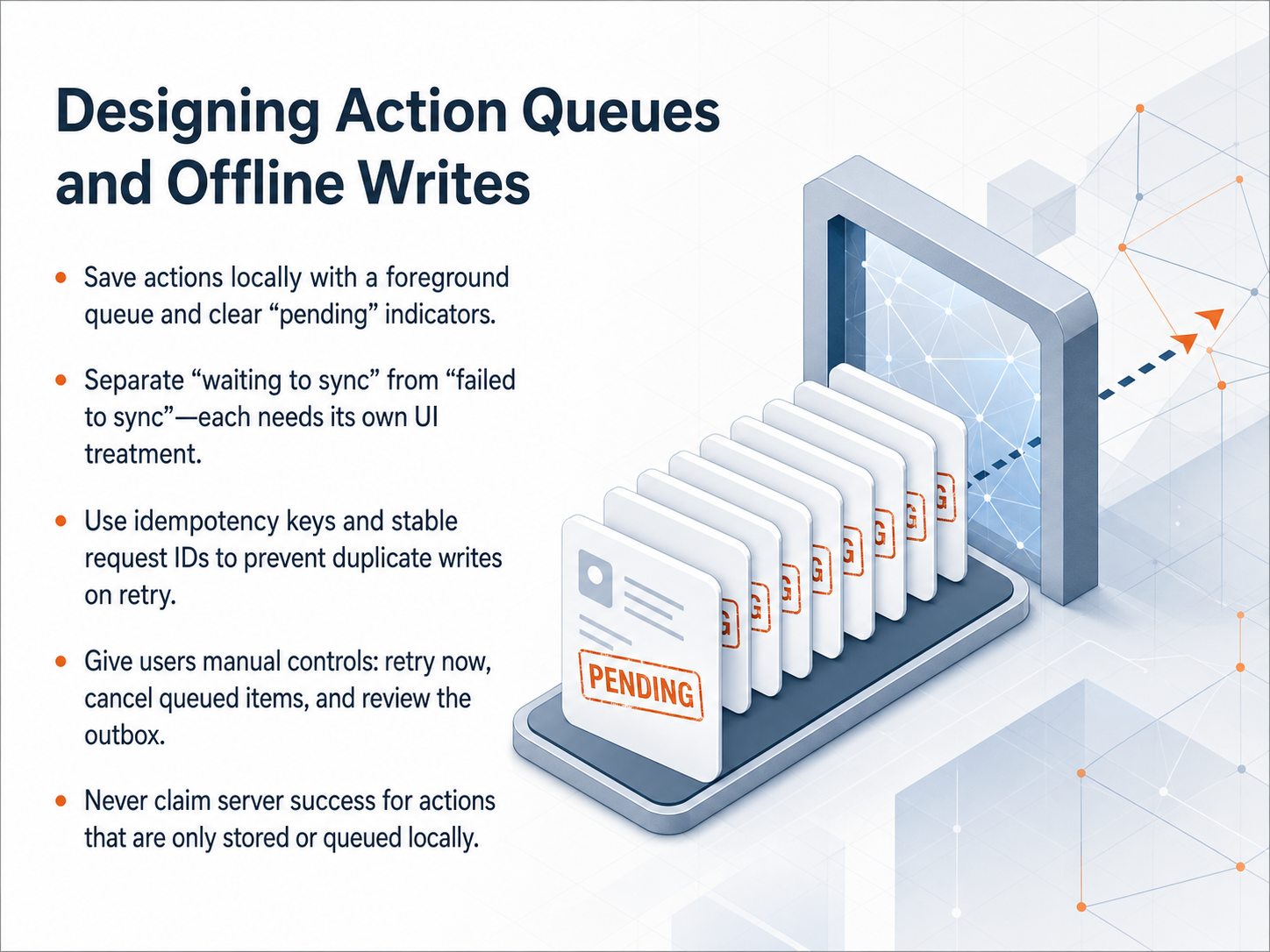 uxpatternsguide.comuxpatternsguide.comcoderlegion.com+21 min
 - 07Sync and Conflict Resolution PatternsNow let's talk about sync and conflict resolution patterns. First, decide when sync happens. You can choose automatic triggers, often called background sync, or manual ones, like responding to the browser going back online. Automatic triggers are great for a seamless experience, but manual fallbacks ensure compatibility across all browsers. Second, define your conflict rules before they happen. Three common patterns are last-write-wins, which is the simplest. You can also use a merge strategy to combine changes. Or, you can let the user decide by presenting a clear choice like keep mine. Third, show sync progress clearly. Use simple, honest labels such as Syncing, All changes synced, or Needs attention. A final critical rule: never claim a server save when data is only queued locally. This breaks trust. If the data lives on the device, say so. Transparency keeps users calm and informed. Next, we will move into recovery paths and graceful degradation.
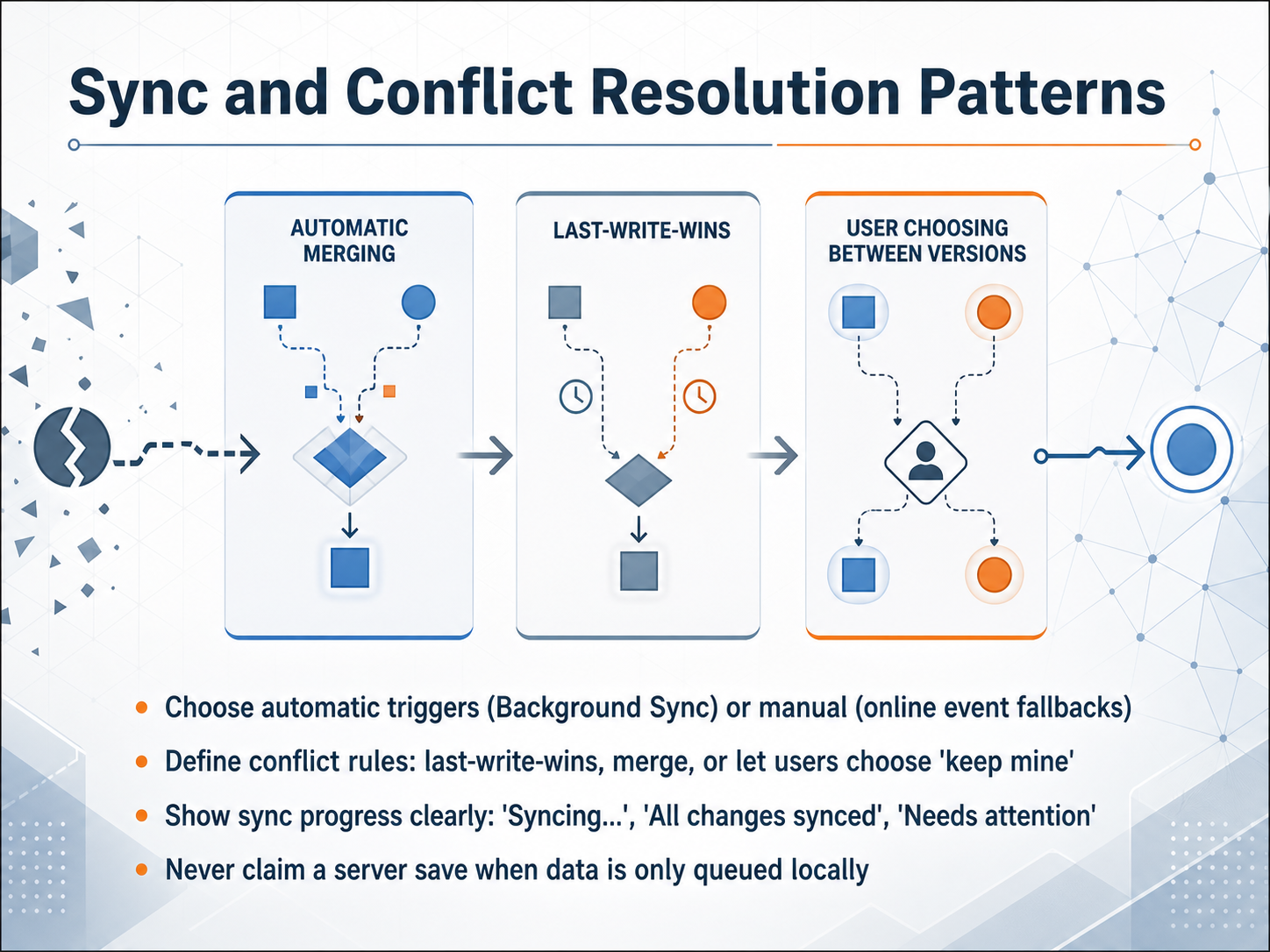 developer.chrome.comelysiate.comdeveloper.mozilla.org+22 min
 - 08Recovery Paths and Graceful DegradationNow let’s bring everything together with concrete recovery paths and the idea of graceful degradation. When connectivity drops, the interface should first attempt an immediate retry, then switch to automatic backoff so it doesn’t flood the network. And always give users a visible cancel control so they’re never stuck waiting. For what to show in the meantime, provide a real offline fallback—either a cached version of the page or a dedicated Outbox screen listing queued actions with their status. Before those queued actions sync, check whether the auth token is still valid; if it has expired, route the user to reauthentication first, so the queue doesn’t fail with a silent permission error. Equally important is warning users before data loss happens. Alert them on unsaved exits, notify them when local caches are nearly full, and explain what will happen if the sync queue is exhausted. These warnings turn potential data loss into an informed choice. To summarize: design immediate retry, backoff, and cancel. Provide cached or Outbox fallbacks. Verify authentication before sync. And warn early about unsaved work, full storage, and exhausted queues. Up next we’ll look at cross-platform and platform-specific conventions that shape these patterns.
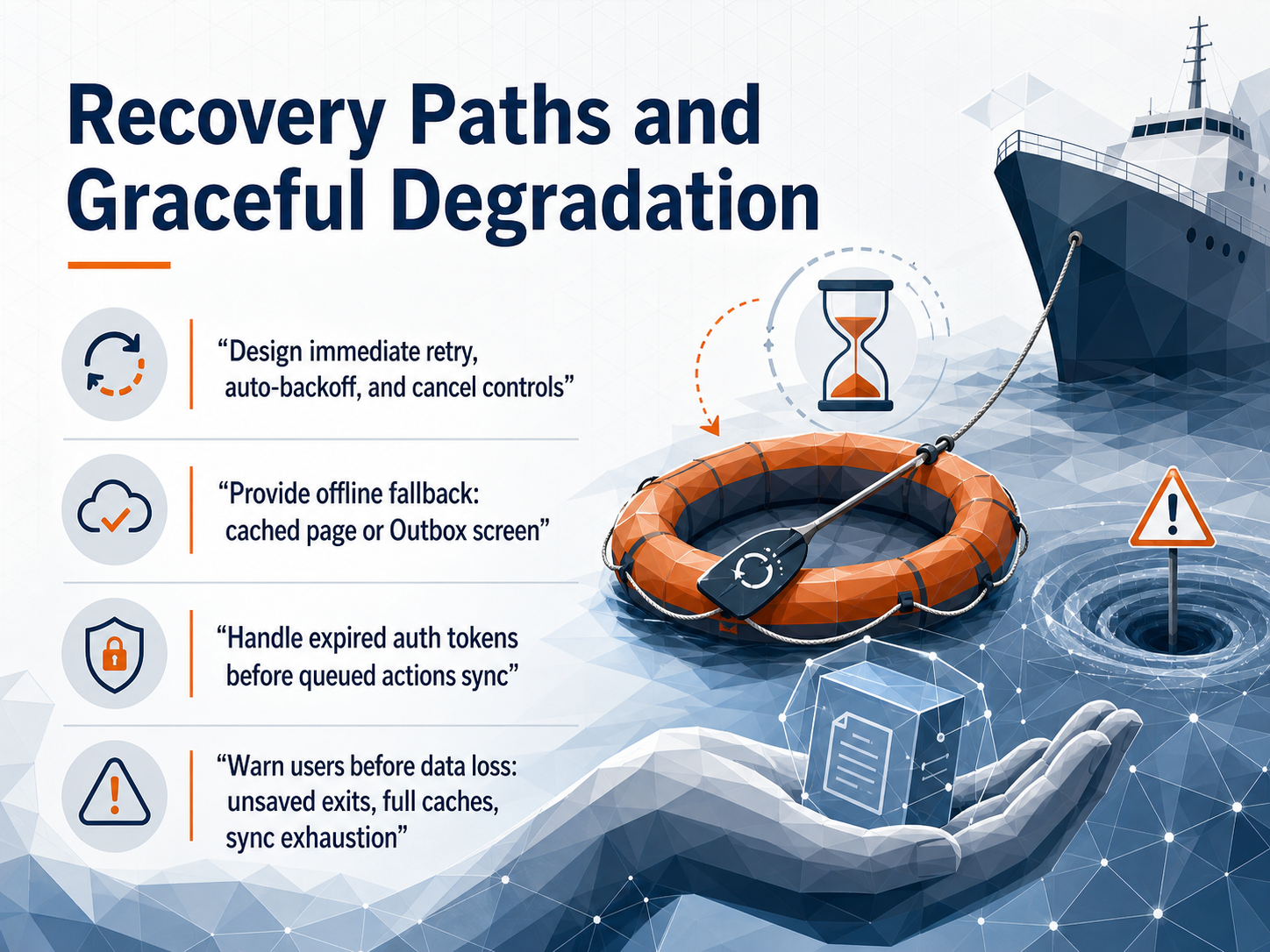 uxpatternsguide.comuxpatternsguide.comcoderlegion.com+22 min
 - 09Cross-Platform and Platform-Specific ConventionsNow let’s explore how offline conventions vary across platforms. Mobile native experiences on iOS and Android come with built-in status bar indicators, so adding a duplicate offline banner creates unnecessary noise. Respect what the operating system already shows the user. On desktop web and progressive web apps, browser-level UI signals are available, but remember that Safari lacks Background Sync and desktop online events can be unreliable. Always confirm actual server reachability with an active probe rather than trusting the event alone. Certain contexts demand extra care. Embedded or kiosk devices, field-service tablets, healthcare terminals, and low-storage phones all have unique constraints. Safari’s absence of Background Sync means you must trigger queue drains on visibility change. Android WebView limits service worker capabilities, and a desktop laptop may stay logically online while the server is unreachable. The rule is simple: rely on platform conventions, avoid redundant signals, and always verify the real connection with a lightweight network probe. Next, we’ll shift to inclusive and accessible offline experiences.
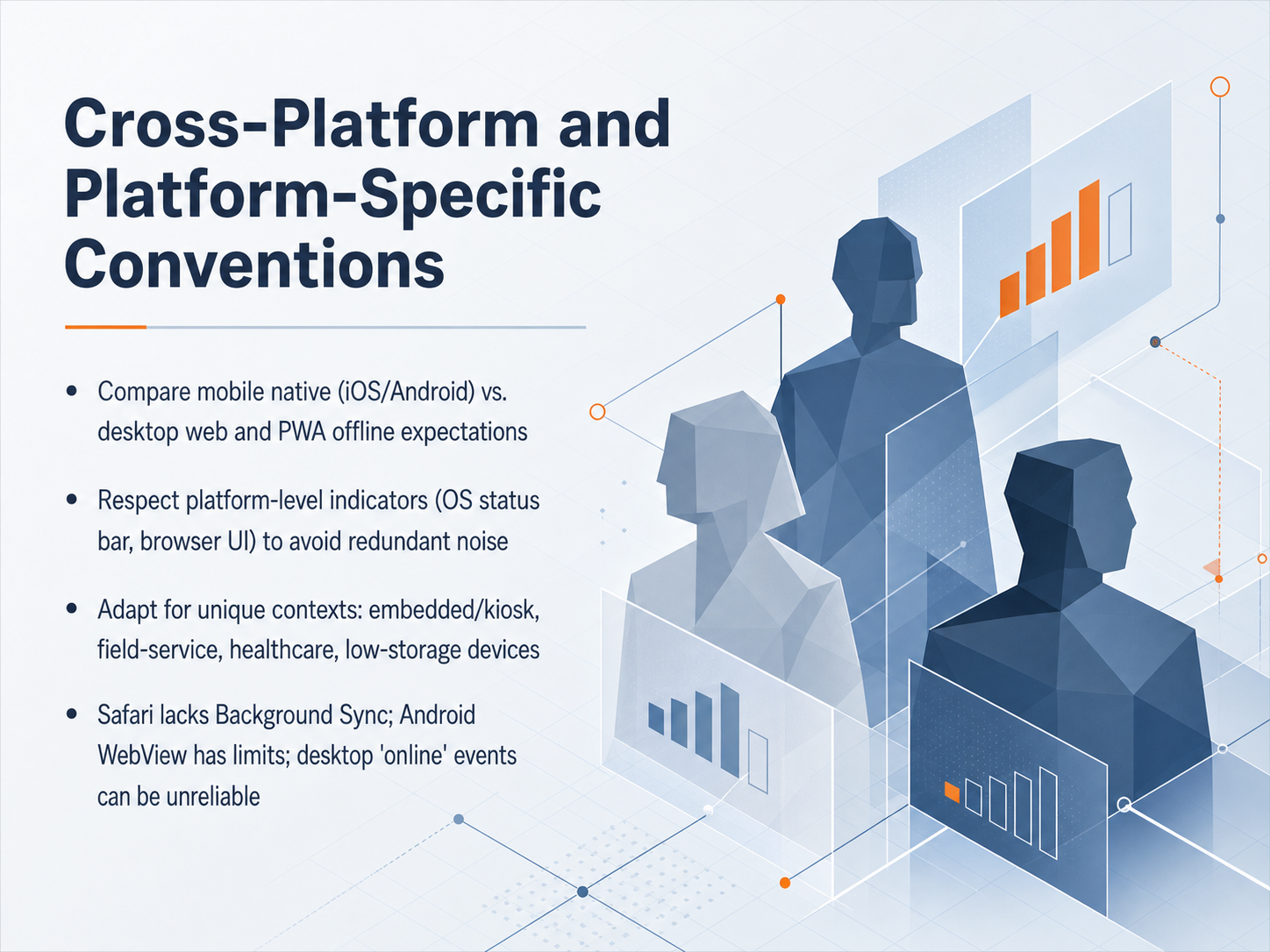 wicg.github.iowebshareapi.comblog.openreplay.com+22 min
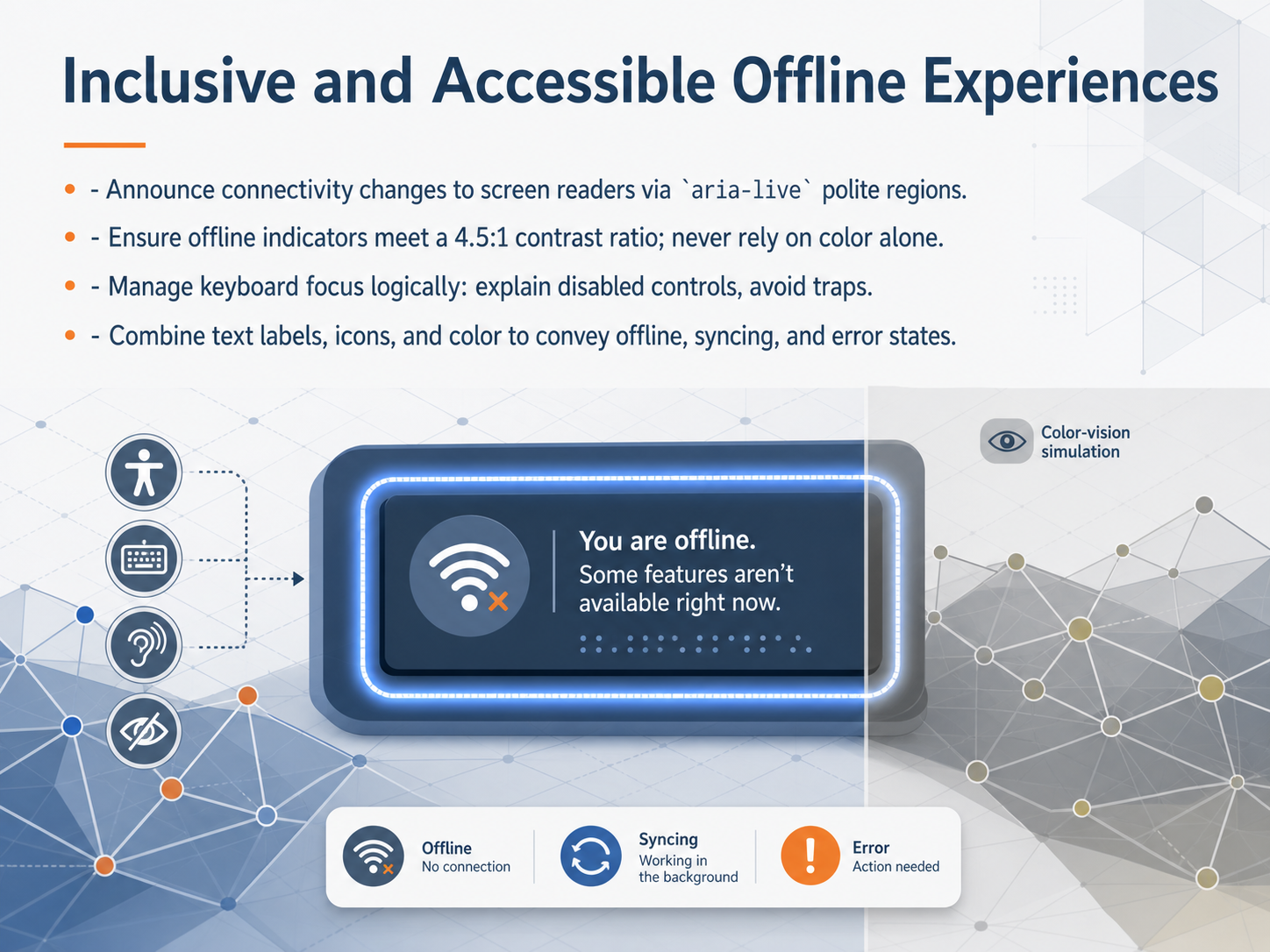
 - 10Inclusive and Accessible Offline ExperiencesNext, let's talk about making offline experiences inclusive and accessible for everyone. Clear communication during connectivity loss is essential, but it must reach users regardless of how they interact with the device. First, announce connectivity changes to screen readers. Use an aria live polite region, so status updates like going offline or reconnecting are spoken without interrupting the user's current task. Second, ensure all offline indicators meet a four point five to one contrast ratio. Never rely on color alone. Combine a text label, an icon, and a color change to convey offline, syncing, or error states clearly. Third, manage keyboard focus with care. When controls become disabled offline, explain why directly near the affected button. Avoid focus traps so users can always navigate away using the keyboard. Provide a clear retry or reconnect path that is reachable in the normal tab order. By pairing text labels with icons and color, providing accessible announcements, and keeping navigation smooth, your offline experience stays usable for every learner. Now, let's move into testing and QA for offline scenarios.
 uxghost.aideveloperux.comuxpatternsguide.com+22 min
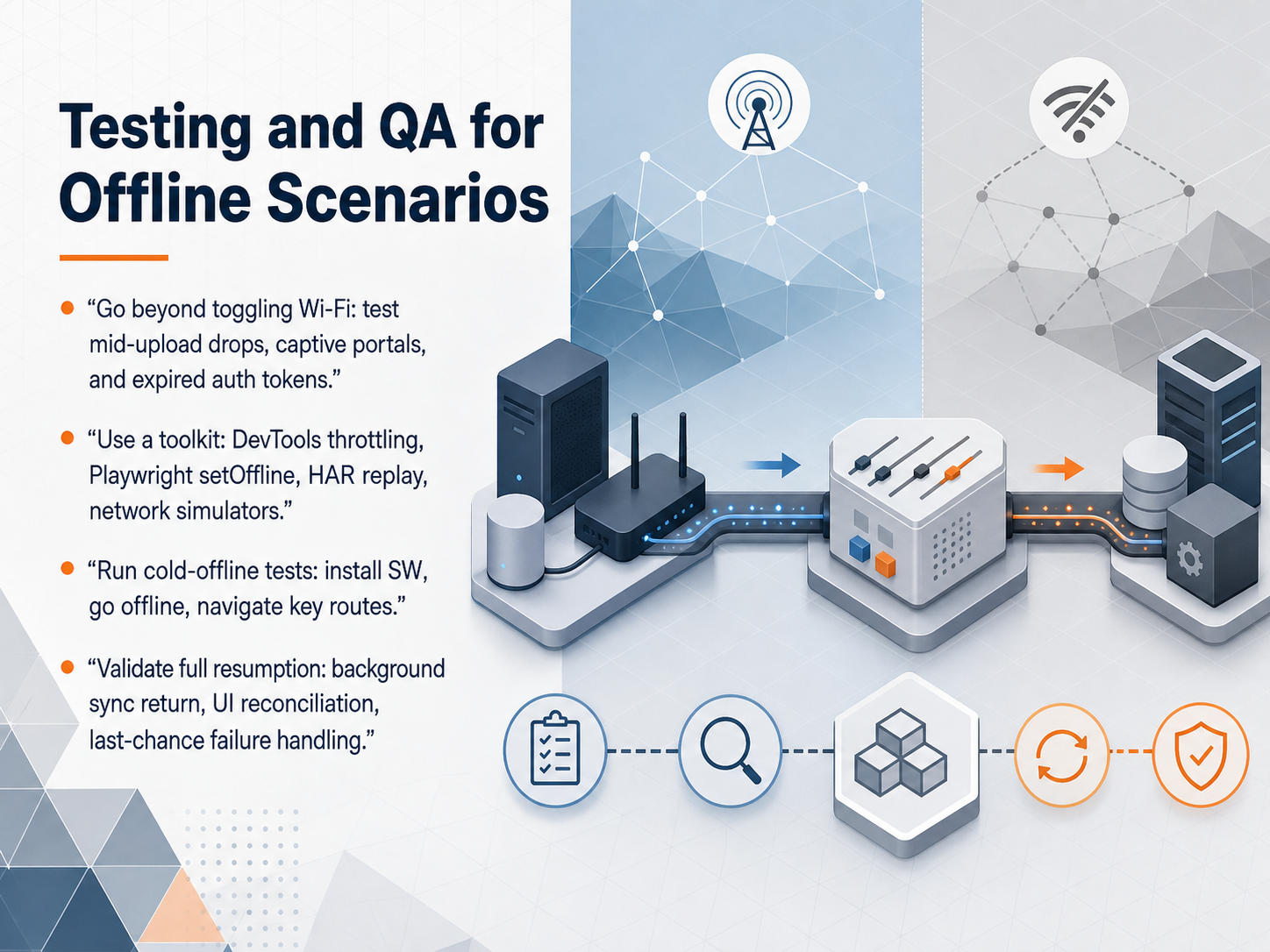
 - 11Testing and QA for Offline ScenariosNow let's talk about testing and quality assurance for offline scenarios. When we test, we need to go beyond just toggling the Wi-Fi off. You should simulate real-world interruptions like a mid-upload network drop, hitting a captive portal, or using an expired authentication token. Build a strong toolkit. Use Chrome DevTools network throttling, Playwright's setOffline command, HAR file replay, and dedicated network simulators. These tools let you reproduce exact conditions repeatedly. Make sure you run what we call cold-offline tests. That means installing the service worker, then going completely offline, and then navigating through the app's key routes to verify everything still works. Finally, validate the full recovery path. Confirm that background sync fires correctly when you come back online, that the user interface reconciles all queued changes without errors, and that your last-chance failure handling shows a clear message if a sync attempt ultimately fails. This completes our testing strategy. Up next, we will explore measuring success and building a comprehensive offline strategy.
 wicg.github.iowebshareapi.comblog.openreplay.com+22 min
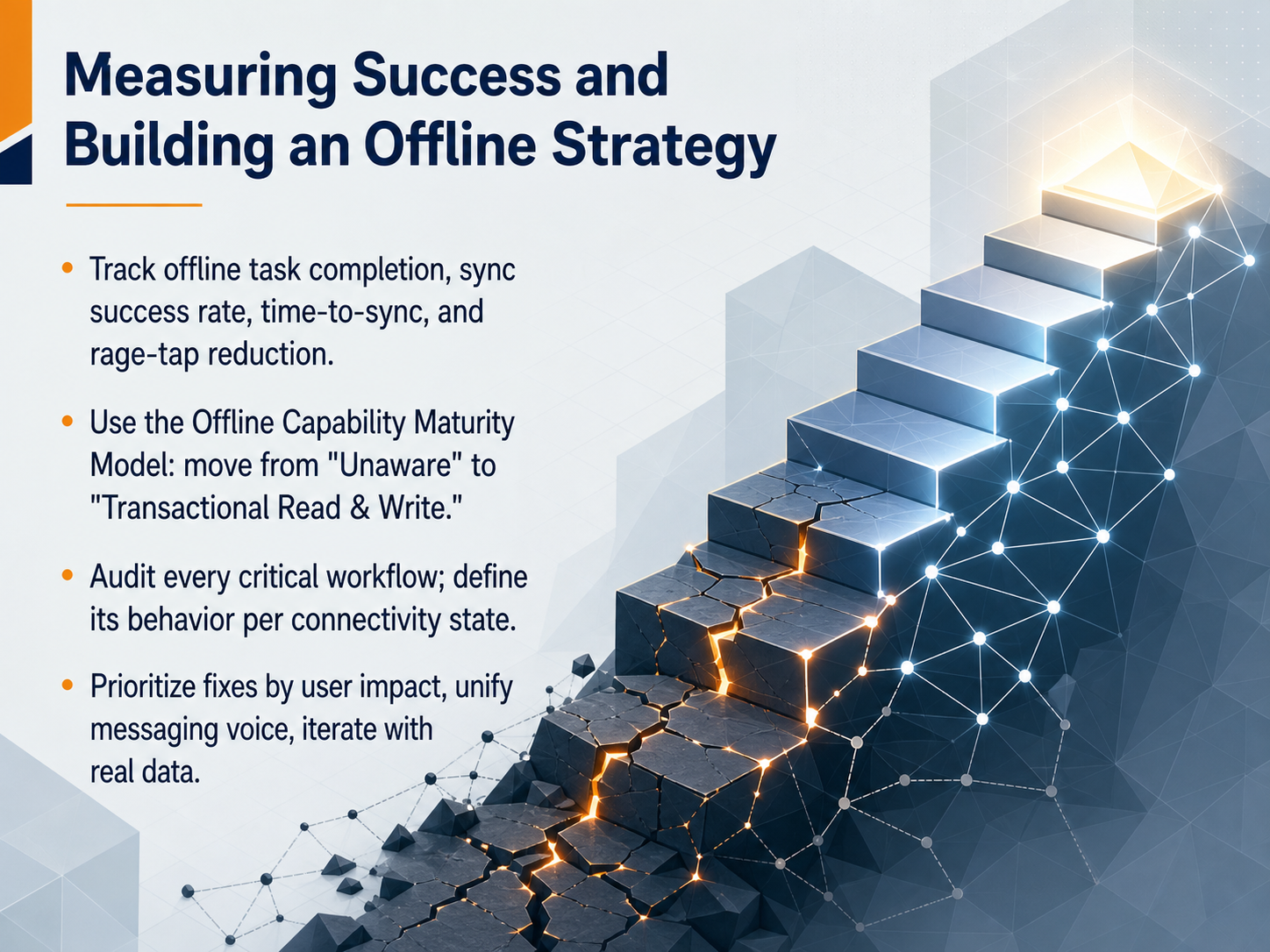
 - 12Measuring Success and Building an Offline StrategyLet's look at how we measure success and build a lasting offline strategy. This is the final piece, and it's about moving from reacting to problems to designing resilience. First, track these four numbers: offline task completion, sync success rate, time-to-sync, and what we can call rage-tap reduction. These tell you if your app is actually working when it matters most. Second, use the Offline Capability Maturity Model. Start by moving from Unaware, where you don't even know you have a problem, to Transactional Read and Write, where users can complete critical tasks with confidence, even in a tunnel. Third, audit every critical workflow. Define exactly how each one should behave when online, when offline, and during the sync recovery. Finally, prioritize your fixes based on user impact, unify the voice of your messaging so it feels like one calm guide, and then iterate using real data from those metrics. Thank you for completing this course. By designing with empathy for the offline moment, you are not just fixing an error state. You are building trust that keeps users coming back.
 servicechannel.comdoi.orguxpatternsguide.com+22 min
Take the deck with you
Download this course as a file — free, no sign-up needed.
- PDF handoutEvery slide page, ready to print or share.13 pages · 3.0 MBDownload
- Narrated PowerPointThe deck that presents itself — every slide carries the digital human's narration video.13 pages · 12.8 MBDownload
- PowerPoint slidesThe full deck as a .pptx — open it in PowerPoint, Keynote, or Google Slides.13 pages · 3.0 MBDownload
Free to use in your own training — please keep the PersonWise credit page at the end.
Have your own deck? Turn it into a course
Sources consulted
Web sources consulted while building this course.
- Strategies for service worker caching | Workbox — developer.chrome.com
- Progressive Web Apps: Offline-First Architecture (2025) | Elysiate — elysiate.com
- Caching - Progressive web apps | MDN — developer.mozilla.org
- Service Workers + Offline Strategy: Cache First, Network First, Update Lifecycle | Web Fundamentals | FrontendInterviews.dev — frontendinterviews.dev
- Service Worker Caching Strategies: Cache-First, Network-First, and SWR - DEV Community — dev.to
- Network Information API — wicg.github.io
- Connectivity-Aware UX for Offline Sharing | WebShareAPI.com — webshareapi.com
- How to Detect Online and Offline Status in JavaScript — blog.openreplay.com
- Network connectivity is actively detected — AuditBuffet Pattern Catalog | AuditBuffet — auditbuffet.com
- Optimize Your Website Based on User’s Connection with Network Information API | by Developer Awam | JavaScript in Plain English — javascript.plainenglish.io
- Offline mobile retry UX Pattern | UX Patterns Guide — uxpatternsguide.com
- Offline state UX Pattern | UX Patterns Guide — uxpatternsguide.com
- Your App Goes Offline. Does It Panic, Lie, or Handle It Gracefully? - Coder Legion — coderlegion.com
- Offline mobile retry vs offline state vs retry vs sync state vs pull to refresh vs fallback path UX Pattern Comparison | UX Patterns Guide — uxpatternsguide.com
- Offline-First Architecture in Mobile Apps (2025 Edition): Designing Resilient and Intelligent Apps | by gadagool krishna | Medium — medium.com
- Keeping Users Confident When the Internet Drops - UX Ghost.ai — uxghost.ai
- Secure Offline Data Access: UX Design Tips — developerux.com
- Offline‑First Kiosk UX in Angular 20+: Device State Indicators, Accessible Retry Loops, and Field‑Ready Patterns | AngularUX — blog.angularux.com
- The real reasons shoppers aren’t returning to your stores. — servicechannel.com
- Cross-Channel Effects of Failure in a Retailer's Mobile App — doi.org