Begin
14 pages · ~28 min
English Phone & Video Call Handling
This training helps professionals confidently handle phone and video calls in English, improving clarity, professionalism, and communication effectiveness.
A digital instructor presents all 14 pages. Hold “Ask” at any point and ask out loud — the answer comes from this course. No sign-up needed.
What you’ll learn
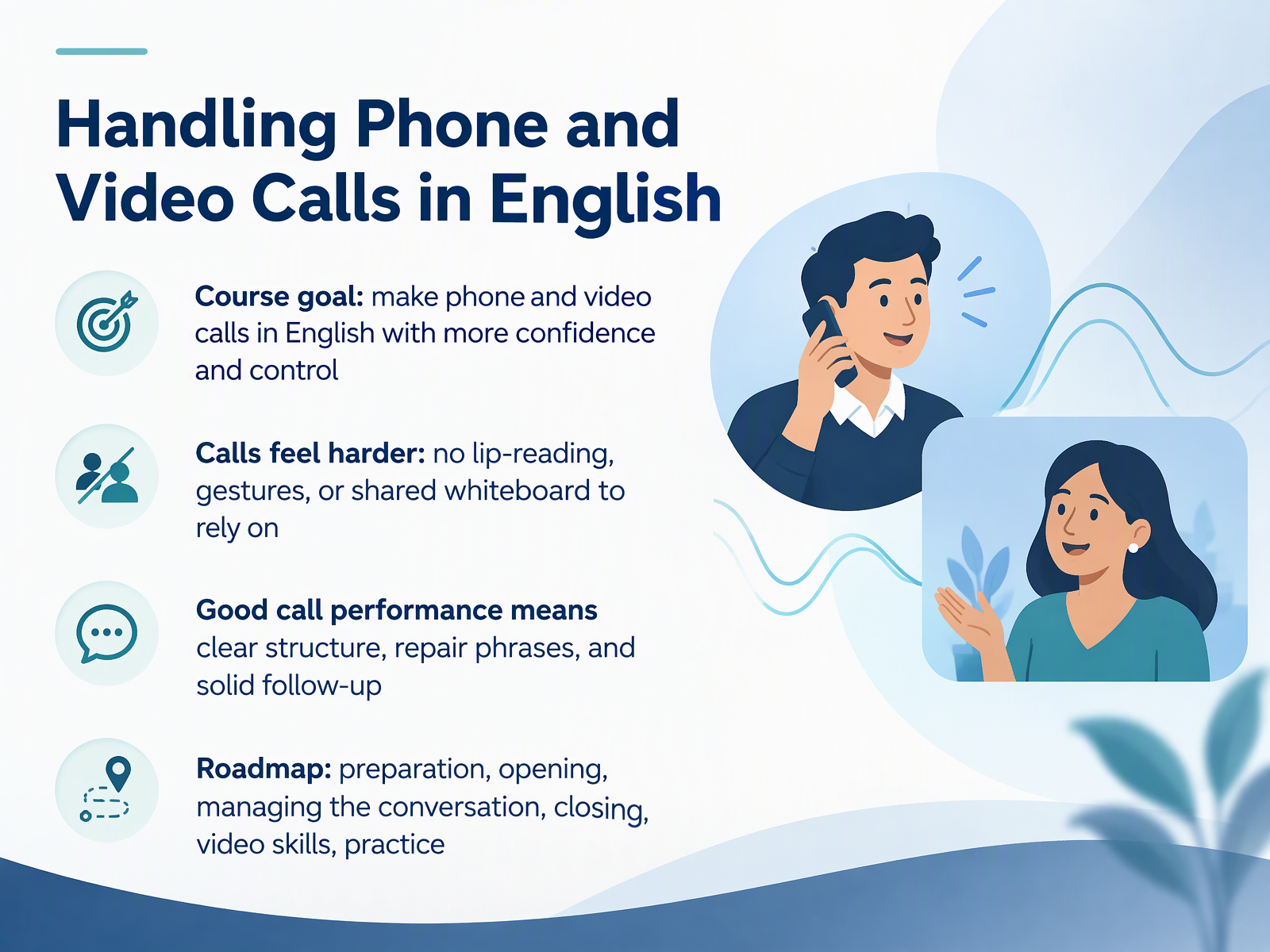
- 01Handling Phone and Video Calls in EnglishWelcome. I am glad you are here. This course is about handling phone and video calls in English. Our goal is simple to state. You will make calls with more confidence and more control. Calls are harder than face-to-face talk. On a call, you cannot read lips, see gestures, or point to a shared screen. That is a real difference. It is not a personal weakness. Good call performance rests on three things. Clear structure, repair phrases, and solid follow-up. We will build all three. Here is our roadmap. We start with preparation. Then the opening. Next, managing the conversation. After that, closing. Then video call skills. And finally, practice. You will pick up phrases you can say, ask, confirm, and repeat in your own calls. Let us begin with why calls feel different. Next slide, why calls are harder than face-to-face English.doi.orgdoi.orgteach.files.bbci.co.uk+22 min
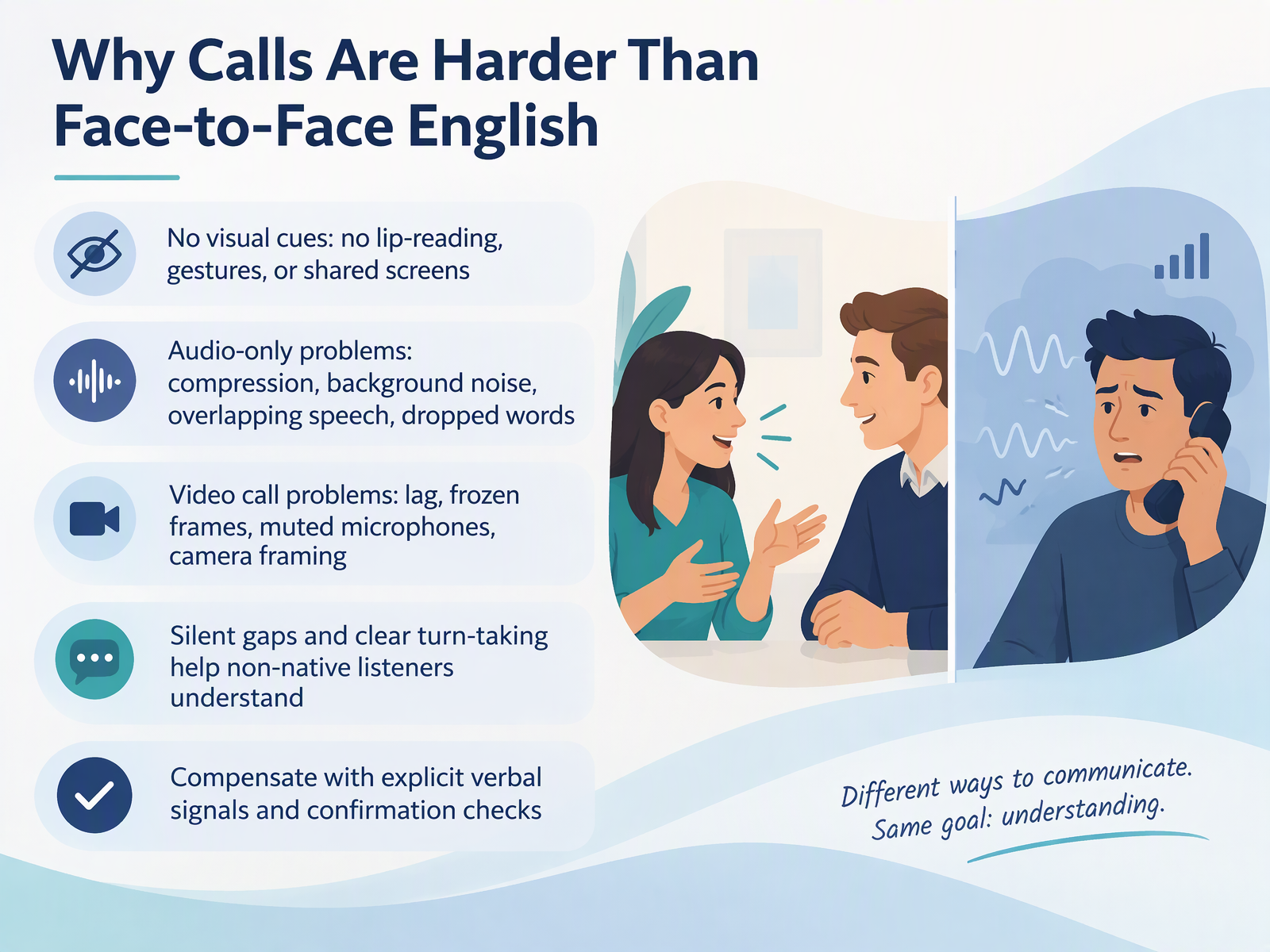
- 02Why Calls Are Harder Than Face-to-Face EnglishLet's look at why calls are harder than face-to-face English. On a call, you lose visual cues. You cannot read lips, watch gestures, or share a screen. This is a real difference, and it adds effort. Audio-only calls bring their own problems. Compression, background noise, overlapping speech, and dropped words all make listening harder. Video calls are not perfect either. You may deal with lag, frozen frames, muted microphones, and camera framing. So what can you do? First, use silent gaps and clear turn-taking. They help you follow the conversation. Second, compensate with explicit verbal signals. Say, I agree with that point. Ask, could you repeat that more slowly, please? Then confirm what you heard. Say, let me read that back to check. Is that right? These small habits give you time and control. Next, we will look at essential phrases for starting, managing, and ending calls.
 theconversation.comnews.stanford.edunaomi-yamashita.net+21 min
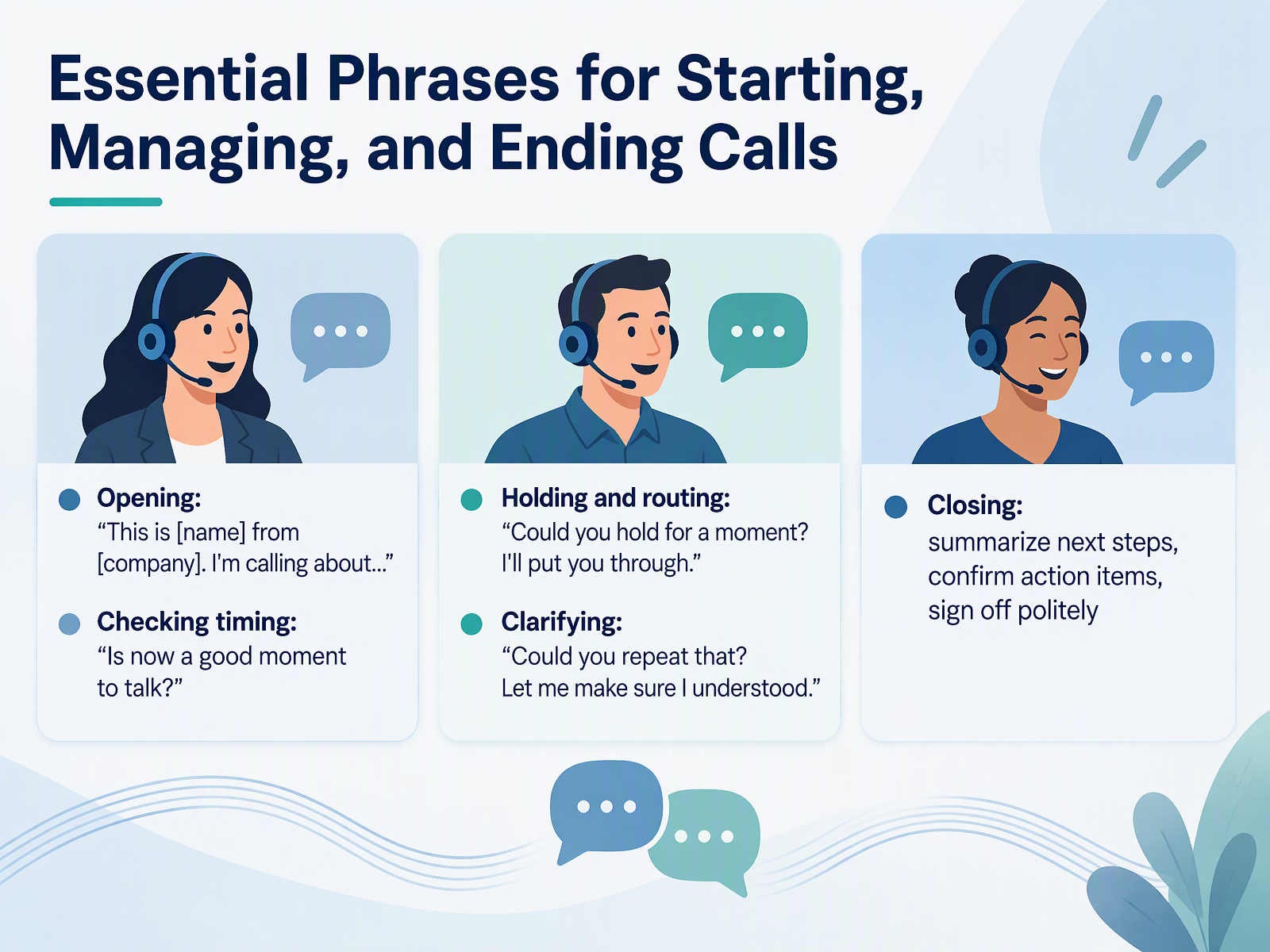
- 03Essential Phrases for Starting, Managing, and Ending CallsCalls give you no visual cues, so having set phrases ready helps you stay in control. Let's look at the key phrases for each stage of a call. To open, say your name, your company, and your purpose. For example, "This is Anna from Nordwind. I'm calling about the new order." Then check timing. Ask, "Is now a good moment to talk?" If you need to transfer someone, say, "Could you hold for a moment? I'll put you through." When something is unclear, ask, "Could you repeat that? Let me make sure I understood." Repeat the key detail back to check it. To close, summarize the next steps. Confirm who does what, and when. Then sign off politely with a thank you. Keep these phrases ready, and each call becomes easier to manage. Next, we'll practice spelling names, numbers, and email addresses clearly.
 englishmaa.comdownloads.bbc.co.ukpreply.com+22 min
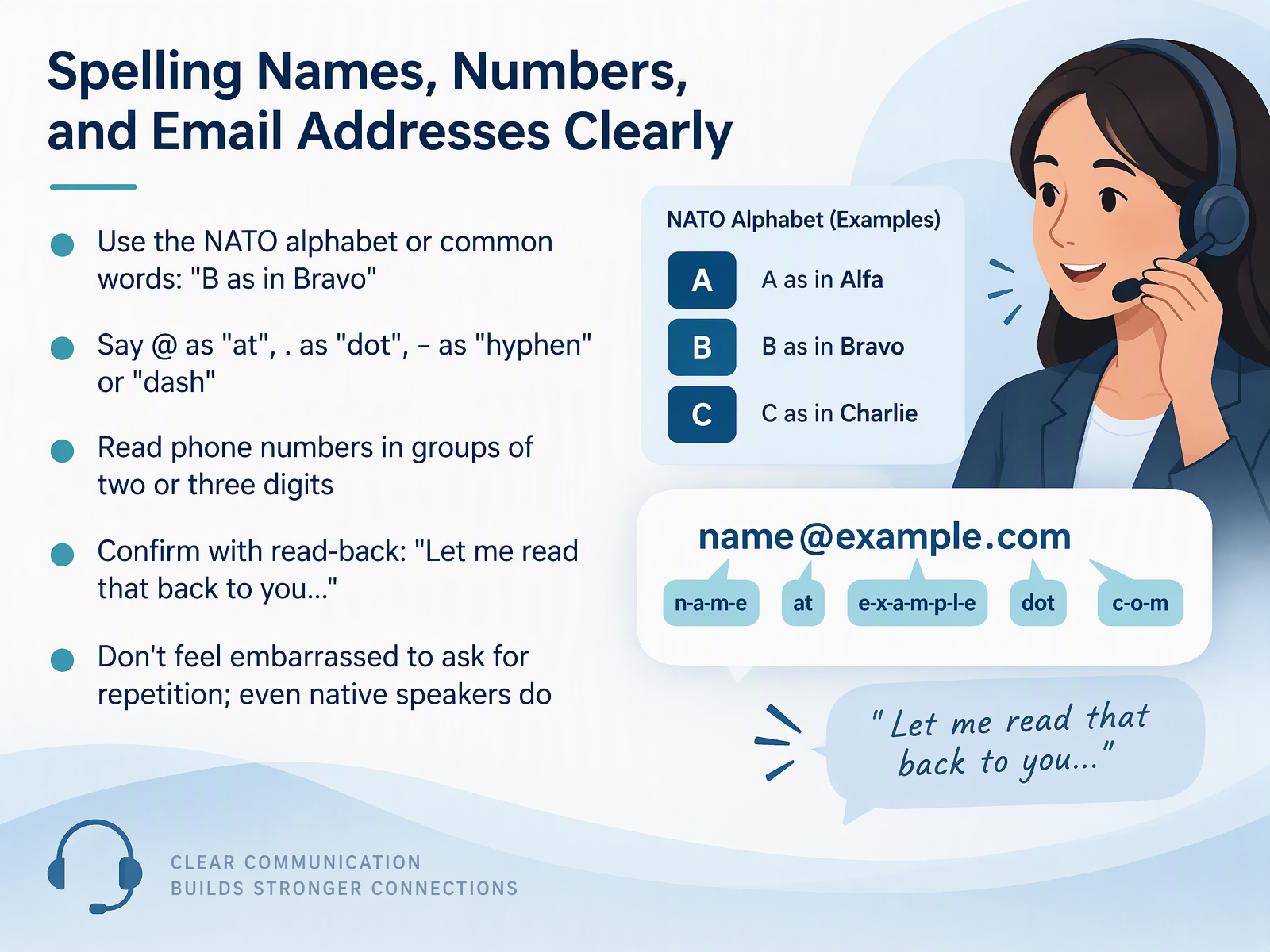
- 04Spelling Names, Numbers, and Email Addresses ClearlyNext, let's talk about spelling clearly. On a call, you have no visual cues to help. So say every letter and number on purpose. For names, use the NATO alphabet or common words. Say, B as in Bravo. M as in Mike. For email addresses, say at for the symbol, dot for the period, and hyphen or dash for the short line. Read phone numbers in groups of two or three digits. For example, zero seven, three four, five six. Then confirm with a read-back. Say, Let me read that back to you. Check the name, the address, and the number. And do not feel embarrassed to ask for repetition. Even native speakers do it. Clear spelling saves time for everyone. Now, let's look at preparing before the call.
 doi.orgdoi.orgteach.files.bbci.co.uk+21 min
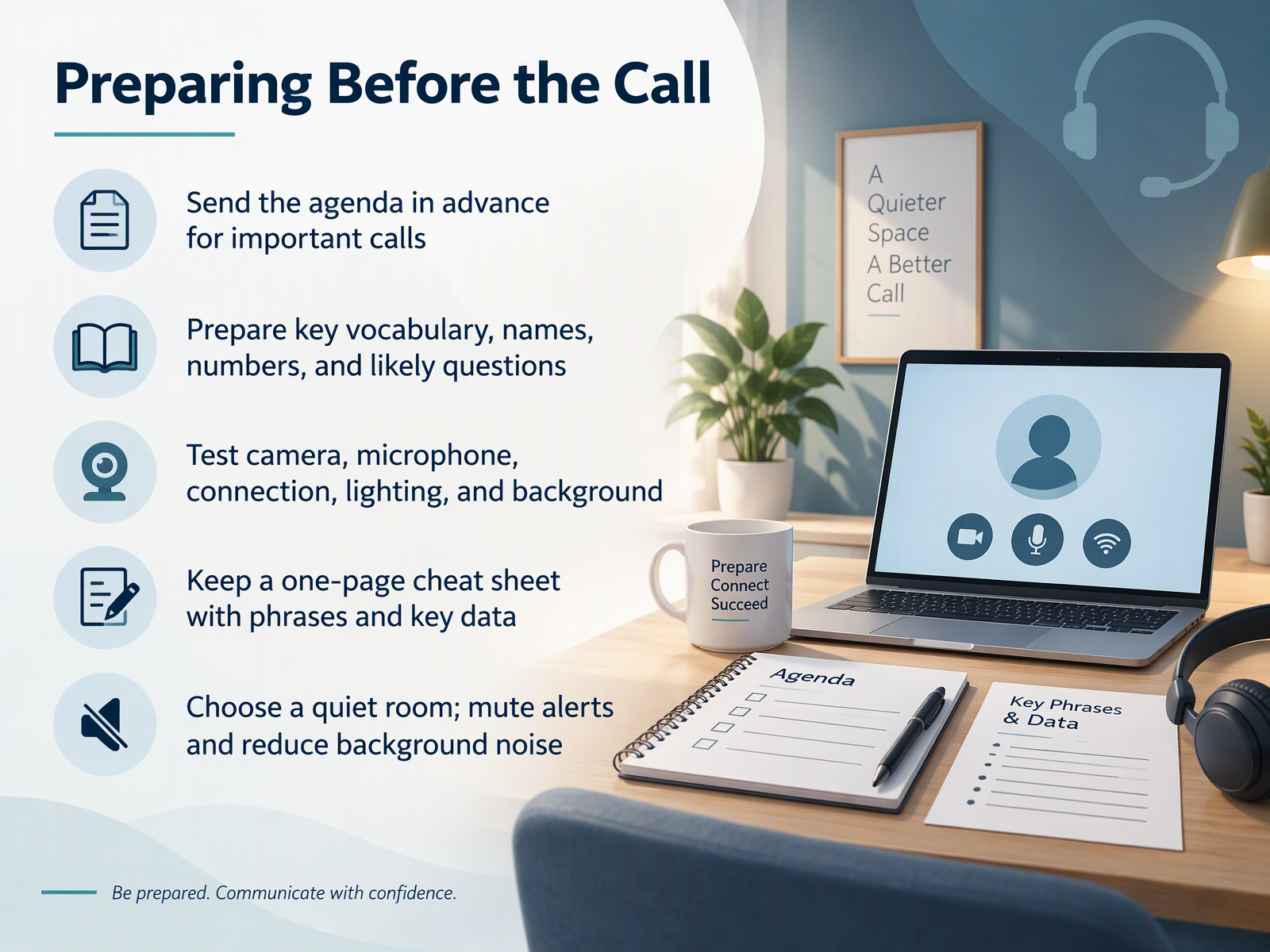
- 05Preparing Before the CallNow let's look at preparing before the call. Preparation gives you the structure that missing visual cues take away. Start by sending the agenda in advance for important calls. Write down the vocabulary, names, and numbers you expect to use. List the questions the other person may ask. Then prepare your answers for each one. Test your camera, microphone, connection, lighting, and background before the call starts. Ask yourself what you will look like and sound like on the other side. Keep a one-page cheat sheet with key phrases and data where you can see it. Choose a quiet room with a door you can close. Mute alerts and reduce background noise. These steps give you room to listen carefully. They also help you respond without visual cues. Next, we move on to opening the call and setting the agenda.
 uit.stanford.edusupport.microsoft.comitcc.uni-koeln.de+21 min
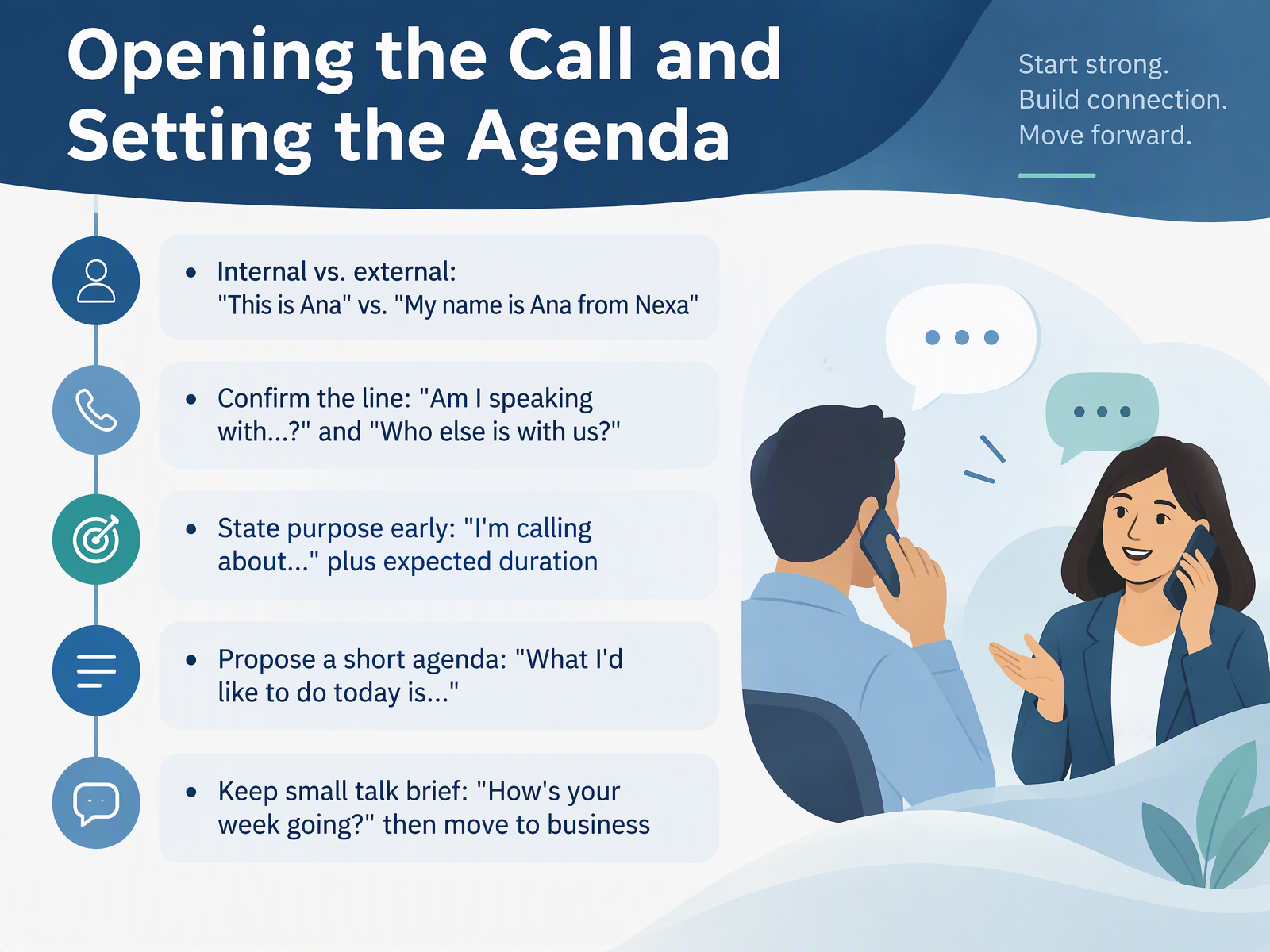
- 06Opening the Call and Setting the AgendaLet's look at how to open the call. Calls without visual cues can feel uncertain at the start. You can't see the other person's face. So you use clear words to make the opening smooth. First, decide if the call is internal or external. With a colleague, say, This is Ana. With a new contact, say, My name is Ana from Nexa. Next, confirm the line. Ask, Am I speaking with? Then add the name. You can also ask, Who else is with us? This helps you know who is listening. Then state your purpose early. Say, I'm calling about the new timeline. Add how long you need. For example, about twenty minutes. After that, propose a short agenda. Say, What I'd like to do today is review the plan and agree next steps. Keep small talk brief. Ask, How's your week going? Then move to business. So remember: introduce yourself, confirm the line, state your purpose, and propose an agenda. Next, we look at managing the conversation without visual cues.
 englishmaa.comdownloads.bbc.co.ukpreply.com+22 min
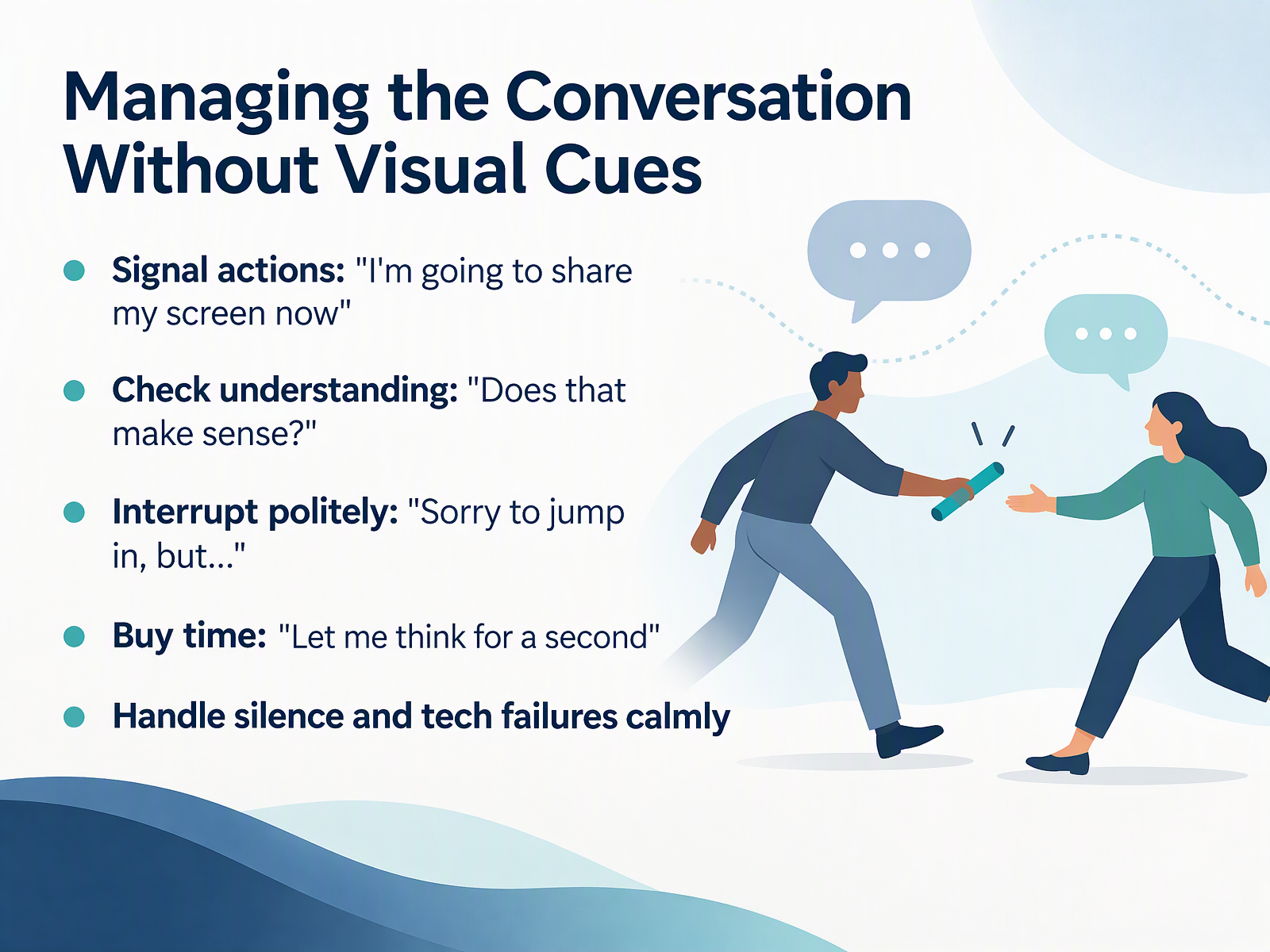
- 07Managing the Conversation Without Visual CuesCalls without visual cues make turn-taking harder to predict. Here is what you can say to keep things clear. First, signal your actions out loud. Say, I'm going to share my screen now. Or, I'm opening the agenda. That way, no one is surprised. Second, check understanding. After you explain something, ask, does that make sense? Then pause and wait for a reply. Third, interrupt politely when you need to. Say, sorry to jump in, but can I ask a quick question? Keep it short and calm. Fourth, buy time when you need it. Say, let me think for a second. That is fine on a call. Finally, handle silence and tech failures calmly. Say, I think the connection dropped. Could you repeat that? Stay relaxed. People respect clear signals more than fast answers. Next, we will look at handling problems, accents, and difficult moments.
 theconversation.comnews.stanford.edunaomi-yamashita.net+21 min
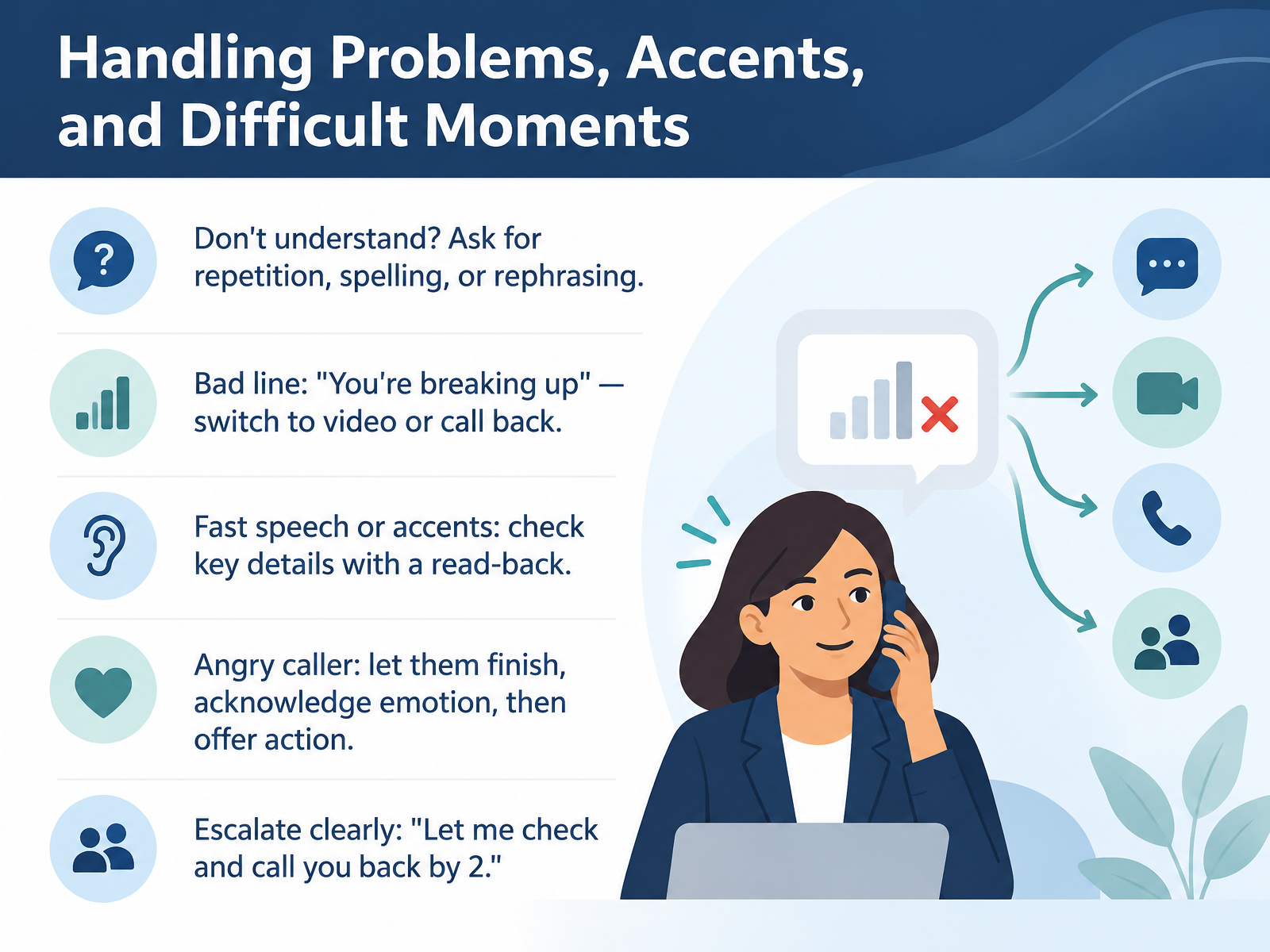
- 08Handling Problems, Accents, and Difficult MomentsNow let's look at handling problems, accents, and difficult moments. Calls are harder without visual cues, and problems will happen. When you don't understand, ask. Say, could you repeat that more slowly? Or, could you spell that for me? Or, could you say that another way? If the line is bad, say, you're breaking up, and offer to switch to video or call back. With fast speech or a strong accent, check key details. Read them back. Say, let me read that back to check. Is that right? With an angry caller, let them finish. Acknowledge the emotion. Say, I can hear how frustrating this has been. Then offer a clear action. And when you need to escalate, be specific. Say, let me check and call you back by two. Next, we move on to video call skills: camera, screen sharing, and presence.
 doi.orgdoi.orgteach.files.bbci.co.uk+21 min
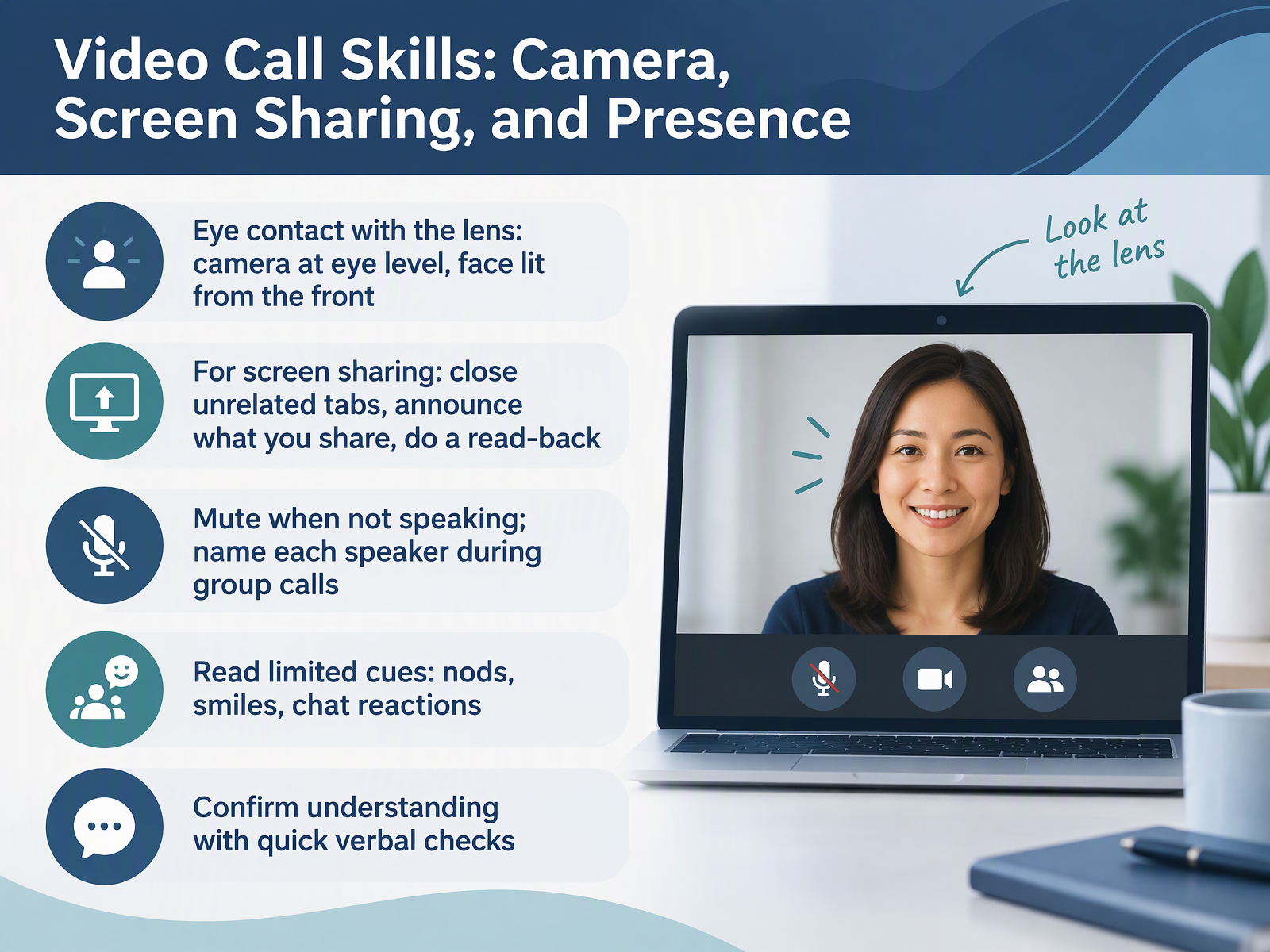
- 09Video Call Skills: Camera, Screen Sharing, and PresenceNow let's move to video call skills. On video, you still lose some visual cues, but you can control more of what people see. Start with the camera. Place it at eye level. Look into the lens when you speak. Light your face from the front, not from behind. Before you share your screen, close unrelated tabs. Say what you are sharing. Then do a quick read-back to confirm your audience sees the right window. Mute your microphone when you are not speaking. During group calls, say your name before you talk. Read the cues you do get. Watch for nods, smiles, and chat reactions. And confirm understanding with short checks. Ask, does that match what you see? Then move on. Next, we will look at using live captions and transcripts to support understanding.
 support.microsoft.comnetrc.orguit.stanford.edu+21 min
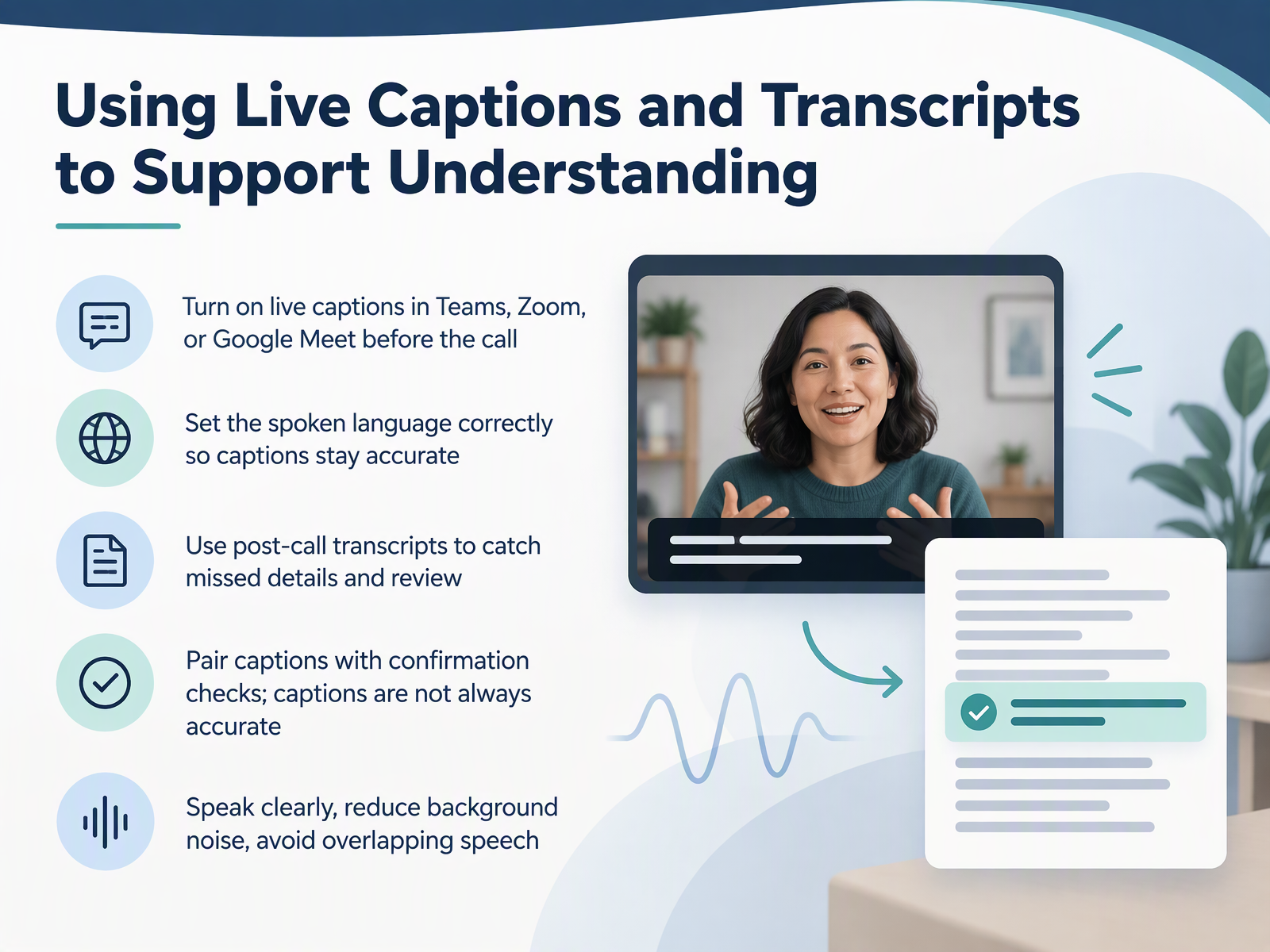
- 10Using Live Captions and Transcripts to Support UnderstandingNext, let's talk about live captions and transcripts. Calls without visual cues are hard, and captions give you text to follow in real time. Turn on live captions in Teams, Zoom, or Google Meet before the call starts. Set the spoken language correctly, so captions stay accurate. If the language setting is wrong, the words will not match what people say. After the call, open the transcript. Use it to catch details you missed and to review key points at your own pace. Pair captions with confirmation checks. Captions are not always accurate. Say, let me confirm what I heard. Ask a direct question, and repeat the answer back. To help the captions, speak clearly, reduce background noise, and avoid overlapping speech. If two people talk at once, the text becomes unclear. Captions support your listening. They do not replace it. Now, let's move on to closing the call and following up.
 2 min
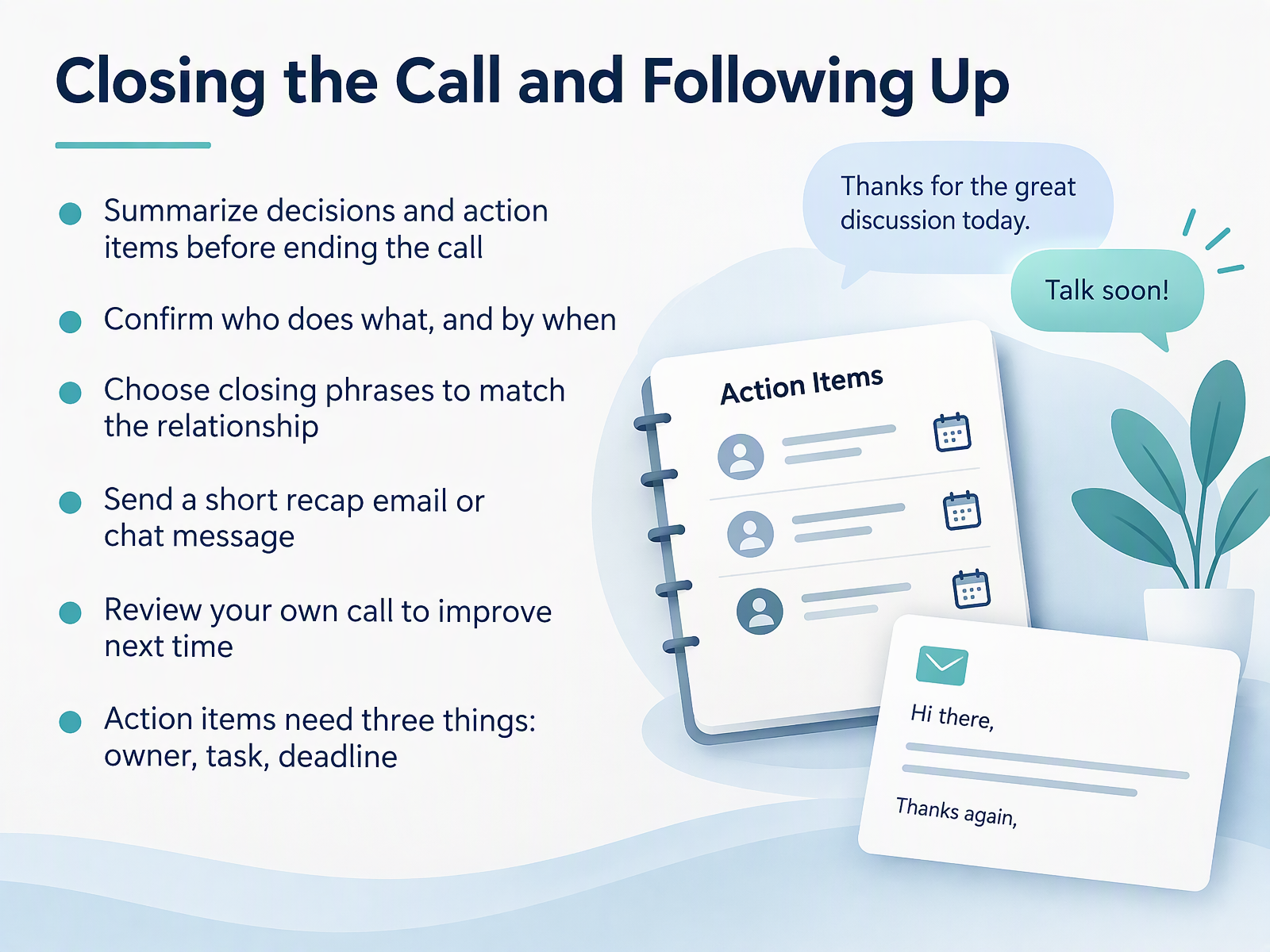
- 11Closing the Call and Following UpNow let's talk about closing the call and following up. Without visual cues, it is easy to leave the call with different ideas about what was decided. So before you end the call, summarize the decisions and action items out loud. Ask each person to confirm their task and their deadline. Then choose a closing phrase that fits the relationship. For a colleague, you can say, thanks everyone, I will send a short recap. For a client, you can say, thank you for your time. I will confirm the next steps in writing today. After the call, send a short recap email or chat message. Keep it brief. List each action item with three things: an owner, a task, and a deadline. For example, Maria will send the draft by Thursday. Finally, review your own call. Ask yourself what went well and what you will say differently next time. Here is the key takeaway. Close with a clear summary, confirm owners and dates, then send a quick written recap. In the next section, we will look at practice scenarios: a client inquiry, an internal stand-up, and vendor support.
 2 min
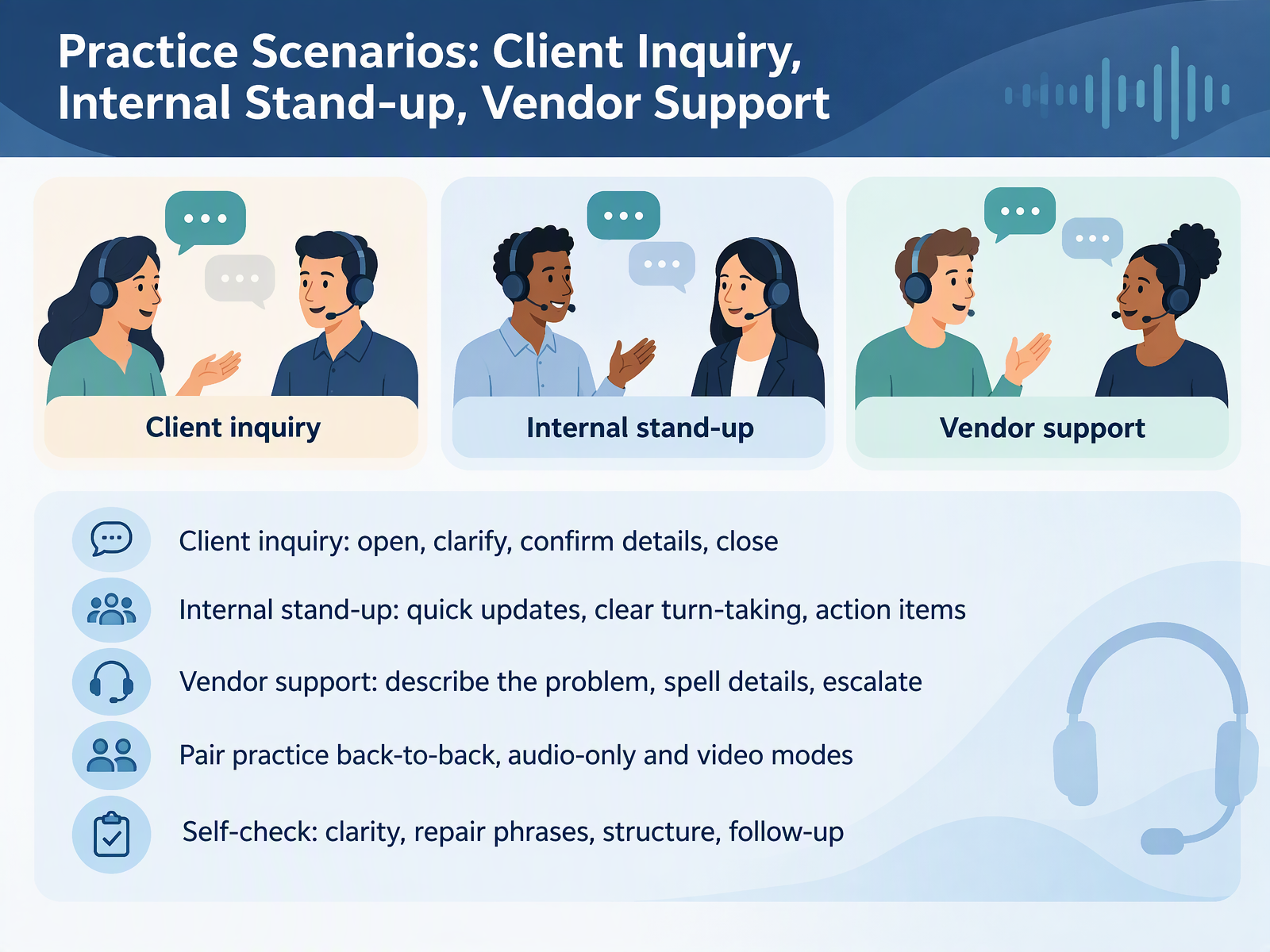
- 12Practice Scenarios: Client Inquiry, Internal Stand-up, Vendor SupportNow let's put all of this into practice with three scenarios. Calls without visual cues take planning, so give each scenario a clear structure. For a client inquiry, open the call, clarify what they need, confirm the details by reading them back, then close with a clear next step. For an internal stand-up, keep updates short. Take turns cleanly, and state your action items out loud. For vendor support, describe the problem, spell names and reference numbers, then escalate if you need a specialist. Work in pairs, back to back, so you cannot see each other. Try one round audio-only and one round with video. After each round, use the self-check: clarity, repair phrases, structure, and follow-up. Next, we will build your personal action plan and resources for continued practice.
 2 min
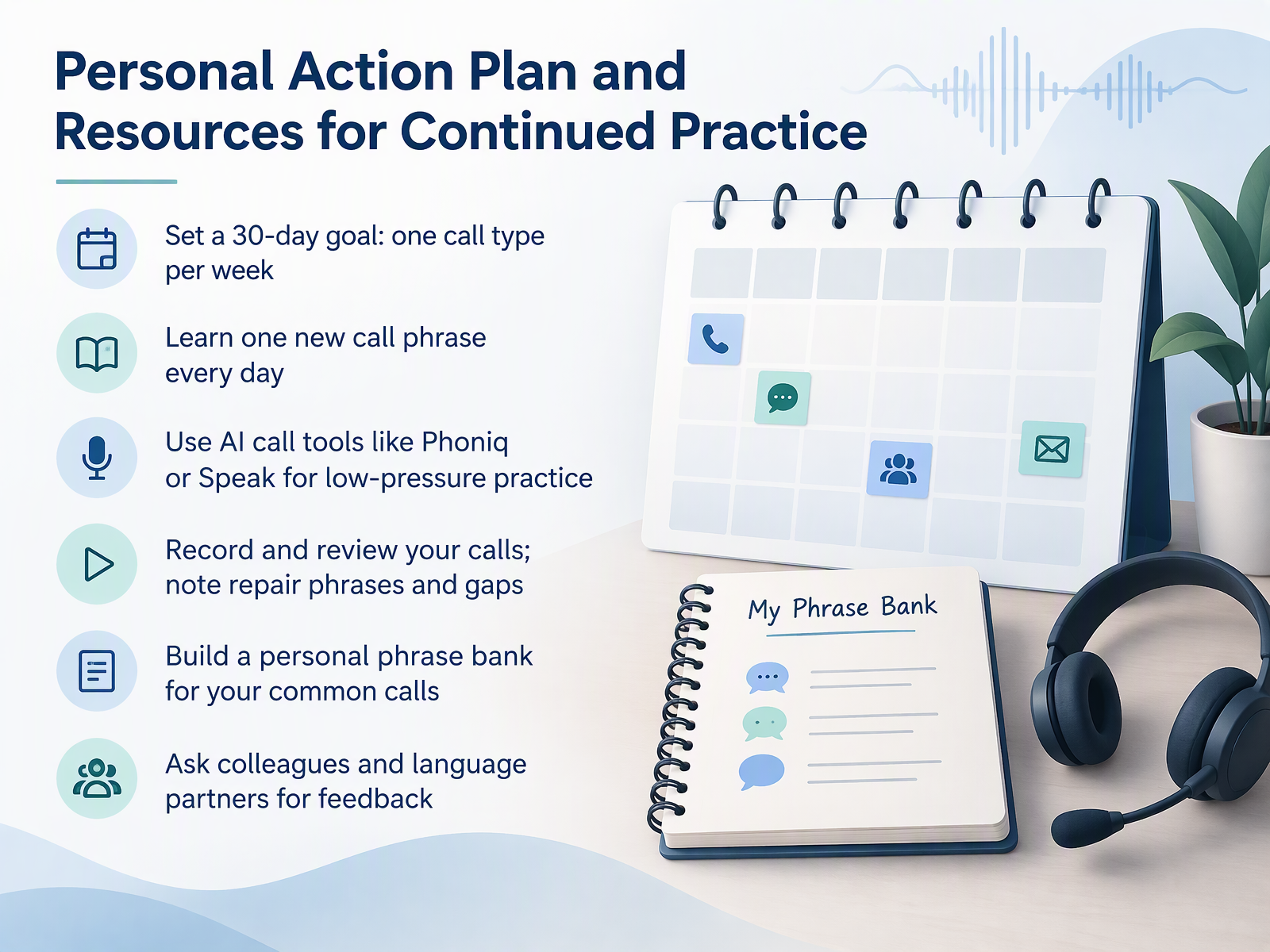
- 13Personal Action Plan and Resources for Continued PracticeNow let's turn everything into a plan you can use. Calls without visual cues stay hard, so practice needs structure. Start with a thirty-day goal. Choose one call type per week. For example, week one is client update calls. Week two is internal meetings. Learn one new call phrase every day. Write it down and say it aloud. Try an AI call tool like Phoniq or Speak. These tools give you low-pressure practice, and they call you. Record and review your calls. Note the repair phrases you used, and the gaps you heard. Build a personal phrase bank for your common calls. Ask colleagues and language partners for feedback. Keep the plan small and repeat it weekly. Next, we move to Key Takeaways and Next Steps.
 1 min
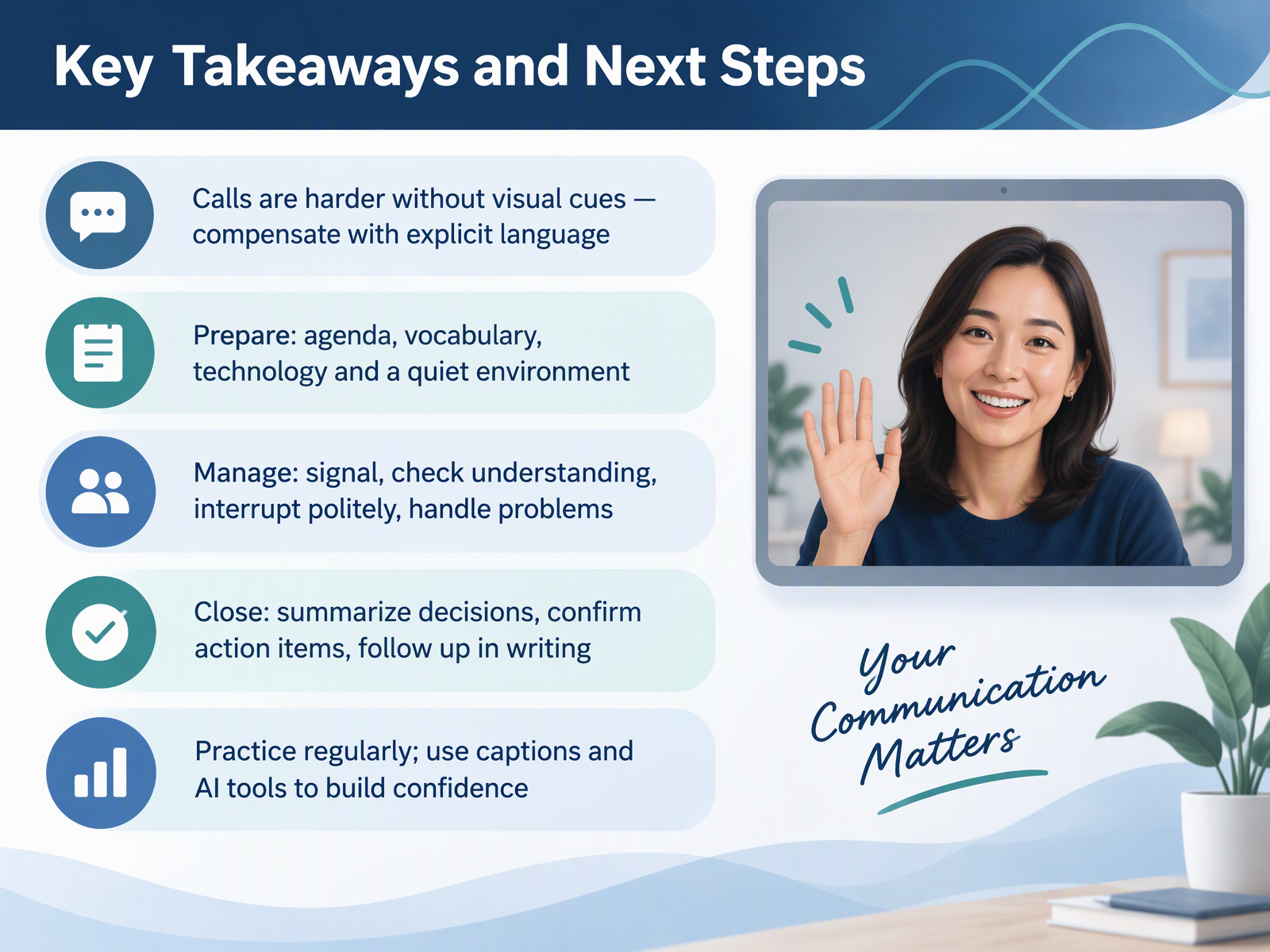
- 14Key Takeaways and Next StepsLet's bring everything together. Calls are harder without visual cues. You compensate with explicit language. Prepare before each call. Write a short agenda. Review key vocabulary. Test your technology. Find a quiet room. During the call, manage the flow. Signal when audio breaks up. Say, sorry, the line is not clear. Ask people to repeat. Check that you understood. Interrupt politely when you need to. When you close, summarize the decisions. Confirm each action item and who owns it. Then follow up in writing while details are fresh. Practice regularly. Turn on captions in video calls. Use AI tools to review transcripts and build confidence. You have a clear system now. Prepare, manage, close, and follow up. Thank you for your work in this course. Keep practicing, and trust your progress. You can do this.
 theconversation.comnews.stanford.edunaomi-yamashita.net+22 min
Take the deck with you
Download this course as a file — free, no sign-up needed.
- PDF handoutEvery slide page, ready to print or share.15 pages · 3.1 MBDownload
- Narrated PowerPointThe deck that presents itself — every slide carries the digital human's narration video.15 pages · 11.3 MBDownload
- PowerPoint slidesThe full deck as a .pptx — open it in PowerPoint, Keynote, or Google Slides.15 pages · 3.1 MBDownload
Free to use in your own training — please keep the PersonWise credit page at the end.
Have your own deck? Turn it into a course
Sources consulted
Web sources consulted while building this course.
- Phones as a semiotic disadvantage — doi.org
- Teaching Learners to Exchange Information over Telephone — doi.org
- Listening in different situations — teach.files.bbci.co.uk
- Managing Phone and Video Calls in English — aula54.com
- telephone communication breakdown roleplays — usingenglish.com
- Zoom fatigue: how to make video calls less tiring — theconversation.com
- Four causes for 'Zoom fatigue' and their solutions — news.stanford.edu
- Lost in Transmittance: How Transmission Lag Enhances and Deteriorates Multilingual Collaboration — naomi-yamashita.net
- Proactivity in Scaffolding Comprehension and Production in Real-Time Turn-Taking: A Case Study of Bridging Communication Gaps for Non-Native Speakers | Companion Publication of the 2025 Conference on Computer-Supported Cooperative Work and Social Computing — dl.acm.org
- Turn-taking in video-mediated and co-present dialogues — doi.org
- Telephoning scenarios · EnglishMaa — englishmaa.com
- BBC LEARNING ENGLISH — downloads.bbc.co.uk
- 40+ Essential phrases for Business calls in English — preply.com
- How to start phone calls in English — usingenglish.com
- 40 Must-Know Phrases for Business Calls in English - Learn languages with italki — italki.com
- Best Practices for Effective Video Conferencing | University IT — uit.stanford.edu
- Tips for presenting in large meetings and events in Microsoft Teams | Microsoft Support — support.microsoft.com
- Recommendations for video conferencing and hybrid scenarios — itcc.uni-koeln.de
- Tips for Professional — netrc.org
- Video and Audio | Teach Remotely — teachremotely.harvard.edu