Begin
14 pages · ~28 min
AI in Learning and Development Workflow
Practical workflow for L&D professionals to integrate AI tools effectively, covering use cases, prompt design, and ethical implementation to enhance learning experiences.
A digital instructor presents all 14 pages. Hold “Ask” at any point and ask out loud — the answer comes from this course. No sign-up needed.
What you’ll learn
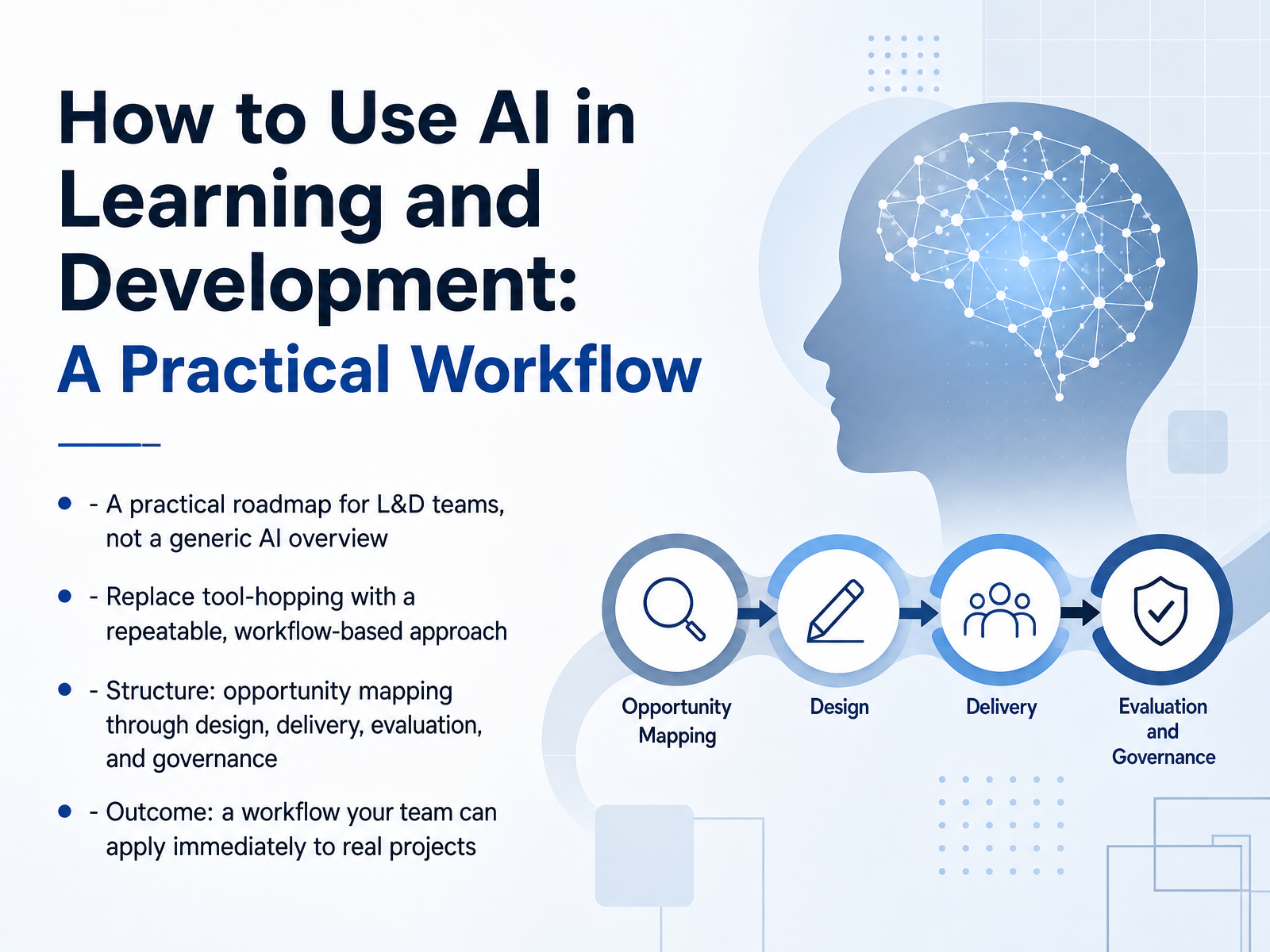
- 01How to Use AI in Learning and Development: A Practical WorkflowWelcome. Let’s talk about AI in Learning and Development. Not the hype. Not the tool demos. A practical workflow you can actually run. Most teams are still hopping between tools, trying things here and there. That’s inefficient. And it doesn't scale. This course changes that. You’ll get a repeatable path from opportunity mapping, through design and delivery, all the way to evaluation and governance. We’ll focus on what matters most to you, whether you lead a training team, work in learning development, or teach others. By the end, you’ll have a concrete workflow to apply to your next real project. Let’s get started.get.opensesame.comassets.td.orgfosway.com+21 min
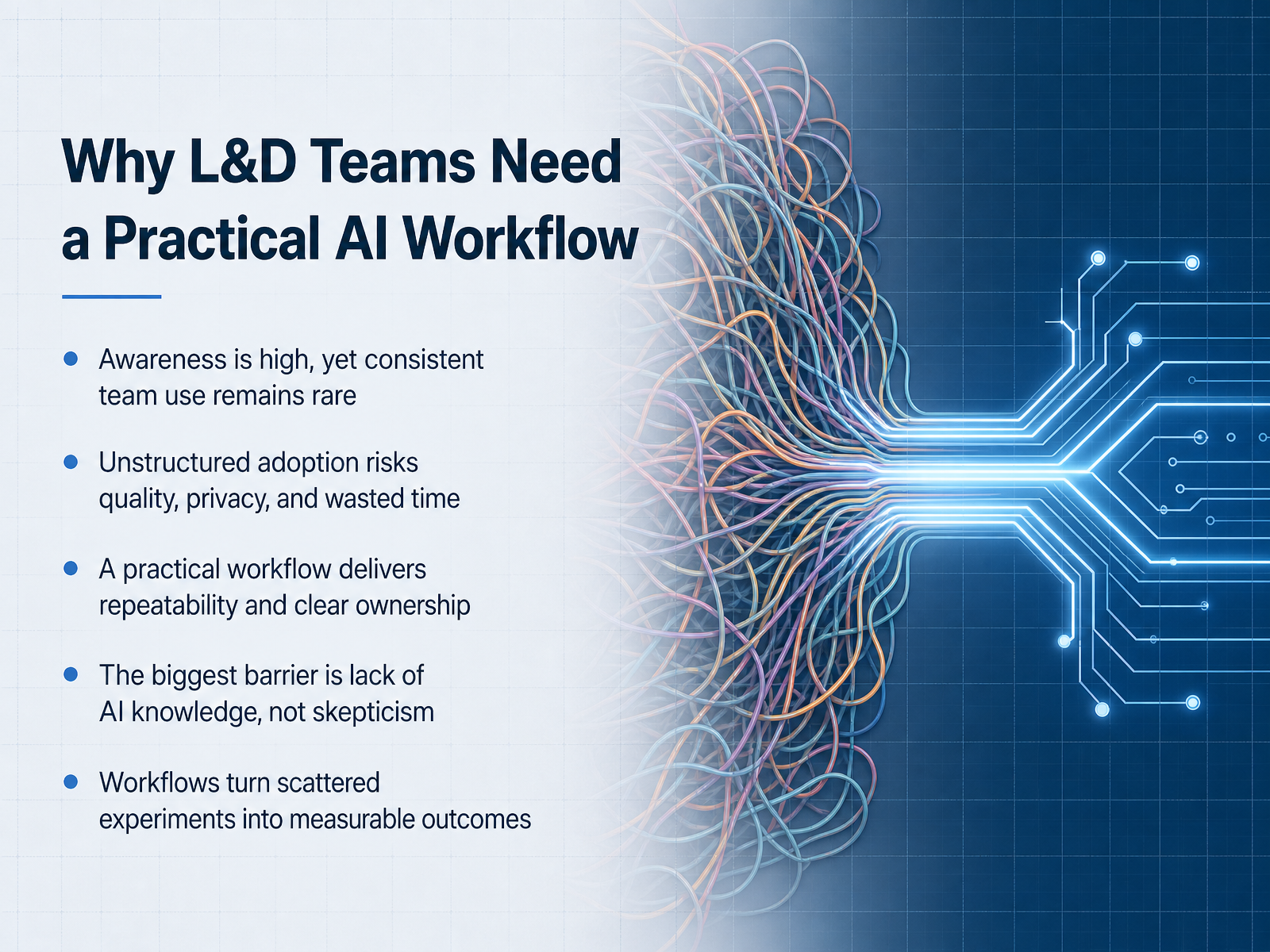
- 02Why L&D Teams Need a Practical AI WorkflowLet’s be honest: most L&D teams are aware of AI, but consistent, team-wide use is still rare. We hear it all the time—people experimenting on their own, but no shared process. That’s risky. Without structure, you get quality issues, privacy concerns, and a lot of wasted time. The real barrier isn’t skepticism. It’s knowledge. Your team likely wants to use AI well—they just don’t know how to start. That’s why we need a practical workflow. It gives you repeatable steps and clear ownership. It turns scattered experiments into measurable outcomes. Think about it: who owns the AI process in your team? Who checks the output? A workflow answers those questions. So, as we move through this session, keep one thing in mind: a simple, shared process beats brilliant individual efforts every time. Next, let’s look at where AI actually fits into a real learning process.
 get.opensesame.comgo1.comtrainingzone.co.uk+22 min
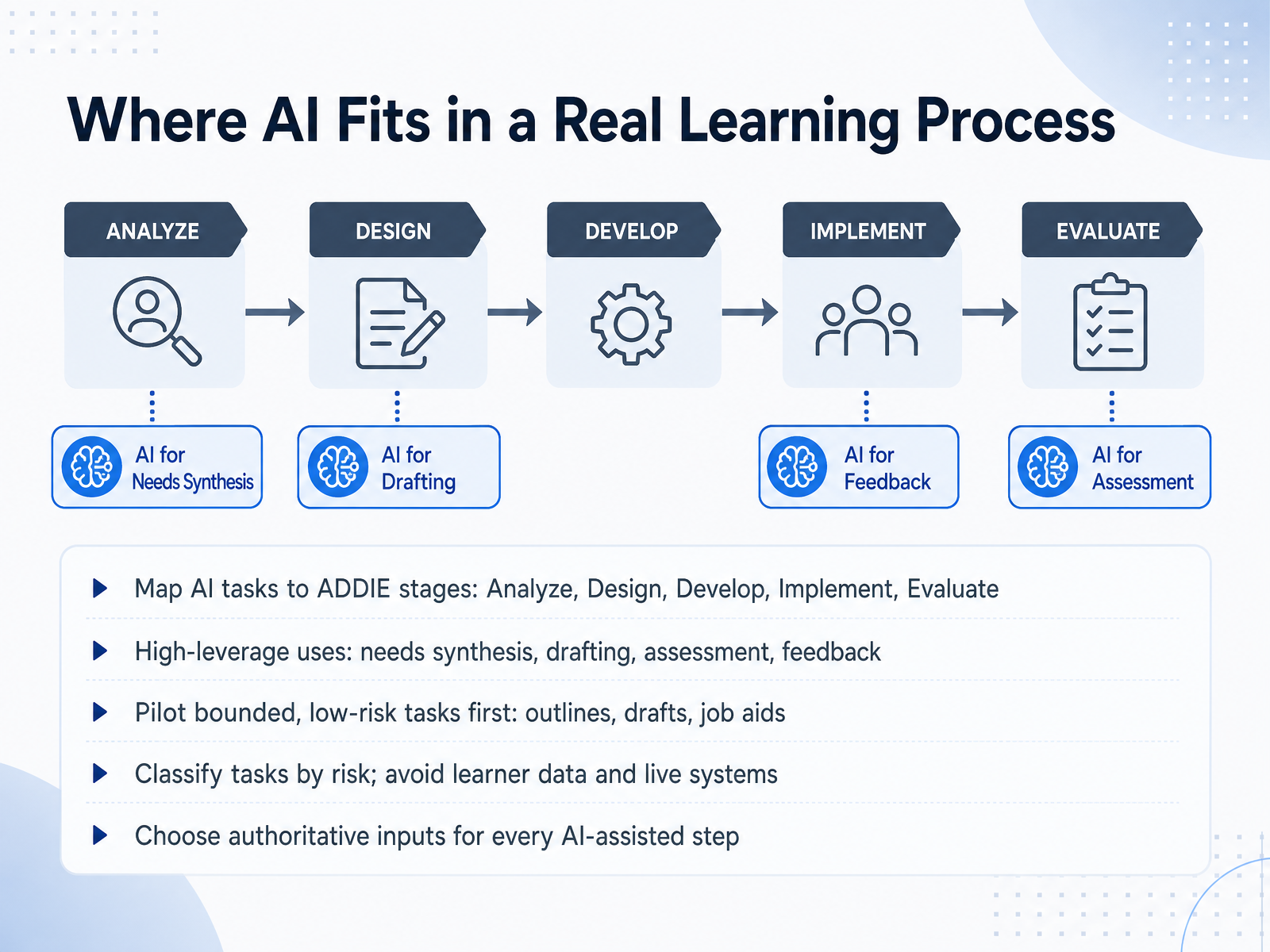
 - 03Where AI Fits in a Real Learning ProcessSo, where does AI actually fit into your workflow? Map it directly onto ADDIE. In Analyze, use AI to synthesize needs and survey data. In Design, use it to draft objectives and outline structure. In Develop, generate materials and assessment items. In Implement, draft facilitator guides. And in Evaluate, support data interpretation. The high-leverage uses are needs synthesis, drafting, assessment, and feedback. Here's the key: start small. Pilot bounded, low-risk tasks first, like course outlines, content drafts, or job aids. Before you scale, classify tasks by risk. Start with low-risk drafts. Use stronger controls for anything involving learner data or live systems. And at every step, choose authoritative inputs. Give the AI approved source material, survey results, or validated notes. That grounds the output and keeps review manageable. Remember, AI assists a bounded task inside a phase, not the phase itself. Every output needs a named reviewer and a release check. Start with a simple outline or job aid. Track the time and defects. Then expand from there.
 coursiv.iogerta.euget.opensesame.com+21 min
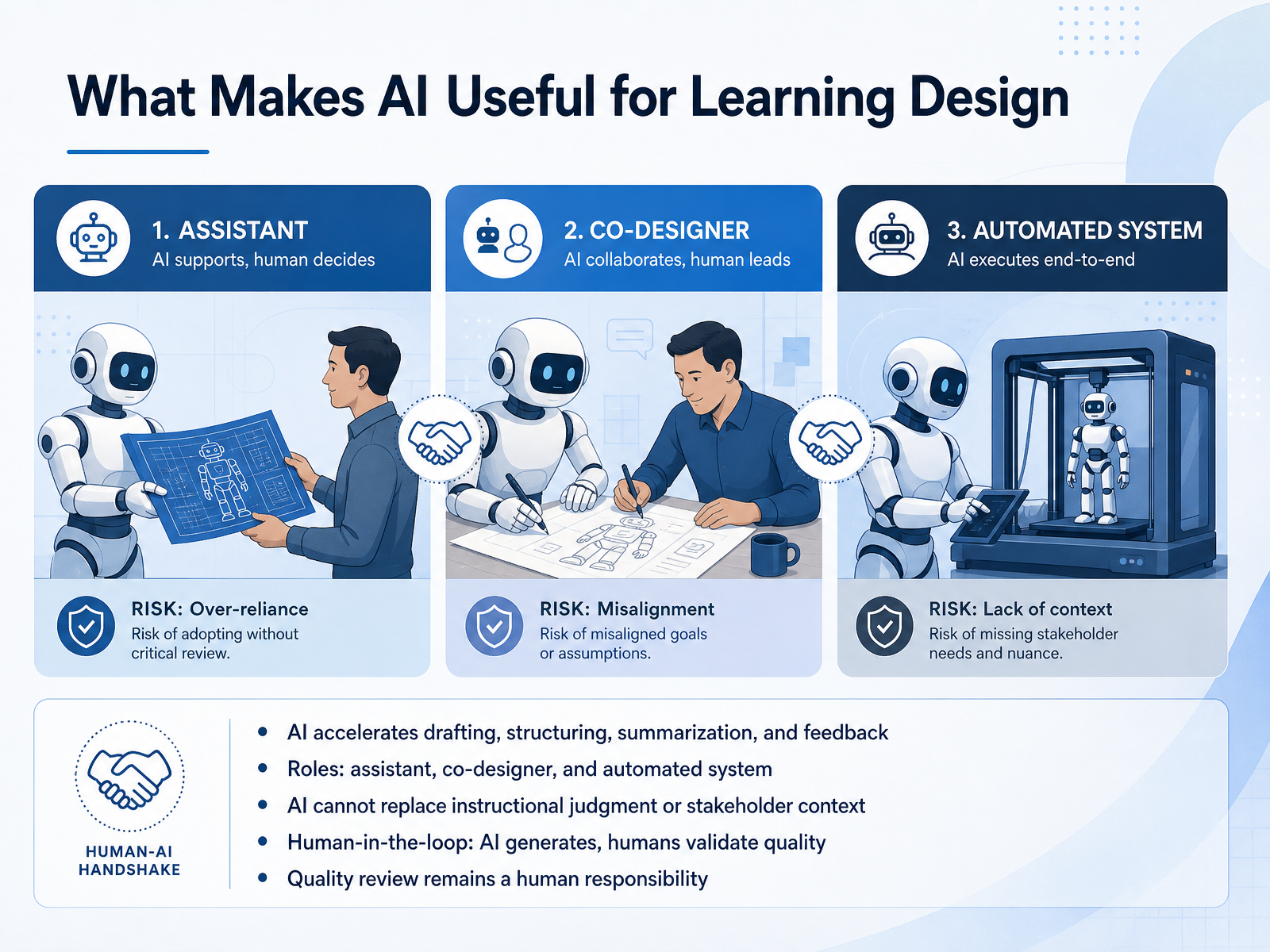
 - 04What Makes AI Useful for Learning DesignSo, what actually makes AI worth using in learning design? It comes down to three roles. AI can be your assistant, your co-designer, or your automated system. As an assistant, it drafts, summarizes, and structures at speed. As a co-designer, it challenges your thinking and offers alternate approaches. As an automated system, it handles repeatable tasks like formatting quizzes. But here is the critical part: AI cannot replace your judgment or your understanding of the stakeholder's context. Think of it this way. AI generates, you validate. Every output is a first draft. It might look polished, but that is exactly the risk. A model can produce a well-structured lesson that is completely infeasible. For example, it might suggest summarizing an entire book in one week. Your job is to catch those mistakes. This is what we call human-in-the-loop. AI proposes, a human disposes. There is no scenario where AI's output goes straight to your learners without review. The quality gate is always a human responsibility. This division of labor is the foundation for everything that follows. Next, let's walk through a repeatable workflow that puts this into practice, from your initial brief to the final draft.
 link.springer.comaace.orgelearningindustry.com+22 min
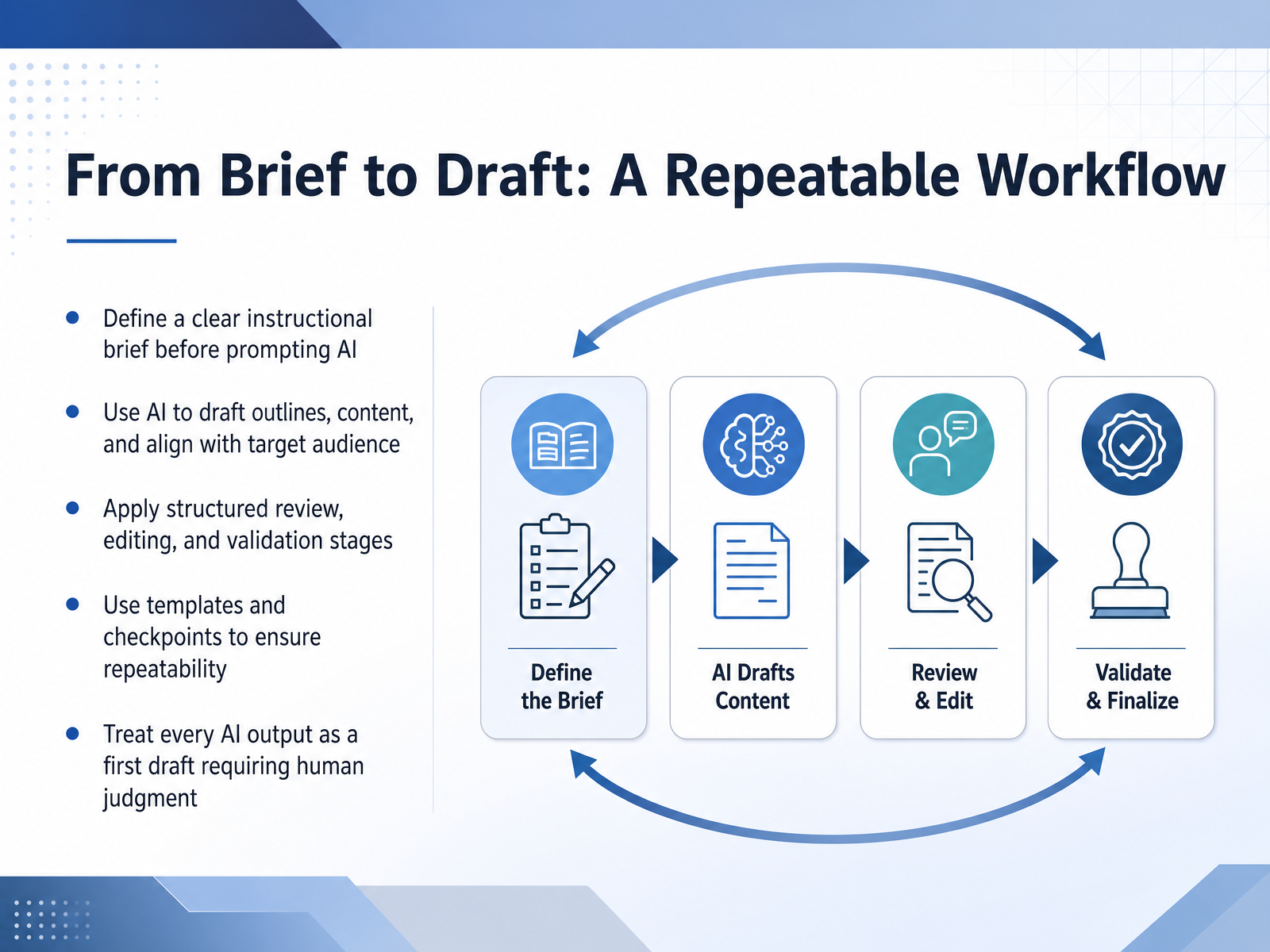
 - 05From Brief to Draft: A Repeatable WorkflowHere's a workflow you can actually repeat. Start by writing a clear instructional brief before you touch any AI tool. Think of it as your anchor. What problem are you solving? Who is the learner? What outcome do you need? Write that down. Then, let AI draft the outline, the content, and the early structure. But here's the key shift: treat every AI output as a first draft, nothing more. Your judgment is the review layer. So move through structured stages. Draft quickly. Then verify for accuracy against your sources. Then refine for tone and clarity. Finally, approve with clear checkpoints. This is where templates matter. Use the same prompts and the same checklists every time, so the quality bar stays consistent across projects. And remember, AI can't judge instructional design. It can catch misalignments and inconsistencies, but it can't tell you if the training will work. That's your call. Keep the human in the loop, and you'll cut rework dramatically. Next, let's talk about choosing the right AI tools for each step.
 commlabindia.comdesigningwithloveblog.comcoursiv.io1 min
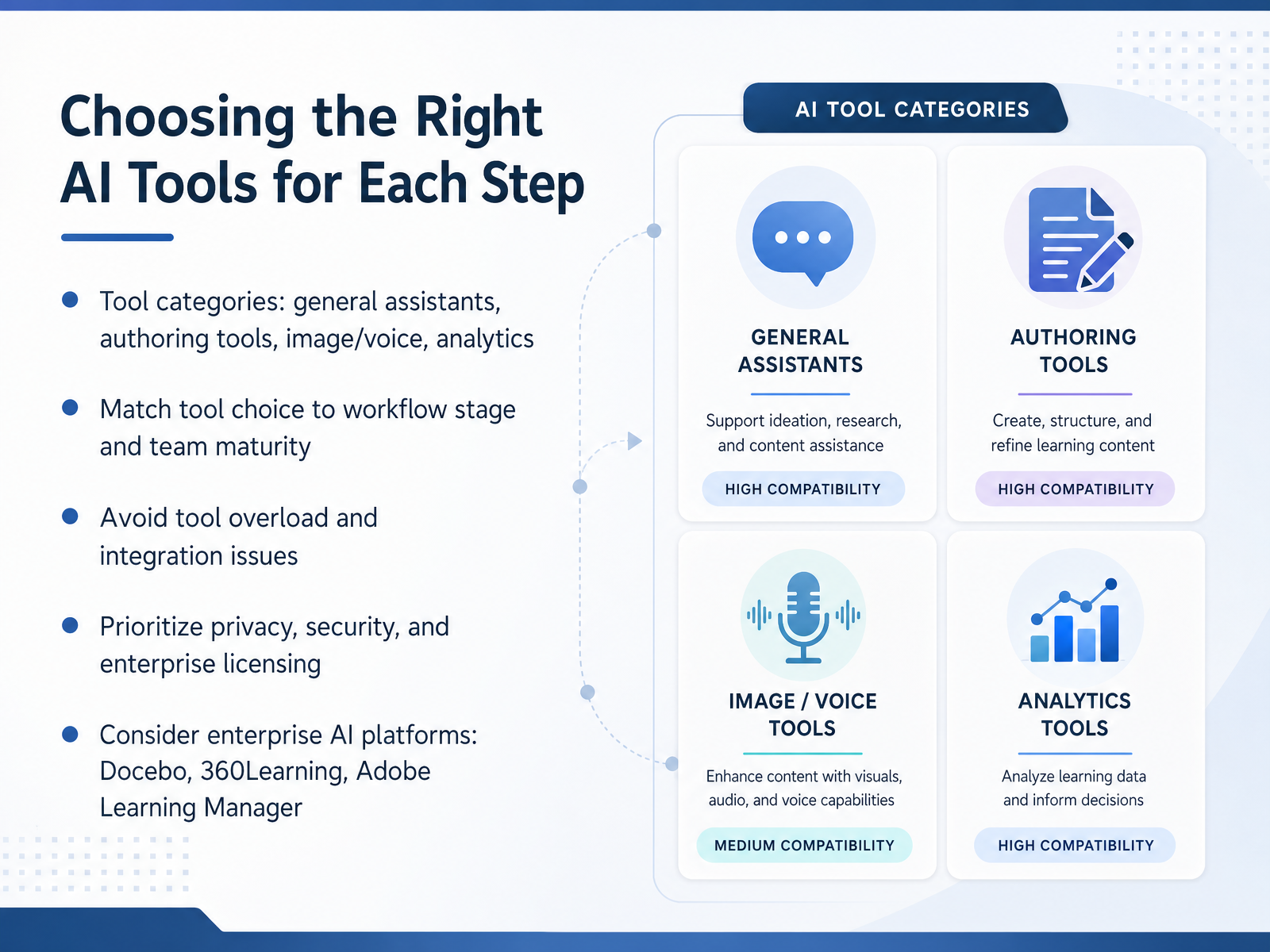
 - 06Choosing the Right AI Tools for Each StepNow let's talk about choosing the right AI tools for each step. You'll find four main categories. General assistants like ChatGPT or Copilot handle brainstorming and drafting. Authoring tools help you build courses faster. Image and voice generators produce visuals and narration. And analytics tools turn learning data into insights. The key is to match the tool to the workflow stage and your team's maturity. If your team is new to AI, start with one tool per step. Don't overload them. Too many tools create integration headaches and slow everyone down. Prioritize privacy and security. Check enterprise licensing and data protection. Many platforms offer built-in AI, like Docebo, 360Learning, or Adobe Learning Manager. These can simplify your stack. Here's a quick example. For content creation, you might use an authoring tool with AI built in. For personalized recommendations, an enterprise platform is a safer bet. Remember, the goal is to solve a problem, not to collect tools. Choose what fits your workflow today, and scale from there. Next, we'll look at quality control and human review.
 1 min
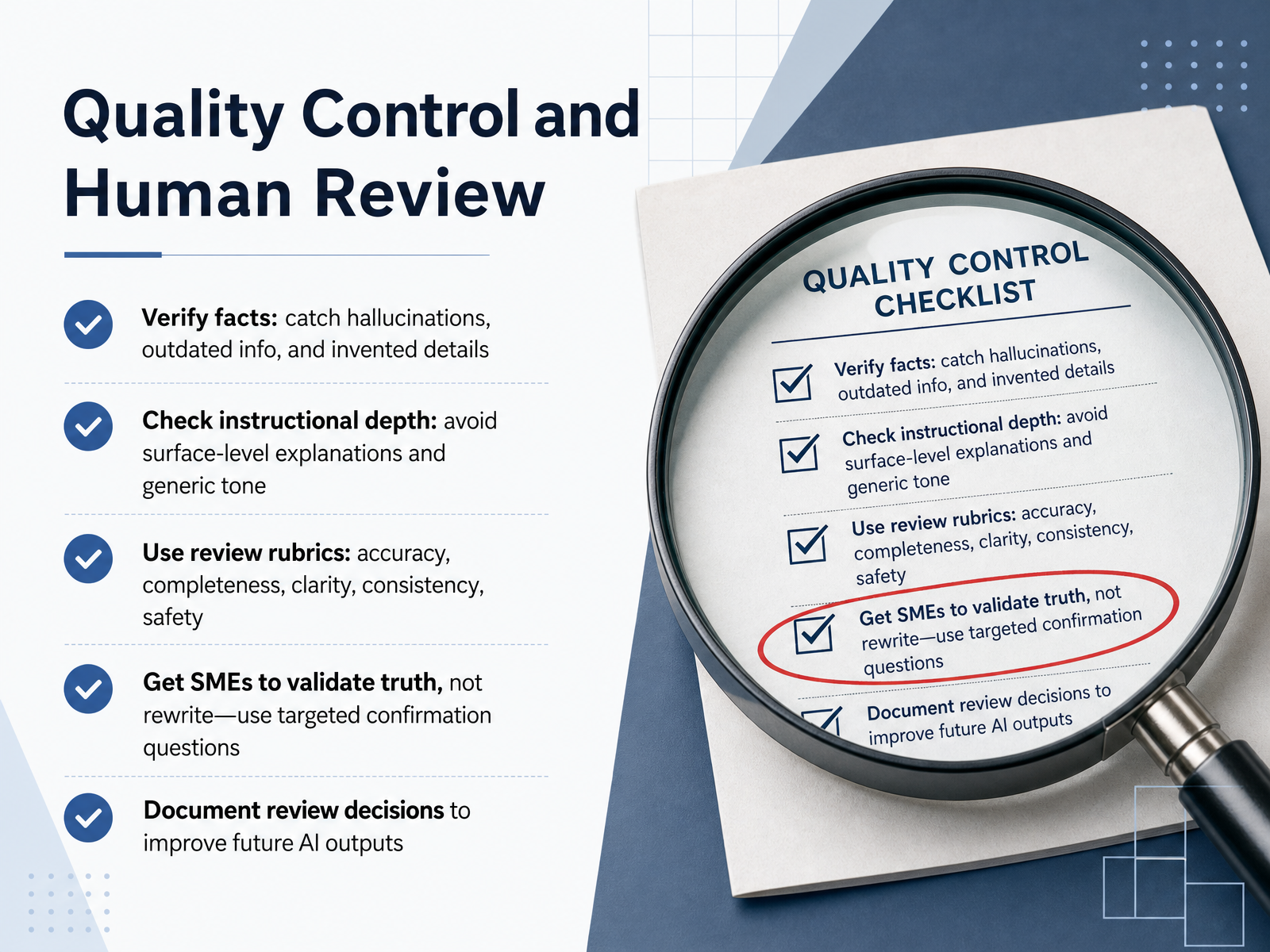
1 min - 07Quality Control and Human ReviewNow let's talk about the part that actually protects your credibility: quality control and human review. AI drafts fast, but it also makes mistakes fast. So treat every output as a draft that needs a disciplined pass. First, verify facts. AI can hallucinate regulations, invent statistics, or blend conflicting details from different sources. Cross-reference every claim against your source of truth. Next, check instructional depth. AI loves surface-level lists, but does it actually build skill? Look for the 'so-what.' If your objective is analysis, but the AI gave you a simple recall quiz, you need to manually inject the complexity. Use a review rubric to keep this consistent. Stick to five criteria: accuracy, completeness, clarity, consistency, and safety. Now, when it comes to subject matter experts, don't ask them to rewrite the content. That is not their job. Give them a validation packet with targeted confirmation questions and specific lines to approve or reject. This turns their review into decisions, not editing. Finally, document every review decision. Note what was flagged, what was changed, and why. Over time, this log becomes your training data for better AI prompts. Remember, the goal is speed with trust, and that trust comes from visible human rigor. Next, let's look at using AI as a devil's advocate to stress-test your content before it ships.
 2 min
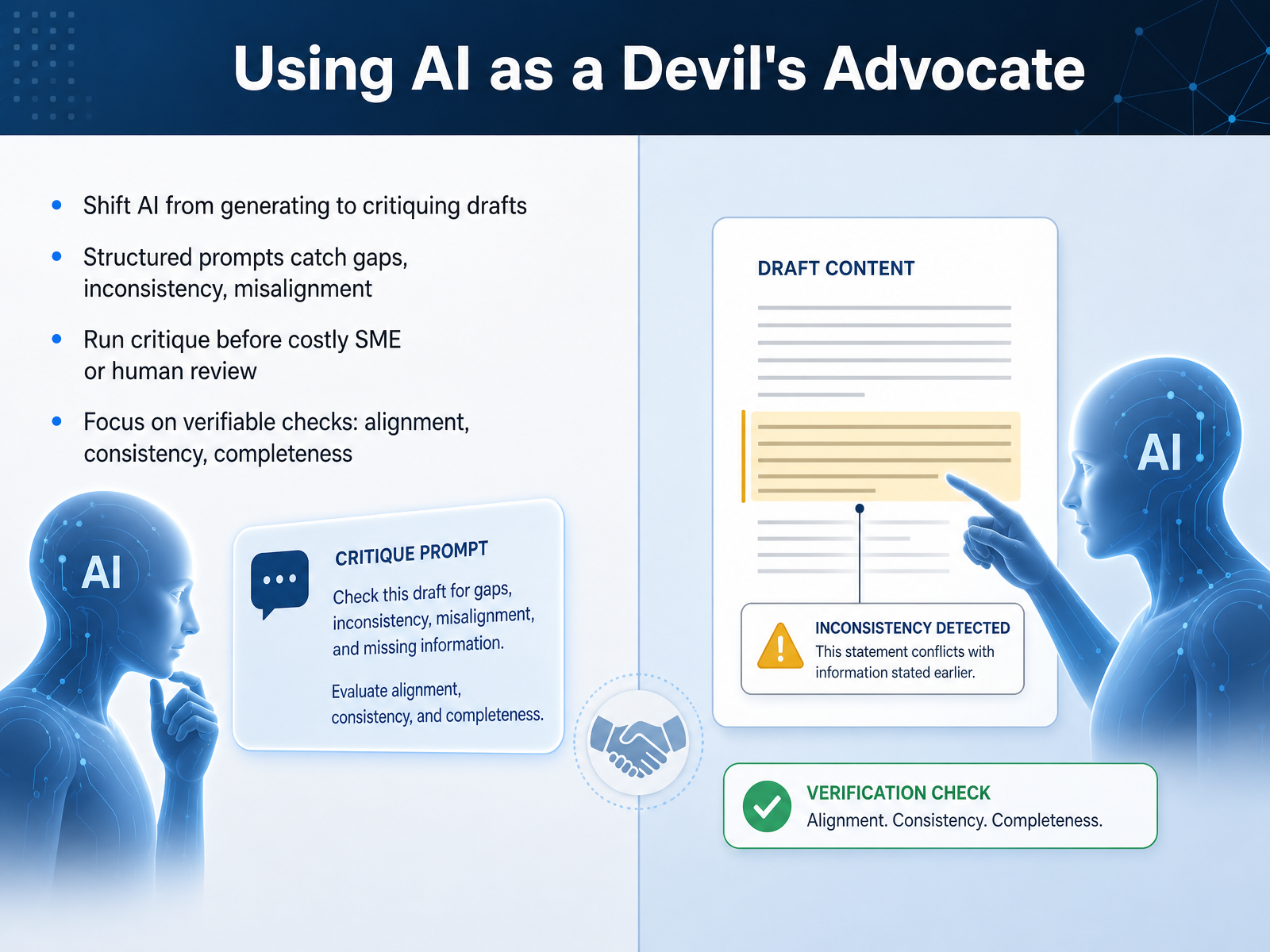
2 min - 08Using AI as a Devil's AdvocateNow let's flip the script. Instead of asking AI to create, ask it to critique. This is the devil's advocate pass. Run it right after drafting, before your subject matter expert ever sees the material. The goal is to catch the structural problems AI is actually good at finding: objective-to-assessment gaps, terminology drift, missing logical steps. For example, paste five learning objectives and your assessment set into one prompt. Ask AI to identify any objective without a test item. That's a verifiable, factual check. It is not asking AI if the content is good; that judgment stays with you. These checks catch mechanical failures cheaply, so you don't burn your SME's time on typos and misalignment. They spend their hours on accuracy and instructional judgment instead. So, add a structured critique step between drafting and human review. Keep the prompt specific, not open-ended. Ask about alignment, consistency, and completeness. This small shift preserves your speed gains and makes the expensive human review count. Up next, we'll cover governance, policies, and team adoption.
 commlabindia.comdesigningwithloveblog.comcoursiv.io1 min
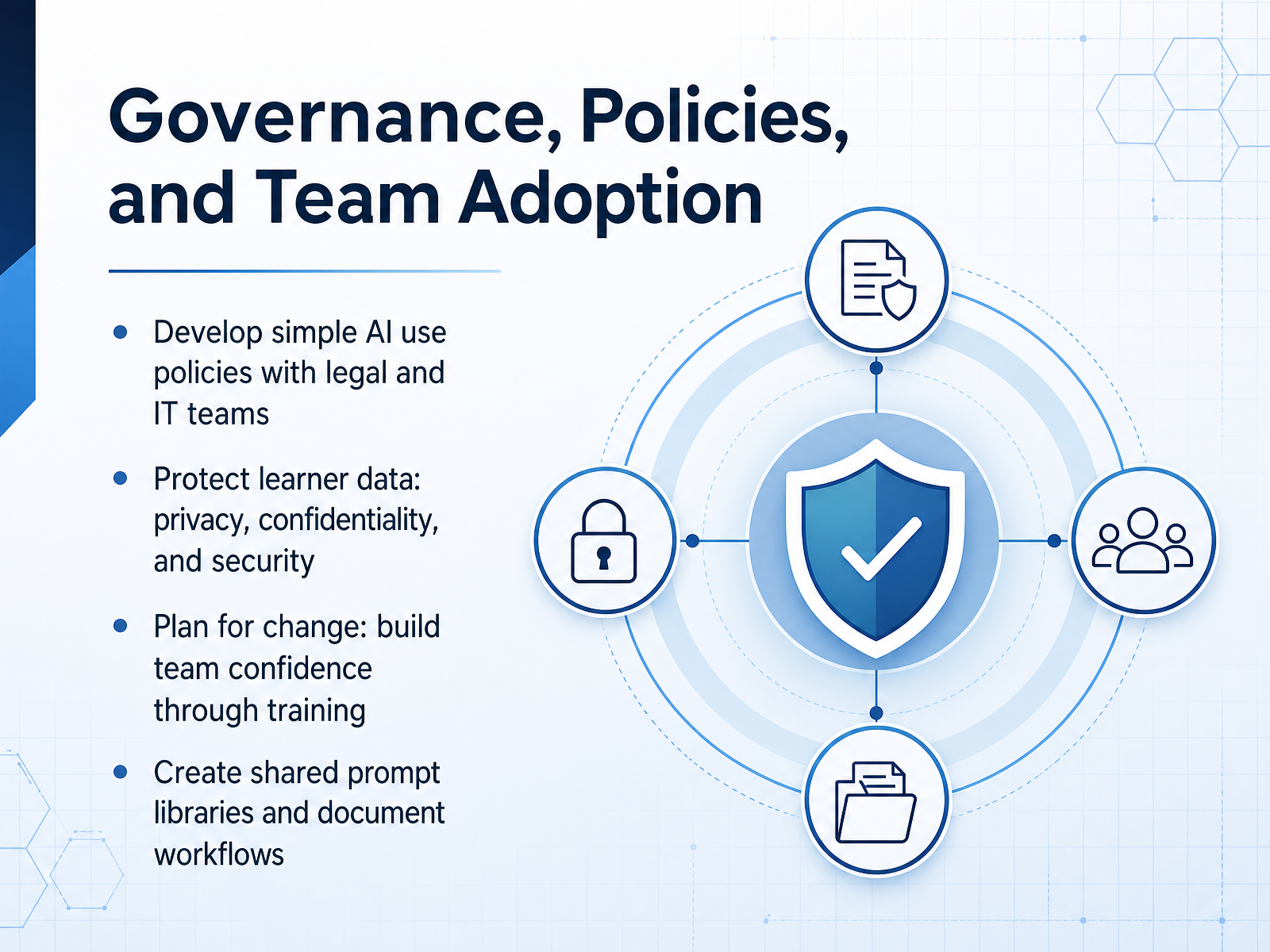
 - 09Governance, Policies, and Team AdoptionNow let’s talk about the guardrails that make AI safe to use across your team. Start by working with your legal and IT colleagues to create simple, practical AI policies. Don’t overcomplicate it. Focus on what people can and can’t do. For example, which tools are approved, and what data should never be entered. Protecting learner data is non-negotiable. Privacy, confidentiality, and security must be built into every workflow. Then, plan for change. If you want adoption, your team needs confidence. Run short training sessions, address concerns, and show real use cases. A shared prompt library can save everyone time. Document workflows so best practices don’t stay in someone’s head. As you build these resources, remember: governance isn’t about restriction. It’s about enabling safe, effective use. Now, how do you know if this is working? Let’s look at evaluating impact and refining your workflow.
 2 min
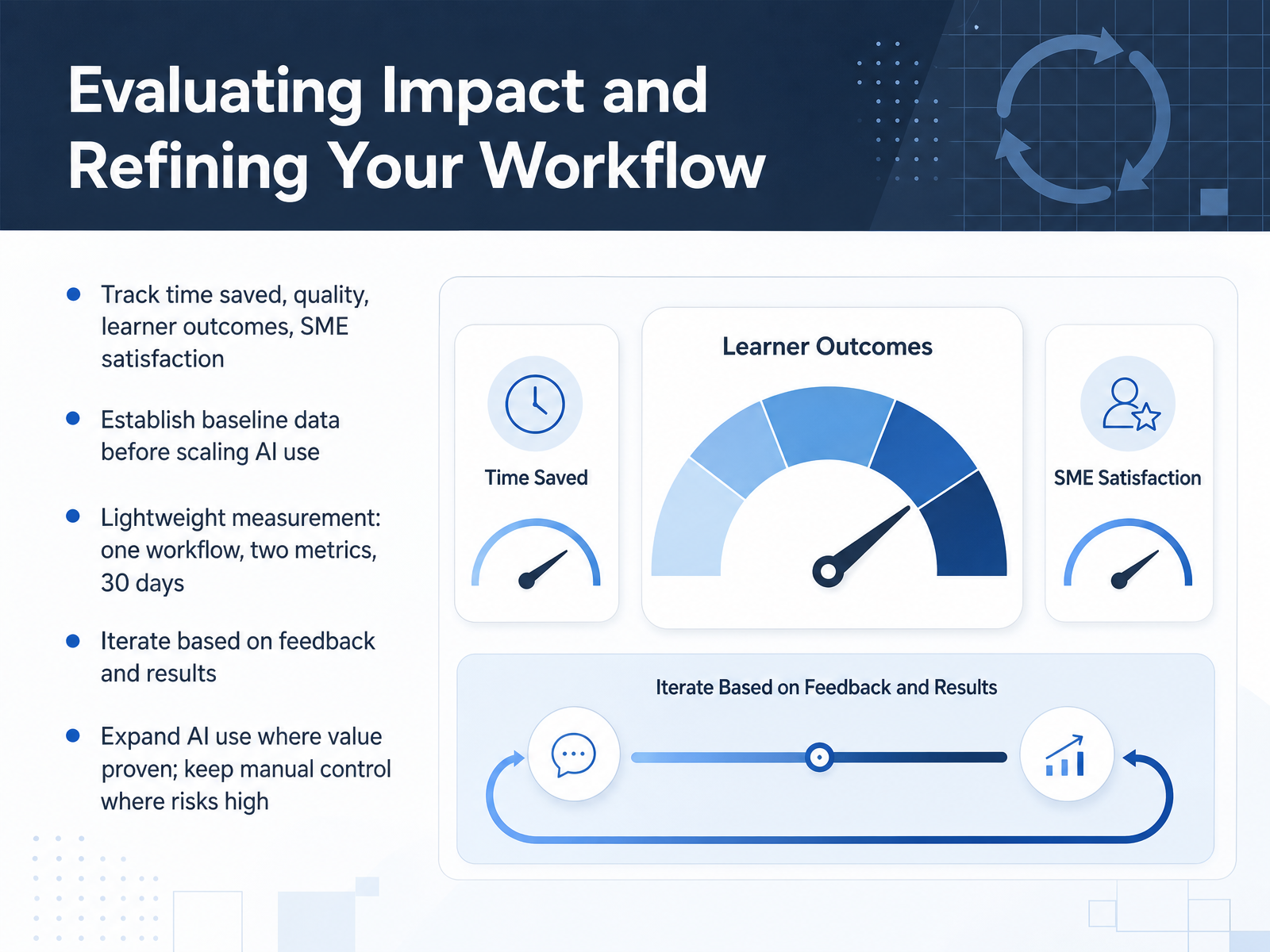
2 min - 10Evaluating Impact and Refining Your WorkflowNow let's talk about evaluating impact and refining your workflow. This is where most AI initiatives either gain credibility or lose it. Start by tracking what actually matters: time saved, quality of output, learner outcomes, and SME satisfaction. But here's the key — you need baseline data before you scale AI use. If you don't know how long a task took before AI, you can't prove it's faster now. Keep measurement lightweight. Pick one workflow, two metrics, and run it for thirty days. For example, track time-to-first-draft and the number of SME revision rounds. That's enough to tell a credible story. Then iterate. Look at the feedback and the results. Expand AI use where the value is proven, but keep manual control where the risk is high. Speed without quality isn't a win. The goal is steady, defensible improvement — not hype. So measure a little, learn a lot, and let the data guide your next move. Up next, we'll turn this into an action plan you can apply directly to your team.
 2 min
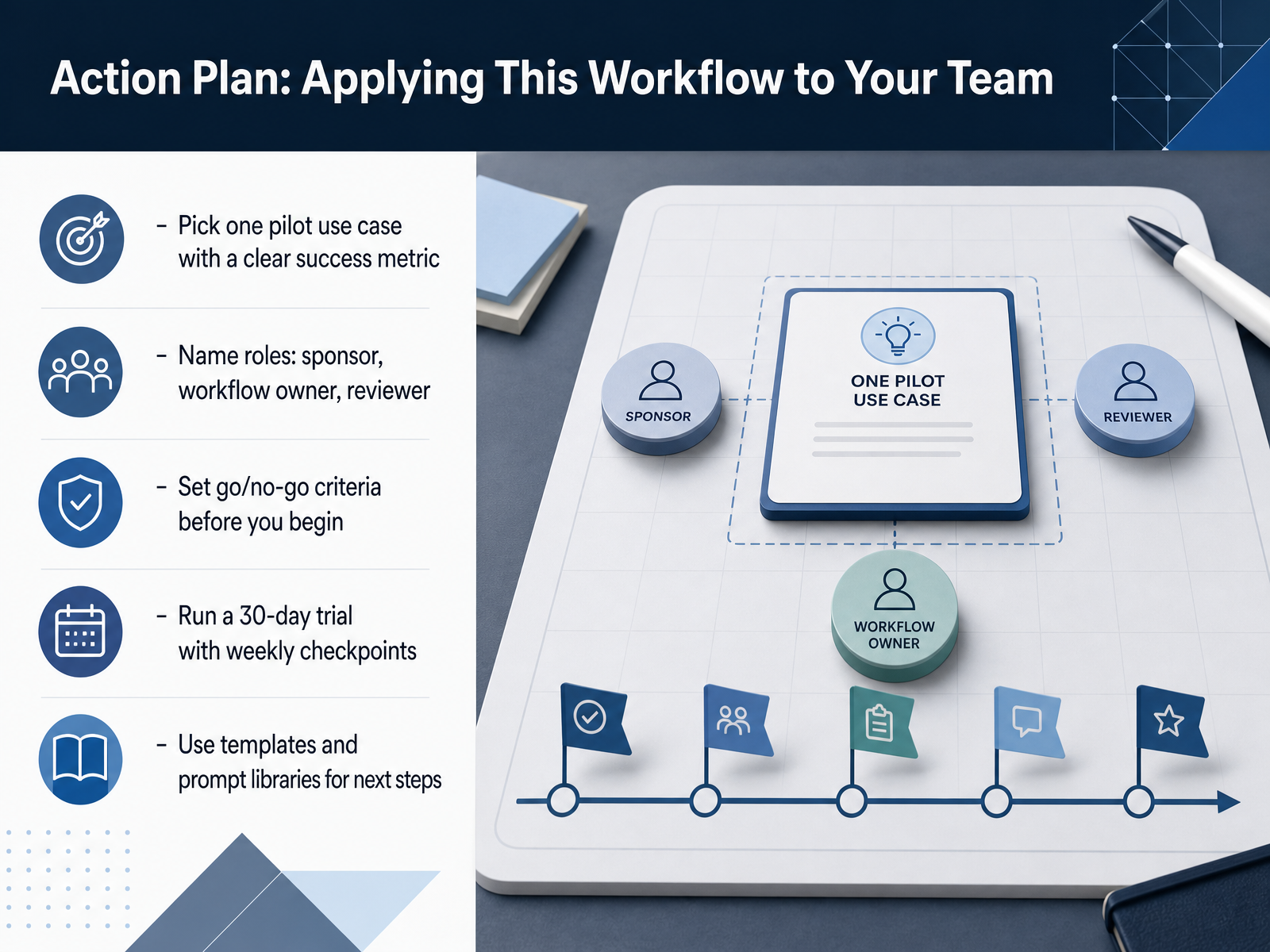
2 min - 11Action Plan: Applying This Workflow to Your TeamNow let's turn this into concrete action. Start by selecting a single pilot use case with a clear success metric. For example, 'cut proposal drafting time in half' rather than 'use AI to improve sales training'. Too much ambiguity will sink a pilot before it starts. Next, name three roles in writing. An executive sponsor who has budget authority. A workflow owner who feels the pain daily and accepts the output. And a reviewer who checks quality and risk. Now set your go and no-go criteria before you begin. Decide what good looks like on day thirty, and what failure looks like. If you don't define the kill criteria upfront, the pilot limps on forever. Run a thirty-day trial with weekly checkpoints. Measure the baseline in week one, gather user feedback in week three, and make the decision in week four. A pilot without a hard stop is not a pilot, it is an experiment without a decision date. Finally, save your templates and prompt libraries during the trial. That way, the next rollout is faster and requires far less heavy lifting. The goal is not to explore, it is to decide—scale, pivot, or stop. Now let me share a detailed week-by-week plan. The 30-Day Pilot: Week by Week.
 2 min
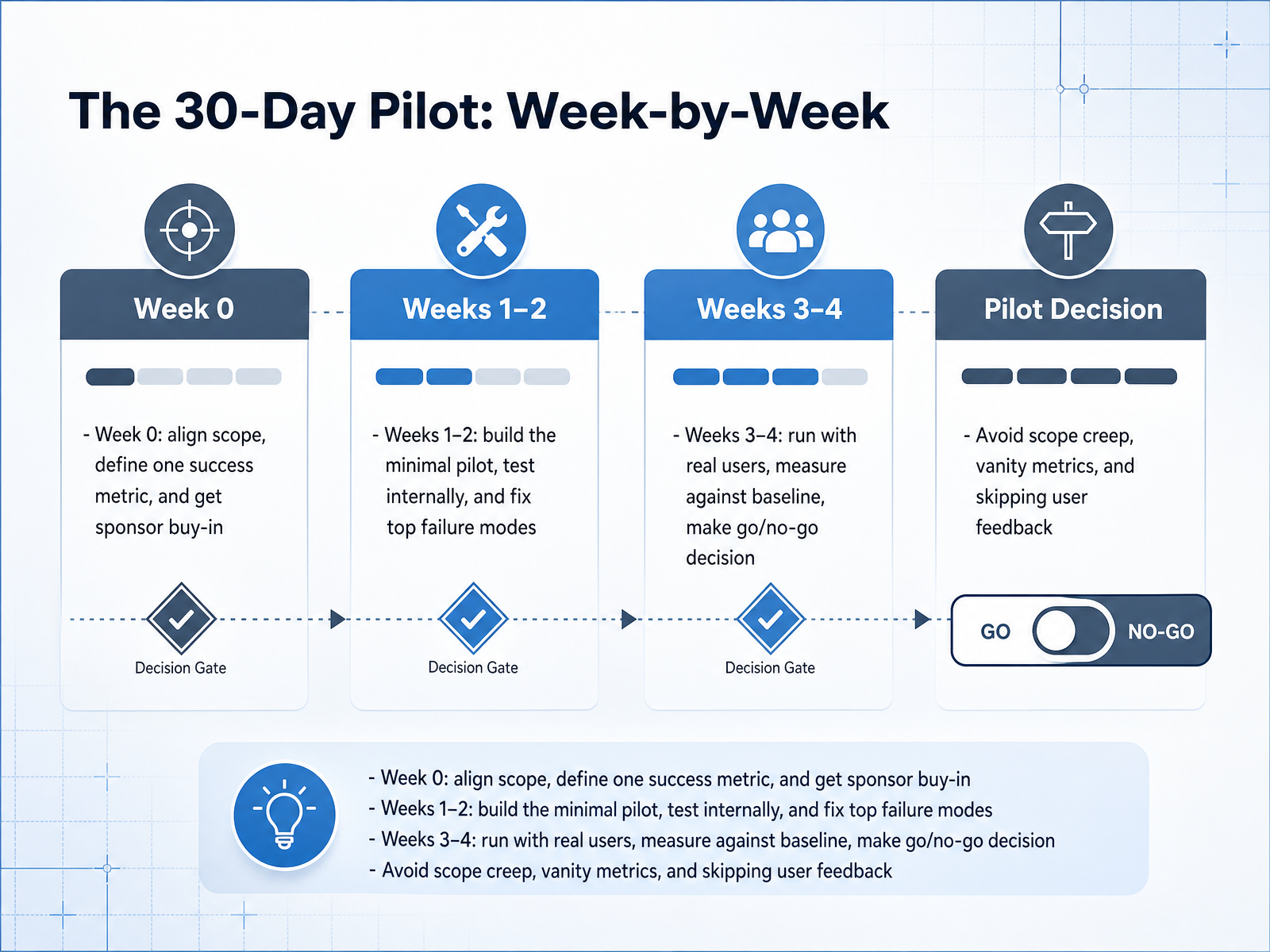
2 min - 12The 30-Day Pilot: Week-by-WeekLet's break the pilot down week by week. Week zero is all about alignment. Lock the scope, define one success metric, and get a sponsor with real authority. No exceptions. Then weeks one and two are for building. Create the minimal version of the tool, test it internally, and fix the top three failure modes. Keep it small. If it takes more than three days to build, the scope is too big. Weeks three and four are the real test. Run it with actual users, measure against your baseline, and make the go or no-go call. That decision is the whole point. What kills pilots? Scope creep, vanity metrics, and skipping user feedback. Guard against all three. Remember, a pilot isn't a project, it's a forcing function. It forces you to define what success looks like before you see the data. Now, let's look at the most common pitfalls and how to sidestep them.
 2 min
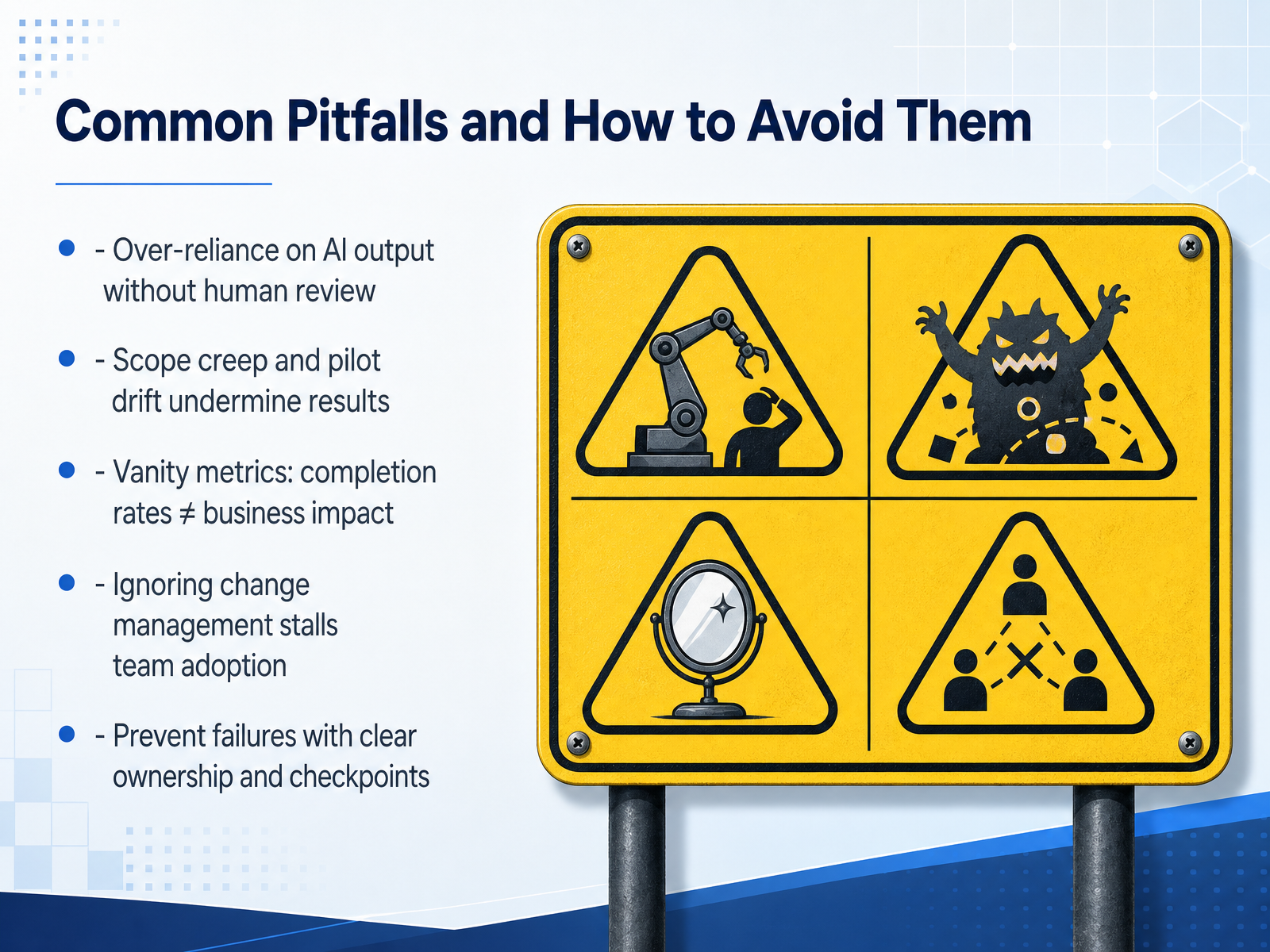
2 min - 13Common Pitfalls and How to Avoid ThemLet's talk about the traps that can derail your AI work. First, over-reliance on AI output without human review. AI drafts quickly, but it can be confidently wrong. Always have a subject matter expert check the work before it reaches learners. Second, scope creep. Pilots that try to solve three problems at once rarely solve any. Pick one workflow, one measurable goal, and stick to it. Third, vanity metrics. Completion rates and satisfaction scores look good in a report, but they don't prove the training changed behavior. Instead, track adoption rates and time saved on real tasks. Fourth, ignoring change management. If your team feels the AI is being pushed on them, they won't use it. Early involvement and clear communication about the why prevents silent resistance. The fix for all of these is simple: assign a clear owner for the pilot, set review checkpoints, and write down success criteria before you start. Treat the pilot as an experiment with a decision date, not an open-ended project. Now, let's look at how to scale what works and build on your momentum. That's next.
 get.opensesame.comgo1.comtrainingzone.co.uk+22 min
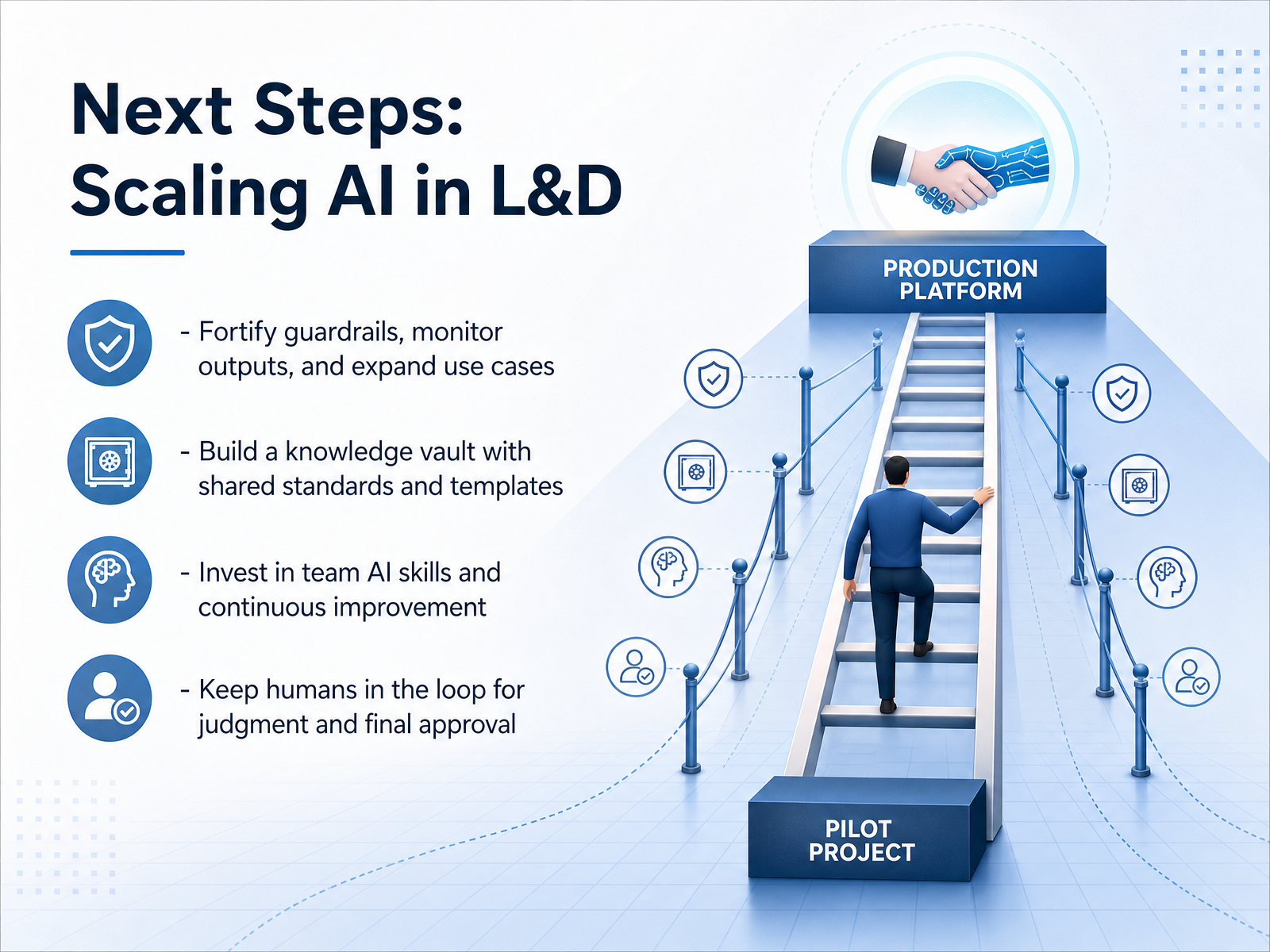
 - 14Next Steps: Scaling AI in L&DYou've built the workflow. Now let's scale it responsibly. First, fortify your guardrails. Monitor outputs regularly and expand use cases one at a time. Remember, change only one variable at a time so you can trace any new problem to its source. Second, build a knowledge vault. Store your approved prompts, templates, and standards in one shared place. This turns individual wins into team consistency. Third, invest in your team's AI skills. This is not just tool training. It's about judgment, knowing when to trust the output and when to escalate. Finally, keep humans in the loop. Your team's expertise is the final quality gate. No piece of content should reach a learner without a human review. The technology amplifies your capability. It does not replace your judgment. You've got the framework. Now go start your pilot. The results will speak for themselves.
 coursiv.iogerta.euget.opensesame.com+21 min
Take the deck with you
Download this course as a file — free, no sign-up needed.
- PDF handoutEvery slide page, ready to print or share.15 pages · 3.6 MBDownload
- Narrated PowerPointThe deck that presents itself — every slide carries the digital human's narration video.15 pages · 15.0 MBDownload
- PowerPoint slidesThe full deck as a .pptx — open it in PowerPoint, Keynote, or Google Slides.15 pages · 3.5 MBDownload
Free to use in your own training — please keep the PersonWise credit page at the end.
Have your own deck? Turn it into a course
Sources consulted
Web sources consulted while building this course.
- AI in L&D: — get.opensesame.com
- 2025 State of the Industry — assets.td.org
- Digital Learning Realities Research 2025 | Fosway Group — fosway.com
- https://learning.linkedin.com/content/dam/me/learning/en-us/images/lls-workplace-learning-report/2025/full-page/pdfs/LinkedIn-Workplace-Learning-Report-2025.pdf — learning.linkedin.com
- LearnUpon 2025 State of Learning and Development Report: AI and Employee Well-Being Drive Strategic L&D Transformation — businesswire.com
- AI in Learning: Key insights for L&D Leaders | Go1 — go1.com
- The AI adoption gap in L&D: Why so many teams are stuck (and how to move forward) - TrainingZone — trainingzone.co.uk
- EBook - State of L&D 2025 [v8] — thirst.io
- Develor_kaleidoscope — develor.pl
- AI for Learning & Development: ADDIE Workflow | Coursiv Blog — coursiv.io
- AI in Learning Design and Development — gerta.eu
- AI. Learning & Development Automation White Paper — garrettfry.training
- The AI-enhanced learning ecosystem: A case study in collaborative innovation – Chief Learning Officer — chieflearningofficer.com
- Utilizing Generative AI for Instructional Design: Exploring Strengths, Weaknesses, Opportunities, and Threats | TechTrends | Springer Nature Link — link.springer.com
- Generative AI for Instructional Design: Changes, Chances, Challenges — aace.org
- Instructional Design Framework Should Drive AI Course Generation - eLearning Industry — elearningindustry.com
- Frontiers | From AI assistance to pedagogical reflection: a rubric-mediated model for generative AI in teacher education — frontiersin.org
- A Conceptual Framework for Integrating Generative AI in Education through Ethical, Instructional, and Pedagogical Balance | Journal of Learning for Development — jl4d.org
- Instructional Design Workflow: How to Use GenAI — commlabindia.com
- How to Create a Workflow That Prevents Rework in Instructional D… — designingwithloveblog.com