Begin
14 pages · ~28 min
Measuring Data Visualization Outcomes
This training helps data professionals measure the impact and effectiveness of their visualizations, enabling them to evaluate outcomes and improve decision-making.
A digital instructor presents all 14 pages. Hold “Ask” at any point and ask out loud — the answer comes from this course. No sign-up needed.
What you’ll learn
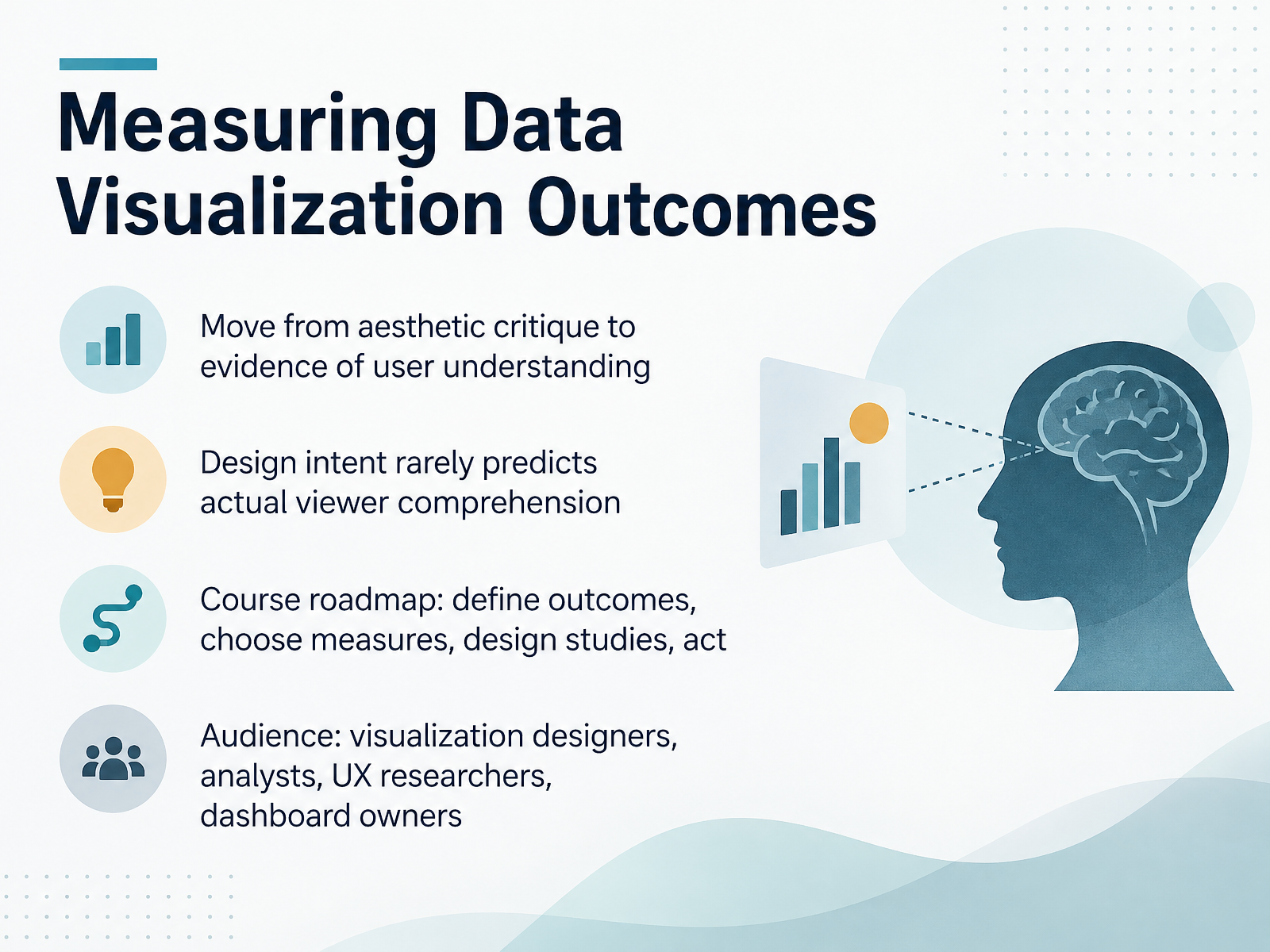
- 01Measuring Data Visualization OutcomesWelcome. This course is about measuring data visualization outcomes, and the goal is simple: to help you judge whether a chart actually helps people understand, not just whether it looks good. First, a framing point. Most design critique is aesthetic. You ask whether a chart is clean, which often means you like the colors and the spacing. That is not evidence of understanding. Next, design intent rarely predicts actual viewer comprehension. You may intend that a trend is obvious, and still watch viewers compare individual bars one by one, or misread what an error bar represents. So the outcomes you measure have to be specific. Do you want recall, accurate magnitude perception, a correct comparison, or a decision? Those are different targets, and the best format for one can be weak for another. In practice, a chart can improve recall while inflating perceived probability, so a single comprehension score hides the tradeoff. Over the next slides, we will define outcomes, choose measures, design studies, and act on the results. This course is built for visualization designers, analysts, UX researchers, and dashboard owners. We will stay practical and acknowledge real constraints: stakeholder preferences, messy data, and limited testing time. Treat every recommendation as a testable choice, not a rule. The takeaway for this slide: start from the outcome you want, then measure whether viewers reach it. Next, let's look at why common evaluation practices fall short. Background: Why Evaluation Practices Fall Short.pmc.ncbi.nlm.nih.govjournals.sagepub.compmc.ncbi.nlm.nih.gov+22 min
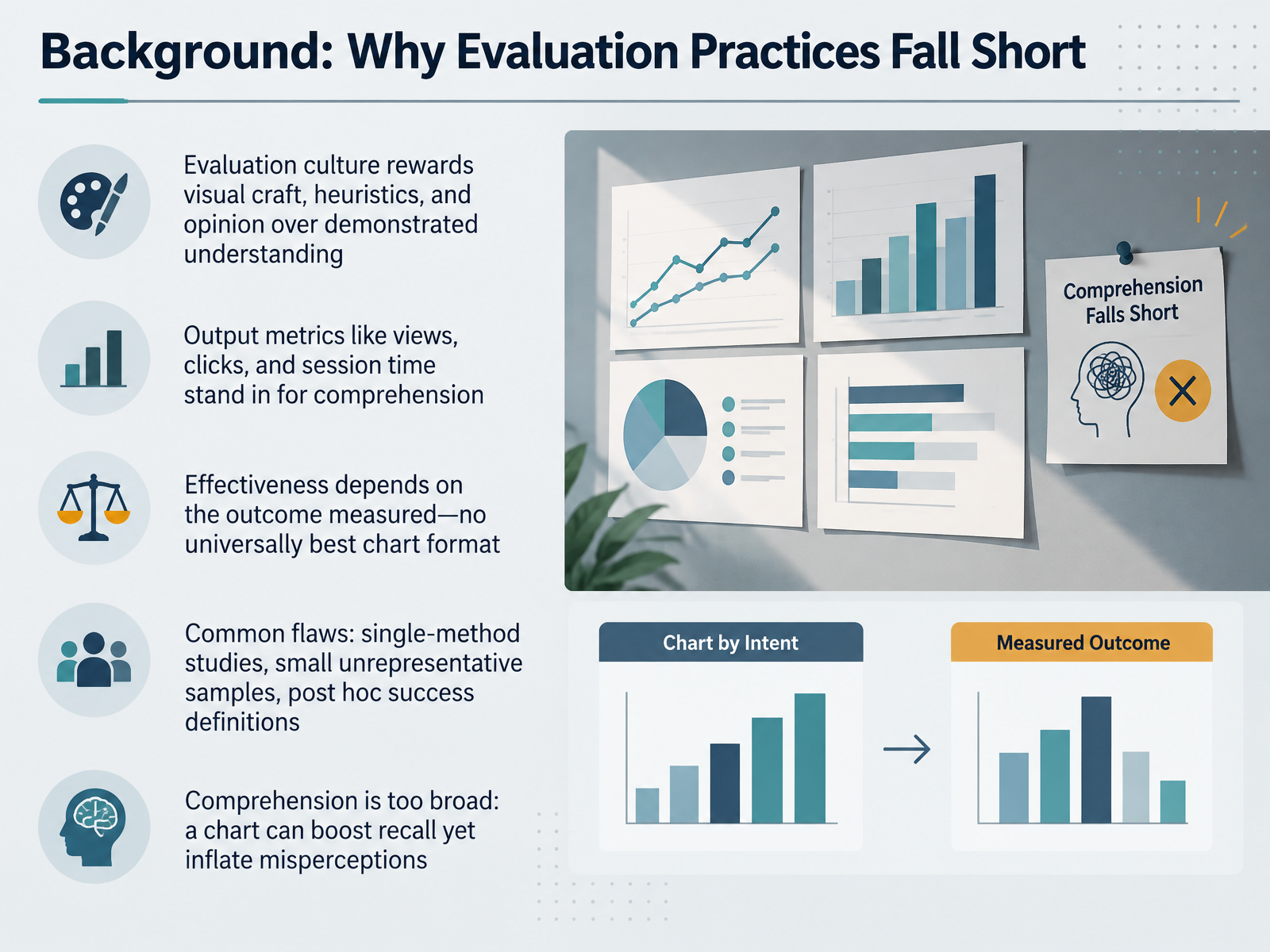
- 02Background: Why Evaluation Practices Fall ShortSo why do our evaluation practices fall short? First, evaluation culture tends to reward visual craft, heuristics, and opinion over demonstrated understanding. A polished chart can win praise without evidence that anyone read it correctly. Next, output metrics like views, clicks, and session time often stand in for comprehension. Those numbers tell you attention happened, not that understanding did. In practice, effectiveness depends entirely on the outcome you measure. There is no universally best chart format. A format that supports accurate recall may differ from one that reduces misperception of magnitude. Watch for common flaws: single-method studies, small unrepresentative samples, and success criteria defined after the results arrive. Finally, comprehension itself is too broad. One design can improve recall while inflating misperceptions, which is why aggregate comprehension scores hide the real tradeoffs. The practical takeaway is to name the specific outcome before choosing the chart. Next, we will look at output metrics versus outcome metrics.
 pmc.ncbi.nlm.nih.govjournals.sagepub.compmc.ncbi.nlm.nih.gov+21 min
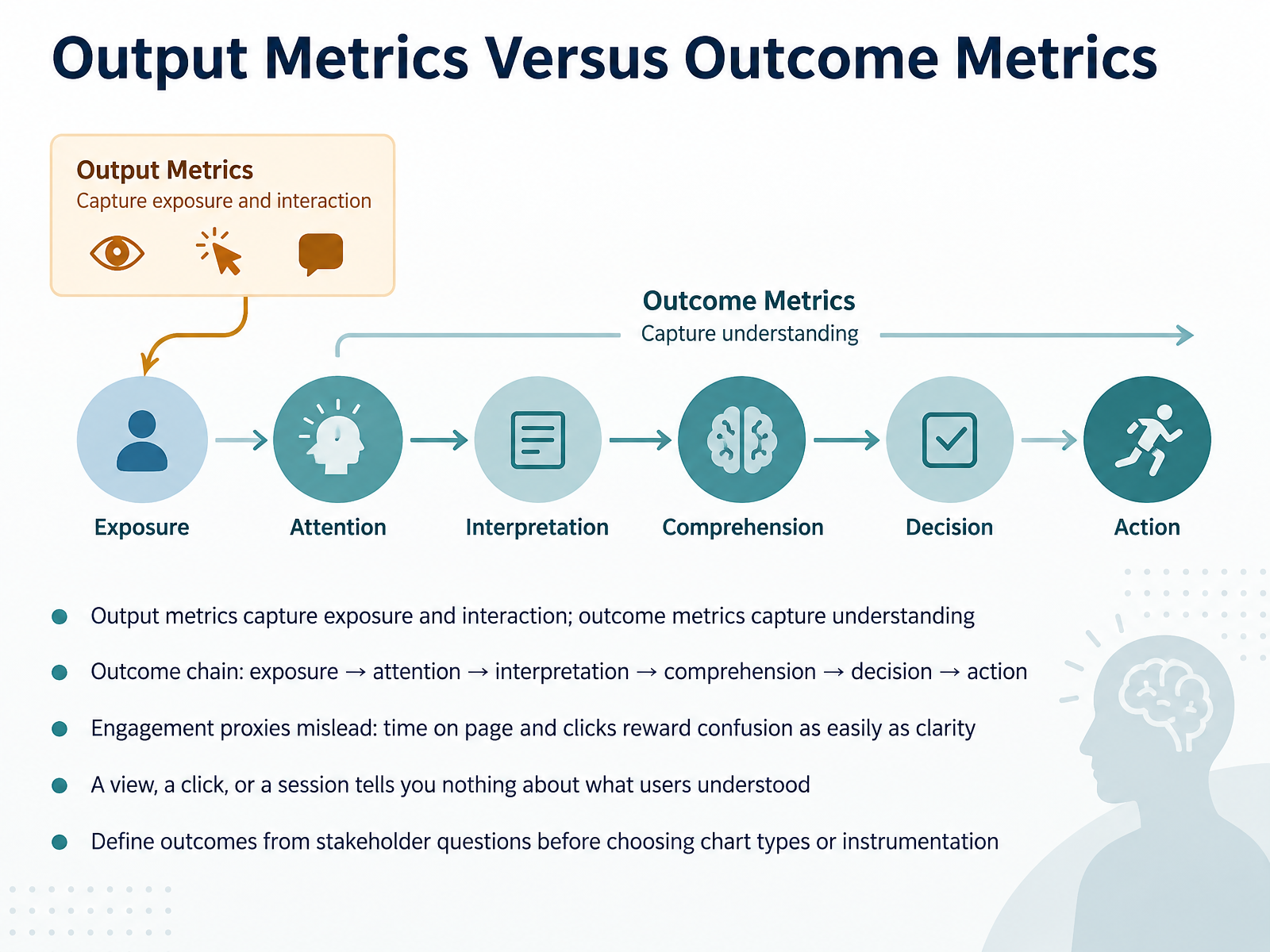
 - 03Output Metrics Versus Outcome MetricsLet's draw a hard line between two families of metrics, because mixing them up is one of the most common measurement mistakes. Output metrics capture exposure and interaction. Think impressions, page views, clicks, filter usage, session length. Outcome metrics capture understanding. They tell you what someone actually took away. The full outcome chain runs from exposure, to attention, to interpretation, to comprehension, to decision, and finally to action. Every link is a separate thing to measure, and passing one does not guarantee the next. Here is the trap. Engagement proxies mislead. Time on page and clicks reward confusion as easily as clarity. A user who stares at your chart for two minutes may be deeply confused, and a user who clicks every filter may be lost. A view, a click, or a session tells you nothing about what users understood. In practice, work backwards. Start from the stakeholder question, define the outcome you want, then choose chart types and instrumentation to match. Next, let's look at defining what counts as success.
 pmc.ncbi.nlm.nih.govjournals.sagepub.compmc.ncbi.nlm.nih.gov+22 min
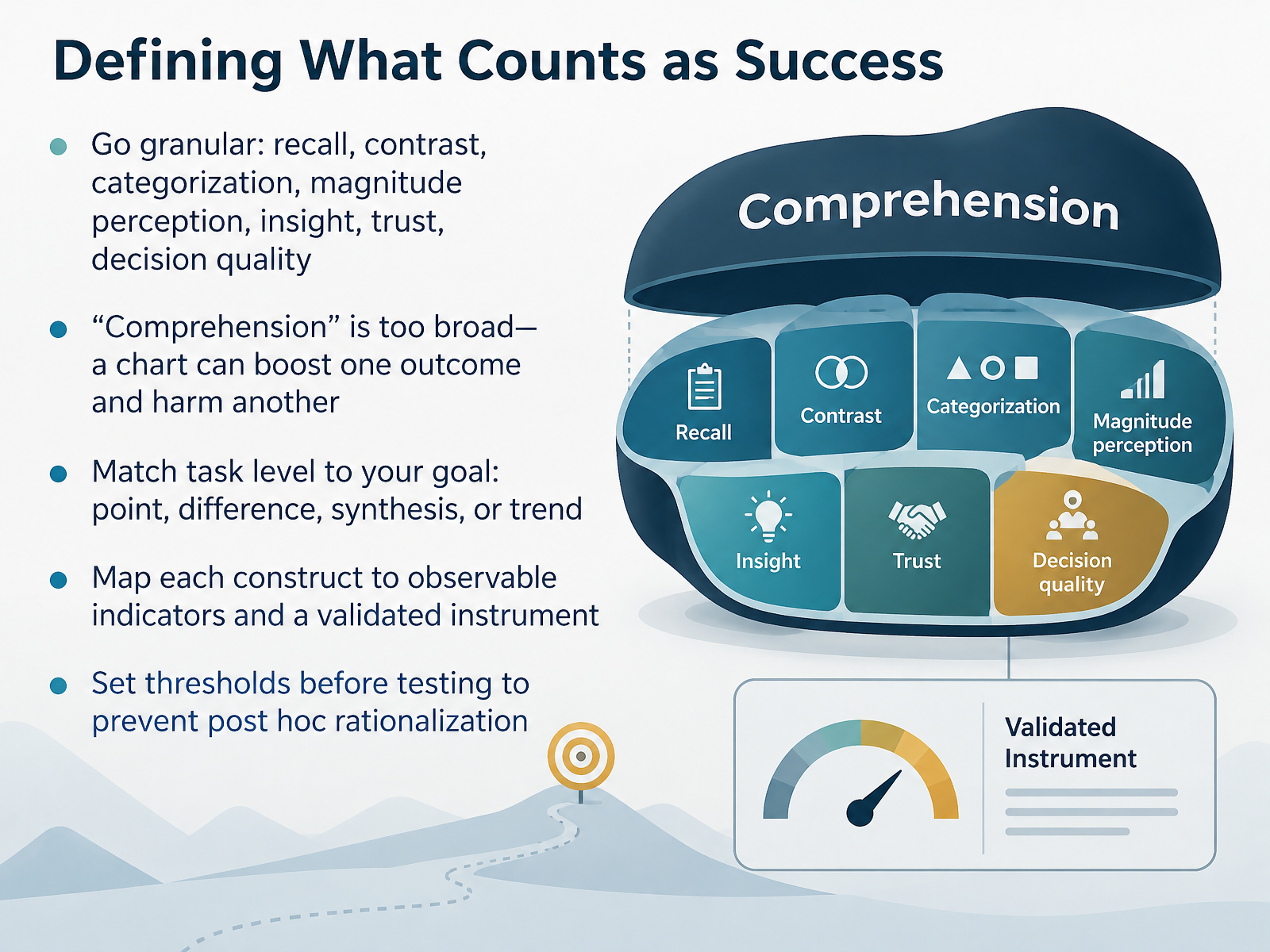
 - 04Defining What Counts as SuccessNext, let's define what actually counts as success. First, go granular. Instead of asking whether someone comprehended a chart, name the specific outcome you care about. Recall, contrast, categorization, magnitude perception, insight, trust, or decision quality. Comprehension is too broad, because a chart can boost one outcome while harming another. A design that improves recall may inflate perceived magnitude. Next, match the task level to your goal. Are you asking someone to read a point, judge a difference, synthesize several values, or read a trend? Each level demands a different test. In practice, map every construct to observable indicators and, where possible, a validated instrument, such as timing accuracy tradeoffs or a literacy assessment. Finally, set thresholds before testing. Decide what counts as success in advance, so you avoid post hoc rationalization later. That discipline keeps your findings defensible when stakeholders disagree. Let's move on to comprehension and decision-quality measures.
 pmc.ncbi.nlm.nih.govjournals.sagepub.compmc.ncbi.nlm.nih.gov+22 min
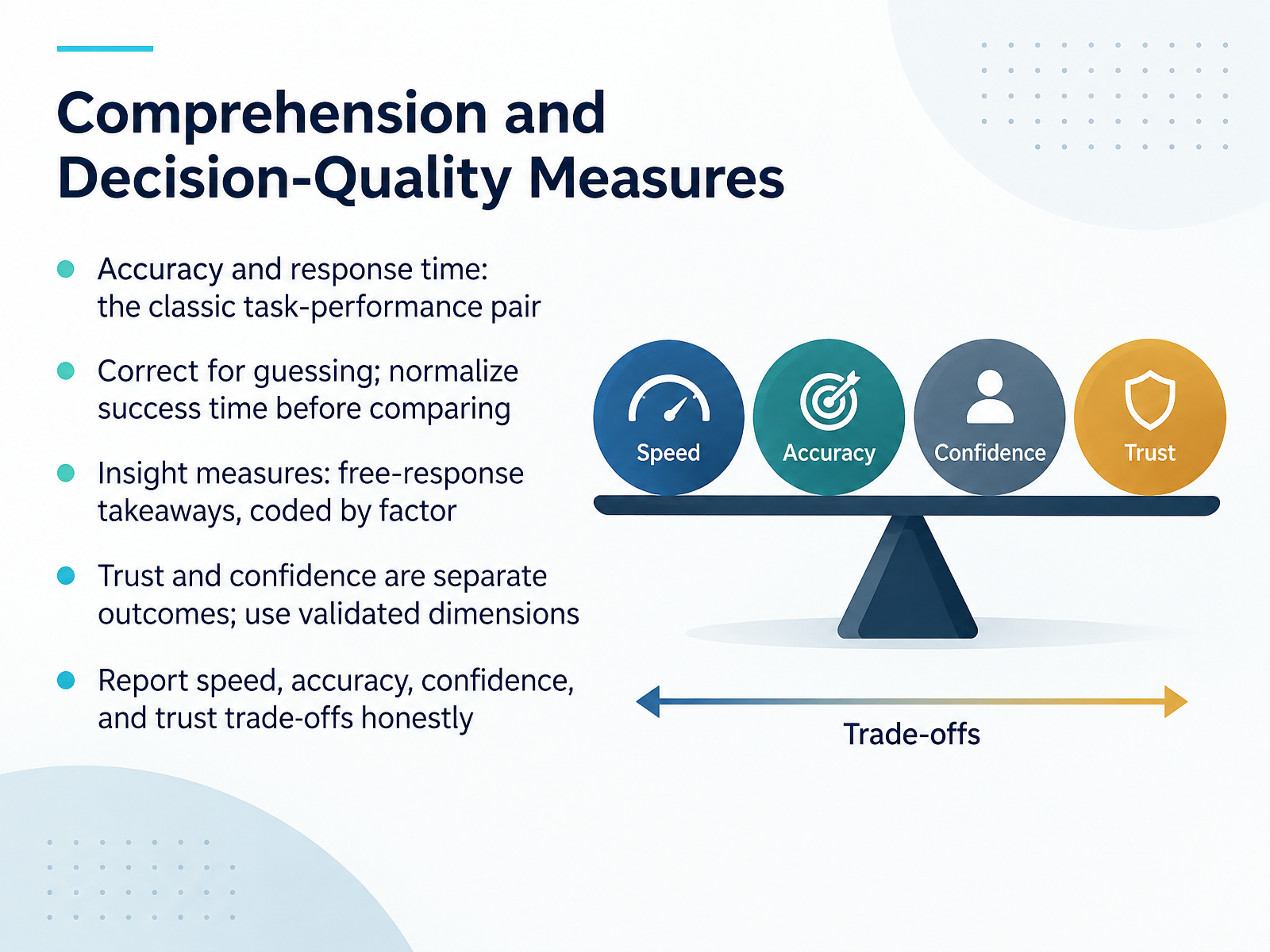
 - 05Comprehension and Decision-Quality MeasuresNow let's focus on how you actually measure comprehension. The classic pair is accuracy and response time, captured together, because a chart that is accurate but slow has a real cost in a live dashboard. First, correct for guessing when tasks use multiple choice, and normalize success time before you compare conditions. In practice, that means dividing by each participant's baseline speed on a control task, not just averaging raw seconds.
Next, insight measures. Ask for free-response takeaways and code them by factor, such as trend, comparison, or outlier, rather than scoring them as simply right or wrong. Then treat trust and confidence as distinct outcomes. Use validated dimensions like clarity, credibility, reliability, familiarity, and confidence rather than a single vague trust rating.
Finally, report speed, accuracy, confidence, and trust trade-offs honestly. A design that wins on speed may lose on trust. Core Measurement Methods will show you how to collect these without overloading your study.
 link.springer.comdl.acm.orgheal-workshop.github.io+22 min
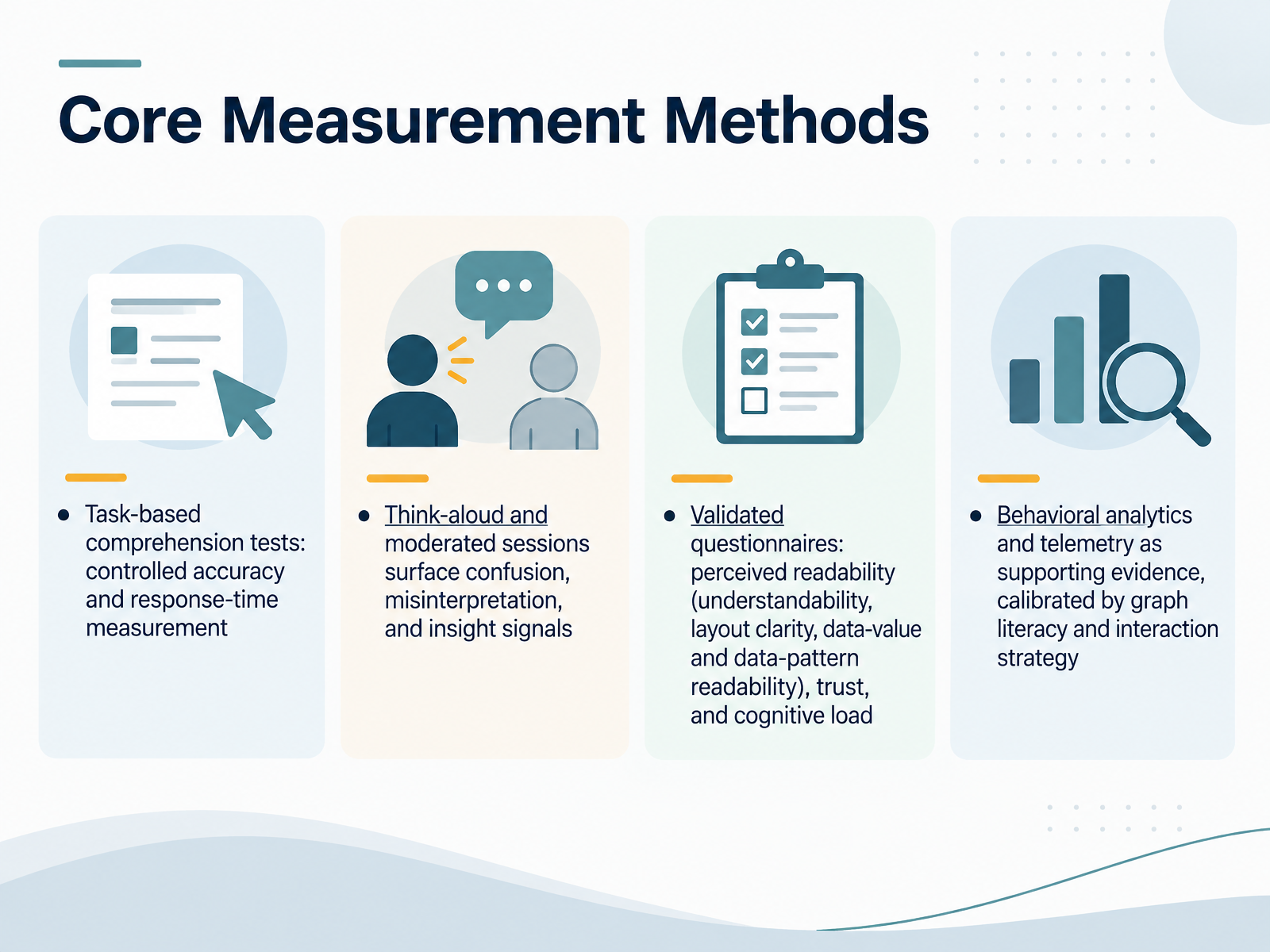
 - 06Core Measurement MethodsLet us look at the core measurement methods you can actually run. First, task-based comprehension tests. You give people specific reading tasks and measure accuracy and response time under controlled conditions. These give you the cleanest signal of whether a chart supports correct answers, and how efficiently. Next, think-aloud and moderated sessions. Here you are not scoring right or wrong; you are listening for confusion, misinterpretation, and genuine insight signals. In practice, a participant who pauses on an axis label tells you more than a satisfaction score ever will. Then there are validated questionnaires. Instruments like PREVis measure perceived readability across understandability, layout clarity, data-value readability, and data-pattern readability. You can also measure trust and cognitive load. Treat these as complements, not replacements, for performance data. Finally, behavioral analytics and telemetry as supporting evidence. Log interactions, filter use, and revisits, but calibrate them against graph literacy and each user's interaction strategy. A dashboard that predicts usability well may still mislead you if you ignore who is clicking. A practical takeaway: combine at least one objective measure with one subjective or qualitative method, because each covers the other's blind spots. Next, we turn to designing a testable study.
 dl.acm.orgdl.acm.orgtingying-he.github.io+22 min
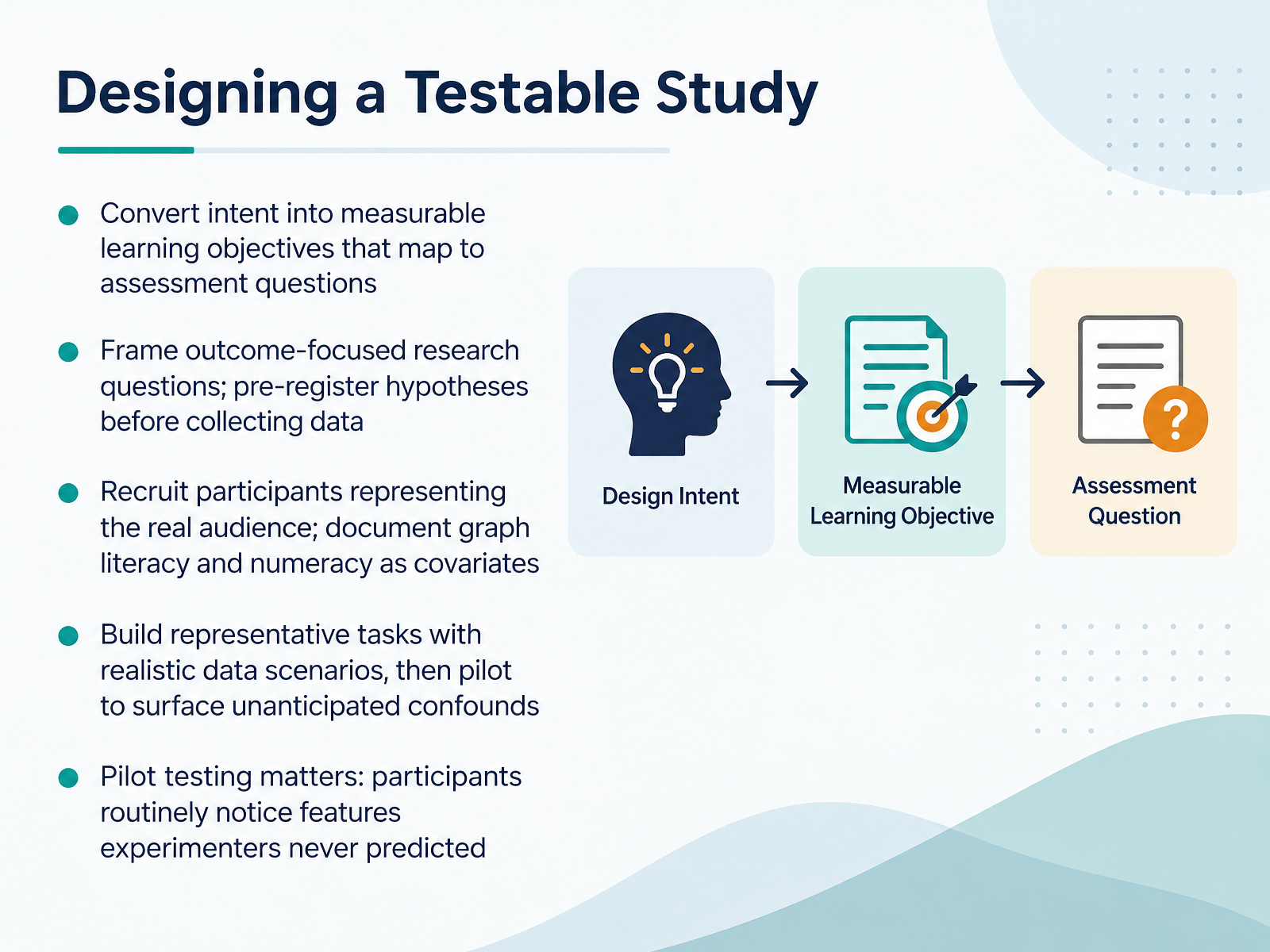
 - 07Designing a Testable StudyNow let's turn that intent into a study you can actually run. First, convert your intent into measurable learning objectives, and map each one to a specific assessment question. If an objective has no matching question, you cannot test it. Next, frame outcome-focused research questions, and pre-register your hypotheses before collecting data. Pre-registration keeps you honest when results surprise you. Then recruit participants who represent the real audience. Document graph literacy and numeracy as covariates. Instruments like the Mini VLAT take about five minutes and reliably predict chart comprehension, and graph literacy has emerged as a strong predictor of dashboard usability. Build representative tasks using realistic data scenarios, then pilot. In practice, pilot testing matters: participants routinely notice features experimenters never predicted, which is a well-documented pitfall of human testing. Keep your constraints in mind, but treat each choice as testable rather than absolute. Pragmatic Sampling and Task Selection.
 dl.acm.orgdl.acm.orgtingying-he.github.io+22 min
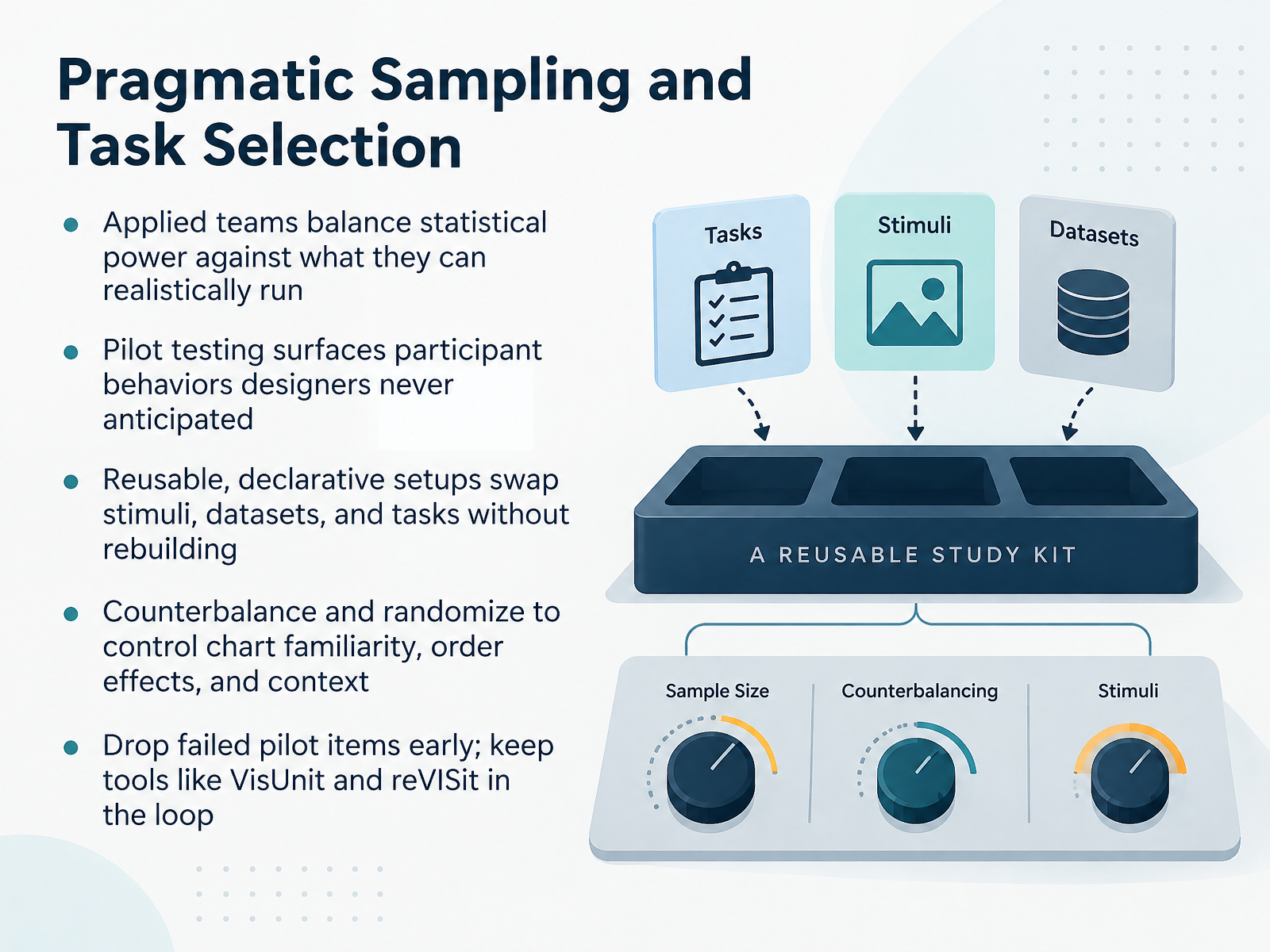
 - 08Pragmatic Sampling and Task SelectionNext, let's talk about pragmatic sampling and task selection. In practice, applied teams balance statistical power against what they can realistically run. A realistic sample may not give you the precision of a large controlled study, so state your trade-off openly and let decisions hinge on directional signals, not perfect inference. Pilot testing is where those signals get surfaced. Even a handful of participants often behave in ways you never anticipated, revealing task ambiguities, misinterpretations, or chart features that distract. So build reusable, declarative setups. When stimuli, datasets, and tasks are defined separately, you can swap one without rebuilding the study, which means faster rounds after a pilot. Then counterbalance and randomize. Chart familiarity, order effects, and context can all shift results, so rotate conditions across participants and vary task order where you can. Finally, drop failed pilot items early. Keep your workflow in a tool loop, for example VisUnit or reVISit, so the study remains reproducible as it changes. That sets up the next question: which metrics actually matter once the study is running. Metrics That Matter for Dashboards.
 dl.acm.orgdl.acm.orgtingying-he.github.io+22 min
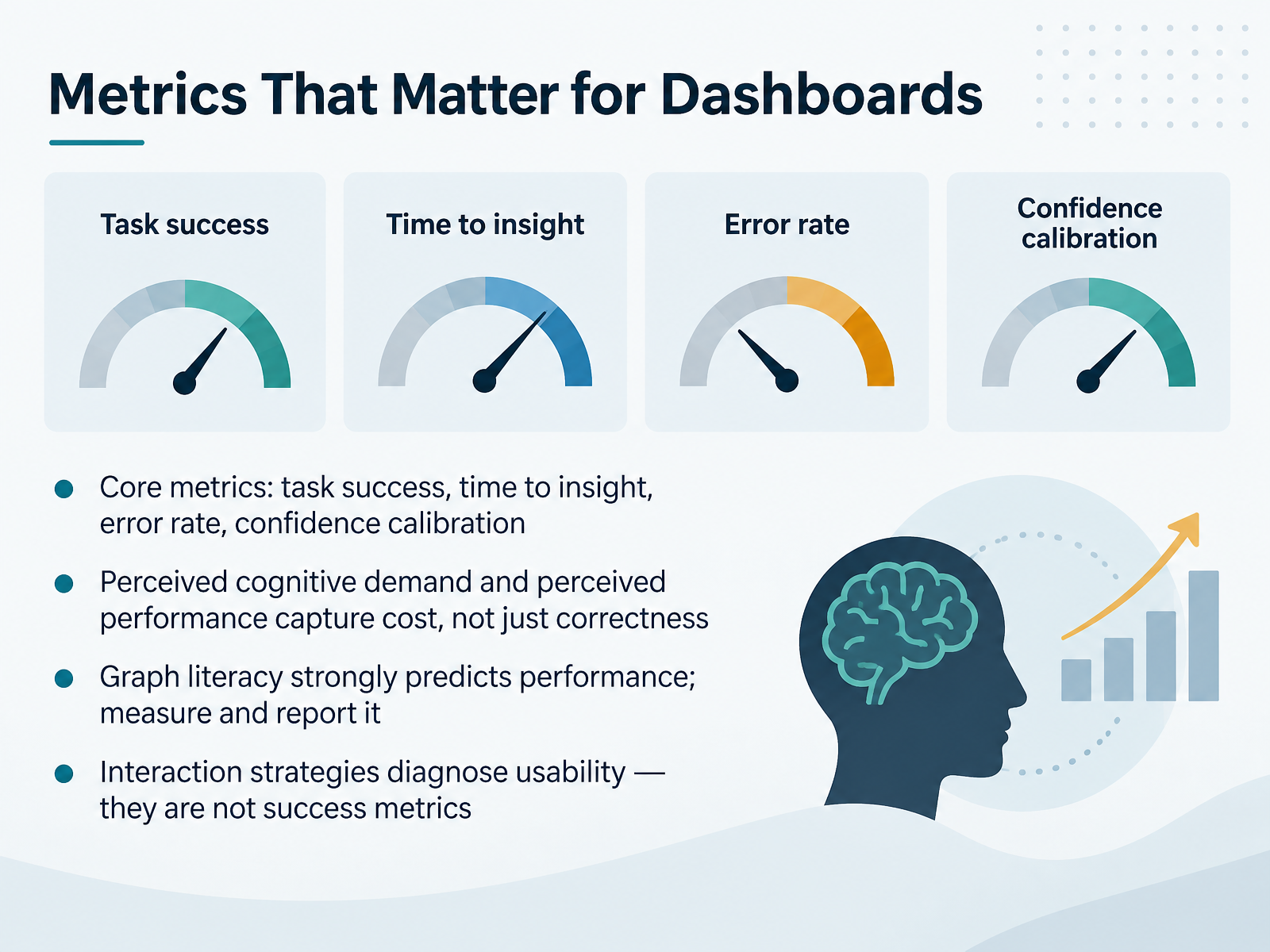
 - 09Metrics That Matter for DashboardsLet's move on to metrics that matter for dashboards. Start with the core set: task success, time to insight, error rate, and confidence calibration. Task success tells you whether users reached the right answer. Time to insight tells you how efficiently they got there. Error rate captures how often they got it wrong. Confidence calibration shows whether their certainty matched their accuracy, because a fast, wrong answer delivered with high confidence is a real decision risk.
Next, add perceived cognitive demand and perceived performance. These capture the cost of using the dashboard, not just the correctness of the result. In practice, a chart can be accurate but exhausting, and that shows up in the subjective measures.
One factor strongly predicts performance: graph literacy. Measure it in your sample and report it, since it changes how people read everything else. And a caution: interaction strategies like filtering or circling are diagnostic for usability problems. They are not success metrics on their own.
So anchor your dashboard evaluation in task success, time to insight, error rate, confidence calibration, and perceived effort, with graph literacy as a reported covariate. That combination gives you results you can defend to stakeholders.
Next, we'll look at avoiding vanity metrics in dashboard instrumentation.
 pmc.ncbi.nlm.nih.govjournals.sagepub.compmc.ncbi.nlm.nih.gov+22 min
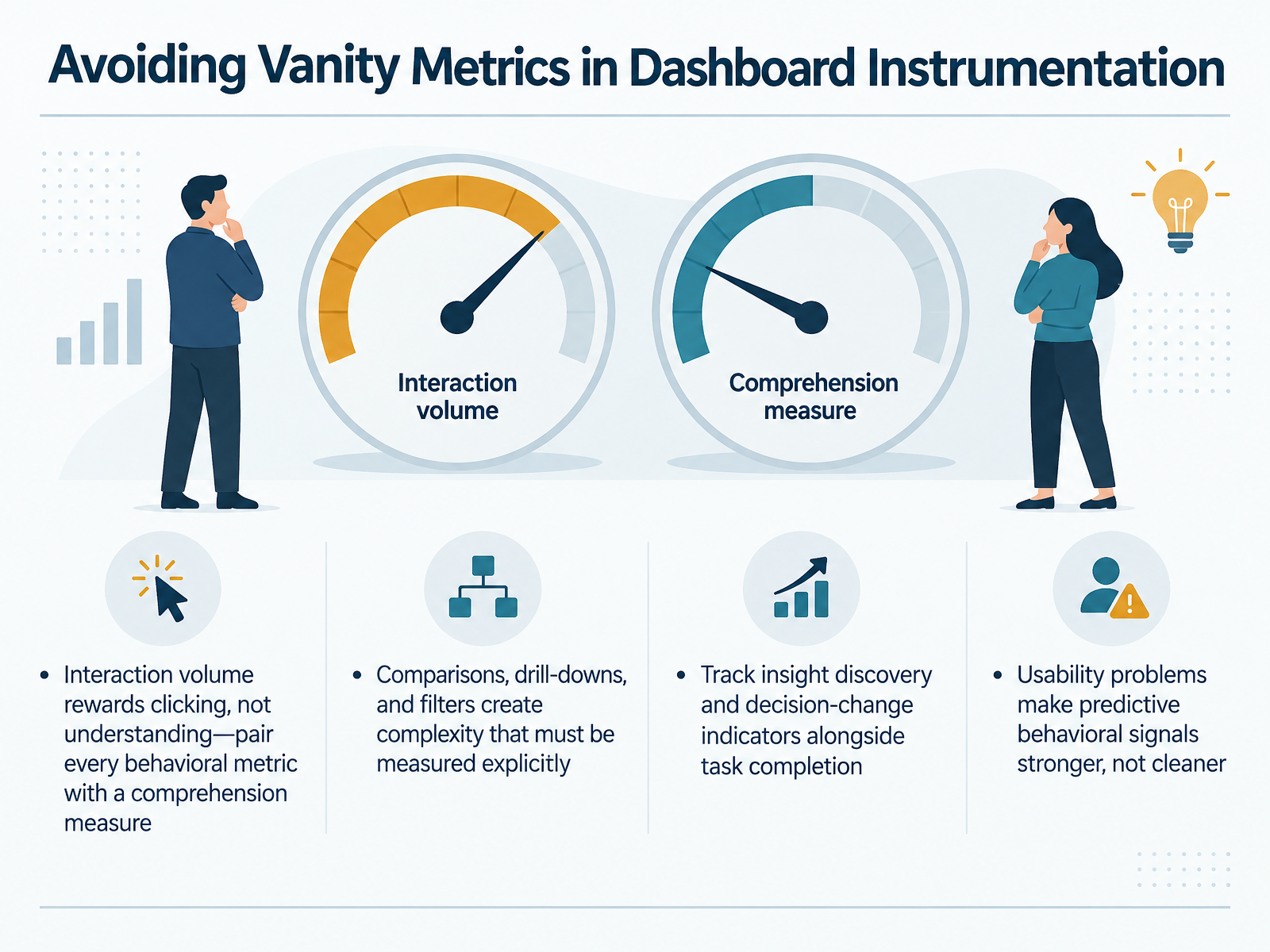
 - 10Avoiding Vanity Metrics in Dashboard InstrumentationNext, let's talk about avoiding vanity metrics in dashboard instrumentation. Interaction volume is the classic trap. Clicks, hovers, and filter opens measure activity, not comprehension, and they reward designs that are easy to poke at rather than easy to understand. So pair every behavioral metric with a comprehension measure. For example, track whether users can correctly describe what a panel shows, not just whether they opened it. Next, complexity needs explicit measurement. Comparisons, drill-downs, and filters add interaction paths, and a healthy click count can simply mean users got lost. Track insight discovery and decision-change indicators alongside task completion, so you can separate successful exploration from confused wandering. One counterintuitive point: usability problems make predictive behavioral signals stronger, not cleaner. In studies, dashboards seeded with data ordering or grouping problems produced more predictable usability outcomes than polished ones, which means messy interaction data can carry real diagnostic value. In practice, instrument dashboards to answer whether the chart changed what someone understood or decided, and treat raw engagement as supporting evidence, not the headline. Turning results into design decisions.
 dl.acm.orggithub.comexa.ai+22 min
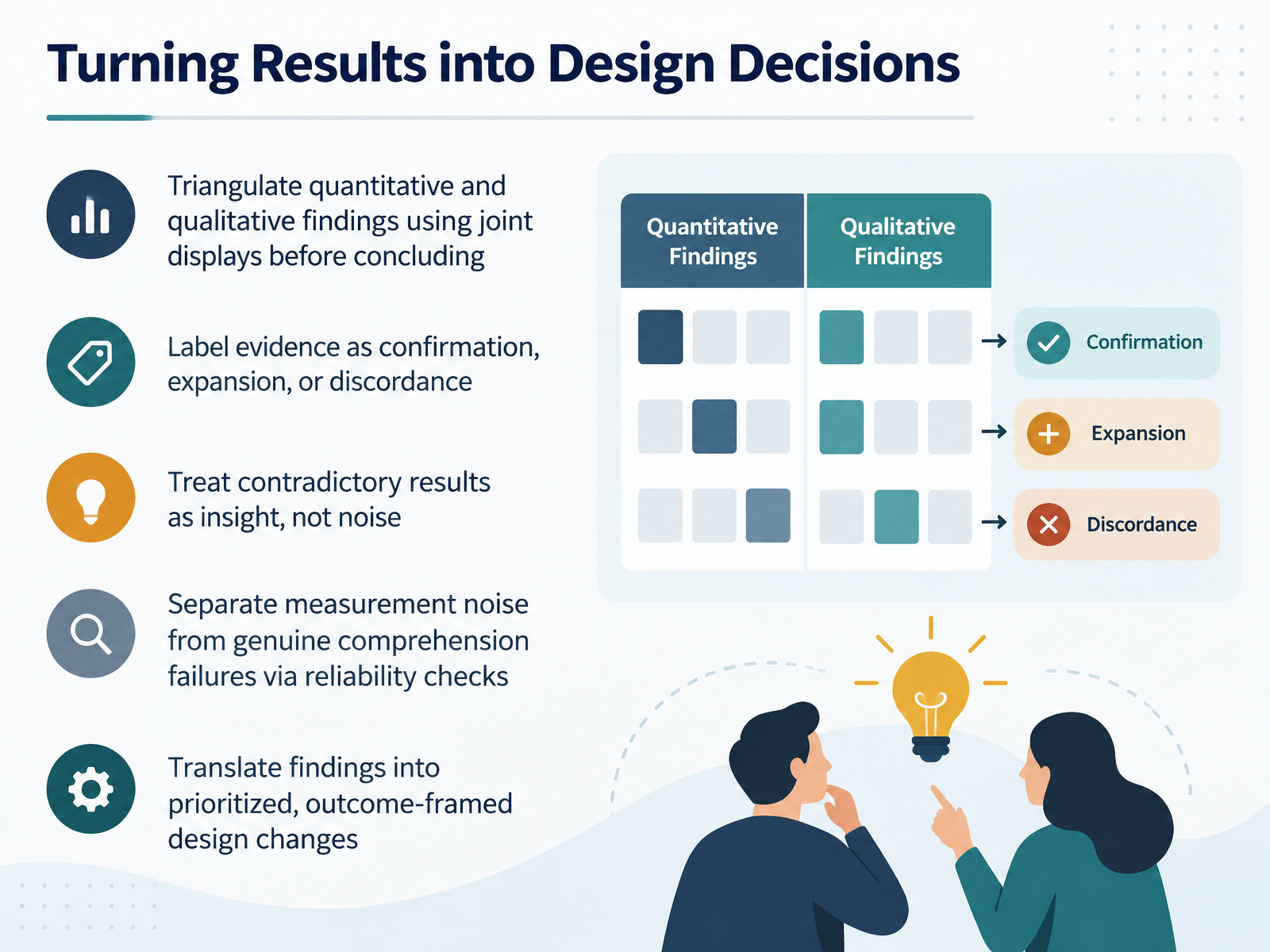
 - 11Turning Results into Design DecisionsNow let's turn results into design decisions. Start by triangulating quantitative and qualitative findings in a joint display. Place metrics side by side with what users said aloud, then label each pairing as confirmation, expansion, or discordance. Confirmation means the two agree. Expansion means the interview data widens the picture. Discordance means they conflict. Treat contradiction as insight, not noise. If success rates rise while users report confusion, something in the measure or the interface is off. In practice, run a quick reliability check, like repeating a task or scoring sessions twice, to separate measurement noise from genuine comprehension failures. Then translate findings into prioritized, outcome-framed changes. Instead of saying the chart felt cluttered, say reducing label density should cut time to first correct comparison. Next, common pitfalls and ethical guardrails.
 vbn.elsevierpure.comexa.aifrontiersin.org1 min
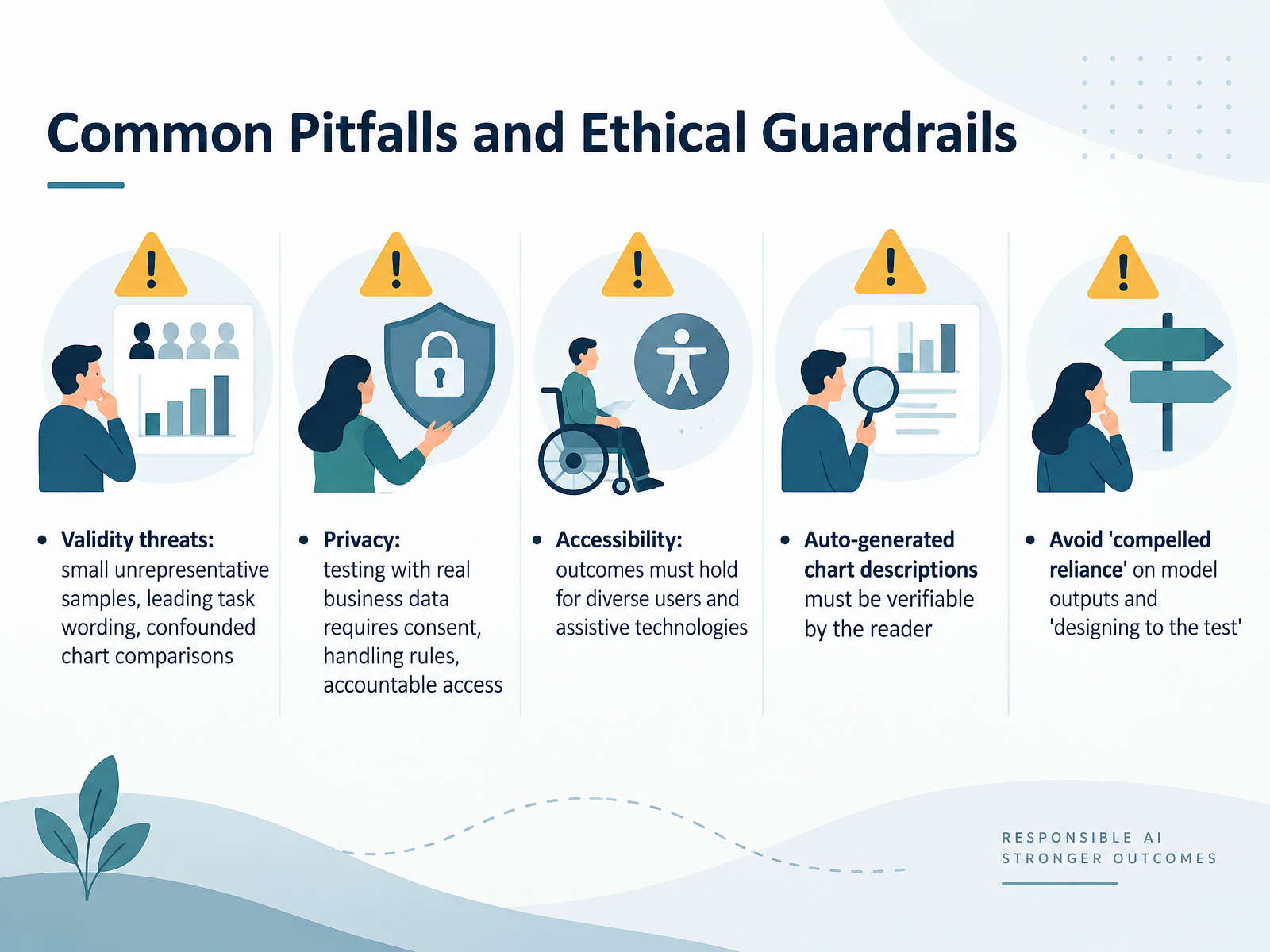
 - 12Common Pitfalls and Ethical GuardrailsNext, let's talk about common pitfalls and the ethical guardrails that keep your measurements honest. First, validity threats. Small, unrepresentative samples will not tell you how a general audience reads your chart. Leading task wording, like asking whether users found the clear trend, pushes them toward agreement. And confounded comparisons, where two charts differ in several ways at once, leave you unable to attribute the result to any single design choice. A common fix is to pilot test your tasks before you commit to a full study. Next, privacy. When you test with real business data, you need consent, clear handling rules, and accountable access. In practice, that means knowing who can see session recordings and how you store them. Accessibility matters too. Your outcomes need to hold for diverse users and assistive technologies, not just the typical participant in your sample. And when auto-generated chart descriptions are part of your workflow, the reader must be able to verify them against the underlying data. Watch for compelled reliance, where users have no reasonable alternative but to trust a model output. And avoid designing to the test, tuning your chart until it passes your specific task but fails elsewhere. Treat every finding as a testable choice, not a final verdict. Next, we will practice building a measurement plan for your own visualization.
 dl.acm.orgdl.acm.orgtingying-he.github.io+22 min
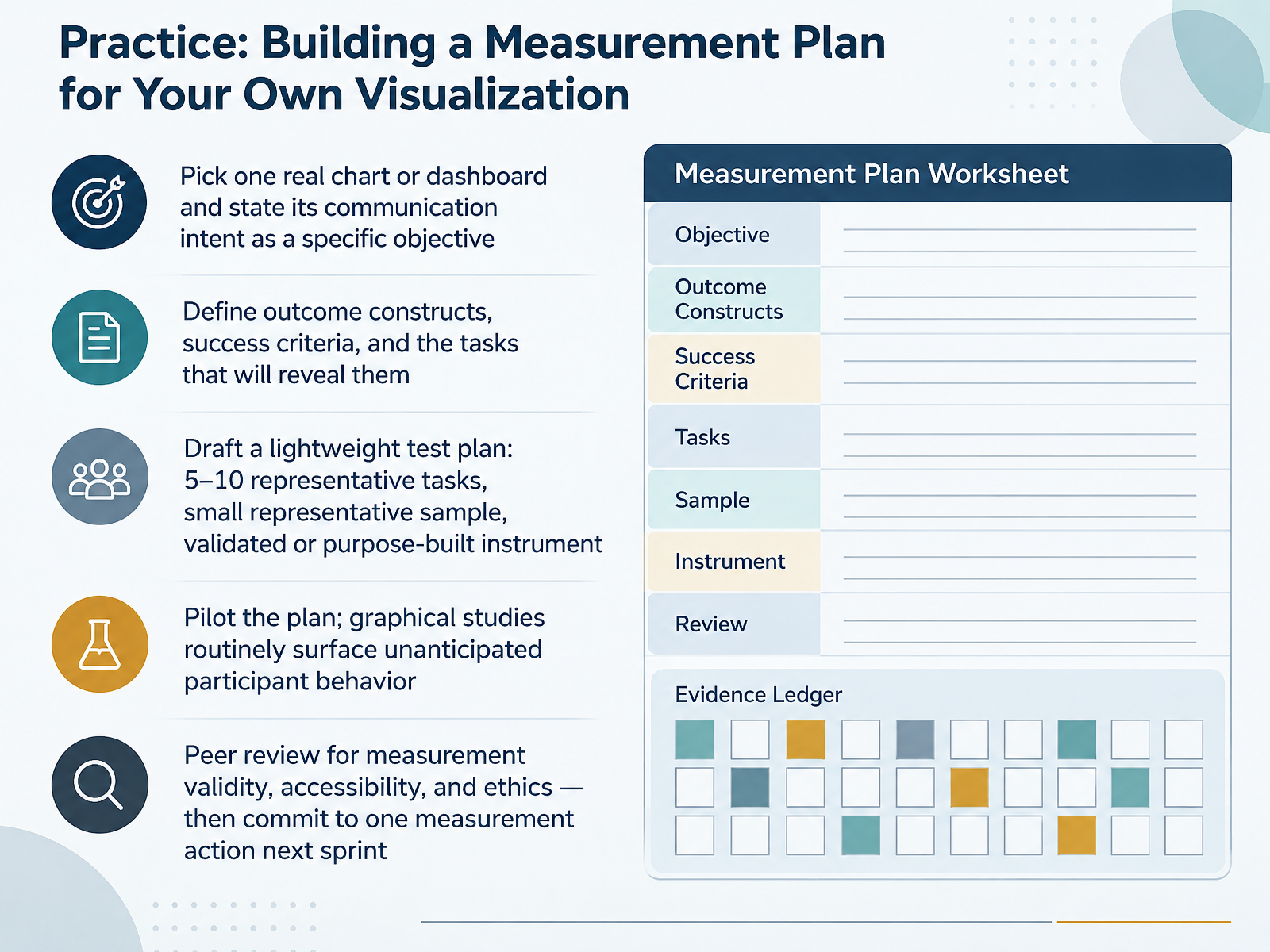
 - 13Practice: Building a Measurement Plan for Your Own VisualizationNow let us put this into practice. Pick one real chart or dashboard you own, and state its communication intent as a specific objective. Not "make it clearer," but something like, "help operations managers identify which regions fell below target within ten seconds." Next, define your outcome constructs, your success criteria, and the tasks that will reveal them. Then draft a lightweight test plan: five to ten representative tasks, a small representative sample, and either a validated instrument like the Mini-VLAT or a purpose-built one. In practice, pilot the plan first. Graphical studies routinely surface unanticipated participant behavior, so treat the pilot as essential, not optional. Finally, get peer review for measurement validity, accessibility, and ethics, then commit to one measurement action next sprint. That is the wrap-up, making outcome measurement a habit.
 dl.acm.org1 min
 - 14Course Wrap-Up: Making Outcome Measurement a HabitAs we close, let's turn measurement from a one-off task into a habit your team keeps.
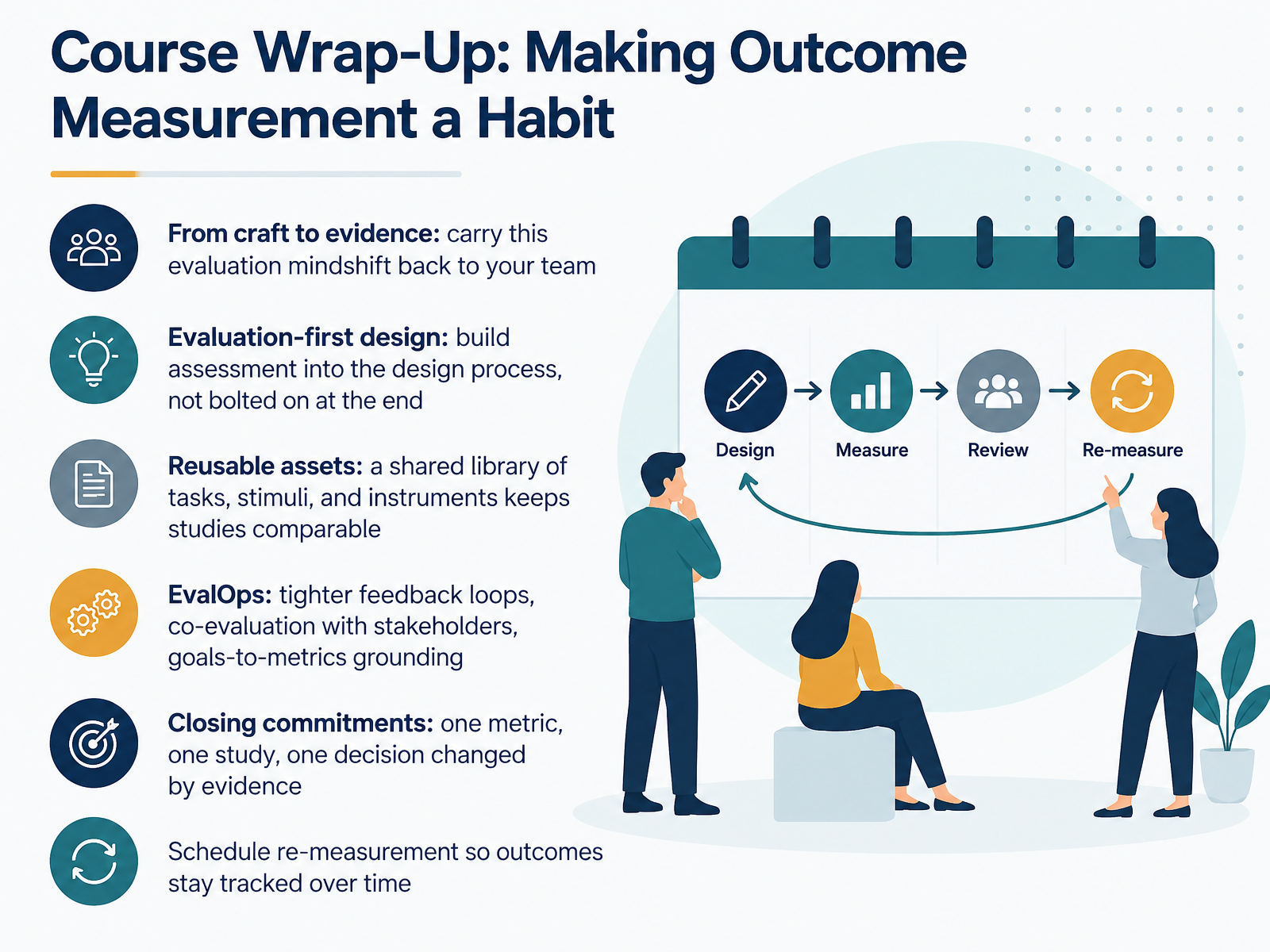
Start with the mindshift: move from craft to evidence. The question changes from does this chart look good to what did the viewer do differently because of it.
Next, build evaluation into the design process from the beginning, not bolted on at the end. When you define your learning objectives first, you can translate them directly into tasks and questions, which keeps your claims defensible.
Then, invest in reusable assets. A shared library of tasks, stimuli, and instruments keeps studies comparable across iterations, so you are not rebuilding from scratch each time. This is where evaluation operations, or EvalOps, helps: tighter feedback loops, co-evaluation with stakeholders, and clear grounding from goals to metrics.
In practice, set a closing commitment: one metric, one study, one decision changed by evidence. Then schedule re-measurement, so outcomes stay tracked as your data and audience shift.
Thank you for your attention. Keep testing, keep learning, and let evidence guide your next design choice.
 dl.acm.org2 min
Take the deck with you
Download this course as a file — free, no sign-up needed.
- PDF handoutEvery slide page, ready to print or share.15 pages · 3.1 MBDownload
- Narrated PowerPointThe deck that presents itself — every slide carries the digital human's narration video.15 pages · 17.2 MBDownload
- PowerPoint slidesThe full deck as a .pptx — open it in PowerPoint, Keynote, or Google Slides.15 pages · 3.1 MBDownload
Free to use in your own training — please keep the PersonWise credit page at the end.
Have your own deck? Turn it into a course
Sources consulted
Web sources consulted while building this course.
- Do you want to promote recall, perceptions, or behavior? The best data visualization depends on the communication goal — pmc.ncbi.nlm.nih.gov
- The Science of Visual Data Communication: What Works - Steven L. Franconeri, Lace M. Padilla, Priti Shah, Jeffrey M. Zacks, Jessica Hullman, 2021 — journals.sagepub.com
- Best practices for data visualization: creating and evaluating a ... — pmc.ncbi.nlm.nih.gov
- Evaluating convergence between two data visualization literacy assessments | Cognitive Research: Principles and Implications | Springer Nature Link — link.springer.com
- A Multidimensional Assessment Method for Situated Visualization Understanding (MdamV) — arxiv.org
- Heuristics for evaluating narrative visualization: a validation study | Journal of Visualization | Springer Nature Link — link.springer.com
- Trustworthy by Design: The Viewer's Perspective on Trust in Data Visualization | Proceedings of the 2025 CHI Conference on Human Factors in Computing Systems — dl.acm.org
- Fiction vs Friction: Challenges in Evaluating LLMs on Data Visualization Tasks — heal-workshop.github.io
- What is a “Good” figure: Scoring of biomedical data visualization | PLOS One — journals.plos.org
- VisJudge-Bench: Aesthetics and Quality Assessment of Visualizations — arxiv.org
- A Guide to Designing Experiments to Test Statistical Graphics | Wiley Interdisciplinary Reviews — dl.acm.org
- Behavioural Indicators of Usability in Visual Analytics Dashboards | ACM Transactions on Interactive Intelligent Systems — dl.acm.org
- PREVis: Perceived Readability Evaluation for Visualizations — tingying-he.github.io
- saldridge1/ux-metrics-dashboard — github.com
- ReTrace: Interactive Visualizations for Reasoning Traces of Large Reasoning Models — exa.ai
- DashboardQA: Benchmarking Multimodal Agents for Question Answering on Interactive Dashboards — arxiv.org
- A Comparative Evaluation of Natural Language and Dashboard Visualization Interfaces for Data Monitoring Tasks — cs.uwaterloo.ca
- Integrating and Visualizing Heterogeneous Data: A Mixed Methods Case Study of Advertising Films - Aalborg University's Research Portal — vbn.elsevierpure.com
- Where Numbers Meet Narratives: An Examination of Joint Displays in Mixed Methods Evaluation — exa.ai
- Frontiers | Closing the knowledge gap with narrative visualizations: lessons from a research-practice partnership promoting multilingual students' academic success — frontiersin.org