Begin
12 pages · ~24 min
Project Communication Plan
Learn to create a structured project communication plan to ensure clear, timely, and effective information flow among stakeholders.
A digital instructor presents all 12 pages. Hold “Ask” at any point and ask out loud — the answer comes from this course. No sign-up needed.
What you’ll learn
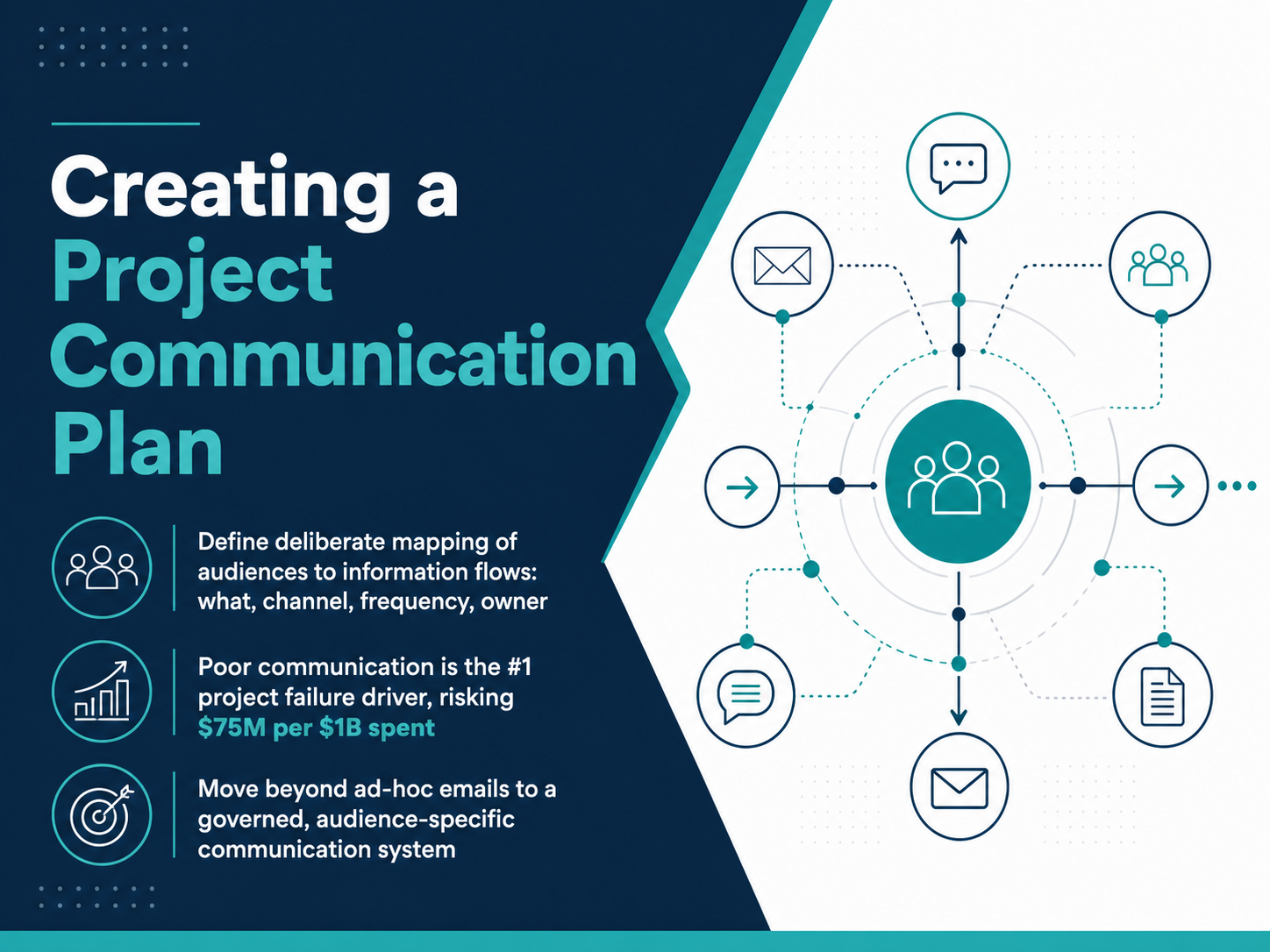
- 01Creating a Project Communication PlanWelcome. Today we are going to build one of the most critical tools for project success: a communication plan. Poor communication is not a soft issue. PMI research shows it is the number one driver of project failure, and it puts seventy-five million dollars at risk for every one billion dollars spent. The goal of a communication plan is simple: move beyond ad-hoc emails. We create a deliberate, governed system that maps every audience to exactly what they need to know, which channel we will use, how often we will reach them, and who owns that message. Throughout this course, you will learn to assign those four elements—the what, the channel, the frequency, and the owner—for every stakeholder group. Let's start by looking closely at the real cost of getting this wrong, in the next slide: The High Cost of Poor Communication.pmi.orgascertra.compmi.org+22 min
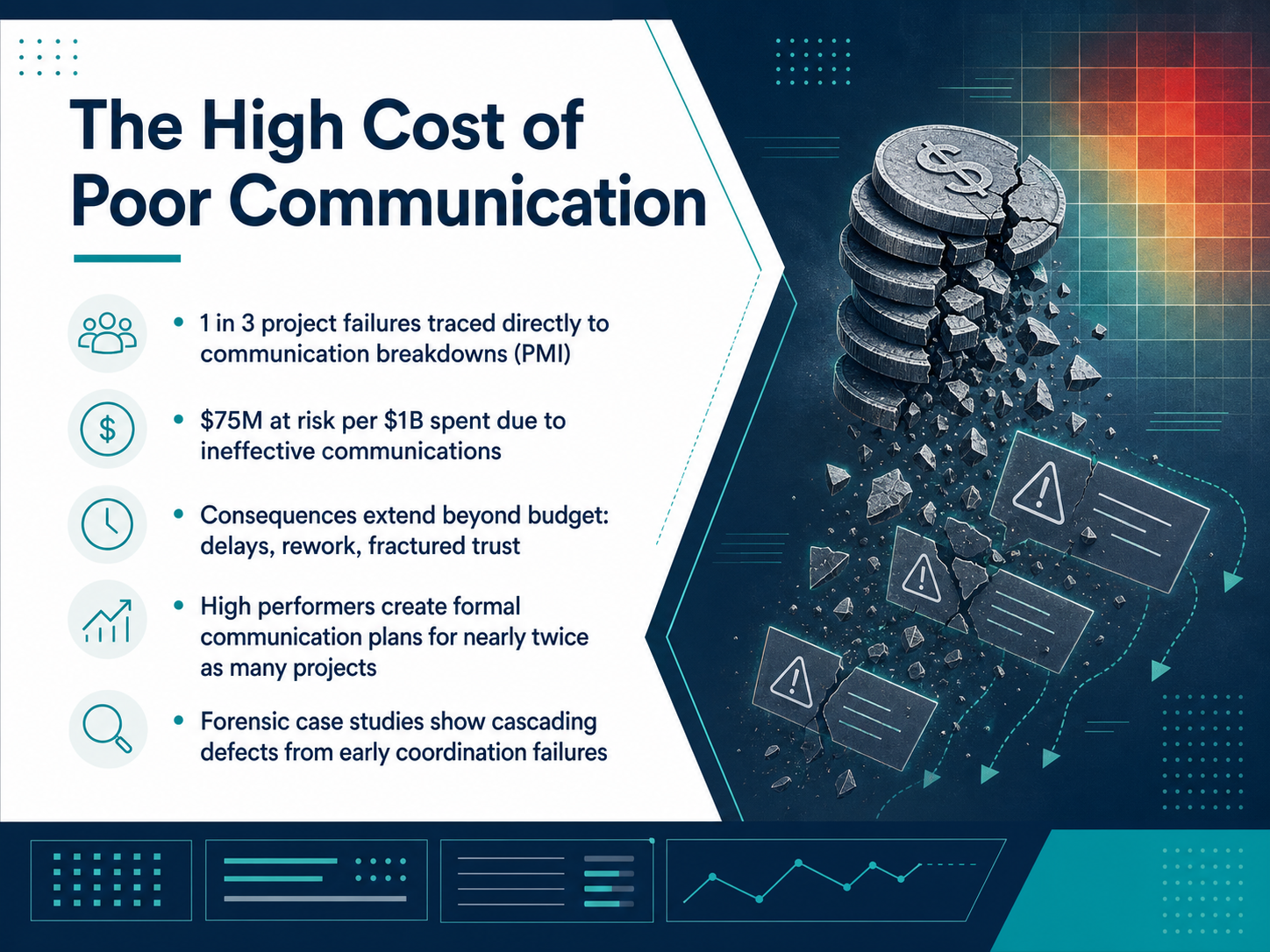
- 02The High Cost of Poor CommunicationLet's look at the real price of poor communication. PMI research tells us that one in three project failures is traced directly to communication breakdowns. That alone should make us pay attention. But there's more. For every billion dollars spent on projects, organizations put 75 million dollars at risk purely because of ineffective communication. The consequences go well beyond the budget spreadsheet. We see project delays, constant rework, and fractured trust between teams and stakeholders. Now, high-performing organizations act on this differently. They create formal communication plans for nearly twice as many projects as low performers. And forensic case studies reveal a clear pattern: early coordination failures cascade into widespread defects later on. A single missed update leads to rework that costs time, money, and credibility. The data gives us a straightforward directive. To protect project outcomes, we must move communication from an afterthought to a structured, owned activity. Next, we translate this directive into action by identifying exactly who needs to know. That's the focus of our next topic: Audience Segmentation: Who Needs to Know.
 pmi.orgascertra.compmi.org+22 min
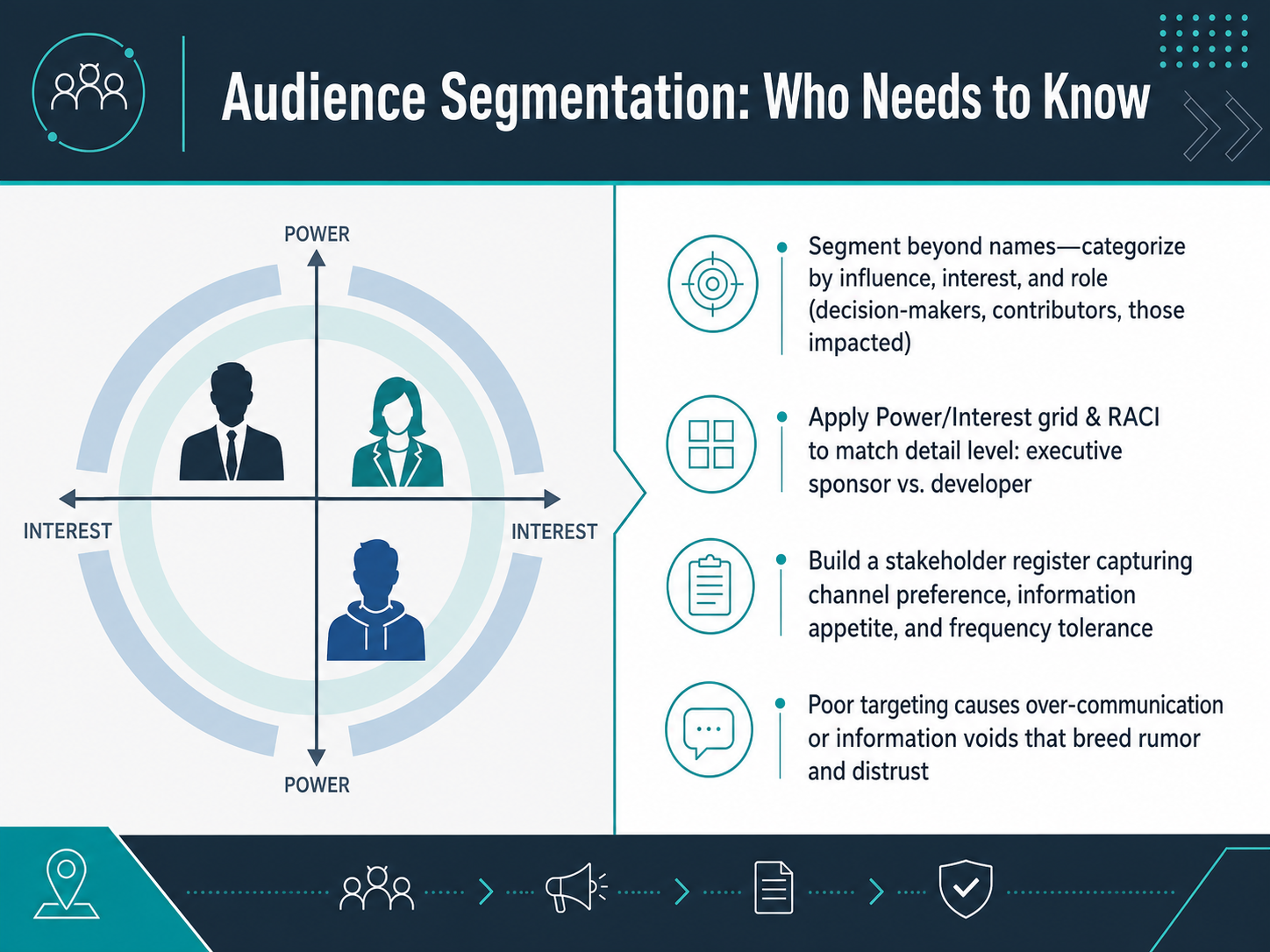
 - 03Audience Segmentation: Who Needs to KnowNow let's focus on a core skill: audience segmentation. This is about more than just listing names. We categorize people by their influence, their interest in the project, and their role. Think of three groups: decision-makers, active contributors, and those impacted by the outcome. To match the right level of detail to each group, use two practical tools. A Power and Interest grid helps you see quickly who needs high-touch updates versus simple summaries. For example, your executive sponsor needs different information than a developer on the team. Then, apply a RACI chart to clarify exactly who is responsible, accountable, consulted, and informed. Next, build a simple stakeholder register. For each person, capture their preferred channel, their appetite for information, and how often they tolerate being contacted. If you skip this step, you risk over-communicating and causing noise, or creating information voids. Those voids are where rumor and distrust grow. Target your communication carefully from the start.
Next, we will move into crafting the right message for each audience.
 alexberman.combetterdeskhabits.comdraftery.ai+22 min
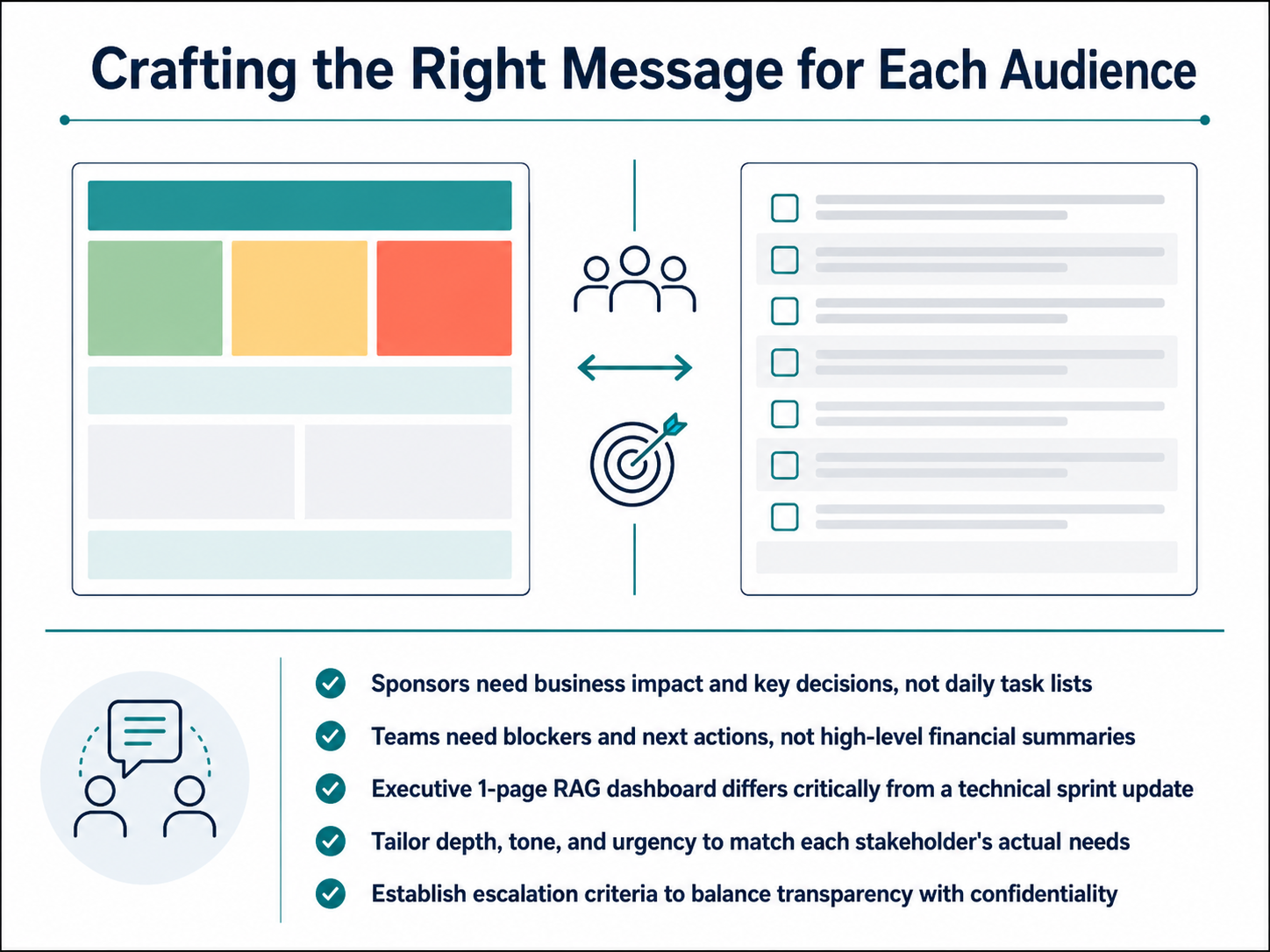
 - 04Crafting the Right Message for Each AudienceLet's explore how to craft the right message for each audience. Start by recognizing what sponsors truly need. They look for business impact and key decisions, not daily task lists. Communicate progress with a focus on return on investment and milestones. Next, your project teams need actionable information. Share specific blockers and next steps, not high-level financial summaries. To illustrate this, think about the format. An executive one-page RAG dashboard is critically different from a technical sprint update. A simple red, amber, green status report tells a sponsor everything at a glance. In contrast, a developer needs a detailed task board with comments attached to the work itself. The principle is to tailor depth, tone, and urgency to match each stakeholder's actual needs. Finally, establish clear escalation criteria from the start. This balances transparency with confidentiality and ensures critical issues reach the right person without noise. That's how we tailor the message. Next, we will focus on setting the rhythm for these communications in 'Setting the Rhythm: Cadence and Timing'.
 alexberman.combetterdeskhabits.comdraftery.ai+22 min
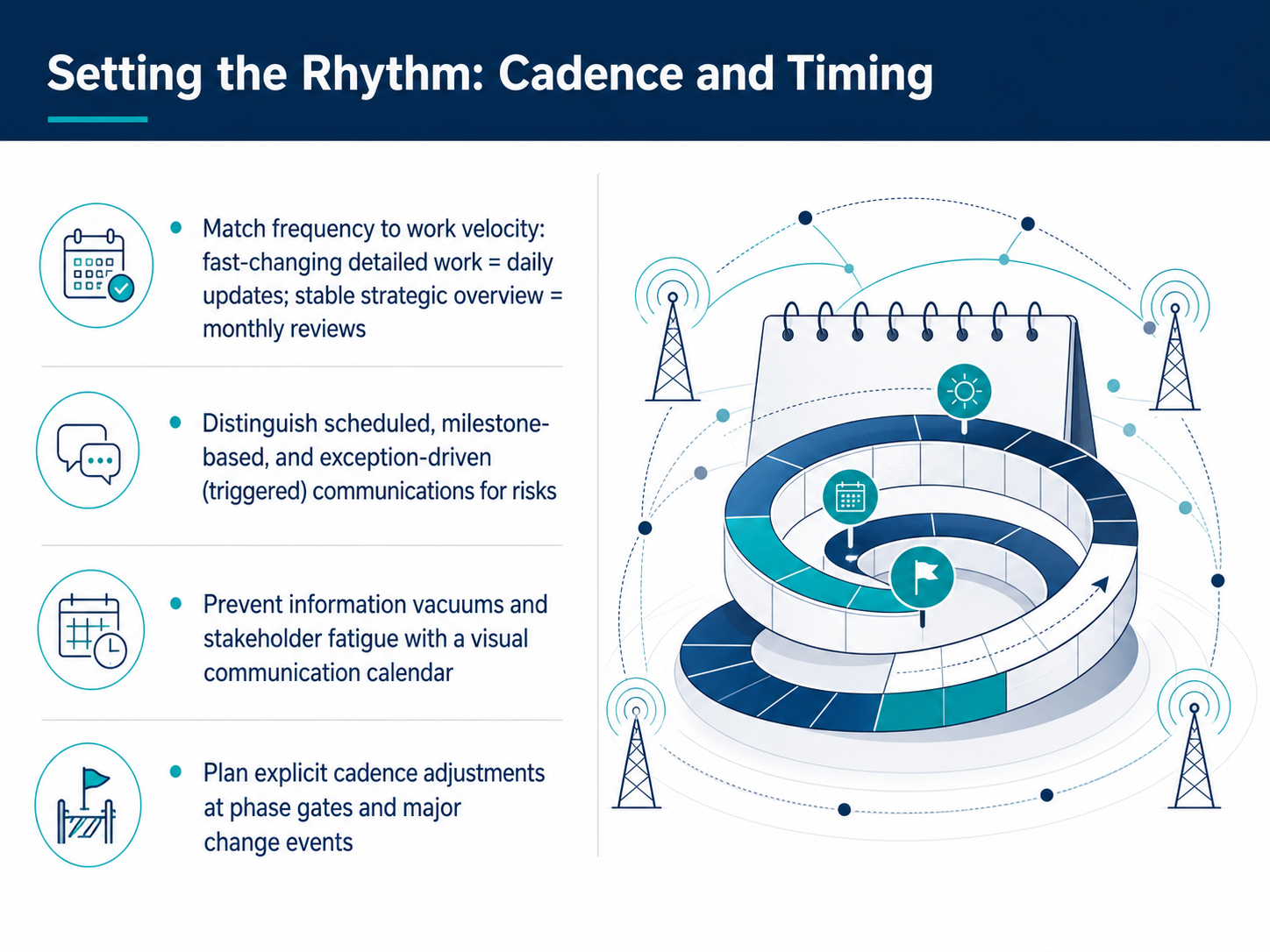
 - 05Setting the Rhythm: Cadence and TimingNow let's talk about setting your communication rhythm—the cadence and timing that keeps everyone informed without overwhelming them. First, match the frequency to the work's velocity. Fast-moving, detailed tasks benefit from daily updates, while stable strategic overviews may only need a monthly review. Second, distinguish your communication types. Scheduled updates happen on a fixed calendar. Milestone-based messages go out when a phase completes. Exception-driven alerts trigger only when a risk appears. This prevents noise and ensures attention when it matters. Third, build a visual communication calendar. Seeing every touchpoint on a timeline eliminates information vacuums and protects stakeholders from update fatigue. Finally, plan explicit cadence adjustments at phase gates and major change events. When a project shifts direction, your rhythm should shift too. Up next, we'll explore how to choose effective channels and fit the medium to the message.
 alexberman.combetterdeskhabits.comdraftery.ai+22 min
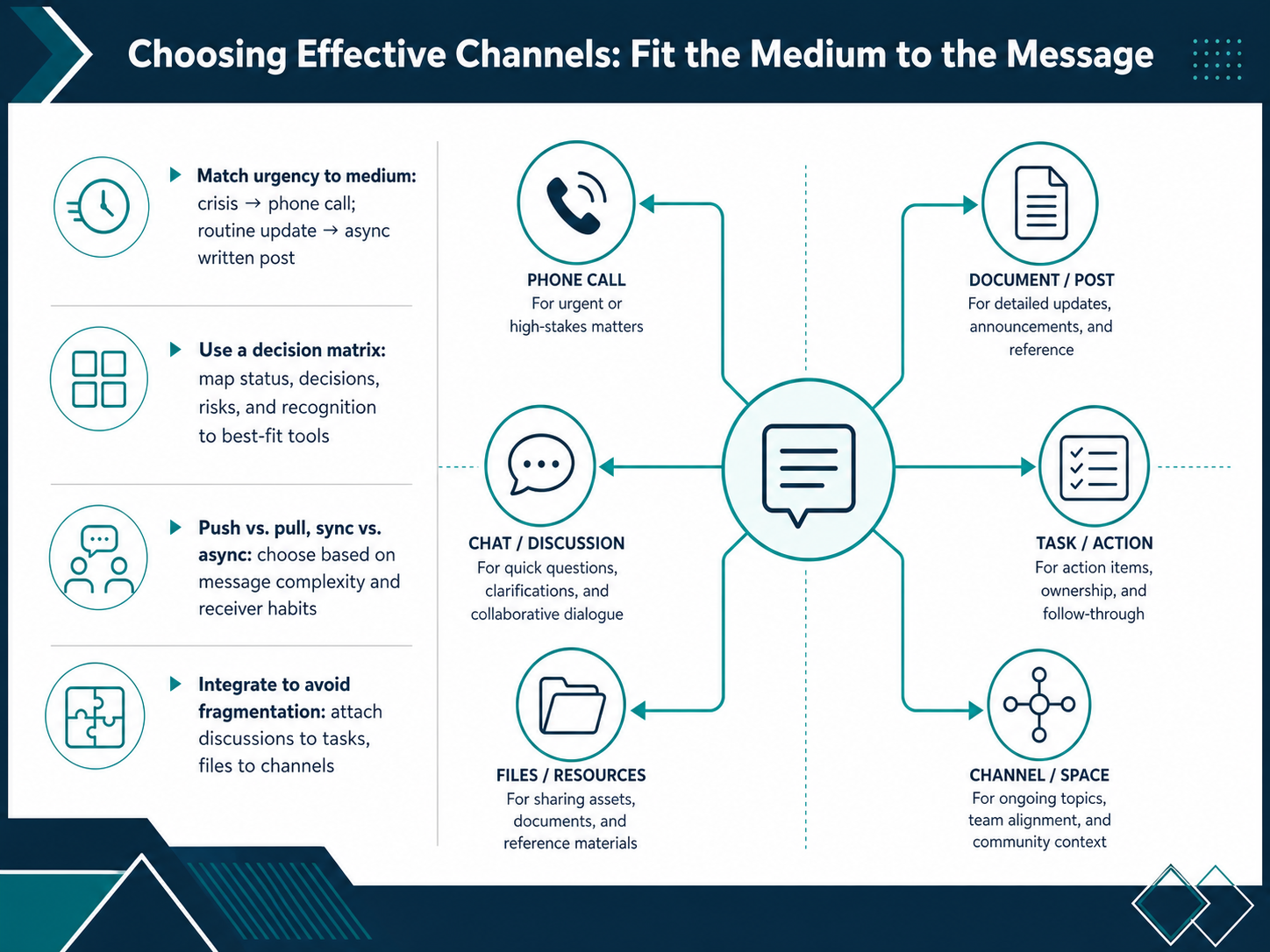
 - 06Choosing Effective Channels: Fit the Medium to the MessageChoosing the right channel means matching the medium to your message. First, let urgency guide you. A crisis demands a phone call. A routine status update belongs in an asynchronous written post, where people can read it on their own schedule. Use a simple decision matrix in your head. Map status updates to project management tools like Asana, decisions to a shared knowledge base like Notion, risks to a direct message or quick call, and recognition to a public team channel. Next, think about push versus pull. Push critical information directly to stakeholders through a mention or an alert. For reference material, put it in a pull system where the team can find it themselves. Also, choose between synchronous and asynchronous communication based on complexity. Complex, nuanced discussions need a quick live sync. Simple, clear updates work better asynchronously to protect everyone's focus time. Finally, integrate your tools to avoid fragmentation. Attach a discussion thread to its specific task. Link a key file directly to the relevant project channel. This keeps the full story in one place. Up next, we will move from choosing the channel to assigning ownership and clarifying who is responsible for each message.
 alexberman.combetterdeskhabits.comdraftery.ai+22 min
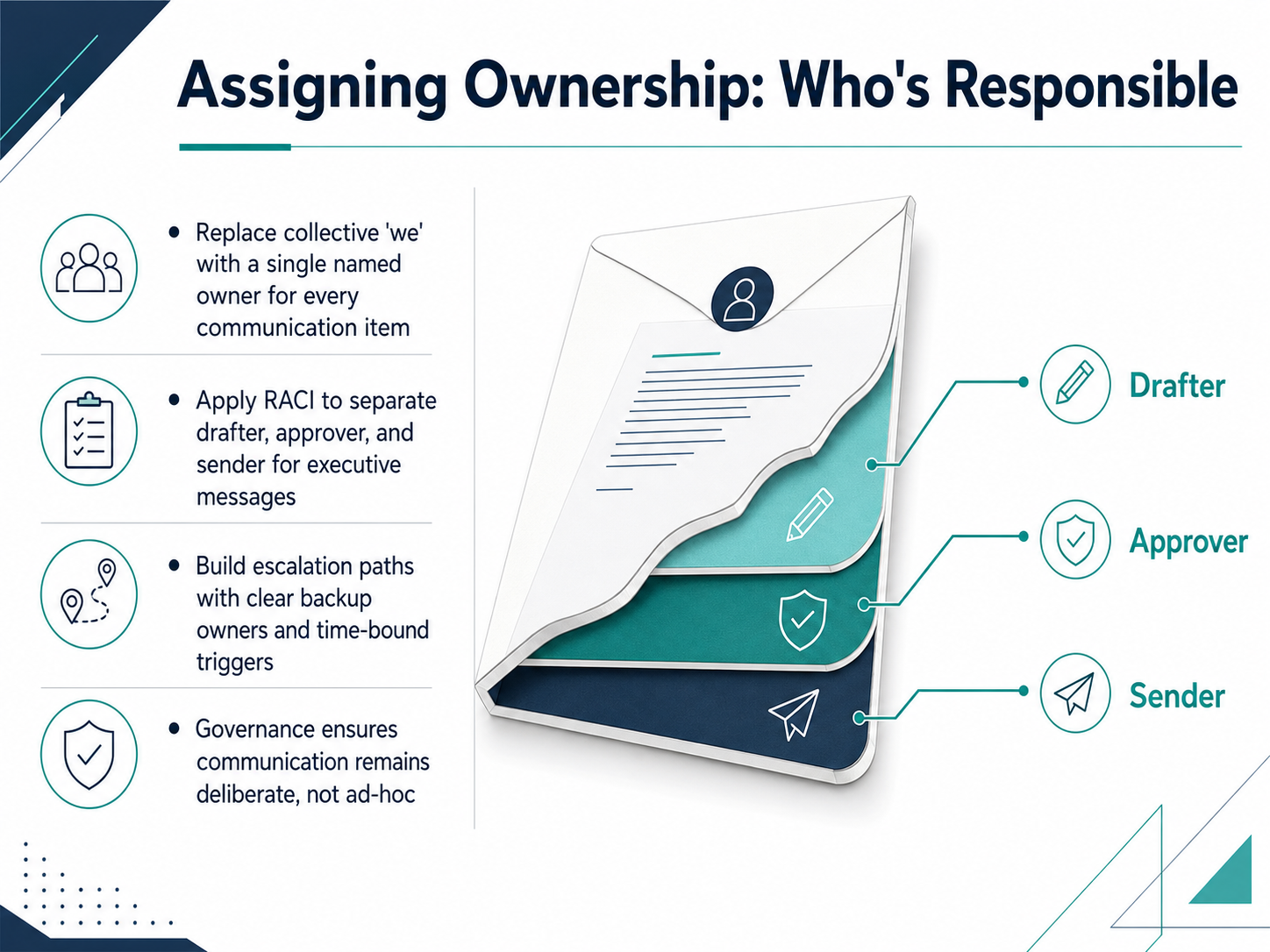
 - 07Assigning Ownership: Who's ResponsibleLet's talk about ownership, because clear ownership is what makes a communication plan actually work. First, replace that collective 'we' with a single named owner for every communication item. Every status update, stakeholder email, or project summary needs one person whose name is on it. Second, apply RACI to separate responsibilities. For executive messages, identify who drafts the content, who approves it, and who is the final sender. This prevents last-minute confusion. Third, build escalation paths. Define a backup owner and a time-bound trigger, such as if a decision isn't confirmed by two p.m., the backup owner escalates to the program lead. Finally, set up governance. Regular reviews ensure communication stays deliberate and not ad-hoc. Ownership turns a good plan into an accountable routine. Next, we'll pull everything together into a single view with our core artifact: building your communication matrix.
 alexberman.combetterdeskhabits.comdraftery.ai+21 min
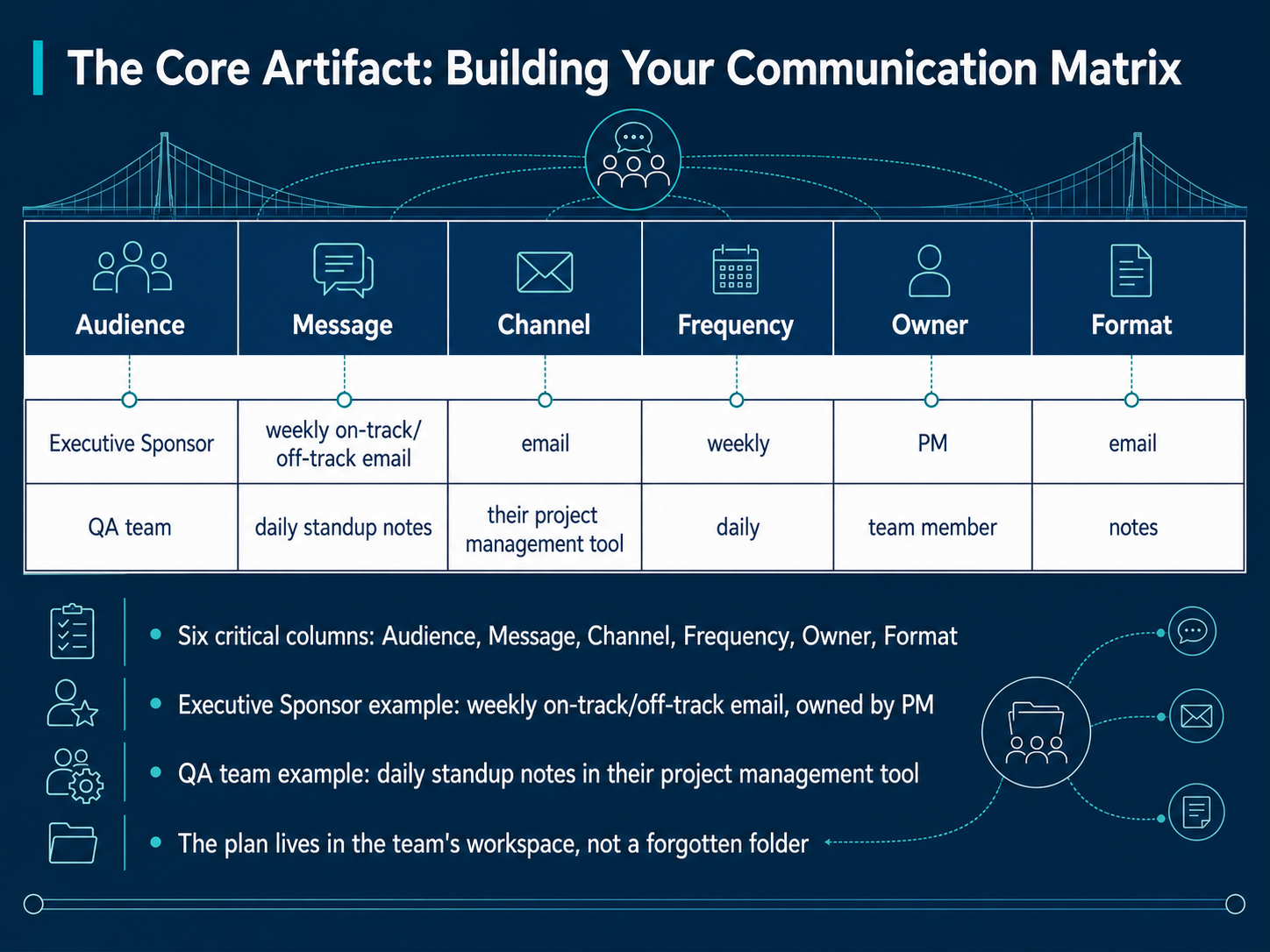
 - 08The Core Artifact: Building Your Communication MatrixNow let's build the central artifact for your project communication: the communication matrix. Think of this as a simple table with six critical columns: Audience, Message, Channel, Frequency, Owner, and Format. For example, your Executive Sponsor needs a weekly on-track or off-track email, owned by the Project Manager. Your QA team might get daily standup notes directly inside their project management tool. This matrix prevents assumptions by explicitly assigning who says what, through which channel, and on what cadence. Finally, don't let this plan gather dust. Store it in your team's shared workspace, like Notion or Microsoft Teams, where everyone can see and reference it. Now that you've built the matrix, let's move on to making it official with Getting Buy-In: Review and Sign-Off.
 alexberman.combetterdeskhabits.comdraftery.ai+21 min
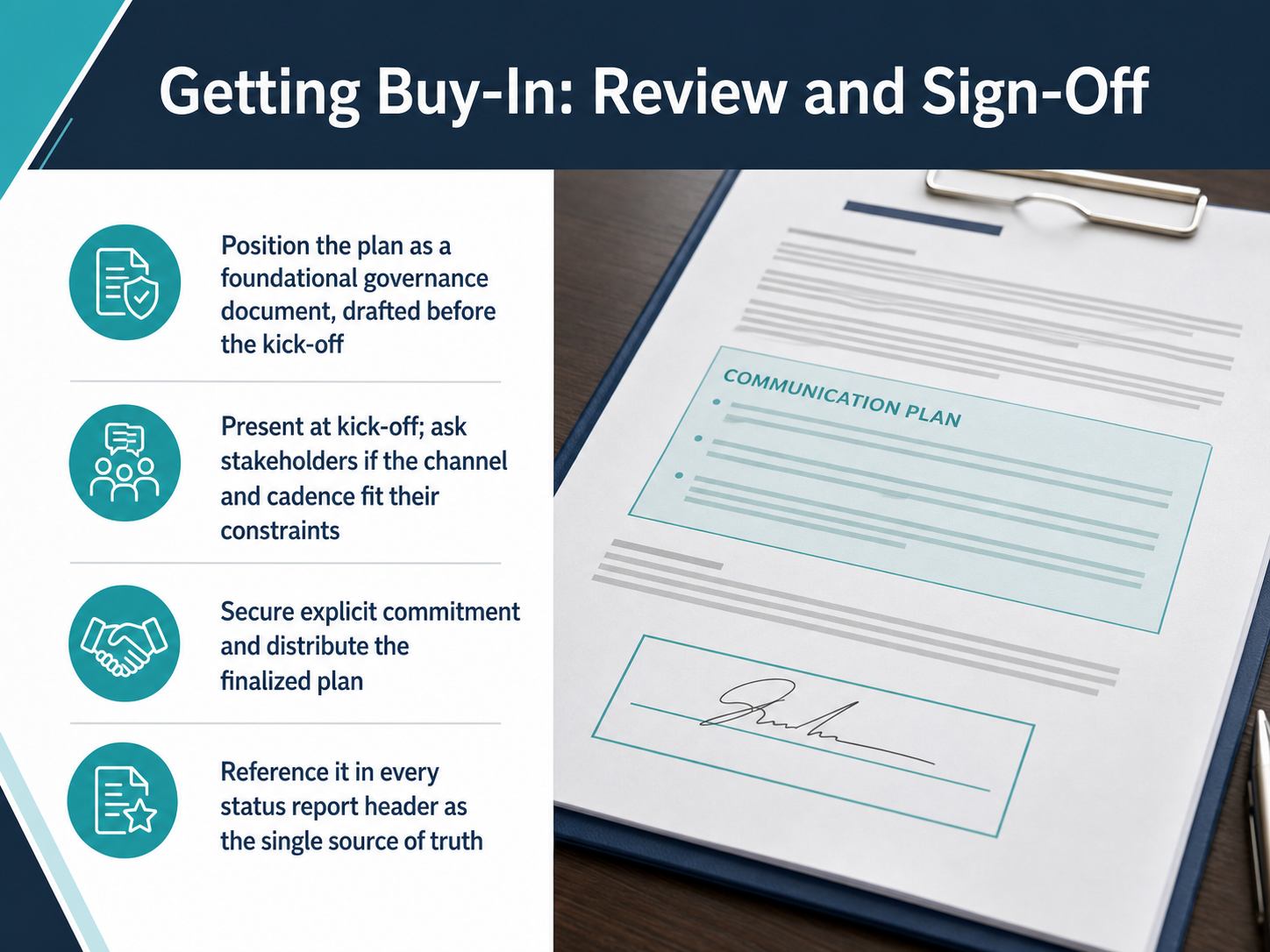
 - 09Getting Buy-In: Review and Sign-OffNow let's look at getting buy-in through a formal review and sign-off. Position your communication plan as a foundational governance document. Draft it before the project kick-off. At the kick-off itself, present the plan to stakeholders. Ask them directly whether the proposed channels and communication cadence fit their constraints. Listen to their feedback. Then secure explicit commitment from each stakeholder. Once you have that, distribute the finalized plan to everyone. From this point forward, treat the plan as your single source of truth. Reference it in the header of every status report. This keeps governance visible and reminds the team that the plan is active, not just a launch-day artifact. Next, we will move into execution, feedback loops, and continuous improvement.
 alexberman.combetterdeskhabits.comdraftery.ai+22 min
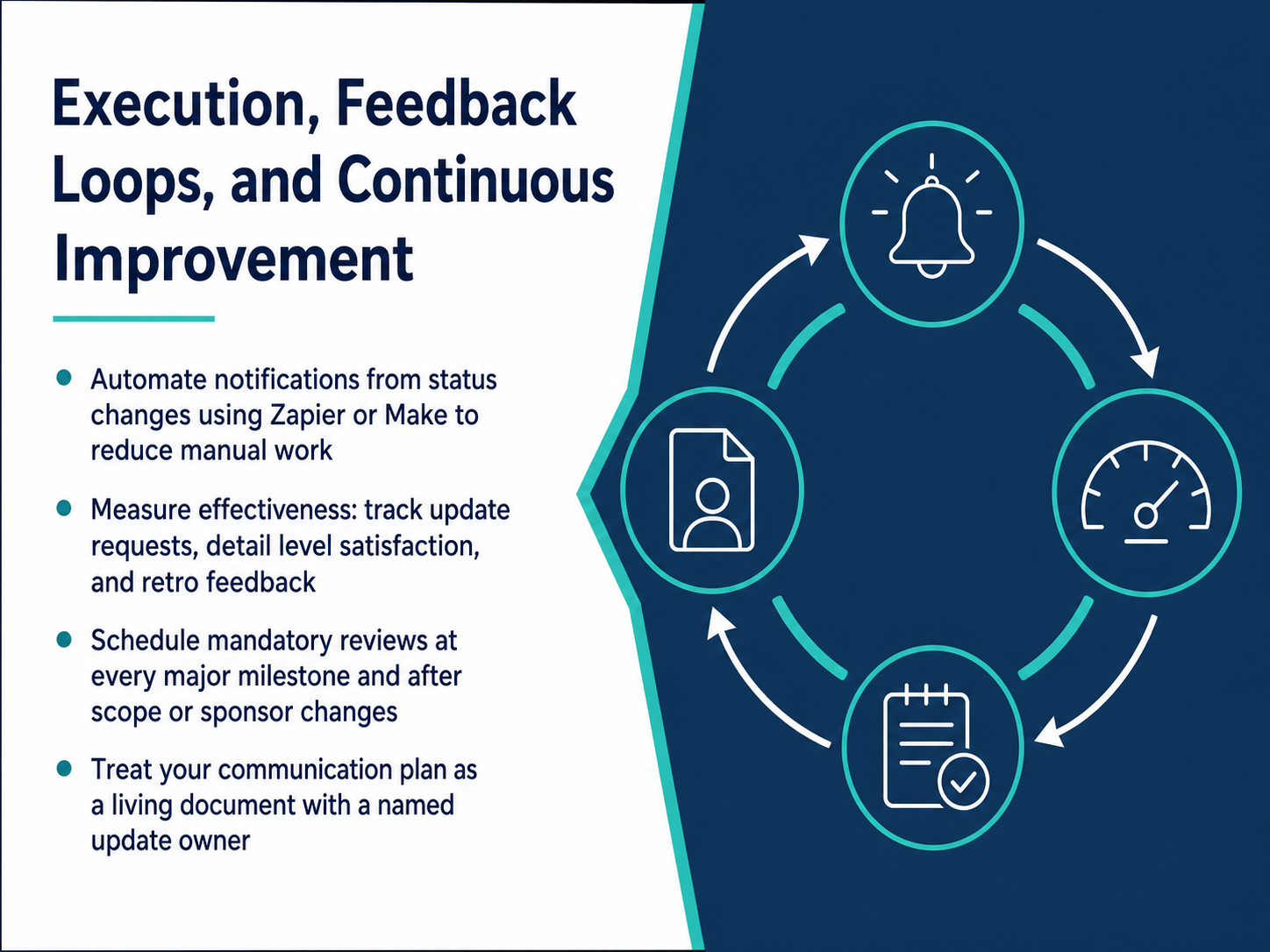
 - 10Execution, Feedback Loops, and Continuous ImprovementNow let's talk about execution, feedback loops, and how to keep your communication plan improving. First, automate your notifications. Use a platform like Zapier or Make to trigger messages directly from status changes in your project management tool. This removes manual chasing and keeps everyone informed instantly. Next, measure what's working. Track the number of update requests you get, check if stakeholders are satisfied with the level of detail, and collect direct feedback during retrospectives. Then, schedule mandatory reviews. Revisit the plan at every major milestone and whenever the project scope or sponsor changes. Finally, treat the communication plan as a living document. Assign a named owner who is responsible for keeping it updated. Once you've set this in motion, the next step is learning how to navigate common pitfalls that can derail even the best-laid plans.
 alexberman.combetterdeskhabits.comdraftery.ai+22 min
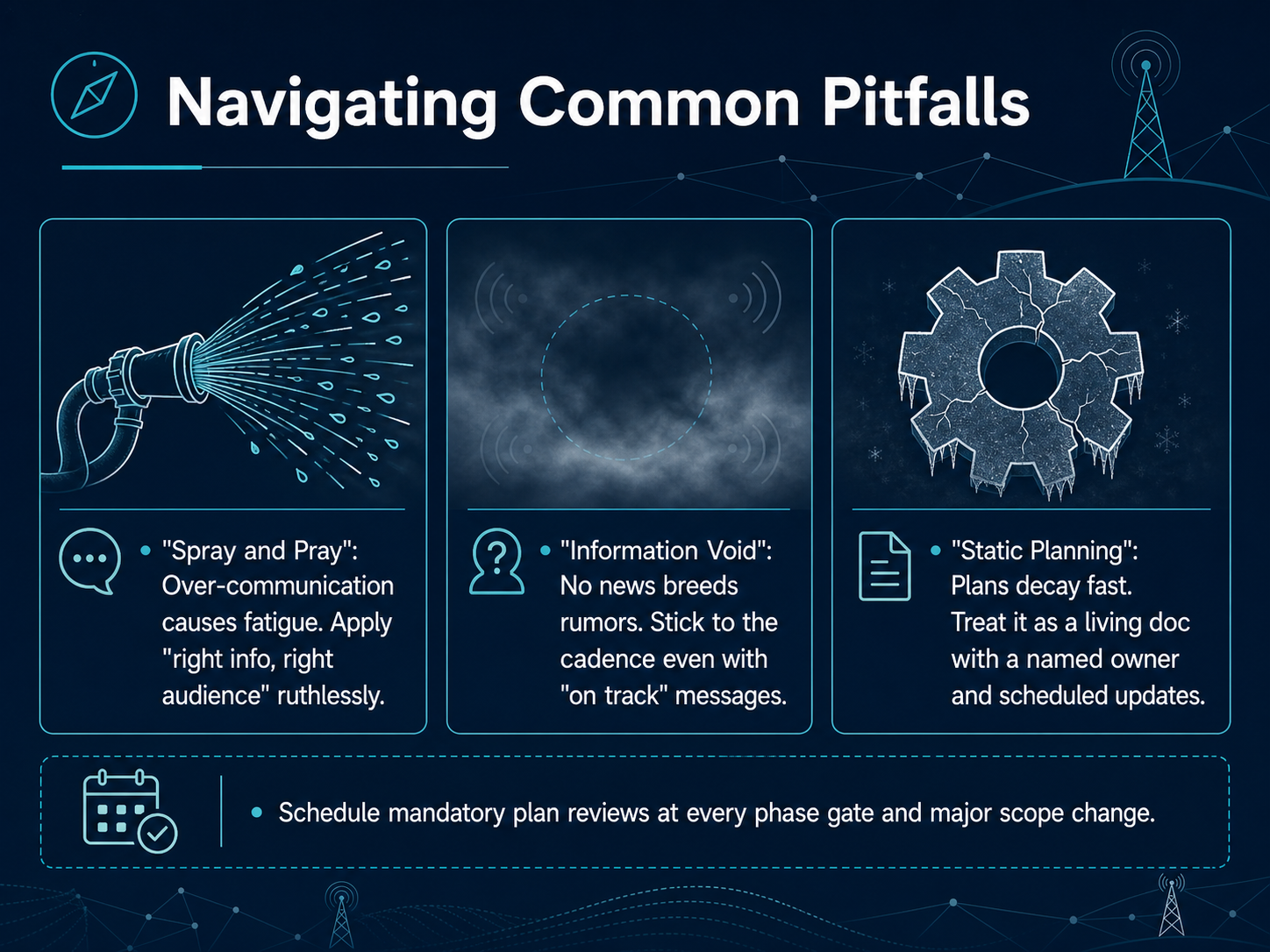
 - 11Navigating Common PitfallsNow let's look at common pitfalls and how to steer clear of them. First, avoid what we call 'spray and pray.' Over-communicating causes fatigue. Apply the rule of right information for the right audience ruthlessly. Second, prevent the 'information void.' No news breeds rumors fast. Stick to your communication cadence even when your message is simply 'on track.' Third, never fall into 'static planning.' Plans decay. Treat your communication plan as a living document. Assign a named owner and schedule regular updates. Finally, I have one concrete action for you. Schedule mandatory plan reviews at every phase gate and whenever a major scope change occurs. In our final slide, I'll give you your action plan and toolkit.
 alexberman.combetterdeskhabits.comdraftery.ai+21 min
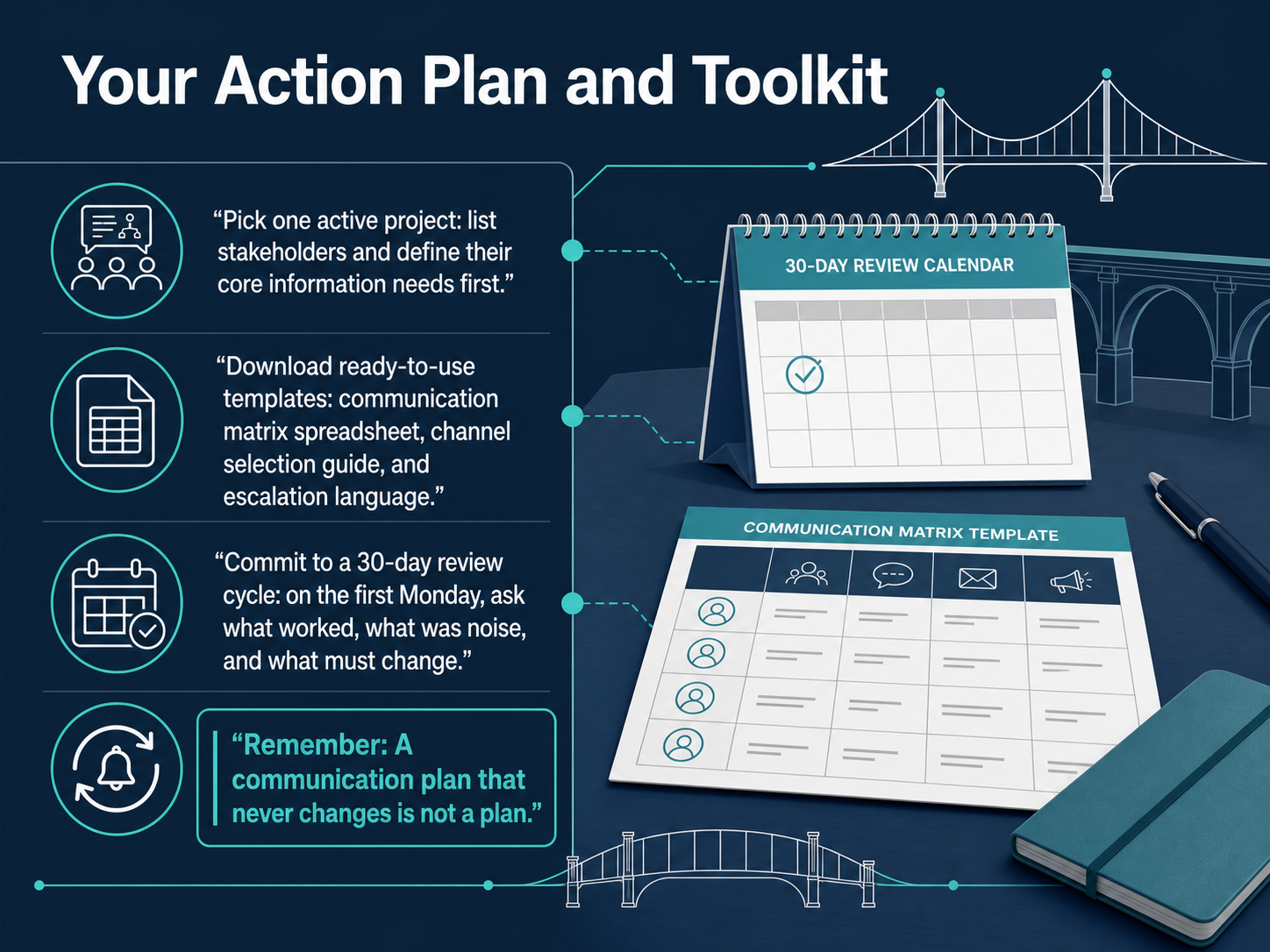
 - 12Your Action Plan and ToolkitLet's put everything into practice with a clear action plan. First, pick one active project. List its stakeholders and define what core information each of them actually needs. Next, download the ready-to-use templates from the toolkit. You will find a communication matrix spreadsheet, a channel selection guide, and sample escalation language to save you time. Then, commit to a thirty-day review cycle. On the first Monday of next month, ask your stakeholders three simple questions: what worked, what was just noise, and what must change. Remember this rule: a communication plan that never changes is not a real plan. Thank you for joining this session. Start with that single project, apply the templates, review it in thirty days, and keep refining. Good luck.
 alexberman.combetterdeskhabits.comdraftery.ai+22 min
Take the deck with you
Download this course as a file — free, no sign-up needed.
- PDF handoutEvery slide page, ready to print or share.13 pages · 3.0 MBDownload
- Narrated PowerPointThe deck that presents itself — every slide carries the digital human's narration video.13 pages · 13.0 MBDownload
- PowerPoint slidesThe full deck as a .pptx — open it in PowerPoint, Keynote, or Google Slides.13 pages · 2.9 MBDownload
Free to use in your own training — please keep the PersonWise credit page at the end.
Have your own deck? Turn it into a course
Sources consulted
Web sources consulted while building this course.
- Pulse of the Profession® 2026: Driving Success in Complex Projects | PMI — pmi.org
- Poor Communication Leads to Project Failure One Third of ... — ascertra.com
- My project is failing, it is not my fault — pmi.org
- Understanding - Overcoming Communications Complexity ... — pmi.org
- New PMI Research Reveals Strategy-Execution Gap Is Undermining Transformation And How to Close It — pmi.org
- Best Asynchronous Communication Tools for Remote Teams — alexberman.com
- Best Asynchronous Communication Tools For Remote Teams - Better Desk Habits — betterdeskhabits.com
- The 12 Best Communication Tools for Remote Teams in 2026 | Draftery Blog — draftery.ai
- Asynchronous Communication Guide for Remote Teams 2026 | Capme — capme.app
- Top Remote Team Communication Tools in 2026 - Bridge — bridgeapp.ai