Begin
16 pages · ~32 min
Understanding APIs
A foundational training on APIs, teaching learners how software applications communicate and exchange data.
A digital instructor presents all 16 pages. Hold “Ask” at any point and ask out loud — the answer comes from this course. No sign-up needed.
What you’ll learn
- 01Understanding APIs: How Software ConnectsWelcome to Understanding APIs: How Software Connects. If you work in or around product and development teams, you hear the term API all the time. This training is built to make that term clear, useful, and firmly grounded in your daily work. Think of an API as a translator. When two software programs need to share information, they don't speak the same language. An API sits between them, takes a request from one side, and brings back the right answer. We see this every day. Searching for weather on your phone, logging in with Google, paying with PayPal. Those are all APIs doing the connecting. In this course, we will explore how APIs power the web, mobile apps, SaaS tools, and the AI features you are starting to use. By the end, you will recognize key API concepts, speak confidently in product and development conversations, and know when to ask deeper questions. You will start to spot the hidden connections that make software work. We will begin that journey next, by looking at just how common APIs really are in the tools you already use. Let's go to the next slide: APIs Are Everywhere: The Hidden Infrastructure.blog.dreamfactory.com7signal.comturing.com+22 min
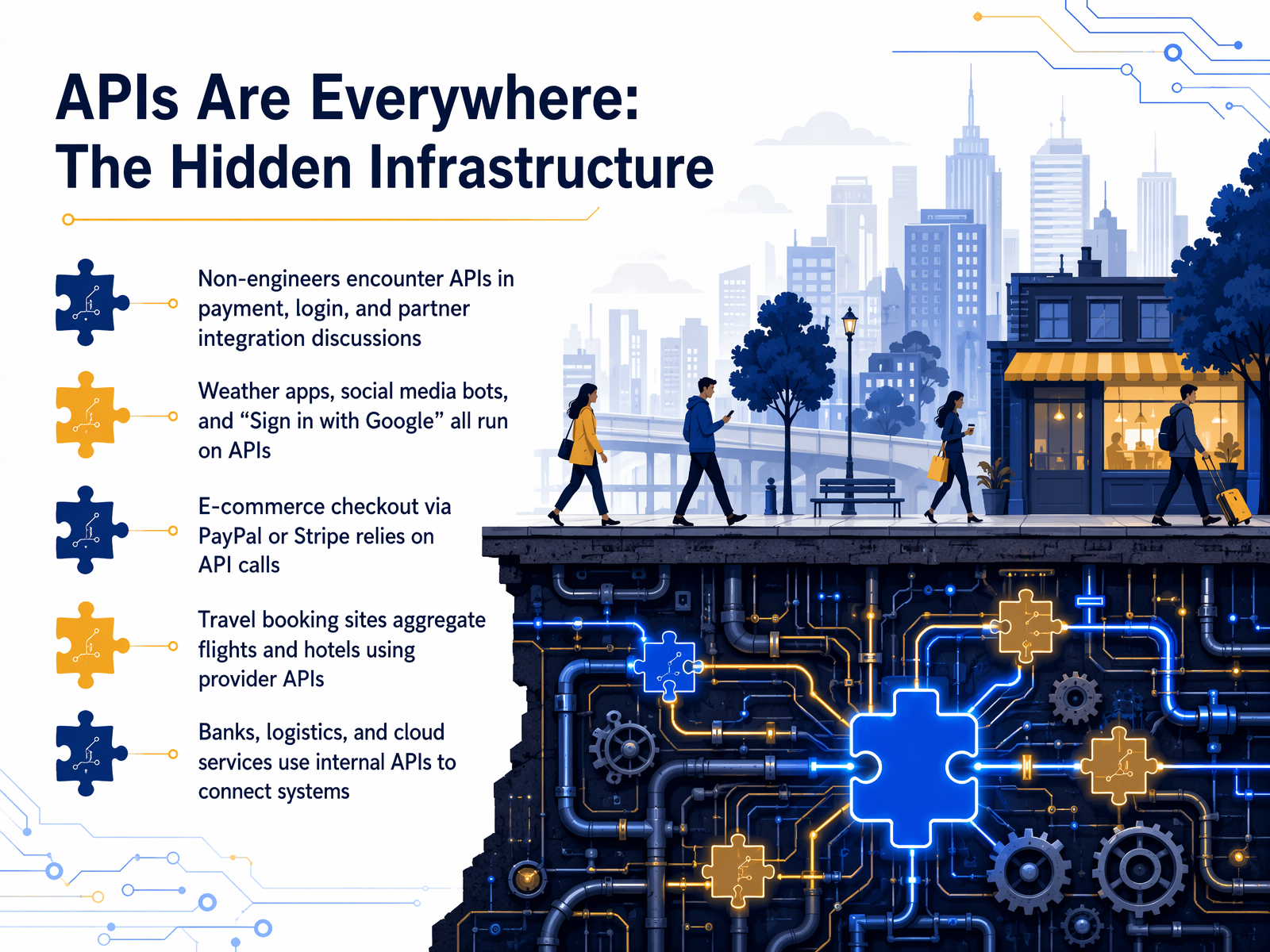
- 02APIs Are Everywhere: The Hidden InfrastructureWhen we say APIs are everywhere, we really mean it. They are the hidden infrastructure that connects the software you use every single day. Even if you are not an engineer, you have probably already talked about APIs when discussing things like payments, logins, or partner integrations. Take weather apps. When you check the forecast on your phone, the app is not generating that data itself. It is making an API call to a weather service to get the latest information. The same goes for social media bots and that super convenient “Sign in with Google” button. That button uses an API to verify your identity securely, without the app ever seeing your actual password. APIs also power transactions. when you pay with PayPal or Stripe in an online store, API calls handle the payment behind the scenes. Travel booking sites like Expedia work similarly. They use provider APIs to instantly pull in thousands of flights and hotel prices. And it is not just public apps. Banks, logistics companies, and cloud services rely on internal APIs to connect their systems and share data privately. So, APIs are these invisible messengers that make modern software work together. But what exactly is an API? Let’s break that down next.
 blog.dreamfactory.com7signal.comturing.com+22 min
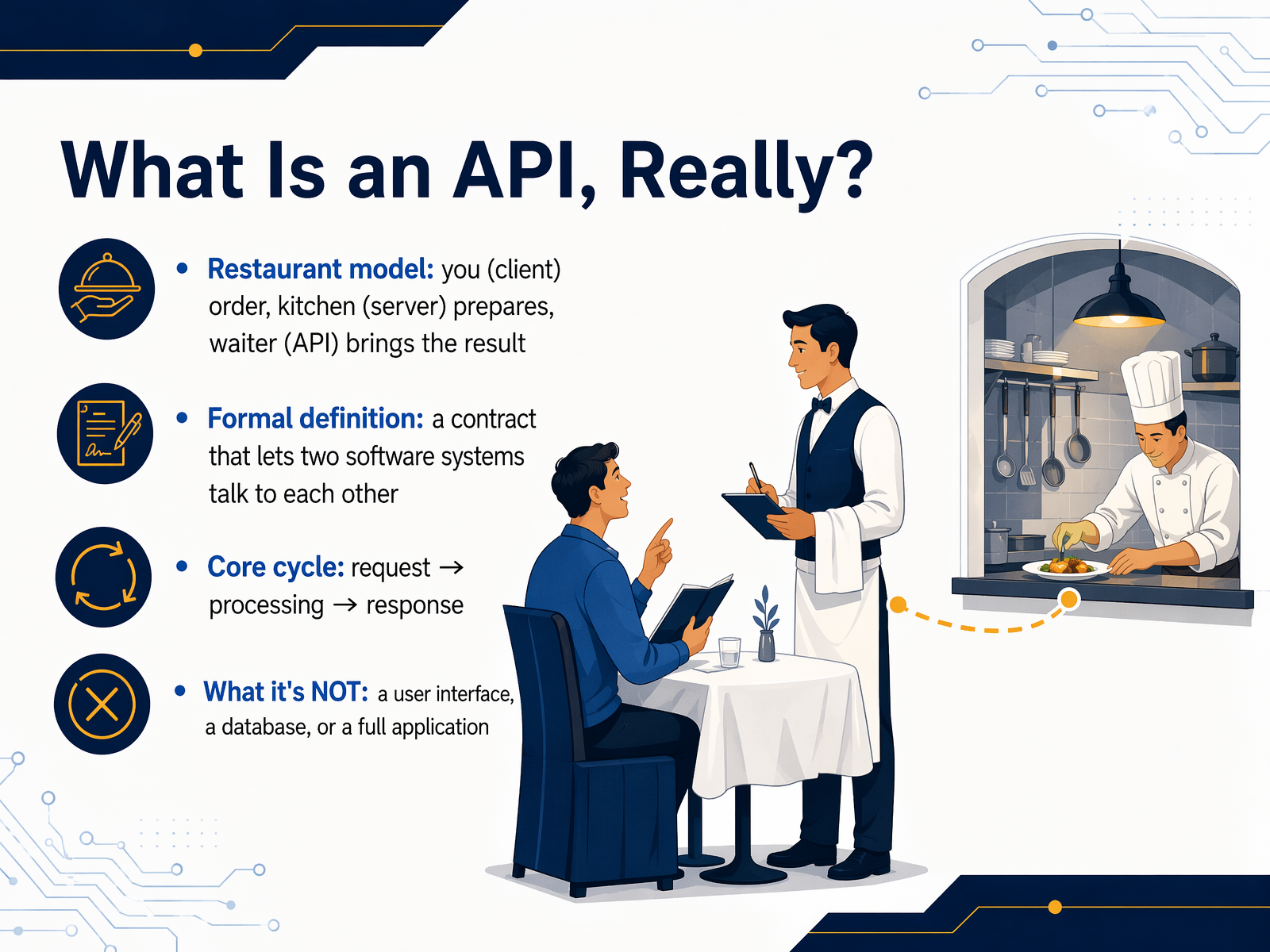
 - 03What Is an API, Really?APIs are everywhere once you know what to look for. A simple way to picture one is the restaurant model. You, the customer, are the client. The kitchen is the server that prepares your meal. And the waiter is the API. You tell the waiter your order, the waiter takes it to the kitchen, and then brings back exactly what you asked for. You never see the kitchen, and the kitchen doesn't need to know who you are. Formally, an API is a contract that lets two software systems talk to each other. It defines how to ask for something and what you'll get back. The core cycle is always the same: a request, some processing, and a response. It is important to know what an API is not. It is not a user interface you click on. It is not a database. And it is not a full application. It is the messenger that carries data between different pieces of software. Next, let's zoom in on that message exchange itself.
 blog.dreamfactory.com7signal.comturing.com+22 min
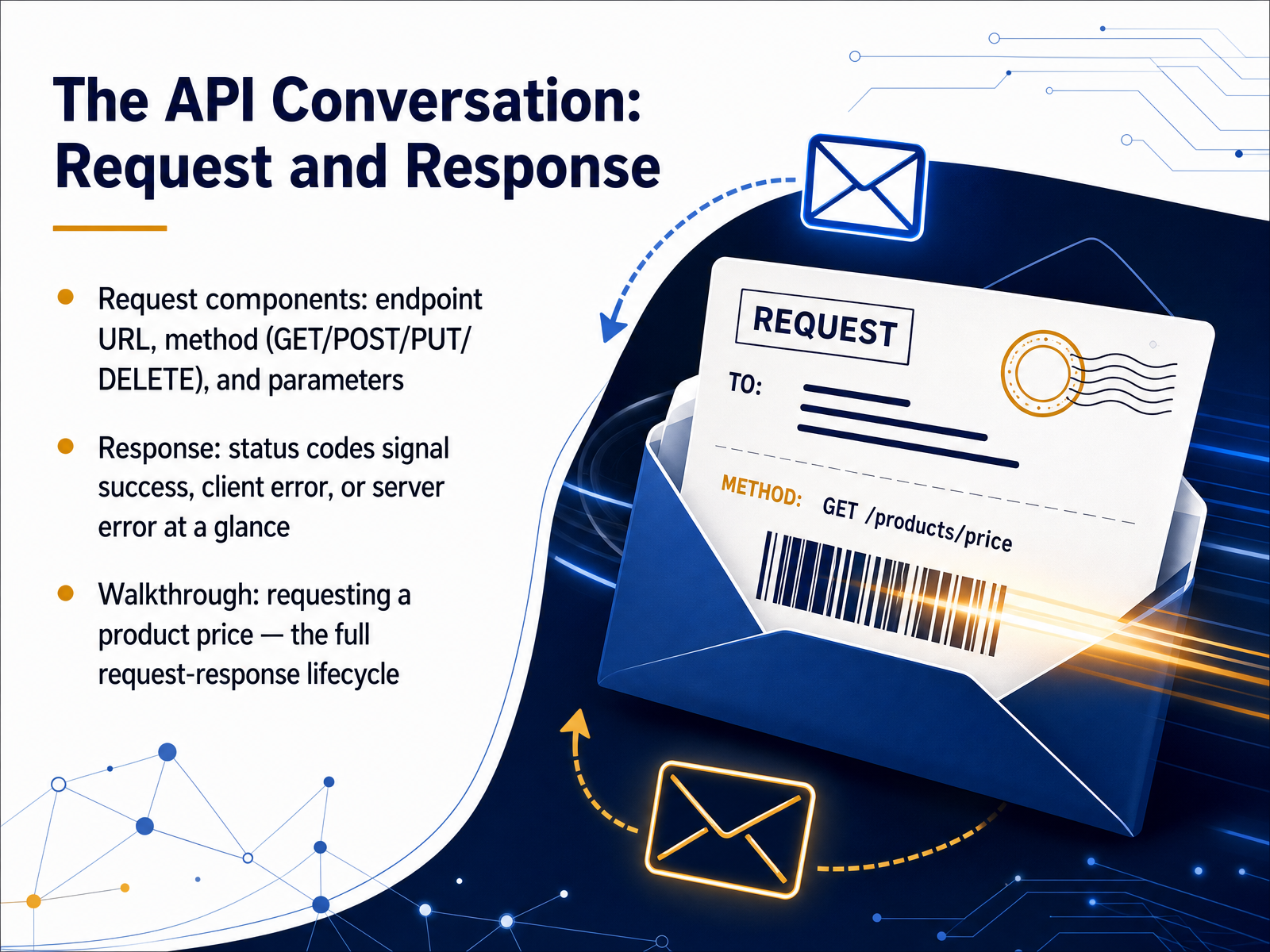
 - 04The API Conversation: Request and ResponseNow, let's look at the actual conversation that happens when software talks through an API. This back-and-forth is called a request and response. Think of it like ordering at a coffee shop. You make a request by stating exactly what you want, and the barista gives you a response. First, the request. It needs a few key pieces. There is an endpoint URL, which is just the address where the software sends the message. Then, a method, which tells the server what you want to do. Common methods are GET to read data, POST to create something new, PUT to update it, and DELETE to remove it. You can also add parameters, which are extra details like a product ID. Next, the response. The server replies with a status code, a three-digit number that tells you at a glance what happened. A code starting with two means success. A four means there was a client error, maybe a typo in the request. A five means a server error. To make this stick, imagine we request a product price. The client sends a GET request to the products endpoint, with a parameter for the item's ID. The server processes it and sends back a response with a two-hundred status code and the price data. That is the full lifecycle of an API call. Next, we will decode those status codes to understand exactly what the numbers mean.
 2 min
2 min - 05Decoding Status Codes: What the Numbers Actually MeanNow let's decode what those three-digit codes actually mean. Status codes are grouped into five classes, and the first digit tells you the general category. Think of it like a restaurant. A two hundred code is success. Your order is correct, the kitchen made it, and here's your food. A four hundred four code means the item you asked for just isn't on the menu. The server is working fine, but that specific page or resource doesn't exist. A five hundred code is the really bad one. That means the kitchen is on fire. Something broke on the server side, and it's not your fault. Here's a golden rule to remember: 4xx errors mean the problem is with the customer's request. You might have a typo or missing permissions. 5xx errors mean the kitchen messed up. The server had an internal problem. A few common codes you'll see: 200 OK means success, 201 Created means a new resource was made, 401 Unauthorized means you need to log in, 403 Forbidden means you're logged in but not allowed, and 503 Service Unavailable means the server is temporarily down. Next, we'll look at what data looks like in these requests by exploring JSON and authentication basics.
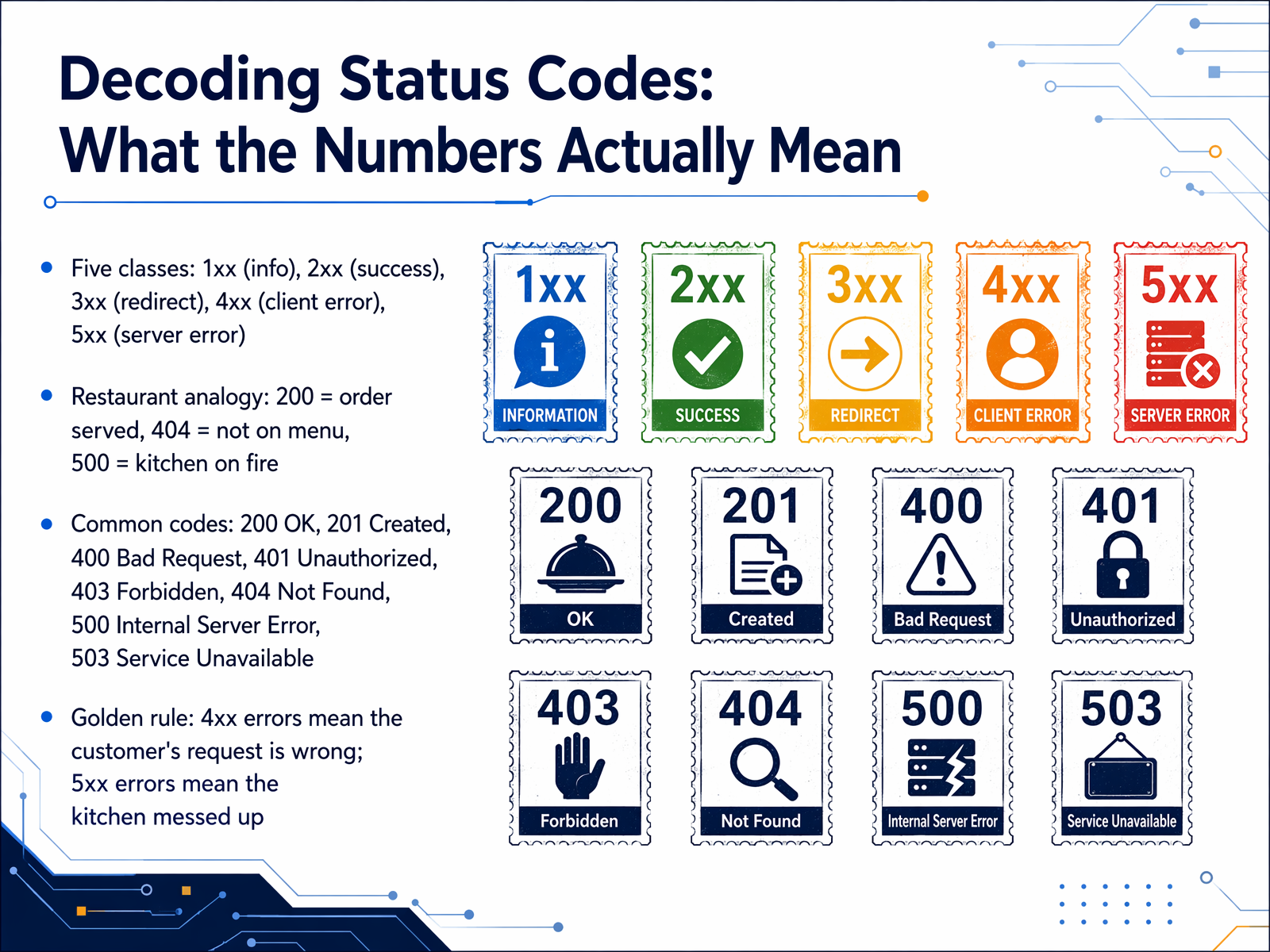 thestatuscode.comdeveloper.mozilla.orgblog.postman.com+22 min
 - 06What Data Looks Like: JSON and Authentication BasicsNow we get to the actual appearance of data in transit. The most common format you will see is JSON, which stands for JavaScript Object Notation. Think of it as a neatly labeled storage box. It uses a structure called key-value pairs. The key is the label, like 'name,' and the value is the actual data, like 'Adventure Mug.' It is completely human-readable text, which is why it has become the universal language of the web. To get this data, however, the server needs to know who is asking. This is where API keys and tokens come in. They act like a digital ID badge. You present this badge with your request. Authentication is the process of checking that your ID badge is valid and that you are who you claim to be. Authorization is a separate step; it determines what you are allowed to do once you are inside, like whether you can only view the mug or also change its price. This slide shows a simple example. You can see the key 'name' paired with the value 'Adventure Mug,' and the key 'price' paired with the value fourteen ninety-nine. It is just a structured, readable text file. Next, let's look at the different types of APIs you'll encounter in the real world.
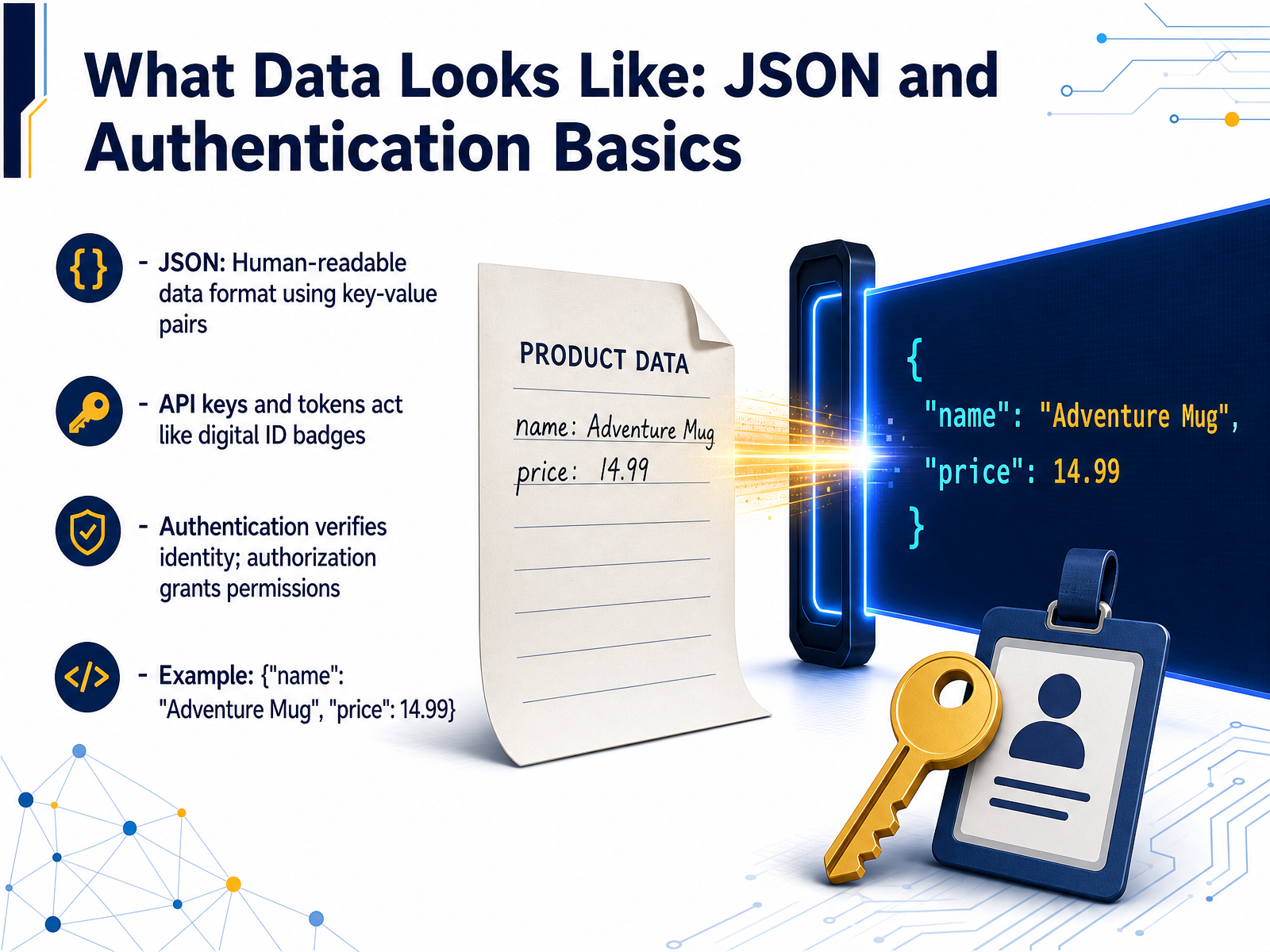 2 min
2 min - 07Types of APIs You'll EncounterLet's look at the main types of APIs you'll actually encounter. First, REST APIs. Think of these as the reliable workhorse of the internet. They use simple, resource-based URLs, like slash users slash one two three, and they handle basic operations: create, read, update, and delete. About eighty-three percent of public APIs are built this way. Next are webhooks, which flip the model. Instead of you constantly asking the server, 'Is there new data yet?' the server pushes a notification to you the moment an event happens. It's like a pizza delivery instead of repeatedly checking the oven. Then there's GraphQL, which is all about precision. You can request exactly the data you need and nothing more, which can reduce the data payload size by up to eighty percent. This is especially great for mobile apps. And here's the reality: tools don't have to be rivals. Sixty-seven percent of large organizations use a hybrid model, combining both REST and GraphQL in their stack. Now that we've seen the different formats, let's learn how to read the instruction manual that comes with them. Up next: Reading API Documentation.
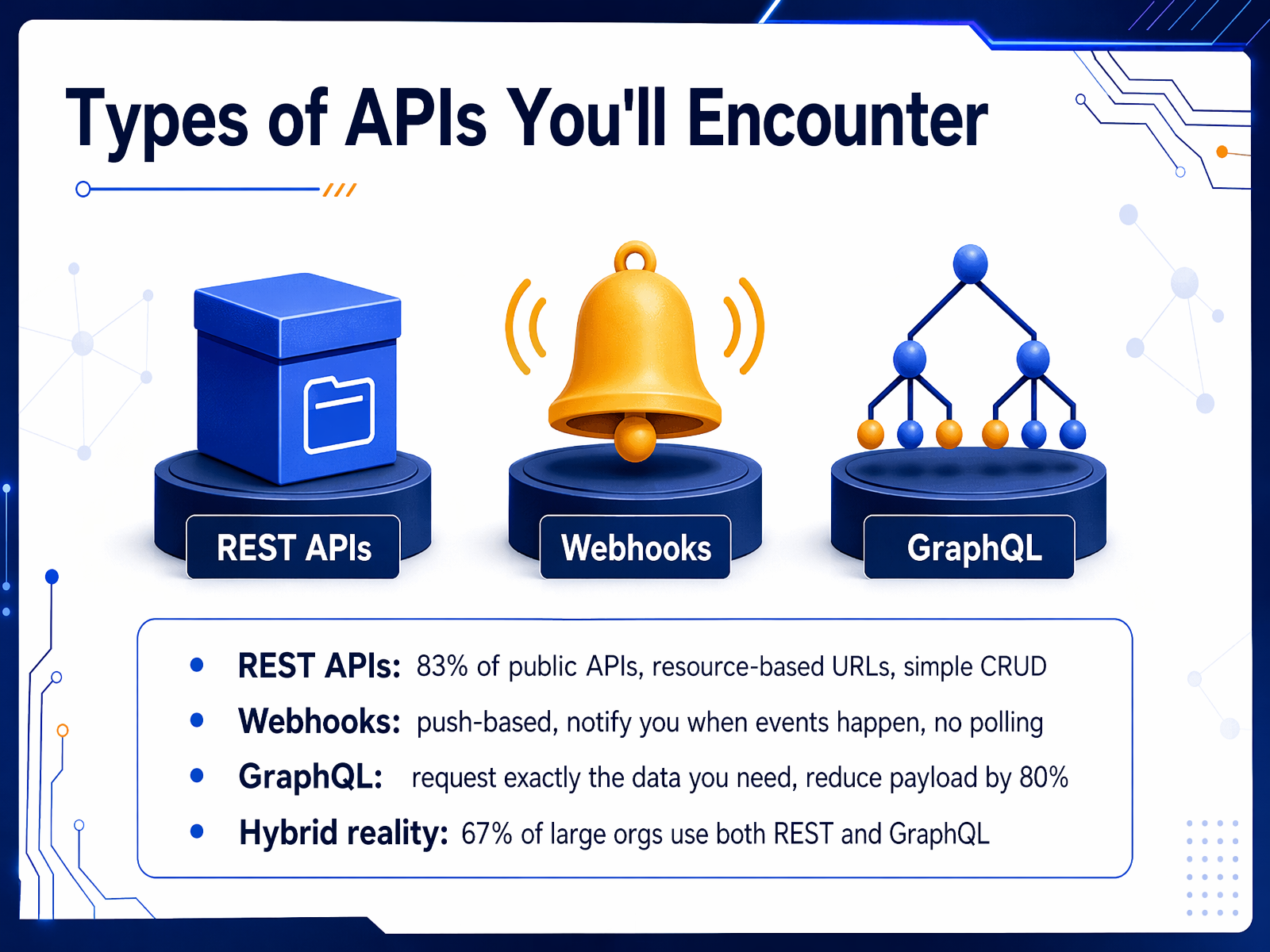 wifitalents.comalphonsolabs.comamworldgroup.com+22 min
 - 08Reading API DocumentationNow let's look at what you actually see when you open an API documentation page. Most reference pages share the same anatomy. First, you have a base URL, like api.example.com slash v1. That's the front door. Under that, you'll find endpoints, which are the specific paths for each action, like slash users. Then you'll see parameters. These are the extra details you can send, like a filter or an ID. Finally, there are example responses, showing exactly what the server sends back in a success or an error. Behind the scenes, many teams use a standard called OpenAPI to describe the entire API in a single YAML file. This file acts as a contract that both humans and tools can read. You'll also spot authentication instructions here, telling you where to get your API key, token, or what permissions, called scopes, you need. For practice, your job is to scan a real doc page and answer a product question fast. You don't need to code. Just find the right endpoint, check the example response, and you're done. Next, we'll move from reading to verifying, as we talk about testing and troubleshooting without code.
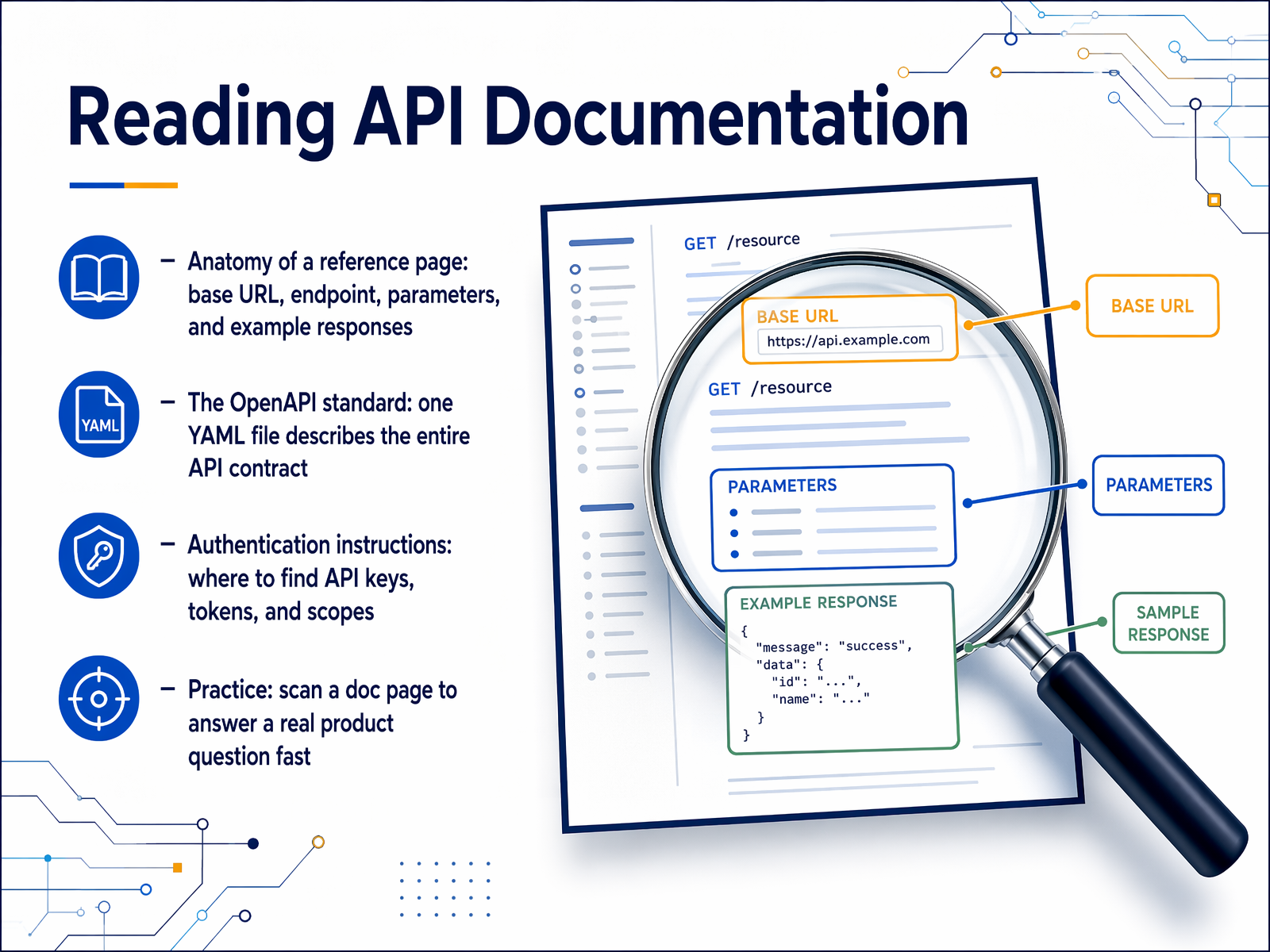 docsio.coasoasis.techswagger.io+22 min
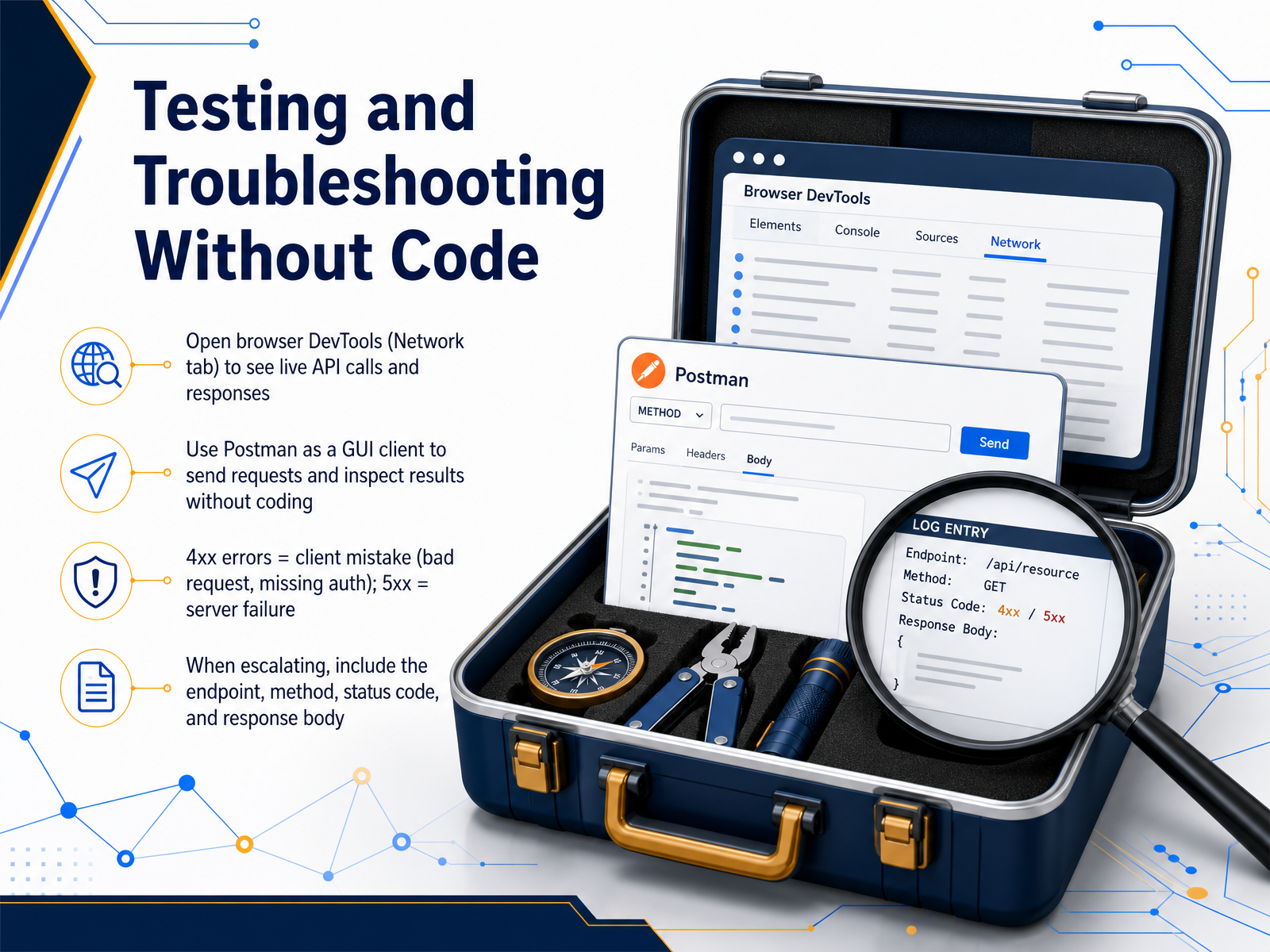
 - 09Testing and Troubleshooting Without CodeLet's look at how to test and troubleshoot APIs without writing a single line of code. First, your browser's built-in DevTools. Open the Network tab, refresh the page, and you'll see live API calls flying back and forth. Click any request to inspect its full URL, headers, and response body. It's a fast, zero-setup way to see what's actually happening. For more power, use a dedicated tool like Postman. Postman gives you a visual interface to send requests, change parameters, and read responses clearly. You don't need to code. Just type a URL, choose a method like GET or POST, and hit Send. When things go wrong, the status code tells you where to look. Four hundred series errors, like 401 or 404, mean the client made a mistake. Maybe the request is missing authentication or the URL is wrong. Five hundred series errors, like 500 or 503, mean the server itself failed. If you need to escalate the issue to a developer, give them four key pieces of information. The exact endpoint URL, the HTTP method you used, the status code, and the response body. That turns a vague report into an actionable bug ticket. Now, let's shift from the technical side to how APIs show up in your everyday product and business conversations.
 2 min
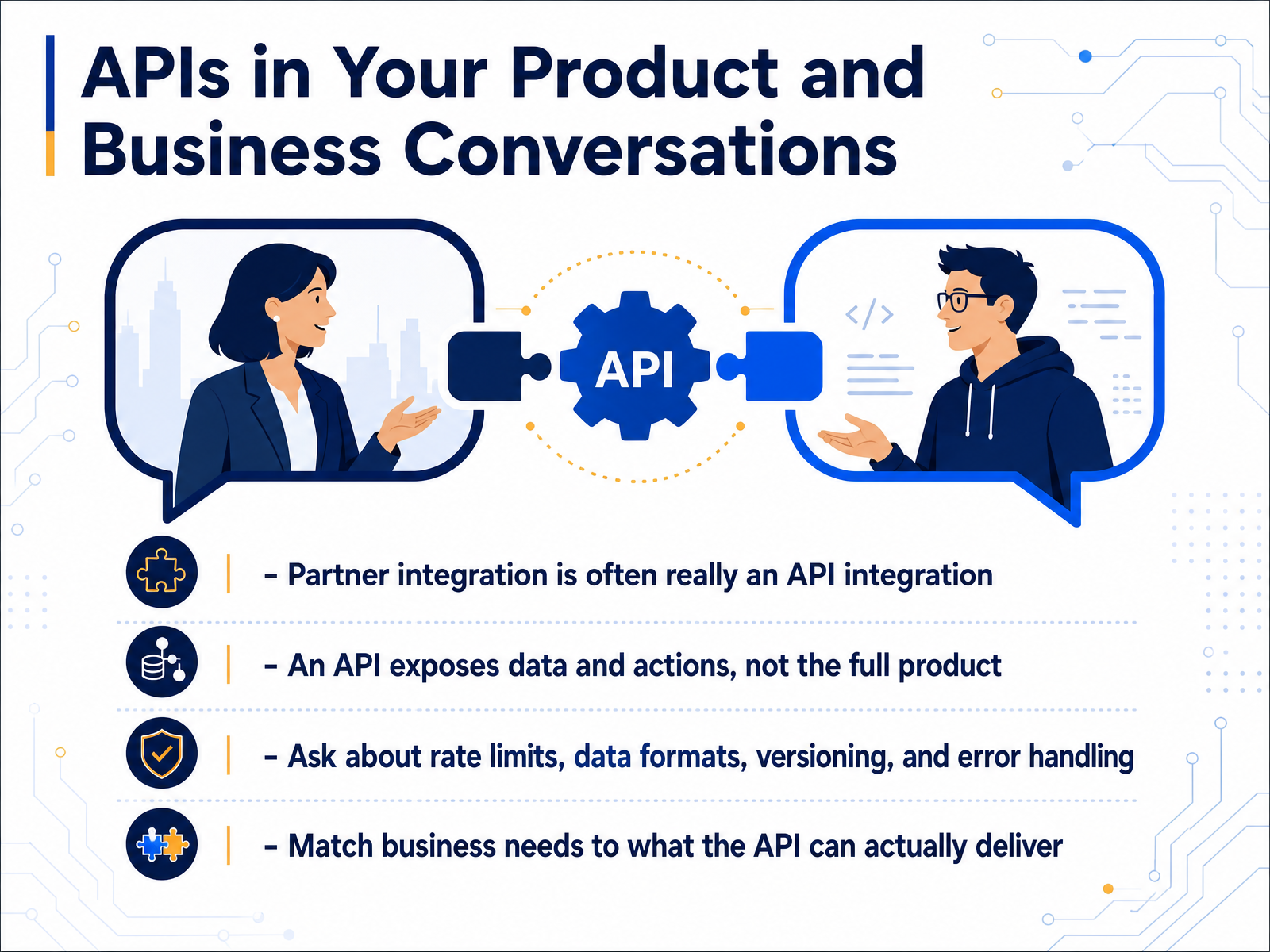
2 min - 10APIs in Your Product and Business ConversationsNow let's talk about how APIs show up in your everyday work conversations. When someone says we're partnering with another company, what they often mean is we're connecting to their API. That's the technical handshake behind the business deal. But it's important to remember an API gives you access to specific data and actions, not the full product experience. Think of it like a restaurant's takeout window. You can order from the menu, but you don't get to wander into the kitchen. So when you're in those discussions, ask the right questions up front. What are the rate limits? How many requests can you send per minute? What data format does the API use? Is it JSON or something else? How are versions handled, and what do error messages actually look like? These questions help you match your business needs to what the API can really deliver, and avoid surprises down the road. Next, we'll look at another critical angle: security and trust, and what everyone should know.
 1 min
1 min - 11Security and Trust: What Everyone Should KnowNow that we know how APIs send data back and forth, let's talk about keeping that data safe. Security isn't just for specialists. Everyone who works with APIs should understand a few basics. Think of an API key like a house key. If someone finds it, they can get inside. Exposed keys can leak private data, run up huge bills, or even break compliance rules. Some public endpoints don't require any key at all. That's like leaving your front door wide open. It invites abuse and automated scraping. Never share your keys in a chat message, never commit them to a code repository, and never hard-code them directly into your application. Instead, treat them exactly like passwords. Store them in secure environment variables or a secrets vault. Always give each key the fewest permissions possible, just enough to do its job. That way, even if a key is compromised, the damage stays small. These habits are simple but they stop most common breaches. Next, we'll look at the bigger picture: the API landscape and future trends.
 1 min
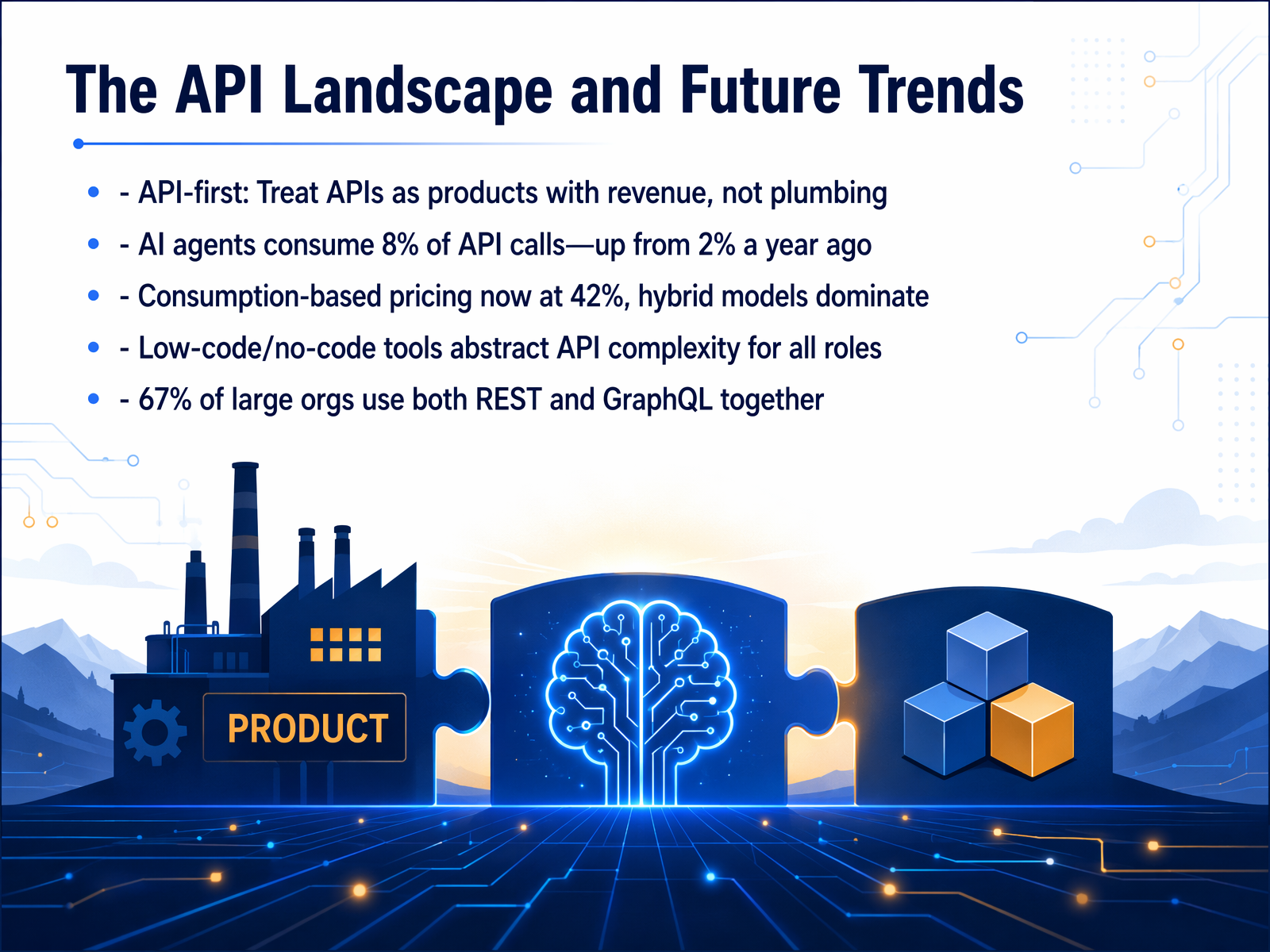
1 min - 12The API Landscape and Future TrendsSo far, we have talked about how APIs connect software. Now let's look at where the whole API world is heading. The biggest shift is that companies are treating APIs as products, not just plumbing. They have dedicated teams, pricing plans, and revenue goals, just like a regular software product. That means the API itself becomes a business. Another major trend is how we pay for APIs. A flat monthly fee is no longer the only option. More than forty percent of companies now use consumption-based pricing, so you pay for what you actually use, similar to a utility bill. But the most exciting change is who is using these APIs. We are seeing a surge in AI agents making API calls. In fact, AI-driven traffic has jumped to about eight percent of all API calls, up from just two percent a year ago. This means APIs are no longer designed only for human developers; they are now being built for machines to read and navigate. To handle this complexity, many large organizations now use a mix of API styles, with over two-thirds using both REST and GraphQL together. And with low-code tools, people across the business can now connect applications without writing a single line of code. Next, we will take a closer look at this convergence of AI and APIs.
 wifitalents.comalphonsolabs.comamworldgroup.com+22 min
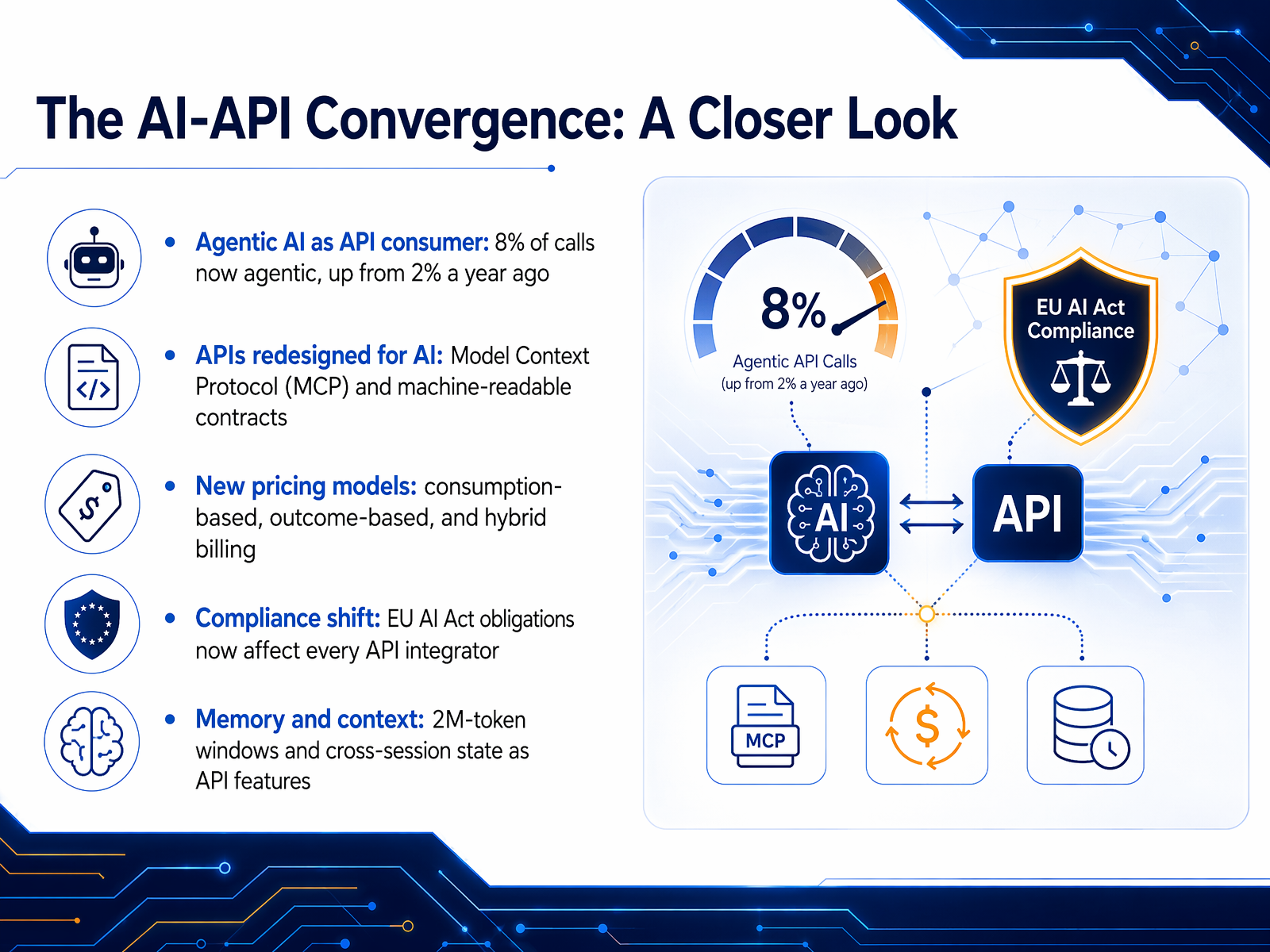
 - 13The AI-API Convergence: A Closer LookLet's zoom in on how AI and APIs are converging right now. The first big shift is who, or what, is calling your API. Just a year ago, less than two percent of calls were from AI agents. Today, that number sits at eight percent. Your API is increasingly being consumed by software, not just people. To handle this, we're seeing a new standard called the Model Context Protocol, or MCP. Think of it as a machine-readable menu that AI agents use to discover and understand your API without needing to scrape a website. We're also seeing pricing models evolve. Instead of just a flat monthly fee, companies are charging based on consumption, or even for a specific business outcome, like a verified lead. And compliance is no longer a footnote. The EU AI Act means that if you integrate AI, you have legal obligations, shifting the burden from research labs to every builder. Finally, APIs are getting a memory. With context windows that can hold two million tokens, about fifteen hundred pages of text, an AI can now remember the entire history of a conversation without you having to build that system from scratch. These five shifts are redefining what an API is. Now, let's pull all of these concepts together in our final review, the Restaurant Refresher.
 wifitalents.comalphonsolabs.comamworldgroup.com+22 min
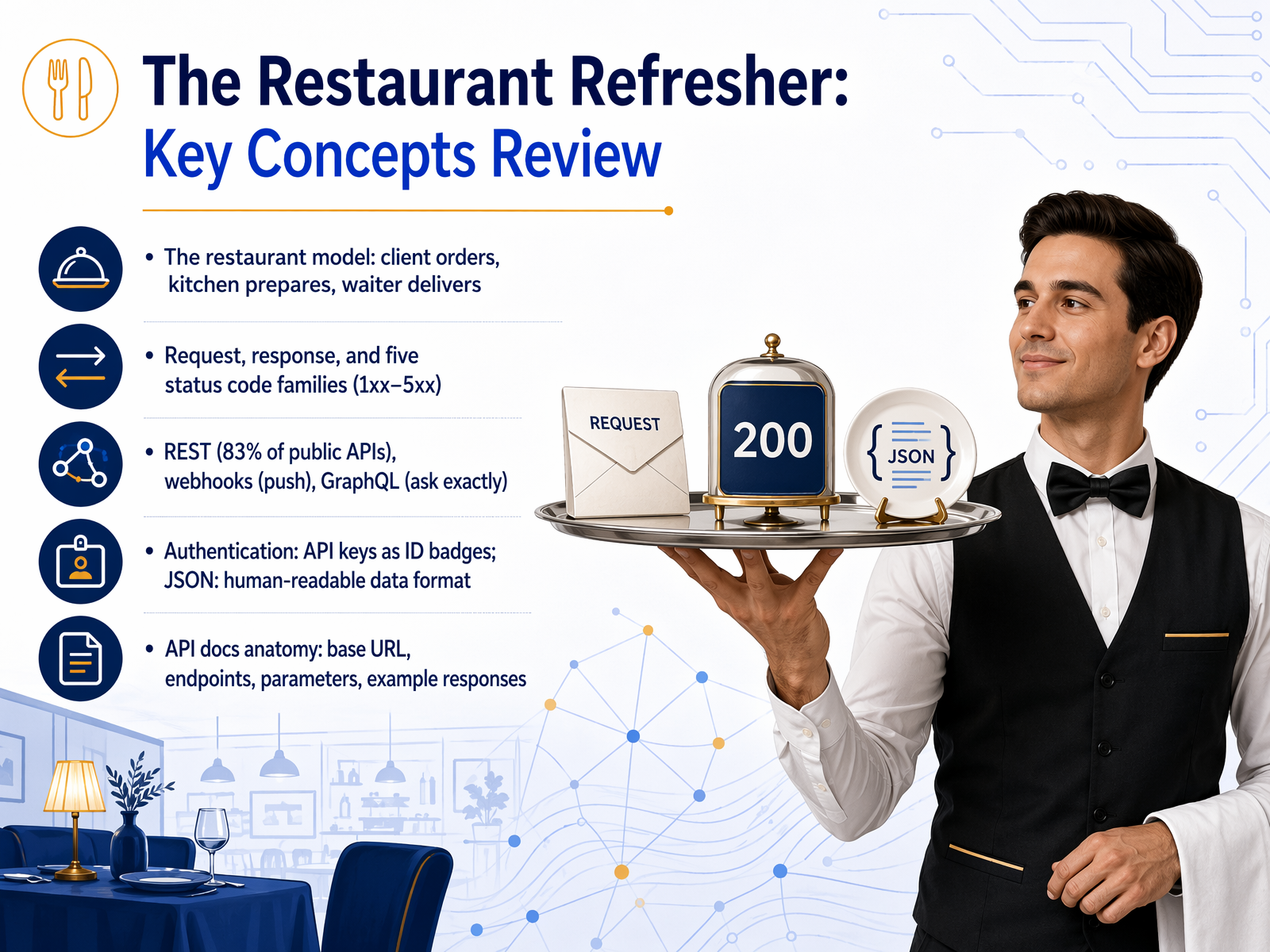
 - 14The Restaurant Refresher: Key Concepts ReviewLet's bring everything together with our restaurant model. Picture the client as a diner placing an order. The kitchen is the server preparing the meal, and the waiter delivers the response back to the table. That entire loop is a request and a response. And the status code is simply the waiter's report. Codes in the two-hundred range mean success. Here is your food. Four-hundred range codes mean the diner made a mistake, like ordering a dish that does not exist, which is the famous four-oh-four. Five-hundred range codes mean the kitchen had a problem, maybe the oven broke. That is a server error. Now, there are three main ways to connect. REST is the standard menu, used by eighty-three percent of public APIs. You ask, you receive. Webhooks flip the model. Instead of you constantly asking the kitchen if your order is ready, the kitchen pushes a notification to you when it is done. GraphQL lets you specify exactly what you want on one plate, avoiding multiple trips to the kitchen. To enter the restaurant, imagine API keys as your ID badge. And JSON is the universal language on the ticket, readable by both humans and machines. Finally, every API menu, or its documentation, follows a simple anatomy. You need the base URL, the specific endpoints, any parameters to refine your request, and an example of what a successful response looks like. Once you know these pieces, you can read any API menu in the world. Next, let's move from the menu to the real world in Practical Scenarios: Spot the API at Work.
 thestatuscode.comdeveloper.mozilla.orgblog.postman.com+22 min
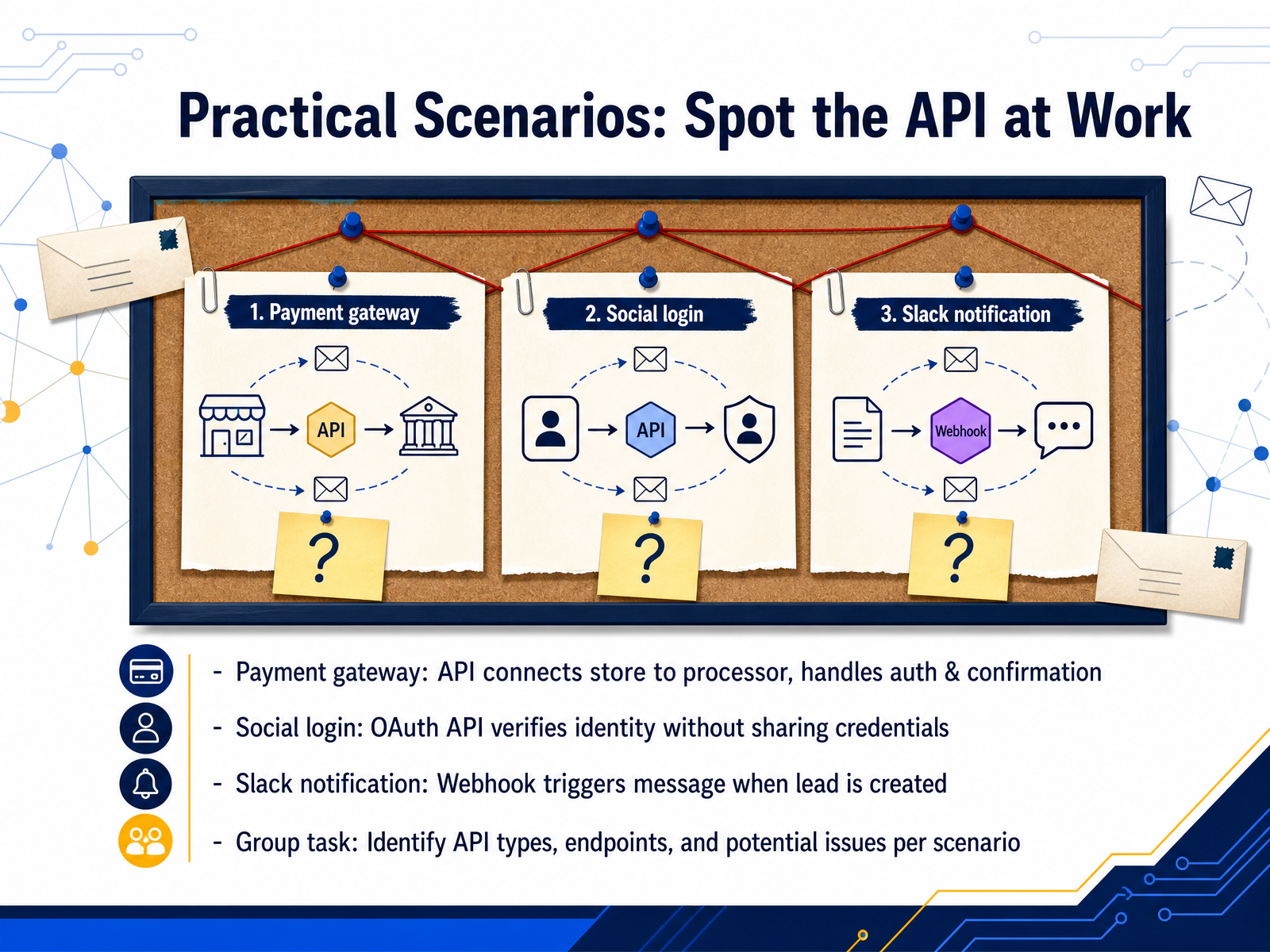
 - 15Practical Scenarios: Spot the API at WorkLet's put these ideas into practice with a few everyday scenarios. First, imagine a payment gateway. When you click "Pay with PayPal" in an online store, an API connects the store to the payment processor. It securely handles the authorization and then sends back a confirmation, all without the store ever seeing your financial details. Next, think about social login. Those "Sign in with Google" buttons use an OAuth API. It verifies your identity with Google and confirms to the app who you are, without ever sharing your password with that third-party app. Another common example is a Slack notification. When a new lead is created in your customer relationship management system, a webhook triggers an API call to instantly post a message in Slack. For your group task, take each of these scenarios. Identify the type of API, think about what the endpoint might be, and discuss any potential issues you might run into. Now, let's wrap up with where to go from here.
 blog.dreamfactory.com7signal.comturing.com+22 min
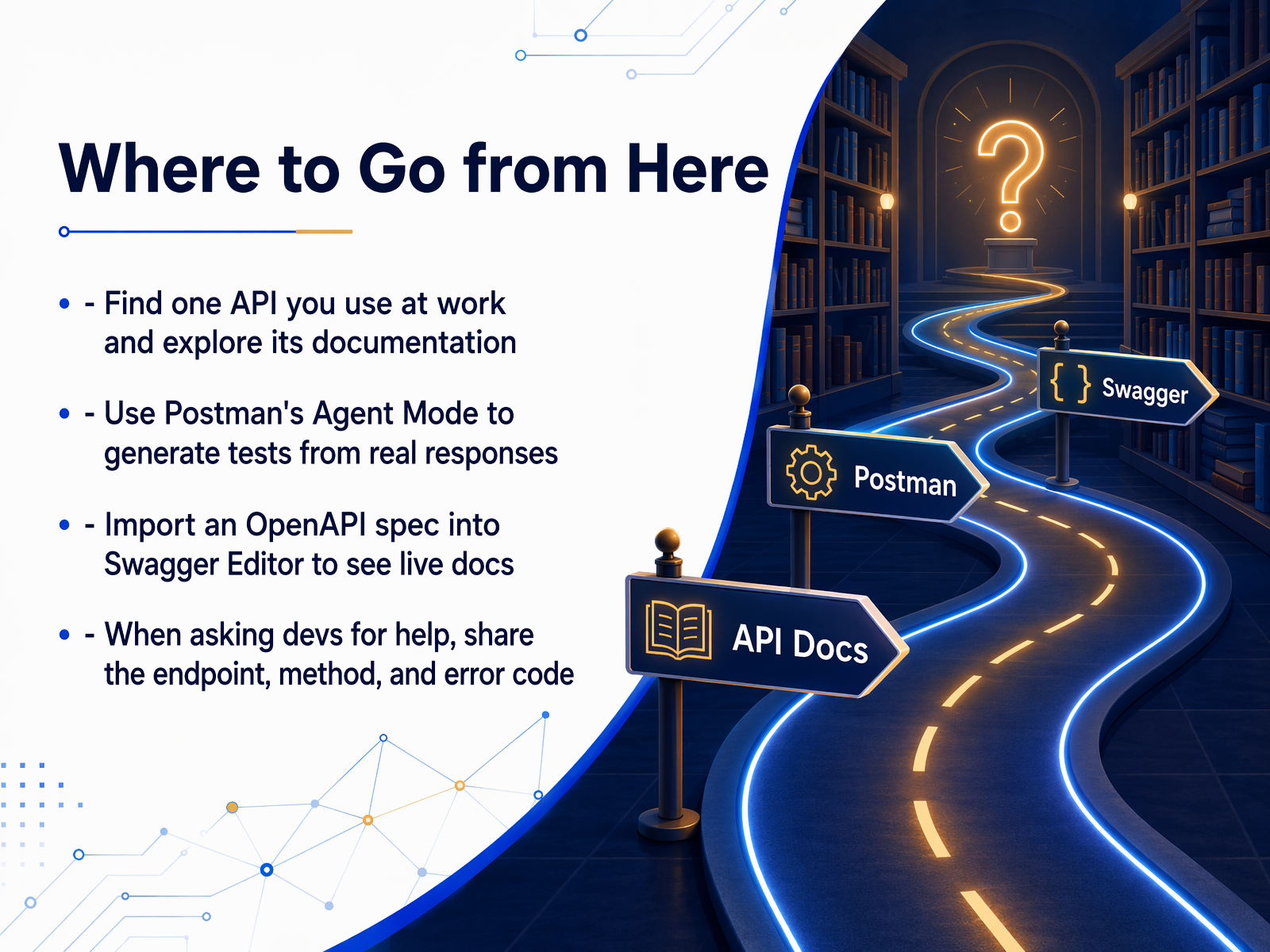
 - 16Where to Go from HereLet's wrap up with four practical steps you can take right now. First, find one API you already use at work and spend ten minutes exploring its documentation. Look at the endpoints, the methods, and the example responses. Second, try Postman's Agent Mode. Point it at a real response and ask it to generate tests. It learns from your data, so the assertions are actually useful. Third, if your team has an OpenAPI spec, import it into the Swagger Editor. You'll see live, interactive docs that make the whole API easier to understand. And finally, when you need to ask a developer for help, be specific. Share the endpoint, the HTTP method, and the exact error code you received. That one habit will save everyone a lot of time. You've built a solid foundation today. The real skill comes from applying these ideas to your daily work. Thank you for learning with me, and good luck on your API journey.
 docsio.coasoasis.techswagger.io+22 min
Take the deck with you
Download this course as a file — free, no sign-up needed.
- PDF handoutEvery slide page, ready to print or share.17 pages · 4.5 MBDownload
- Narrated PowerPointThe deck that presents itself — every slide carries the digital human's narration video.17 pages · 17.3 MBDownload
- PowerPoint slidesThe full deck as a .pptx — open it in PowerPoint, Keynote, or Google Slides.17 pages · 4.4 MBDownload
Free to use in your own training — please keep the PersonWise credit page at the end.
Have your own deck? Turn it into a course
Sources consulted
Web sources consulted while building this course.
- 6 Practical Examples of APIs in Everyday Life — blog.dreamfactory.com
- 9 Common API Use Cases and Examples | 7SIGNAL | The Leader in Enterprise Wi-Fi Optimization — 7signal.com
- 7 API examples we use in our everyday lives — turing.com
- A Beginner's Guide to APIs | CO- by US Chamber of Commerce — uschamber.com
- What is an API? (Application Programming Interface) | Mulesoft — mulesoft.com
- The Status Code — The Status Code — thestatuscode.com
- HTTP response status codes - HTTP | MDN — developer.mozilla.org
- What Are HTTP Status Codes? Complete Guide — blog.postman.com
- HTTP Status Codes for Beginners: What 200, 404, and 500 Really Mean - DEV Community — dev.to
- HTTP Status Codes: Full List, Meanings & How to Fix Them (2026) - HostingGuider — hostingguider.com
- 2026 API Statistics | 100+ Verified Facts — wifitalents.com
- 15 API Trends for 2026: REST, GraphQL, gRPC Changes — alphonsolabs.com
- Webhook & Integration Statistics 2026 | iPaaS, APIs, Webhooks | AMW® — amworldgroup.com
- API Design Trends 2026: REST, GraphQL, gRPC, and Webhooks - Calmops | Tech, Business & Indie Hacker Knowledge Base — calmops.com
- API Design Trends 2026: REST, GraphQL, gRPC, and Webhooks - Calmops | Tech, Business & Indie Hacker Knowledge Base — calmops.com
- OpenAPI Specification Example: 4 Real Specs You Can Copy | Docsio — docsio.co
- OpenAPI and Swagger: A Practical Tutorial to Document Your REST API | ASOasis - All about Tech — asoasis.tech
- Basic Structure | Swagger Docs — swagger.io
- OpenAPI Documentation - OpenAPI Initiative — learn.openapis.org
- Structure of an OpenAPI Description — learn.openapis.org