Begin
13 pages · ~26 min
Generative AI Fundamentals
Explore core generative AI concepts, its purpose, and real-world examples to understand how these systems create new content and where they're applied.
A digital instructor presents all 13 pages. Hold “Ask” at any point and ask out loud — the answer comes from this course. No sign-up needed.
What you’ll learn
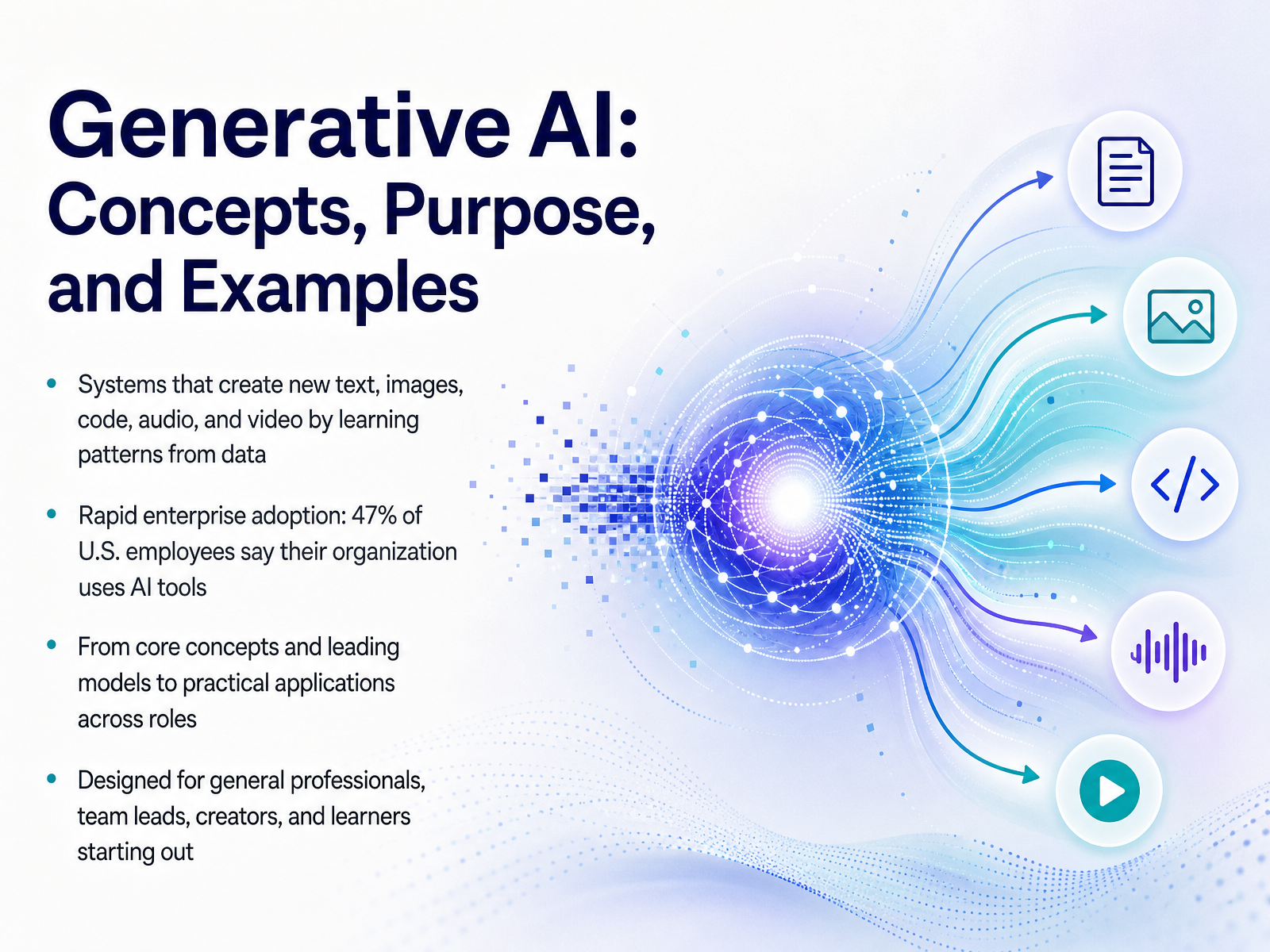
- 01Generative AI: Concepts, Purpose, and ExamplesWelcome. I'm glad you're here. If you've been curious about generative AI but want a clear, grounded understanding—not just hype—you're in the right place. This course is designed for smart professionals like you: team leads, creators, and learners who want to know what this technology really is and how to think about it practically. So let's start with the big picture. Generative AI refers to systems that learn patterns from vast amounts of data and then create something new—whether that's text, images, code, audio, or video. The key word is 'generate.' These tools are moving incredibly fast into everyday work. A recent Gallup survey found that 47 percent of U.S. employees now say their organization has integrated AI tools. And according to a Deloitte study, nearly 80 to 90 percent of new AI use cases in the enterprise are generative AI. That's a staggering shift. In the time we have together, we'll move from these core concepts and leading models to practical applications you can use across different roles. By the end, my goal is for you to feel equipped and empowered, not overwhelmed. We'll start with the foundation. Next, let's explore exactly how generative AI differs from traditional AI.deloitte.comdeloitte.comdeloitte.com+22 min
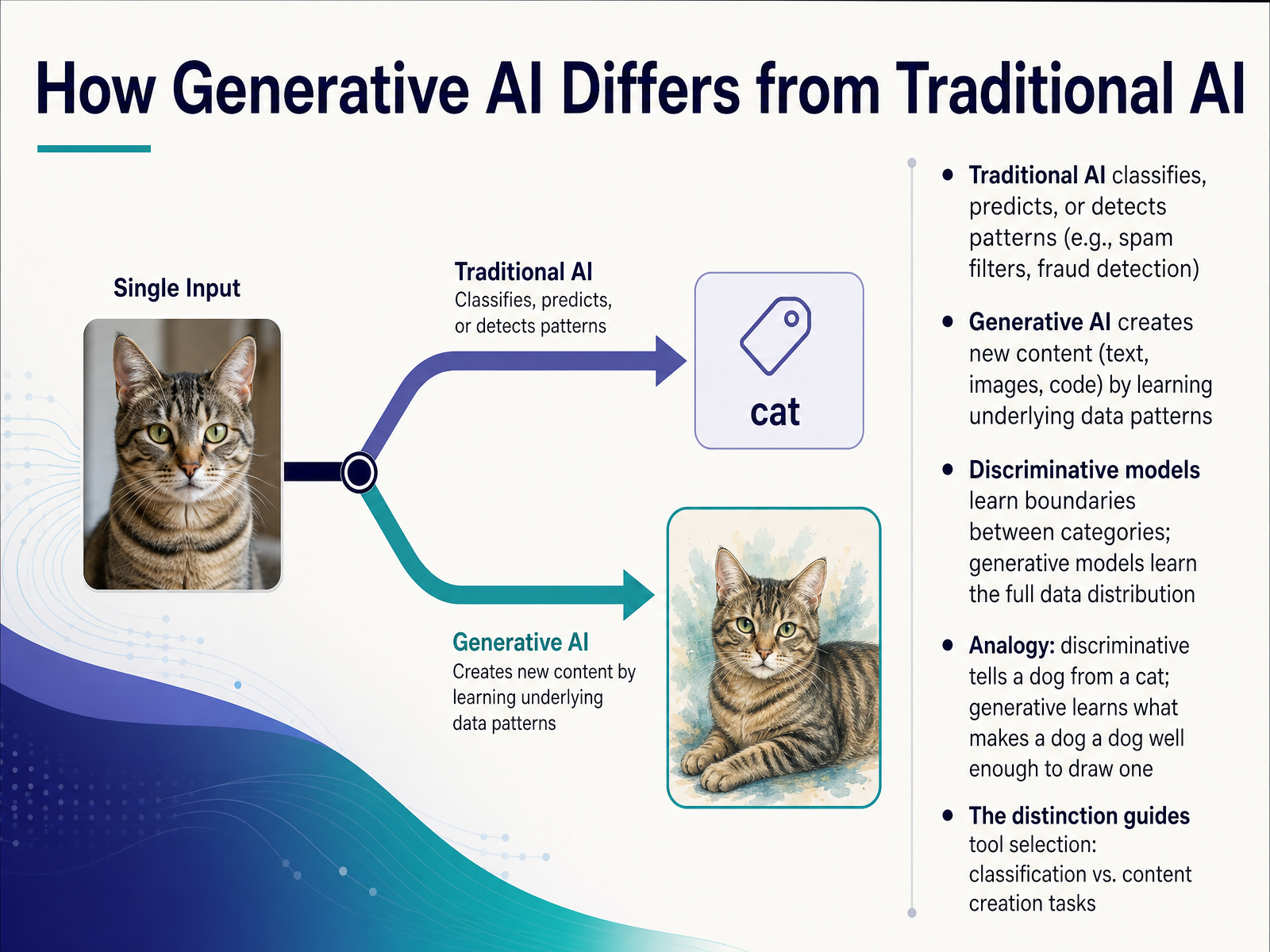
- 02How Generative AI Differs from Traditional AISo, let's get clear on what makes generative AI different from the traditional AI most of us encounter every day. Think about your email spam filter. That's a classic example of traditional AI. It looks at an incoming message and makes a decision: is this spam, or is it not? It's classifying, predicting, or detecting a pattern. It draws a line between categories. We call this a discriminative model. It learns the boundary between things, like distinguishing a dog from a cat. Now, generative AI flips that. Instead of just drawing a boundary, it learns the entire concept. It learns what makes a dog a dog—the shape, the fur, the eyes—so well that it can draw a completely new picture of one. It creates new content by learning the deep patterns in the data, not just the dividing lines. This fundamental difference is what guides which tool you pick: do you need to classify existing information, or do you need to create something new? Up next, we'll build on this by exploring the core building blocks that make this creation possible, like foundation models and prompting.
 coursera.orggradml.mit.edugeeksforgeeks.org+22 min
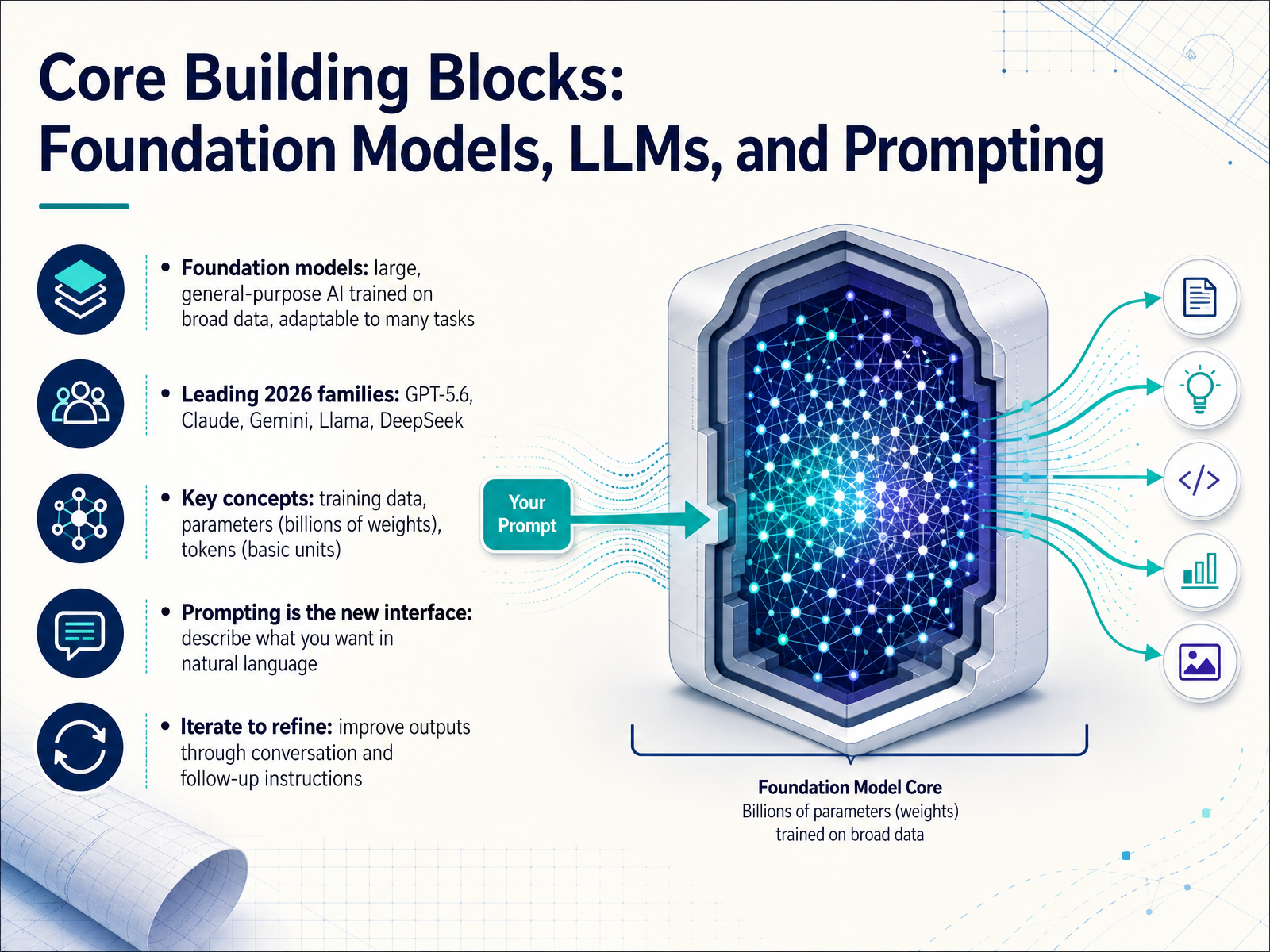
 - 03Core Building Blocks: Foundation Models, LLMs, and PromptingNow let's break down the three core building blocks that make generative AI work. Think of it like a high-level map. First, we have foundation models. This is the term for a very large, general-purpose AI system trained on incredibly broad data. Its real power is adaptability. Instead of building an AI from scratch for every single task, a foundation model can be fine-tuned or prompted to handle many different jobs, from writing to analysis. In the current landscape, the leading families you'll hear about include GPT-five-point-six, Claude, Gemini, Llama, and DeepSeek. Each has its own strengths, but they all share three key concepts under the hood. Training data, which is the massive amount of text and code a model learns patterns from. Parameters, think of these as billions of internal weights that are adjusted during that learning. And tokens, which are the basic units of text the model reads and generates. So how do we actually talk to these models? That's where prompting comes in. Prompting is the new interface. You simply describe what you want in natural language. And here's the practical mindset shift, this is a conversation. You're not just giving one command and hoping for a perfect result. The real skill is iteration. You improve the output by refining your instructions, asking follow-up questions, and guiding the AI step by step. It's a collaboration, not a magic spell. Next, we'll apply these concepts directly to text generation and summarization.
 hai.stanford.edutechtarget.comresearch.g2.com+22 min
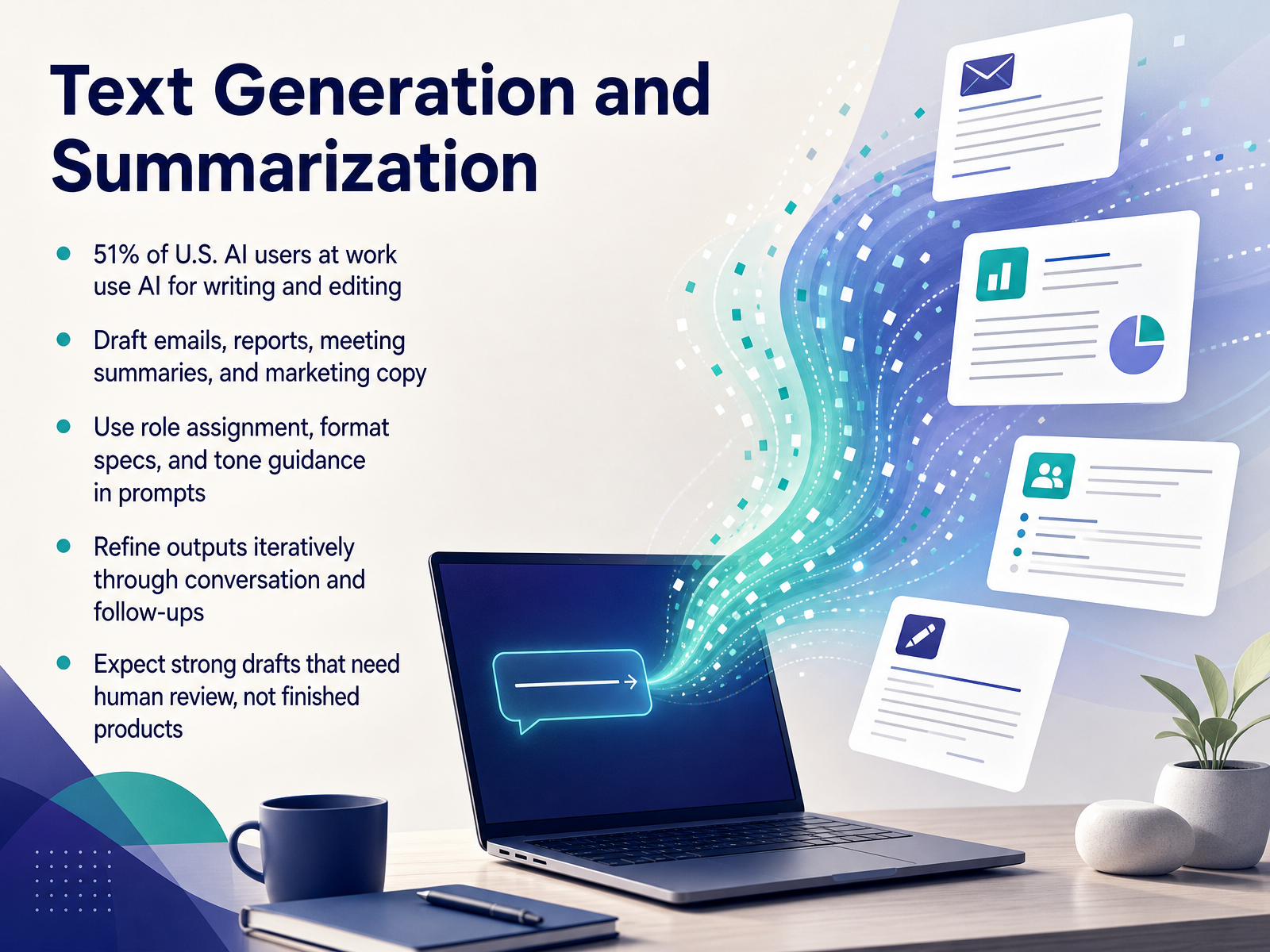
 - 04Text Generation and SummarizationNow let's get concrete with one of the most immediate and practical applications: text generation and summarization. A recent survey found that over half of U.S. professionals using AI at work are already doing this for writing and editing tasks. Think about drafting emails, summarizing meeting notes, spinning up a first pass on a report, or generating marketing copy. The goal isn't a finished product you send straight away. It's about getting a strong draft on the page in seconds, so your time shifts from staring at a blank screen to refining and improving. The skill that makes the difference is how you structure your prompt. You get much better results when you assign the model a specific role, give it a clear format, and describe the tone you want, like a professional but friendly email update. Then, treat it like a conversation. The first output is rarely the final one. You follow up with more context, ask for a shorter version, or correct something it missed, and the draft gets sharper with each turn. The key takeaway is to expect a capable assistant that accelerates your work, but always plan for your own human review and polish before anything goes out the door. Next, we're going to expand our view beyond text to see how generative AI creates images, code, audio, and even video.
 adobe.comcreativly.aiscenario.com+22 min
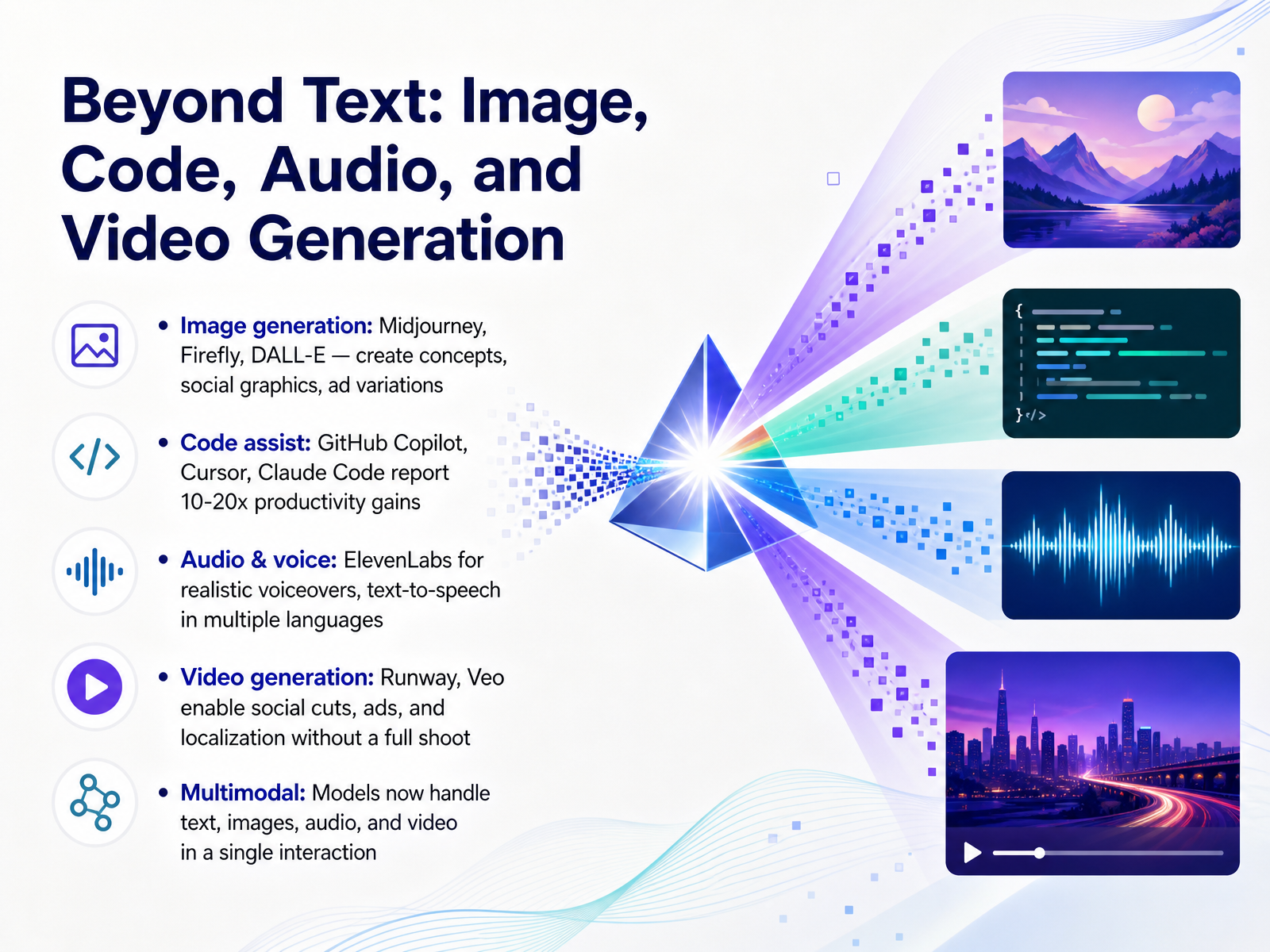
 - 05Beyond Text: Image, Code, Audio, and Video GenerationWe have talked a lot about generating text, but these models now go far beyond that into images, code, audio, and video. Think of it as a complete multimedia studio accessible from a simple prompt. For image generation, tools like Midjourney, Adobe Firefly, and DALL-E allow you to create concept art, marketing graphics, or social media visuals in seconds. On the code side, assistants like GitHub Copilot and Cursor are reporting ten to twenty times productivity gains by handling boilerplate tasks and suggesting whole functions. Audio generation has also become surprisingly realistic. With ElevenLabs, you can type a script and instantly generate a professional voiceover, complete with natural tone and multiple languages. And video? Platforms like Runway and Veo let you create social cuts or localized ads without a camera crew, which dramatically cuts production timelines. The real shift here is multimodal capability. Instead of jumping between separate tools, a single model can now reason across text, images, audio, and video in the same interaction. While these are powerful creative tools, the real magic is how they amplify people in specific roles. Let’s look at practical applications across different professions next.
 adobe.comcreativly.aiscenario.com+22 min
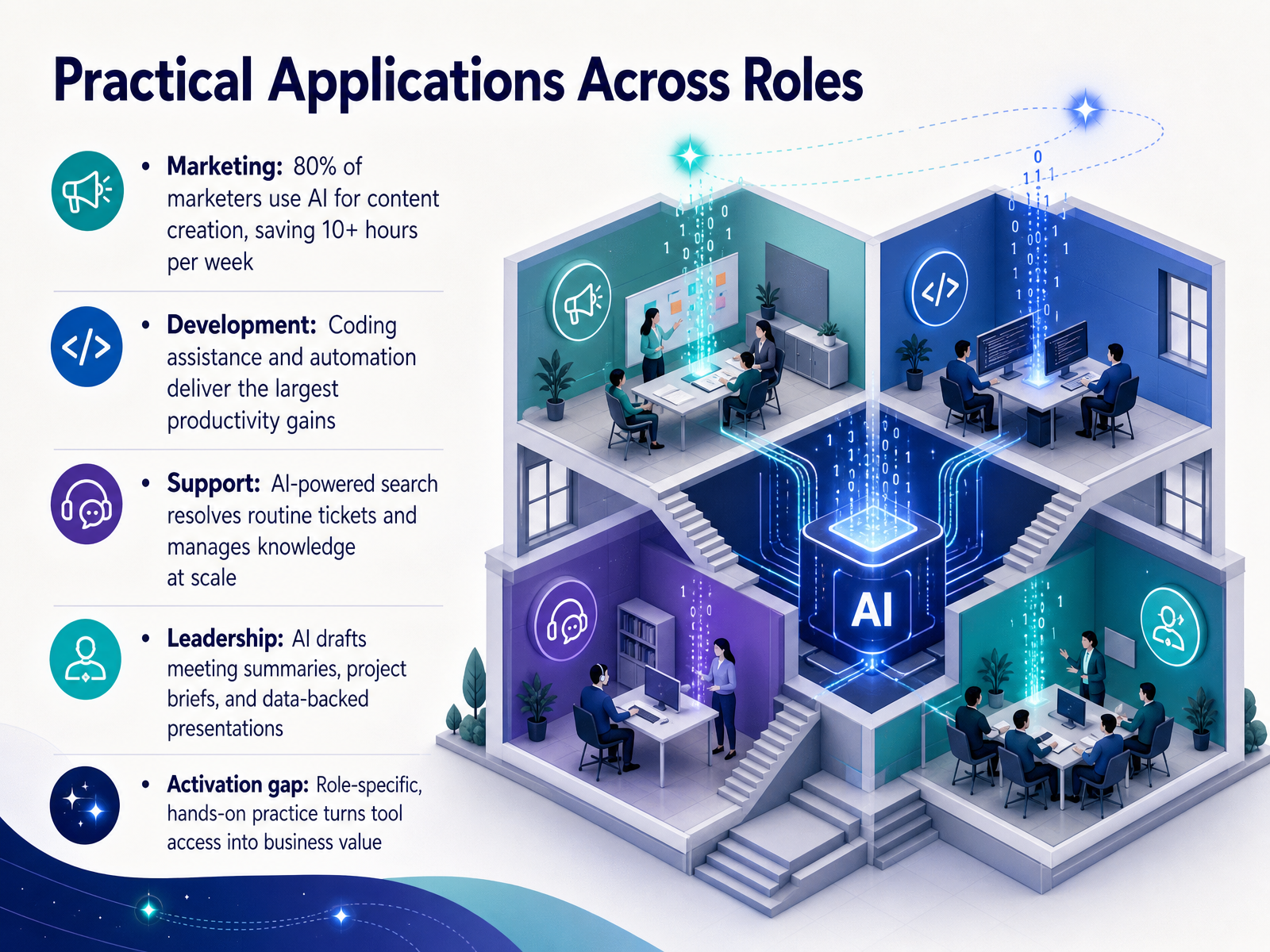
 - 06Practical Applications Across RolesLet's look at how this plays out across different roles, because the most practical question is what it means for your day-to-day. In marketing, eighty percent of professionals are already using AI for content creation, saving over ten hours a week on drafting, variations, and campaign setup. In development, coding assistance and automation deliver the largest productivity gains. Engineers using AI tools report amplifying their output dramatically, which is why coding remains the dominant enterprise use case. In support, AI-powered search resolves routine tickets and manages knowledge at scale. Teams see higher resolution rates and better satisfaction scores while freeing people for the conversations that really need a human. In leadership, AI drafts meeting summaries, project briefs, and data-backed presentations, turning hours of prep into minutes of review so leaders can focus on judgment and strategy. But here is the activation gap that researchers keep pointing to. Access alone does not create value. Role-specific, hands-on practice is what turns tool availability into real business results. That is why our next stop is so important. Coming up, we will explore the leading tools and platforms for each modality so you can match the right solution to the work you actually do.
 deloitte.comdeloitte.comdeloitte.com+22 min
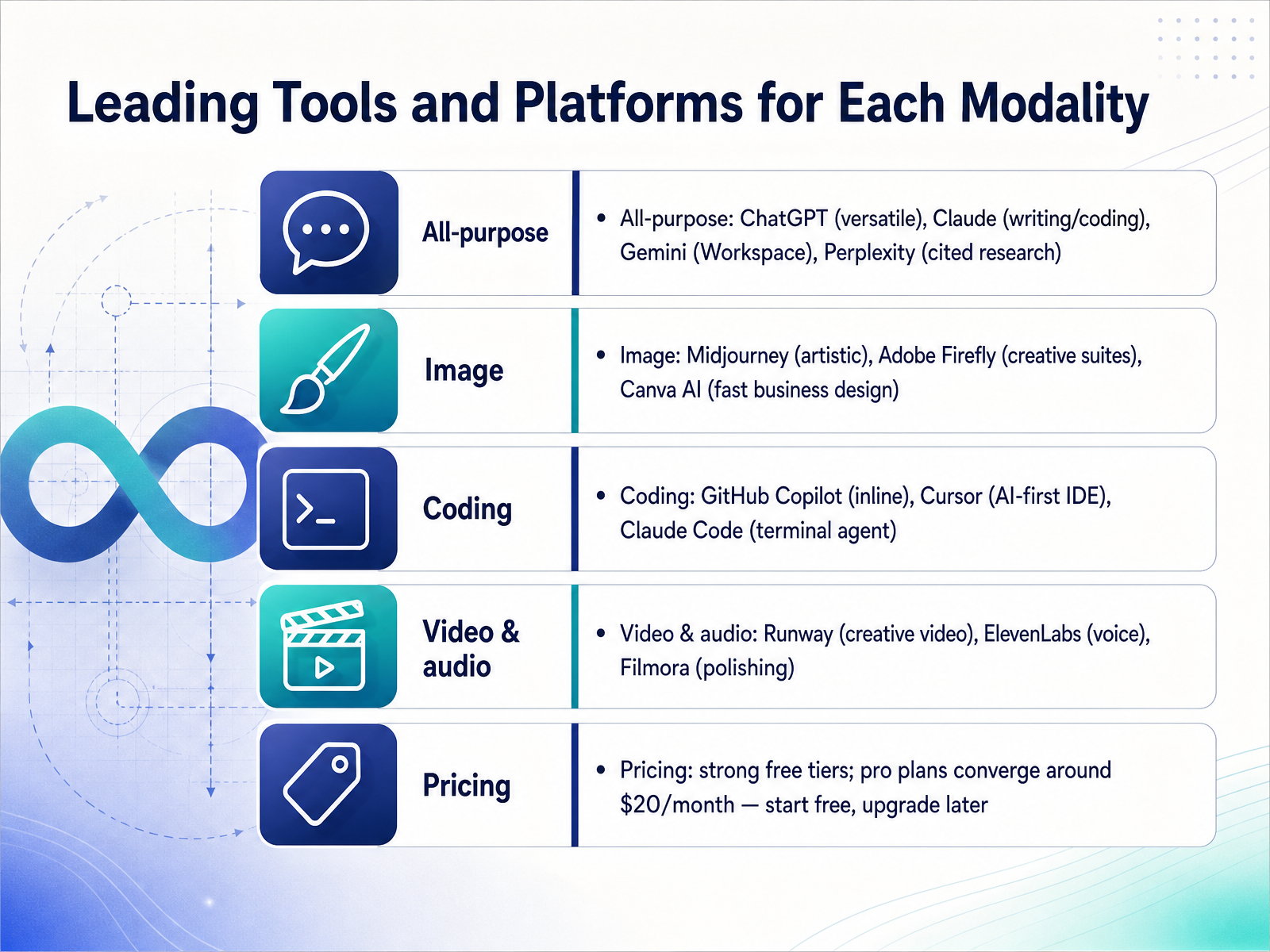
 - 07Leading Tools and Platforms for Each ModalityNow let's look at the tools that bring these modalities to life and which ones are leading the pack in 2026. For all-purpose work, ChatGPT remains the go-to for its sheer versatility. For better writing quality, many professionals prefer Claude, while Gemini shines inside the Google Workspace ecosystem. And if you need answers backed by real citations, Perplexity is the undisputed research champion. Moving to image generation, Midjourney is still the reference for artistic, stylized visuals. Adobe Firefly integrates directly into creative professional suites, and Canva AI makes fast business design accessible to everyone. For coding, GitHub Copilot is the most widely adopted inline assistant, Cursor leads as a full AI-first code editor, and Claude Code acts as a powerful autonomous agent right in your terminal. In video and audio, Runway excels at generative creative video, ElevenLabs delivers astoundingly realistic voice generation, and Filmora is fantastic for polishing video content. The great news is almost all of these platforms offer strong free tiers, so you can safely explore without upfront cost. When you are ready, pro plans tend to converge around twenty dollars a month. The best strategy is to start free and upgrade only when a tool proves essential to your workflow. Next, we will move from choosing the right tool to mastering the skill that makes all of them effective: prompting basics and the iteration mindset.
 2 min
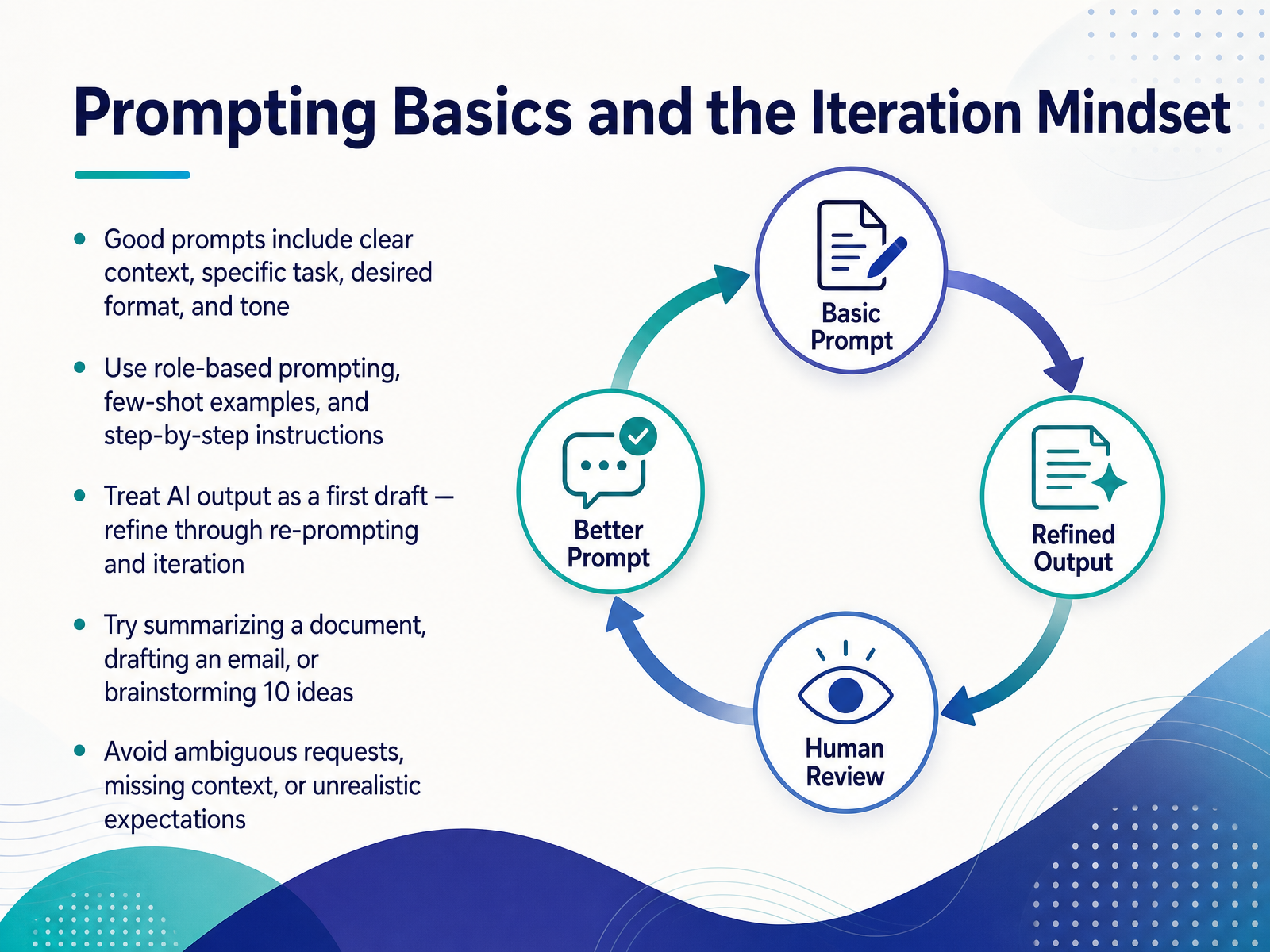
2 min - 08Prompting Basics and the Iteration MindsetNow, let's talk about the skill that really separates a beginner from a pro: prompting. Think of a good prompt not as a simple command, but as a creative brief for a very eager, literal-minded intern. To get a great result, you need to give it four things: clear context about the situation, a specific task you want it to do, your desired format like an email or a list, and the tone you're going for. You can also use a few expert techniques to level up your results. Try role-based prompting, where you ask it to act as a marketing expert or a project manager. Or give it a few-shot example by showing a sample of what you want before you ask for more. And for complex tasks, just ask it to think step-by-step. The most crucial mindset shift, though, is to treat the first output as a first draft, not the final product. The real magic happens when you refine the answer through a back-and-forth conversation. A great starting workflow is to try summarizing a long document, drafting a tricky email, or brainstorming ten headlines. You'll learn the most by just getting into a dialogue and iterating. On the flip side, avoid vague requests, missing context, or expecting it to read your mind perfectly on the first try. So, approach it like a collaboration, and you'll see the difference immediately. Next up, we'll explore the risks every professional should know before using these tools widely.
 hai.stanford.edutechtarget.comresearch.g2.com+22 min
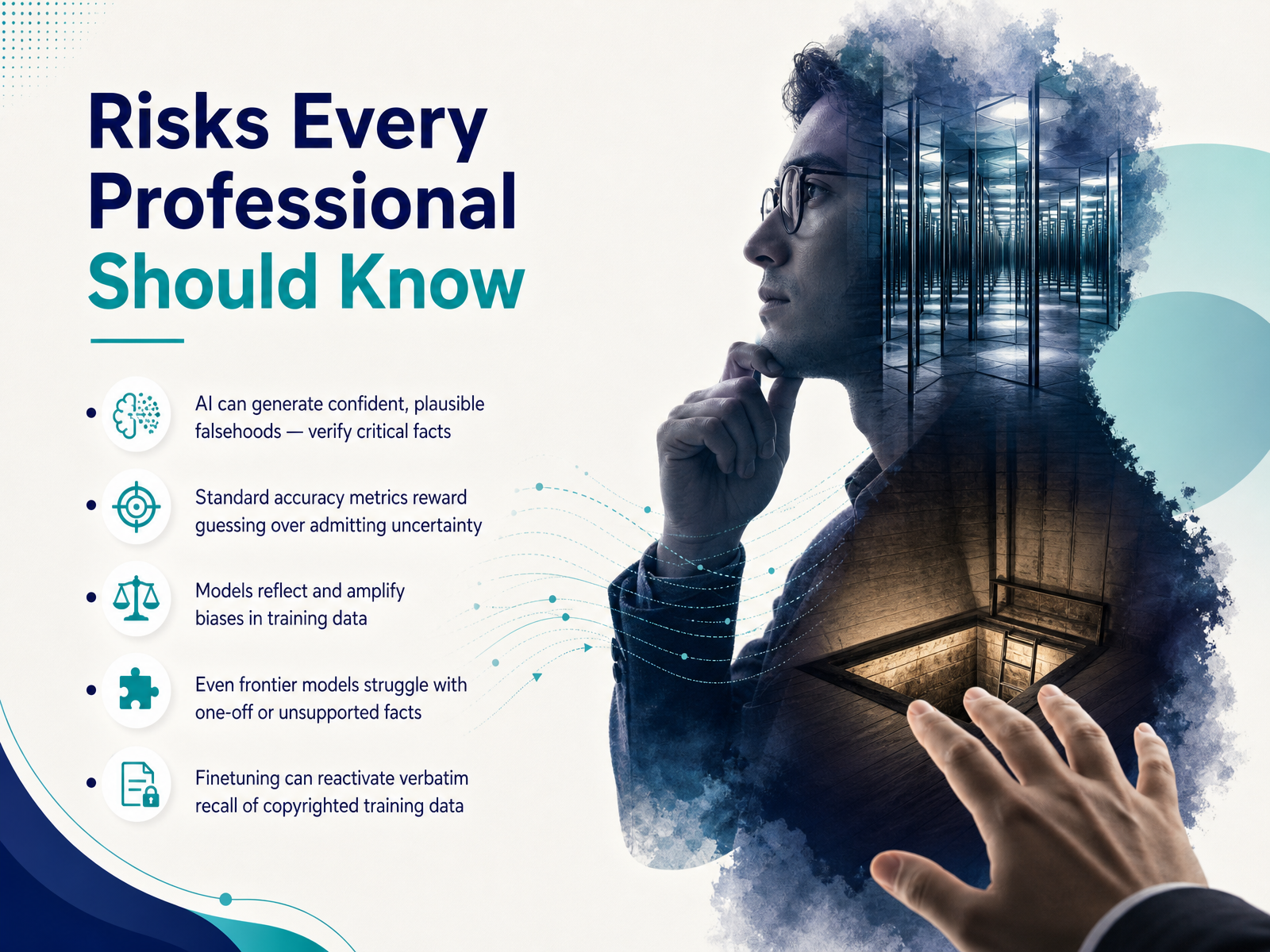
 - 09Risks Every Professional Should KnowLet's look at the risks every professional should keep in mind. First, AI can generate confident, plausible falsehoods—what researchers call hallucinations. Always verify critical facts. This happens partly because standard accuracy metrics reward guessing over admitting uncertainty. If a model abstains, it loses points, so it learns to guess instead. Models also reflect and amplify biases in their training data, which can surface in hiring, lending, or content decisions. Even frontier models struggle with one-off or unsupported facts they've seen only once. And a recent concern: fine-tuning can reactivate verbatim recall of copyrighted training data. Even when safeguards exist, focused training on an author's style can cause models to reproduce substantial passages from books they were never directly fine-tuned on. The takeaway is not to avoid AI, but to apply professional judgment. Check key claims, stay alert to bias, and treat the output as a capable but imperfect colleague. Up next, we'll unpack privacy, security, and intellectual property.
 2 min
2 min - 10Privacy, Security, and Intellectual PropertyNow, let's talk about a topic that's absolutely critical once you move beyond playing with these tools: privacy, security, and intellectual property. This can feel a bit dry, but getting it right protects both you and your organization. First, pay close attention to how a tool handles your data. Many free or consumer-grade tiers train their models on the prompts and data you input. This means your confidential information might accidentally resurface in someone else's output. A good rule of thumb, as many enterprise policies state, is to never input anything proprietary, sensitive, or personally identifiable into a public generative AI tool. Think of it like sending a postcard instead of a sealed letter. Second, be aware that these tools can become vectors for data leaks if the proper security policies aren't in place. And finally, intellectual property is a huge open question. There is global copyright litigation right now questioning the fair use of copyrighted material for training data. Furthermore, if a model reproduces a section of a protected work in its output, using that output could create a real infringement risk for you. The safest path forward is to use enterprise tools with clear data usage and indemnification policies, and always treat the prompt box as a public space. Up next, we'll explore how to balance these risks with responsible use through a human-in-the-loop approach.
 deloitte.comdeloitte.comdeloitte.com+22 min
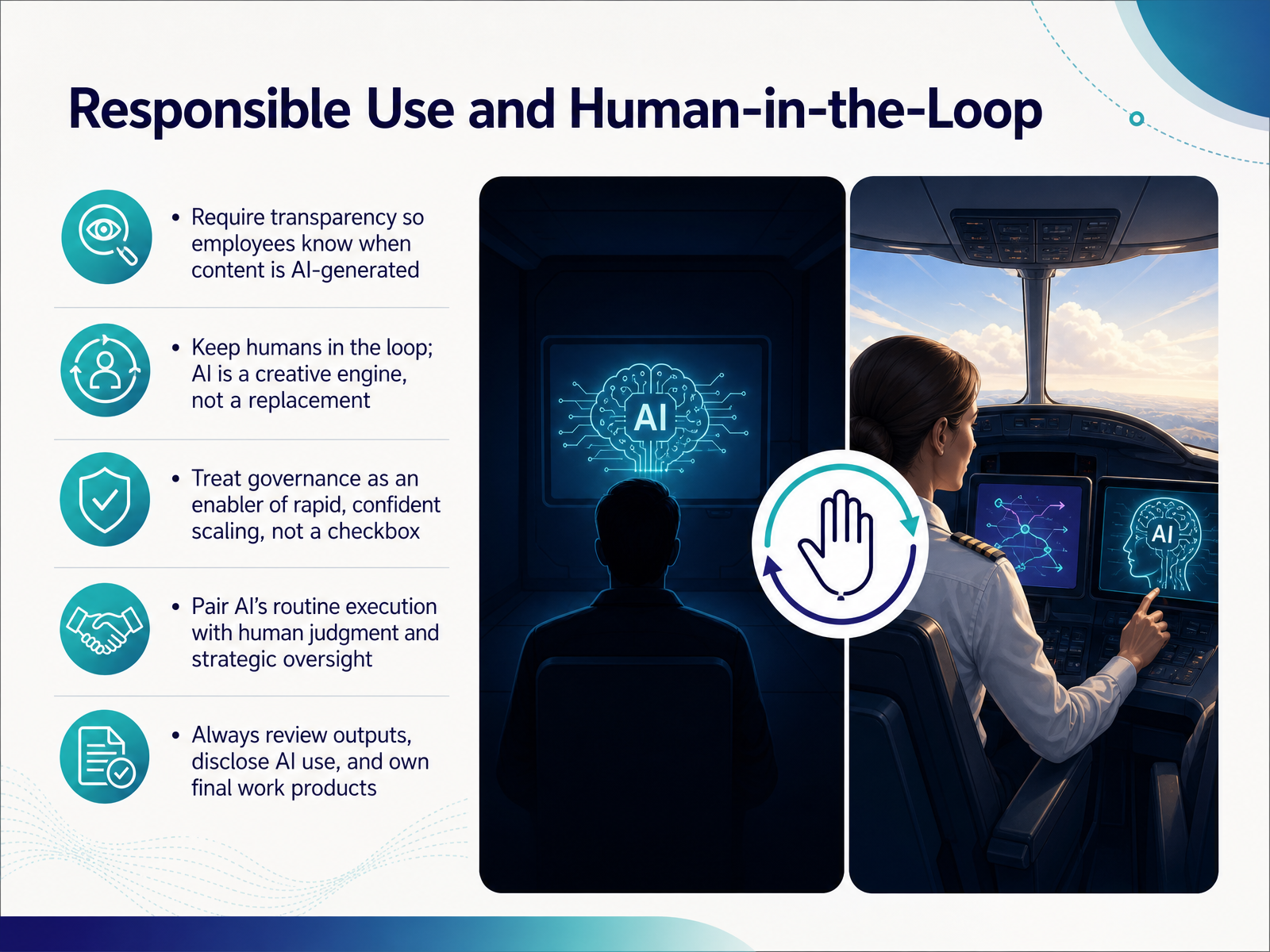
 - 11Responsible Use and Human-in-the-LoopSo how do we actually use this technology responsibly? It comes down to a few practical principles. First, be transparent. Teams should always know when content is AI-generated, so disclosure is not a “nice-to-have”—it’s the foundation of trust. Second, keep humans in the loop. Think of AI as a creative engine, not a replacement. It handles routine execution, while you apply judgment and strategic oversight. Third, treat governance as an enabler, not a checkbox. The data shows that when senior leadership actively shapes AI governance, organizations unlock significantly more business value. Finally, always review the outputs, disclose AI use clearly, and own the final work product. That shared responsibility is what turns a powerful tool into a trusted partner. Now let’s get practical. The next slide covers your first steps this week.
 deloitte.comdeloitte.comdeloitte.com+21 min
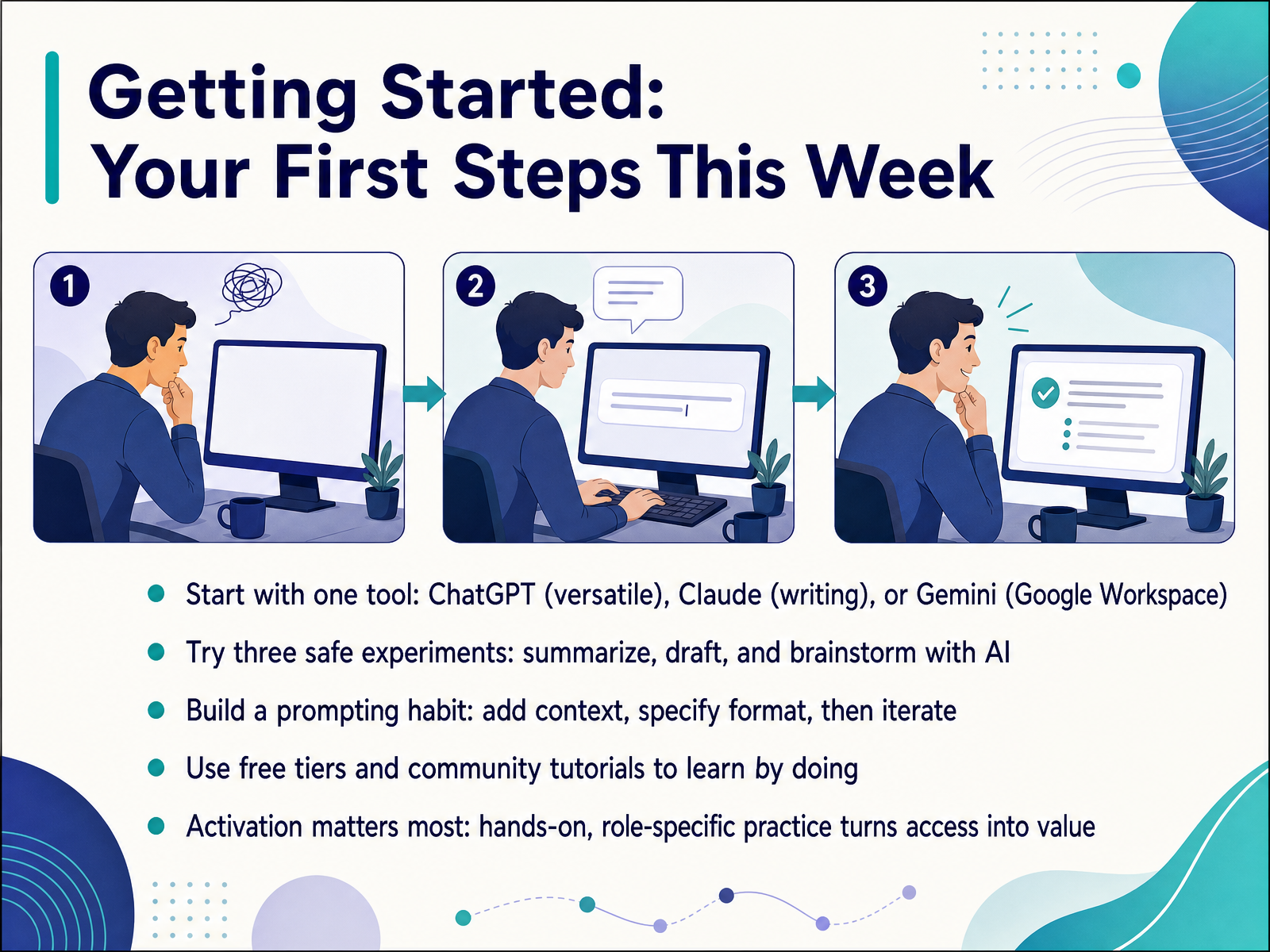
 - 12Getting Started: Your First Steps This WeekLet's get practical. If you were to leave here and do just one thing this week, it should be this: pick a single tool and try three safe experiments. For most people, start with ChatGPT for its sheer versatility. If your main job is writing, start with Claude. And if you live inside Google Workspace, Gemini is your natural starting point. Use the free tier. Now, those three experiments. First, take a dense email or a report and ask the AI to summarize it. Second, give it a rough outline or a few bullet points and ask it to draft a document. And third, use it as a brainstorming partner. Throw a vague idea at it and ask for twenty angles you haven't considered. Here is the habit to build. When you type a prompt, add context, specify the format you want, and then treat the first result as a draft. Push back. Ask for a different tone or a shorter version. This is iteration, not search. The research is clear that access to a tool is not enough. The gap between having a login and getting value is bridged entirely by hands-on, role-specific practice. So this week, point the AI at something real from your actual workload, not just a test. That is how you turn a free tier into a genuine asset. Now, let's wrap up with our key takeaways and your next steps.
 deloitte.comdeloitte.comdeloitte.com+22 min
 - 13Key Takeaways and Next StepsWe have covered a lot of ground, so let's turn all that insight into action. Your first step is wonderfully simple: try a generative AI tool today on a real work task. Pick one thing this week to summarize, draft, or brainstorm. You will learn more in ten minutes of hands-on use than in hours of reading about it. Once you find a workflow that clicks, share it with a colleague. The most successful organizations spread adoption through peers, not just policies. As you get comfortable, explore deeper prompting techniques and domain-specific tools built for your field. And when you are ready to think bigger, look into your organization's enterprise AI governance and policy training. Understanding how to use these tools safely and strategically is what separates surface-level efficiency from true reinvention. Thank you for spending this time with me. The technology is moving fast, and by actively building your skills, you are positioning yourself at the forefront. Stay curious, stay hands-on, and enjoy the journey.
 deloitte.comdeloitte.comdeloitte.com+22 min
Take the deck with you
Download this course as a file — free, no sign-up needed.
- PDF handoutEvery slide page, ready to print or share.14 pages · 3.8 MBDownload
- Narrated PowerPointThe deck that presents itself — every slide carries the digital human's narration video.14 pages · 15.9 MBDownload
- PowerPoint slidesThe full deck as a .pptx — open it in PowerPoint, Keynote, or Google Slides.14 pages · 3.8 MBDownload
Free to use in your own training — please keep the PersonWise credit page at the end.
Have your own deck? Turn it into a course
Sources consulted
Web sources consulted while building this course.
- The State of AI in the Enterprise - 2026 AI report — deloitte.com
- StateofAI_Report_vF — deloitte.com
- The State of AI in the Enterprise — deloitte.com
- Organizational AI Adoption Jumps Six Points — gallup.com
- Global AI Pulse Q1 2026 — assets.kpmg.com
- Discriminative vs. Generative Models: What’s the Difference? | Coursera — coursera.org
- Discriminative vs Generative Classification | 6.790 Machine Learning — gradml.mit.edu
- Generative AI vs. Discriminative AI - GeeksforGeeks — geeksforgeeks.org
- Background: What is a Generative Model? | Machine Learning | Google for Developers — developers.google.com
- Generative AI vs. Discriminative AI: Differences and Use Cases — neontri.com
- What is Generative AI? | Stanford HAI — hai.stanford.edu
- What is GenAI? Generative AI Explained | TechTarget — techtarget.com
- What is Generative AI in 2026: Synthetic Media, LLMs, and More — research.g2.com
- The future of generative AI: 10 trends to follow in 2026 | TechTarget — techtarget.com
- Generative Artificial Intelligence: Overview, Issues, and Considerations for Congress | Congress.gov | Library of Congress — congress.gov
- Adobe Firefly - Free Generative AI for Creatives — adobe.com
- Creativly | AI Creative Studio for Image, Video, Audio & Text — creativly.ai
- Scenario | The Creative AI Infrastructure — scenario.com
- NodeTool — The open creative AI workspace — nodetool.ai
- DILR Studio: Promptless AI Content Creation | DILR.ai — dilr.ai