Begin
14 pages · ~28 min
Documenting UX Design Decisions
This training helps UX designers document design decisions clearly, improving team communication and creating a reliable record of design rationale.
A digital instructor presents all 14 pages. Hold “Ask” at any point and ask out loud — the answer comes from this course. No sign-up needed.
What you’ll learn
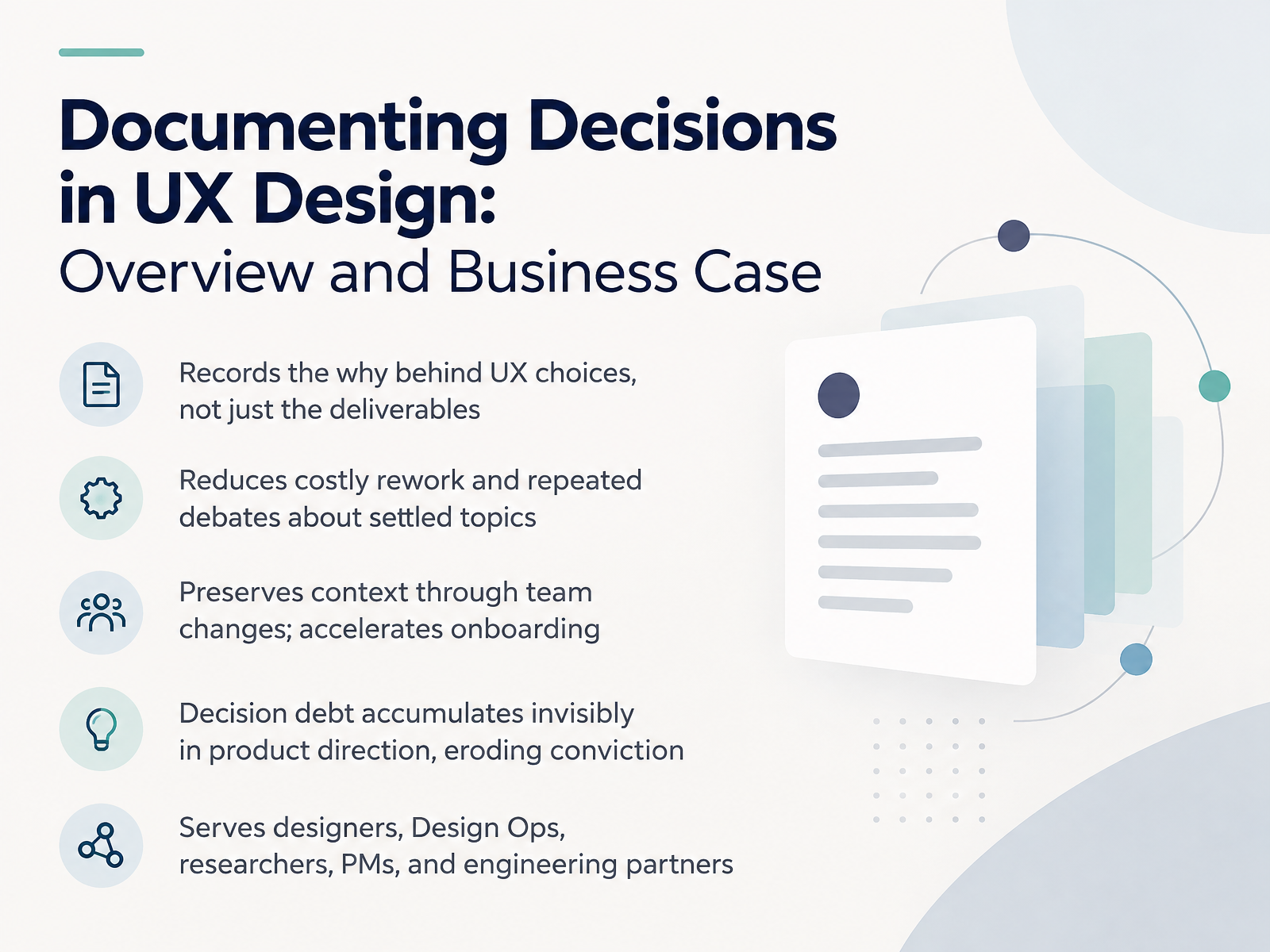
- 01Documenting Decisions in UX Design: Overview and Business CaseWelcome. Over the next fourteen slides, we'll build a practical habit for documenting decisions in UX design. Let's start with the business case. A decision record is a short note that captures the why behind a UX choice, not just the deliverable. Why does it matter? First, it reduces costly rework. When you write down what you decided and why, your team stops reopening settled debates every sprint. Second, it preserves context through team changes. When a teammate rolls off, the reasoning stays, and onboarding gets faster. Third, it fights decision debt, the invisible accumulation of unexplained choices that slowly erodes conviction in your product direction. This practice serves all of you: designers, Design Ops, researchers, product managers, and engineering partners. In the next slides, we'll cover what to capture, when to capture it, and who needs it. Let's begin with why design decisions go undocumented.ux.stackexchange.comdocs.aws.amazon.comsamiamdesigns.substack.com+22 min
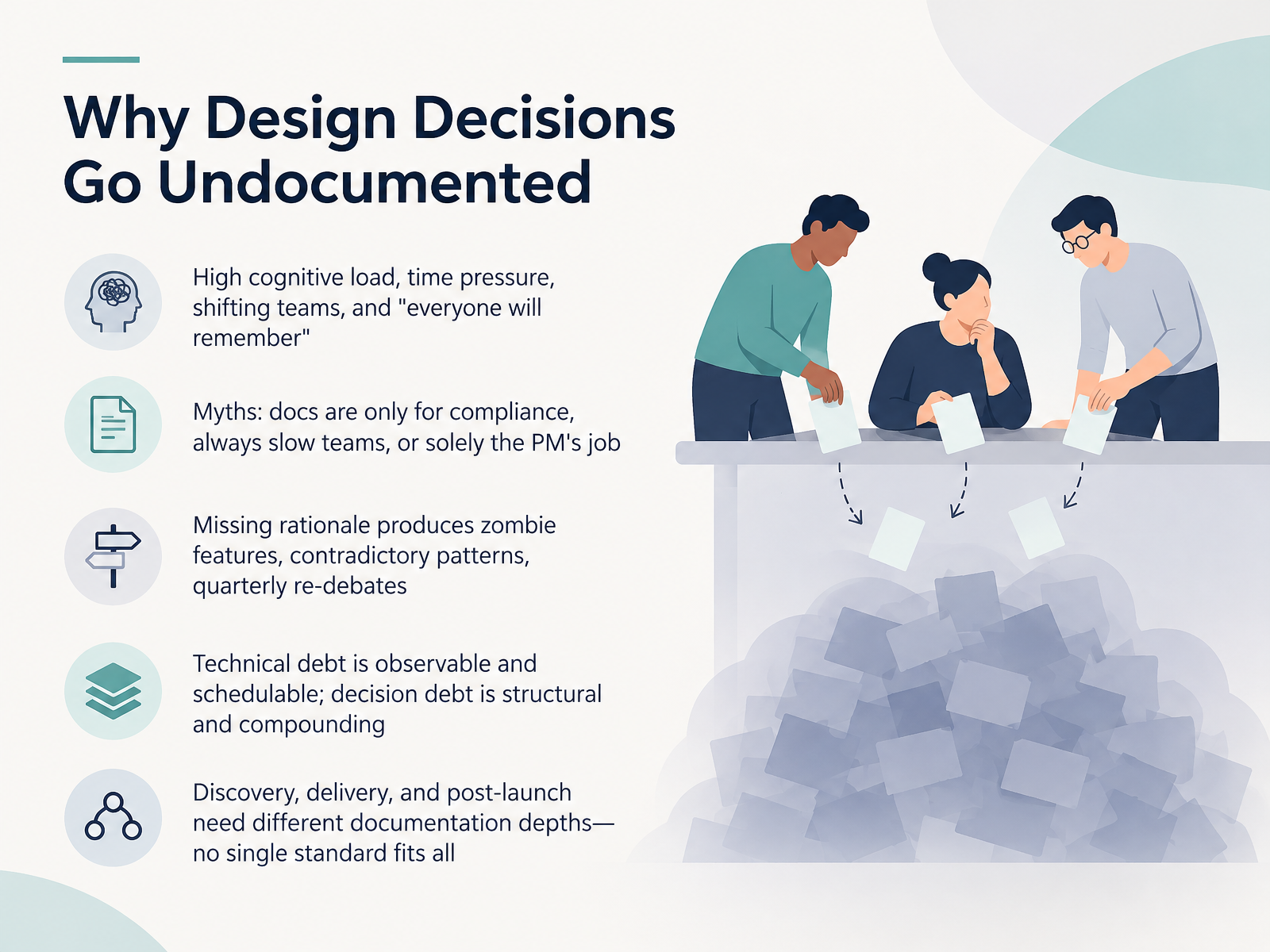
- 02Why Design Decisions Go UndocumentedLet's talk about why design decisions go undocumented. It's rarely laziness. It's cognitive load, sprint time pressure, shifting teams, and a quiet assumption that everyone will remember. They won't. You also run into myths: that docs are only for compliance, that they always slow teams down, or that this is only the product manager's job. None of that holds up. When rationale goes missing, you get zombie features, contradictory patterns, and the same debate returning every quarter. Here's the key distinction. Technical debt is observable and schedulable. Decision debt is structural and compounding. It hides in direction, not in code. One more thing: discovery, delivery, and post-launch need different documentation depths. No single standard fits all. So match your depth to the decision, not to a template. Next, we'll look at core concepts: decisions, rationale, and traceability.
 thedatacell.substack.comfalkster.comstuff.greger.io+21 min
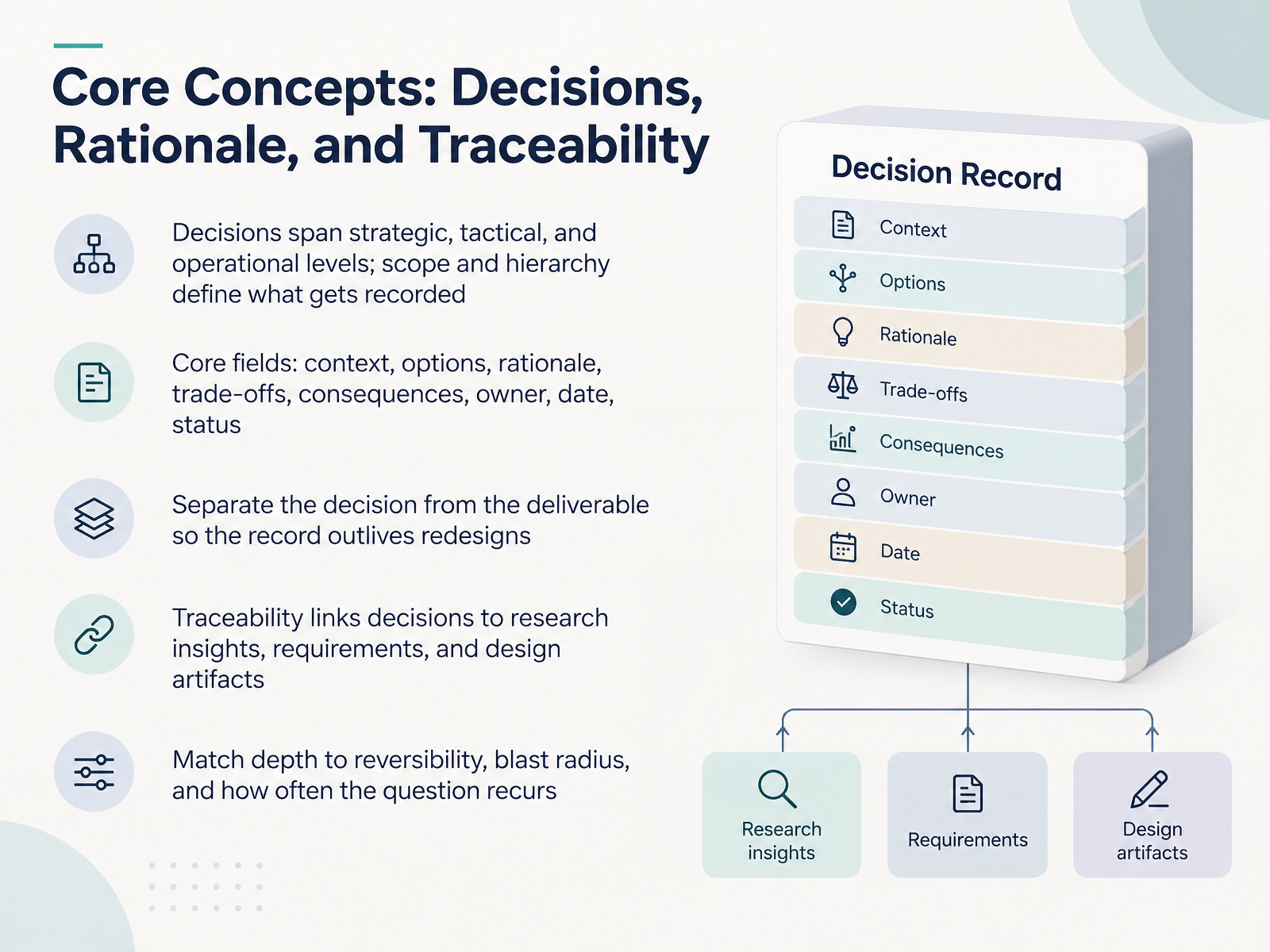
 - 03Core Concepts: Decisions, Rationale, and TraceabilityLet's lock down three core concepts: decisions, rationale, and traceability. Decisions live at different levels. Strategic choices set direction. Tactical ones shape a flow or a pattern. Operational ones tune a component. Scope and hierarchy tell you what actually gets written down. For each record, capture a small set of fields: context, options, rationale, trade-offs, consequences, owner, date, and status. A status field matters. It tells a future reader whether a decision is still current or has been superseded. Next, keep the decision separate from the deliverable. Screens get redesigned. The record should outlive them. Then wire in traceability. Link each decision to the research insights, requirements, and design artifacts that informed it, so anyone can follow the thread. And match depth to the stakes. Ask three questions. How reversible is this? How far does the impact spread? How often does this question come up again? Low stakes and easily reversed means a quick note. High stakes and hard to undo earns a full record. That trade-off is what keeps documentation sustainable. Next, let's look at stakeholder needs and decision types.
 product-on-purpose.github.iodocs.cloud.google.comweb-backend.simula.no+22 min
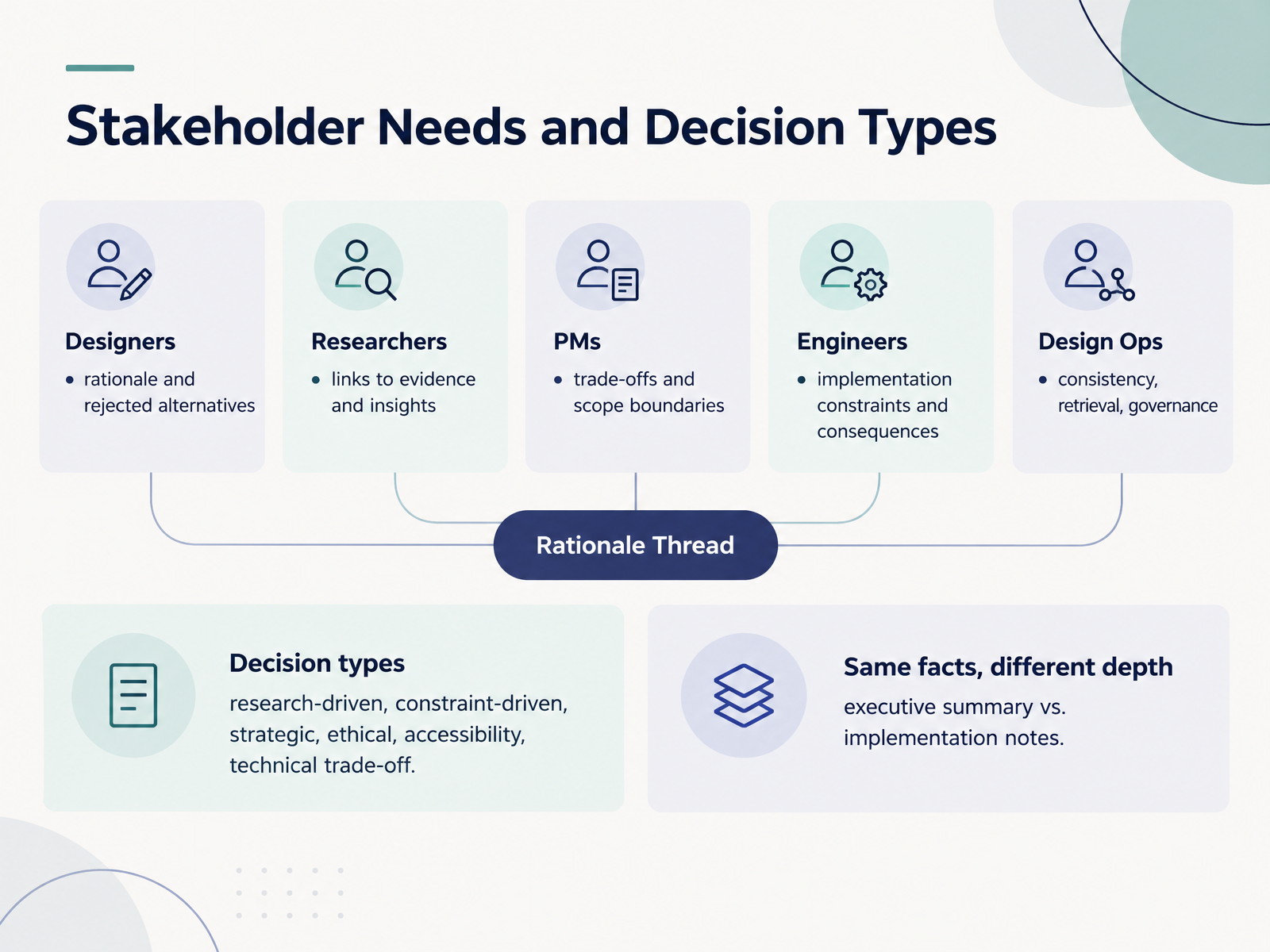
 - 04Stakeholder Needs and Decision TypesLet's look at who reads your decision log, and what each of them needs from it. Designers want the rationale and the rejected alternatives, so they know what was already ruled out. Researchers need links to evidence and insights, so claims stay traceable. Product managers care about trade-offs and scope boundaries, especially what you deliberately left out. Engineers need implementation constraints and consequences, the part that tells them what they can and cannot do. And Design Ops needs consistency, retrieval, and governance, so anyone can find a decision six months later.
Then there are the decision types themselves. Research-driven decisions follow evidence. Constraint-driven decisions come from deadlines, budget, or platform limits. Strategic decisions set direction. Ethical and accessibility decisions protect people. And technical trade-offs balance performance, cost, and complexity. Tagging the type tells your reader what kind of argument to expect.
One last idea. The same decision needs different depth for different readers. An executive summary is a few lines. Implementation notes go much deeper. Same facts, different depth. That is the core skill here.
Next, we'll walk through formats and templates, from full records to one-liners.
 docs.aws.amazon.compure.rug.nldocs.cloud.google.com+22 min
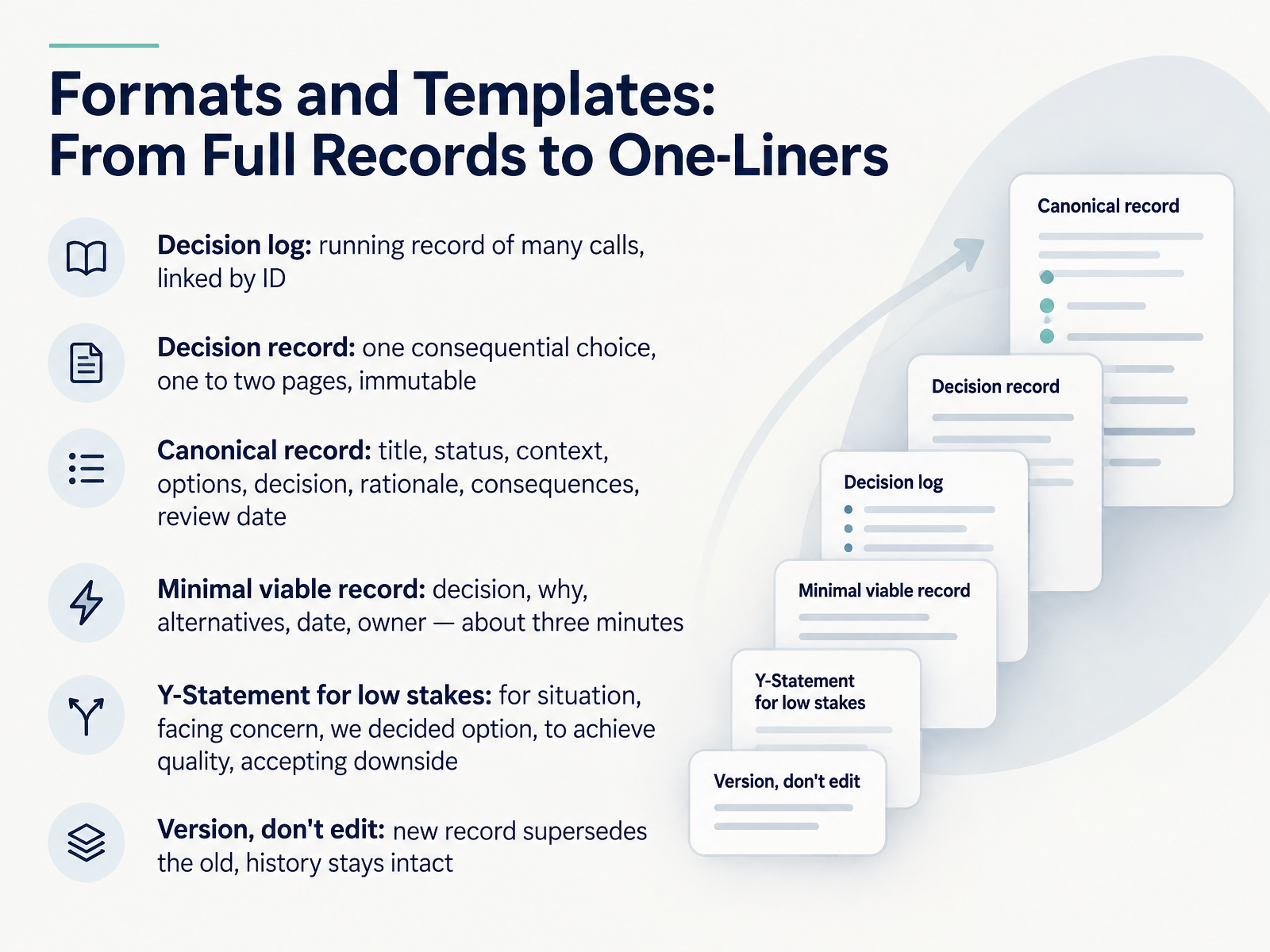
 - 05Formats and Templates: From Full Records to One-LinersNow let's match the format to the stakes. A decision log is your running record of many calls, linked by ID. A decision record covers one consequential choice. Keep it to one or two pages, and treat it as immutable. The canonical record has eight parts: title, status, context, options, decision, rationale, consequences, and a review date. But you don't always need all eight. The minimal viable record is just decision, why, alternatives, date, and owner. That takes about three minutes. For low stakes, use a Y-Statement: for this situation, facing this concern, we decided this option, to achieve this quality, accepting this downside. It fits on one line. And one rule ties it together: version, don't edit. When a call changes, write a new record that supersedes the old one. The history stays intact. Next, let's look at the practical workflow for capturing decisions in the flow of work.
 uxguides.comunicornclub.devproduct-on-purpose.github.io+22 min
 - 06Practical Workflow: Capturing Decisions in the Flow of WorkNow let's map that to a practical workflow you can run inside a normal sprint.
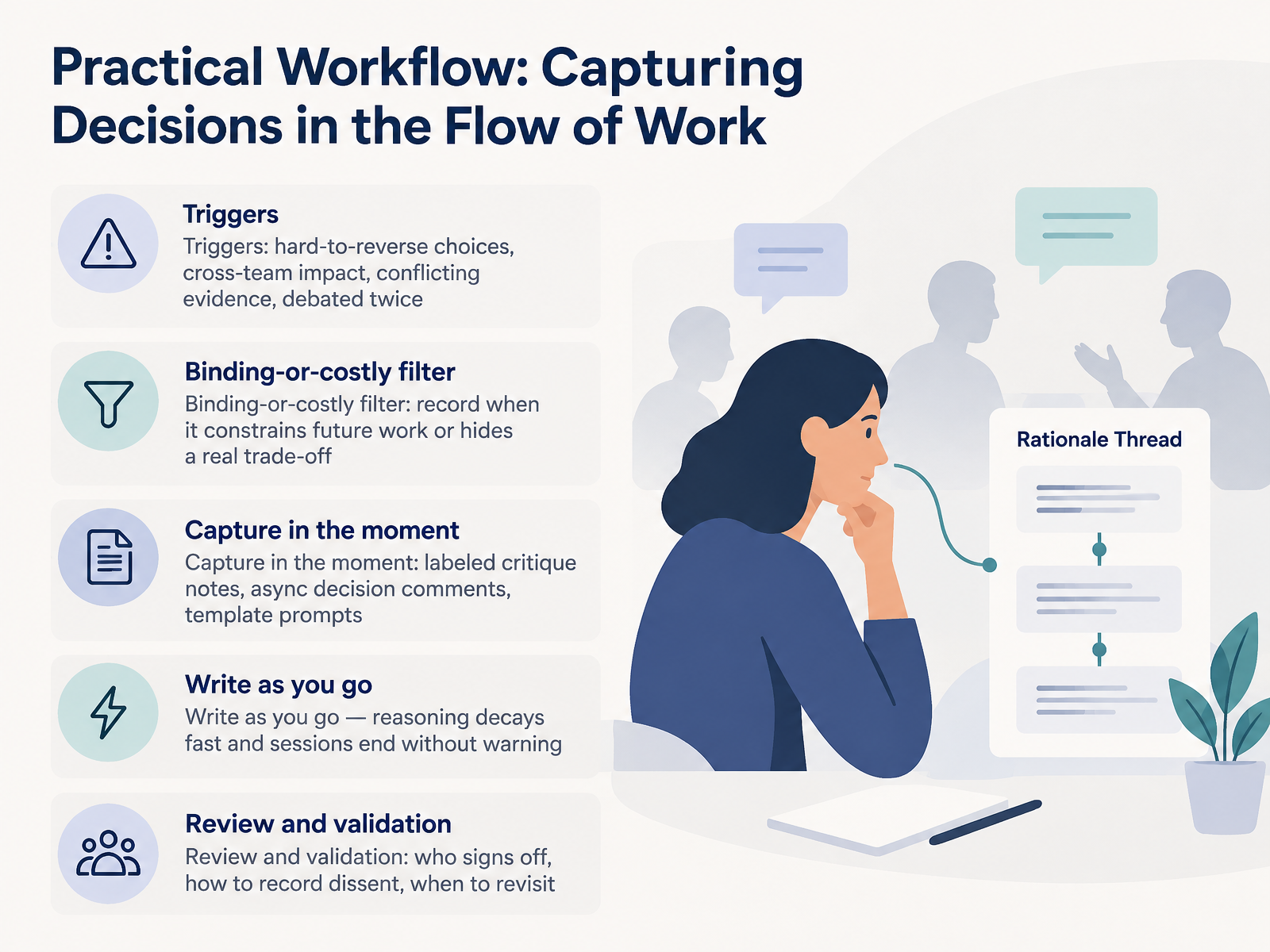
Start with triggers. Capture a decision when it's hard to reverse, when it affects another team, when the evidence conflicts, or when you've debated it twice. Those four signals are your cue.
Then apply the filter. A decision log entry is a short written record of a choice and its reasoning. Record the decision when it binds future work or hides a real trade-off. If it does neither, let it go.
Capture in the moment. Use labeled critique notes, async decision comments, or your template prompts. Write as you go, because reasoning decays fast, and sessions end without warning.
Finally, review and validate. Agree on who signs off. Note any dissent in the entry itself. Set a date to revisit, so a closed question can reopen on evidence, not on memory.
Next, we'll look at Integrating Capture into Critiques and Reviews.
 uxguides.comunicornclub.devdocs.cloud.google.com+11 min
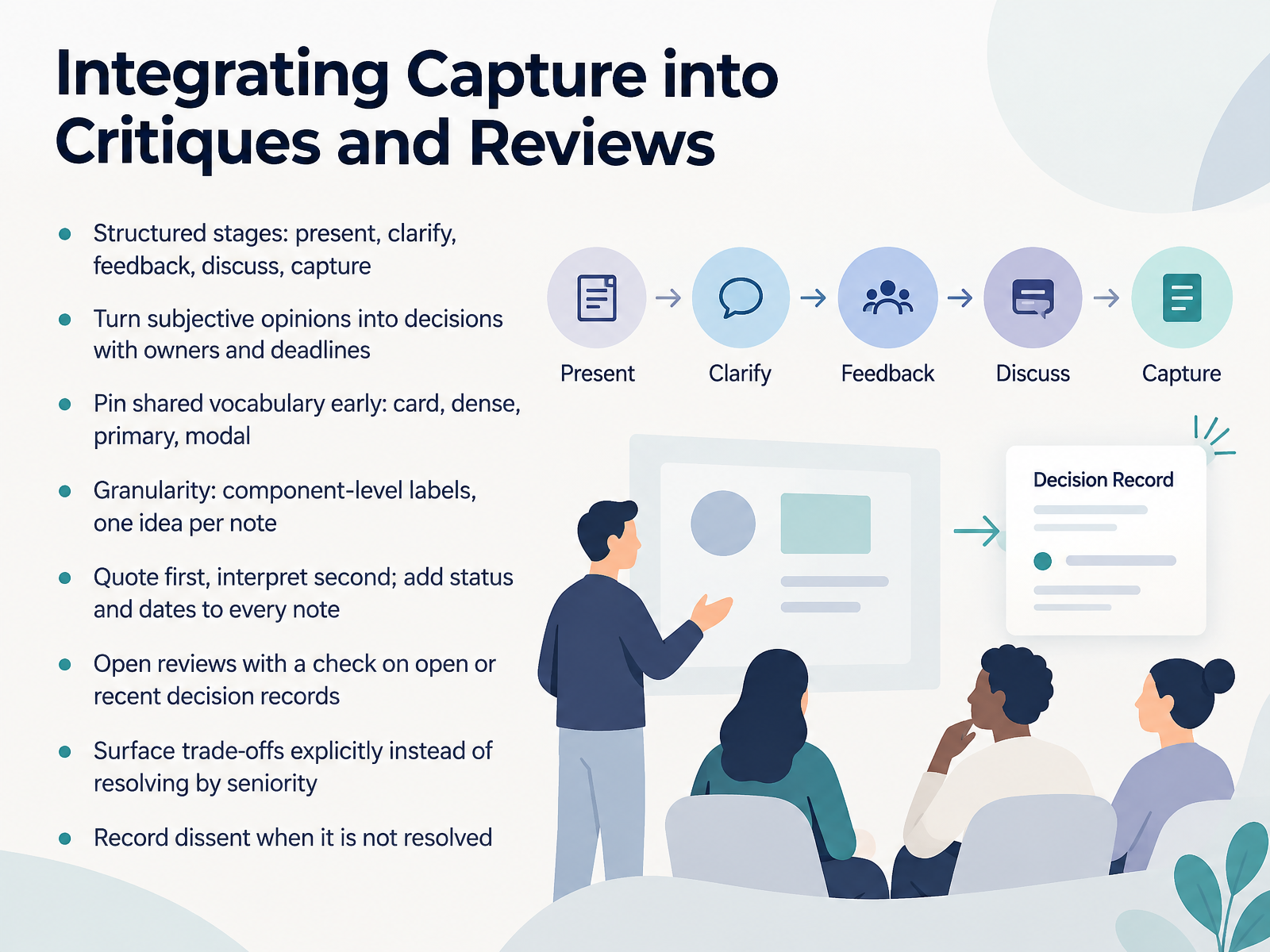
 - 07Integrating Capture into Critiques and ReviewsNext, let's fold capture directly into your critiques and reviews. A decision log is a running record of what you chose, and why. Start with a structured agenda: present, clarify, feedback, discuss, then capture. That last stage is the one teams skip. So turn opinions into decisions with a named owner and a deadline. Before discussion, pin shared vocabulary. When someone says card, dense, primary, or modal, agree on what that means here. Keep granularity tight. Use component-level labels and one idea per note. Quote first, interpret second, and add a status and date to every note. Open each review by checking open or recent decision records. Surface trade-offs out loud instead of letting seniority settle them. And when dissent stays unresolved, record it. That record is your safety net. Where decisions live, tools and integration, is next.
 uxguides.comunicornclub.devdocs.cloud.google.com+12 min
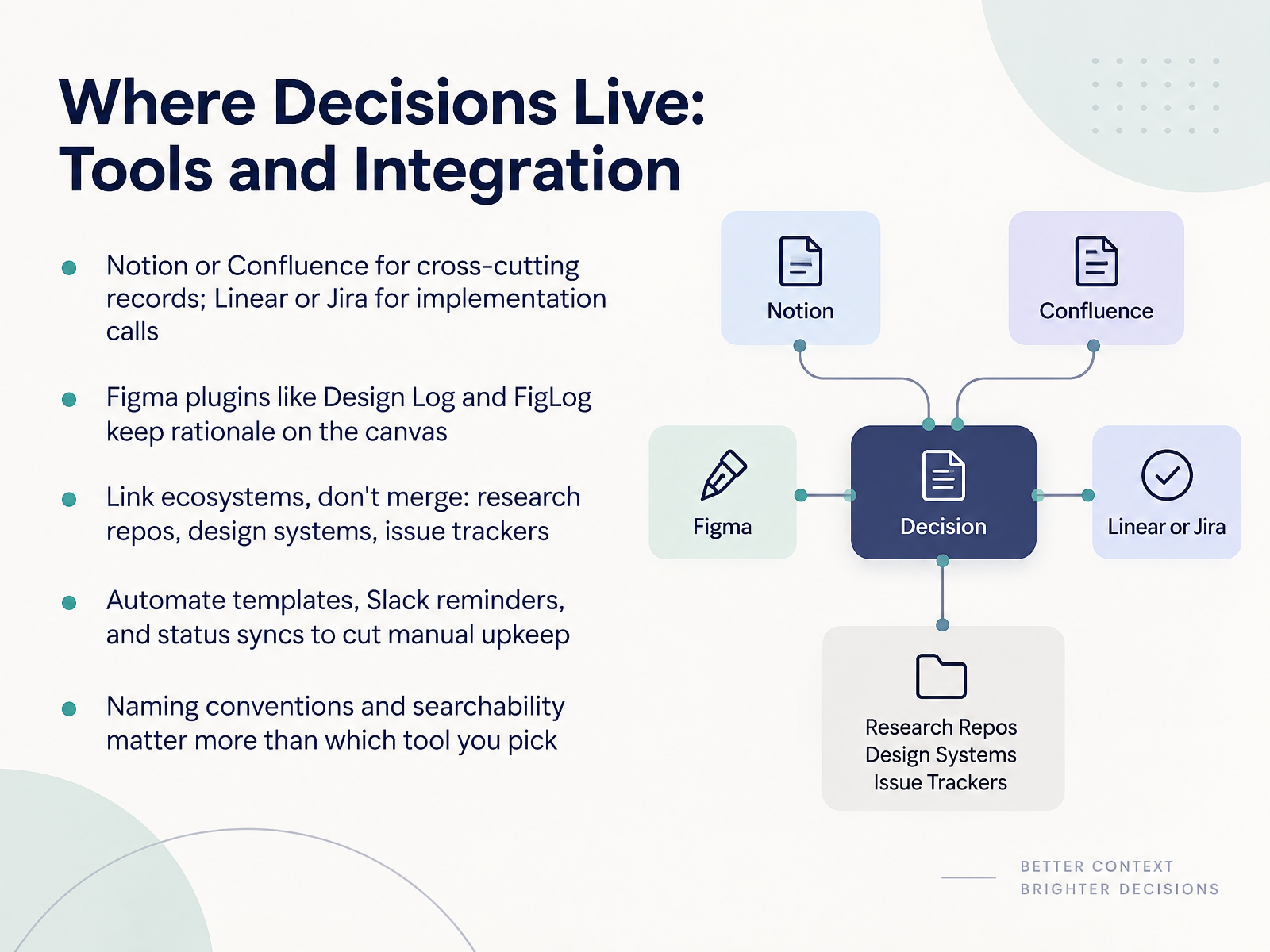
 - 08Where Decisions Live: Tools and IntegrationLet's talk about where decisions actually live, and how to connect those places. For cross-cutting records, meaning decisions that affect more than one team, use Notion or Confluence. For implementation calls, the choices made at handoff, use Linear or Jira. Inside Figma, plugins like Design Log and FigLog keep the rationale right on the canvas, next to the frame it affects. One key rule: link your ecosystems, don't merge them. Keep research repos, design systems, and issue trackers separate, but connect them. Then automate what you can. Templates, Slack reminders, and status syncs cut the manual upkeep, so people actually keep logging. And remember, naming conventions and searchability matter more than which tool you pick. A record nobody can find is a record that doesn't exist. Next, we'll look at measuring impact and improving decision quality.
 uxguides.comunicornclub.dev1 min
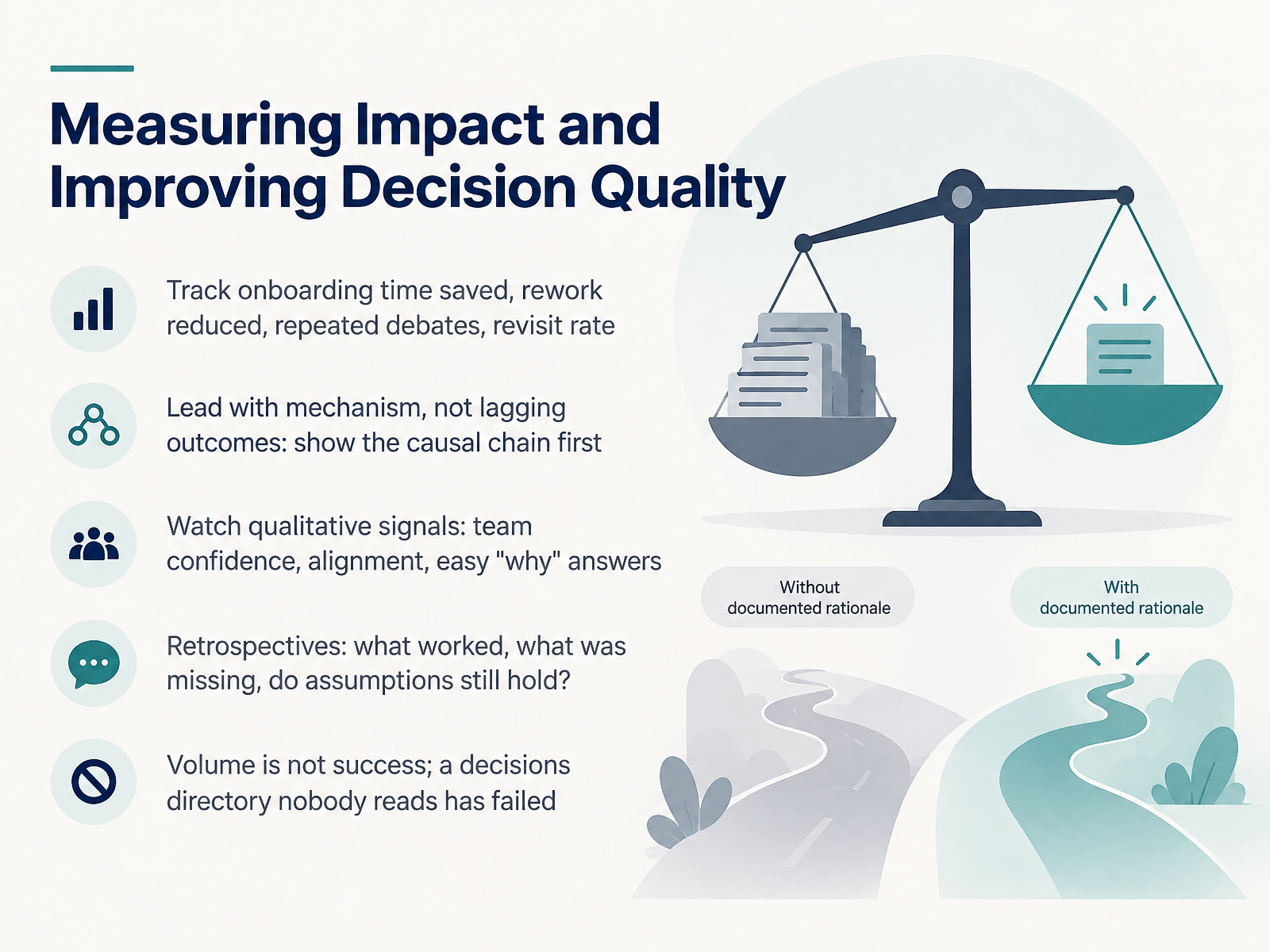
 - 09Measuring Impact and Improving Decision QualityLet's talk about measuring impact. Once your decision log is running, how do you know it's actually working? Start with mechanism, not lagging outcomes. Show the causal chain first. A faster onboarding, for example, came from new engineers finding the why in the log. Track those signals: onboarding time saved, rework reduced, fewer repeated debates, and revisit rate, meaning how often a decision gets reopened. Then watch the qualitative signals. Do teams sound confident in reviews? Do alignment issues drop? Can people answer why in one sentence? That last one is a strong sign your log is healthy. In retrospectives, ask three things. What worked? What was missing? And do our assumptions still hold? A quick note. Volume is not success. A decisions directory nobody reads has failed, no matter how many entries it holds. Measure reads, references, and reuse, not page count. Keep the loop small and honest, and your decision quality compounds over time. Next, we'll look at governance, ownership, and ethics.
 web-backend.simula.nouxguides.comunicornclub.dev+22 min
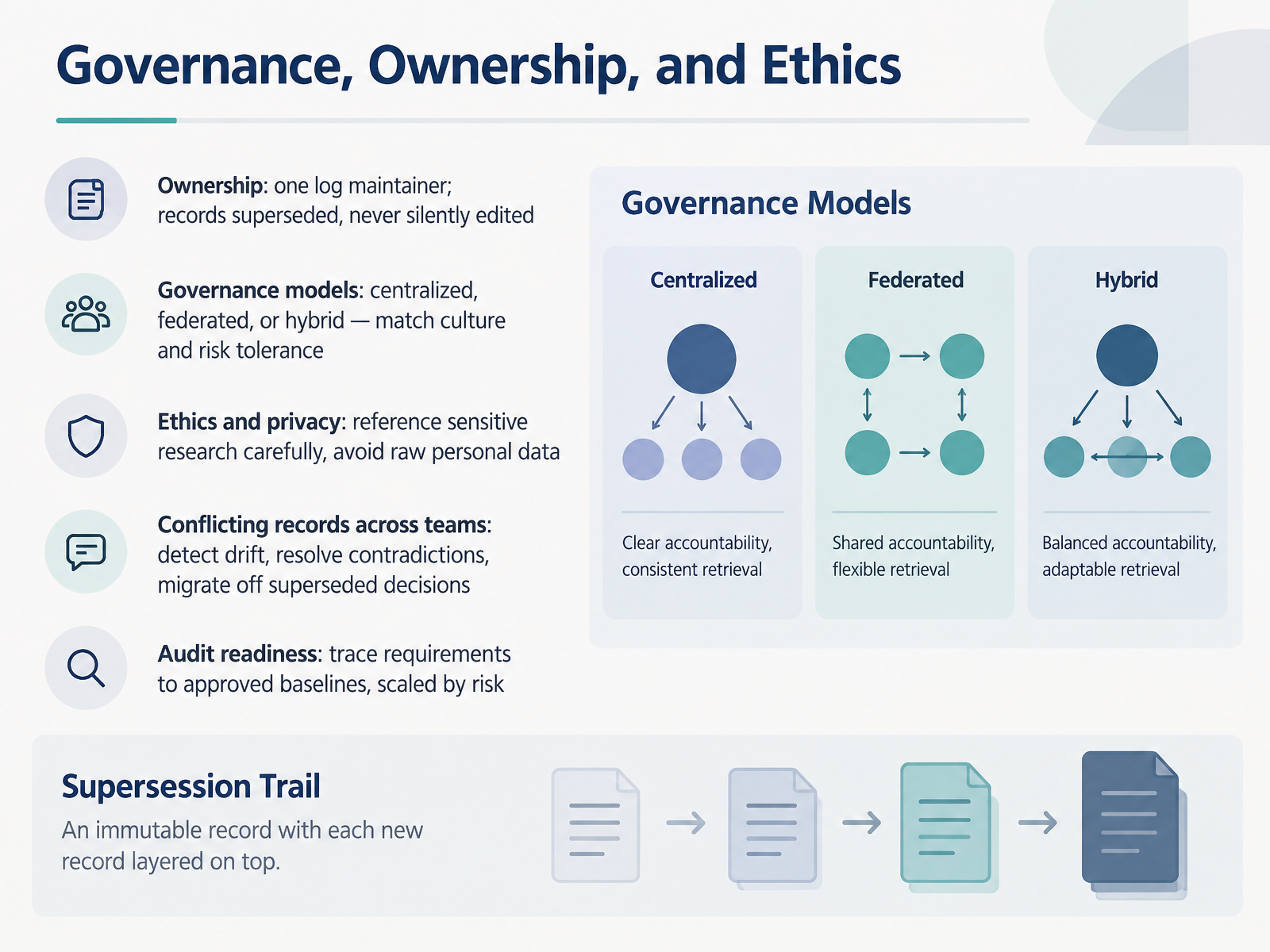
 - 10Governance, Ownership, and EthicsNow let's talk about governance, ownership, and ethics. First, ownership. Name one log maintainer. They keep the record clean. When a decision changes, mark the old record superseded, but never silently edit it. History stays intact. Next, governance. You have three models: centralized, federated, or hybrid. Match the model to your culture and your risk tolerance. Centralized gives you control, federated gives you speed, and hybrid blends both. On ethics and privacy, reference sensitive research carefully and keep raw personal data out of the log. Then, conflicting records across teams. Your job is to detect drift, resolve contradictions, and migrate people off superseded decisions. Finally, audit readiness. Trace requirements to approved baselines, and scale that rigor by risk. A lightweight trace works for low-risk work. High-risk decisions need a full, dated trail. So the takeaway is this. One owner, clear governance, careful ethics, and honest records. That combination keeps your decision log trustworthy. Next, we'll look at the adoption roadmap: starting small and scaling.
 docs.cloud.google.comdocs.aws.amazon.compure.rug.nl+22 min
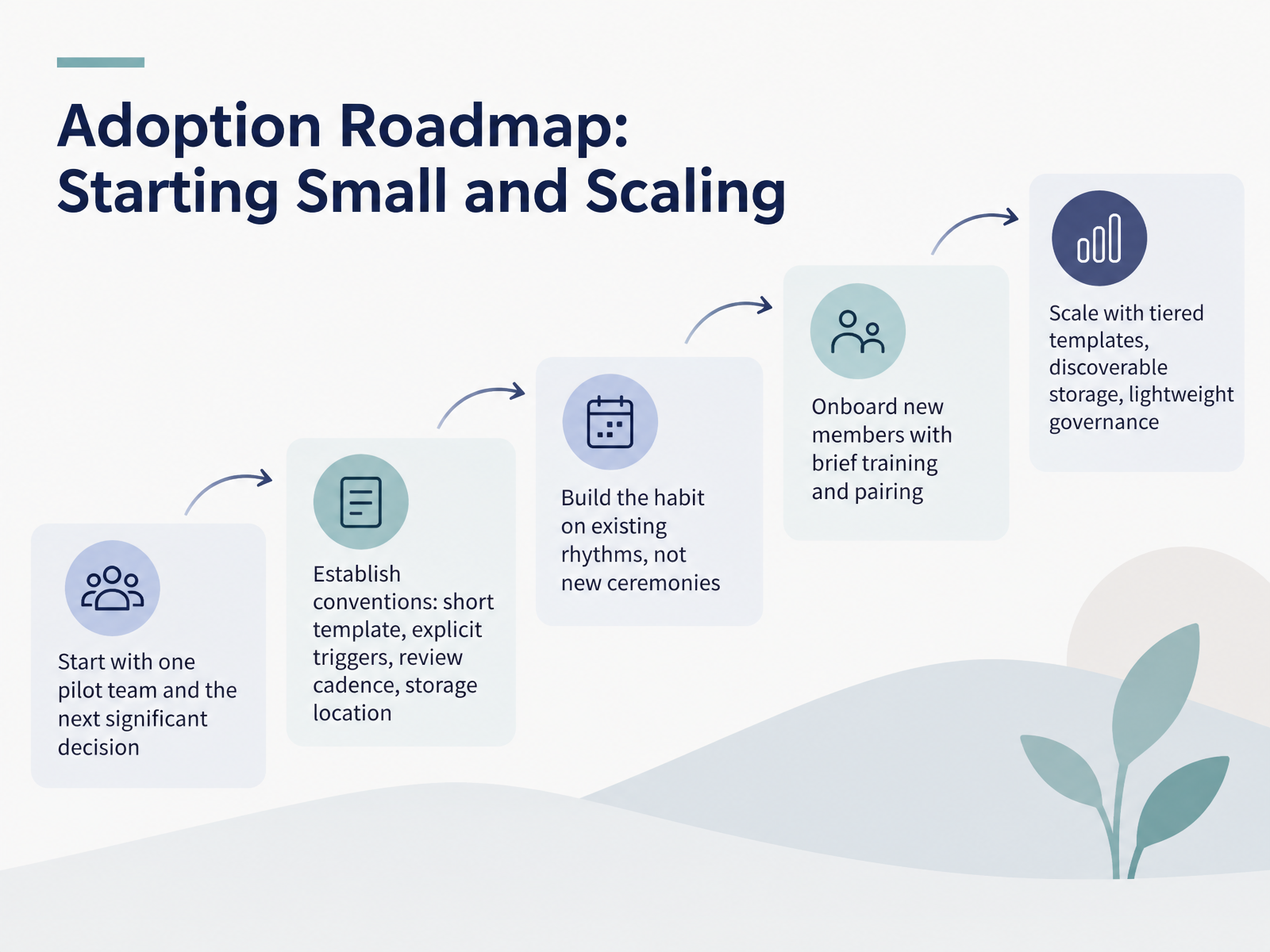
 - 11Adoption Roadmap: Starting Small and ScalingNow, let's talk about rolling this out. Start small. Pick one pilot team, and apply the practice to the next significant decision they face. That first record teaches you more than any plan.
Then, set your conventions. A short template, explicit triggers for when a record is required, a review cadence, and one storage location everyone can find. Keep it simple enough to actually use.
Build the habit on rhythms you already have. Attach documentation to your existing design critique or sprint review. Do not invent a new ceremony.
Onboard new members with brief training and pairing, so they write their first record with someone beside them.
When it works, scale with tiered templates, discoverable storage, and lightweight governance. That keeps teams aligned without slowing them down.
Next, we'll look at common pitfalls and how to avoid them.
 docs.cloud.google.comdocs.aws.amazon.comux.stackexchange.com+22 min
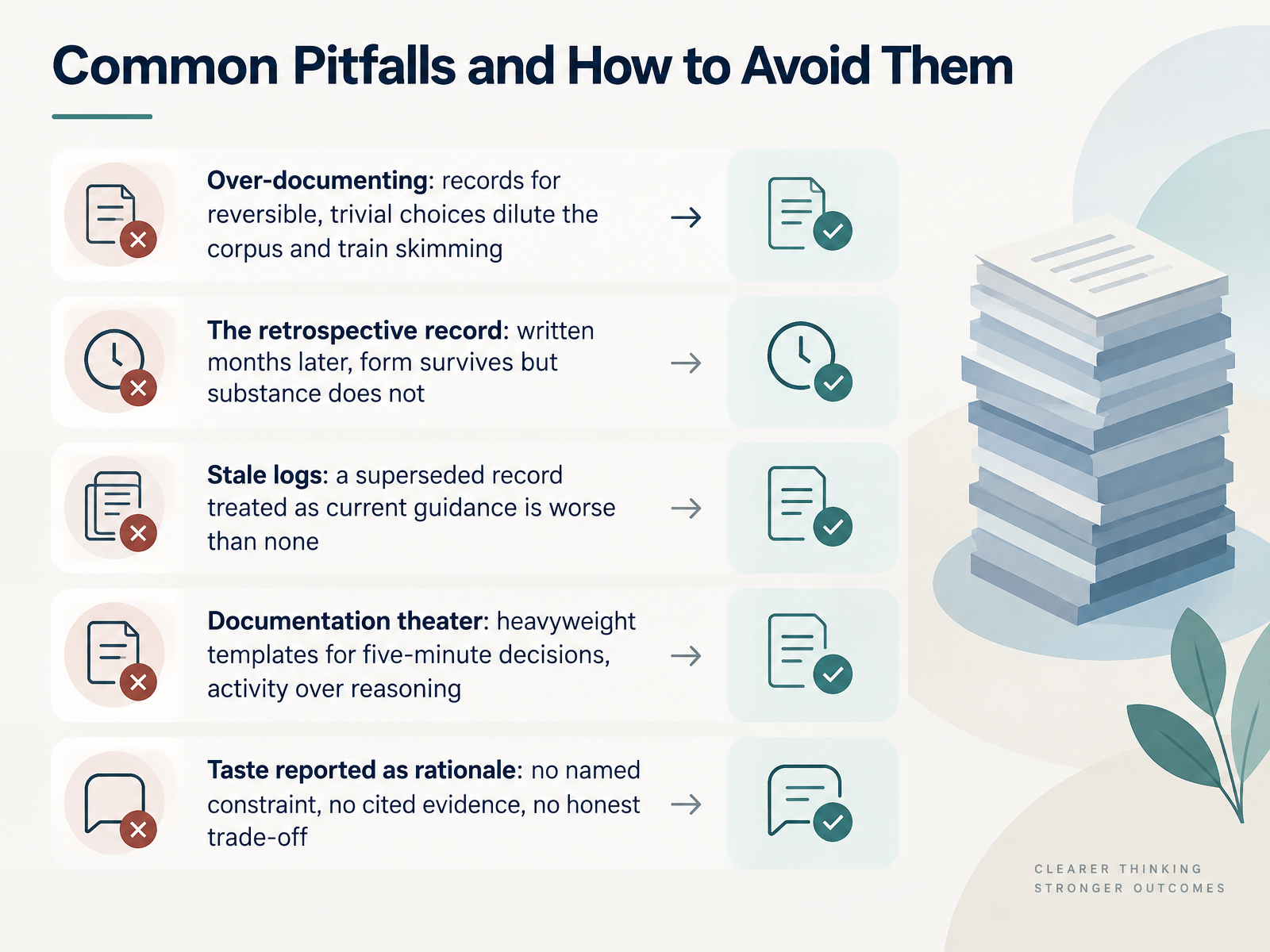
 - 12Common Pitfalls and How to Avoid ThemLet's look at the five pitfalls that quietly erode a decision log, and how you avoid each one. First, over-documenting. If you log reversible, trivial choices, you dilute the corpus and train people to skim. So log only calls that would cost the team real work to undo. Second, the retrospective record. Write it months later and the form survives, but the substance does not. Capture the decision within twenty-four hours, while the constraints are still fresh. Third, stale logs. A superseded record treated as current guidance is worse than no record at all. Give every entry a status, and when a decision changes, mark the old one superseded. Never edit it in place. Fourth, documentation theater. That's a heavyweight template for a five-minute decision. It produces activity, not reasoning. Keep the template short enough to fill in three minutes. And fifth, taste reported as rationale. If there is no named constraint, no cited evidence, and no honest trade-off, it is not rationale. It is preference. So before you close an entry, ask yourself: what constraint decided this, and what did we knowingly give up? Now let's walk through one decision, from the first debate to the final outcome.
 uxguides.comunicornclub.devproduct-on-purpose.github.io+22 min
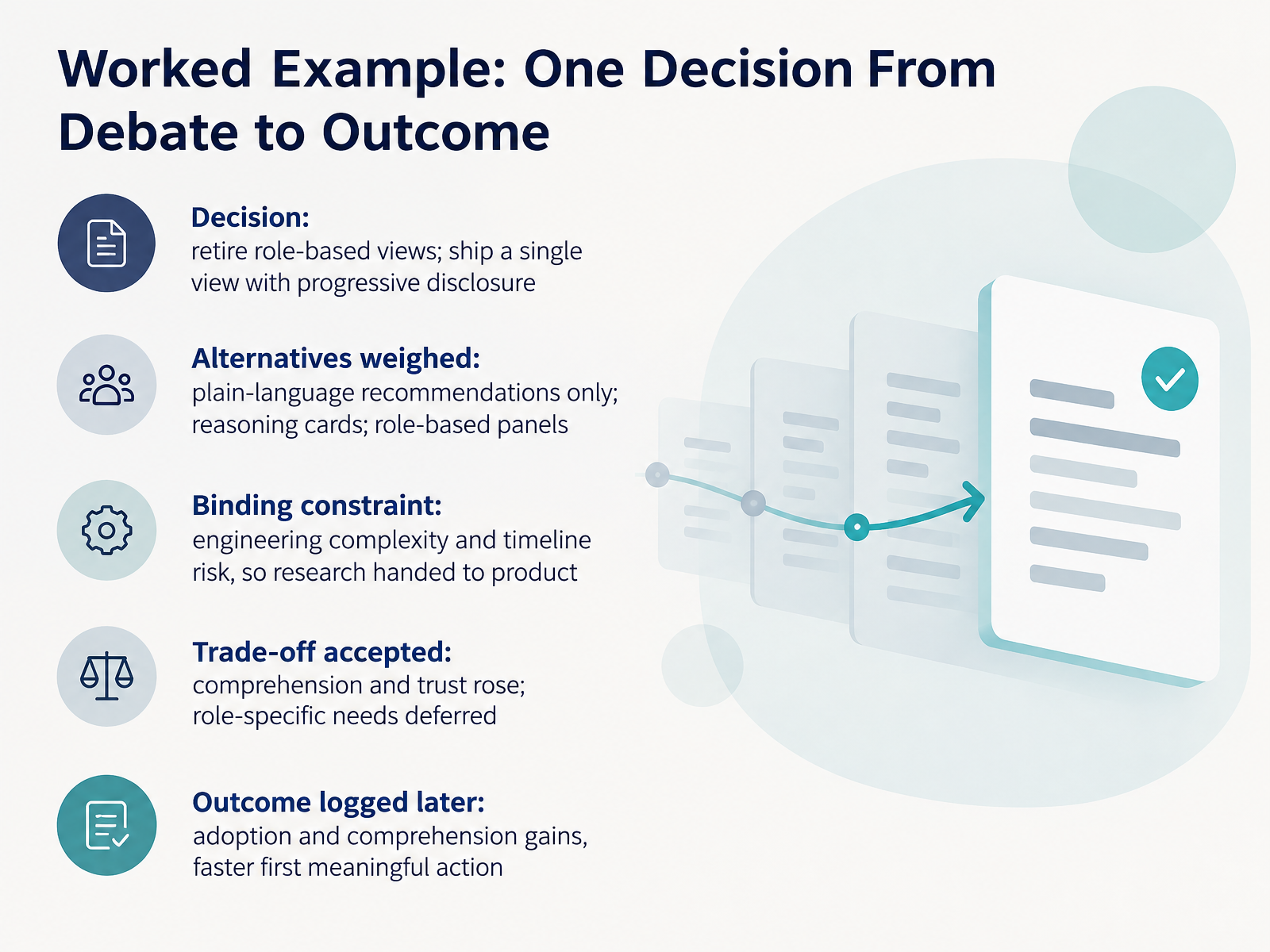
 - 13Worked Example: One Decision From Debate to OutcomeLet's walk through one decision from debate to outcome. The decision: retire role-based views and ship a single view with progressive disclosure. Progressive disclosure means advanced detail stays collapsed until someone asks for it. The team weighed three alternatives. Plain-language recommendations only. Reasoning cards. Role-based panels. The binding constraint was engineering complexity and timeline risk, so the research was handed to the product team. That's a decision log entry: a short record of what you chose, what you rejected, and why. The trade-off accepted was clear. Comprehension and trust rose. Role-specific needs were deferred, not deleted. Later, the outcome got logged. Adoption and comprehension gains, and a faster first meaningful action. Notice the pattern. State the decision, name the alternatives, record the constraint, own the trade-off, then close the loop with the outcome. Your next ten minutes: writing your first decision record.
 uxguides.comunicornclub.dev2 min
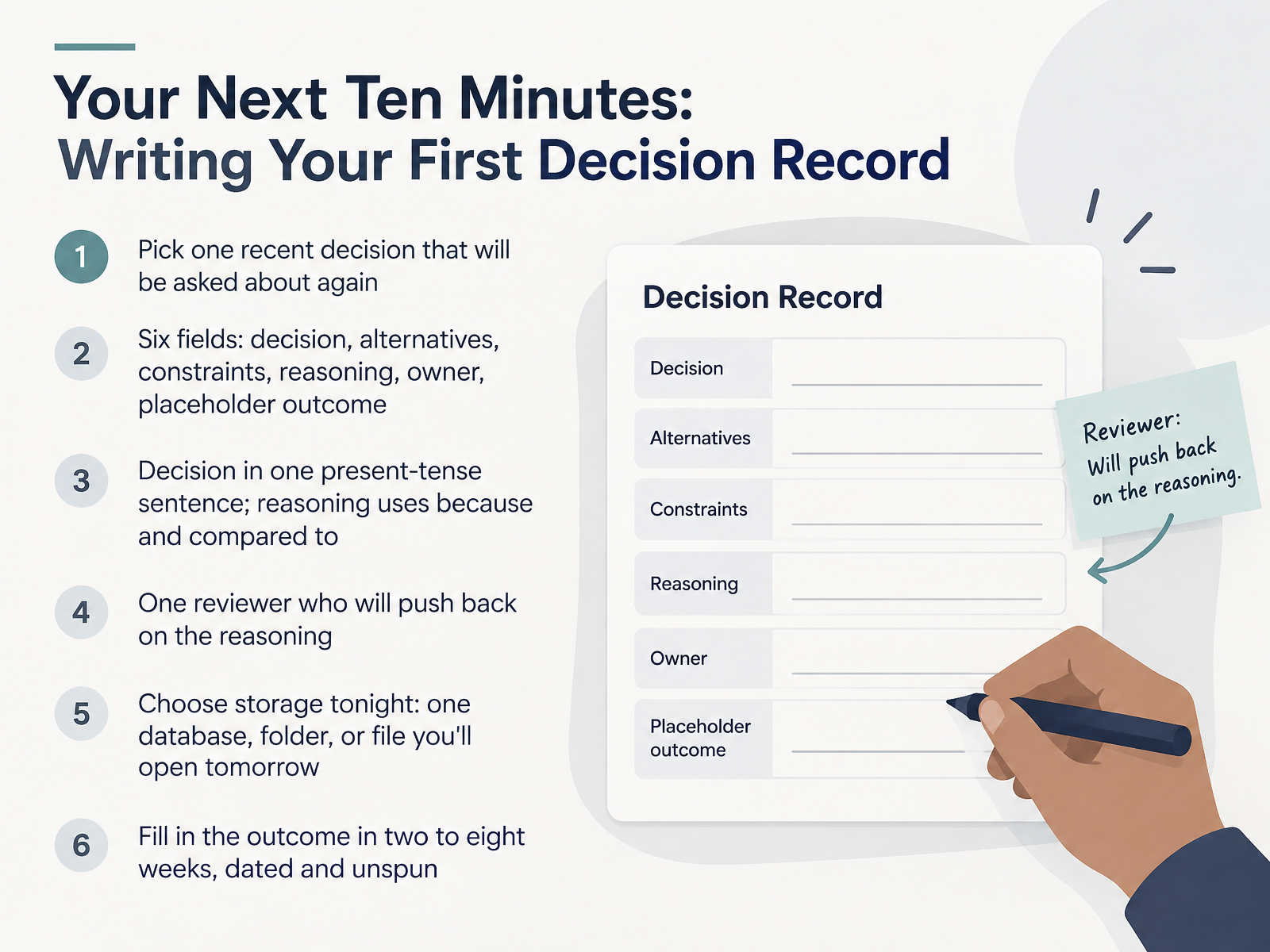
 - 14Your Next Ten Minutes: Writing Your First Decision RecordLet's close with what you can do in the next ten minutes. Pick one recent decision that you know will be asked about again. Then open a blank record with six fields: decision, alternatives, constraints, reasoning, owner, and a placeholder for the outcome. Write the decision in one present-tense sentence, like "We stack email and password vertically." For reasoning, use the words because and compared to. Name your constraints plainly. Then choose one reviewer who will push back on that reasoning, because a record nobody challenges does not survive a senior review. Tonight, pick your storage. One database, one folder, or one file you will actually open tomorrow. The best tool is the one your team already uses. Leave the outcome field empty for now. Fill it in two to eight weeks after ship, dated, and unspun, even when the news is bad. That is the whole practice. Start with one entry this week, show it to your reviewer, and let it compound. Thank you for your time, and good luck writing your first decision record.
 uxguides.comunicornclub.devux.stackexchange.com+22 min
Take the deck with you
Download this course as a file — free, no sign-up needed.
- PDF handoutEvery slide page, ready to print or share.15 pages · 2.9 MBDownload
- Narrated PowerPointThe deck that presents itself — every slide carries the digital human's narration video.15 pages · 12.8 MBDownload
- PowerPoint slidesThe full deck as a .pptx — open it in PowerPoint, Keynote, or Google Slides.15 pages · 2.8 MBDownload
Free to use in your own training — please keep the PersonWise credit page at the end.
Have your own deck? Turn it into a course
Sources consulted
Web sources consulted while building this course.
- How do you keep track of why you made a design decision? — ux.stackexchange.com
- AWS Prescriptive Guidance - Using architectural decision records to streamline technical decision-making for a software development project — docs.aws.amazon.com
- Design Tokens aren’t enough. Architecture Decisions need a place in your Design System. — samiamdesigns.substack.com
- develop-adr — skills.sh
- https://designsystems-ai.hashnode.dev/adr-driven-design-systems-if-it-s-not-in-a-record-it-didn-t-happen.md — designsystems-ai.hashnode.dev
- Decision Debt Is More Dangerous Than Technical Debt — thedatacell.substack.com
- The Reorg Is a Product Decision Nobody Calls One — falkster.com
- Learnings From Scaling a Product Engineering Organisation to 280 People – Part 1 (of 5) — stuff.greger.io
- Building Product Organizations from Scratch in Global Companies — Nick Richardi — nickrichardi.com
- Product Org Design: From Early to Late Stage to Post-IPO (Part 1 of 2) — productpost.co
- Design Rationale | pm-skills — product-on-purpose.github.io
- Architecture decision records overview | Cloud Architecture Center | Google Cloud Documentation — docs.cloud.google.com
- The Value of Design Rationale Information — web-backend.simula.no
- Documenting Design Rationale in Design Systems — UX Dictionary — uxdictionary.io
- DesignDoc — Why Your Team Should Document Architectural Decisions — DesignDoc Blog — designdoc.tech
- A documentation framework for architecture decisions Heesch, U. van; Avgeriou, P.; Hilliard, R. — pure.rug.nl
- https://publica.fraunhofer.de/bitstreams/b000f4f1-876e-4446-b79f-50fcec7f8ebd/download — publica.fraunhofer.de
- Technical Discovery | pm-skills — product-on-purpose.github.io
- How to Document Design Decisions | UIGuides — uxguides.com
- UI Decision Brief Template – Product & Design Decision Log | Unicorn Club — unicornclub.dev