Begin
14 pages · ~28 min
Accessibility Testing Tool Selection
This training teaches how to select and implement digital accessibility testing tools, enabling participants to design effective workflows for identifying and resolving accessibility barriers.
A digital instructor presents all 14 pages. Hold “Ask” at any point and ask out loud — the answer comes from this course. No sign-up needed.
What you’ll learn
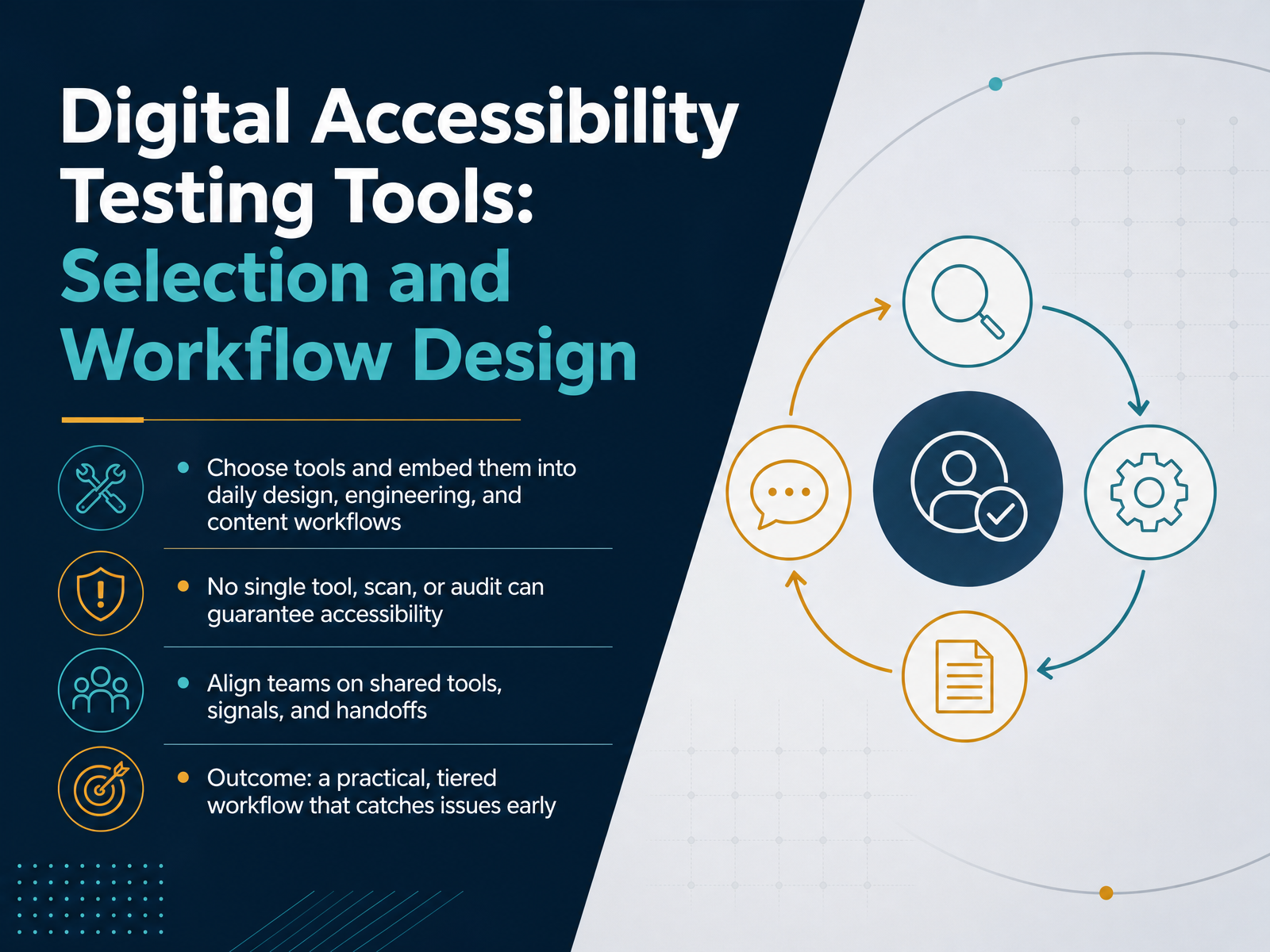
- 01Digital Accessibility Testing Tools: Selection and Workflow DesignWelcome. Let's talk about making accessibility testing a normal part of how your team ships work. Not as a special project, but as a routine quality step, just like checking for broken links or performance issues. Here's the good news: you don't need to master complex tools or become an expert overnight. You do need a plan that fits your existing design, engineering, and content workflows. We'll start with a key reality: no single tool, scan, or audit can guarantee accessibility. Remember that phrase, because it will drive every decision we make today. Automation catches maybe a third to half of the issues, at best. The rest needs human judgment. So our goal is to build a practical, tiered workflow that catches issues early, when they are cheapest to fix. We'll align your team on shared tools, clear signals, and smooth handoffs. The payoff is less firefighting at launch and products that actually work for more people. Now, before we pick any tools, let's look at why a manual-only approach is the trap to avoid. This is the foundation for everything that follows.cedarreport.comreviseflow.ioknow-the-ada.com+22 min
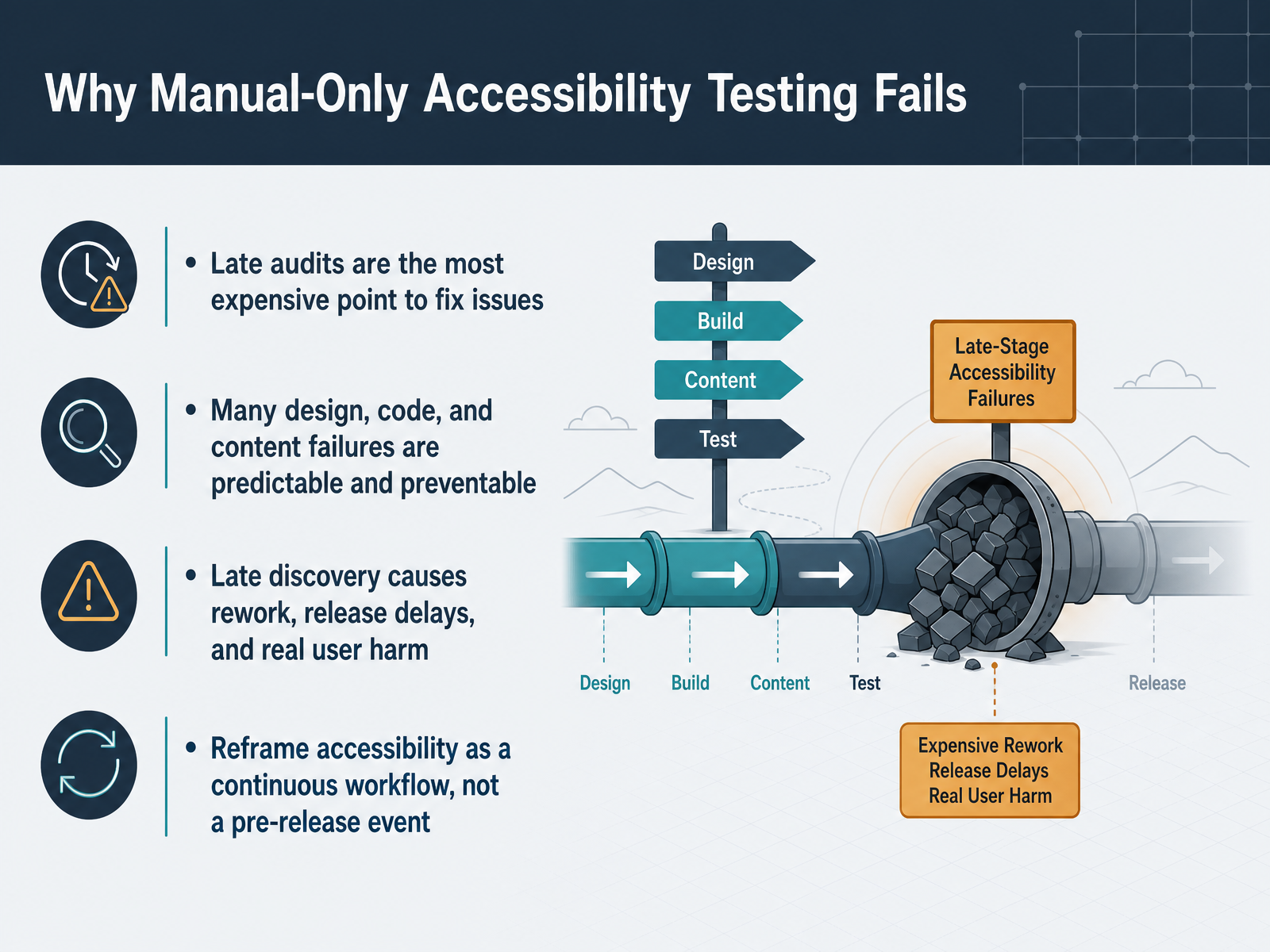
- 02Why Manual-Only Accessibility Testing FailsLet's be honest about why manual-only accessibility testing keeps failing teams. When accessibility is treated as a last-minute audit, you're discovering problems at the most expensive possible point—right before release. Fixing a color contrast issue in a finished design or a semantic label in shipped code is far costlier than catching it early. And here's the thing: many of these failures are predictable. Missing alt text, unclear focus states, confusing heading structure—these are patterns we see again and again. They are preventable with the right checks at the right time. When you discover them late, you get rework, delayed releases, and, most importantly, real harm to real users. Someone who can't complete a purchase or read your content isn't just frustrated; they're excluded. So the shift we need is simple but powerful. Stop treating accessibility as a pre-release event and start weaving it into your everyday workflow. That's not extra burden; it's smarter process. In the next section, we'll look at what automated testing can actually catch—and where it still needs human judgment.
 cedarreport.comreviseflow.ioknow-the-ada.com+21 min
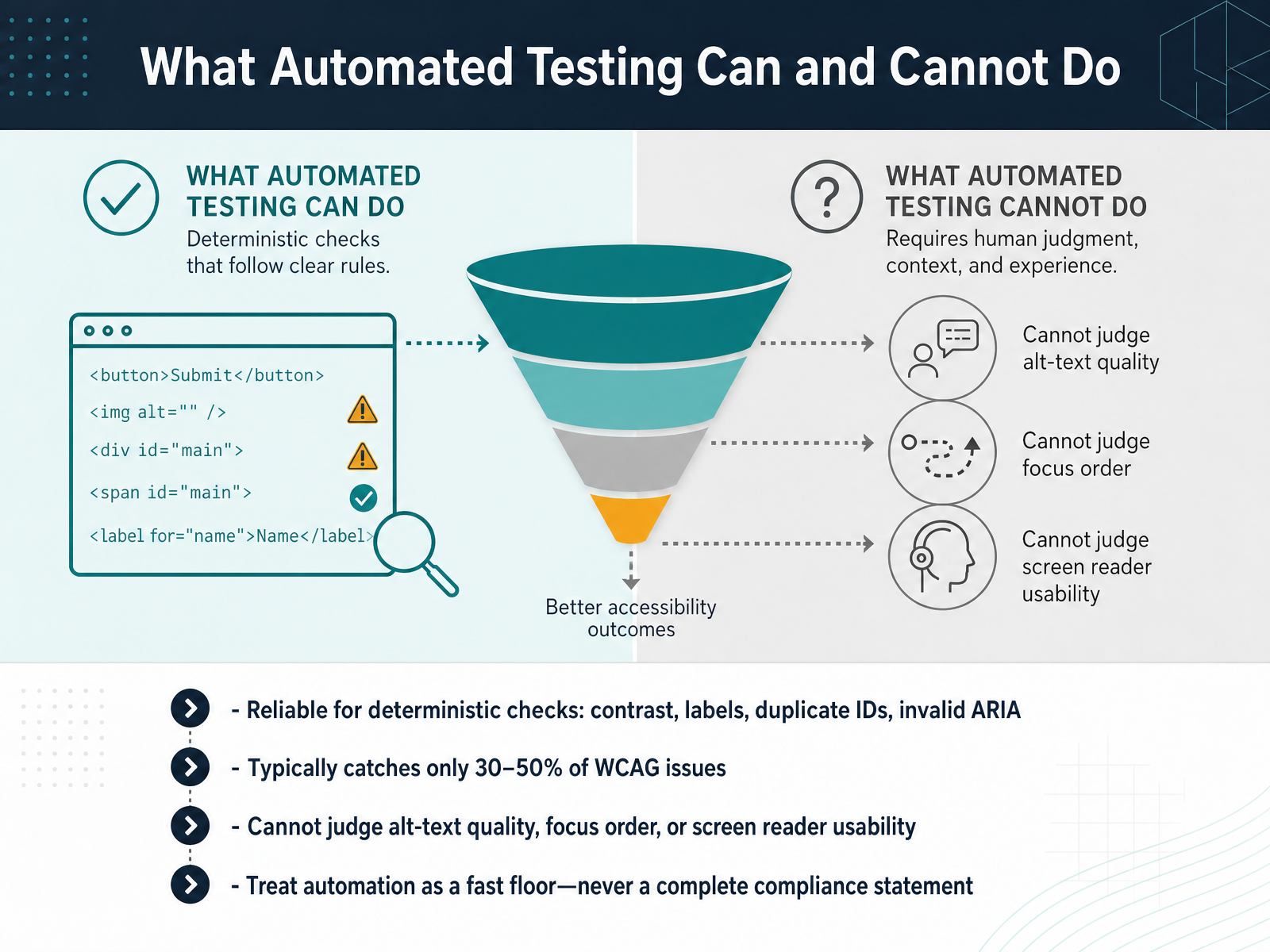
 - 03What Automated Testing Can and Cannot DoLet's be clear about what automation can and cannot do, because this shapes everything we build next. Automated tools are excellent at deterministic checks. Things like color contrast, missing form labels, duplicate IDs, or invalid ARIA. These are mechanical rules a computer can verify without ambiguity. That is a fast, reliable floor. But here is the reality check: automation typically catches only thirty to fifty percent of WCAG issues. No scanner, no matter how advanced, can judge whether your alt text truly describes the image for someone who can't see it. It cannot evaluate whether your focus order feels logical when tabbing through a form. And it cannot tell you if a screen reader user can actually complete a task. Those require human judgment. So, treat automation as a fast floor, never as a complete compliance statement. A green scan is the start of the conversation, not the end. It clears the mechanical failures so your team's time goes to the complex issues that only a person can assess. Now that we have this foundation, let's look at the core tool categories in a complete stack.
 cedarreport.comreviseflow.ioknow-the-ada.com+21 min
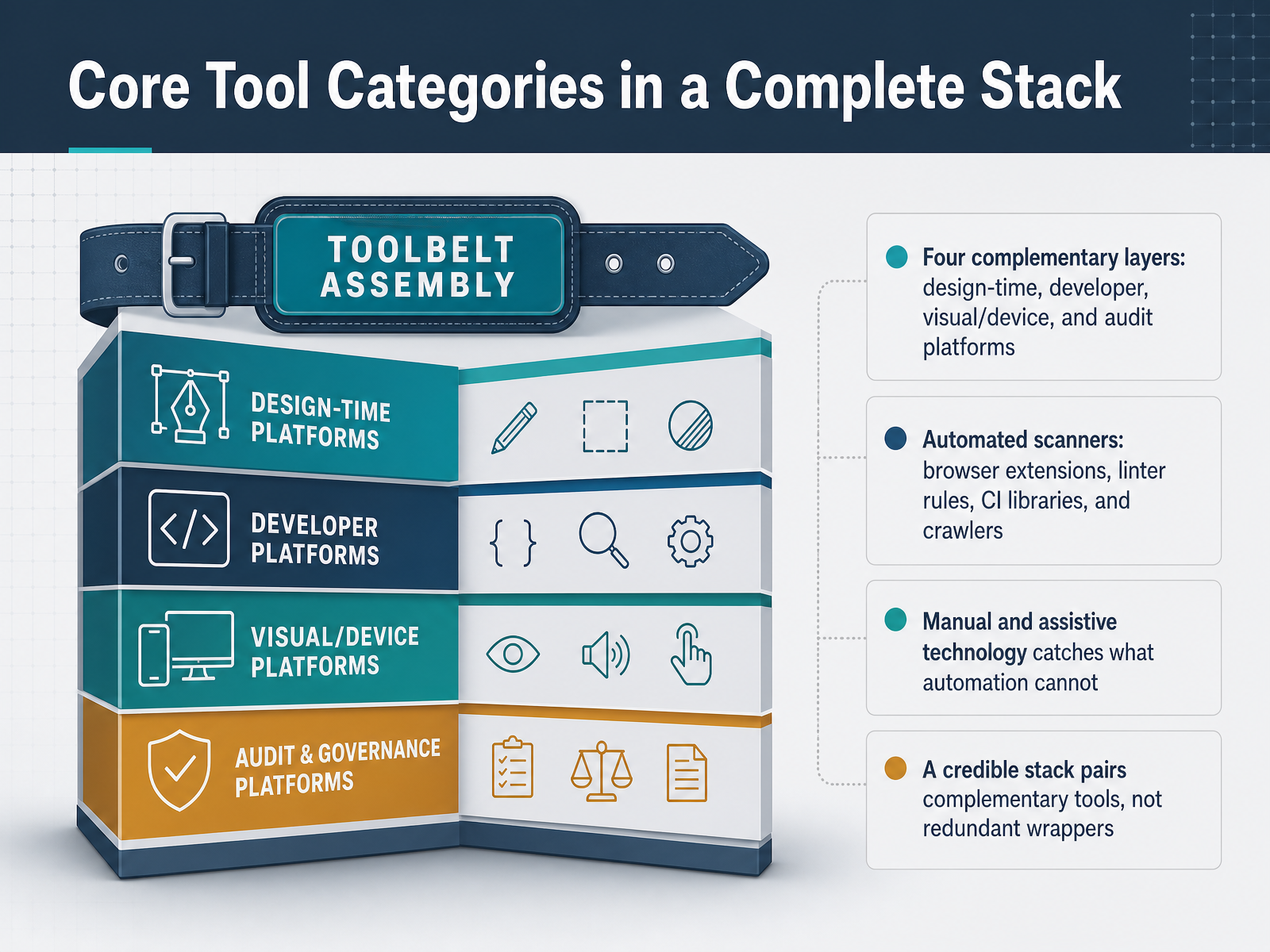
 - 04Core Tool Categories in a Complete StackSo how do we move from tool overload to a workable stack? Think in four complementary layers. First, design-time tools that catch issues inside Figma or your design system before code ever starts. Second, developer tools like linters, browser extensions, and CI libraries that catch issues as you build and block regressions before merge. Third, visual and real-device testing that validates the rendered product with actual assistive technology like screen readers. And fourth, audit and governance platforms that track remediation and produce evidence for legal or procurement reviews. One honest reality check: automated scanners typically catch only twenty to fifty percent of WCAG violations. That is not a failure of any single tool; it is the nature of automation. Manual testing with keyboards and screen readers catches what machines cannot judge, like whether alt text is meaningful or focus order makes sense. So a credible stack pairs complementary tools, not redundant wrappers. Avoid the trap of buying five scanners that all run the same engine. Now, how do we map these categories to the right people on your team?
 cedarreport.comreviseflow.ioknow-the-ada.com+22 min
 - 05Mapping Tools to Team ResponsibilitiesSo, how do we choose the right tool for each person on the team? The key is to map tools to daily responsibilities. For designers, the focus is on catching issues early, right inside Figma or your design system. That means checking color contrast, focus order, and semantics before a single line of code is written. For engineers, it's about integrating checks into the tools they already live in. Think linters, DOM inspection, and gating the CI pipeline so new code can't introduce regressions. They also handle targeted screen reader checks on complex components. Content teams have a different job. They need tools that check readability, heading structure, and alt text, all through a simple preflight checklist before publishing. The real goal here is to avoid duplicate effort and ownership gaps. If everyone has a clear tool and a clear responsibility, accessibility becomes a natural part of the workflow. Next, let's look at the selection criteria that will keep your tool stack lean and prevent sprawl.
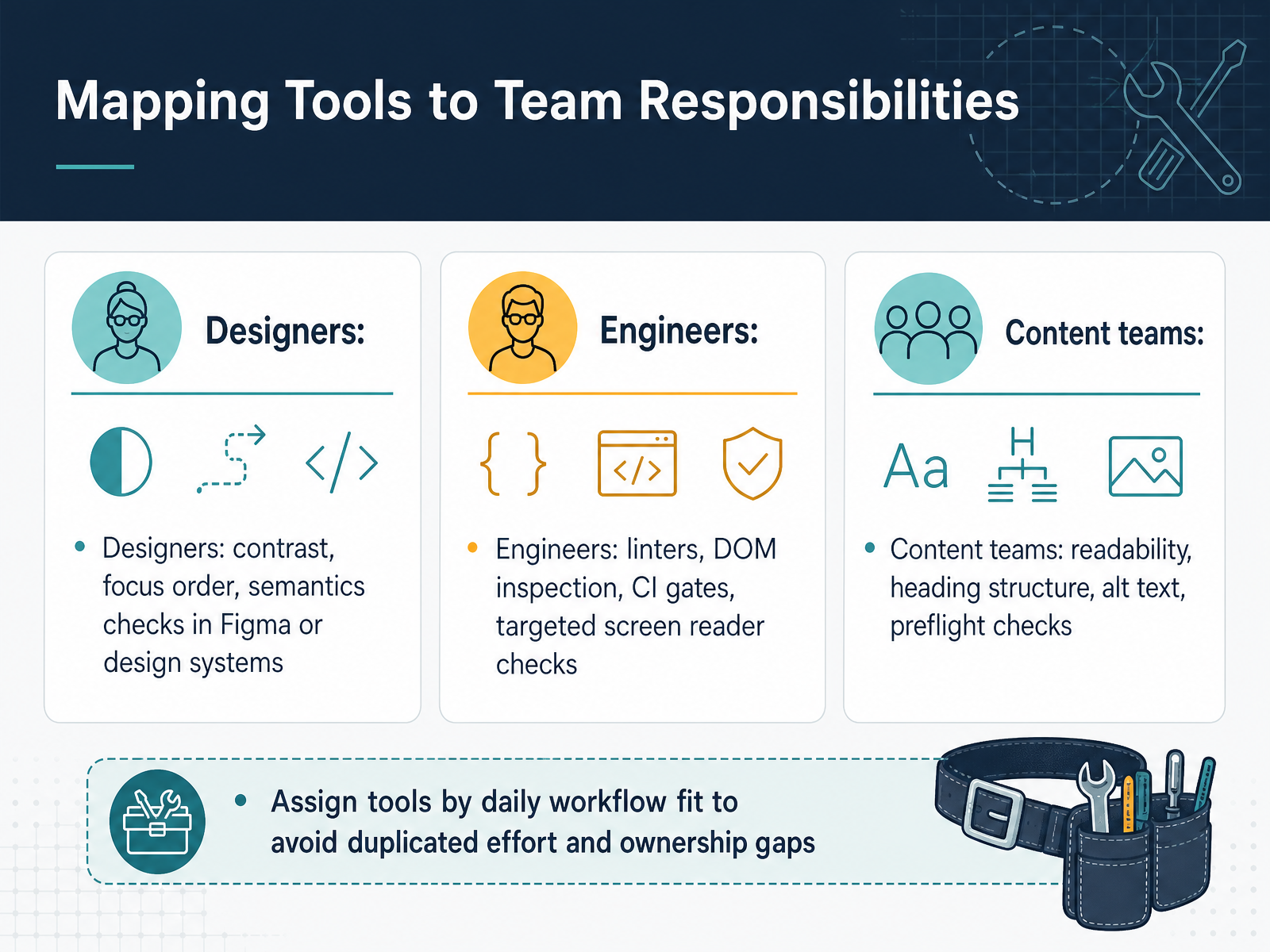 cedarreport.comreviseflow.ioknow-the-ada.com+21 min
 - 06Selection Criteria That Prevent Tool SprawlSo how do you keep from ending up with more tools than you actually use? Start with your standards. Make sure the tool maps to the WCAG version you need, whether that's 2.1 or 2.2. Then test it on your own pages, not a shiny demo. Include your log-in flows, dynamic components, and forms. That's where tools often fall short. Next, weigh the learning curve against the payoff. A powerful tool your team won't touch is just expensive shelfware. Also, check the total cost. Implementation, training, scan limits, and remediation effort add up fast, beyond the license fee. And one reality check. No tool catches everything. Expect automated scans to detect roughly 30 to 50 percent of issues at best. If a vendor promises full automated compliance, that's a red flag, not a feature. The goal is a tool that fits your workflow and catches the right issues with minimal noise. Keep that in mind, and next we'll look at how to build a tiered testing workflow that puts these tools to work.
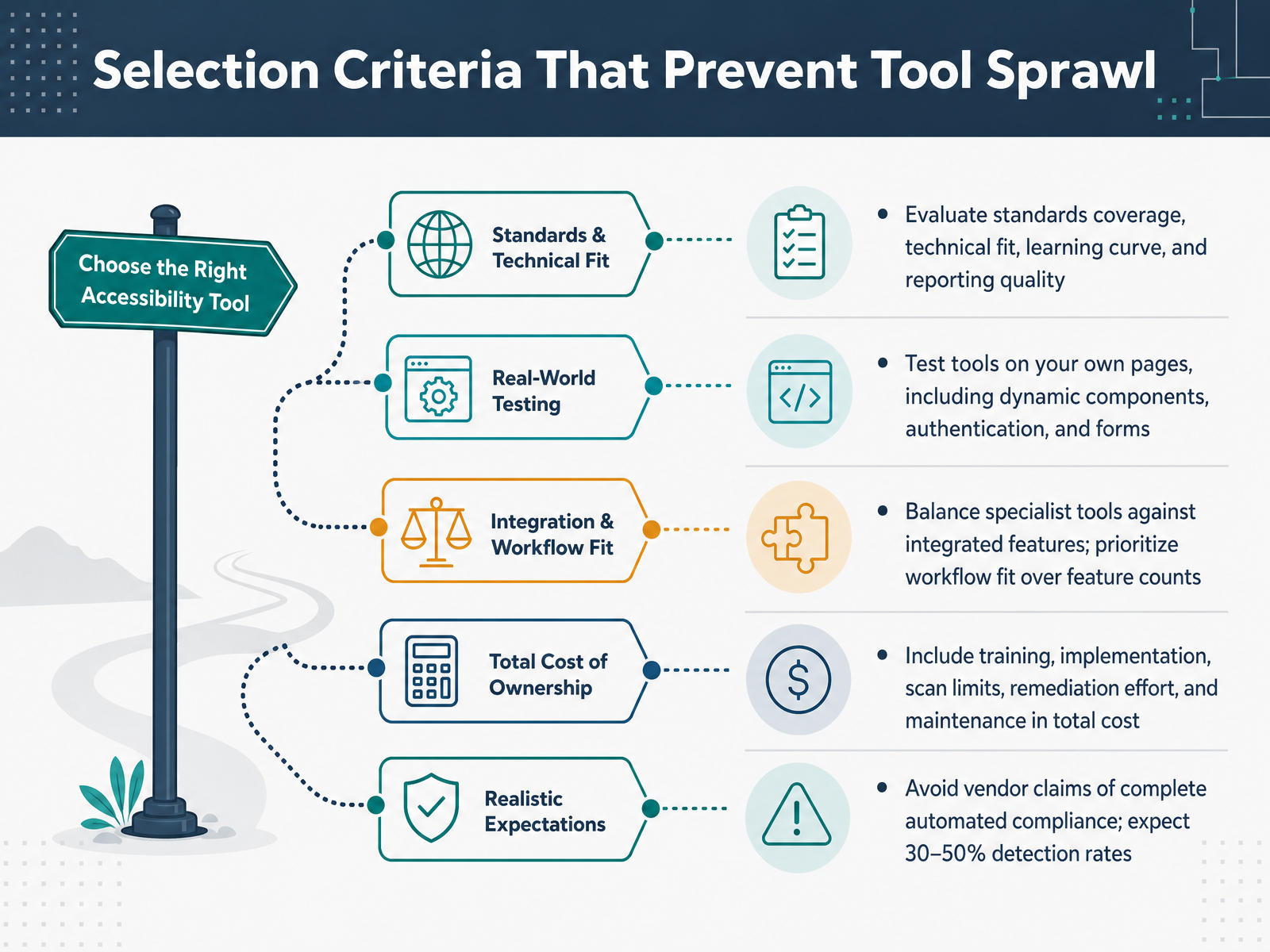 w3.orgknow-the-ada.comcedarreport.com+21 min
 - 07Designing a Tiered Testing WorkflowNow let’s talk about how to design a tiered testing workflow, because accessibility can’t be one single check at the end. Think of it as layers. In design, you catch contrast and labeling issues early. In development, you run fast automated scans while coding. At the pull request stage, you gate the merge on those checks. Then staging catches integration issues, and finally, release gives you a final verification pass. The key is to automate the early layers so they run constantly, and schedule manual reviews at milestones — like before a major release. At each tier, define a clear pass or fail signal, and an escalation path if something critical slips through. Start with fast, deterministic checks. These are cheap and catch the mechanical stuff. Save your manual effort for judgment-heavy issues — like whether alt text is truly meaningful, or if the focus order makes sense to a keyboard user. This way, you’re not burning human hours on things a machine can handle, and you’re not relying on automation for things it simply can’t judge. Now, let’s look at how to embed these checks directly into your design and content workflows.
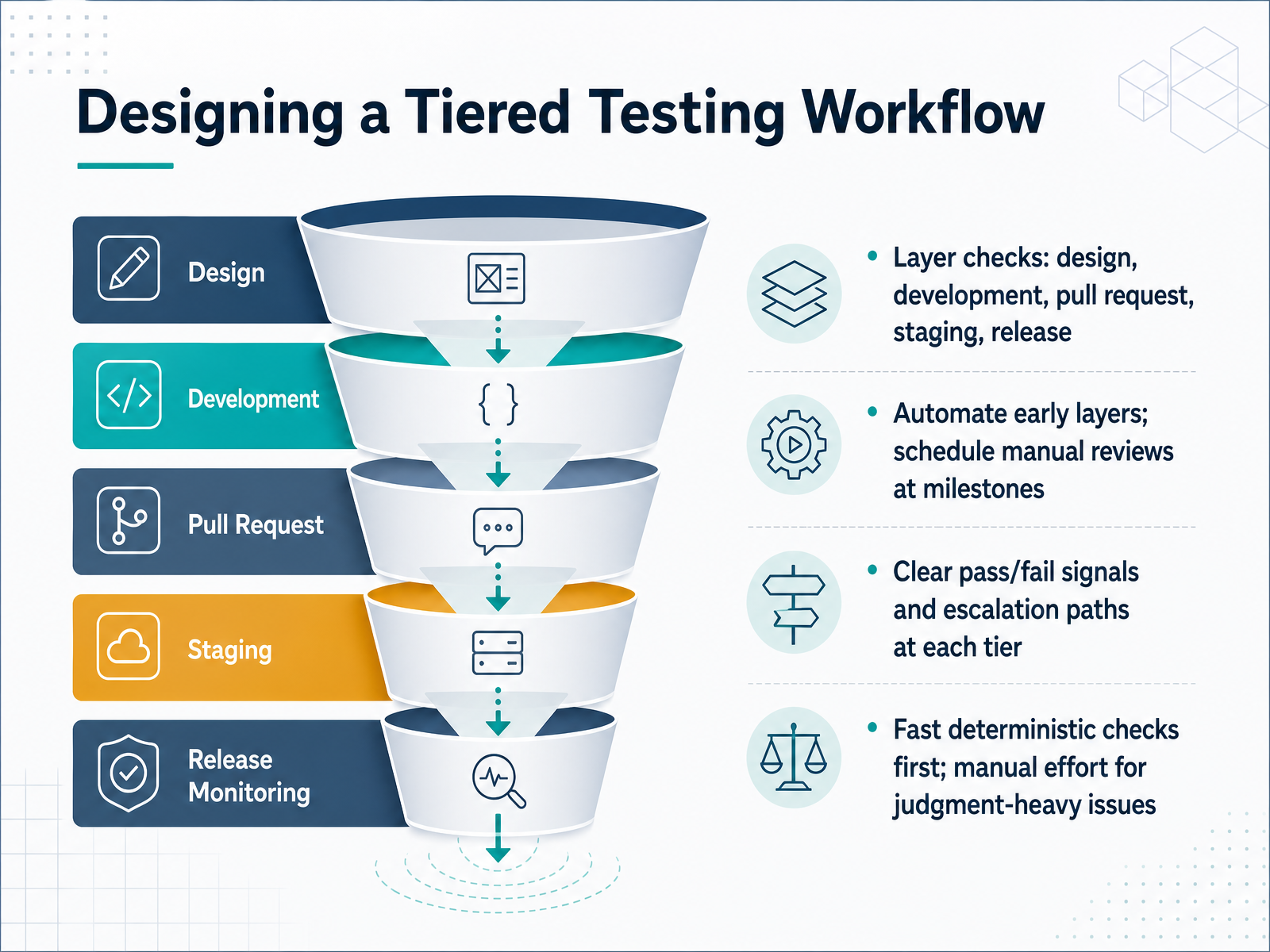 cedarreport.comreviseflow.ioknow-the-ada.com+22 min
 - 08Embedding Checks into Design and Content WorkLet's talk about embedding accessibility checks where your team already works, so it becomes part of the creative process rather than a separate review step. For designers, using a plugin inside your design tool can catch color contrast and semantic issues before anything is handed off to engineering. That means fewer surprises downstream. Next, build reusable accessible patterns into your design system. When the common components are already compliant, you avoid repeating the same manual review on every new page. For content teams, preflight checks inside your publishing tools catch issues like missing alt text or heading structure before content goes live. The goal here is to keep friction low. Accessibility should not slow down delivery; it should simply be part of how you work. By surfacing issues in the tools designers and editors already use, the fixes become immediate and contextual. This approach treats accessibility as a routine quality step, not a specialized burden. Next, we'll look at how engineering can enforce these same standards with automated hooks in their development pipeline.
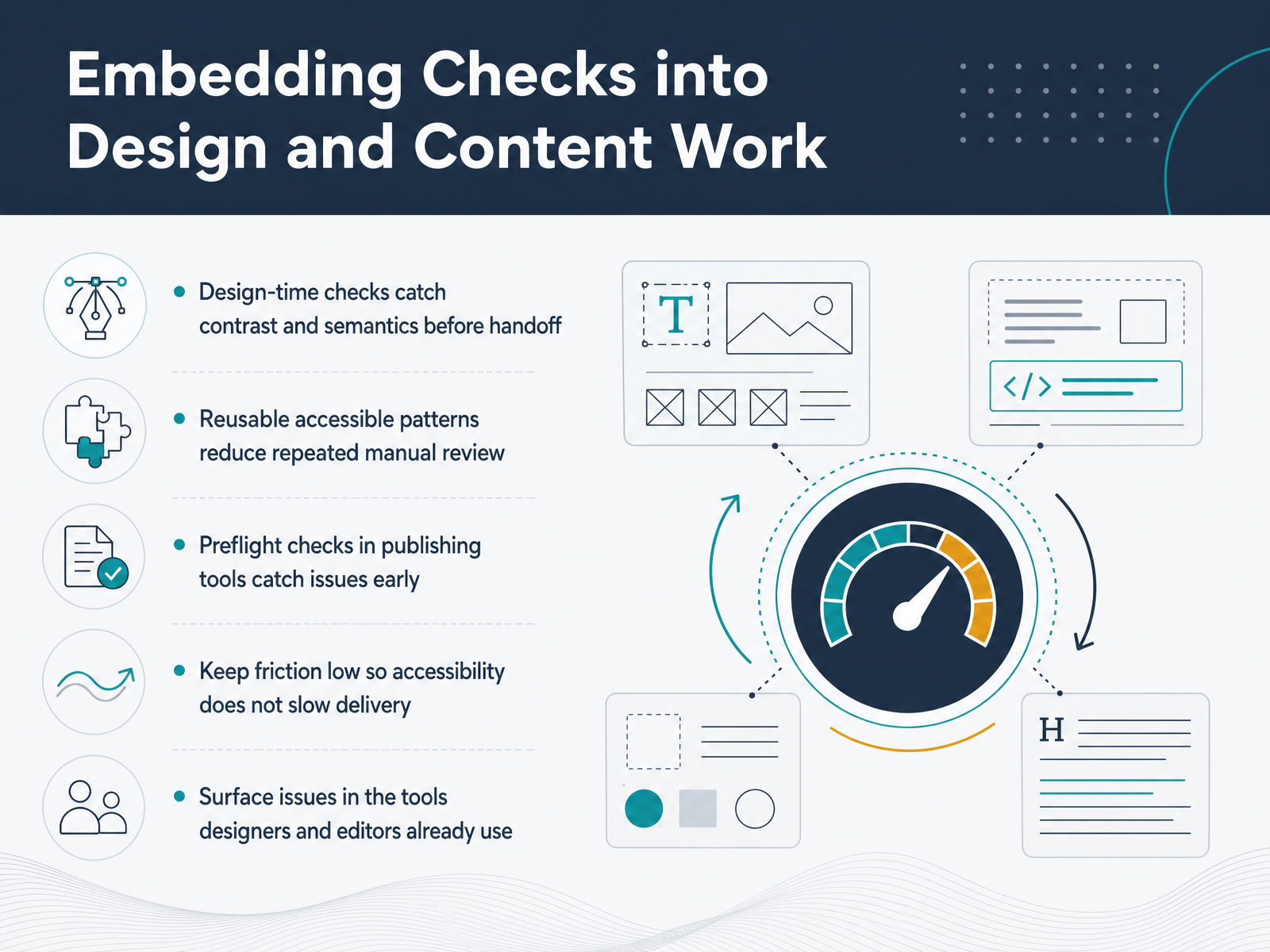 cedarreport.comreviseflow.ioknow-the-ada.com+22 min
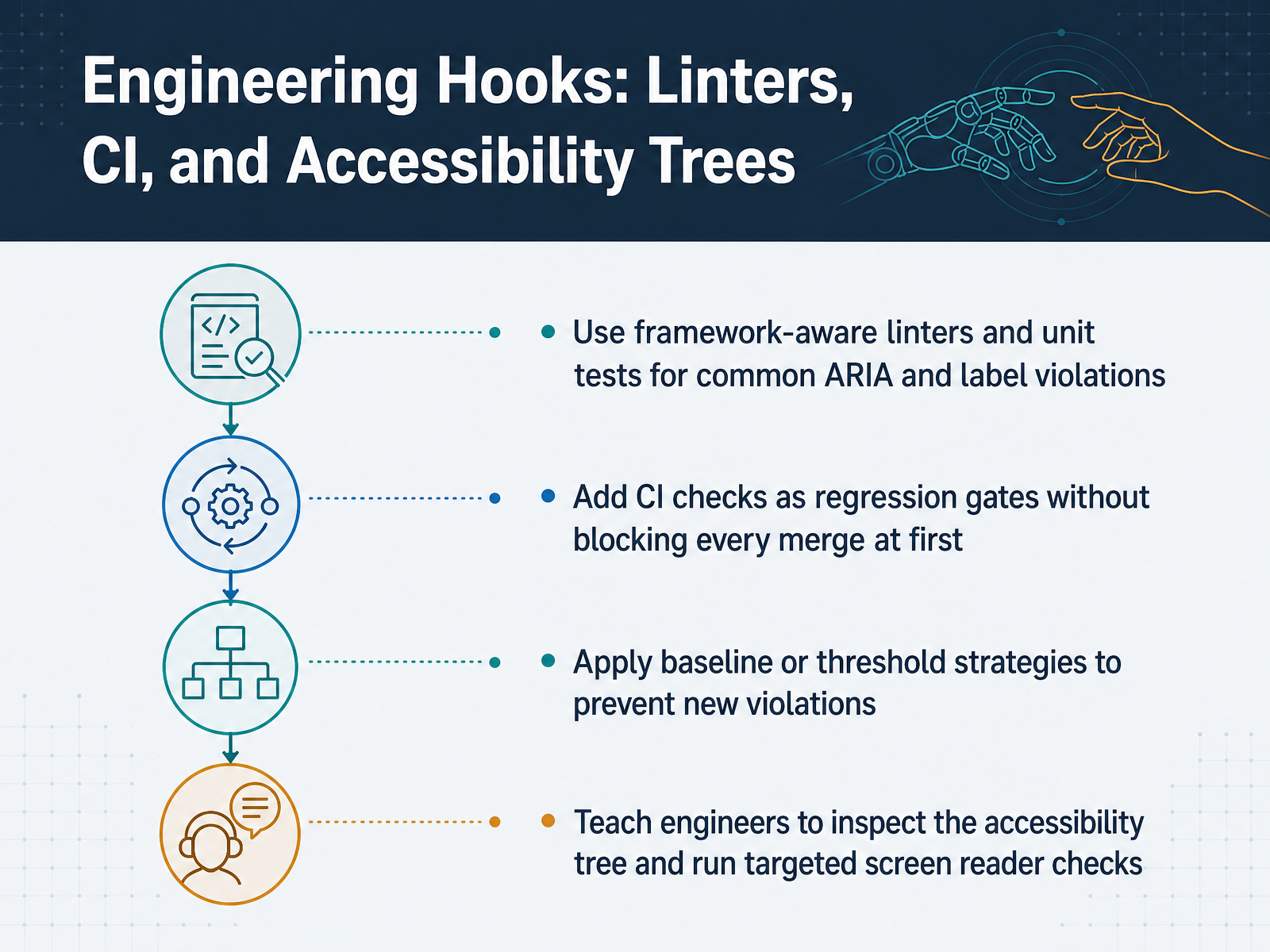
 - 09Engineering Hooks: Linters, CI, and Accessibility TreesLet's talk about where accessibility testing really becomes enforceable: the engineering hooks. Linters and unit tests are your first line of defense. Tools like eslint-plugin-jsx-a11y and jest-axe catch common ARIA and label violations right in the code, before the browser even loads. That's the cheapest fix point. Next, you want to add CI checks as regression gates. Don't try to block every merge from day one. Start with a baseline or threshold strategy. Capture the current violations, then fail the build only when new ones appear. That way, legacy debt doesn't stop progress, but regressions do. And finally, teach your engineers to inspect the accessibility tree and run targeted screen reader checks. It's the difference between knowing the code is valid and knowing the user experience is sound. One quick example: a button with an aria-label passes linting, but if it has no visible text, a screen reader user hears a label that matches nothing on screen. A quick tree inspection catches that gap. These hooks turn accessibility into a habit, not a hassle. Up next, we'll make CI gates practical with baselines and thresholds.
 helpmetest.commodern-framework-accessibility.comstorybook.js.org+21 min
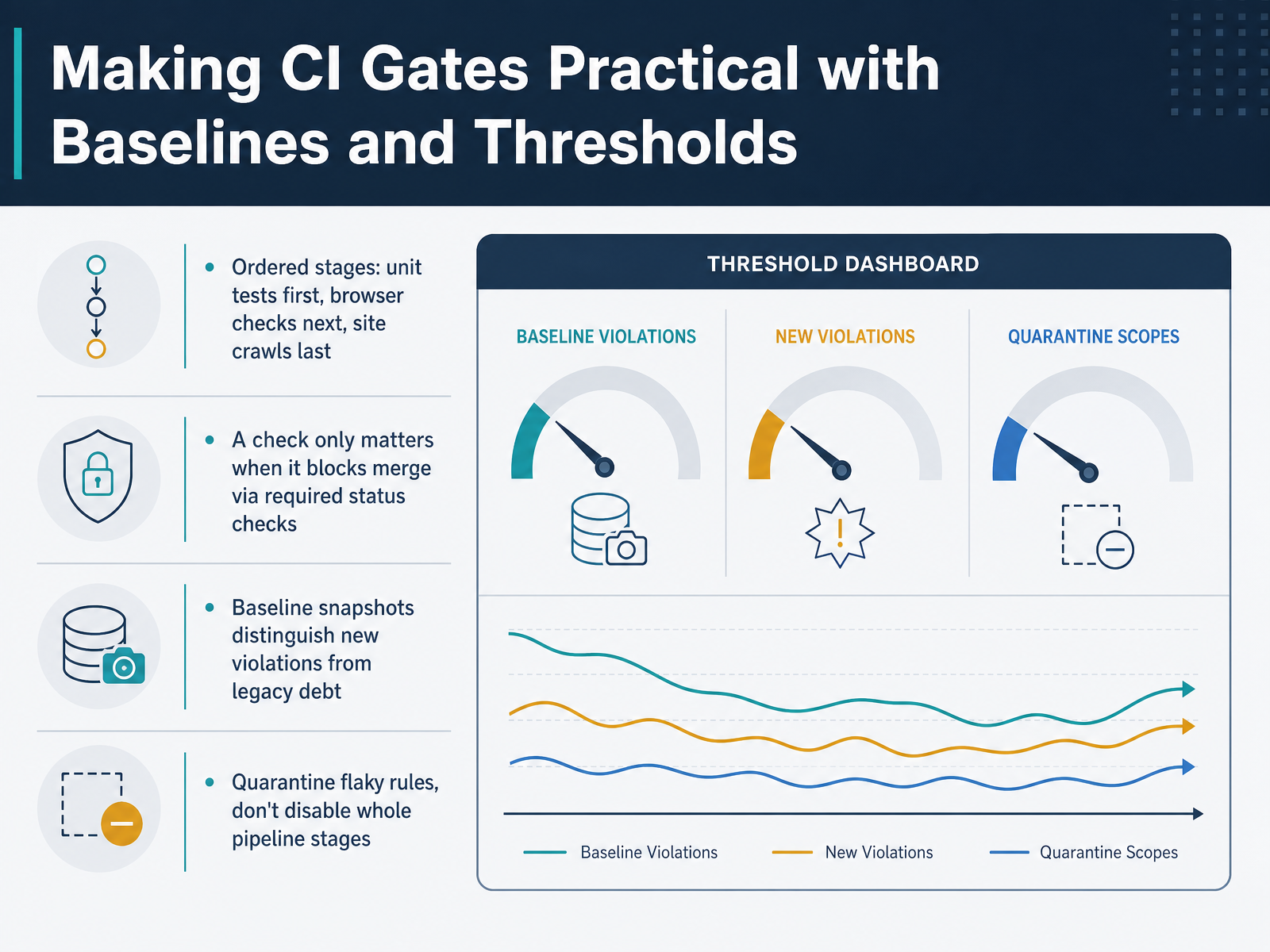
 - 10Making CI Gates Practical with Baselines and ThresholdsNow let's talk about making your CI gates practical. The key is ordering your stages by speed and cost. Run unit tests first, then browser checks, and save full site crawls for last. That way, you catch most issues in seconds, not minutes. Remember, a check only matters if it actually blocks a merge. If it doesn't block, it's just documentation. So configure those required status checks. When you introduce accessibility testing to an existing codebase, you'll likely find a pile of legacy violations. Don't let that stop you. Use baseline snapshots. They record the current violations so your pipeline only fails on new ones. This lets your team fix old debt at a sustainable pace while preventing regressions. Finally, if you have a flaky rule, quarantine that specific rule. Don't disable the whole pipeline stage. A scoped quarantine keeps your gate meaningful while you fix the root cause. Next, we'll look at the human side of verification with assistive technology.
 helpmetest.commodern-framework-accessibility.comstorybook.js.org+21 min
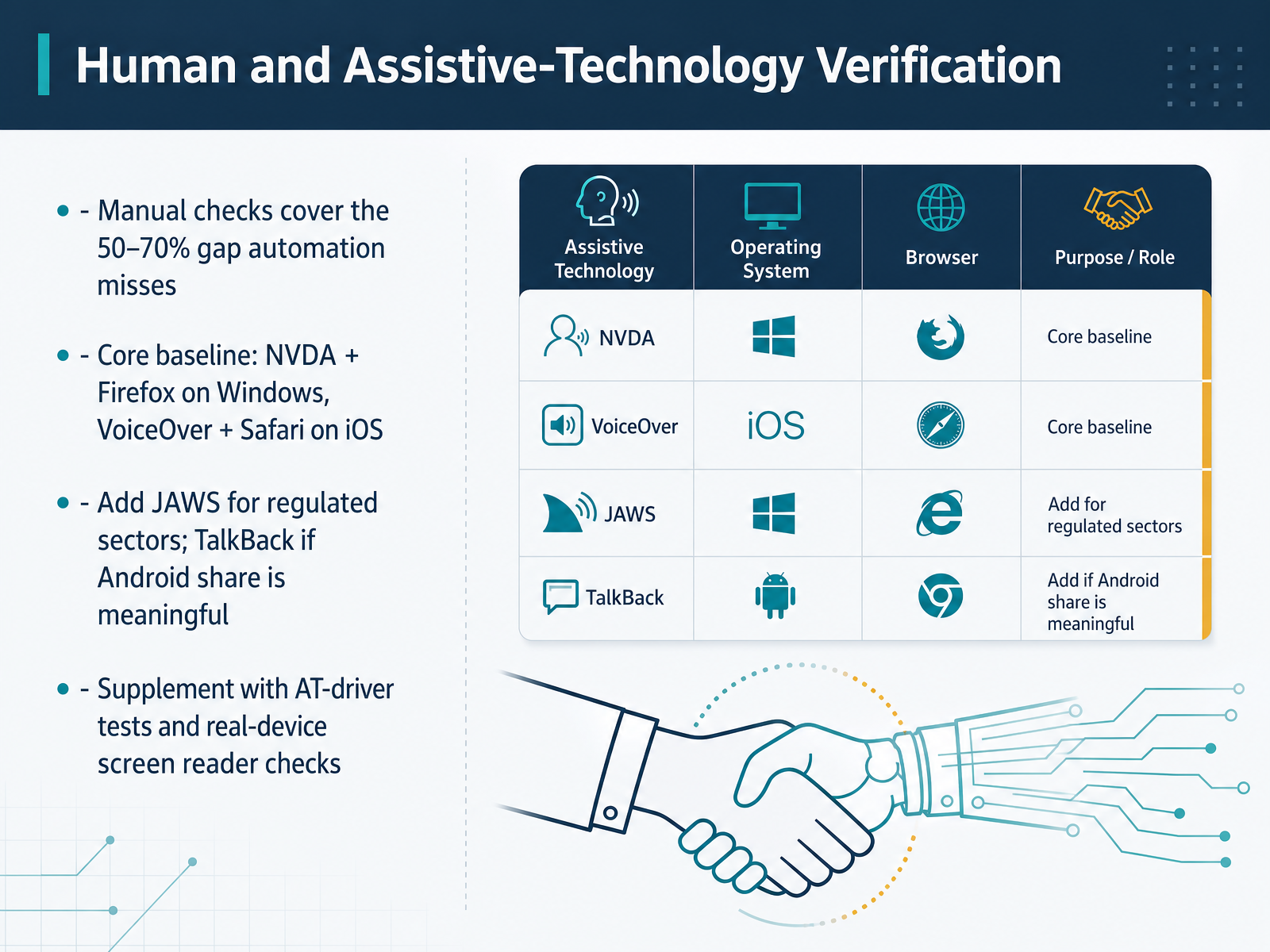
 - 11Human and Assistive-Technology VerificationNow let’s talk about the layer automation can’t reach. Even the best scanners only catch about half of all accessibility issues. The rest—meaningful alt text, logical reading order, keyboard traps—require human judgment. That’s where assistive technology verification comes in. Start with a core baseline: NVDA with Firefox on Windows, and VoiceOver with Safari on iOS. These two combinations cover the largest share of real-world users. If you work in a regulated sector like government, finance, or healthcare, add JAWS to the mix. And if Android is a meaningful part of your audience, bring in TalkBack for mobile checks. To catch regressions before they ship, supplement these manual passes with automated screen-reader driver tests in your CI pipeline. But those are just the floor. Nothing replaces a real person listening with a real screen reader on a real device. That final pass is where the experience gets measured. Next, we’ll look at reporting and metrics that avoid false confidence.
 a11yflow.devkritano.comtestguild.com+21 min
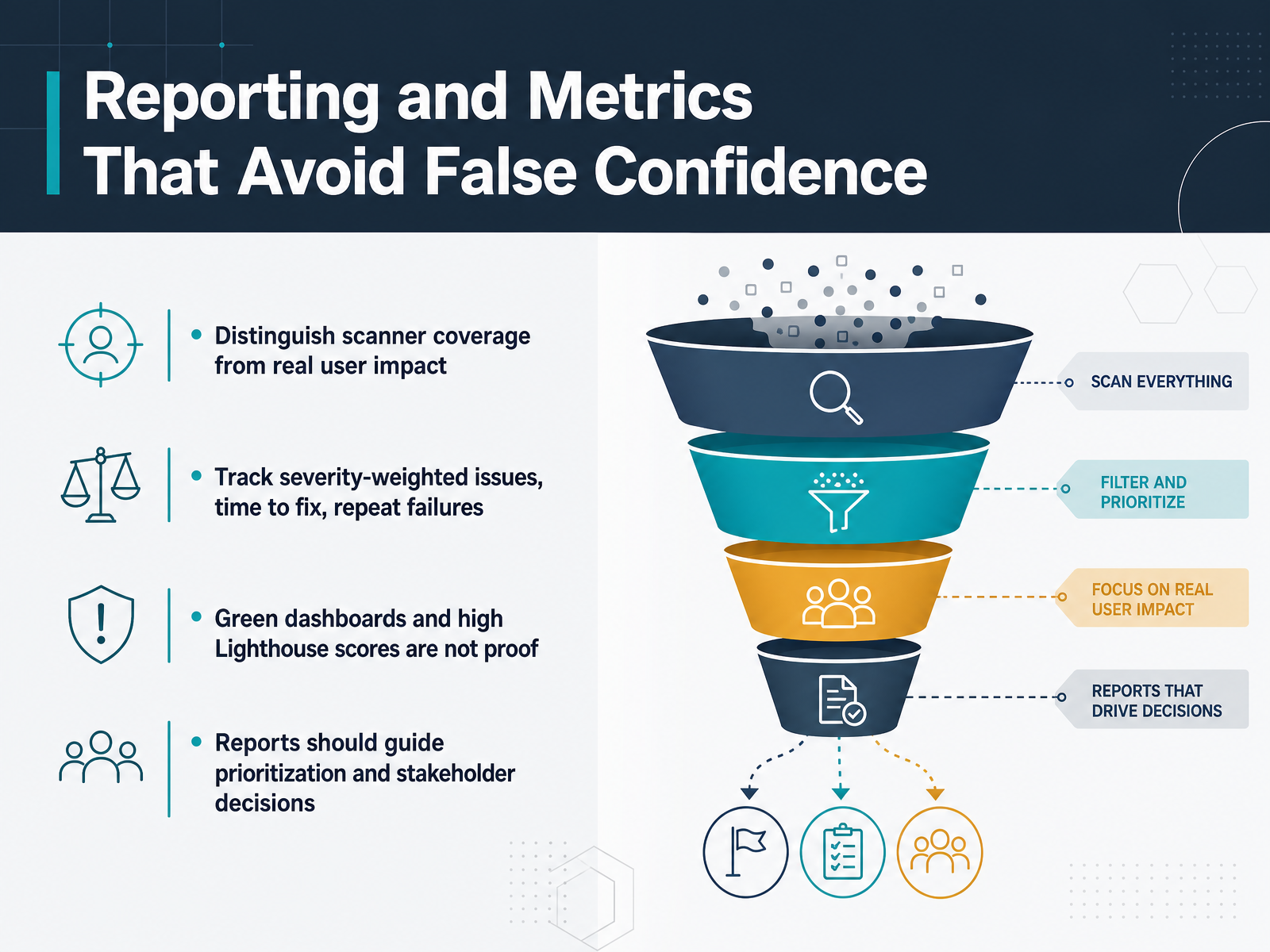
 - 12Reporting and Metrics That Avoid False ConfidenceLet's talk about reporting, because this is where a lot of accessibility programs quietly go wrong. The key is to distinguish scanner coverage from real user impact. A scanner finds maybe a third or half of all potential issues, so a clean scan report is a helpful signal, but it's not proof of an accessible product. Instead of chasing raw issue counts, track metrics that help you prioritize. Use severity-weighted issues so that one critical problem carries more weight than ten cosmetic ones. Track the time it takes to fix issues once they're found, and watch for repeat failures—the same defect appearing in multiple places or coming back after a fix. Those patterns tell you where systemic problems live. Be careful with green dashboards and high Lighthouse scores. They can easily give stakeholders false confidence. A perfect score simply means you passed that set of automated checks. It doesn't capture whether a screen reader user can actually complete a checkout. Your report should do more than show progress; it should guide prioritization for your team and support decisions for your stakeholders. Make the story clear: here's what we found, here's what we fixed, and here's what's most important to tackle next. Let's move on and look at how to pilot and select your first workflow.
 cedarreport.comreviseflow.ioknow-the-ada.com+22 min
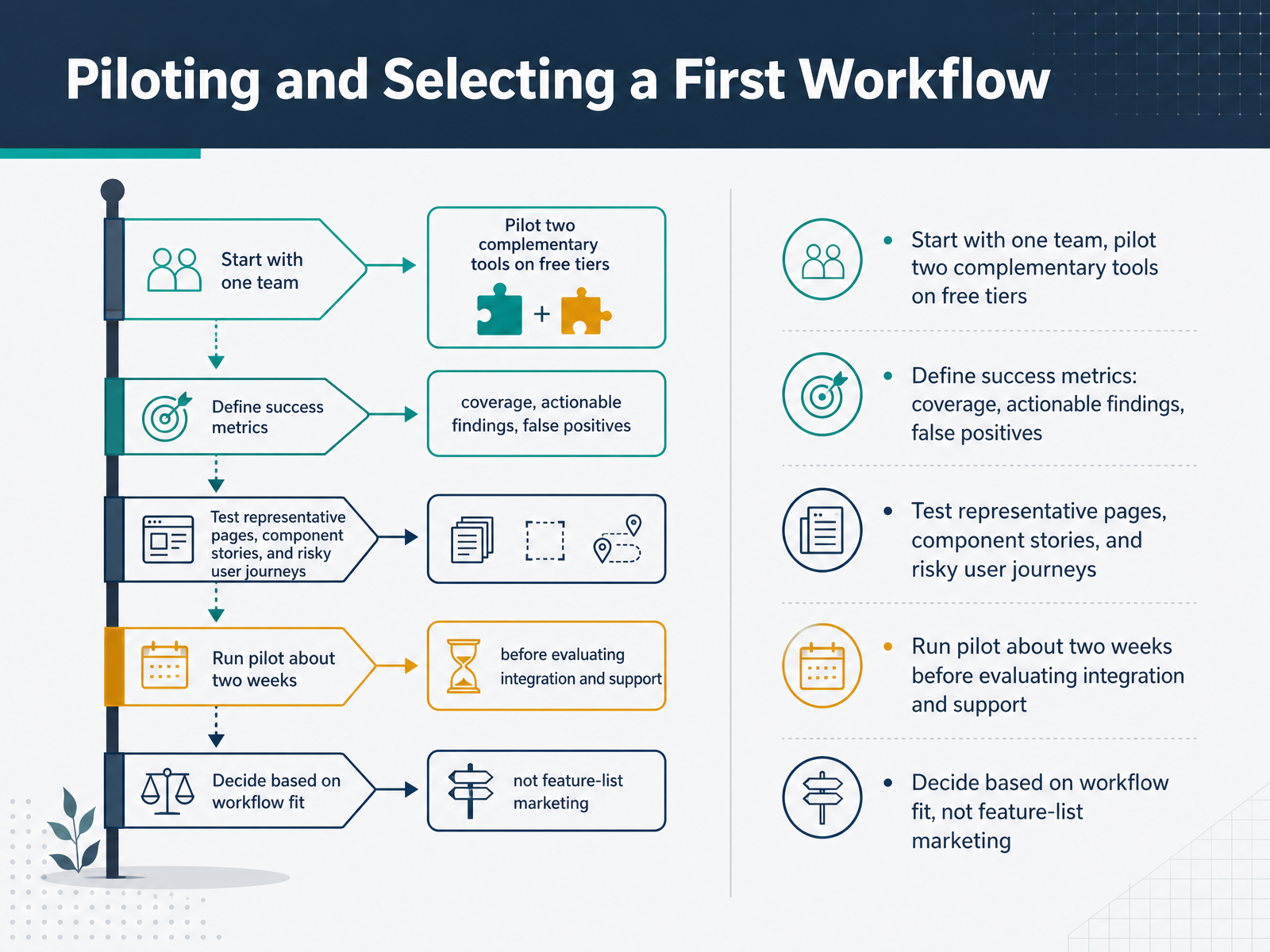
 - 13Piloting and Selecting a First WorkflowSo how do you choose which tools to keep? Start small. Pick one team and pilot two complementary tools on their free tiers. Pair a design-time checker with a developer scanner, so you see both sides of the workflow. Before you start, define what success looks like. Measure coverage, how many real issues the tool finds, and watch for false positives. A tool that floods your queue with noise will lose trust fast. Test it on representative pages, your component stories, and the user journeys that carry the most risk, like checkout or account access. Run the pilot for about two weeks. That is long enough to see real patterns without a heavy commitment. At the end, resist the allure of feature lists. Decide based on workflow fit. Does it catch the issues your team actually ships? Does it fit how your designers and engineers already work? That fit is what makes a tool stick. From Pilot to Scaled Accessibility Practice.
 cedarreport.comreviseflow.ioknow-the-ada.com+21 min
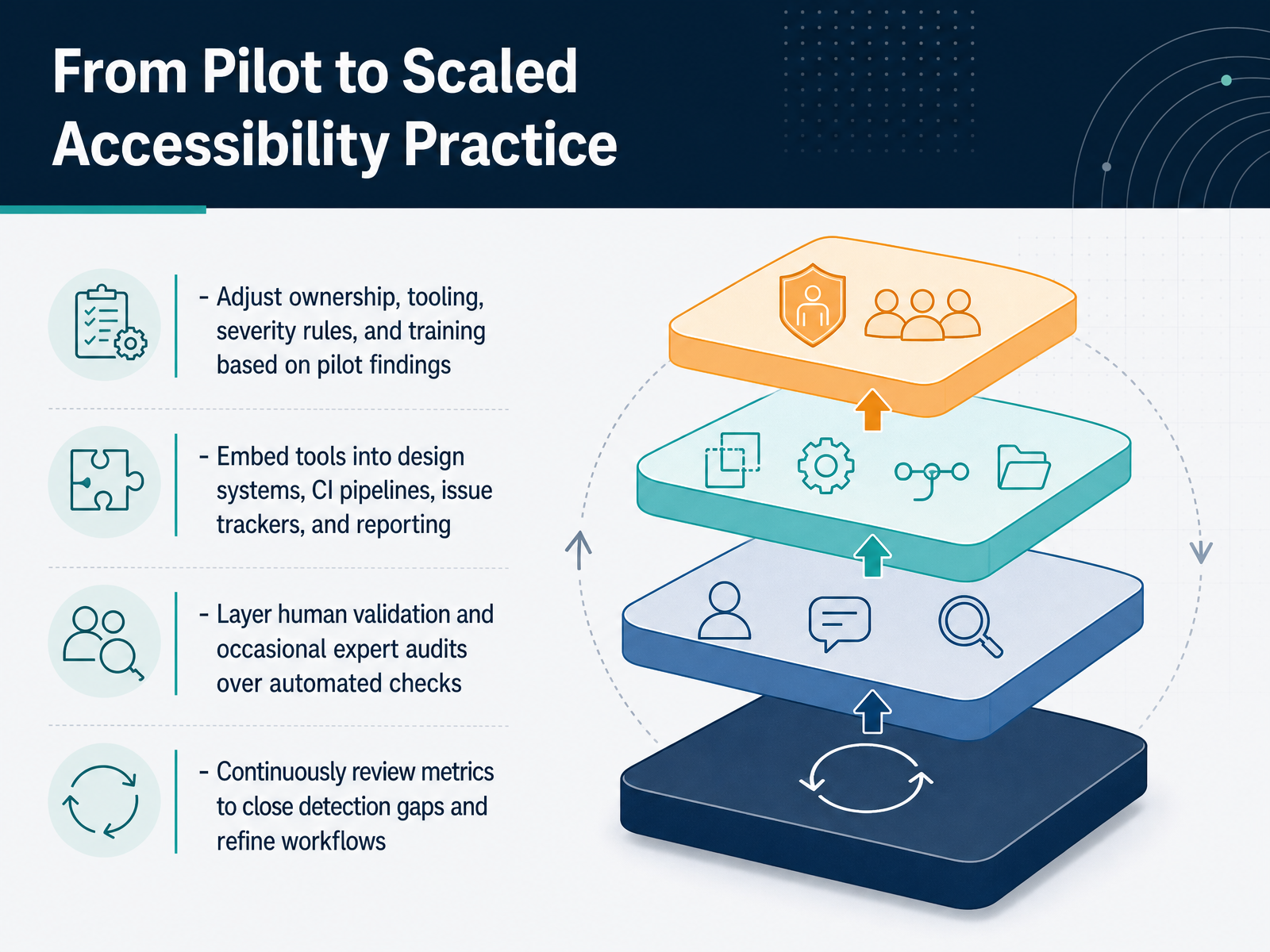
 - 14From Pilot to Scaled Accessibility PracticeSo here we are, at the final step. Your pilot is done, and you have real data on what works. Now it's time to scale. Start by taking those pilot findings and adjusting the details. Maybe the severity rules need tuning, or one team needs different ownership. That's normal. Use what you learned to refine the workflow. Next, embed your tools where the work actually happens. Put design checks in your design system, developer scanners in your CI pipeline, and connect everything to your issue tracker. This way, accessibility becomes a natural part of every release. Remember, no tool catches everything. Layer human validation on top of the automated scans. Schedule expert audits for ambiguous issues and run screen reader tests on critical journeys. Finally, keep reviewing your metrics. Look at the trends, see where issues still slip through, and close those gaps. Scaling isn't about adding more processes. It's about making the quality loop last. Embedded, measured, and continuously improved. You've built a practice that will pay off on every release. Thanks for joining, and good luck putting these tools to work.
 cedarreport.comreviseflow.ioknow-the-ada.com+22 min
Take the deck with you
Download this course as a file — free, no sign-up needed.
- PDF handoutEvery slide page, ready to print or share.15 pages · 3.3 MBDownload
- Narrated PowerPointThe deck that presents itself — every slide carries the digital human's narration video.15 pages · 14.6 MBDownload
- PowerPoint slidesThe full deck as a .pptx — open it in PowerPoint, Keynote, or Google Slides.15 pages · 3.2 MBDownload
Free to use in your own training — please keep the PersonWise credit page at the end.
Have your own deck? Turn it into a course
Sources consulted
Web sources consulted while building this course.
- How to evaluate AI accessibility testing tools in 2026 — cedarreport.com
- https://reviseflow.io/blog/automated-accessibility-testing-tools — reviseflow.io
- Automated Accessibility Tools: Buyer Vetting Checklist — know-the-ada.com
- Choosing an Accessibility Vendor: The Decision Framework You Need | TestParty — testparty.ai
- Accessibility Testing Selection Guide 2026: Expert Comparison & Rec... — technology.toolsinfo.com
- Selecting Web Accessibility Evaluation Tools — w3.org
- How to Choose the Right Automated Accessibility Testing Tool for Your Team - DEV Community — dev.to
- Accessibility CI/CD with jest-axe, cypress-axe, and pa11y — helpmetest.com
- Gating Accessibility in CI/CD Pipelines | MFA11y — modern-framework-accessibility.com
- The accessibility pipeline for frontend teams — storybook.js.org
- Djones-qa/accessibility-test-strategy — github.com
- asafamos/axle — github.com
- Accessibility Testing Tools Compared (2026) | A11yFlow — a11yflow.dev
- Best WCAG Testing Tools 2026: An Honest Comparison | Kritano — kritano.com
- Accessibility Testing Tools (2026): 5 Experts Weigh In — testguild.com
- Screen Reader Testing Tools: NVDA, JAWS, VoiceOver — disabilityworld.org
- 6 Accessibility Testing Tools in 2026: Tested Shortlist — ai-testing-in-qa.hashnode.dev