Begin
14 pages · ~28 min
Technical Writing Style Guide
A style guide covering technical writing best practices for clear, professional documentation.
A digital instructor presents all 14 pages. Hold “Ask” at any point and ask out loud — the answer comes from this course. No sign-up needed.
What you’ll learn
- 01Technical Writing Style GuideWelcome. If you've ever struggled to understand your own API docs six months after writing them, you know why a style guide matters. Today, we're going to walk through a practical style guide for technical writing — one that helps you produce clear, consistent software documentation your users will actually thank you for. We'll cover voice, terminology, formatting, UI text, and code samples. By the end, you'll have a roadmap for writing, reviewing, and enforcing consistency across your entire team. This isn't about rigid rules. It's about creating a shared standard that aligns writers, developers, and product leads. Think of it as your team's single source of truth for documentation. So let's get started with the core principles that make technical writing effective.developers.google.comdeveloper.mozilla.orgdeveloper.gnome.org+21 min
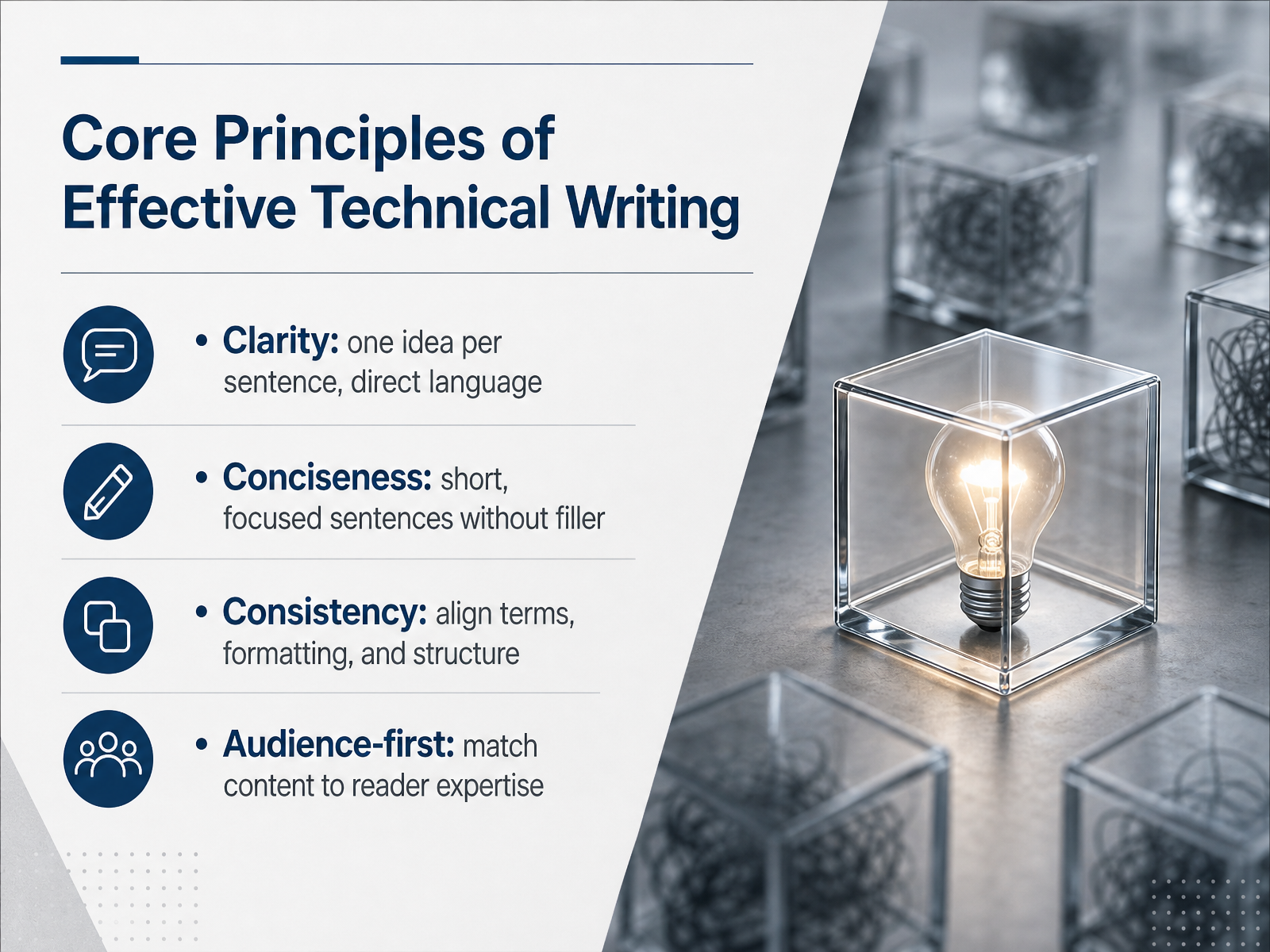
- 02Core Principles of Effective Technical WritingLet’s start with the core principles that hold all good technical writing together. Think of them as the four pillars: clarity, conciseness, consistency, and an audience-first mindset. Clarity means one idea per sentence, with direct language. For example, instead of saying, the application may experience a failure when the user inputs invalid data, just say, the app fails when you enter invalid data. Conciseness follows naturally from that. Keep sentences short and focused, around fifteen to twenty words each. Remove filler. If a sentence doesn't add value, cut it. Consistency is about aligning your terms, formatting, and structure across the entire document. If you call it a request body in one section, don't call it a payload in another. Pick a term and stick with it. Finally, audience-first means matching the content to the reader's expertise. A junior developer onboarding needs more explanation than a senior engineer debugging a production issue. Write for them, not for yourself. Keep these four principles in mind, and you have a solid foundation. Next, let's look at readability and how it connects to your global audience.
 developer.mozilla.orgmit.edumontana.edu+21 min
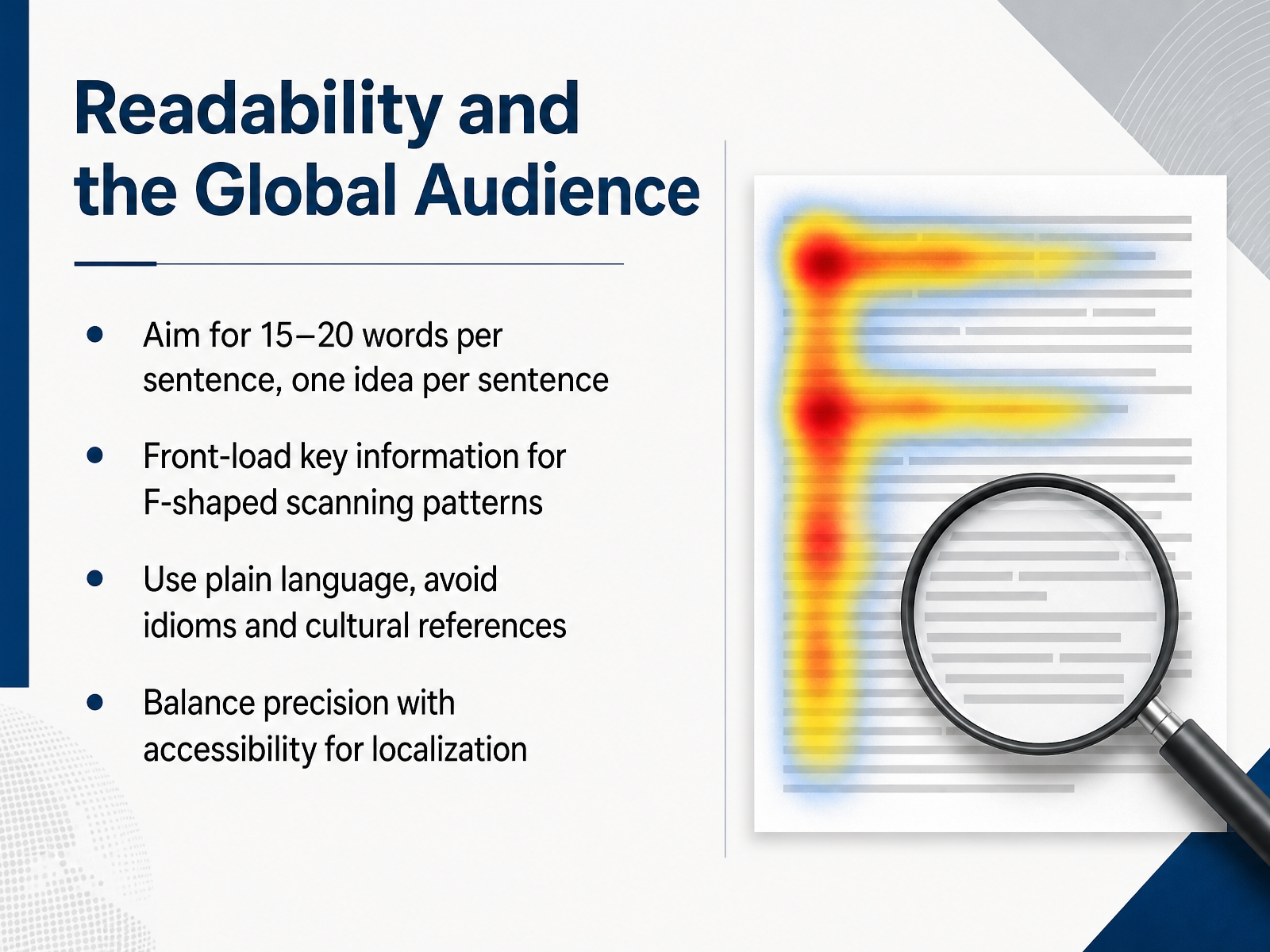
 - 03Readability and the Global AudienceNow let's talk about readability, especially for a global audience. Your readers are busy and often scanning, not reading word for word. So aim for fifteen to twenty words per sentence, and stick to one idea per sentence. That makes your content much easier to digest. Front-load the key information. Put the main point at the start of the sentence or paragraph, because people scan in an F-shaped pattern. They read the first lines fully, then skim down the left side. Use plain language. Avoid idioms and cultural references. Phrases like "hit the ground running" or "piece of cake" confuse non-native speakers and don't translate well. Balance precision with accessibility. You can keep technical terms like "API endpoint" when they're the correct name, but explain them clearly. Think about localization. If your sentence is clear in English, it's much more likely to translate cleanly into other languages. So keep it simple, keep it scannable, and always consider the reader who may not share your cultural context. That's the foundation for writing that works worldwide. Next, let's explore how voice and tone shape your documentation.
 developer.mozilla.orgmit.edumontana.edu+21 min
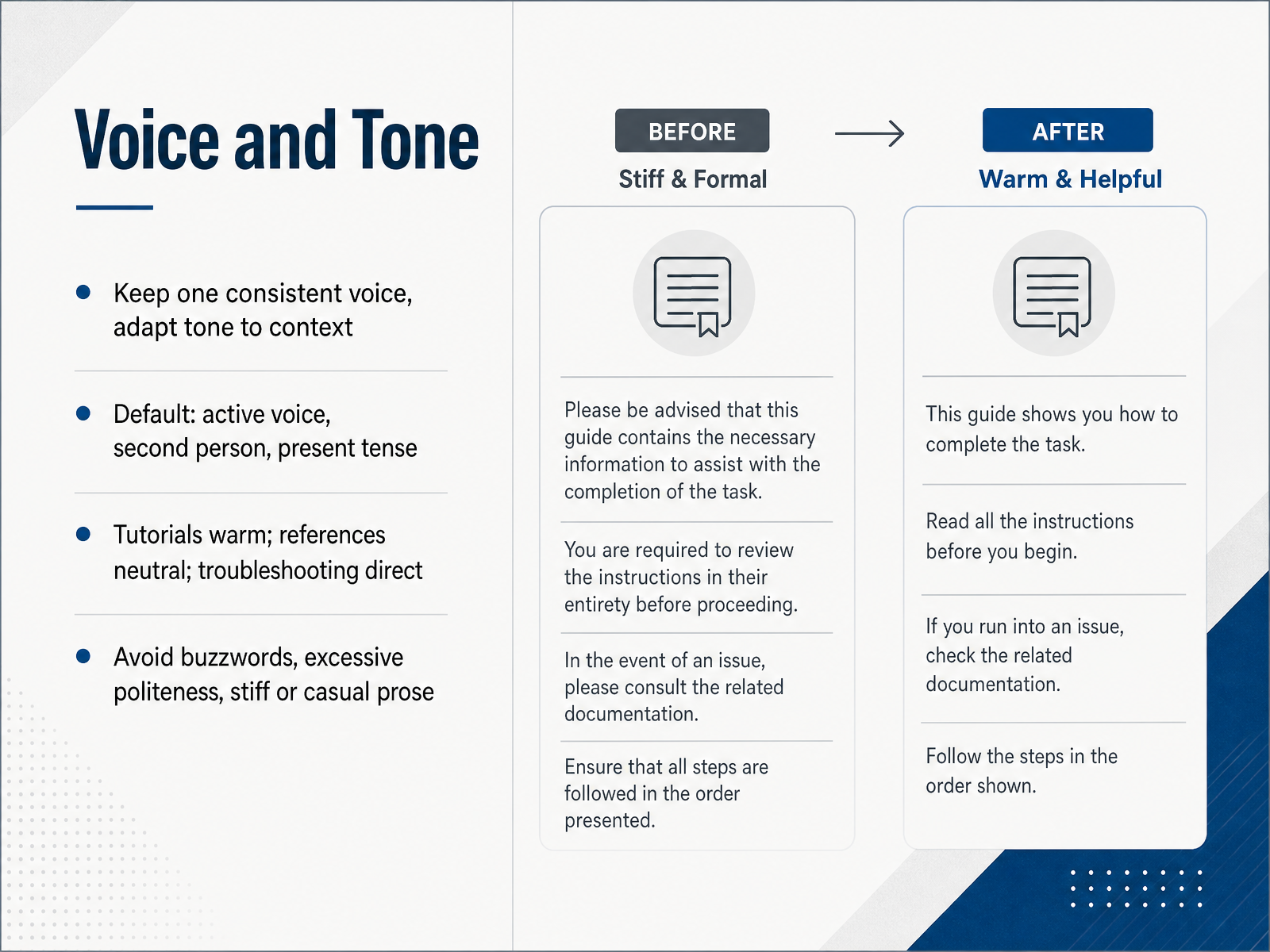
 - 04Voice and ToneLet’s talk about voice and tone, because the two are not the same. Your voice is your documentation’s personality. It stays consistent across everything you write. Your tone, on the other hand, shifts with the context. Think of it this way: your voice is who you are, and your tone is how you speak in a given moment. For technical documentation, the default is simple. Use active voice, address the reader as “you,” and write in the present tense. That means saying “the API returns a token” instead of “a token is returned by the API.” Now, adapt your tone based on the document type. Tutorials should feel warm and encouraging. Reference guides should stay neutral and factual. Troubleshooting sections should be direct and efficient, giving the reader a fix without extra ceremony. No matter what you write, avoid buzzwords, excessive politeness like constant “pleases,” and overly stiff or casual prose. Your goal is to sound like a knowledgeable colleague who respects the reader’s time. Keep it clear, keep it human, and keep it consistent. Next, let’s look at grammar and mechanics to tighten things up further.
 developers.google.comdevelopers.google.comelastic.co+21 min
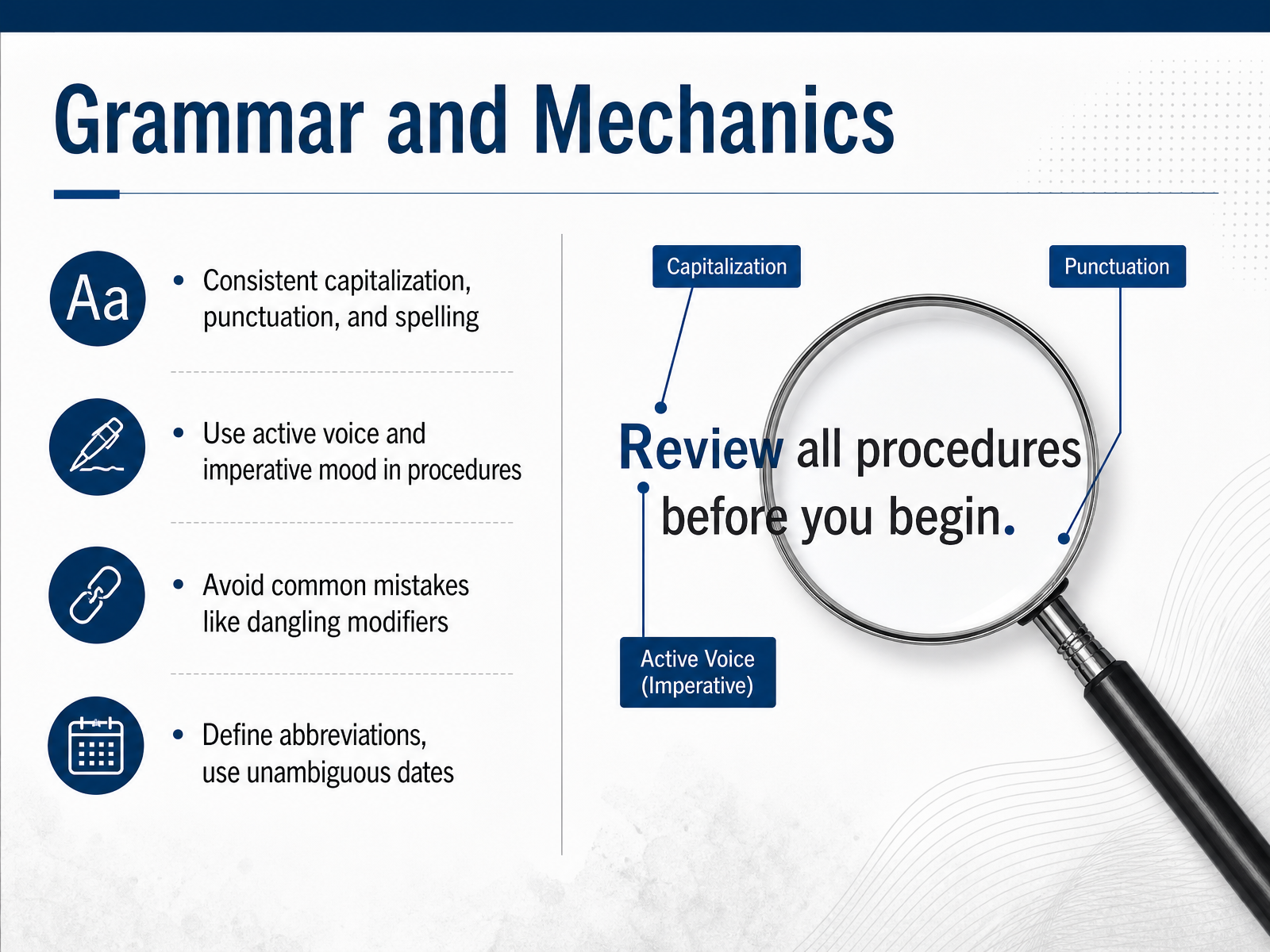
 - 05Grammar and MechanicsLet’s talk about grammar and mechanics, because these are the details that build reader trust. Consistency in capitalization, punctuation, and spelling is non-negotiable. If you use sentence case for headings, use it everywhere. If you choose American English, stick with it throughout. Small inconsistencies distract readers and chip away at your credibility. Next, use active voice and the imperative mood in procedures. Say "Run the command" instead of "The command should be run." Active voice makes it clear who is doing what, and imperative mood gives a direct, actionable instruction. This is especially important in API docs and setup guides where users are following steps under time pressure. Watch out for common mistakes like dangling modifiers. For example, "After running the build, the test suite passed" implies the test suite ran the build. Instead, say "After you run the build, the test suite passes." Finally, define abbreviations on first use and use unambiguous date formats. Spell out "Application Programming Interface (API)" before using "API" alone, and write "March 14, 2025" rather than "03-14-25" to avoid regional confusion. Get the mechanics right, and your documentation becomes easier to read, translate, and trust. Up next, we’ll cover terminology management to keep your language consistent across teams and products.
 developers.google.comdevelopers.google.comelastic.co+22 min
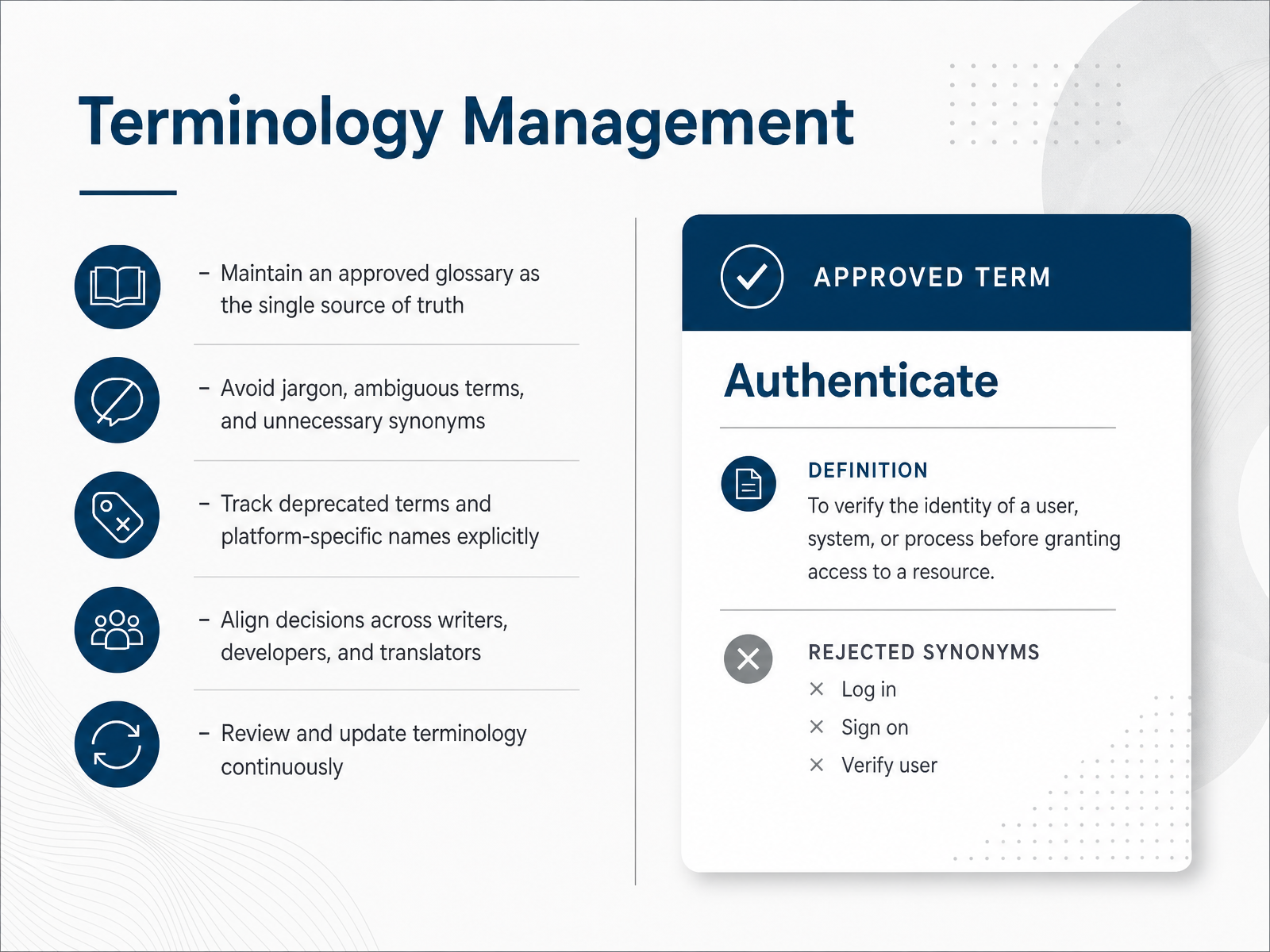
 - 06Terminology ManagementNow let's talk about terminology management. This is where consistency really lives or dies. The core idea is simple: maintain an approved glossary as the single source of truth. If your team calls it an "endpoint" in one doc and a "route" in another, readers will stumble, and translators will struggle. So define your terms once, and make everyone use them. That also means avoiding jargon and unnecessary synonyms. Say "start" instead of "commence". Pick one word for one concept, and stick with it. Next, explicitly track deprecated terms and platform-specific names. For instance, if a feature was renamed, record the old name as "do not use" so nobody revives it. This ties into a bigger point: terminology decisions can't happen in a silo. Writers, developers, and translators need to agree together. Otherwise, your API docs and your marketing site will drift apart. Finally, schedule regular reviews. Terminology is never finished. Products evolve, and so does language. Revisit your glossary quarterly, at minimum. The payoff? Less rework, fewer support tickets, and faster translations. Now let's move on to document structure and formatting.
 quanos.compeople-text.deadoc-studio.app+22 min
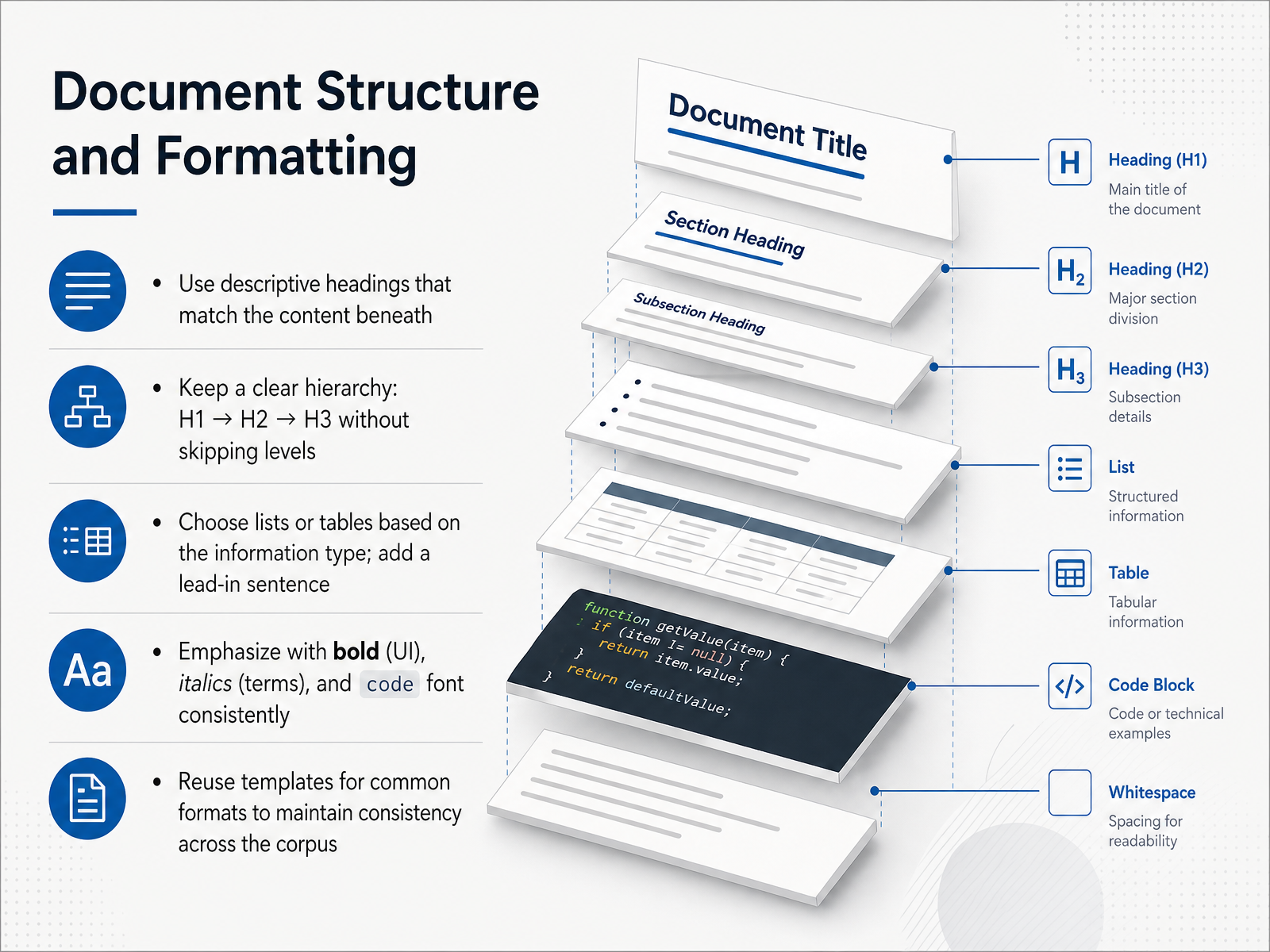
 - 07Document Structure and FormattingNow let’s talk about document structure and formatting, because this is where readability is won or lost. Start with descriptive headings that actually match the content beneath them. A heading should tell the reader exactly what to expect. For example, use ‘Configure Rate Limits’ instead of ‘Configuration Details’. Keep a clear hierarchy: H1, then H2, then H3, and don’t skip levels. Skipping from H2 to H4 confuses screen readers and breaks the logical flow. When presenting information, choose lists or tables based on the type of data. If the items are unordered, use bullets. If there’s a sequence, use a numbered list. If you’re comparing values, use a table. And always add a lead-in sentence before any list or table, so the reader knows why it’s there. Emphasize consistently: bold for UI elements, italics for new terms, and code font for filenames and commands. This consistency trains readers to recognize meaning at a glance. Finally, reuse templates for common formats. Templates keep your corpus consistent, so every API reference and release note feels familiar. Next, let’s look at how to write for the UI.
 standards.nasa.govdevelopers.google.comdevelopers.google.com+21 min
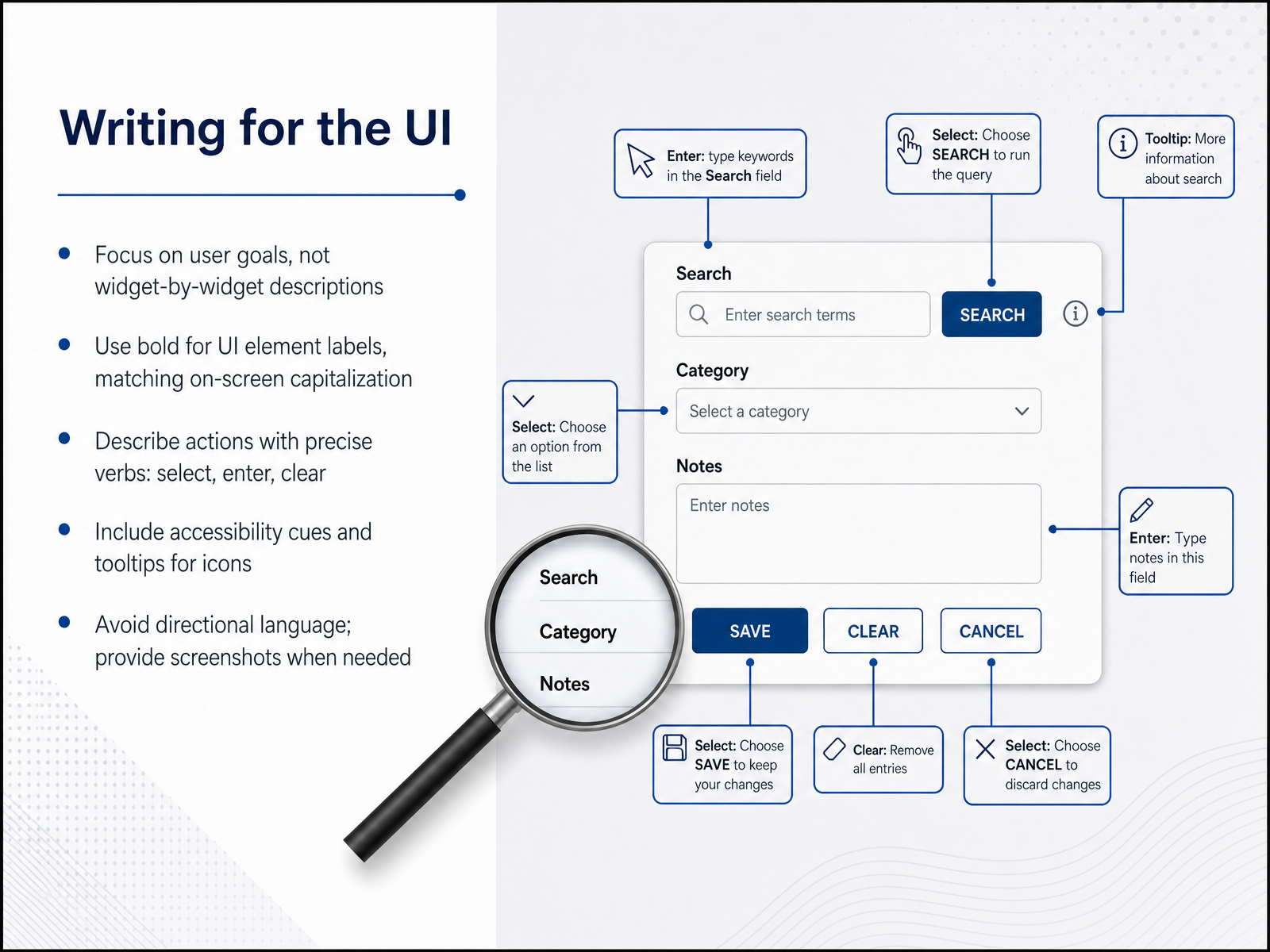
 - 08Writing for the UINow let's talk about writing for the user interface. The golden rule here is simple: focus on what the user wants to accomplish, not on describing every widget on the screen. Instead of a step-by-step tour of buttons and boxes, explain the goal and let the interface serve that purpose. When you do need to name a UI element, format its label in bold, using the exact capitalization you see on screen. For actions, choose precise verbs. Users select, enter, and clear. Avoid vague phrasing that leaves room for guesswork. Accessibility is not an afterthought. If your interface uses icons, make sure tooltips are available and mention them when relevant. And please, avoid directional language like 'click the button on the right'. That breaks for screen readers and localization. If a user genuinely can't find an element, include a screenshot instead. Keep these principles in mind and your documentation will guide users smoothly through your product. Next, we will dive into the rules for writing code samples and API references.
 elastic.codevelopers.google.comdeveloper.mozilla.org+21 min
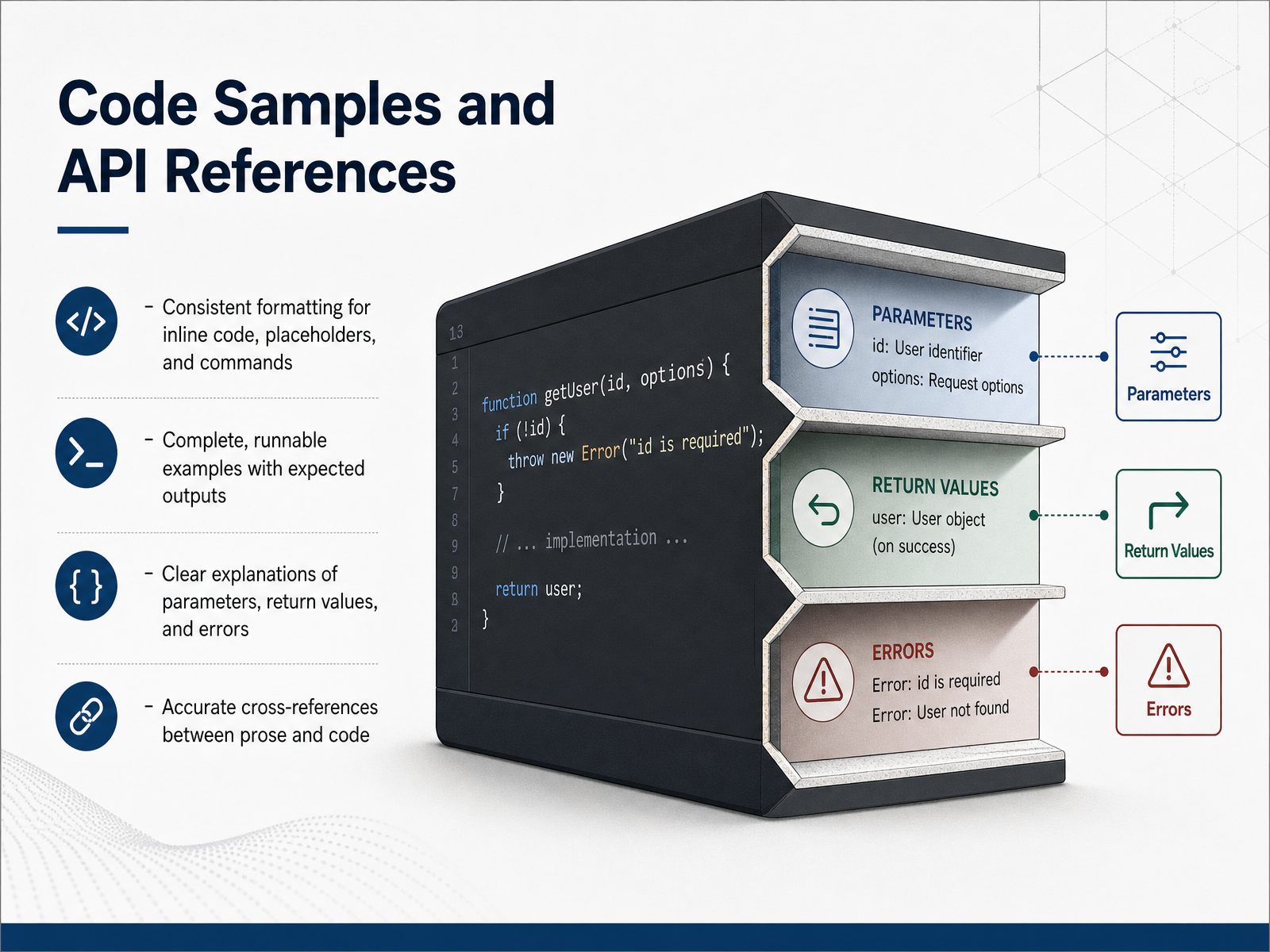
 - 09Code Samples and API ReferencesNow let's talk about code samples and API references. This is where your documentation goes from helpful to indispensable. First, keep formatting consistent. Use a single style for inline code, placeholders, and commands. For example, always use angle brackets for placeholders like <your-api-key>, and tell the reader what belongs there. Next, make every example complete and runnable. Include the expected output so developers can verify they got it right. Nothing kills trust faster than a snippet that fails when copied. When you document parameters, return values, and errors, explain each one clearly. Don't assume the reader knows what a function returns or when it might throw. Finally, make sure your prose and code cross-reference each other accurately. If you mention a function in the text, link to its full reference. These practices turn a reference into a reliable tool. Coming up, we'll look at how accessibility applies to all of this.
 developers.google.comdeveloper.mozilla.orgdeveloper.gnome.org+21 min
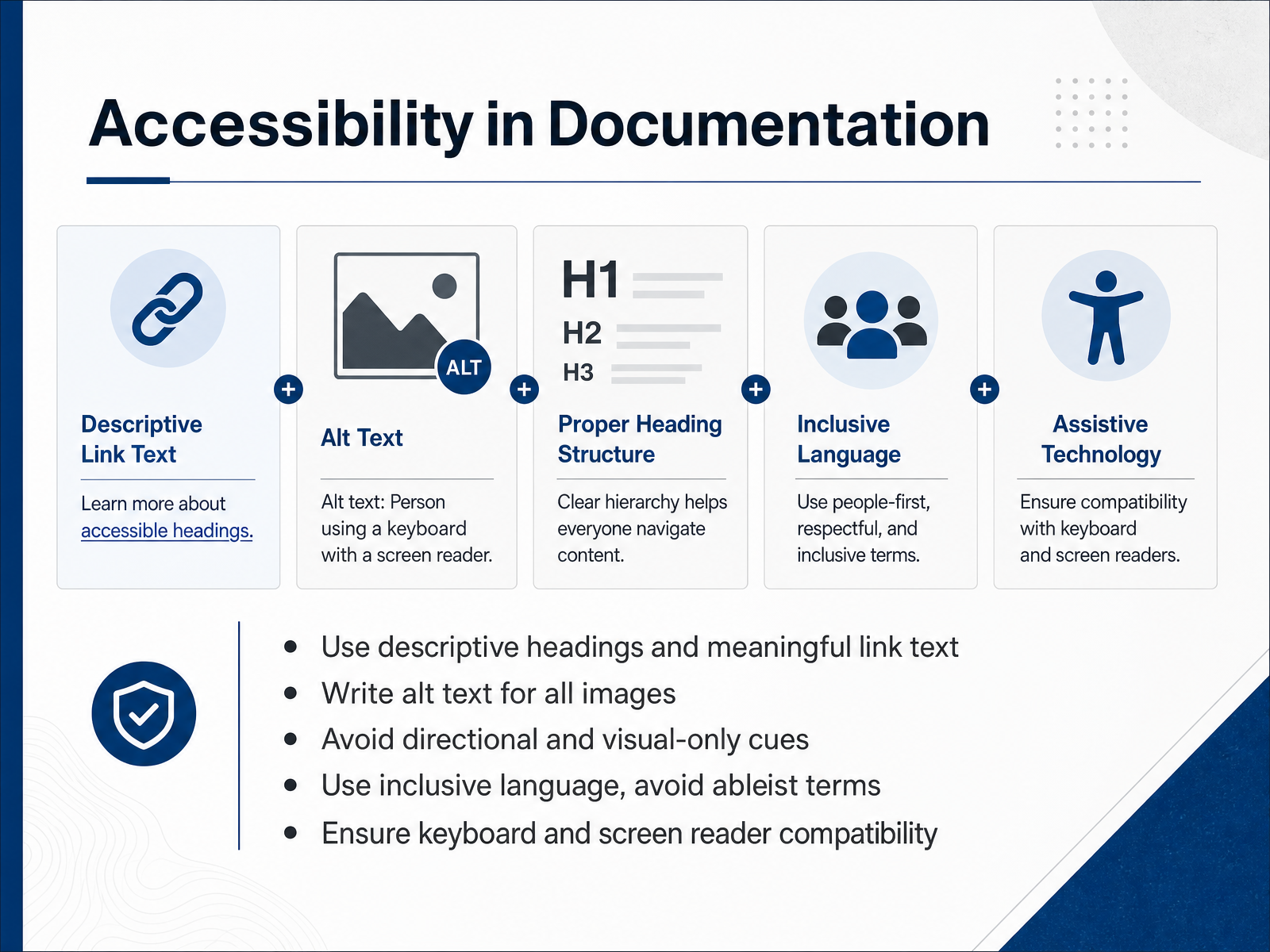
 - 10Accessibility in DocumentationLet's talk about accessibility. It's not just a compliance checkbox; it's about making your documentation usable by everyone. Start with descriptive headings and meaningful link text. Instead of writing "click here," write something like "read the API authentication guide." This helps people who use screen readers to navigate your content quickly. For every image, write alt text that summarizes its purpose. If an image is purely decorative, you can use empty alt text. Avoid directional cues like "as shown below" or "on the right." These don't make sense when content is read aloud or reflowed on a small screen. Also, use inclusive language and avoid ableist terms. For example, use "primary" and "secondary" instead of "master" and "slave." And finally, ensure that all interactive elements can be operated with just a keyboard. Accessibility is a sign of quality. It makes your docs better for everyone, not just some. Next, let's see how to put the entire style guide into practice in your daily workflows.
 standards.nasa.govdevelopers.google.comdevelopers.google.com+21 min
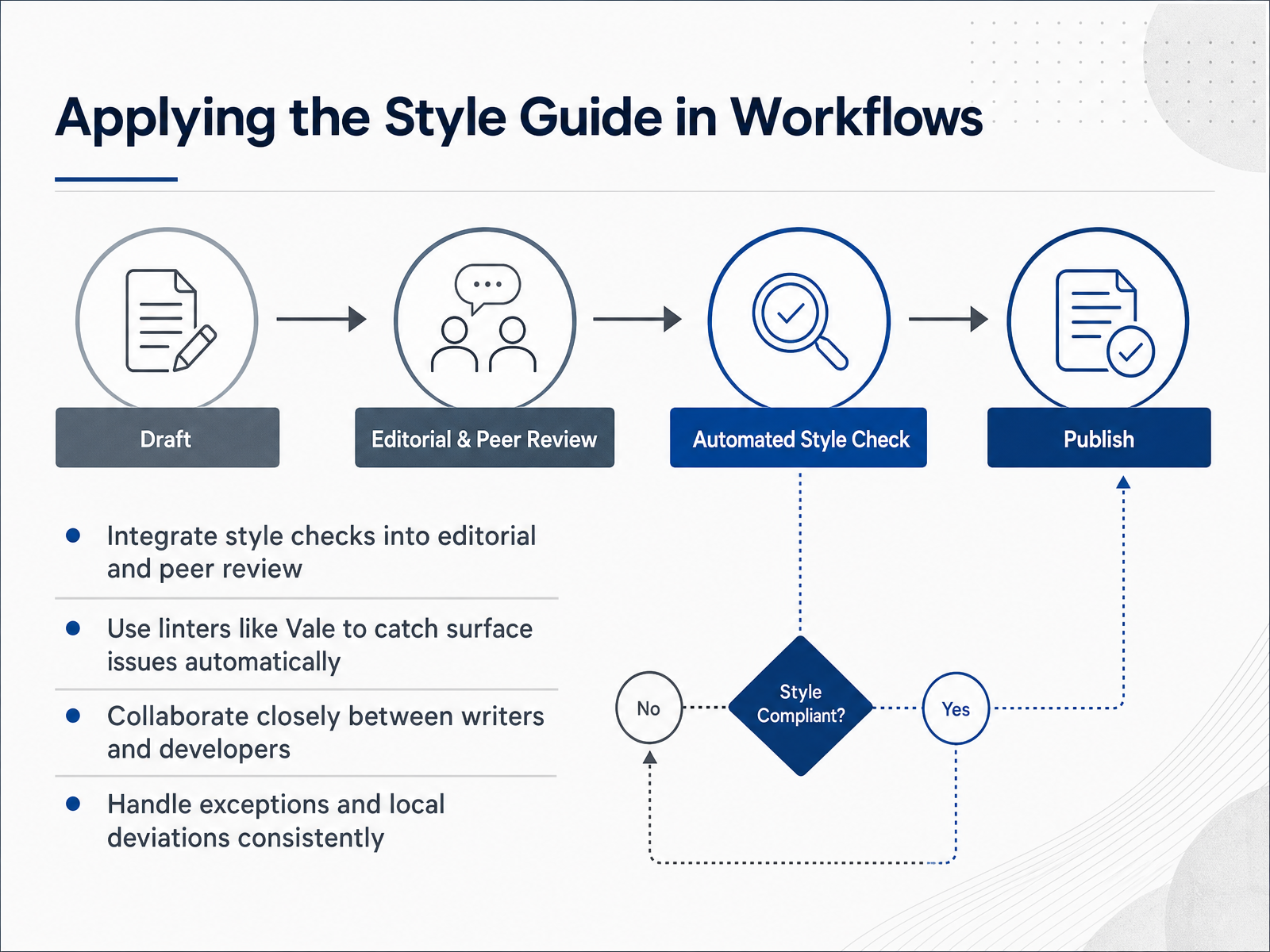
 - 11Applying the Style Guide in WorkflowsA style guide only creates consistency when your team actually applies it. That starts with integrating style checks directly into your editorial and peer review cycles. Make sure reviewers aren't just checking for technical accuracy, but also flagging terminology drift and tone issues. Then, automate the predictable stuff. Tools like Vale can lint your prose just like you lint code. It catches banned words, passive voice, and inconsistent capitalization before a human ever reads the draft. GitLab uses it to run over eighty rules across nearly three thousand pages in under twenty seconds. That frees your writers to focus on substance, not surface nits. But automation doesn't replace collaboration. Writers and developers need to work closely, especially when documenting APIs or complex workflows. When a developer changes a function signature, you need to know right away so you can update the docs in the same cycle. And when a rule doesn't fit? Handle exceptions consistently. If a product name breaks your style rules, add it to your approved vocabulary list rather than ignoring the warning every time. That way, your exceptions stay deliberate, not accidental. Remember, the goal is consistency without rigidity. Up next, we'll look at how to make this even more automatic with dedicated style checking tooling.
 developers.google.comdeveloper.mozilla.orgdeveloper.gnome.org+22 min
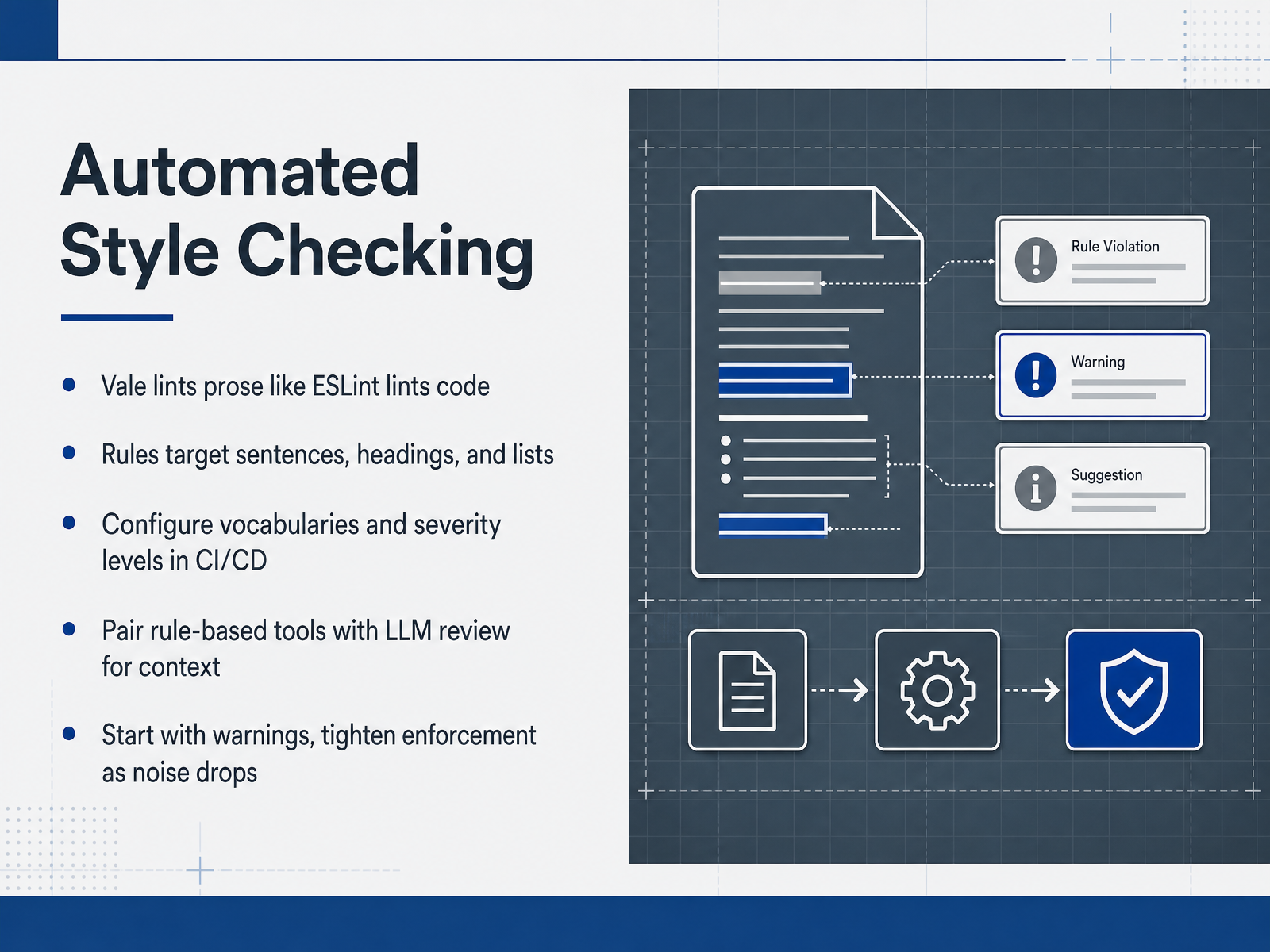
 - 12Automated Style CheckingLet’s talk about automated style checking, because your style guide is only as good as its enforcement. The tool to know is Vale. It lints prose the way ESLint lints code. You define rules, point it at your Markdown or AsciiDoc, and it flags violations before a human reviewer ever sees the pull request. What makes Vale powerful is that it sees document structure, not just text. Rules can target headings, lists, or table cells specifically. And it skips code spans and URLs automatically. You configure vocabularies and severity levels, then wire it into your CI pipeline. That way, every pull request gets the same checks, every time. But rule-based tools have limits. They catch what you explicitly tell them, but they can't reason about context. That's why you pair them with LLM review. Large language models can catch terminology misuse or tone inconsistencies that regex patterns simply miss. One practical piece of advice: start with warnings, not errors. Let the team see the output and adapt. Tune your vocabulary lists and rule severity as the noise drops, then tighten enforcement to error level. The goal is to free reviewers for substance, not spelling. Next, let's look at industry style guides as references for building your own.
 quanos.compeople-text.deadoc-studio.app+22 min
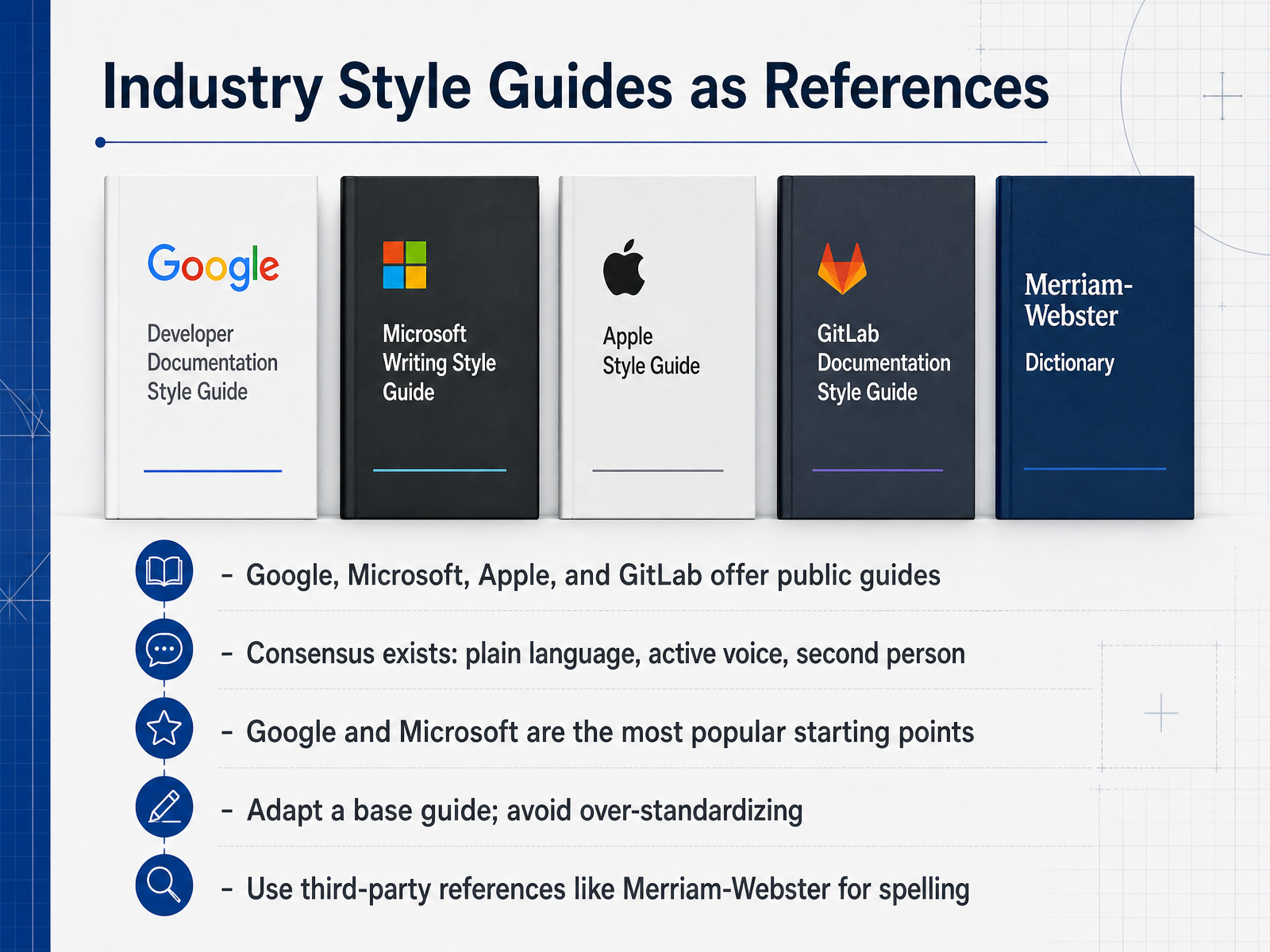
 - 13Industry Style Guides as ReferencesNow let's talk about borrowing from the best. Industry style guides are your shortcut to better documentation. Google, Microsoft, Apple, and GitLab all publish their guides publicly. That is a massive advantage. You get years of research and testing for free. Here is the reassuring part: despite their differences, they agree on the fundamentals. Plain language, active voice, and addressing the reader as you. The meta-analysis of thirty-three guides found an industry consensus on these core rules. Google and Microsoft are the most popular starting points for a good reason. They are comprehensive, well-maintained, and free. But don't copy them wholesale. Use one as your foundation and adapt it to your product. Over-standardizing slows your team down and creates friction. And when you hit a tricky spelling question? Turn to a trusted reference like Merriam-Webster. The takeaway is simple. Stand on the shoulders of giants, but make the guide your own. Next, we will look at how to adopt these practices and keep them improving.
 developers.google.comdeveloper.mozilla.orgdeveloper.gnome.org+21 min
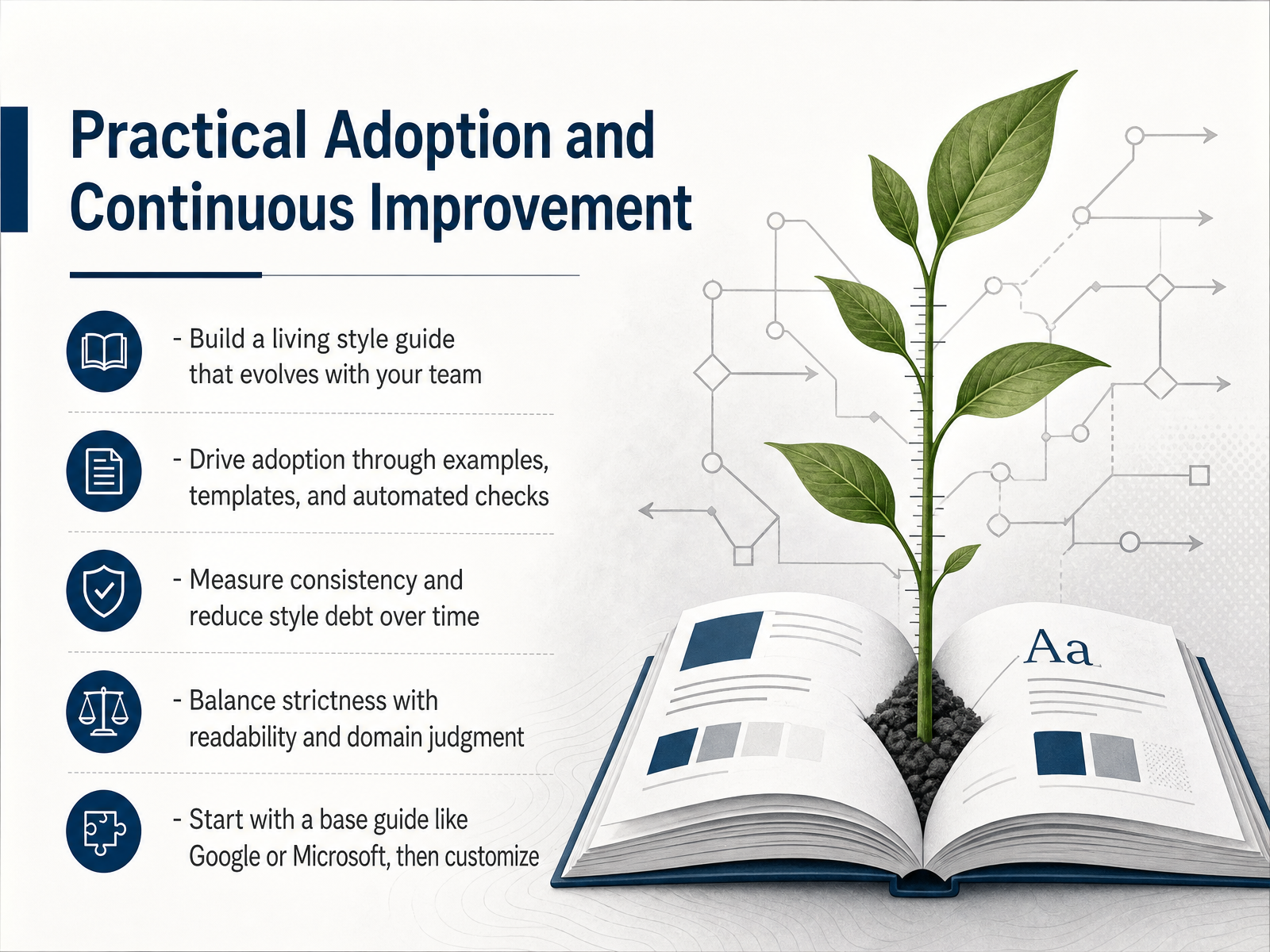
 - 14Practical Adoption and Continuous ImprovementSo where do you start? Don't reinvent the wheel. Pick a solid base like the Google Developer Documentation Style Guide or the Microsoft Writing Style Guide, then customize it for your product. But here's the key: your style guide is not a static document. Treat it like a living system. Build it with your team, update it as your product evolves, and let it grow with real feedback from your writers.
Adoption matters more than authority. People don't follow rules they can't find or understand. So give your team examples, templates, and checklists they can actually use. And automate the boring parts. Tools like Vale can lint your documentation right in your editor or in your CI pipeline, catching style violations before they ever reach a reviewer. That frees up human reviewers to focus on substance, not punctuation.
You should also measure your progress. Track consistency scores over time, log style violations, and watch that 'style debt' shrink as your team internalizes the rules. But remember, strictness has a limit. Your rules should serve clarity, not bureaucratic compliance. When a rule hurts readability or contradicts domain judgment, change the rule, not the text.
Start small. Adopt a base guide, customize it, automate the checks, and review it quarterly with your team. A style guide is never finished, and that's exactly what makes it useful. Thanks for joining, and good luck building documentation your users will actually enjoy reading.
 quanos.compeople-text.deadoc-studio.app+22 min
Take the deck with you
Download this course as a file — free, no sign-up needed.
- PDF handoutEvery slide page, ready to print or share.15 pages · 3.4 MBDownload
- Narrated PowerPointThe deck that presents itself — every slide carries the digital human's narration video.15 pages · 15.1 MBDownload
- PowerPoint slidesThe full deck as a .pptx — open it in PowerPoint, Keynote, or Google Slides.15 pages · 3.3 MBDownload
Free to use in your own training — please keep the PersonWise credit page at the end.
Have your own deck? Turn it into a course
Sources consulted
Web sources consulted while building this course.
- About this guide | Google developer documentation style guide | Google for Developers — developers.google.com
- Creating effective technical documentation — developer.mozilla.org
- Developer Documentation Style Guidelines - GNOME Developer Documentation — developer.gnome.org
- StyleGuides/WritingStyleGuide — github.com
- Deno Documentation Style Guide | Deno Docs — docs.deno.com
- Characteristics of Effective Technical Communication — mit.edu
- Technical Writing - The Writing Center | Montana State University — montana.edu
- Guidelines for Scientific and Technical Writing — lucy.cam.ac.uk
- Principles of good technical writing — wellshapedwords.com
- Voice and tone | Google developer documentation style guide | Google for Developers — developers.google.com
- Technical writing style guide | Elastic Docs — elastic.co
- Highlights | Google developer documentation style guide | Google for Developers — developers.google.com
- Terminology Management: The Key to Making Your Technical Documentation Consistent — quanos.com
- Terminology Management in Technical Documentation - pt — people-text.de
- Terminology Management in Technical Writing (2026) — adoc-studio.app
- Building a Terminology Management System for Technical ... — dev.to
- Term of the Week: Terminology Management – The Language of Technical Communication — tlotc.xmlpress.net
- Technical Documentation Style Guide — standards.nasa.gov
- Write accessible documentation | Google developer documentation style guide | Google for Developers — developers.google.com
- Documentation Style Guide | Kubernetes — kubernetes.io