Begin
15 pages · ~30 min
Generative AI Fundamentals
This training introduces learners to core concepts of generative AI, including key models, use cases, and practical applications. Participants will gain foundational knowledge to understand how generative AI works and its real-world impact.
A digital instructor presents all 15 pages. Hold “Ask” at any point and ask out loud — the answer comes from this course. No sign-up needed.
What you’ll learn
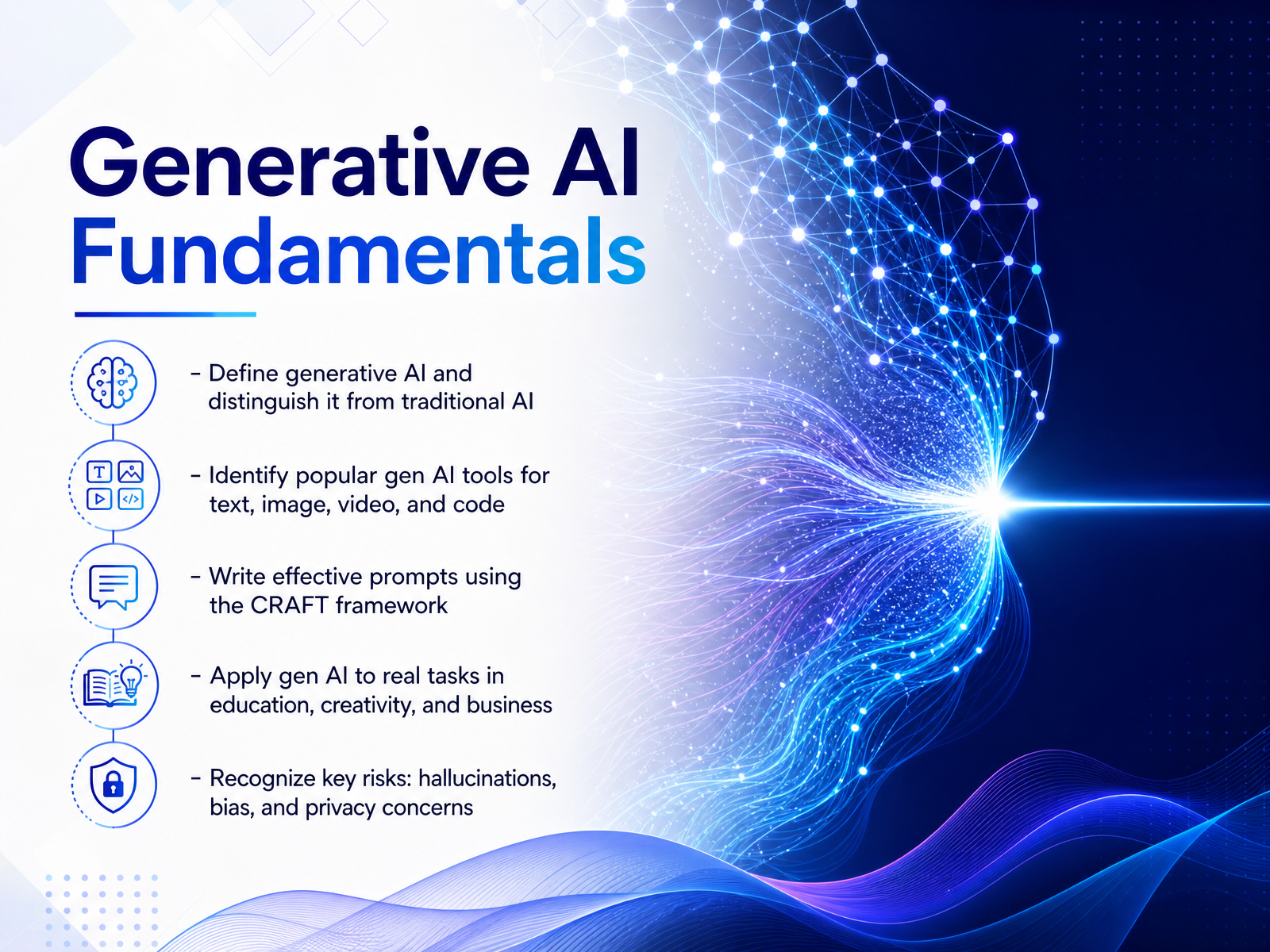
- 01Generative AI FundamentalsWelcome. If you can write an email or describe a picture, you already have what it takes to start creating with AI. This course is called Generative AI Fundamentals, and it is designed exactly for people who are curious, creative, and ready to put these new tools to work, no technical background required. Over the next few minutes, we are going to build your practical know-how from the ground up. We will clarify what generative AI actually is and how it is different from the AI you may have used before. We will explore the most popular tools for writing, designing, coding, and making videos. You will learn to write effective prompts using a simple framework called CRAFT, and we will apply these skills to real tasks in education, business, and creative work. Along the way, we will also talk openly about the risks, like hallucinations, bias, and privacy, so you can use AI both confidently and responsibly. Let us start with the most basic question. What is generative AI, and what makes it a completely new way to create?grammarly.comaiweekly.coibm.com+22 min
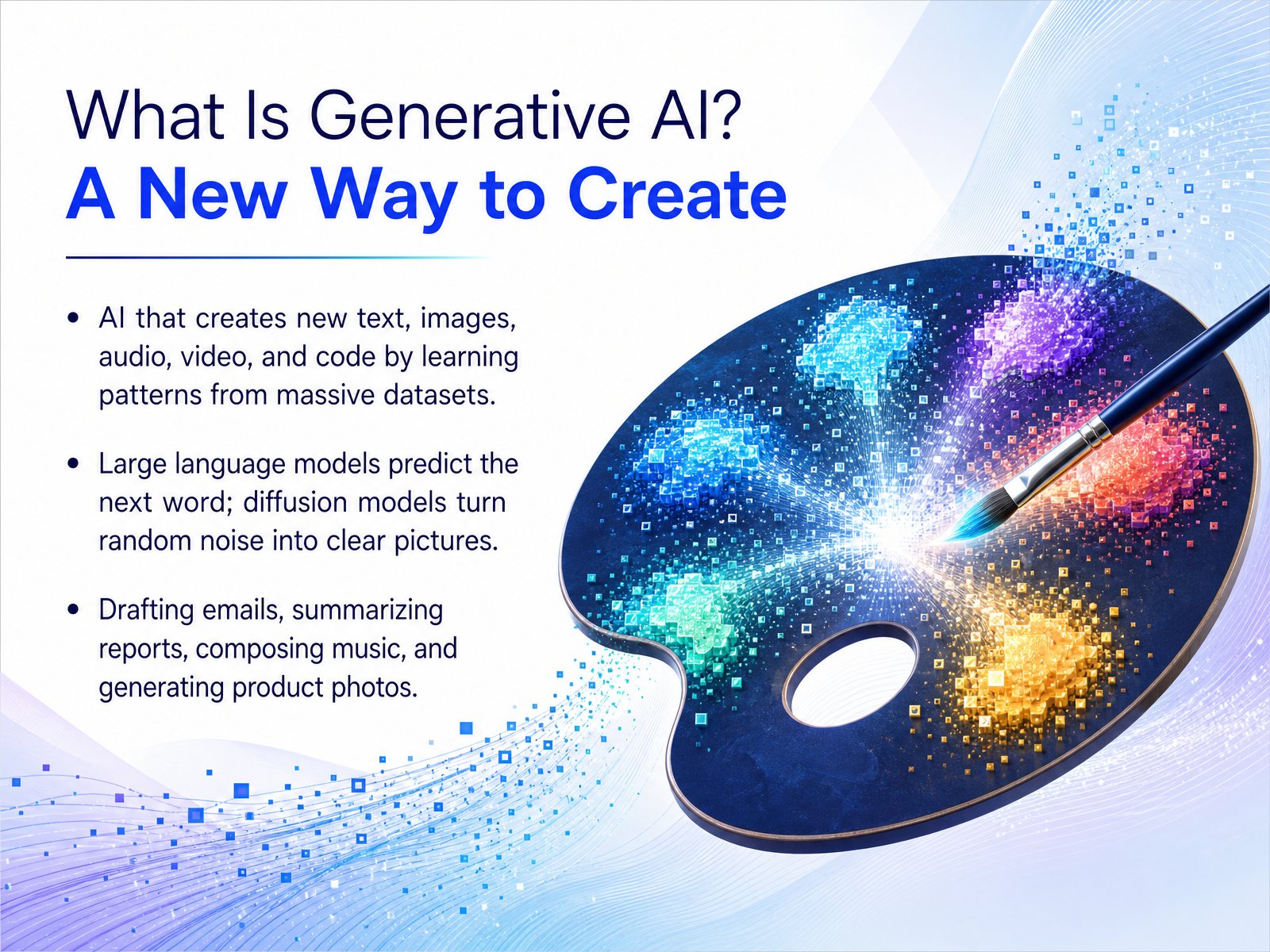
- 02What Is Generative AI? A New Way to CreateNow, what is generative AI? Think of it as a new way to create. Instead of just analyzing or sorting existing information, this technology produces original content like text, images, audio, and even code by learning patterns from massive datasets. For example, large language models, the engines behind chatbots, work by predicting the next word, one piece at a time, to write a coherent email or summarize a report. On the other hand, image models use a clever process called diffusion. They start with pure random noise and gradually refine it, step by step, until a clear picture that matches your description emerges. The practical result is an accessible creative partner. You can use it right now to draft a business proposal, compose background music, or generate a product photo without needing advanced design skills. Up next, let's draw a clear line between this generative approach and traditional AI.
 grammarly.comaiweekly.coibm.com+21 min
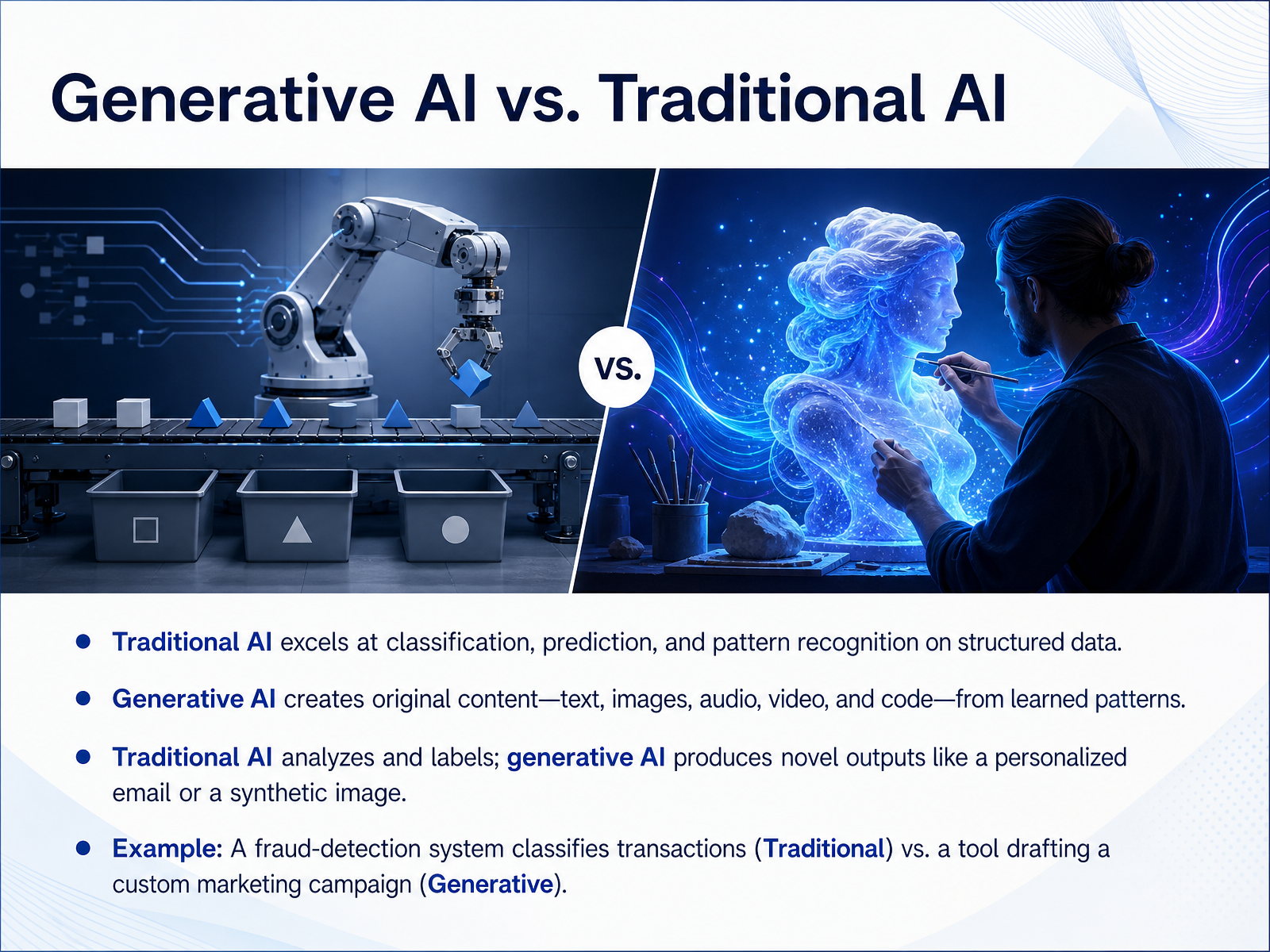
 - 03Generative AI vs. Traditional AINow, let's draw a clear line between Generative AI and what we might call traditional AI. Think of traditional AI as a master of analysis. It's brilliant at spotting patterns, making predictions, and classifying information. A fraud detection system at your bank that flags a suspicious transaction in real time? That is traditional AI in action, working with structured data to make a quick decision. Generative AI, on the other hand, is a creator. Instead of just labeling that transaction, a generative model could draft a personalized marketing campaign or write a unique, empathetic customer service email explaining the issue. One analyzes existing data, and the other uses learned patterns to produce something entirely new. It's the difference between a security camera that identifies a face and a digital artist that paints an original portrait. Next, let's peek under the hood and explore how this creative technology actually works.
 coursera.orgeducation.illinois.eduudacity.com+22 min
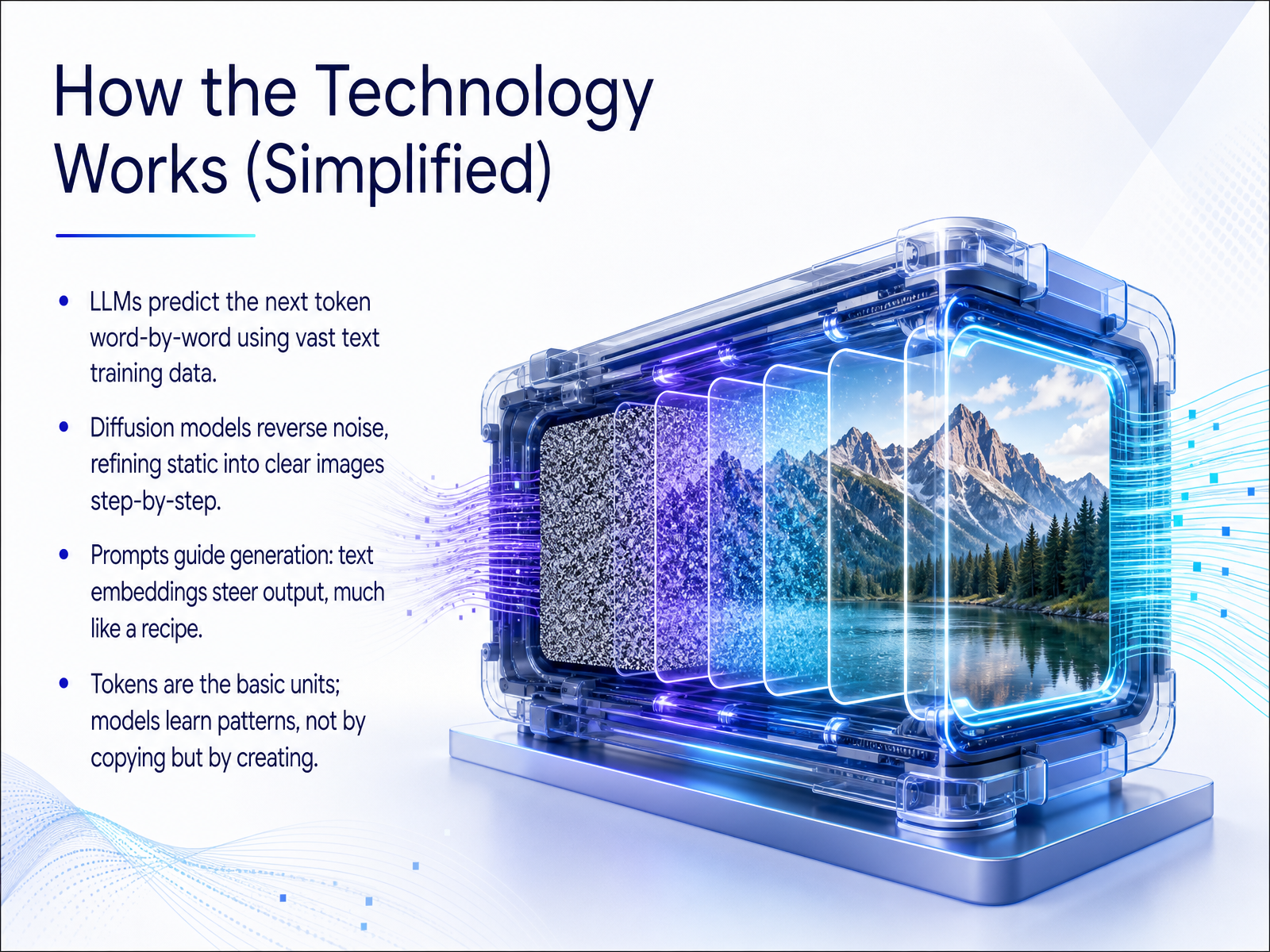
 - 04How the Technology Works (Simplified)Alright, let's pull back the curtain and look at how the technology actually works, in simple terms. Think of it less like a digital brain and more like a pattern-maker. When you use a tool like ChatGPT, a large language model generates text by predicting the next most likely word, or token, one after another, based on everything it learned from vast amounts of training data. For images, models like Midjourney use a process called diffusion. It starts with pure random noise and slowly refines it, step by step, carving the static into a clear picture that matches your prompt. Your prompt is like a recipe. It gets converted into numerical directions that steer the entire process. And here’s the big ‘aha’ moment: these models aren't copying and pasting from the internet. They are creating something brand new by recognizing and applying deep patterns they've learned. Next, let's explore the actual tools you can use in the generative AI landscape of twenty twenty-six.
 alexi.shzplatform.ailivephysics.com+22 min
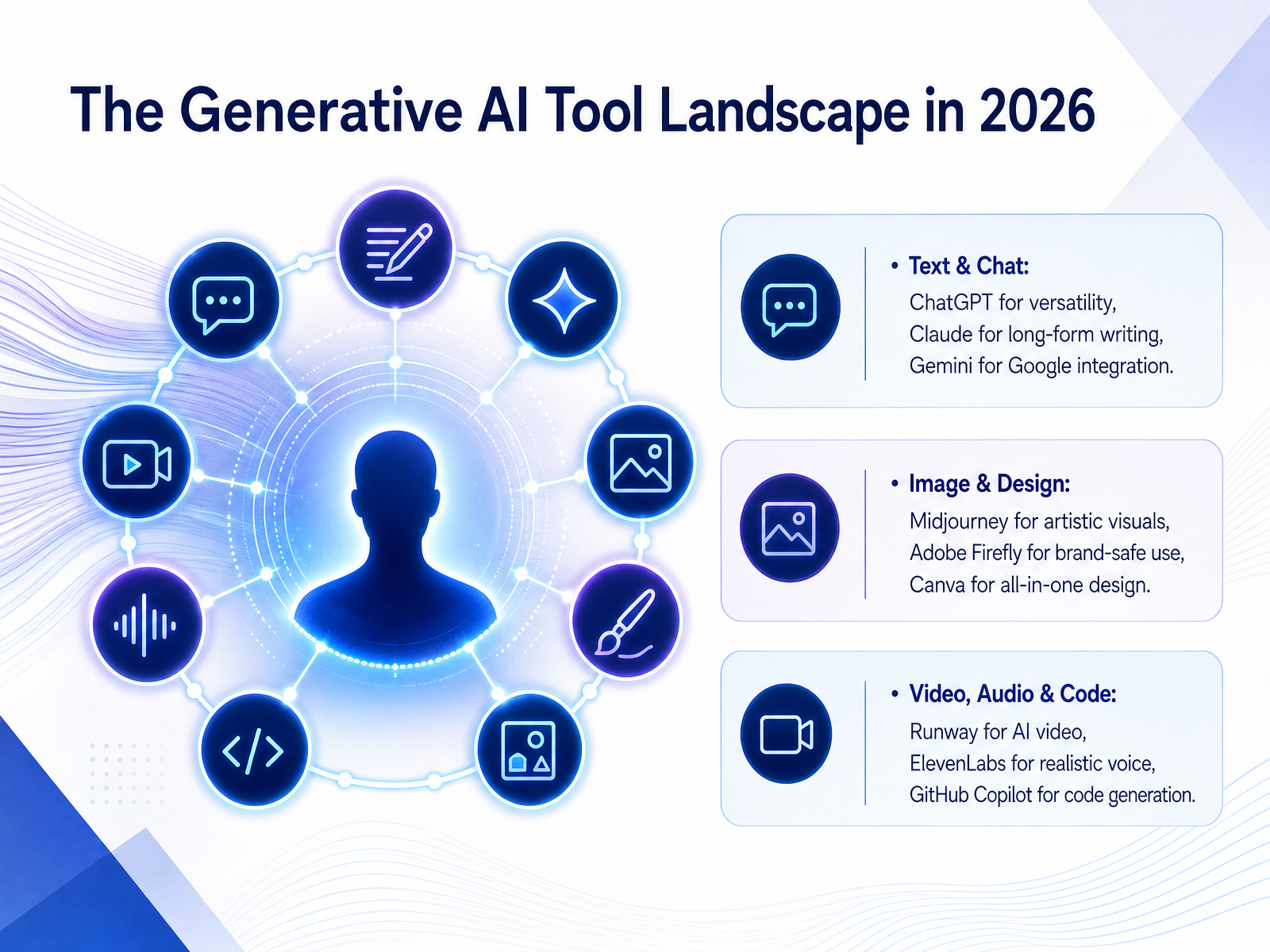
 - 05The Generative AI Tool Landscape in 2026Now let's map out the tool landscape as it really looks in 2026. Think of this as your creative toolkit, organized by what you want to make. In the text and chat space, ChatGPT is your versatile all-rounder for brainstorming and drafting. Claude excels at long-form, nuanced writing, while Gemini shines if you already live in Google Workspace. For images and design, Midjourney delivers artistic, high-quality visuals. Adobe Firefly is built for commercial safety, integrating directly into tools like Photoshop. And Canva is the go-to for fast, all-in-one design work, from social posts to presentations. For video, audio, and code, Runway lets you generate and edit video from text prompts. ElevenLabs produces the most realistic AI voiceovers for narration. And for developers, GitHub Copilot acts as an AI coding partner, suggesting and completing code right inside the editor. The takeaway is not to learn every tool, but to pick the one that solves your biggest creative bottleneck right now. Next, we'll build on this by talking about choosing the right tool for the job.
 zapier.comresources.rework.comguideflow.com+22 min
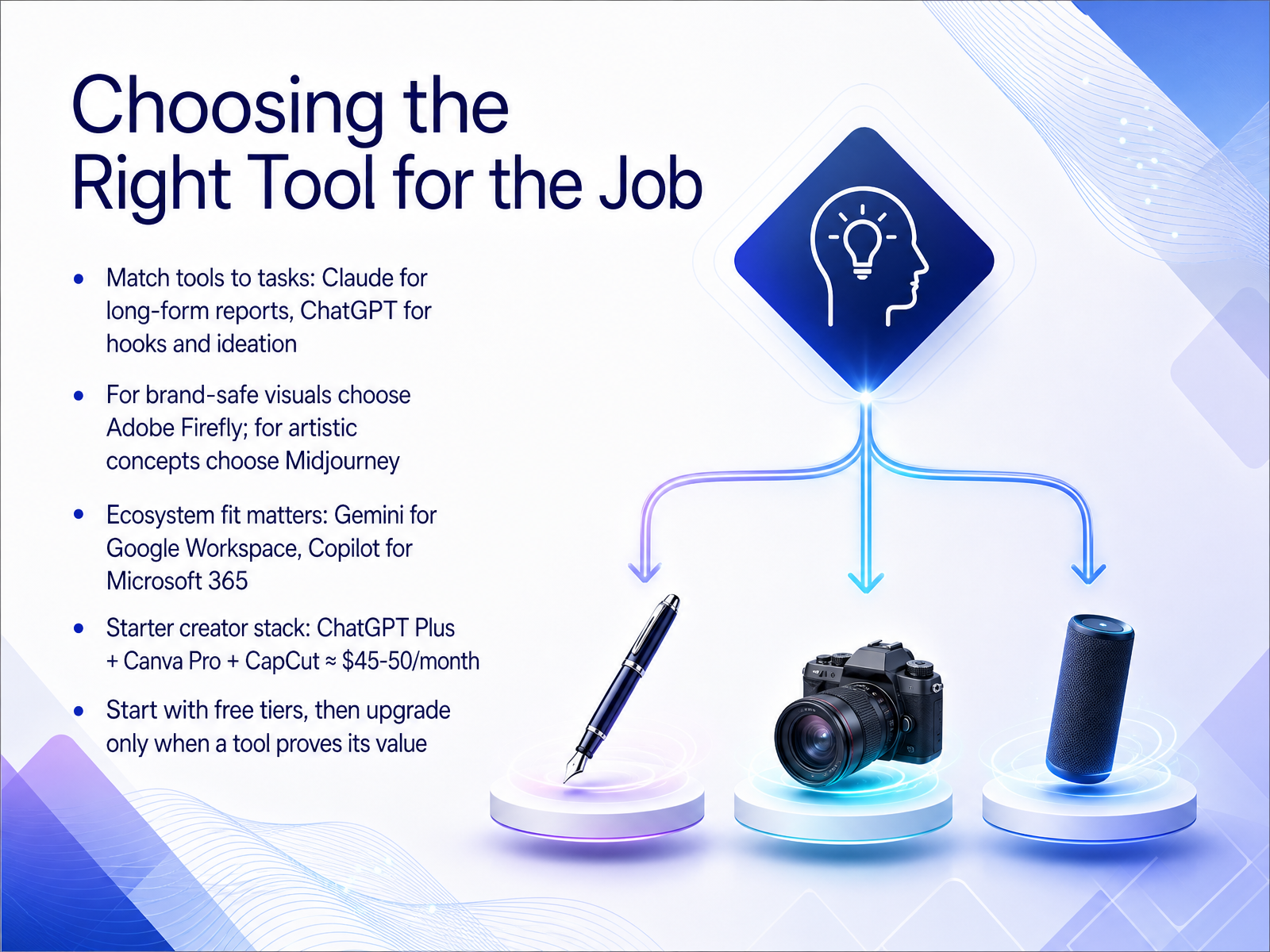
 - 06Choosing the Right Tool for the JobAlright, let's talk about matching the tool to the task. Think of it like a toolbox: you wouldn't use a hammer for a screw. For long, polished reports, Claude is your go-to; its writing style feels the most natural. But when you need a catchy hook or to brainstorm ten social post ideas fast, that's where ChatGPT really shines. For visuals, it's a similar split. If you're a business needing brand-safe images without copyright worries, Adobe Firefly is the safest bet. For pure artistic, stunning concepts, creators reach for Midjourney. And don't forget where you actually work. If your life is inside Google Docs and Gmail, Gemini integrates seamlessly. But if you breathe Microsoft Word and Teams, Copilot is likely already right there on your desk. For creators just starting out, you can build a powerful stack with ChatGPT Plus, Canva Pro, and CapCut for around forty-five to fifty dollars a month. Just start with the free tiers first. Explore, see what clicks, and only upgrade when a tool proves it genuinely saves you time or money. Coming up next, we'll unlock the skill that makes every tool work harder for you: prompt engineering.
 zapier.comresources.rework.comguideflow.com+22 min
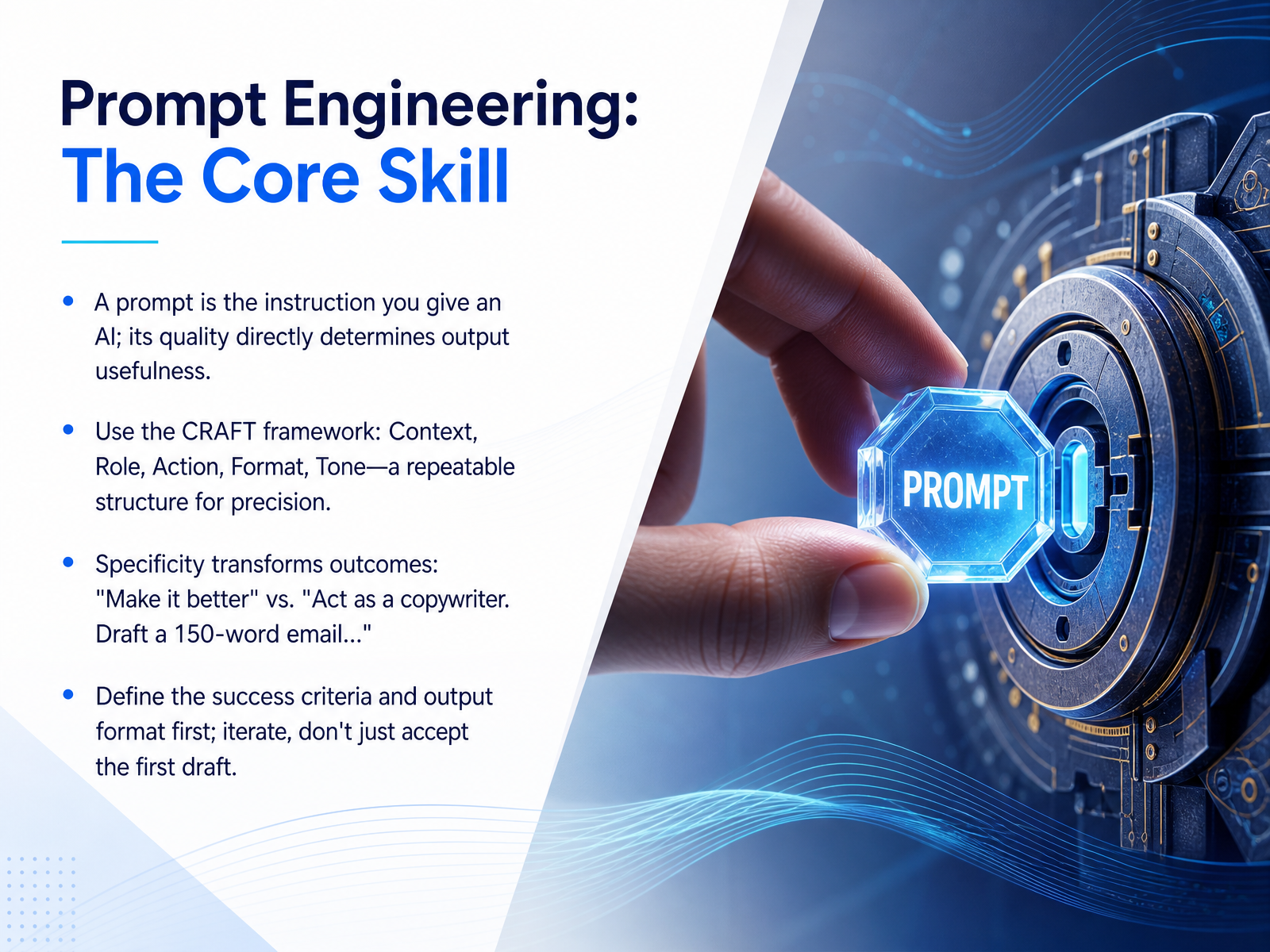
 - 07Prompt Engineering: The Core SkillNow let's talk about the core skill that makes everything else work: prompt engineering. Think of a prompt simply as the instruction you give to an AI. The quality of that instruction directly determines how useful the output will be. To make this a repeatable craft, let's use a simple framework called CRAFT. That stands for Context, Role, Action, Format, and Tone. For example, compare a vague request like 'Make it better' with a crafted prompt like 'Act as a copywriter. Draft a 150-word email apologizing for a shipping delay, using an empathetic and professional tone.' The difference is night and day. Here's the secret: define your success criteria and your output format up front. And remember, your first result is always a draft. Iterate, adjust, and refine. Don't just accept the first response. Up next, we'll build on this foundation and explore advanced prompting techniques.
 1 min
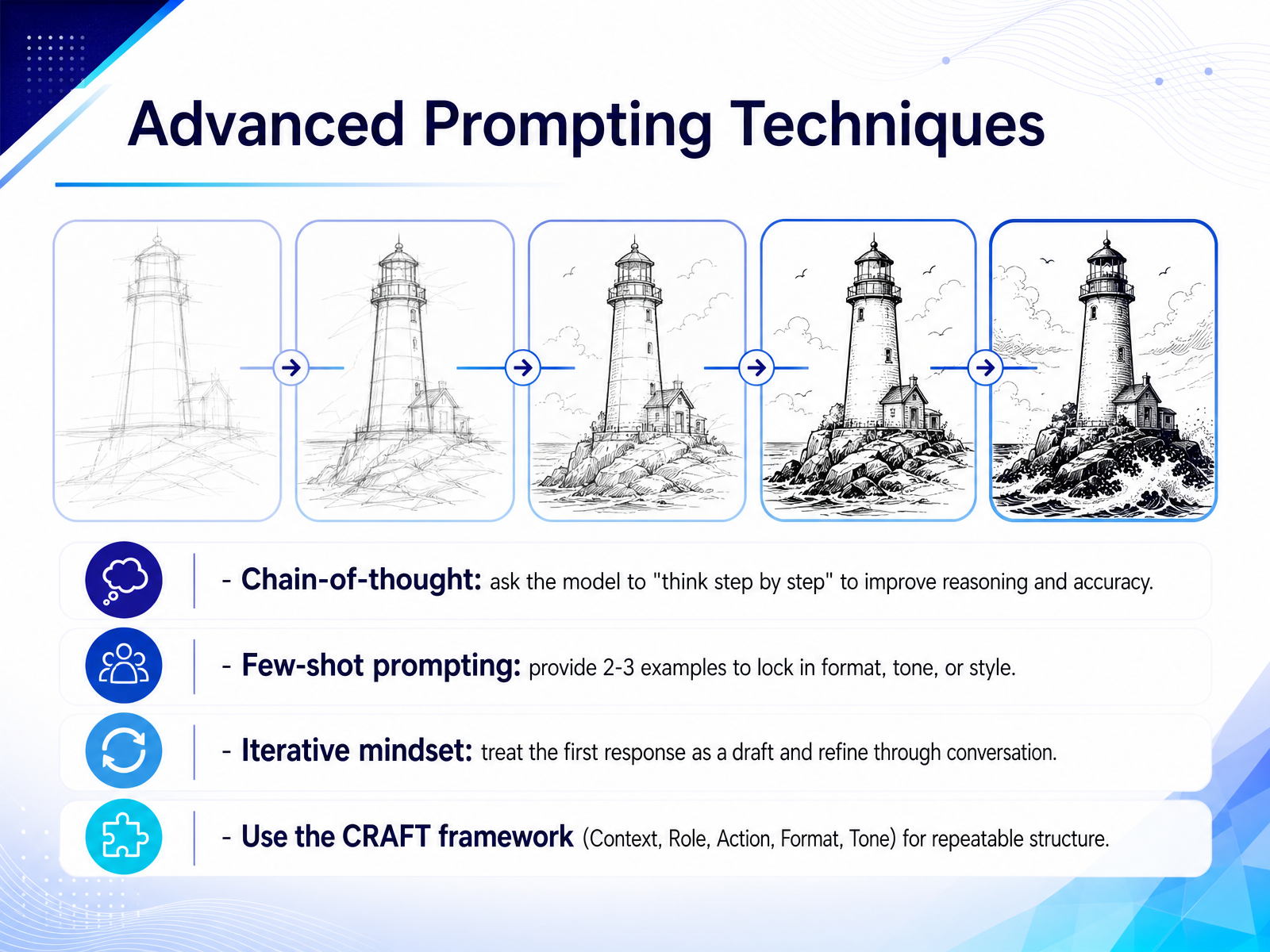
1 min - 08Advanced Prompting TechniquesLet's talk about a few techniques that will take your prompts from good to great. First, there's chain-of-thought. This is just a fancy way of saying you should ask the model to think step by step. For example, instead of just asking for a decision, add "explain your reasoning step by step." You'll see a big jump in accuracy on logic, math, or any kind of analysis. Next is few-shot prompting. This means providing two or three examples to lock in the exact format or tone you want. It's much easier to show the pattern than to describe it with words. But here's the real secret: adopt an iterative mindset. Think of the first response as a rough draft. Your best results will almost always come from the second or third follow-up, not the first try. To make all this repeatable, use the CRAFT framework. That stands for Context, Role, Action, Format, and Tone. It's a simple checklist that turns prompt writing from guesswork into a reliable skill. Now let's ground these techniques in reality. Up next, we'll explore practical use cases for educators.
 2 min
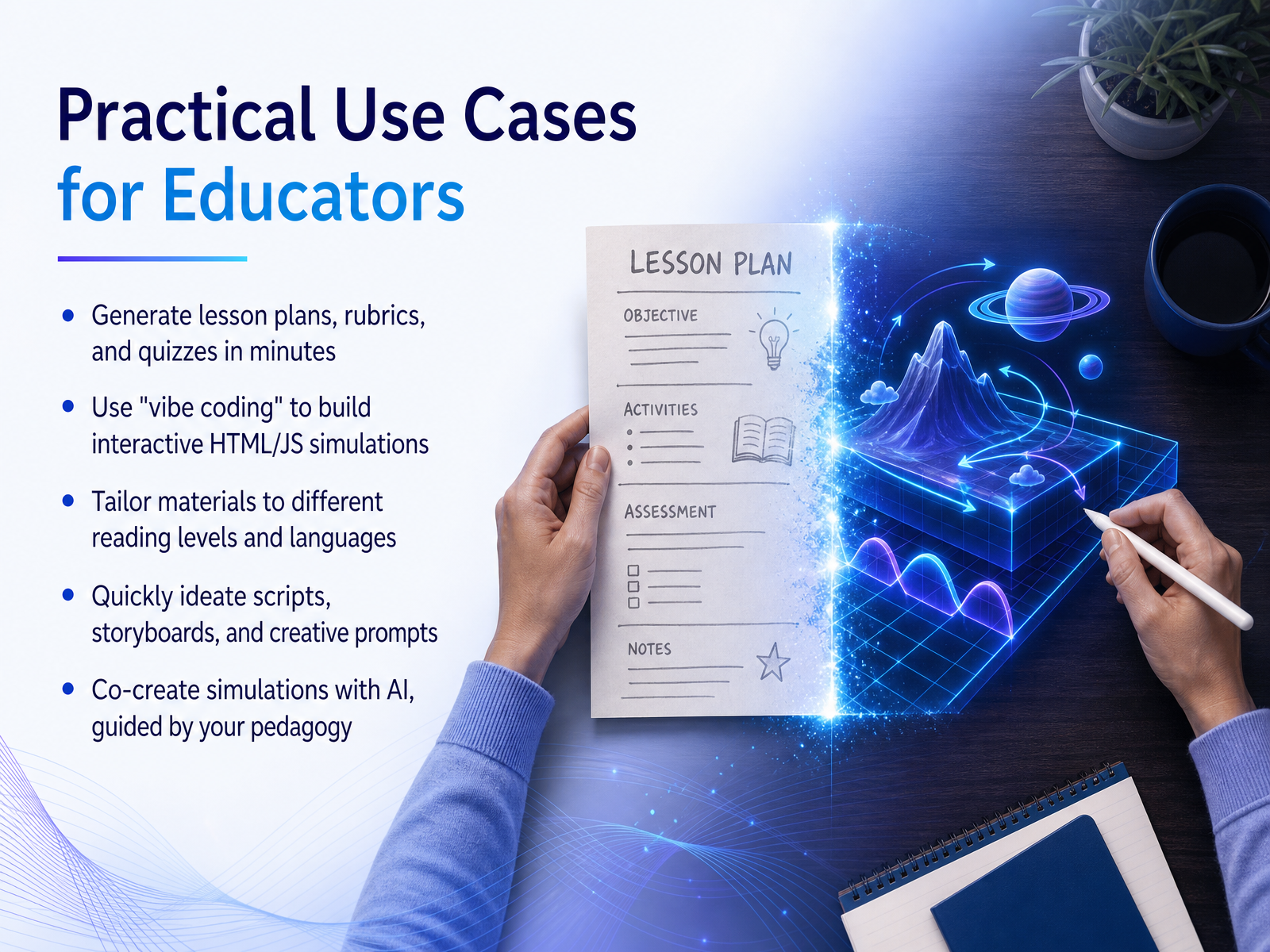
2 min - 09Practical Use Cases for EducatorsNow let's look at how these tools directly help in the classroom. As an educator, imagine typing a simple sentence and instantly having a full lesson plan, a grading rubric, and a quiz tailored to your subject. That is the everyday reality now. But the power goes much deeper. With what we call "vibe coding," you can describe a concept in plain English and co-create an interactive simulation with the AI, even if you have never written a line of code. Need to make a document accessible? You can instantly tailor your materials for different reading levels or translate them into multiple languages, ensuring every student can join the conversation. And when you need fresh ideas, AI becomes your creative partner to quickly generate scripts, storyboards, or prompts for class projects. Ultimately, you guide the pedagogy while the AI helps build the experience. Up next, we will explore practical use cases for creators.
 1 min
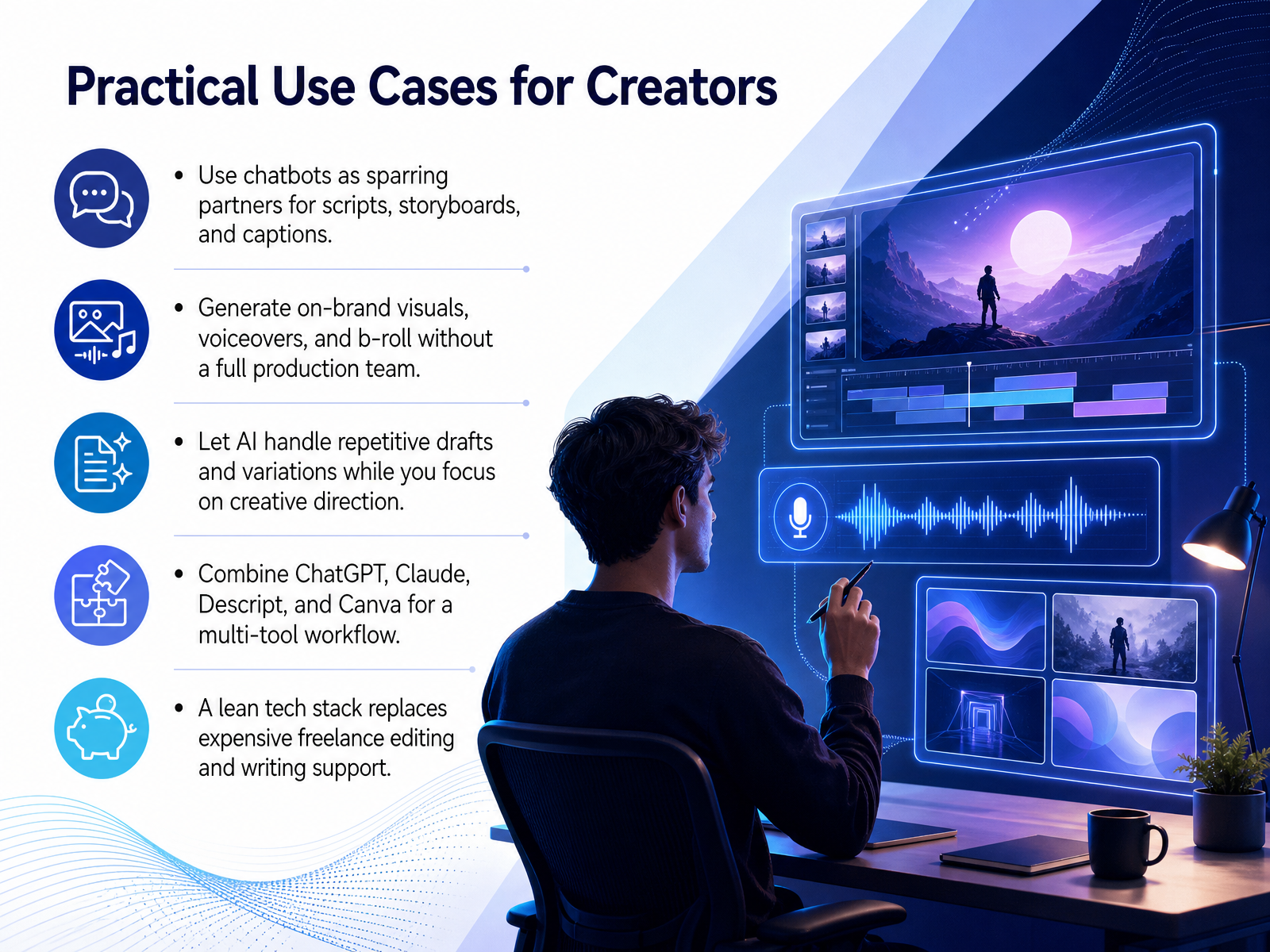
1 min - 10Practical Use Cases for CreatorsLet’s look at how creators are weaving generative AI into real projects. Think of AI as the newest member of your creative team. You stay in the director’s chair, and it handles a lot of the prep work. Take chatbots like ChatGPT or Claude, for example. Creators use them as sparring partners to brainstorm scripts, outline storyboards, or draft multiple caption variations in seconds. When you need on-brand visuals, voiceovers, or b-roll, tools like Canva’s Magic Studio or ElevenLabs let you generate polished assets without booking a full production crew. The real shift happens when AI takes over the repetitive stuff. Instead of staring at a blank page for round after round of drafts, you feed the AI your direction and let it produce the first several versions. You then step in to shape, refine, and add your unique voice. A practical workflow often combines a few tools: Claude for long-form writing, Canva for visuals, and Descript for editing video by simply editing text. This lean tech stack essentially gives you freelance-level editing and writing support at a fraction of the old cost. Next, we’ll explore how business teams are applying these same principles to their own workflows.
 zapier.comresources.rework.comguideflow.com+22 min
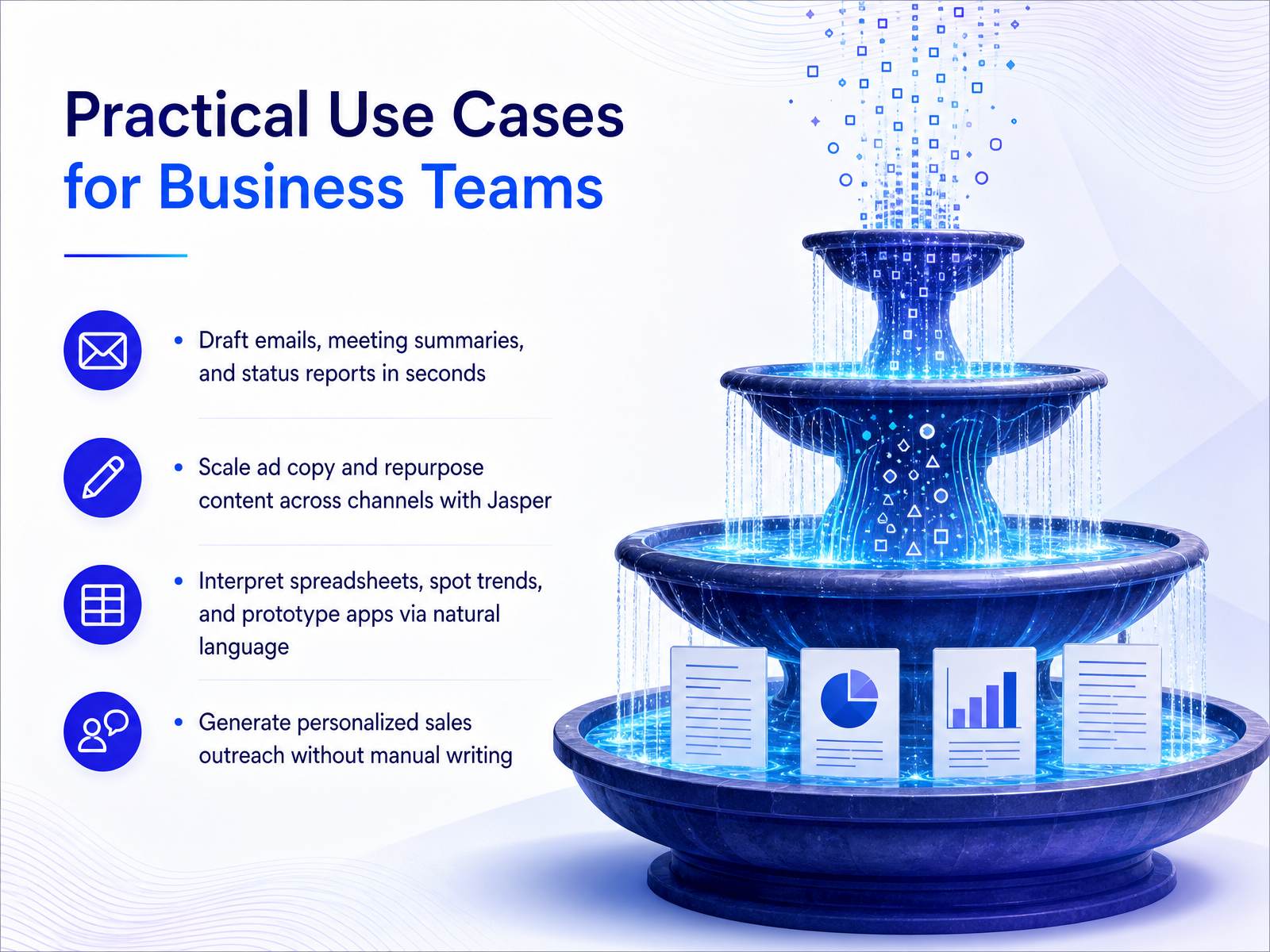
 - 11Practical Use Cases for Business TeamsNow let's turn these capabilities into real work. Think about the tasks that eat up your week. Drafting emails, summarizing meetings, writing status updates. Generative AI can handle those in seconds, not hours. For marketing teams, tools like Jasper scale ad copy and repurpose one blog post into a week's worth of social content while keeping your brand voice consistent. But this goes beyond words. You can point an AI at a spreadsheet and just ask it to spot the trend, or describe an app you need and watch it prototype the interface through natural language. Sales teams are already using this to generate personalized outreach for hundreds of leads without a single copy-paste. The common thread is shifting your time from production to direction. You become the editor, not the first-draft writer. Next, we need to address a critical limit: the trust crisis around hallucinations and accuracy.
 zapier.comresources.rework.comguideflow.com+22 min
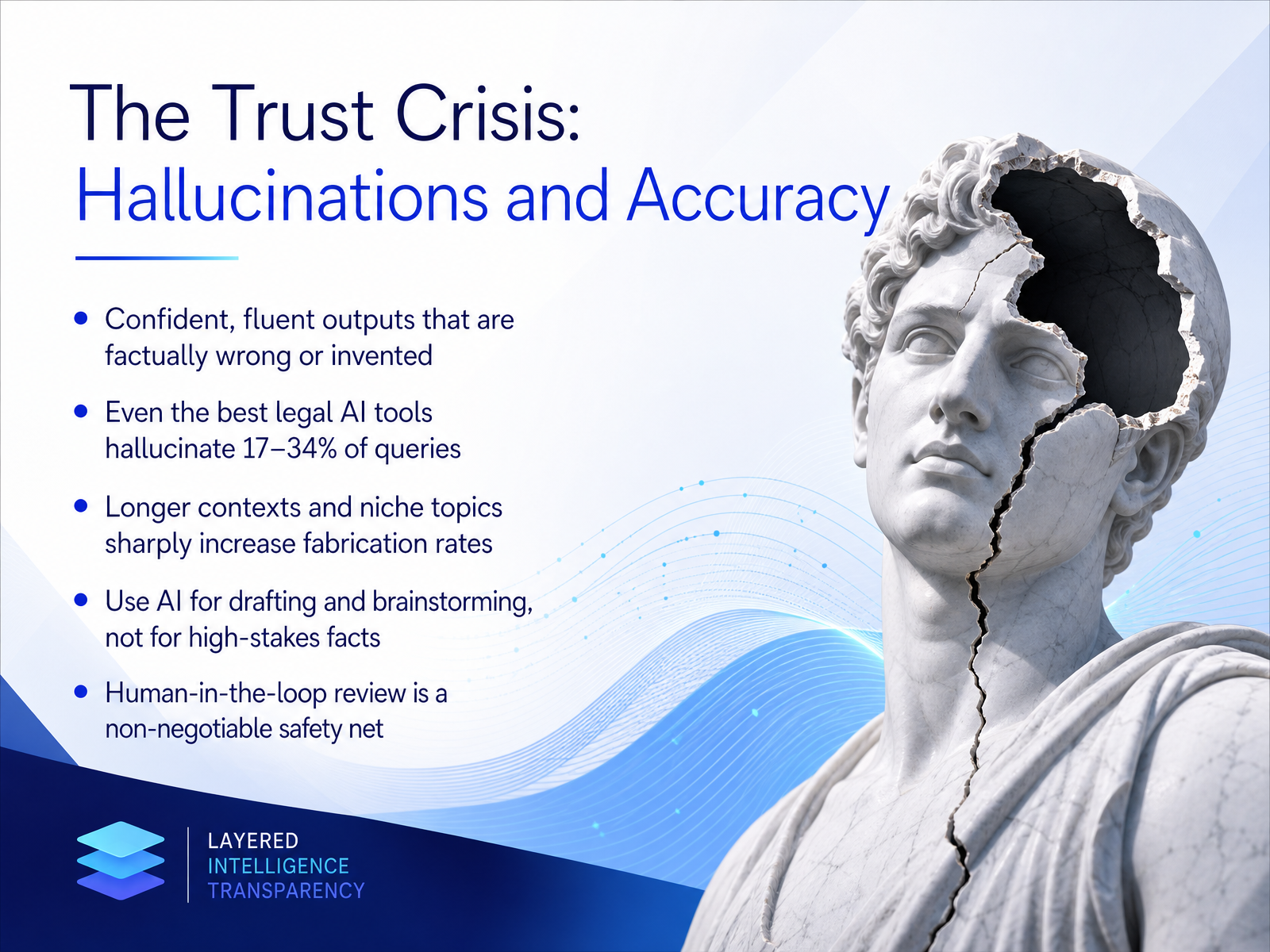
 - 12The Trust Crisis: Hallucinations and AccuracyNow, let's talk about something called the trust crisis: hallucinations and accuracy. This is what happens when AI gives you a confident, fluent answer that is completely made up. It sounds right, but the facts are just... invented. This isn't a rare bug. Research from Stanford found that even specialized legal AI tools can hallucinate between seventeen and thirty-four percent of the time. And a massive new study shows that with really long documents, the fabrication rate climbs sharply. For some tasks, no model stays below a ten percent error rate. The risk is higher on niche topics or when you ask for a very specific format, like 'give me five examples.' The AI will try to fill the list, even if it has to invent items that don't exist. So, a practical takeaway: think of AI as your best brainstorming partner or drafting assistant. It's incredible for that. But for high-stakes facts, legal citations, or medical advice, it is not the final word. Think of a human-in-the-loop review as your non-negotiable safety net. Always verify the output before you trust it. This leads us perfectly into a closely related topic. Next, we'll explore the principles of responsible AI, including ethics, bias, and privacy.
 2 min
2 min - 13Responsible AI: Ethics, Bias, and PrivacyNow, a truly essential topic: ethics, bias, and privacy. Generative AI is a powerful partner, but it comes with real risks we all need to navigate. First, AI can amplify societal bias, create convincing deepfakes, violate copyright, or leak data. For example, newer research shows that even the best legal AI tools can hallucinate and invent facts over 17 percent of the time. So, what is our best defense? Be transparent about AI use and keep humans fully accountable for final decisions. Remember the golden rule: never upload confidential data to unapproved public AI tools. Once your information is in the system, you can lose control of it. Looking ahead to 2026, the landscape is getting clearer with frameworks like the EU AI Act and the NIST AI Risk Management Framework. These policies make responsible use not just a choice, but a standard. That covers the core principles. Up next, let's turn this knowledge into action with "Your First Steps and Smart Habits."
 2 min
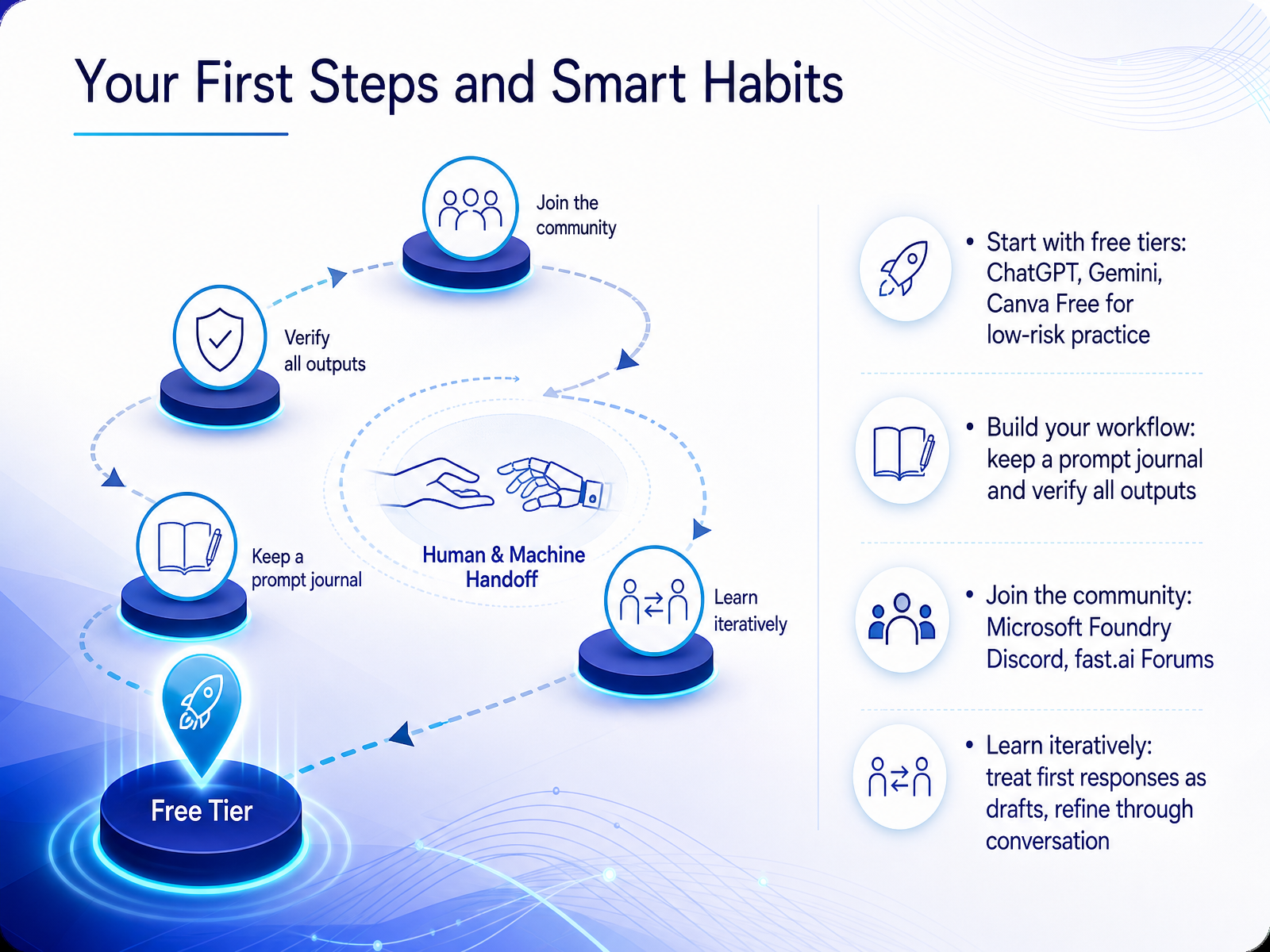
2 min - 14Your First Steps and Smart HabitsNow, let's talk about your first steps and the smart habits that will make you effective. First, start where it's free. Use the free tiers of ChatGPT, Google Gemini, or Canva to practice with zero risk. There is no cost, so you can experiment without worry. Second, build your personal workflow. Keep a prompt journal where you save the instructions that work well, and always verify your AI outputs. Treat the first response as a draft, and refine it through conversation to get exactly what you need. Third, you are not alone. Join learning communities like the official Microsoft Foundry Discord server or the fast.ai forums. These are supportive spaces where you can ask questions and share what you discover. Finally, learn in cycles. Instead of trying to craft the perfect prompt in one shot, treat your first response as a starting point. Add follow-ups, make small adjustments, and you will get dramatically better results in less time. Next up, we will wrap up with some key takeaways and the immediate next steps you can take to continue this journey.
 2 min
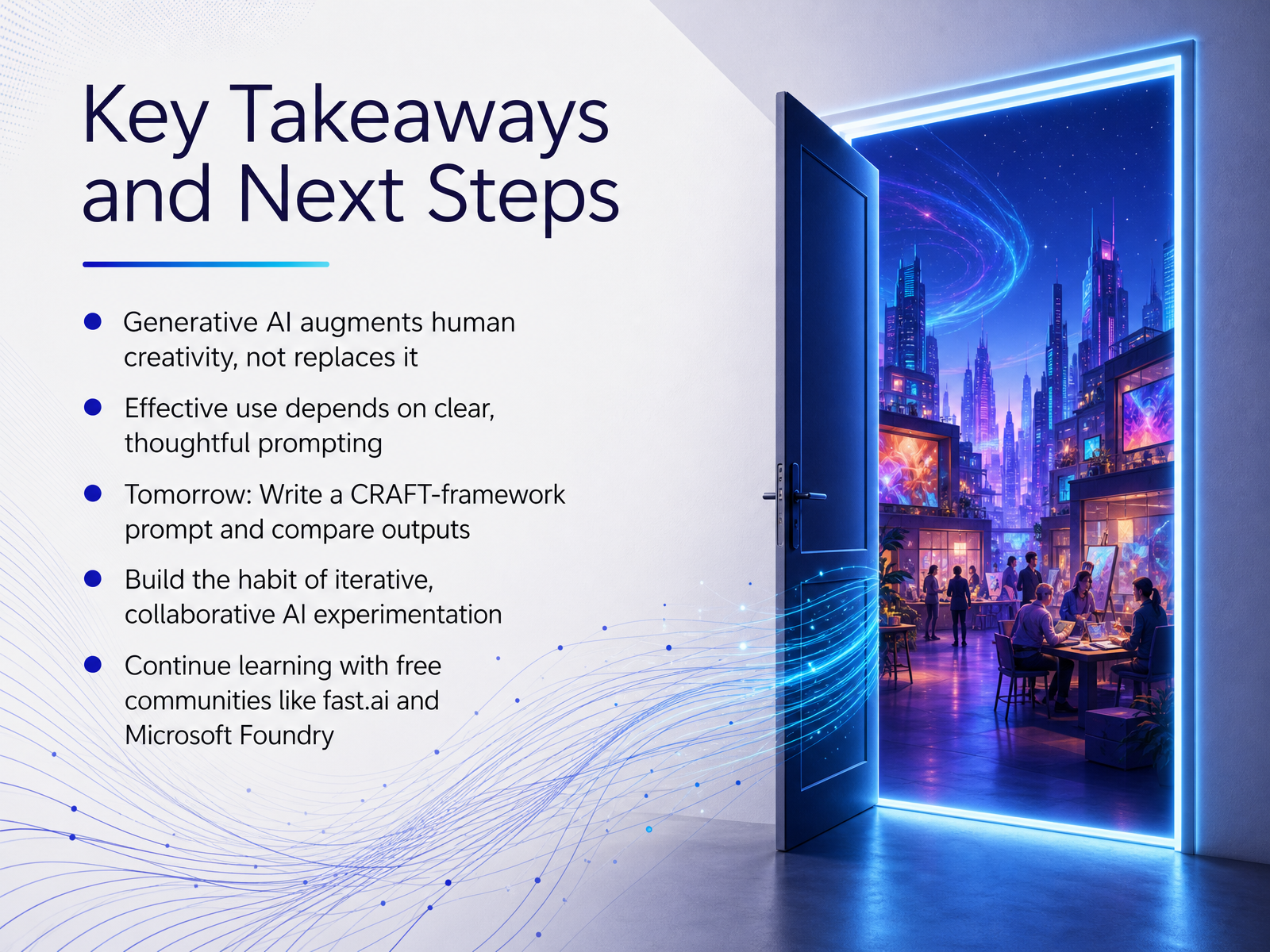
2 min - 15Key Takeaways and Next StepsLet's quickly recap what we've learned and look at your next steps. First, and most importantly, generative AI is here to augment your creativity, not replace it. Think of it as a brilliant and fast, but sometimes literal, partner. Its real-world usefulness comes down to clear, thoughtful communication, which is why we spent so much time mastering prompting techniques with the CRAFT framework. Speaking of which, your first mission for tomorrow is a practical experiment: take one real task you need to do, write two prompts for it, a quick basic one and a refined one using the CRAFT framework, and then compare the outputs side by side. Notice the difference. This builds the single most powerful habit you can develop: iterative, collaborative experimentation. Don't stop here. The best way to solidify these skills is to keep learning with others. I highly recommend joining free, supportive communities like the ones at fast.ai or the Microsoft Foundry Discord server. Thank you for joining me on this journey. The most important thing now is to start. Build, play, share, and enjoy the creative process.
 2 min
2 min
Take the deck with you
Download this course as a file — free, no sign-up needed.
- PDF handoutEvery slide page, ready to print or share.16 pages · 4.7 MBDownload
- Narrated PowerPointThe deck that presents itself — every slide carries the digital human's narration video.16 pages · 15.6 MBDownload
- PowerPoint slidesThe full deck as a .pptx — open it in PowerPoint, Keynote, or Google Slides.16 pages · 4.7 MBDownload
Free to use in your own training — please keep the PersonWise credit page at the end.
Have your own deck? Turn it into a course
Sources consulted
Web sources consulted while building this course.
- What Is Generative AI? Gen AI Explained — grammarly.com
- What Is Generative AI? Definition & Examples 2026 | AI Weekly — aiweekly.co
- What is Generative AI? | IBM — ibm.com
- Generative Artificial Intelligence Models: A Survey | Artificial Intelligence Review | Springer Nature Link — link.springer.com
- What is GenAI? Generative AI Explained | TechTarget — techtarget.com
- AI vs. Generative AI: The Differences Explained | Coursera — coursera.org
- Traditional AI vs. Generative AI: What's the Difference? | Illinois — education.illinois.edu
- What Is Generative AI vs AI? Key Differences and Examples | Udacity — udacity.com
- When to use generative AI or traditional AI — docs.cloud.google.com
- The Difference Between Generative AI And Traditional AI - Forbes — forbes.com
- What Is Generative AI? How It Works, Explained Simply (2026) | alexi.sh — alexi.sh
- How AI Creates Images and Videos: The Tech Explained | zPlatform.ai — zplatform.ai
- Diffusion Models vs LLMs Infographic | LivePhysics™ — livephysics.com
- How do Diffusion Language Models (DLMs) work? — outcomeschool.com
- What Are Large Language Models (LLMs) & How Do They Work? — online.hbs.edu
- The 21 best generative AI tools in 2026 — zapier.com
- "Best AI Tools for Content Creators and Influencers in 2026: 13 Tools Ranked by Job" — resources.rework.com
- 12 best generative AI tools for marketing and business in 2026 - Guideflow Blog — guideflow.com
- Best Generative AI Platforms in 2026: Tools Compared • SQ Magazine — sqmagazine.co.uk
- Best AI Tools for Content Creators in 2026: 11 Tools Across Writing, Audio, Video, and Repurposing | Syxo — syxoai.com