Begin
16 pages · ~32 min
Clear Writing for the Workplace
Writing clear, professional workplace documents by applying proven techniques to improve readability and impact.
A digital instructor presents all 16 pages. Hold “Ask” at any point and ask out loud — the answer comes from this course. No sign-up needed.
What you’ll learn
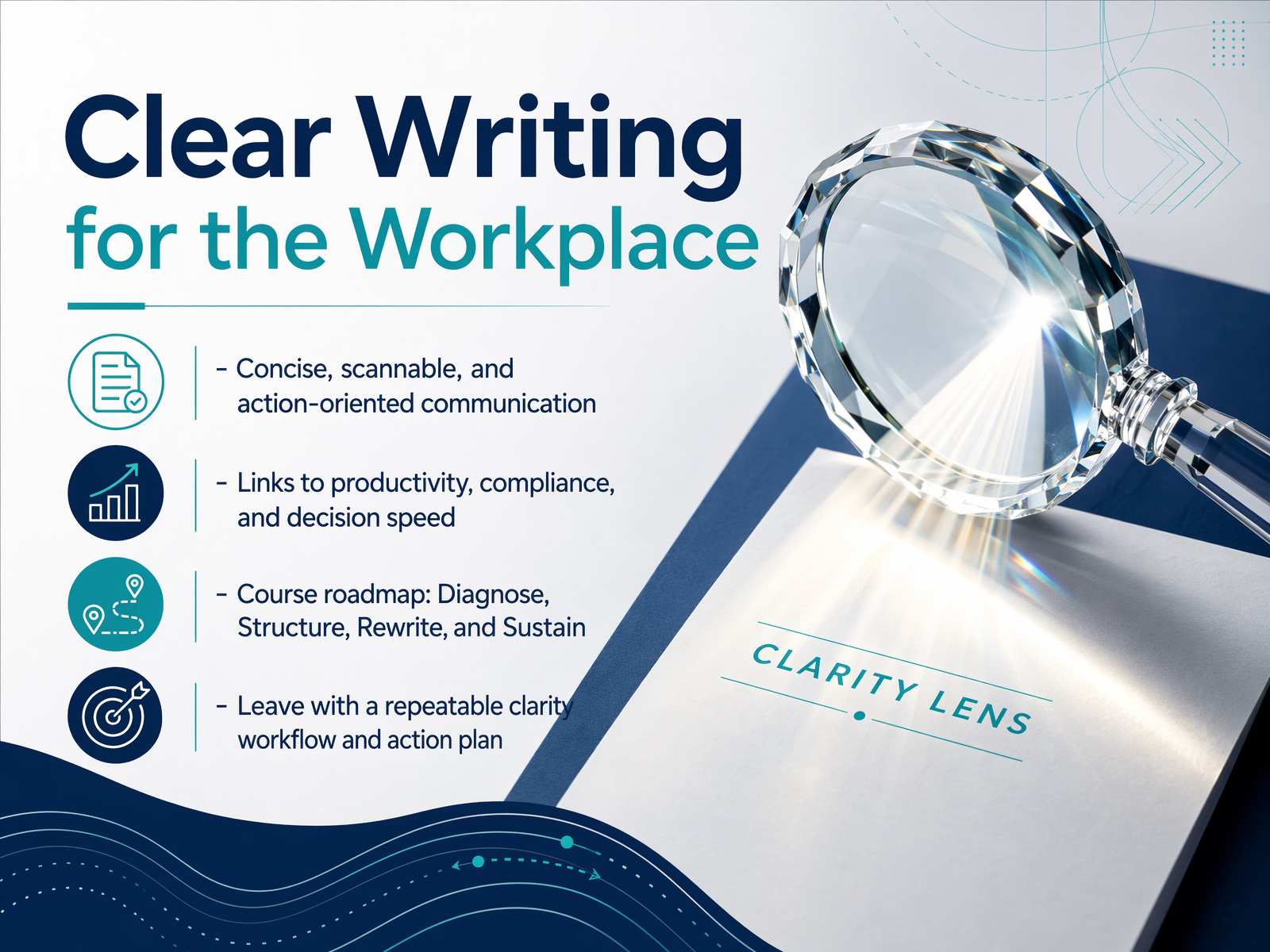
- 01Clear Writing for the WorkplaceWelcome. I'm glad you're here. Today we're focusing on a skill that saves time, reduces mistakes, and makes everyone's job easier: clear writing. Not fancy writing. Just clear, direct, and useful communication. Think concise emails, scannable instructions, and procedures people can actually follow the first time they read them. This stuff matters. When writing is clear, teams move faster, decisions get made, and compliance issues drop. Here's our plan. We'll walk through four steps. First, we'll diagnose what makes writing unclear. Next, we'll structure content so it's easy to scan. Then we'll rewrite for action and impact. Finally, we'll talk about how to sustain these habits. By the end, you'll have a repeatable clarity workflow you can use right away. Let's start by looking at the high cost of unclear writing.1 min
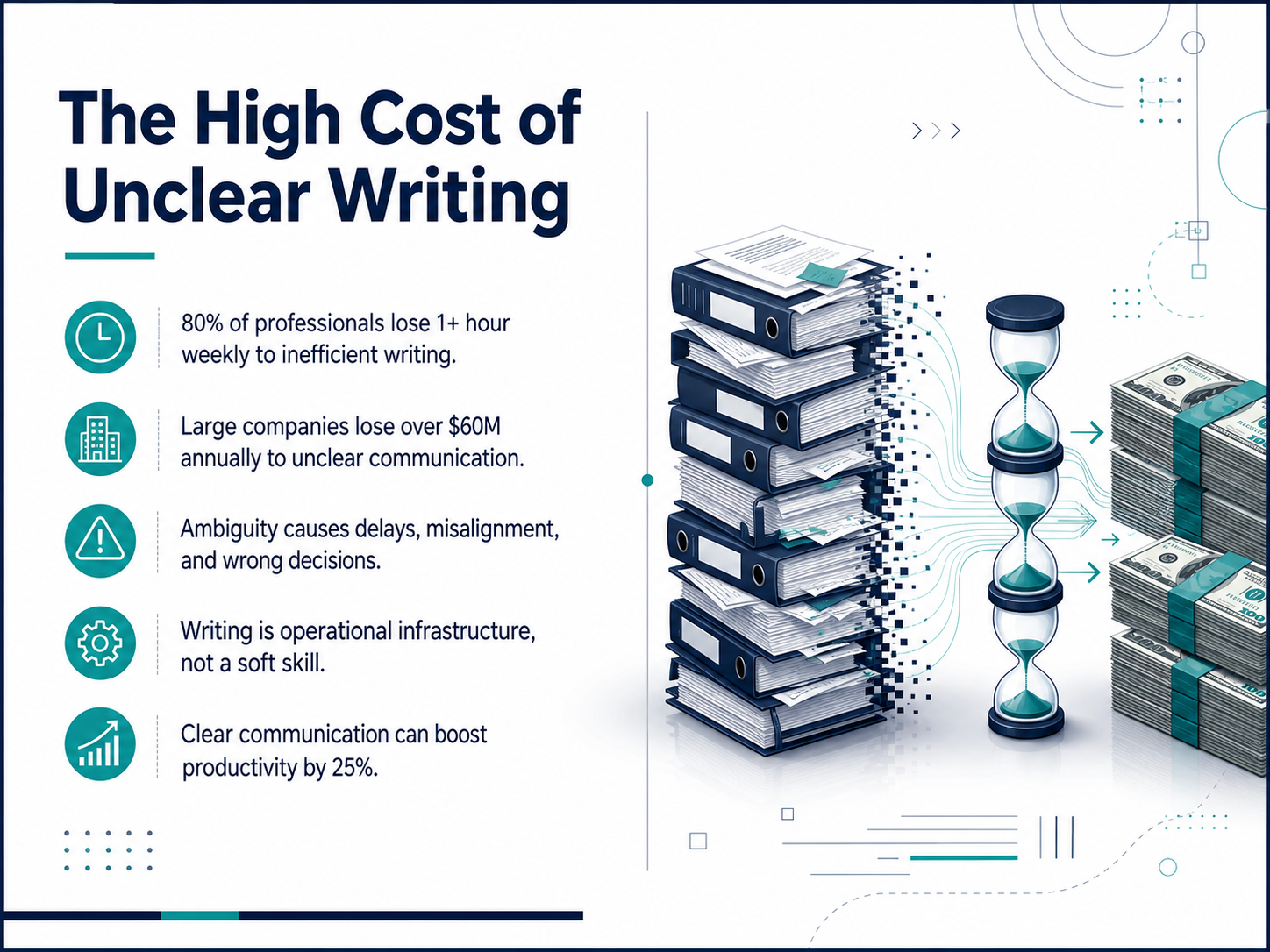
- 02The High Cost of Unclear WritingSo, what does unclear writing actually cost us? The numbers might surprise you. Eighty percent of professionals lose at least one hour every week just trying to make sense of confusing emails or instructions. Now scale that out. Large companies lose over sixty million dollars a year to unclear communication. That's real money walking out the door. But it's not just about lost time. Ambiguity leads to delays, teams getting misaligned, and people making wrong decisions based on confusing information. Here's the key mindset shift. Writing isn't a soft skill. It's operational infrastructure. It's as important to your workflow as the software you use. When you get it right, the payoff is huge. Clear communication can boost productivity by twenty-five percent. That's like getting a full extra day of work back each week. Let's look at what causes that confusion in the first place.
 1 min
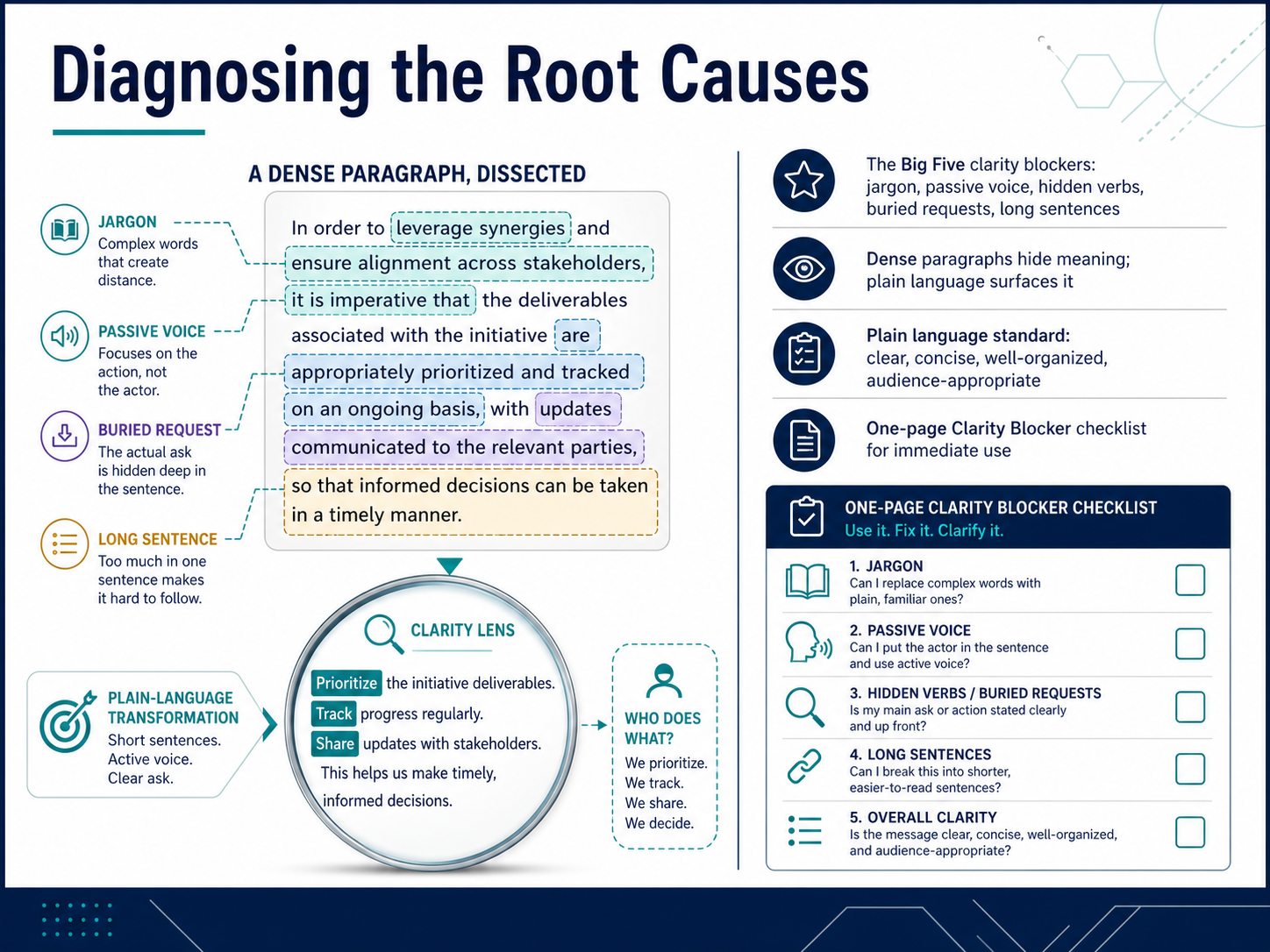
1 min - 03Diagnosing the Root CausesLet's look at why some workplace writing is so hard to read. We call these the Big Five clarity blockers. First, jargon. That's any insider term your reader doesn't know. Second, passive voice, which hides who does what. Third, hidden verbs, where we turn simple actions into longer nouns. Fourth, buried requests, where the main ask is stuck in the middle of a paragraph. And fifth, long sentences that cram too many ideas together. Dense paragraphs hide meaning. Plain language surfaces it. The standard is simple: clear, concise, well-organized, and right for your audience. To help you spot these blockers fast, you'll find a one-page Clarity Blocker checklist in your materials. Use it right away on your own drafts. Next, let's put that checklist to work and audit your own writing.
 1 min
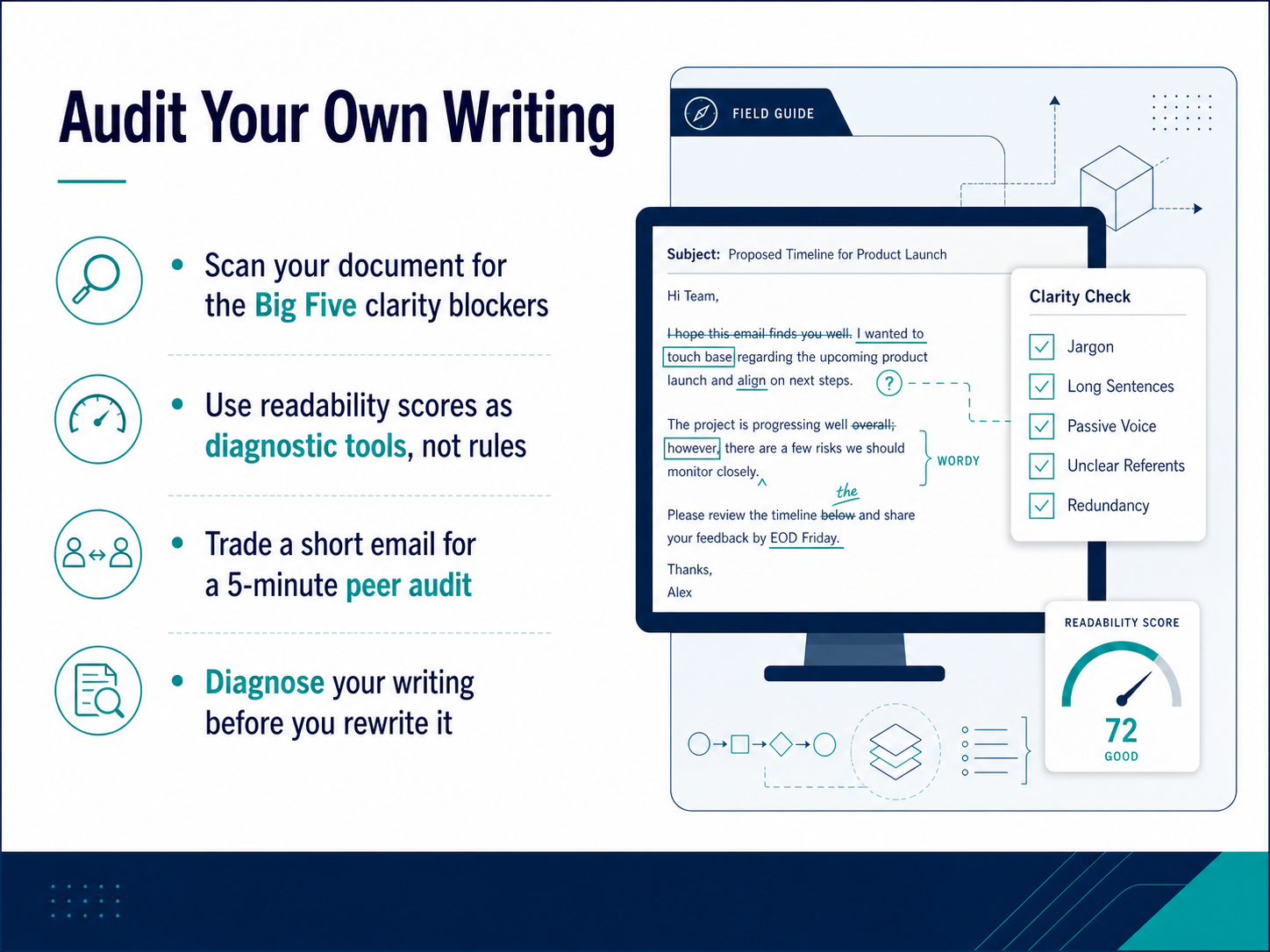
1 min - 04Audit Your Own WritingLet's look at how to audit your own writing before you rewrite it. Start by scanning your document for what I call the Big Five clarity blockers. Look for sentences that are too long, passive voice, hidden verbs, jargon, and unnecessary words. You can also use readability scores as a quick diagnostic tool. They won't tell you if your writing is good, but they can flag text that's too dense. Another technique is to trade a short email with a colleague for a five-minute peer audit. Fresh eyes spot confusion fast. The goal here is to diagnose the problems first. That way you're not just moving words around. You're fixing the real issues. Next, we'll talk about how to structure your writing for scannability.
 1 min
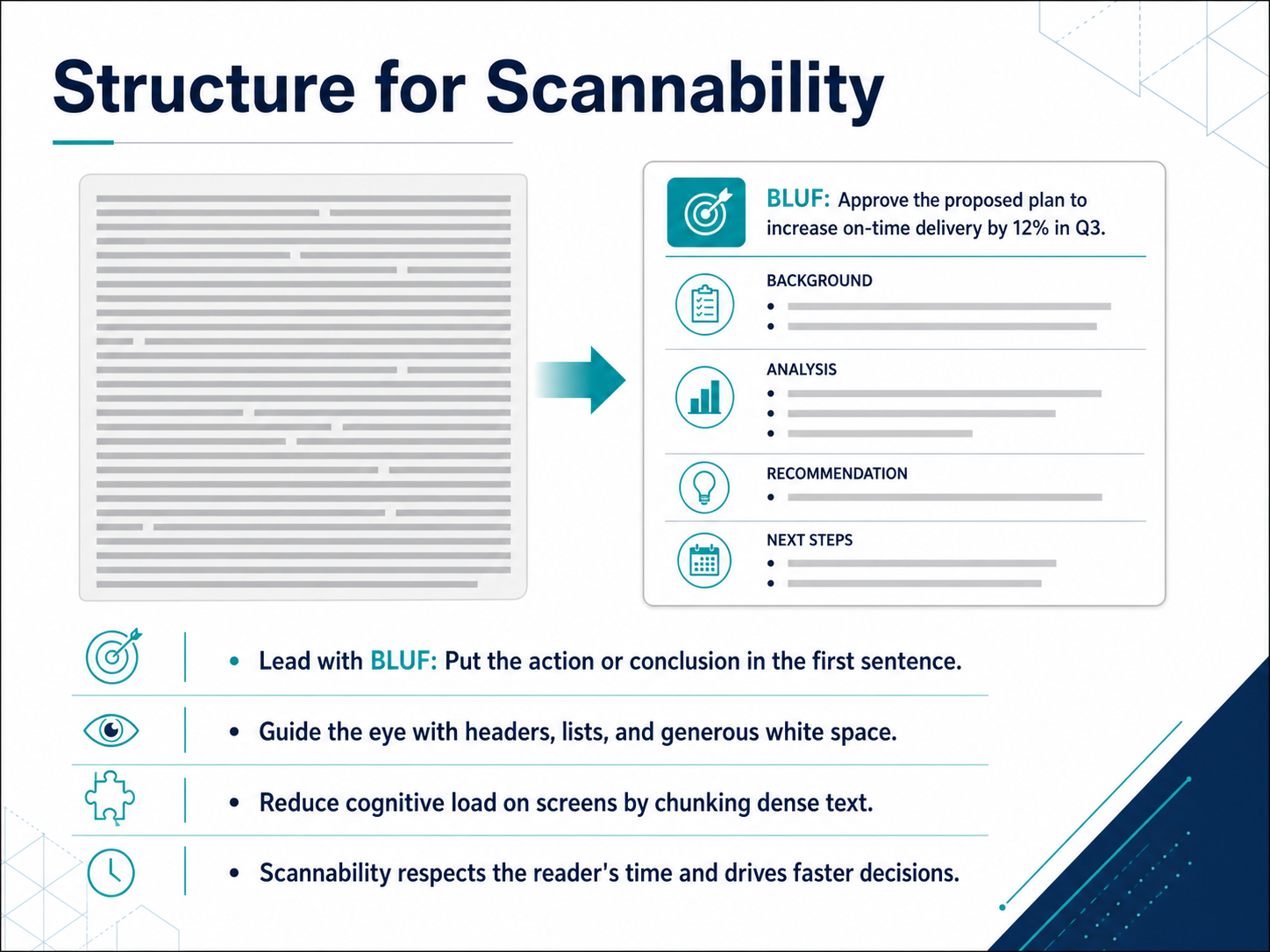
1 min - 05Structure for ScannabilityNow let's talk about how to structure your writing so it's actually read. We call this scannability. The first rule is to lead with your bottom line up front, or BLUF. Put your action item or main point in the very first sentence. Don't bury the request in paragraph three. For example, instead of starting with background context, just say, 'Please approve the budget increase by Friday.' Next, guide the reader's eye. Use clear headers, bulleted lists, and plenty of white space. Big blocks of text on a screen create a heavy cognitive load. Your goal is to break that dense information into short, digestible chunks. Think of it this way: scannability isn't about dumbing things down. It respects your reader's time and helps them make faster, clearer decisions. Let's carry this idea forward and look at writing clear instructions that really work.
 1 min
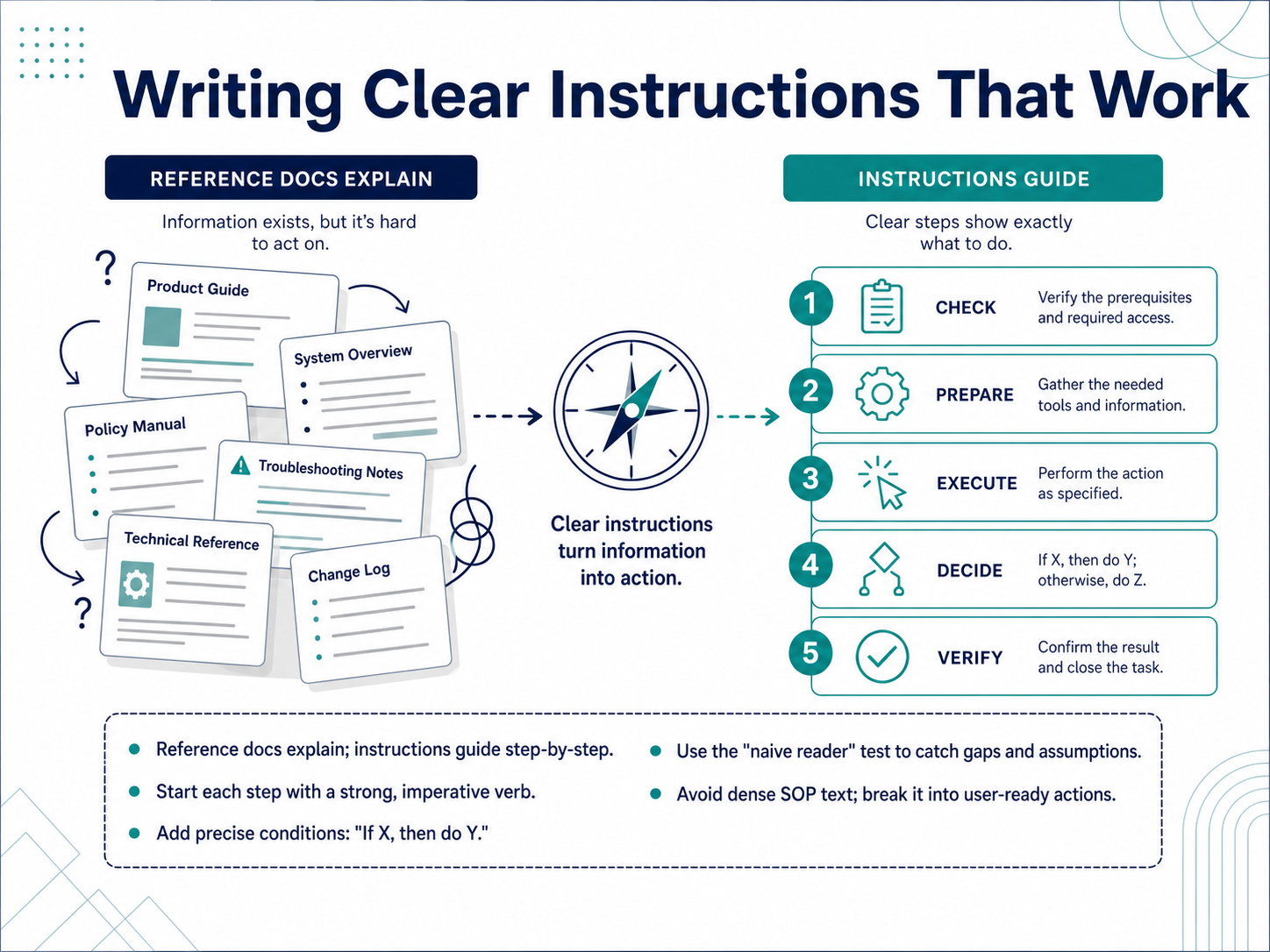
1 min - 06Writing Clear Instructions That WorkNow, let's look at turning dense reference material into clear instructions. Reference documents explain a system. Instructions guide a person step by step. The difference is all about action. Start each step with a strong verb, like 'Click,' 'Enter,' or 'Select.' Don't say 'The user should.' Just say 'Do this.' Add precise conditions to handle real situations. For example, 'If the system shows an error, then refresh the page.' That removes guesswork. Next, use the naive reader test. Ask someone unfamiliar with the task to follow your steps. If they get stuck, you've found a gap or an assumption you need to fix. Finally, avoid pasting dense standard operating procedure text. Break it down into single, user-ready actions that people can actually perform. Up next, we'll apply this same clear thinking to emails that drive action.
 2 min
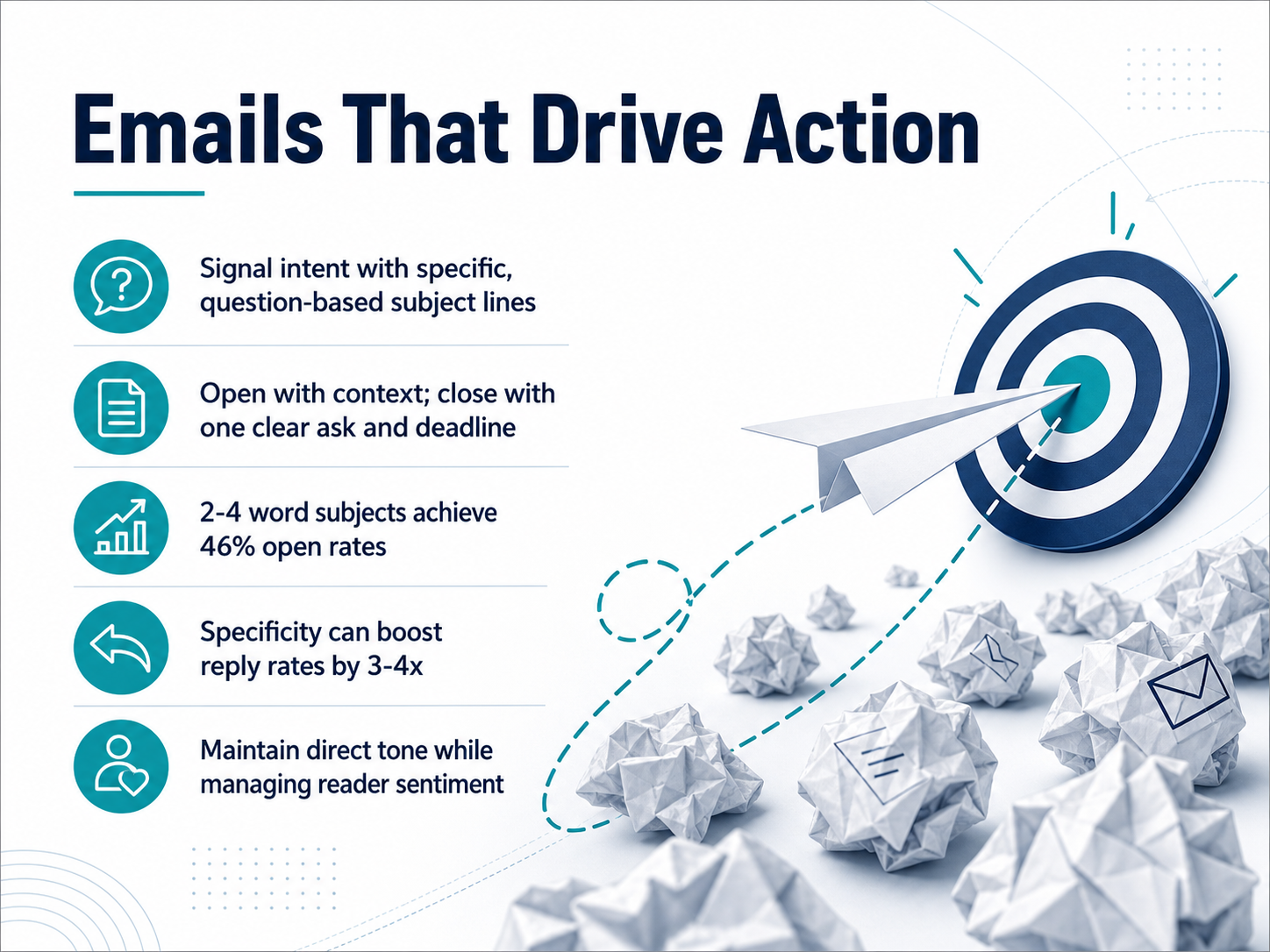
2 min - 07Emails That Drive ActionLet's talk about emails that actually get people to act. The first thing your reader sees is the subject line. Make it specific. Instead of 'Meeting,' try a question like 'Can you review the Q3 budget by Thursday?' That signals intent immediately. Research shows short subjects, two to four words, can achieve open rates around forty-six percent. But it's specificity that really drives replies, sometimes boosting reply rates by three to four times. Once they open the email, start with quick context. Why are you writing? Then close with one clear ask and one deadline. This keeps the tone direct and respects your reader's time. It also helps you manage their sentiment because you're not burying them in paragraphs. You're making it easy to say yes or no. So, remember: question-based subject, brief context, one clear ask with a deadline. Up next, we'll apply these ideas to writing for the busy leader.
 1 min
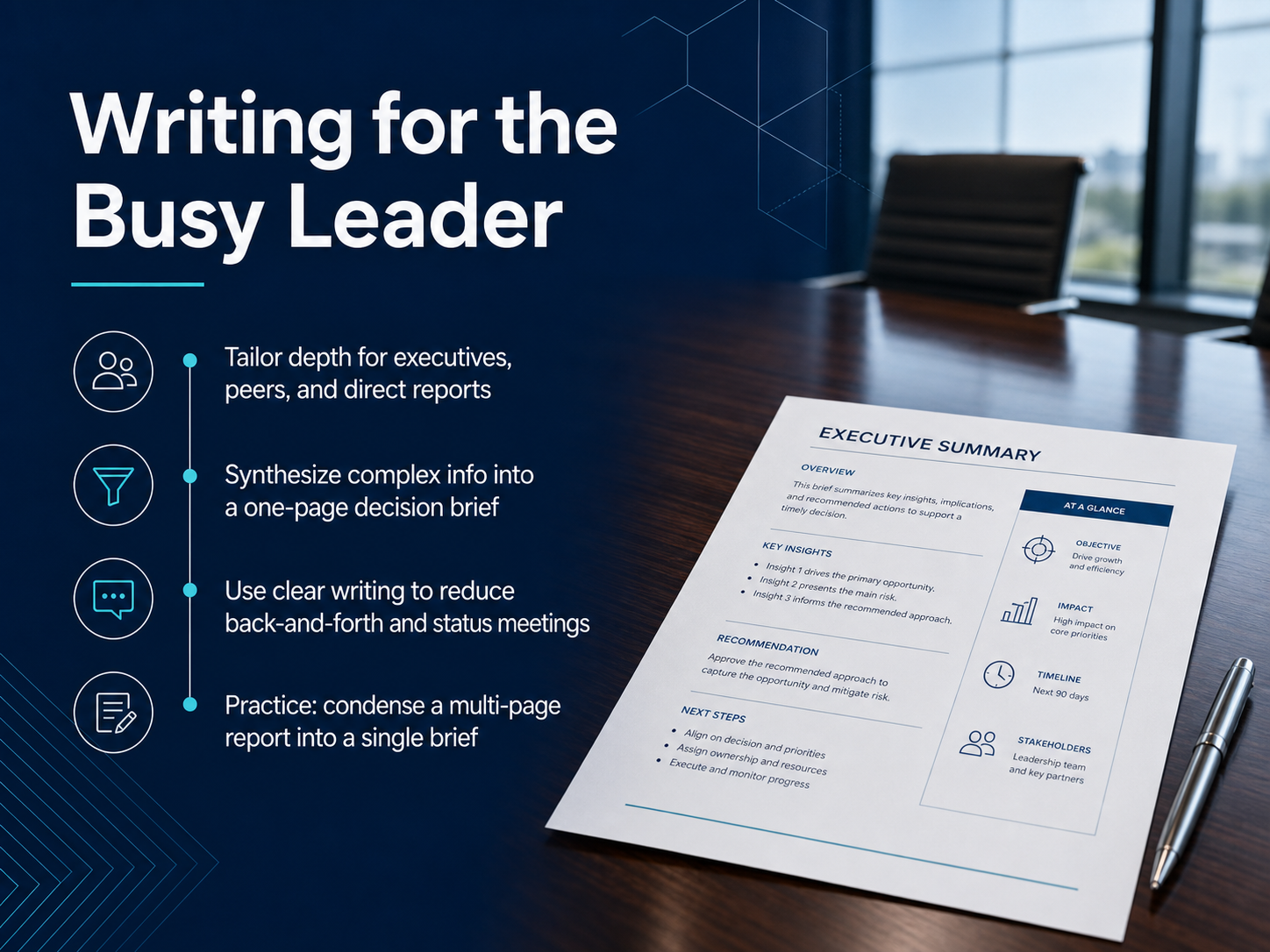
1 min - 08Writing for the Busy LeaderNow let's turn to writing for the busy leader. Your director, your peer, and your direct report all need different details. So, before you write, ask: what does this person actually need to know to act? For an executive, lead with the bottom line, your recommendation, and the impact. For a peer, give just enough context to collaborate. For a direct report, include clear next steps and the 'why' behind the decision. One powerful tool is the one-page decision brief. Take a complex project update and boil it down to the problem, the options you considered, your recommendation, and the resources you need. That one page can replace a sixty-minute status meeting. Let's put this into practice right now. I'll give you a multi-page report, and you'll condense it into a single brief. This will sharpen your ability to cut the noise and give leaders exactly what they need. Next, we'll move into the Practice Lab, Part 1: Audit and Structure.
 2 min
2 min - 09Practice Lab, Part 1: Audit and StructureNow it's your turn. For this practice lab, open a real, unedited document you deal with at work. It could be an email, a procedure, or a project update. Step one is an audit. We'll use the clarity blocker checklist to diagnose exactly where the confusing parts live. Once you've identified the issues, step two is to restructure. Apply the scannability principles and the BLUF format to put the main message and the next step right up front. Your goal is to make the document's purpose and the required action visible in about five seconds. When you're ready, we'll move into the second part of the lab where you'll rewrite and test your draft.
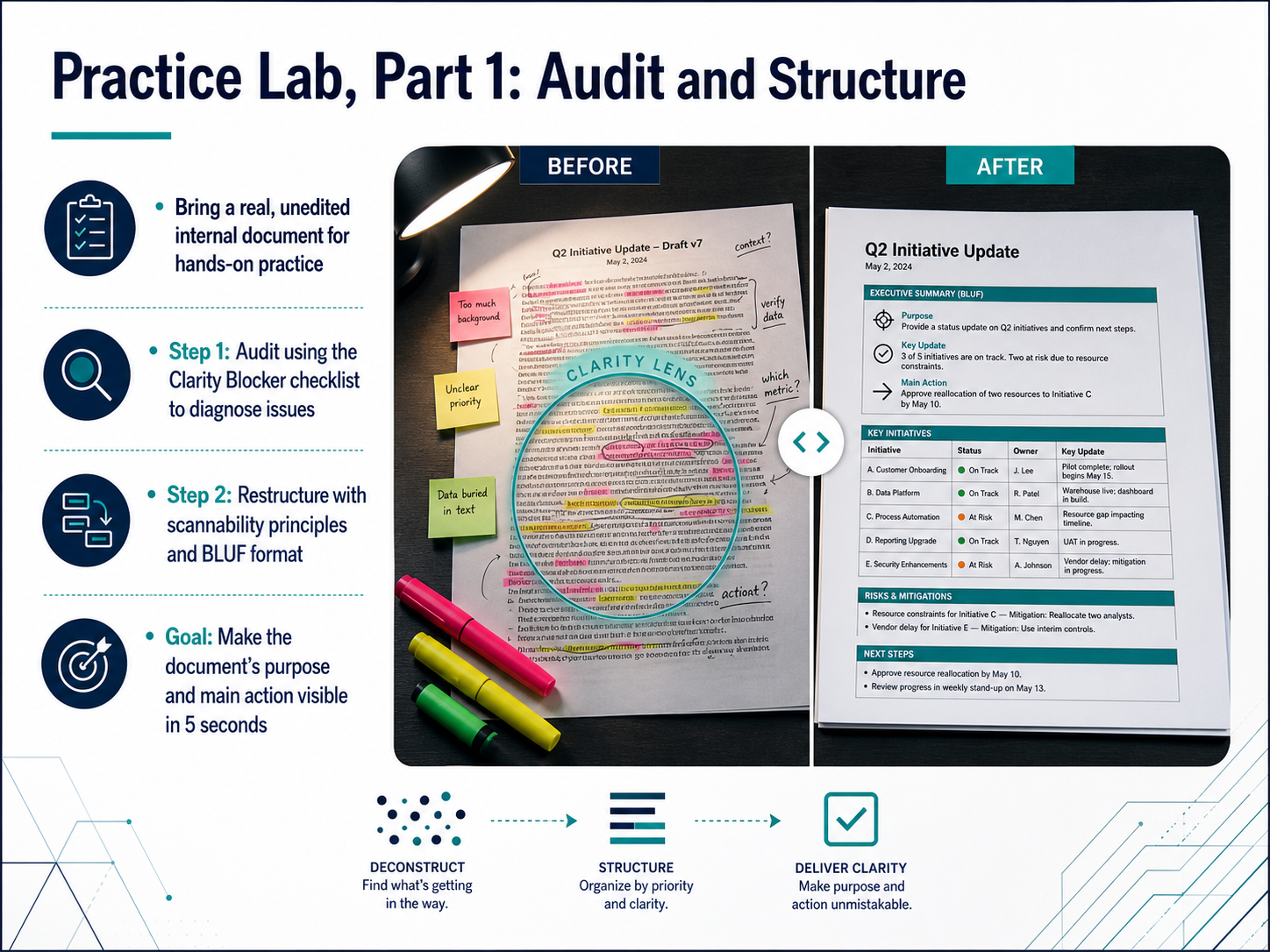 1 min
1 min - 10Practice Lab, Part 2: Rewrite and TestNow it's your turn to put the principles into practice. Take the draft you've been working on and rewrite it with plain language, active voice, and clear action steps. Cut the extra words and make every sentence drive the reader forward. When you're ready, test your rewrite with a partner. Ask them to read it once and then tell you what they think they need to do. If they hesitate or get it wrong, that's a spot to simplify. Then exchange feedback. Observe what you notice, describe the reaction, and suggest a concrete fix. As we wrap up this lab, we'll pull out the patterns that worked and build your personal takeaway list. Next, we'll shift from individual skills to building a clear-writing culture on your team.
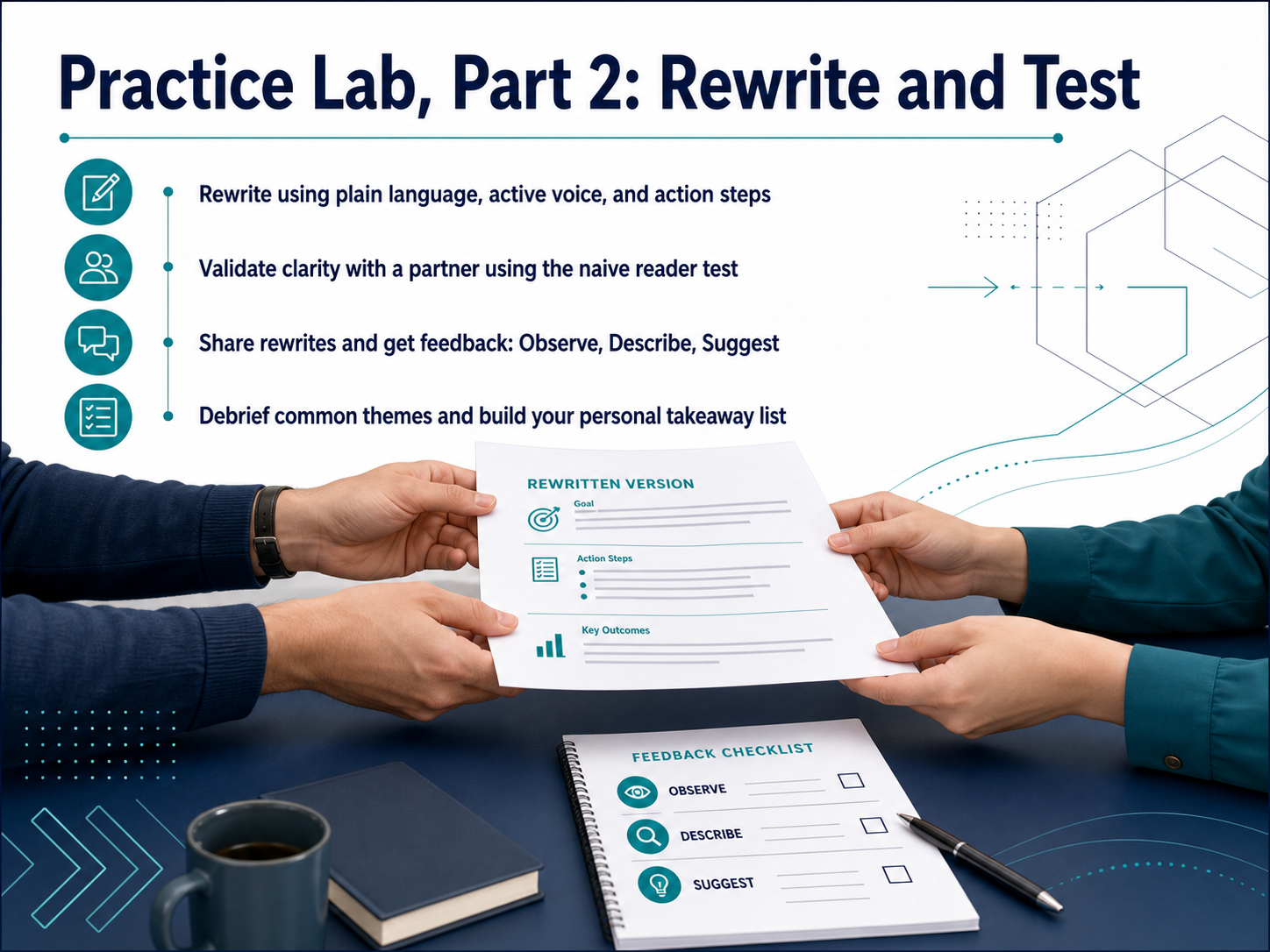 1 min
1 min - 11Building a Clear-Writing CultureShifting a team's writing habits doesn't happen by accident. It takes a few simple systems. First, create lightweight style guides and templates. I'm not talking about a fifty-page rulebook. Just a one-page cheat sheet with your team's preferred greeting, a few go-to subject line formats, and an example of a clear request. Templates make good writing the easy default, so no one starts from a blank page. Second, adopt a peer coaching model: Observe, Describe, and Suggest. For example, you might say, 'I noticed this paragraph is seven lines long. Could we separate the action step into its own bullet?' That's direct, helpful, and easy to act on. This matters because nearly eighty percent of teams lack a shared definition of good writing. Without that shared standard, feedback feels personal instead of practical. Finally, run fifteen-minute clarity reviews for high-impact documents. Get the right three people in a room, read the key sections aloud, and tighten anything that sounds confusing. Now, let's apply that same peer-review mindset to the next topic: Managing Tone and Trust.
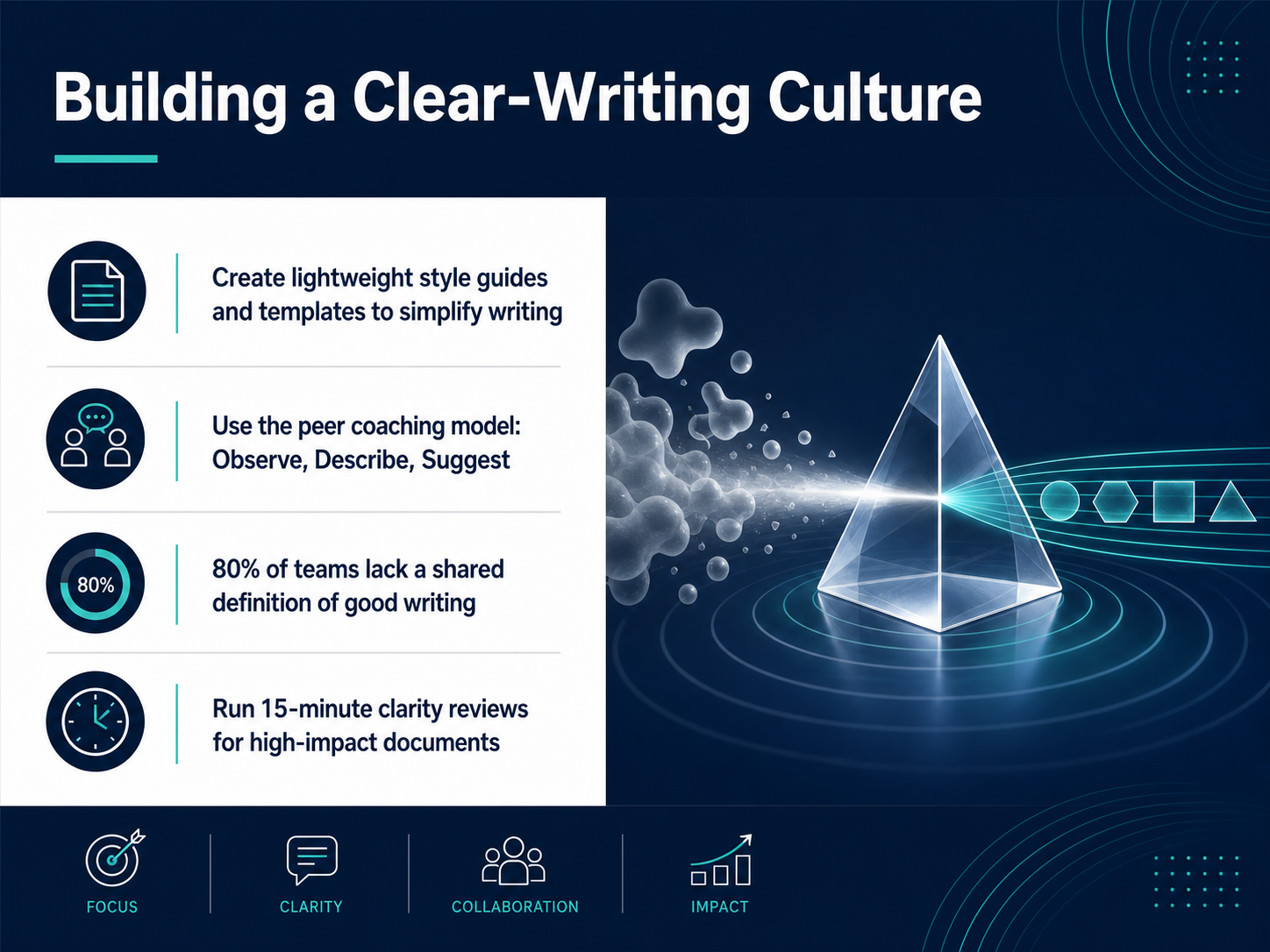 2 min
2 min - 12Managing Tone and TrustYour word choices and sentence length directly shape how people feel about your message. Short, plain words build trust. Long, dense paragraphs can create anxiety or confusion. Now, when you need to deliver bad news, give critical feedback, or handle an escalation, you must adjust your tone carefully. That doesn't mean being vague. It means being direct but respectful. Before you finalize any message, ask yourself a simple question: Will this build confidence, create anxiety, or confuse my reader? Then, do a quick final check. Is it clear? Is it respectful? And is it actionable? If the answer to any of those is no, take a minute to revise. Next, let's look at how AI and other tools can help you sustain this clarity over time.
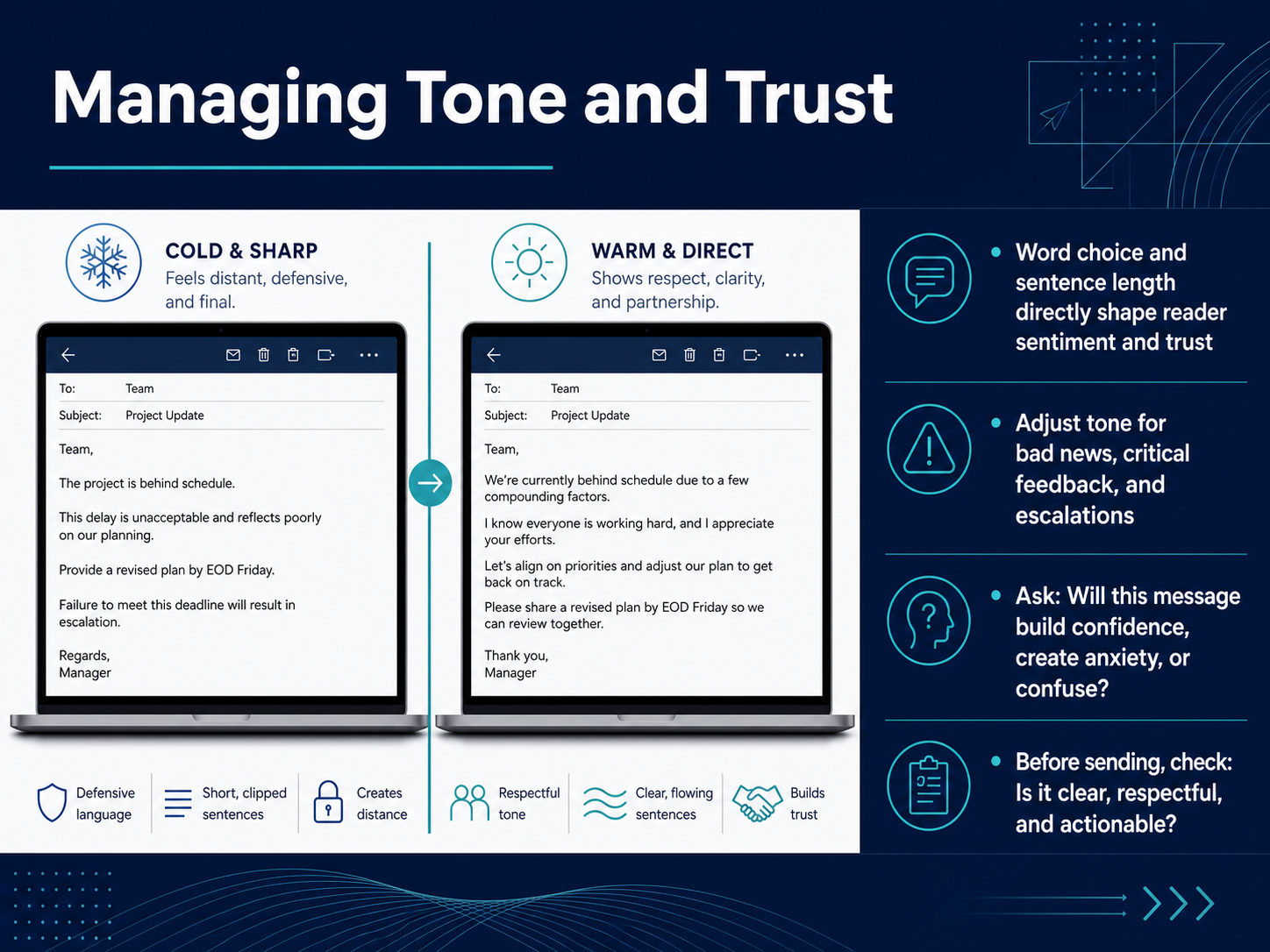 1 min
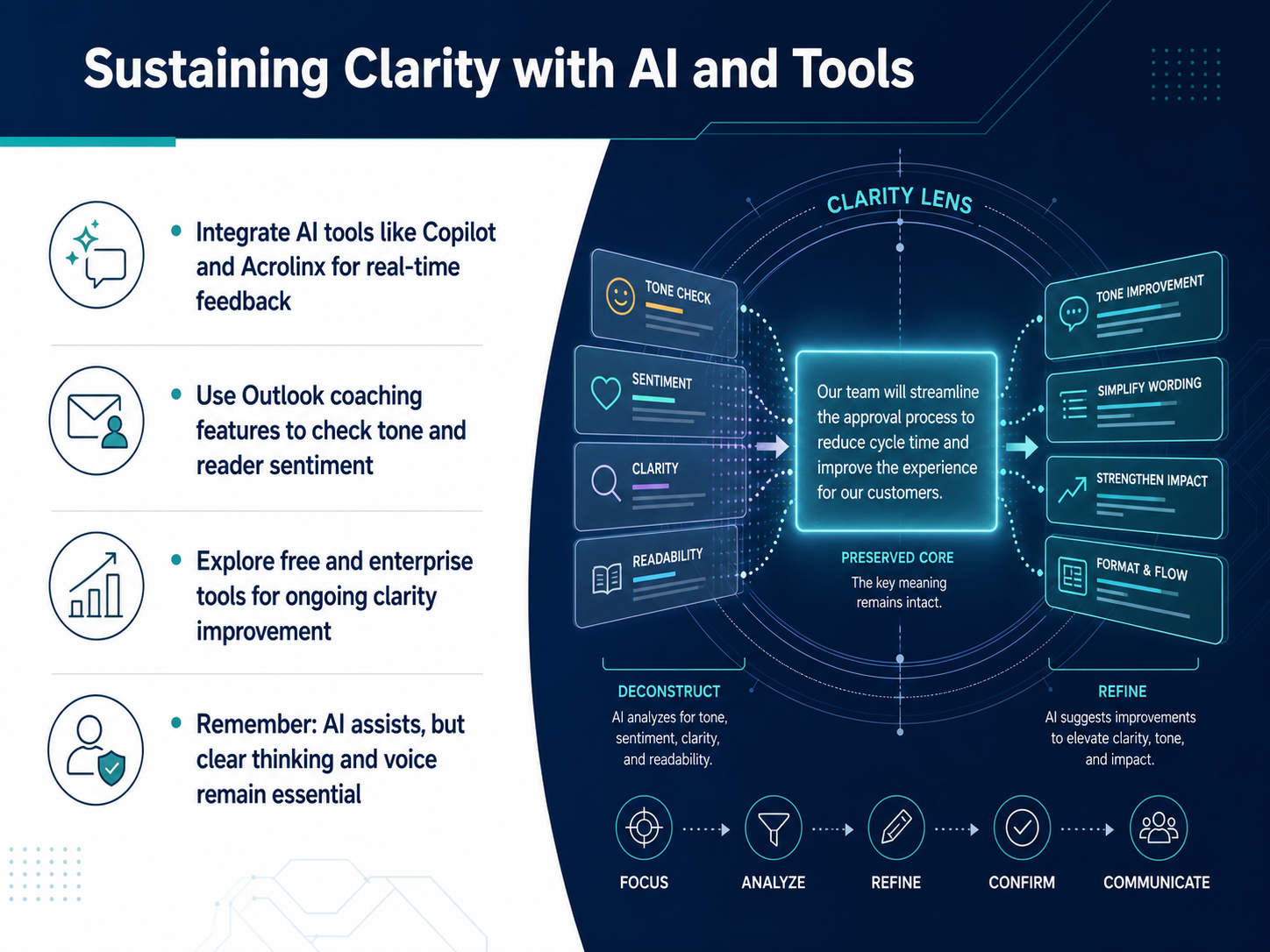
1 min - 13Sustaining Clarity with AI and ToolsNow let's look at how to sustain clarity with the help of AI and your everyday tools. Think of these tools as a second pair of eyes, not a replacement for your own judgment. Tools like Copilot and Acrolinx can give you real-time feedback right inside your documents. They'll flag dense sentences, passive voice, or jargon and suggest clearer alternatives. In Outlook, the coaching features can check your tone. For example, it might warn you if an email sounds too negative before you hit send. You can also explore free and paid tools to keep improving. But here's the key point: AI assists, but clear thinking and your own voice remain essential. Always review suggestions and make the final call. Next, let's move into an action plan for your first thirty days.
 1 min
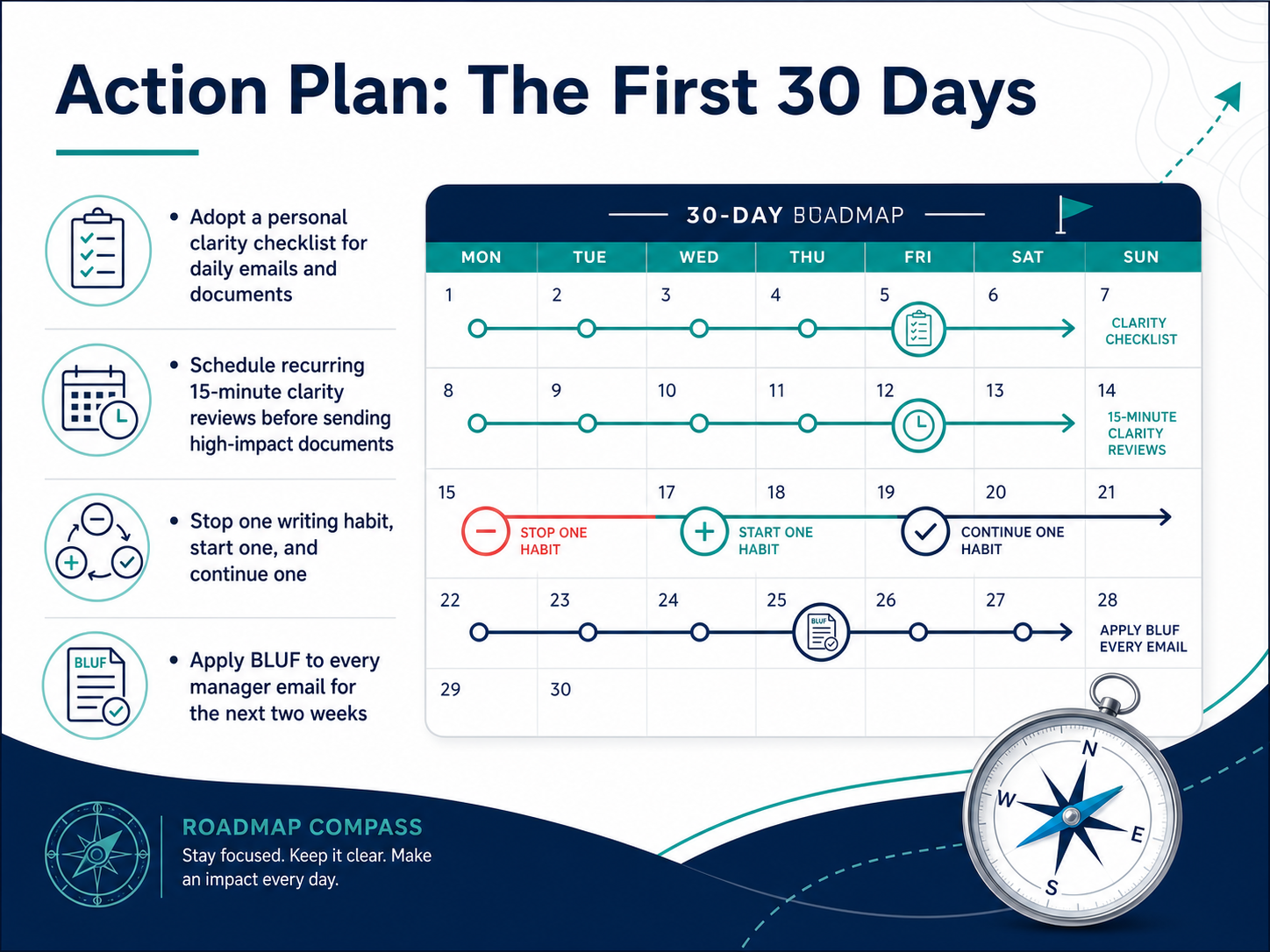
1 min - 14Action Plan: The First 30 DaysLet's turn these ideas into a simple thirty-day action plan. First, adopt a personal clarity checklist. Print it out or keep it on a sticky note. Before you hit send, quickly scan for jargon, long sentences, and passive voice. Second, schedule a recurring fifteen-minute clarity review for high-impact documents. Block the time right before you plan to send something important. That short pause will save you hours of back-and-forth later. Third, change just three habits: stop one writing habit that slows readers down, start one habit that makes your point clearer, and continue one thing you already do well. Small shifts stick. Finally, apply BLUF, or Bottom Line Up Front, to every manager email for the next two weeks. State your main request or conclusion in the very first sentence. This builds trust and saves your manager's time immediately. Now let's bring everything together in our course wrap-up and resources.
 2 min
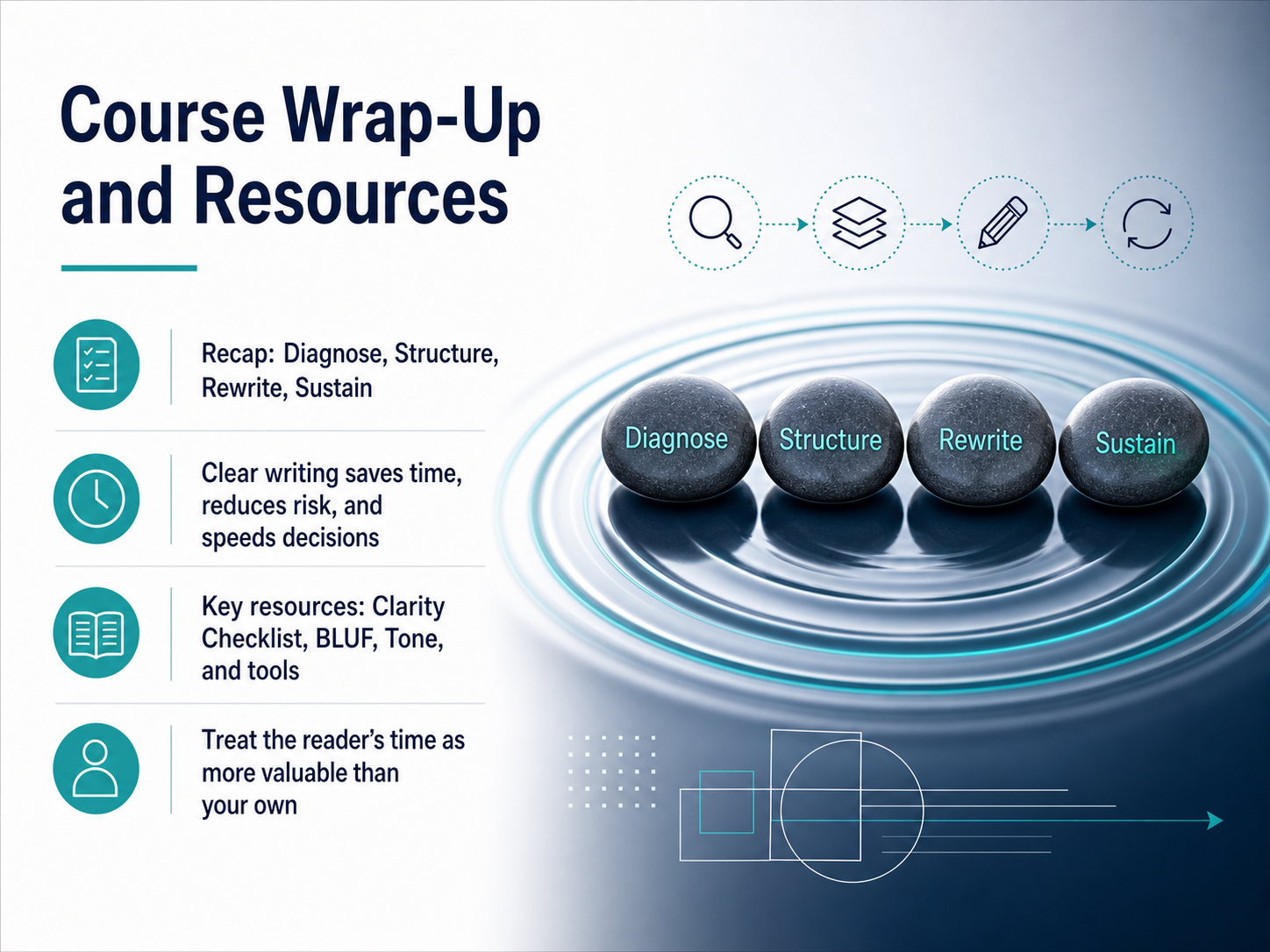
2 min - 15Course Wrap-Up and ResourcesLet's quickly tie it all together. The four steps we covered are Diagnose, Structure, Rewrite, and Sustain. First, diagnose the problem and the reader's real need. Then, structure with a clear main point up front. Next, rewrite for plain language and active voice. And finally, sustain the habit by using the checklist and tools. Remember the core idea: clear writing saves time, reduces risk, and speeds up decisions. The resources you now have—the Clarity Checklist, the BLUF framework, the Tone tips, and the tool recommendations—are here to support you. The single most important mindset is this: treat the reader's time as more valuable than your own. When you do that, every word earns its place. Now, let's move into the final step, Assessment and Next Steps, where you'll apply everything we've discussed.
 1 min
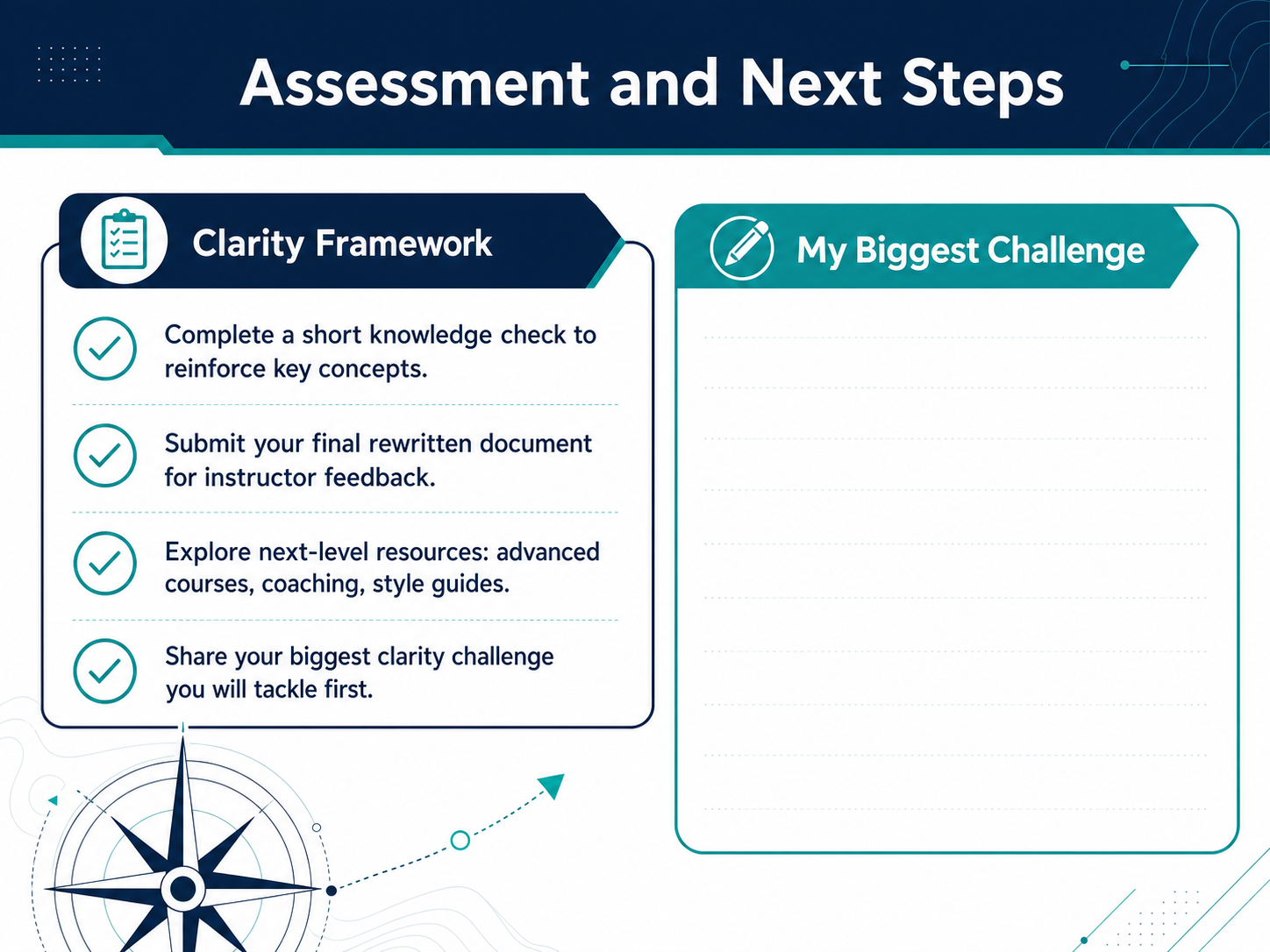
1 min - 16Assessment and Next StepsWe covered a lot today. Now, let's put these skills into action. First, you have a short knowledge check. It hits the key points and builds your confidence. Next, submit your final rewritten document. Choose one piece of your own writing you want to improve. I will give you direct, personal feedback. After that, look at the next-level resources. You can take an advanced course, request one-on-one coaching, or download our style guide for quick reference. Finally, I want you to think about your biggest clarity challenge. Is it long emails? Confusing procedures? Pick one thing you will tackle first, and share it. This is your plan. Take the next step, and start writing with more clarity today. Thank you, and I look forward to seeing your work.
 1 min
1 min
Take the deck with you
Download this course as a file — free, no sign-up needed.
- PDF handoutEvery slide page, ready to print or share.17 pages · 4.2 MBDownload
- Narrated PowerPointThe deck that presents itself — every slide carries the digital human's narration video.17 pages · 12.4 MBDownload
- PowerPoint slidesThe full deck as a .pptx — open it in PowerPoint, Keynote, or Google Slides.17 pages · 4.0 MBDownload
Free to use in your own training — please keep the PersonWise credit page at the end.
Have your own deck? Turn it into a course