Begin
14 pages · ~28 min
Software Engineering Learning Workflow
A practical workflow for aspiring software engineers, teaching efficient learning strategies to master coding fundamentals and build real-world development skills.
A digital instructor presents all 14 pages. Hold “Ask” at any point and ask out loud — the answer comes from this course. No sign-up needed.
What you’ll learn
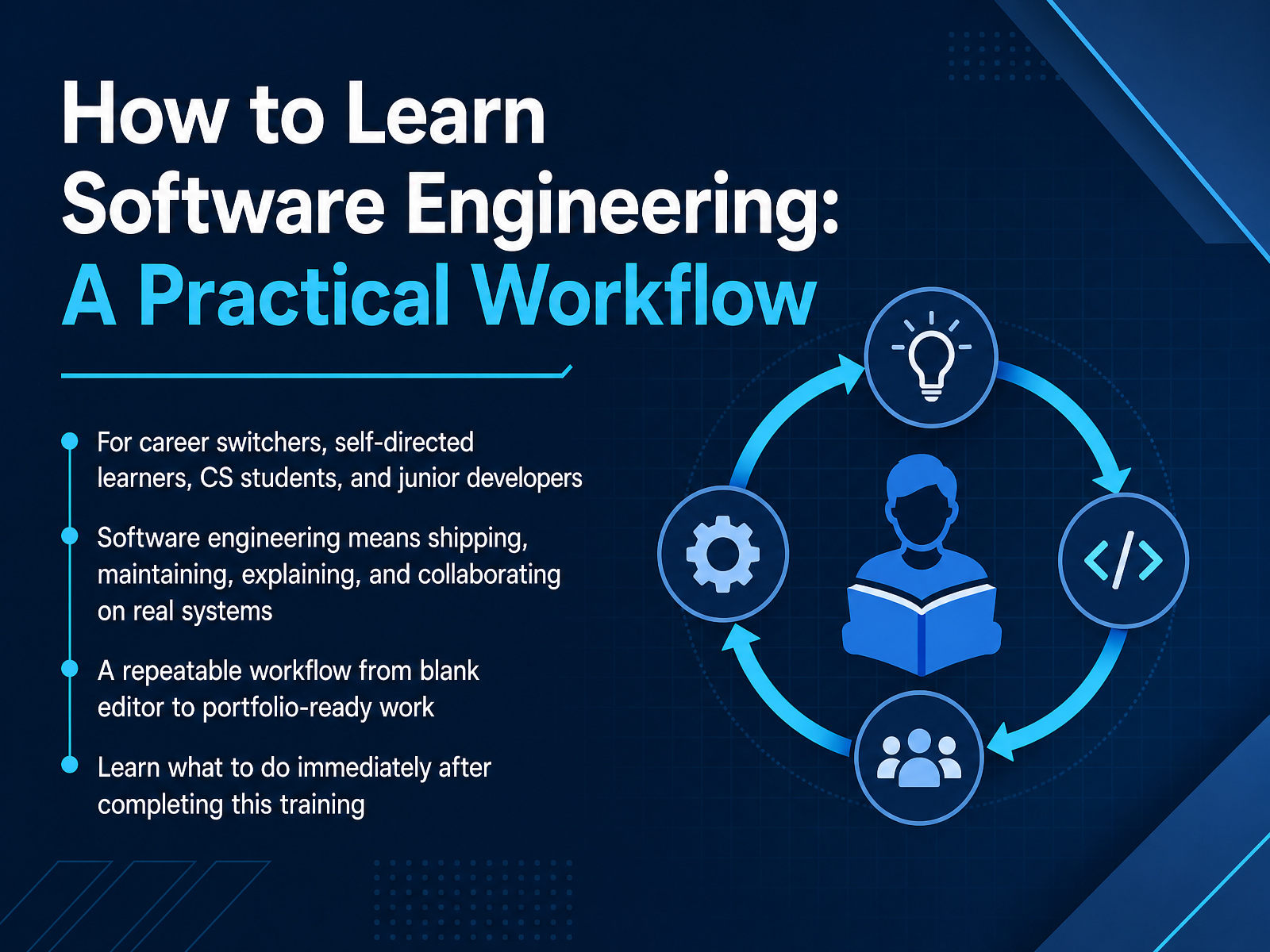
- 01How to Learn Software Engineering: A Practical WorkflowWelcome. If you are a career switcher, a self directed learner, a computer science student, or a junior developer, this training is for you. We are here to answer a simple question. How do you actually learn software engineering? Not just how to write code. Engineering means shipping working systems, maintaining them, explaining your choices clearly, and collaborating with other people. That sounds like a lot. It is a lot. But it is also a skill you can build with the right workflow. Over the next few minutes, I will give you a repeatable process. We will go from a blank editor all the way to portfolio ready work that shows employers what you can really do. More importantly, you will know exactly what to do the moment this training ends. Let us start with the biggest obstacle most learners face. Why do smart, motivated people get stuck and feel like they are not making real progress?scrimba.comhyperskill.orglabs.codersarts.com+21 min
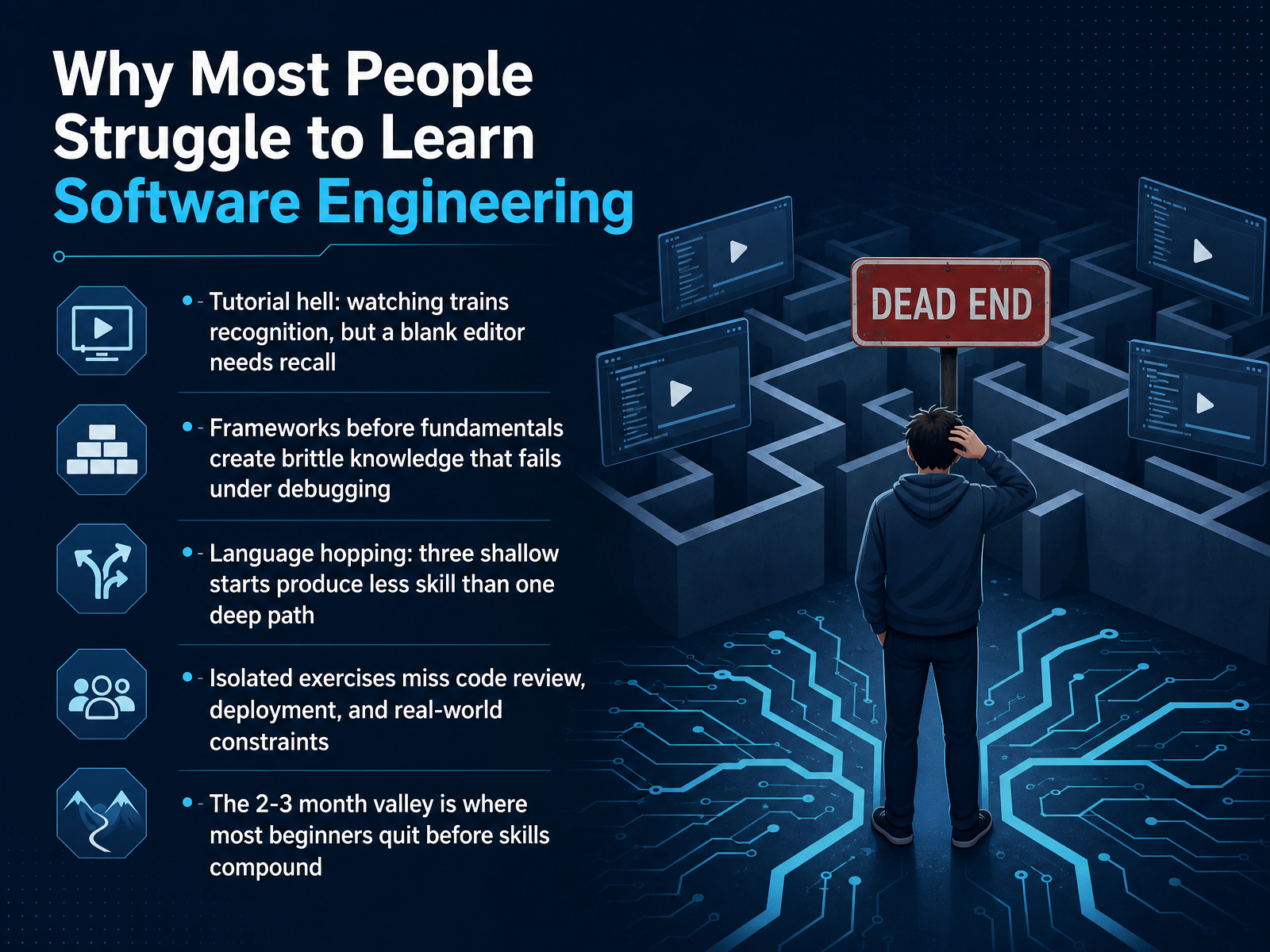
- 02Why Most People Struggle to Learn Software EngineeringSo why do so many people struggle to learn software engineering? It is rarely a lack of intelligence. It is usually a problem with how we practice. The first trap is tutorial hell. You watch someone else code, and it all makes sense. But when you open a blank editor, your mind goes blank. That is because watching trains recognition, while building requires recall. The gap between those two skills is massive. Another common issue is skipping fundamentals. Jumping into a framework before you understand the core language creates brittle knowledge. It works until a bug appears, and then you are lost because you do not know what the framework is doing underneath. There is also language hopping. Three shallow starts in three languages produce far less skill than one deep path for six months. Many learners also work in isolation, missing the constraints of code review, deployment, and real-world projects. And finally, there is the two to three month valley. This is the steep part of the learning curve where most beginners quit, right before their skills begin to compound. Understanding these traps is the first step. Next, let's look at the mental models that help you build a reliable learning loop.
 scrimbaguide.techdev.tocodepractice.in+21 min
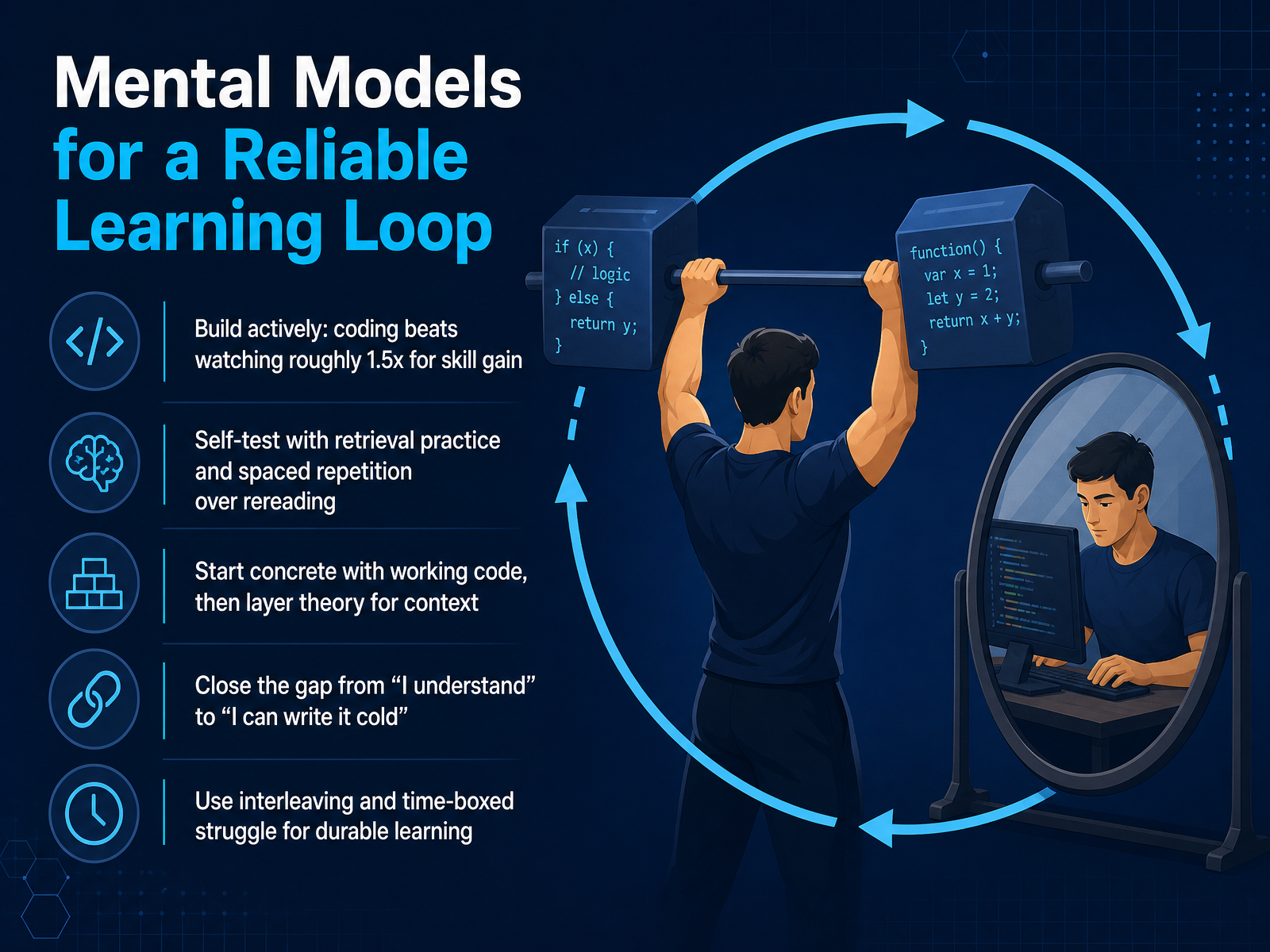
 - 03Mental Models for a Reliable Learning LoopLet's talk about the mental model that makes all of this stick. A learning loop is not about consuming more content, it's about how you practice. First, build actively. Coding beats watching. When you type the code and solve the problem yourself, your brain forms stronger connections than if you just followed along with a video. That active struggle is where the skill is built. Second, test yourself. Instead of rereading notes, close the tab and try to write the function from memory. This is called retrieval practice, and it is much more durable than rereading. Third, start with working code. You don't need to master the theory before you touch a keyboard. Get something running, see it work, and then layer the theory on top to understand why it works. Your goal is to close the gap between saying 'I understand this' and actually writing it cold. The only way to do that is to practice pulling the code out of your head, not out of a tutorial. Finally, mix things up. Don't just do one topic for hours. Switch between different problems. And give yourself a time box to struggle before you look up the answer. That struggle is a signal you are learning, not a sign of failure. Use this loop consistently. Next, we'll talk about choosing a specific path, including the language, the domain, and the type of project you should start with.
 dl.acm.orgdl.acm.orglink.springer.com+22 min
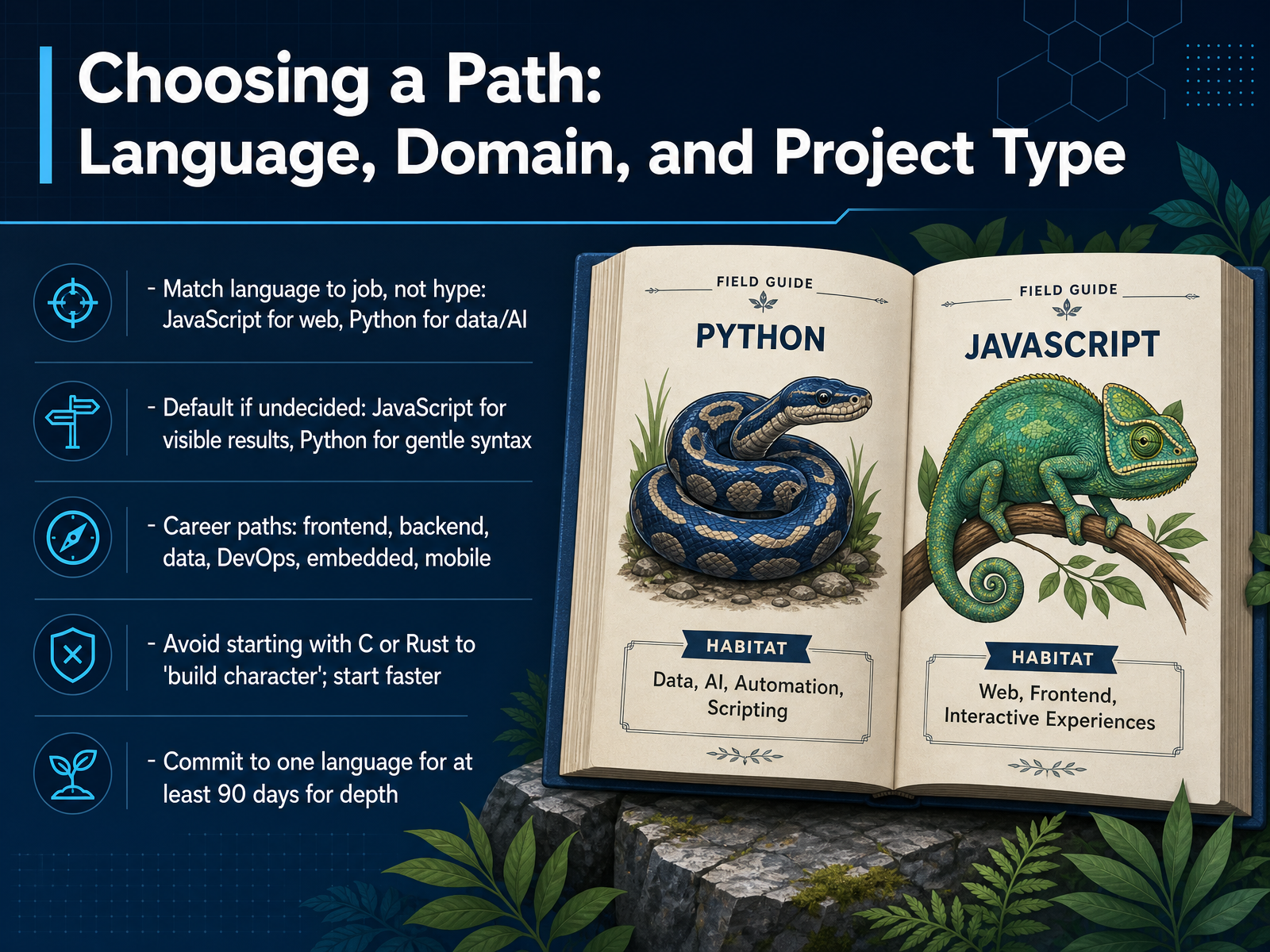
 - 04Choosing a Path: Language, Domain, and Project TypeSo now let's talk about choosing a path, because this is where a lot of people get stuck. The rule is simple: match the language to the job you want, not to the hype you see online. If you want to build for the web, learn JavaScript. If you're leaning toward data or AI, Python is your tool. And if you genuinely don't know yet, stay with one of these two. JavaScript shows you visible results fast in a browser, while Python has a gentler, more readable syntax. Now, a quick warning. Some people will tell you to start with C or Rust to build character. Skip that advice for now. Those languages add friction before you've even learned the basics. Instead, pick one language and commit to it for at least ninety days. No language tourism, no switching after a week. That depth is what actually teaches you to think like a developer. Once you've made your choice, the next step is building an environment around you that supports fast feedback.
 scrimba.compickuma.comboot.dev+22 min
 - 05Setting Up a Learning Environment That Supports FeedbackNow let's talk about setting up your learning environment so it gives you constant feedback. Start using Git and GitHub from day one. Your commit history is evidence of real work, and hiring managers do look at it. Next, add automated tests, linters, and formatters. These tools catch errors instantly and push you toward professional habits. Keep a simple dev log where you write down problems, decisions, and what you learned. This helps you decompose tasks and gives you stories for interviews later. Also, prepare early for code review. If you are self-taught, missing human feedback is a real gap, so seek out reviews from communities or peers. Finally, start with low friction. Use browser tools first, then move to a local setup once you're comfortable. In short, build an environment that mirrors a real team's workflow, not just a tutorial playground. Up next, we'll look at a core routine of read, build, break, fix, and explain.
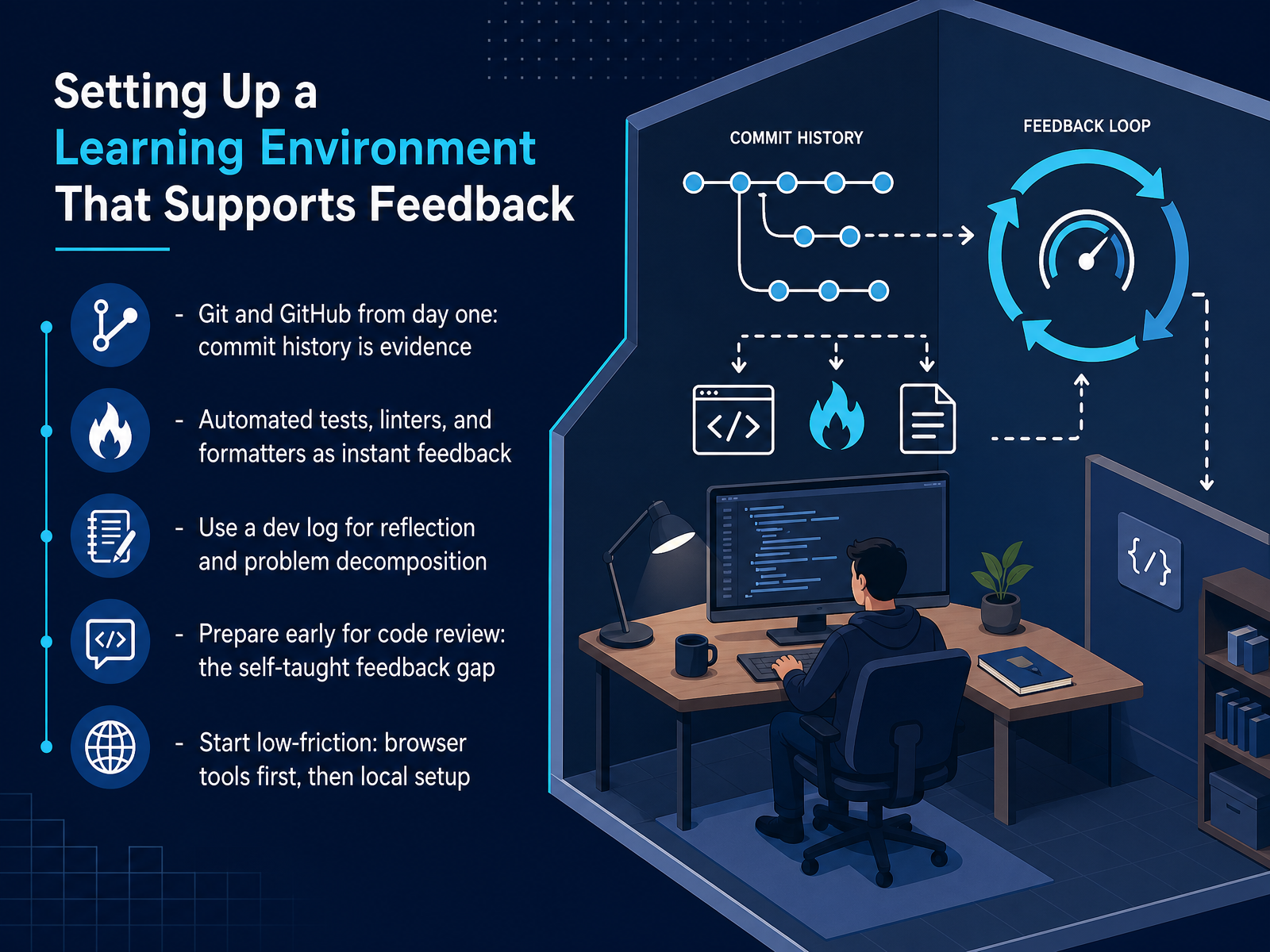 scrimba.comhyperskill.orglabs.codersarts.com+21 min
 - 06Core Routine: Read, Build, Break, Fix, ExplainNow let's turn our learning method into a repeatable routine. Think of it as a five-step cycle: Read, Build, Break, Fix, and Explain. Read enough to understand a concept. Then build something small from a blank file. Break it on purpose or let it break naturally. Read the errors carefully and fix them yourself. Finally, explain what you did in plain language. If you get stuck, use a thirty-minute protocol. Spend ten minutes struggling directly. Then search for the exact error message. If you still need help, ask a precise question that states the error and what you already tried. After you finish a small feature, close the tutorial and rebuild it from an empty editor. This builds recall, not just recognition. Set a timer for each stage, study, implementation, debugging, and communication, so one activity never swallows your session. The goal is not to avoid being stuck. It is to build a calm, repeatable way out. Next, we will look at the first thirty hours as a minimal path to working code.
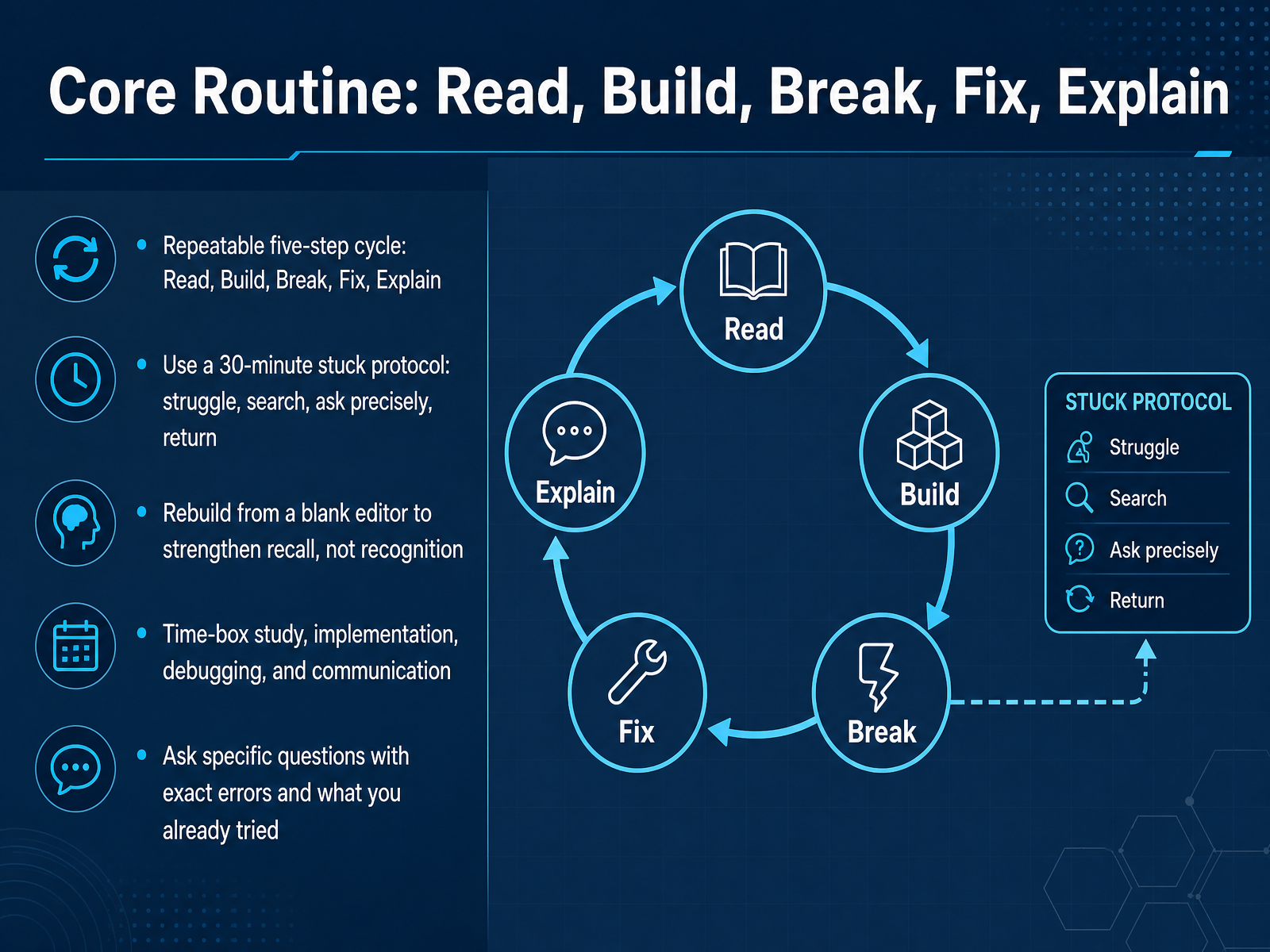 scrimbaguide.techdev.tocodepractice.in+21 min
 - 07The First 30 Hours: A Minimal Path to Working CodeSo let's talk about your first thirty hours. This is where you build the foundation, and I want you to think about it in four phases. First, you learn the absolute basics of the language. Variables, loops, logic. Second, you apply those basics by writing small programs. Then you move into a real build. And finally, you debug it until it actually works. To make that real build happen, pick a project you can describe in one sentence, with clear acceptance criteria. Not something ambiguous. Something you can look at and say, this is done. When you find reference code or a solution online, don't copy and paste it. Type it out by hand. Then close the tab and rebuild it cold from memory. That friction is where the learning happens. And keep a dev log. Write down what broke, what you tried, and what finally worked. These notes become reusable patterns and interview stories later. Be honest about what thirty hours gives you. It buys genuine competence and one finished project you can explain. It is not job readiness. It is a strong first step. Next, we'll talk about escaping tutorial hell and moving from following along to building on your own.
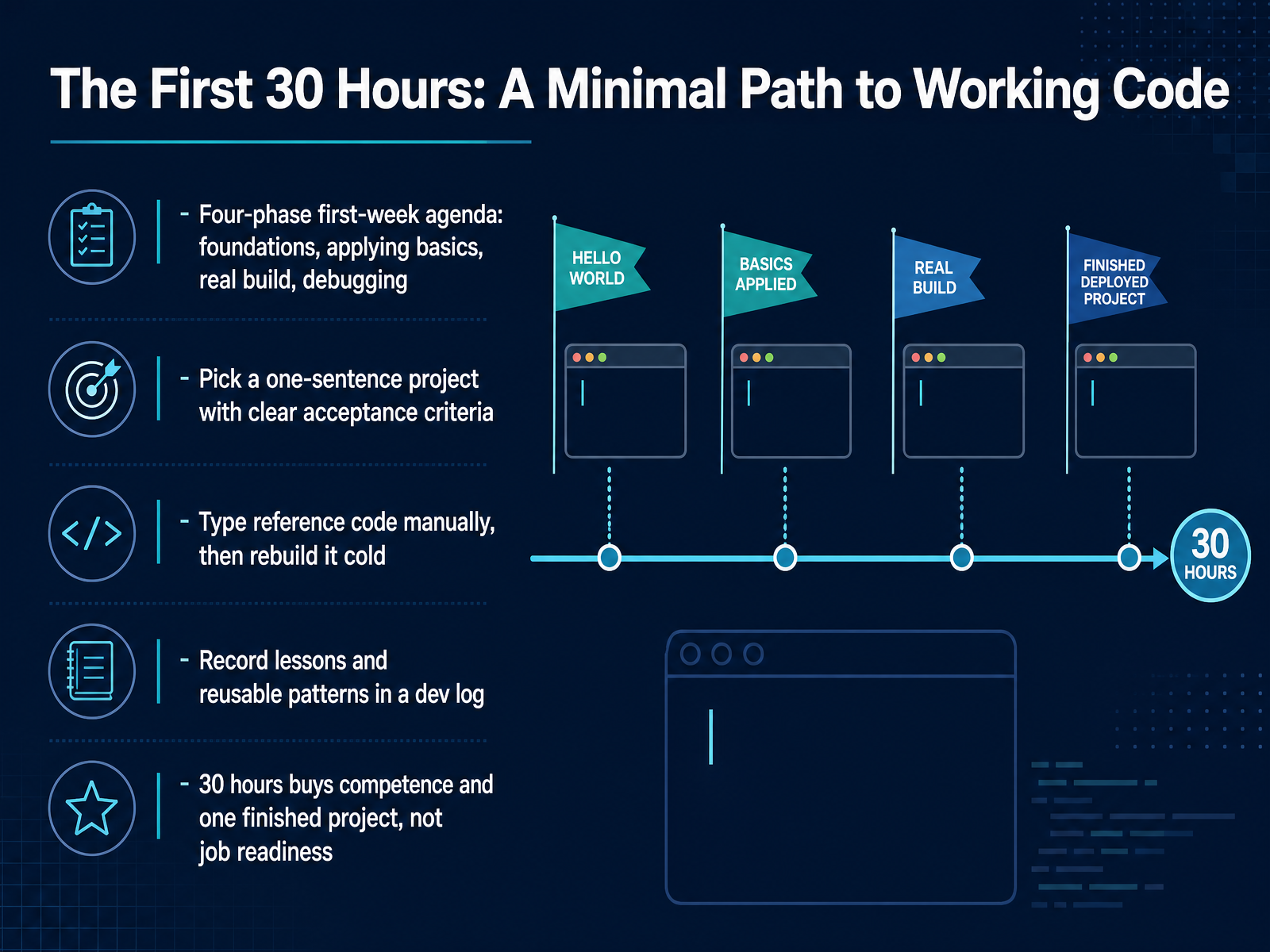 boot.devscrimba.comblog.brightcoding.dev2 min
 - 08Escaping Tutorial Hell: From Following to BuildingNow, let's talk about something you might recognize: tutorial hell. It's that frustrating place where you can follow along with any video, but the moment you stare at a blank editor, your mind goes empty. That happens because tutorials mostly train recognition. You know the answer when you see it. But our jobs require recall. You need to produce the answer from nothing. So here is the fix. Use the twenty eighty rule. For every hour you spend watching a lesson, spend four hours building. When you finish a tutorial, close the video, open a new file, and rebuild that project without looking. Yes, you will get stuck. That struggle is where the real learning happens. Keep your proofs small. A thirty line function with a few tests teaches you more than a twelve hour course. And when your project is ugly, ship it anyway. Deploy it, share the link, and let it be visible. Public work creates pressure to improve, and that pressure is useful. Next, we will look at how to turn these small wins into portfolio ready projects.
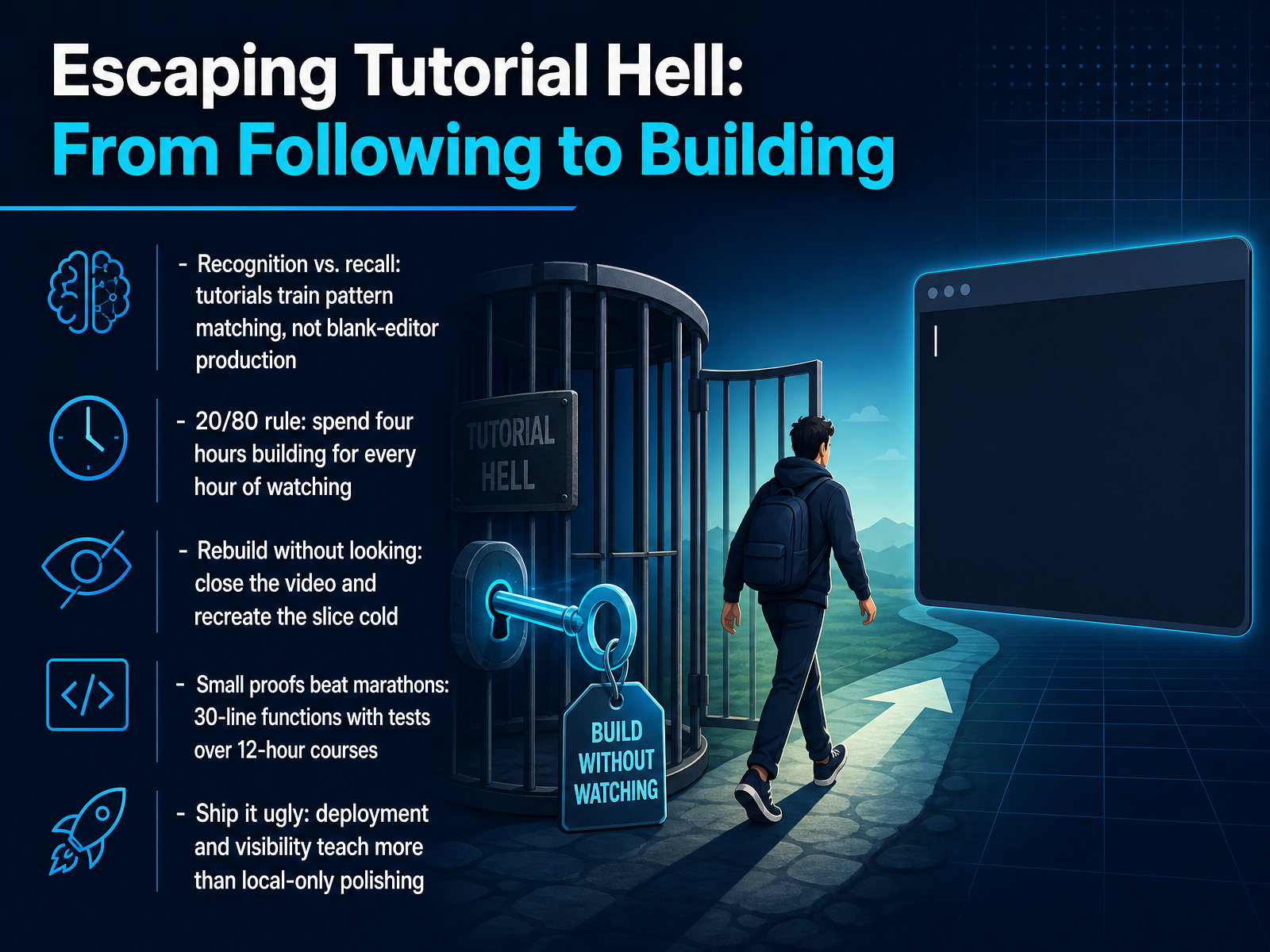 scrimbaguide.techdev.tocodepractice.in+21 min
 - 09From Small Projects to Portfolio-Ready WorkNow, let's turn your small projects into work that gets noticed. The key here is discipline. Add one feature and make one commit at a time. This creates a real development history that shows how you actually think and work. Remember, anyone can start a project. Finishing it with tests and clear documentation is the skill that sets you apart. Don't fall into the tutorial trap. Two to four polished, deployed projects that solve a real problem are far more valuable than ten clones. Hiring managers aren't just looking at your code. They're looking at your commit history and your README files. So, take the extra time to document your thinking. Write down the problem you solved, the decisions you made, and the trade-offs you considered. Most importantly, write down what you would change if you built it again. That kind of honest self-critique shows professional maturity. Next, we'll look at how code review and open source can accelerate your growth.
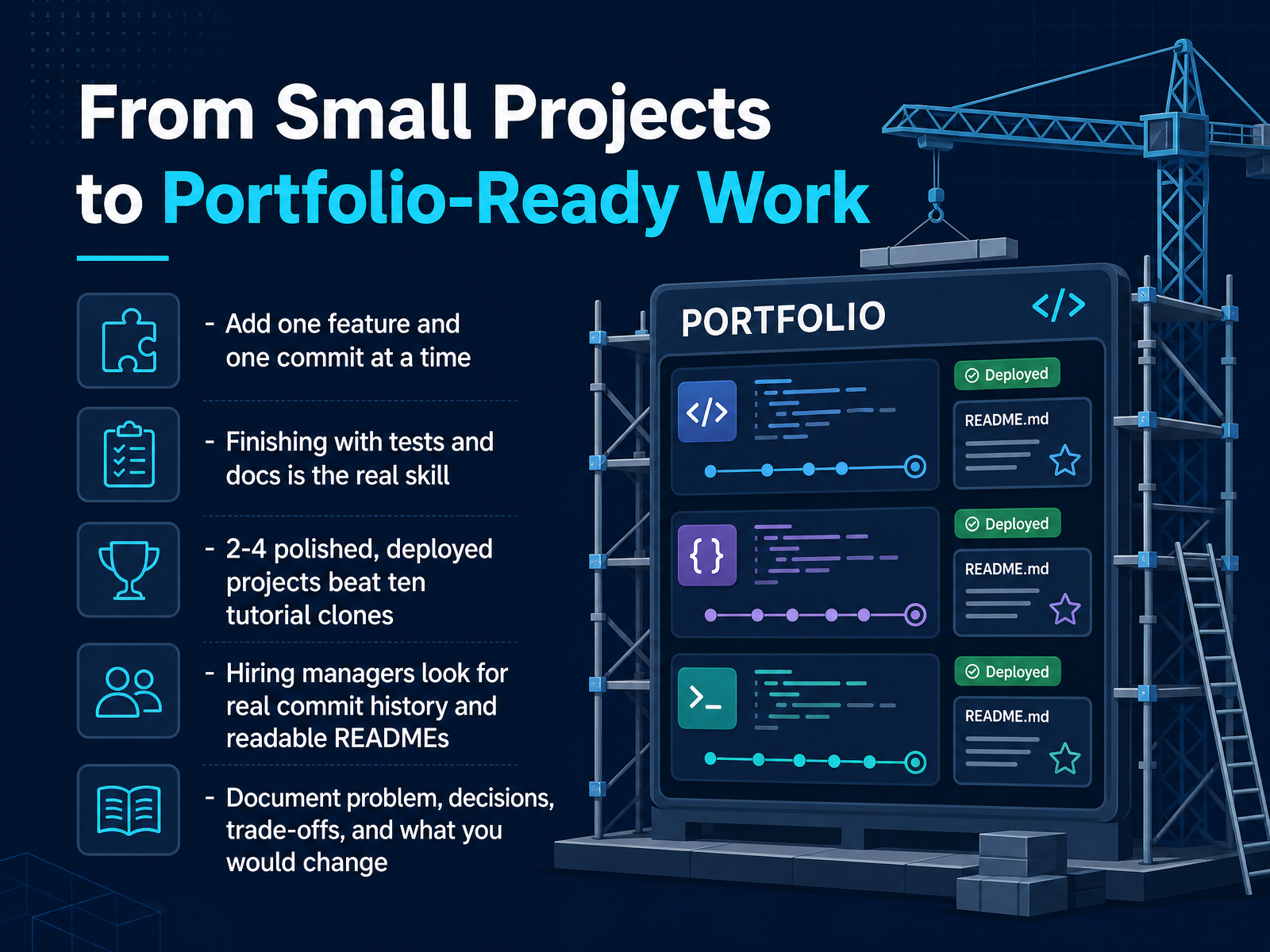 scrimba.comhyperskill.orglabs.codersarts.com+21 min
 - 10Using Code Review and Open Source as AcceleratorsLet's talk about two ways to speed up your learning faster than almost anything else, code review and open source. Here's the core idea. One reviewed and revised project teaches you more than five projects nobody ever looked at. Feedback shows you what real developers notice, and revising based on that feedback builds real skill. So invite critique early, before your first interview. Ask a study group, a mentor, or an online community to review one project honestly. Then actually revise it. For open source, start small. Fix a typo in documentation, then take on a small bug patch. These small contributions matter more than you might expect. They prove you can read someone else's code, follow contribution guidelines, and work like a teammate. You also build navigation skills and real relationships with working developers. Those relationships often turn into referrals later. And building in public, sharing what you are learning, what broke, and what you fixed, attracts mentorship and visibility. People notice consistency. Consistency with feedback beats silent effort. Next, we'll look at building a sustainable long-term learning plan.
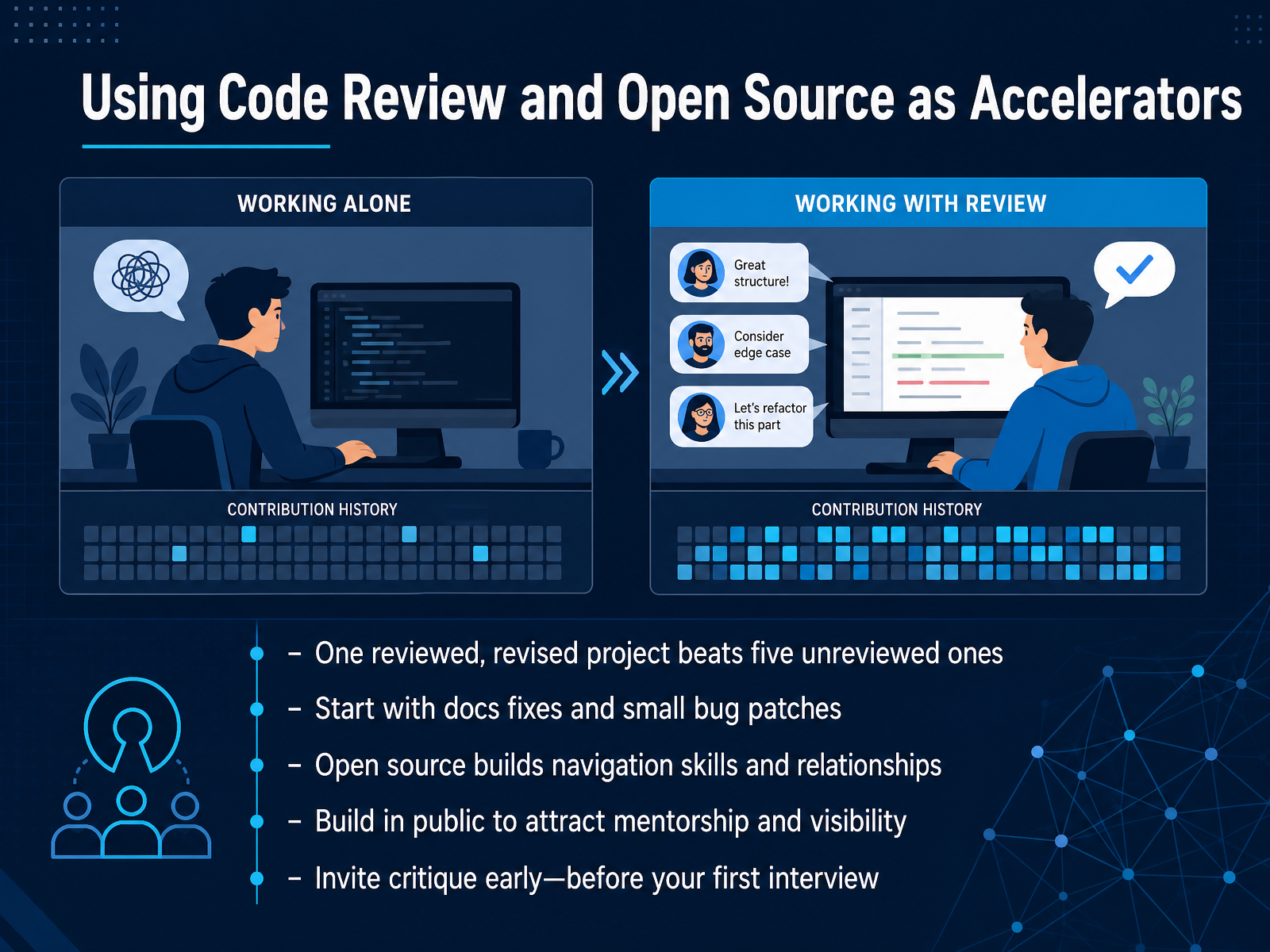 scrimba.comhyperskill.orglabs.codersarts.com+22 min
 - 11Building a Sustainable Long-Term Learning PlanLet's shift from tactics to the long game: building a plan that actually lasts. The most important rule here is simple. Consistency beats intensity. A solid thirty-to-sixty focused minutes a day produces far better results than a six-hour panic session once a week. Your brain needs time to consolidate what you have learned. Each week, try to balance four things. Spend time on structured tutorials to learn concepts, on your own projects to apply them, on reading documentation to build independence, and on community interaction for feedback and accountability. When you reach a decision point, use checkpoints to guide your next step, not the shiny new playlist that just appeared in your feed. Be honest about timelines. Plan for around three months to gain basic comfort, and nine to fifteen months for realistic job readiness if you are studying part-time. And if you are already on the job, make the flip. Stop chasing new frameworks for breadth and commit to understanding your production codebase deeply. That transition changes everything about how you learn. Next, let's look at the role of AI in your learning workflow.
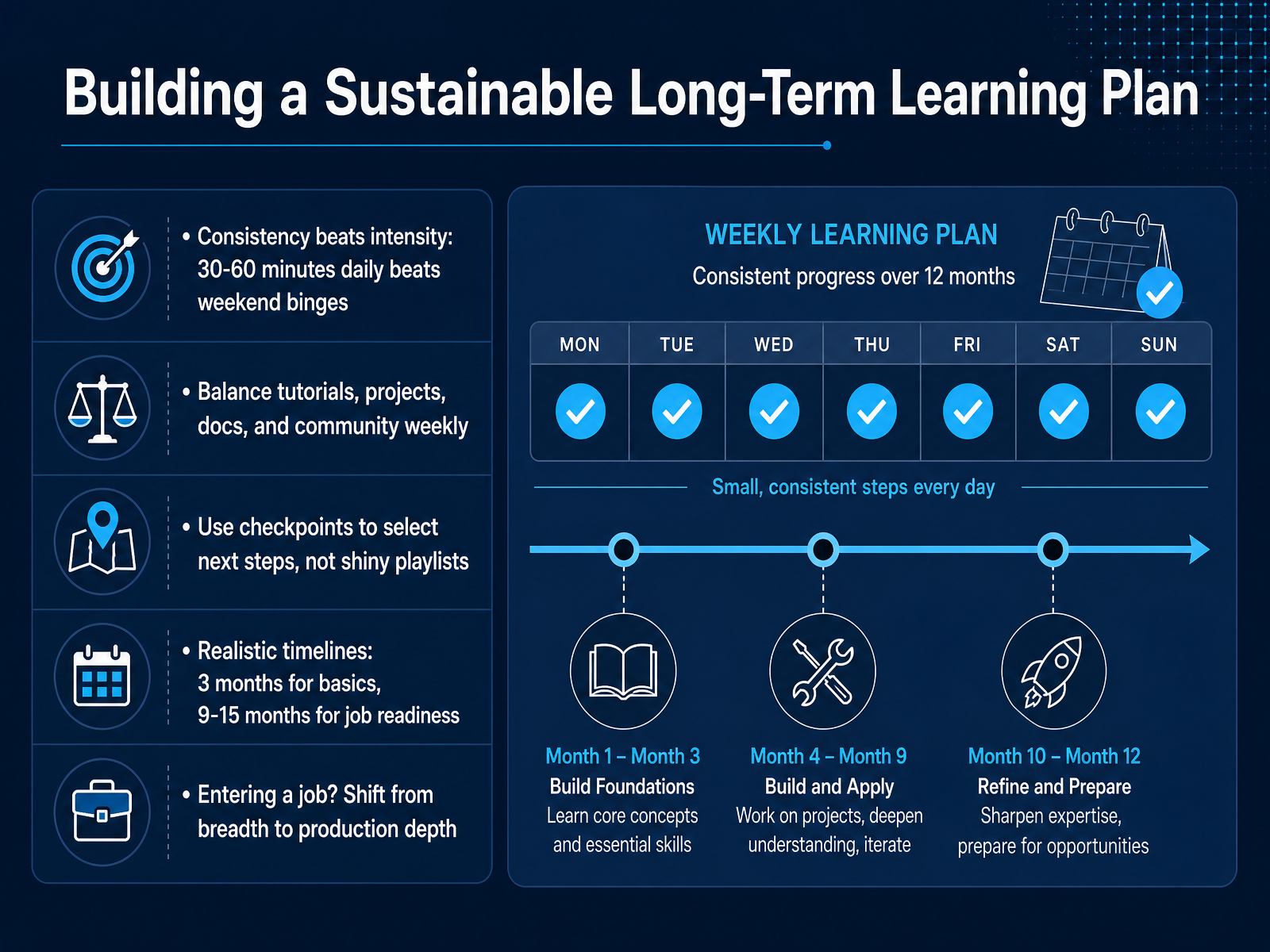 boot.devscrimba.comblog.brightcoding.dev2 min
 - 12The Role of AI in Your Learning WorkflowLet's talk about AI in your workflow, because this is where a lot of learners accidentally slow themselves down. The right way to use AI is as a tutor, not a crutch. If your code breaks, ask the AI why your logic is failing, not for a copy-paste replacement. Then write the fix yourself. That struggle is where the learning happens. Never, and I mean never, submit AI code you cannot explain line by line. It may run, but it will fail a code review from a senior engineer, and that is worse than a failing test. By 2026, AI proficiency is just the baseline expectation for new hires. It will get your foot in the door, but judgment is what separates candidates. Your ability to debug a weird bug, or explain why one solution is better than another, that is what gets you hired. So make it a rule. Attempt the problem yourself first. Feel the friction. Then use AI to refine your solution or explain a concept. That is how you build real skill that sticks. Next, we will look at how to package those skills into a portfolio that actually gets you hired.
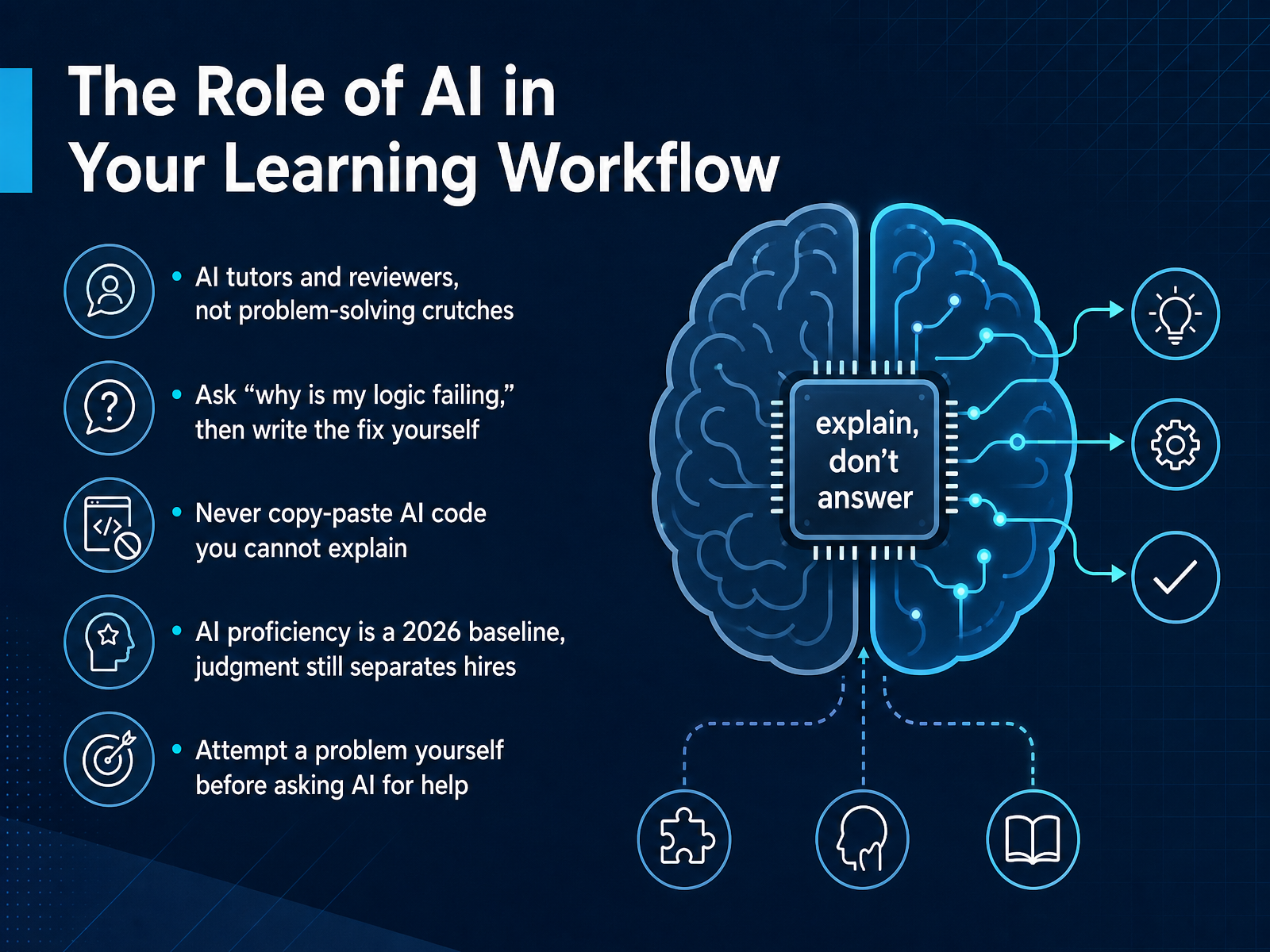 scrimba.compickuma.comboot.dev+21 min
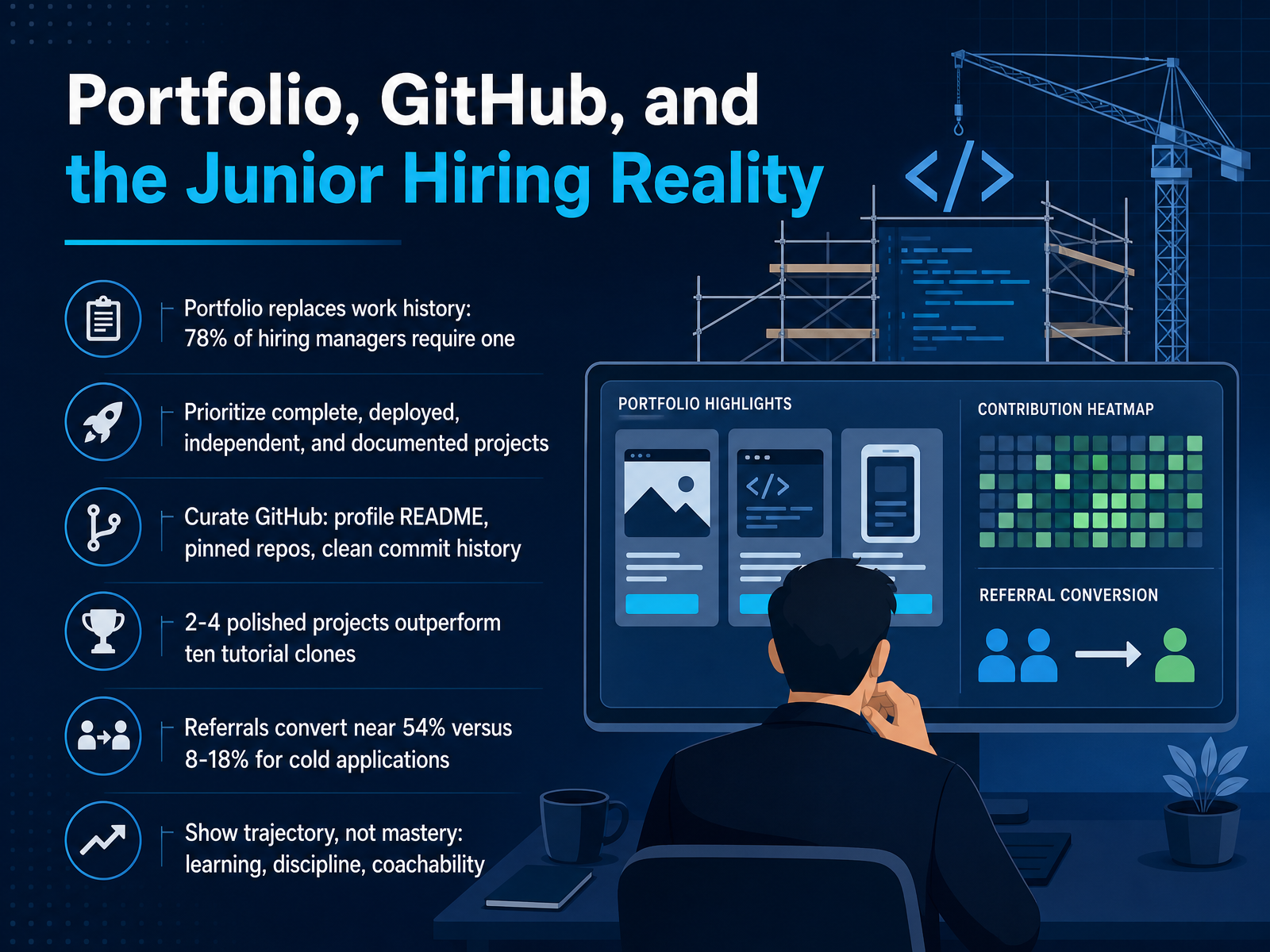
 - 13Portfolio, GitHub, and the Junior Hiring RealityNow let's talk about how you present all this work to the world. When you have no work history, your portfolio is your work history. It is the single strongest signal you can send, and most hiring managers require one. But quality beats quantity every time. Two to four polished, deployed projects that solve a real problem will outperform ten tutorial clones. Think about it this way: reviewers can spot a tutorial project in seconds. They want to see projects you finished on your own, with clean code and a README that explains your decisions. Take time to curate your GitHub too. Write a profile README, pin your best repositories, and keep your commit history clean. Now, once that portfolio is solid, how you apply matters. Referrals convert at a much higher rate than cold applications. So build in public, join communities, and let people see your trajectory. You are not trying to prove you have mastered everything. You are proving you can learn, stay disciplined, and take feedback well. Next, let's pull all of this together with a practical checklist for your first learning sprint.
 scrimba.comhyperskill.orglabs.codersarts.com+21 min
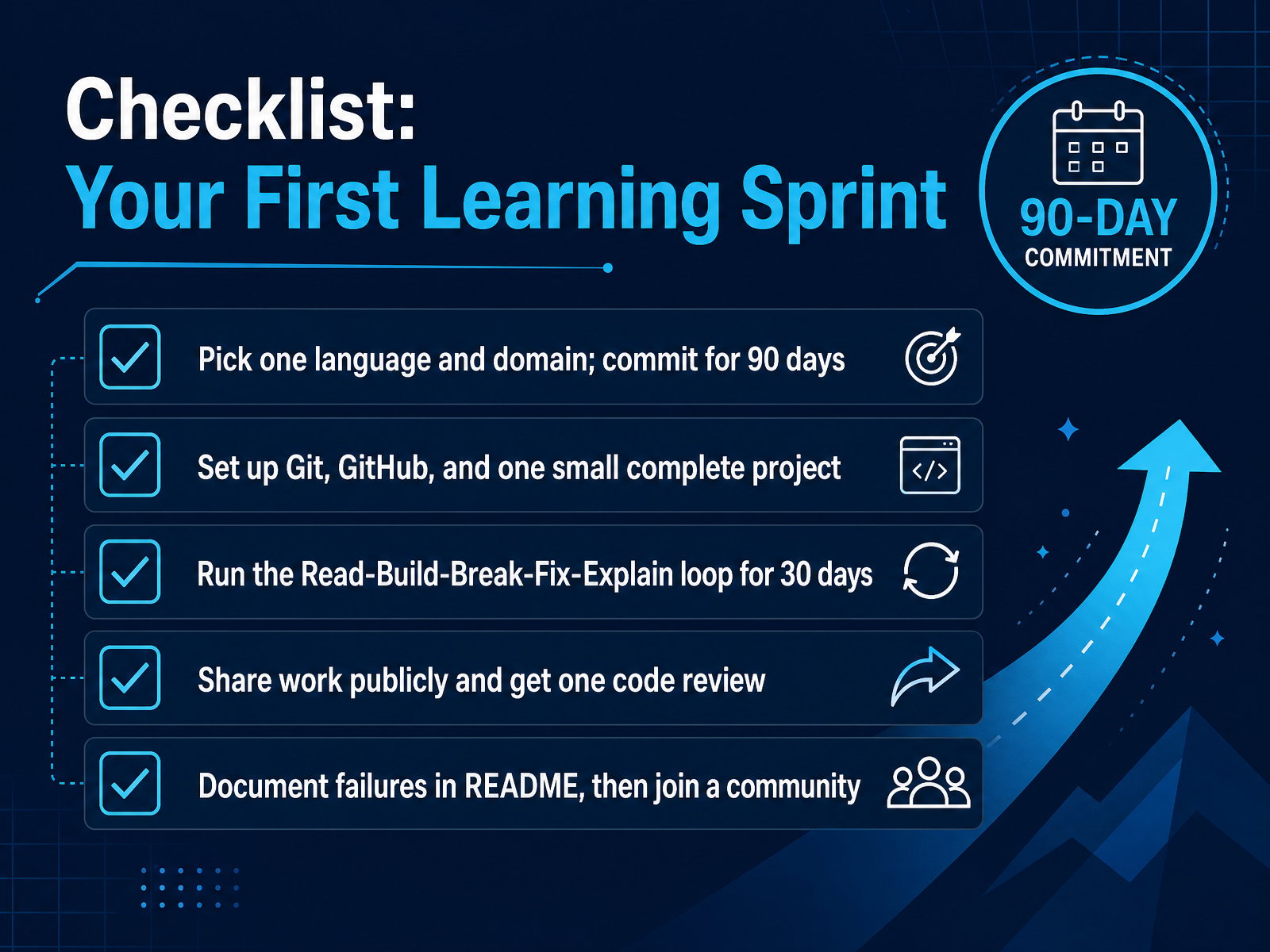
 - 14Checklist: Your First Learning SprintHere is the checklist for your first learning sprint. First, pick one language and one domain, then commit to it for ninety days. That commitment is your protection against the urge to jump to something new when things get hard. Second, set up Git and GitHub, and build one small, complete project. This builds your professional habit from day one. Third, run the Read, Build, Break, Fix, and Explain loop for thirty days. This is how you escape tutorial hell and build real recall. Fourth, share your work publicly and get one code review. Feedback from another human will accelerate your growth more than any course. Finally, document your failures in your README, and then join a community. Your debugging stories are powerful interview material. Every expert here once faced a blank file. You have the plan. Keep it simple, ship something, and let the process do the rest. Thank you for joining, and now go build something real.
 boot.devscrimba.comblog.brightcoding.dev+22 min
Take the deck with you
Download this course as a file — free, no sign-up needed.
- PDF handoutEvery slide page, ready to print or share.15 pages · 3.8 MBDownload
- Narrated PowerPointThe deck that presents itself — every slide carries the digital human's narration video.15 pages · 14.6 MBDownload
- PowerPoint slidesThe full deck as a .pptx — open it in PowerPoint, Keynote, or Google Slides.15 pages · 3.7 MBDownload
Free to use in your own training — please keep the PersonWise credit page at the end.
Have your own deck? Turn it into a course
Sources consulted
Web sources consulted while building this course.
- How to Land Your First Developer Job [2026] — scrimba.com
- Building a Developer Portfolio in 2026: What Actually Gets Attention — hyperskill.org
- 8 Portfolio Projects That Actually Get Developers Hired in 2026 — labs.codersarts.com
- Junior Developer Portfolio: What to Show (Even With No Experience) — showproof.io
- Developer Portfolios That Get Interviews: A Hiring Manager's Take · Solid Web — solid-web.com
- How to Escape Tutorial Hell in 2026 (It’s Not a Motivation Problem) | Scrimba Guide — scrimbaguide.tech
- Common Mistakes Beginner Software Engineers Make (And How to Avoid Them) - DEV Community — dev.to
- Stop Failing at Code: Guide to EscapeTutorial Hell in 2026 — codepractice.in
- 15 Mistakes to Avoid When Learning to Code Online — venture-lab.org
- 12 Mistakes That Keep Beginners Stuck in Tutorial Hell | Priygop Blog — priygop.com
- A Spaced, Interleaved Retrieval Practice Tool that is Motivating and Effective | Proceedings of the 2019 ACM Conference on International Computing Education Research — dl.acm.org
- Teach Students to Study Using Quizzes, Study Behavior Visualization, and Reflection: A Case Study in an Introduction to Programming Course — dl.acm.org
- Single-paper meta-analyses of the effects of spaced retrieval practice in nine introductory STEM courses: is the glass half full or half empty? | International Journal of STEM Education | Springer Nature Link — link.springer.com
- Practicing Retrieval Facilitates Learning | Annual Reviews — annualreviews.org
- A Meta-analytic Review of the Effectiveness of Spacing and Retrieval Practice for Mathematics Learning | Educational Psychology Review | Springer Nature Link — link.springer.com
- How to Start Learning to Code: A Complete Beginner's Guide (2026) — scrimba.com
- How to Pick Your First Programming Language in 2026 (Without Overthinking It) — Pickuma — pickuma.com
- How to Learn to Code in 2026: A Step-by-Step Guide | Boot.dev — boot.dev
- How to Learn to Code in 2026 (Step-by-Step Guide) | Bright Coding — blog.brightcoding.dev
- Best Programming Languages to Learn in 2026 | Job Demand & AI Rankings — margabagus.com