Begin
14 pages · ~28 min
Freelance Digital Marketing Essentials
This training helps freelance digital marketers build practical skills to plan, execute, and manage effective marketing campaigns for clients.
A digital instructor presents all 14 pages. Hold “Ask” at any point and ask out loud — the answer comes from this course. No sign-up needed.
What you’ll learn
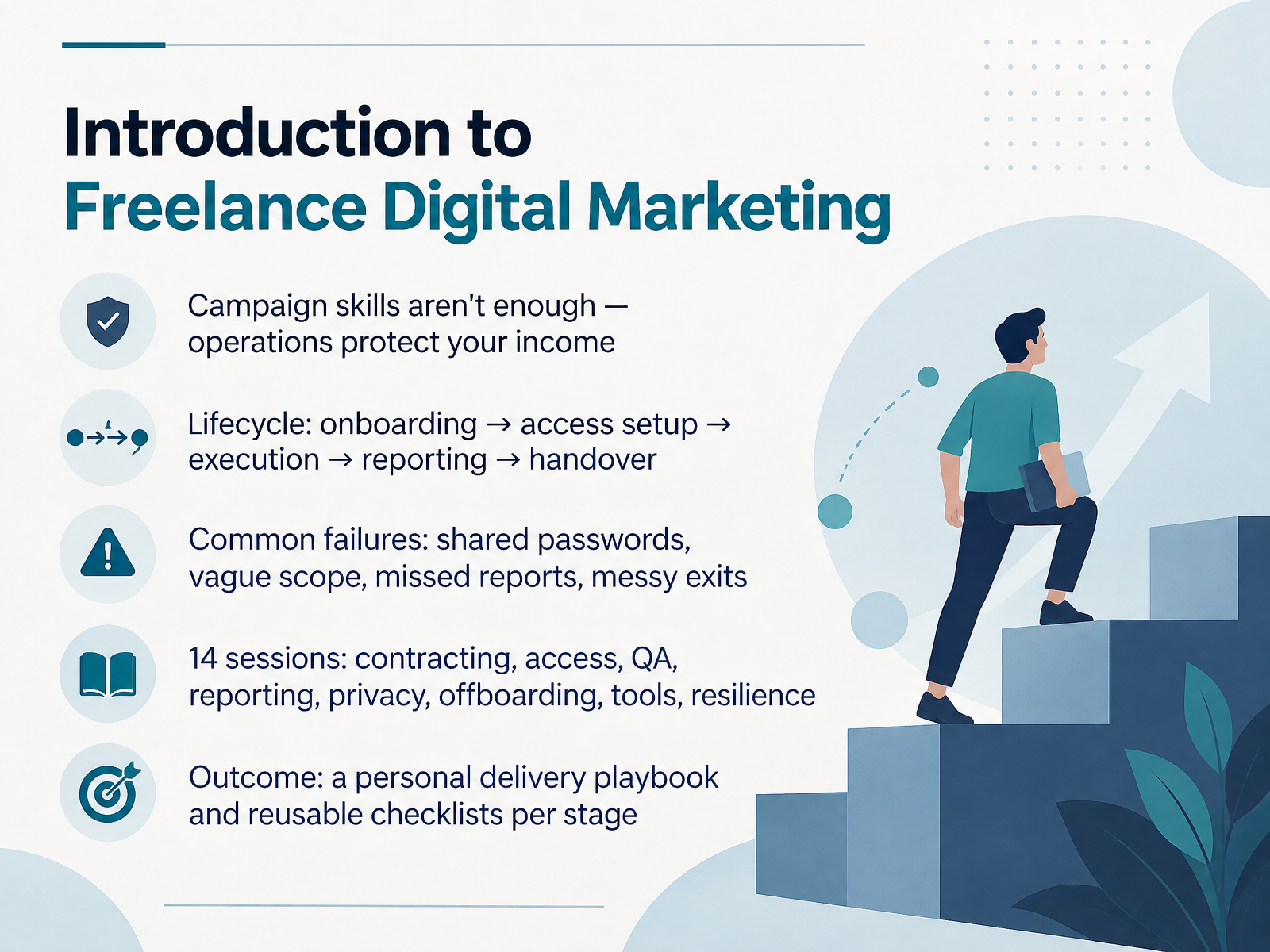
- 01Introduction to Freelance Digital MarketingWelcome. I am glad you are here. This course is for independent marketers who manage client accounts, deliver campaigns, report results, and handle handovers. Here is the honest truth. Campaign skills alone will not protect your income. Operations do. Think of every client as a lifecycle. Onboarding, access setup, execution, reporting, then handover. Most problems trace back to a few common failures. Shared passwords. Vague scope. Missed reports. Messy exits. Over fourteen sessions, we will cover contracting, access, quality checks, reporting, privacy, offboarding, tools, and resilience. The goal is simple. You leave with a personal delivery playbook and reusable checklists for each stage. Let us start with scoping and contracting for delivery.rock.sotryapprove.complutio.com+22 min
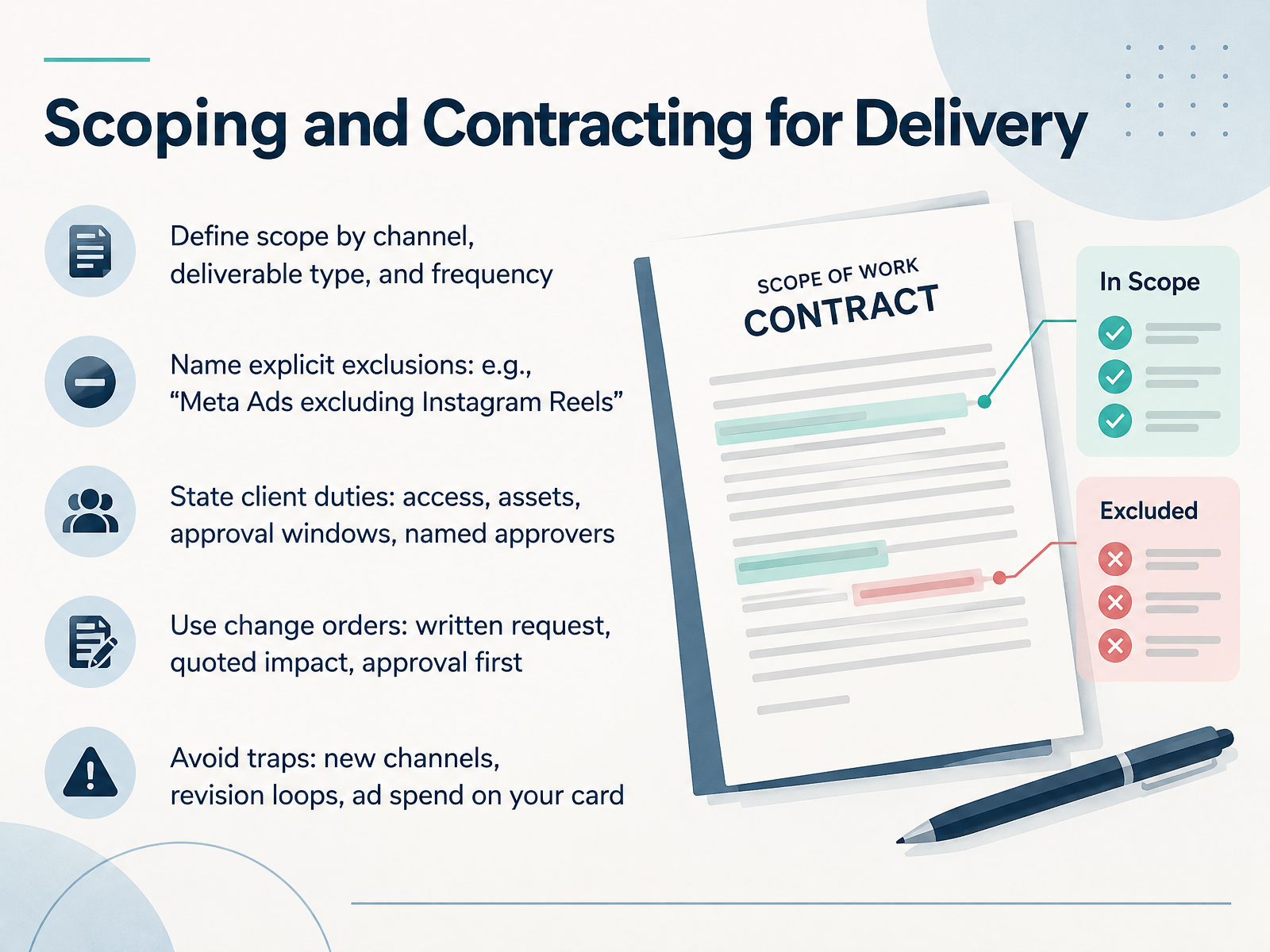
- 02Scoping and Contracting for DeliveryNow let's lock down scope before work starts. Define scope by channel, deliverable type, and frequency. For example, two Google Ads campaigns and one weekly performance report. Then name explicit exclusions. Write it plainly: Meta Ads excluding Instagram Reels. Next, state client duties. Access, assets, approval windows, and named approvers. If approvals slip, timelines move with them. For extra work, use change orders. Written request, quoted impact, approval first, then work begins. Watch three traps: adding new channels mid-campaign, revision loops, and putting ad spend on your card. Keep spend billed directly to the client. Nail down access and permissions next, in Client Access and Permission Management.
 content.next.westlaw.comeverestx.comtechhelp.ca+21 min
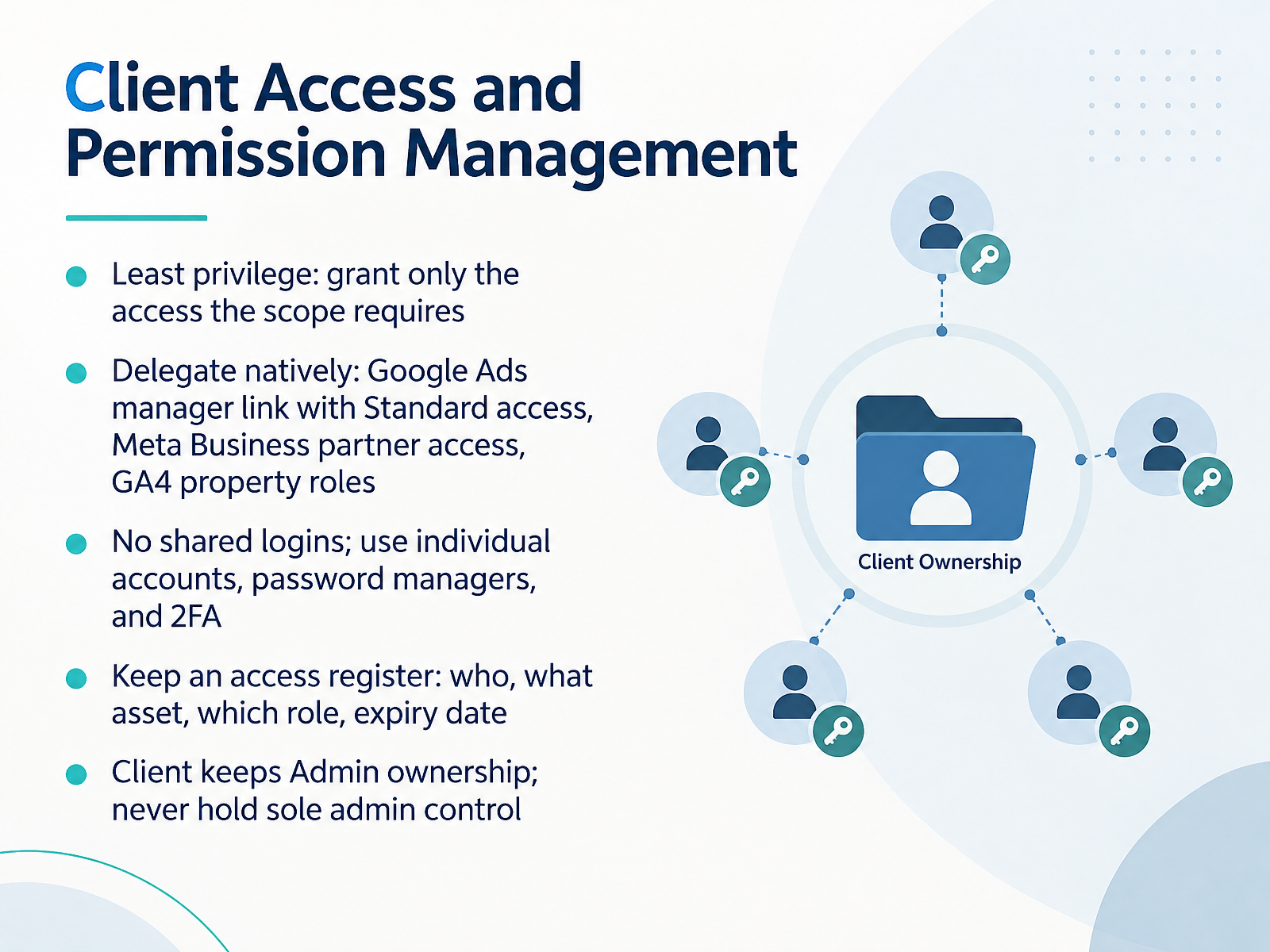
- 03Client Access and Permission ManagementNext, let's lock down client access and permissions. Start with least privilege. Grant only the access the scope actually requires. Delegate natively. For Google Ads, link your manager account with Standard access. Standard lets you view, edit, and manage campaigns, but not hierarchy or user administration. For Meta, use partner access in Business settings. For GA4, assign property-level roles. No shared logins. Ever. Use individual accounts, a password manager, and two-factor authentication on every client asset. Keep an access register. Record who has access, which asset, their role, and an expiry date. That register saves hours during handover. And the client keeps Admin ownership. Never hold sole admin control. If you're the only admin and you disappear, the client loses tags and recovery options. So confirm a second admin sits on their side. Access stays clean, auditable, and easy to end. Access Handoffs: Platform Nuances.
 support.google.comsupport.google.comsupport.google.com+22 min
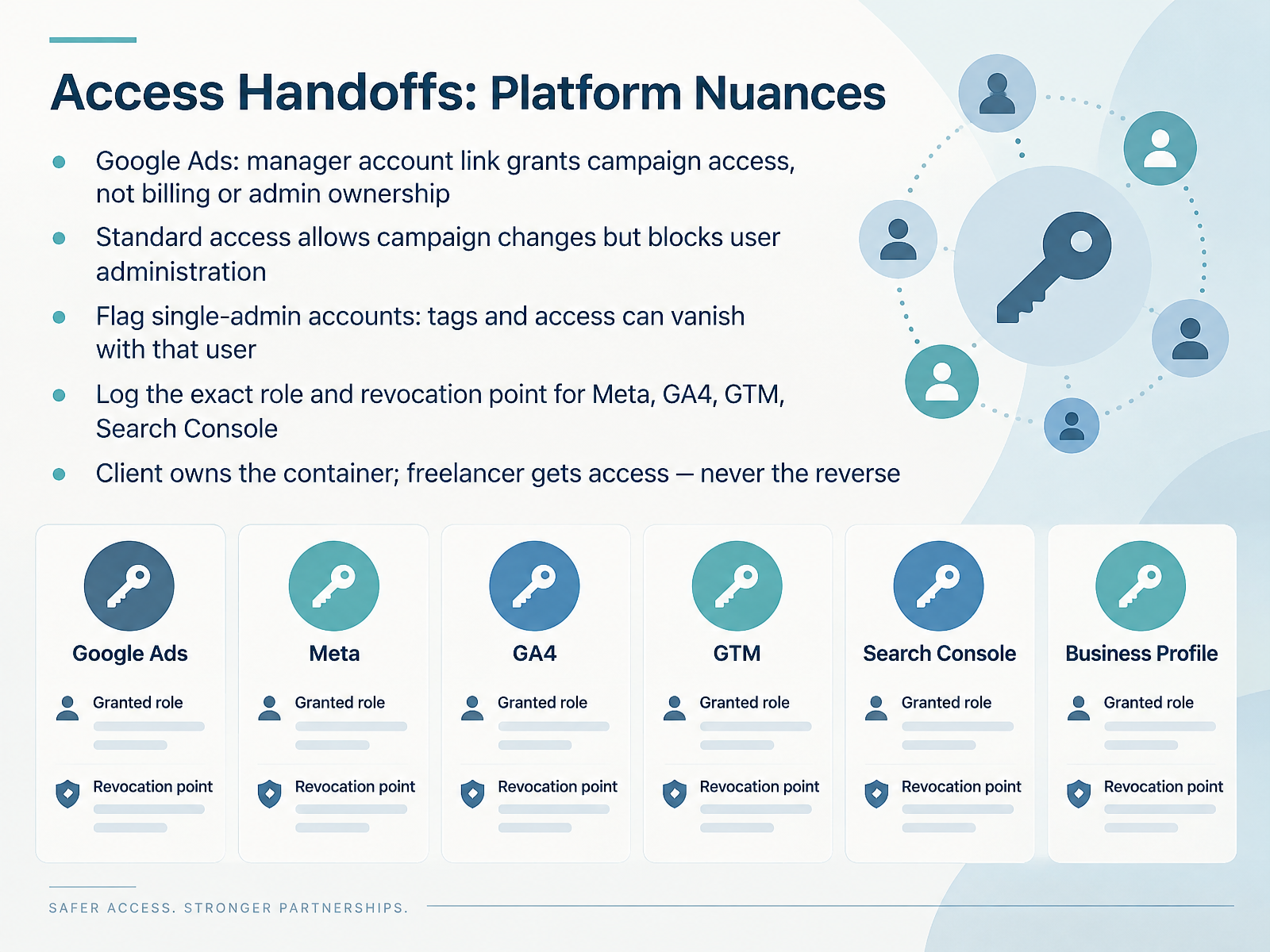
- 04Access Handoffs: Platform NuancesNext, let's look at access handoffs and where each platform differs. In Google Ads, a manager account link grants campaign access, not billing or admin ownership. Standard access lets you change campaigns, but blocks user administration. So check who holds true admin rights on every client account. Flag accounts with a single admin, because tags and access can vanish with that user. Now go one step further. Log the exact role and revocation point for each platform, including Meta, GA4, GTM, and Search Console. And keep one rule fixed. The client owns the container, and you get access, never the reverse. That protects their history and your handover. Coming up next, Campaign Delivery Operations.
 support.google.comsupport.google.comsupport.google.com+21 min
- 05Campaign Delivery OperationsNext, let's look at campaign delivery operations. Build a per-channel checklist, and run every launch through the same sequence. Organize work by deliverable and approval state, not by conversation thread. So instead of scrolling chat to find out whether a creative is approved, you check its status in one place. Set one primary channel per client, and pin response times and escalation paths where everyone can see them. Track your capacity against active clients, and prioritize by urgency versus impact. When deadlines collide, tell the client two days ahead, not two hours late. Finally, keep version control for creative and documentation across all accounts. One current file beats five confident guesses. The takeaway is simple: delivery should be predictable, not improvised. Next, we'll cover pre-launch QA and post-launch verification.
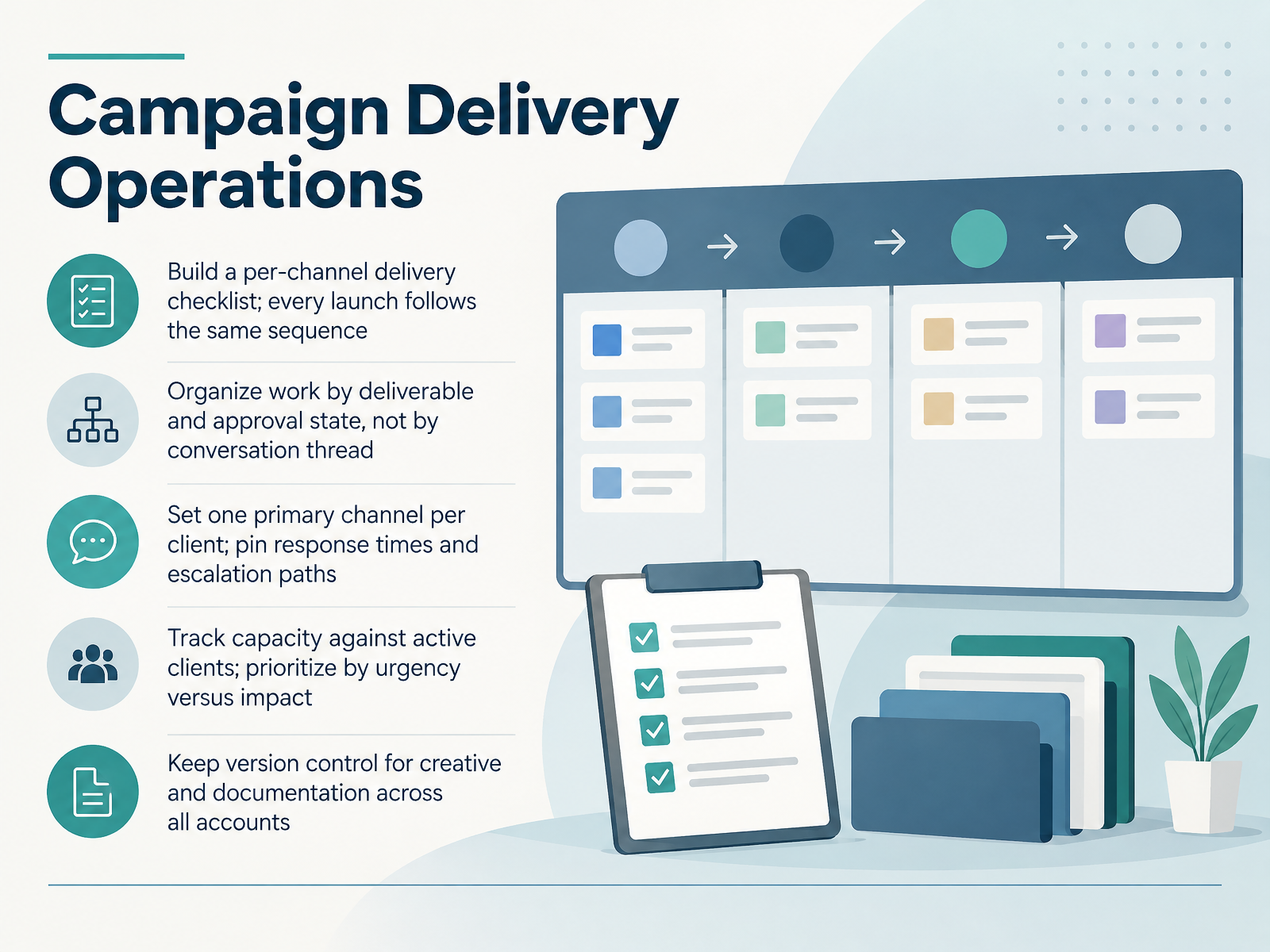 rock.sotryapprove.complutio.com+22 min
- 06Pre-Launch QA and Post-Launch VerificationNow let's talk launch QA. Run one final pass against the live platform, not your setup sheet. Check structure, budget level and value, dates, timezone, targeting, creative, naming, and recorded approvals. Tracking deserves its own check. Confirm final URLs resolve, UTMs follow your taxonomy, pixels fire, and conversions deduplicate. Then verify again in the first twenty four to seventy two hours. Look at delivery status, rejected ads, spend pacing, and analytics receipt. The expensive mistakes are silent. A start date in the wrong timezone, budget set at the wrong level, missing tracking parameters. Nothing stops delivery, but the data and spend are wrong. So separate must-check items from nice-to-check. Must-check items block launch. Everything else gets logged and handled after go live, so you never delay a client's launch over a preference. Next, reporting that clients trust.
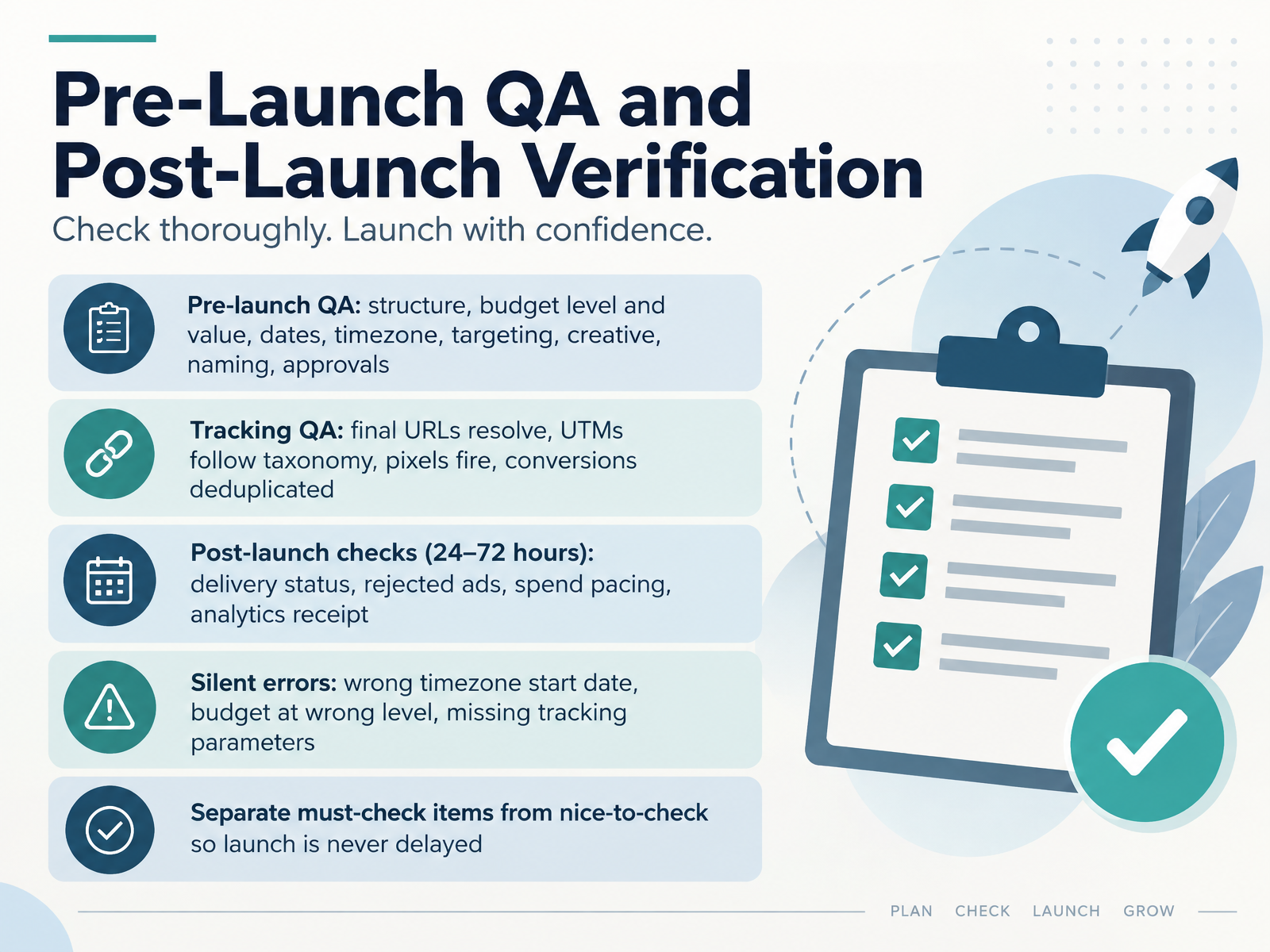 trafficomm.comteamwork.comblog.whathead.com+22 min
- 07Reporting That Clients TrustLet's talk about reporting your clients actually trust. Start by matching cadence and format to their decision cycle. Active e-commerce accounts often want a live dashboard, while B2B retainers usually prefer a monthly narrative read on a call. Then order every report the same way. Lead with outcomes, such as leads or revenue. Follow with channel diagnostics that explain why those numbers moved. Put activity last, never first. Before the first report, agree metric definitions in writing. Define what counts as a lead, a booked appointment, and a sale. For each report, write a short narrative covering what happened, why, and what's next. When performance dips, bring the data, name the likely causes, and present a specific plan for the next period. That honesty is what keeps clients. Next, we'll look at reporting templates and KPI selection.
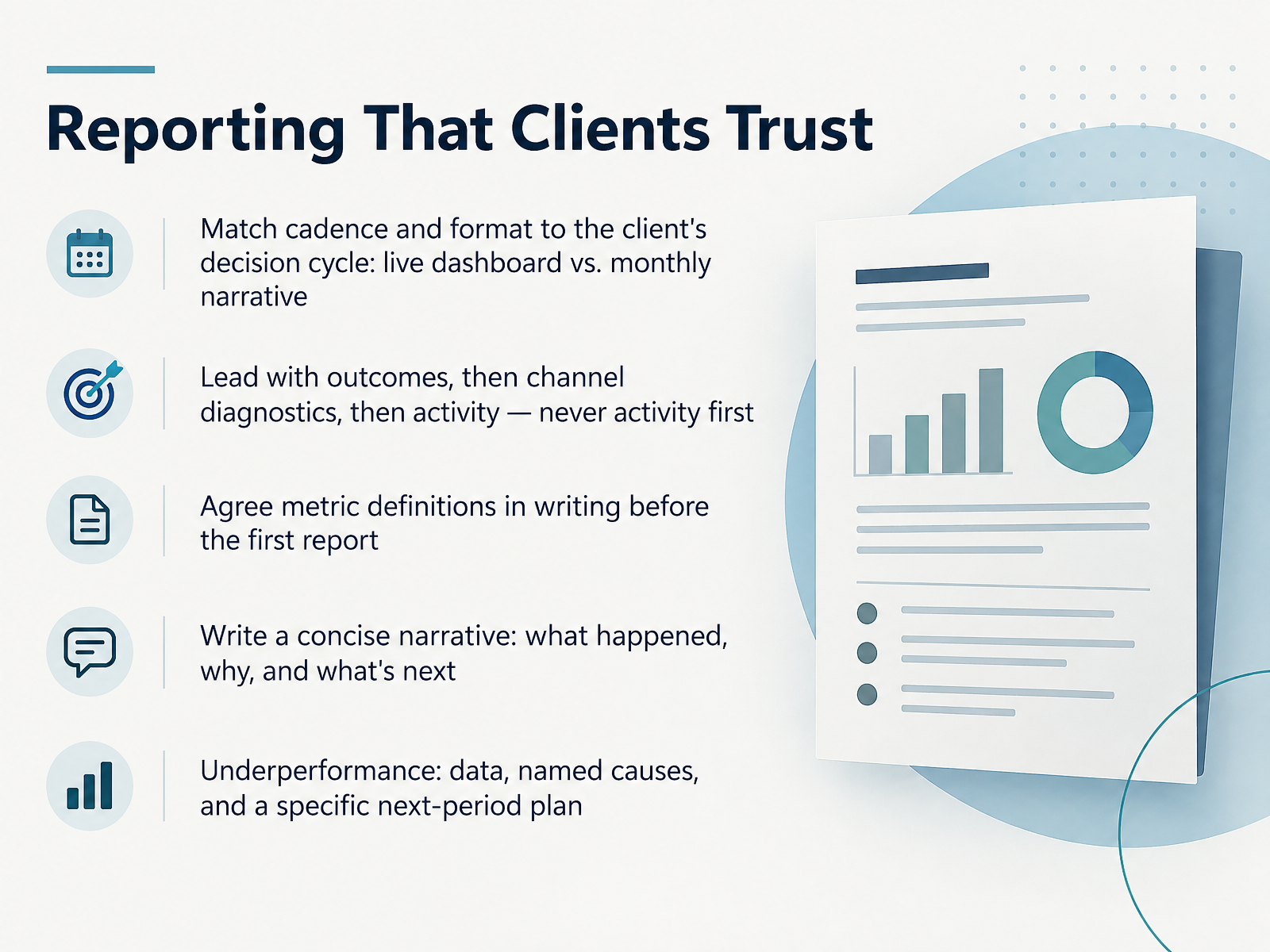 2 min
- 08Reporting Templates and KPI SelectionLet's talk about the reporting template itself. Start with a goal scorecard. Use three to five agreed KPIs, each showing target, actual, prior period, variance, and status. Then give each channel its own section. Lead with the headline metric, add two to four supporting metrics, include trend context, and close with one paragraph of commentary. Demote vanity metrics like impressions, reach, and likes. They explain results, but they are not the verdict. Disclose data limitations honestly. Mention attribution windows, modeled conversions, and your CRM export date. Finish with three to five next actions, each with one owner and one due date. And always show absolute values beside percentages, and define every metric in writing. That keeps the report clear and defensible. Next, we look at data privacy and confidentiality obligations.
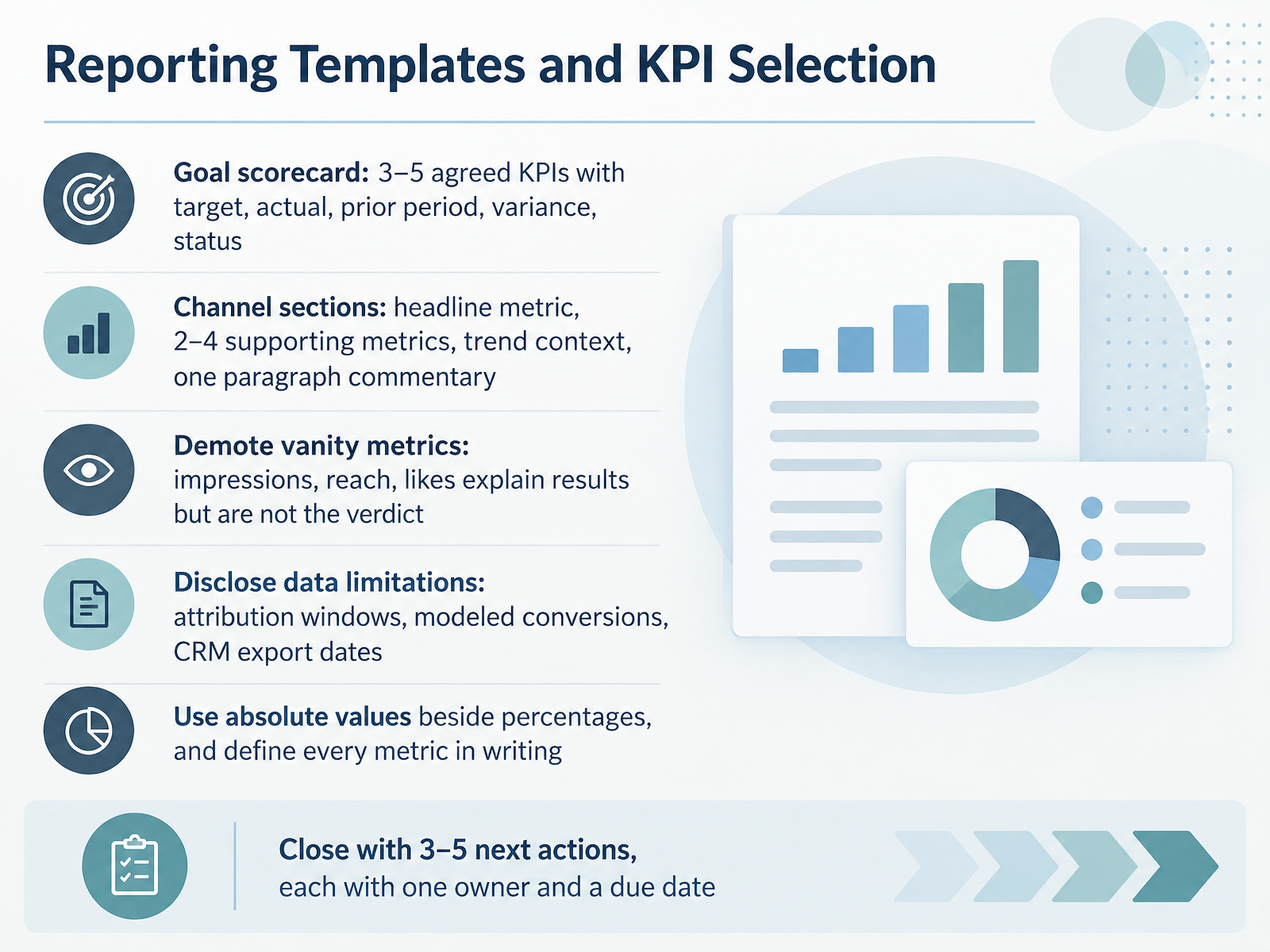 2 min
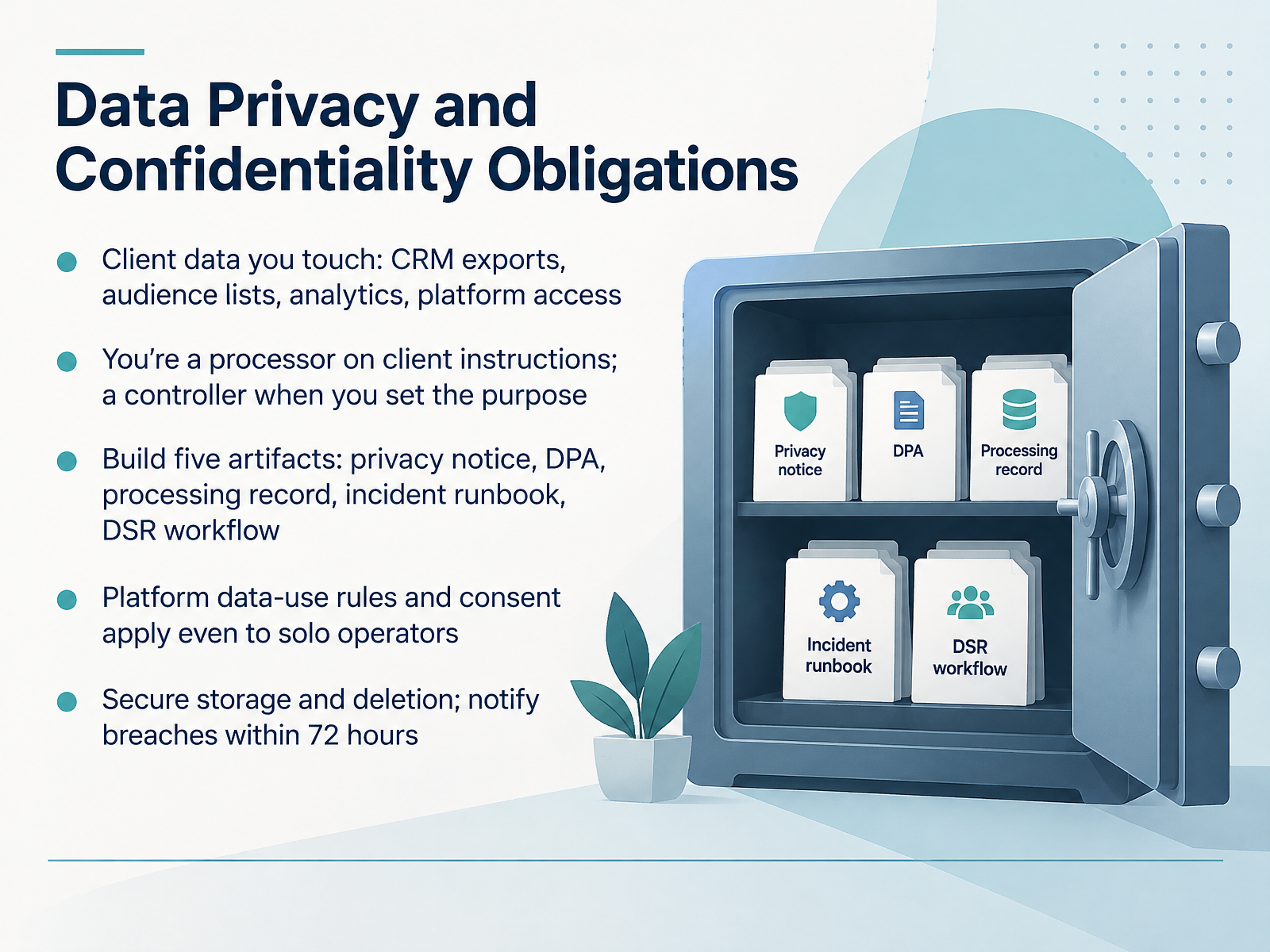
- 09Data Privacy and Confidentiality ObligationsNext, let's talk about data privacy and confidentiality obligations. The client data you touch includes CRM exports, audience lists, analytics, and platform access. When you follow client instructions, you're a processor. When you set the purpose, you're a controller. Build five artifacts: a privacy notice, a data processing agreement, a processing record, an incident runbook, and a data subject request workflow. Platform data-use rules and consent apply even to solo operators. Secure your storage, delete data when it's no longer needed, and notify breaches within seventy-two hours. Get these in place before your next client kickoff, so they become routine. That sets you up for Offboarding and Handover.
 1 min
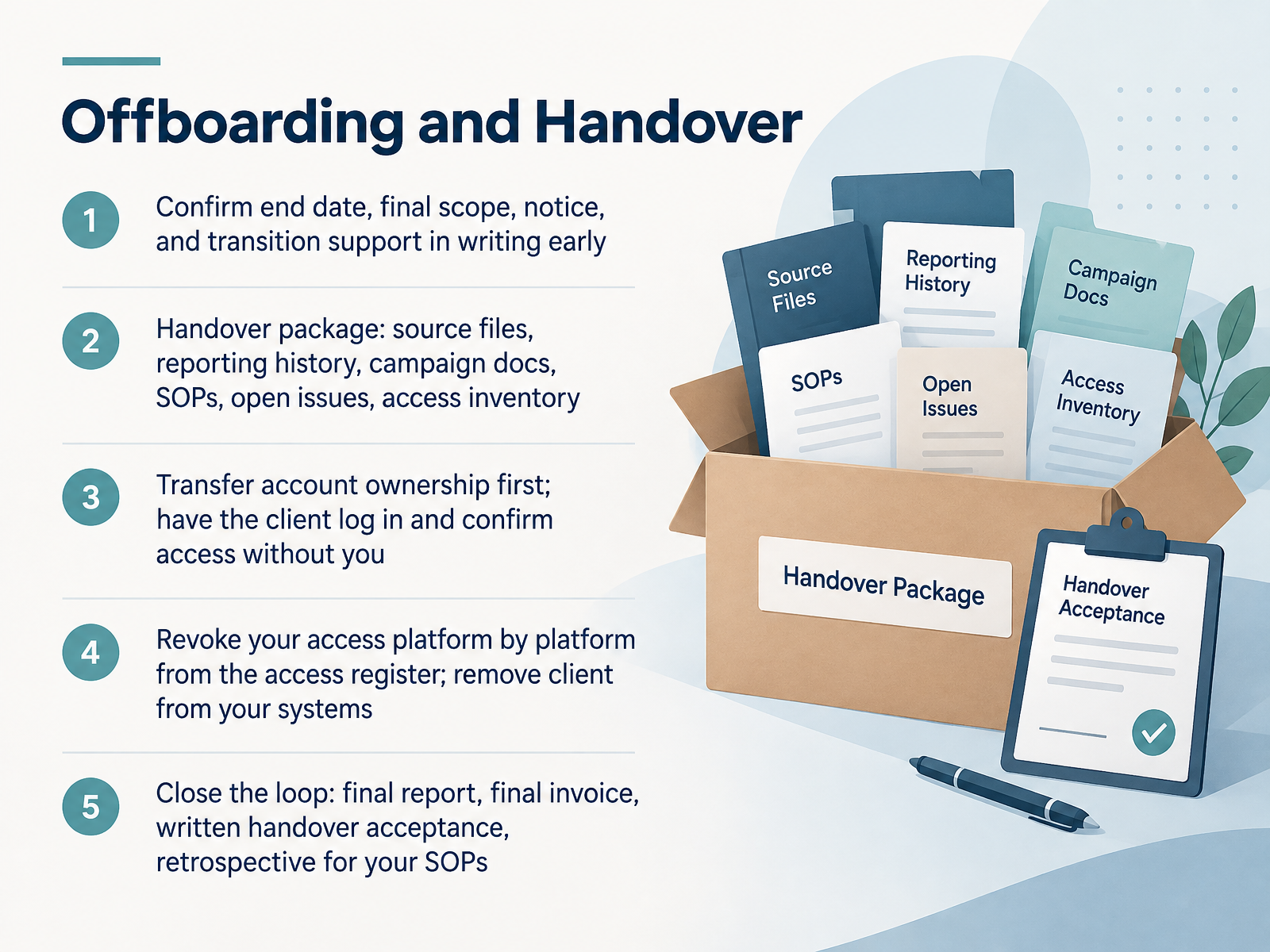
- 10Offboarding and HandoverNow let's talk about offboarding and handover. This is where independent marketers earn repeat business or lose it. First, confirm the end date, final scope, notice period, and transition support in writing, and do it early. Next, build a handover package: source files, reporting history, campaign docs, SOPs, open issues, and a full access inventory. Then transfer account ownership before you revoke anything. Have the client log in and confirm access without you. Revoke your own access platform by platform from your access register. Then remove the client from your systems. Close the loop with a final report, a final invoice, written handover acceptance, and a short retrospective. Update your SOPs from what you learn. Clean exits protect your reputation and often bring referrals. Next, tools and automation for solo operators.
 2 min
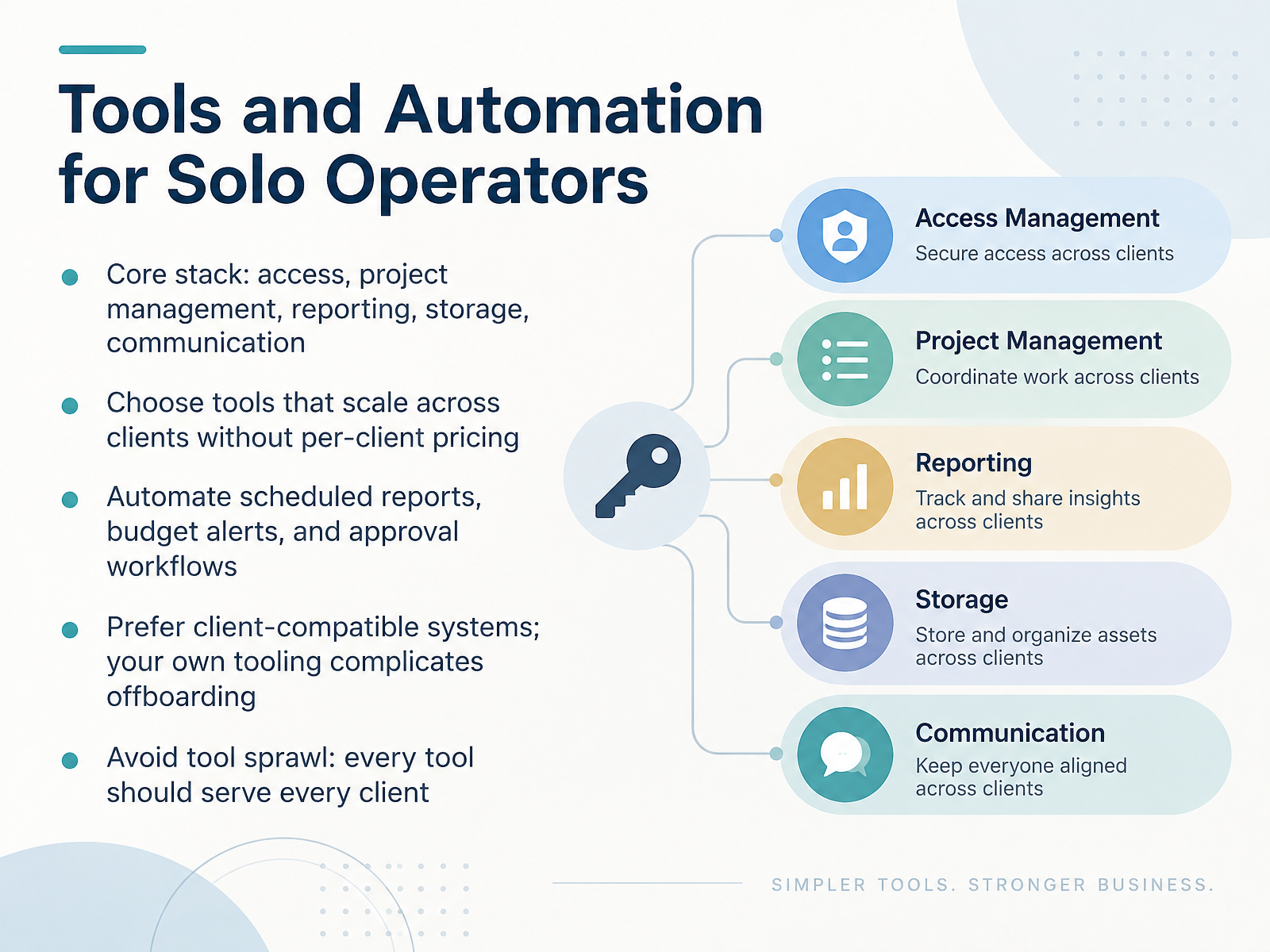
- 11Tools and Automation for Solo OperatorsNext, let's talk about your tool stack. For a solo operator, five categories matter: access, project management, reporting, storage, and communication. Start with tools that scale across every client without per-client pricing. That is where margins quietly disappear. Then automate the repetitive work. Schedule your client reports, set budget alerts, and route approvals through a single workflow. Prefer systems your clients already use. Your own proprietary tooling makes handover painful and offboarding messy. And avoid tool sprawl. Every tool should serve every client. If a platform only fits one engagement, it does not belong in your operating system. The test is simple. Adding a new client should mean adding them to your existing stack, not learning a new one. Next, we'll look at risk management and business continuity.
 rock.sotryapprove.complutio.com+22 min
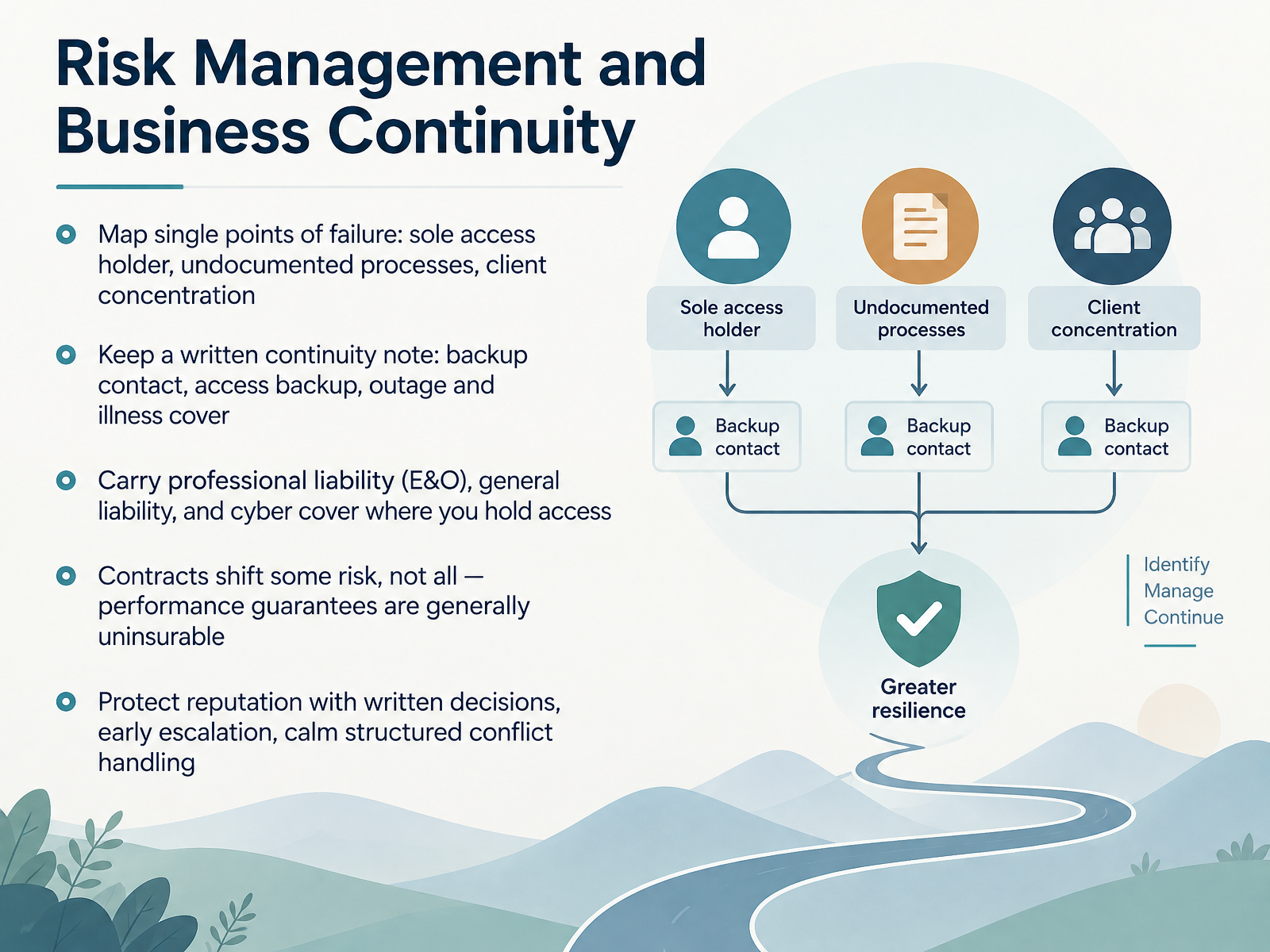
- 12Risk Management and Business ContinuityNext, let's talk about risk management and business continuity. Start by mapping your single points of failure. That means sole access to a client's ad account, undocumented processes, and too much revenue from one client. Write a short continuity note. List a backup contact, a backup for account access, and who covers outages or illness. Carry the right cover. Professional liability, also called errors and omissions, general liability, and cyber cover where you hold client access. Remember that contracts shift some risk, not all of it. Performance guarantees are generally uninsurable. Protect your reputation with written decisions, early escalation, and calm, structured conflict handling. Before the next slide, think about your own practice. Which single point of failure would hurt you most this month? Now let's move into the capstone, building your delivery playbook.
 rock.sotryapprove.complutio.com+21 min
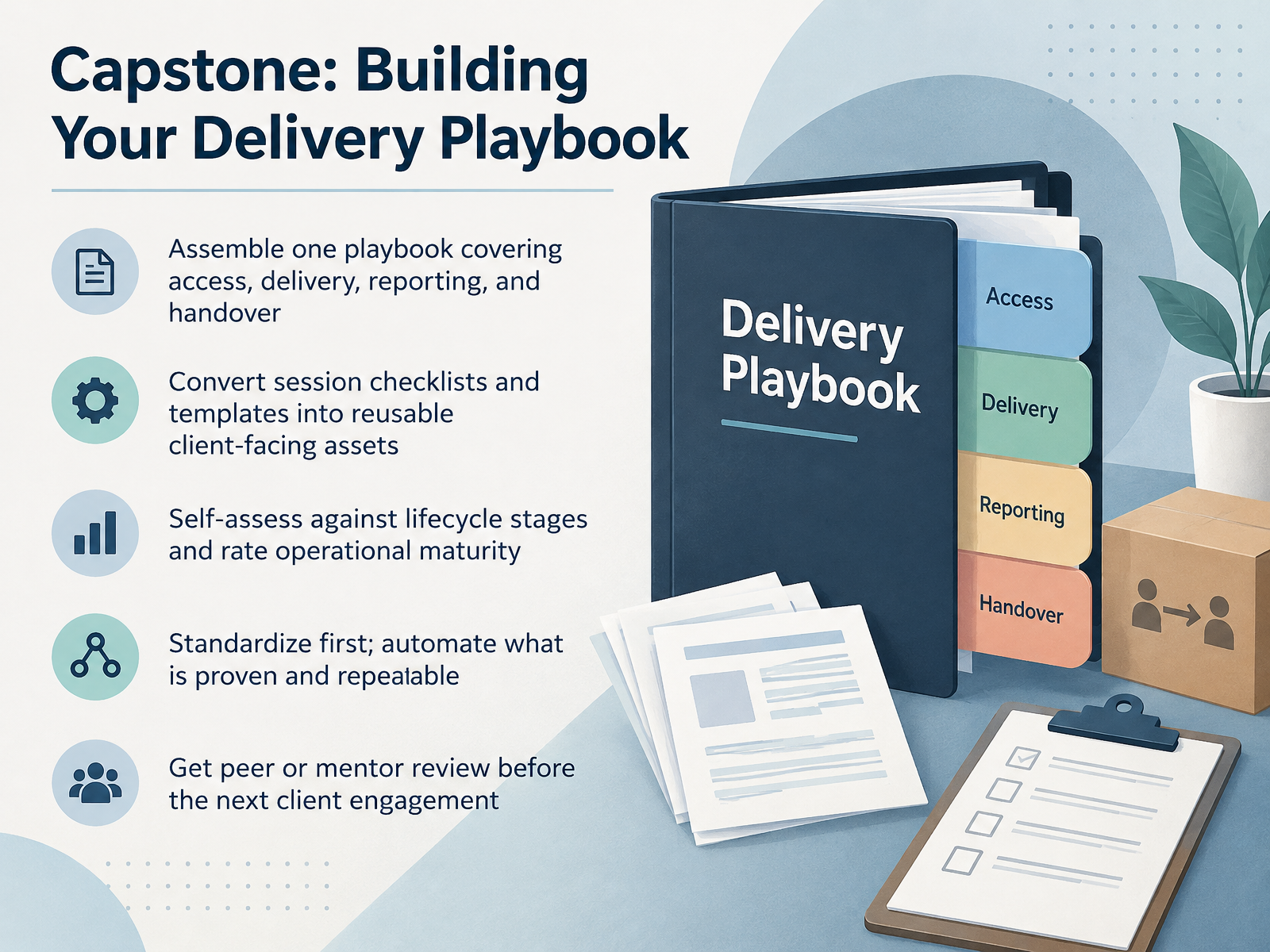
- 13Capstone: Building Your Delivery PlaybookNow let's bring it all together in your capstone. Build one delivery playbook that covers access, campaign delivery, reporting, and handover. Take the checklists and templates from these sessions and rewrite them as reusable client-facing assets. Then self-assess honestly against the lifecycle stages, and rate your operational maturity at each one. Standardize first. Automate only what is proven and repeatable across clients. For example, if your weekly status update format works the same way three times, template it before you consider automating it. Finally, get a peer or mentor to review the playbook before your next client engagement. A fresh set of eyes catches gaps in your access handover or approval path that you have stopped noticing. Your takeaway is simple. One playbook, reviewed once, saves you hours on every client you take on. Next up is your action plan and next steps.
 rock.sotryapprove.complutio.com+21 min
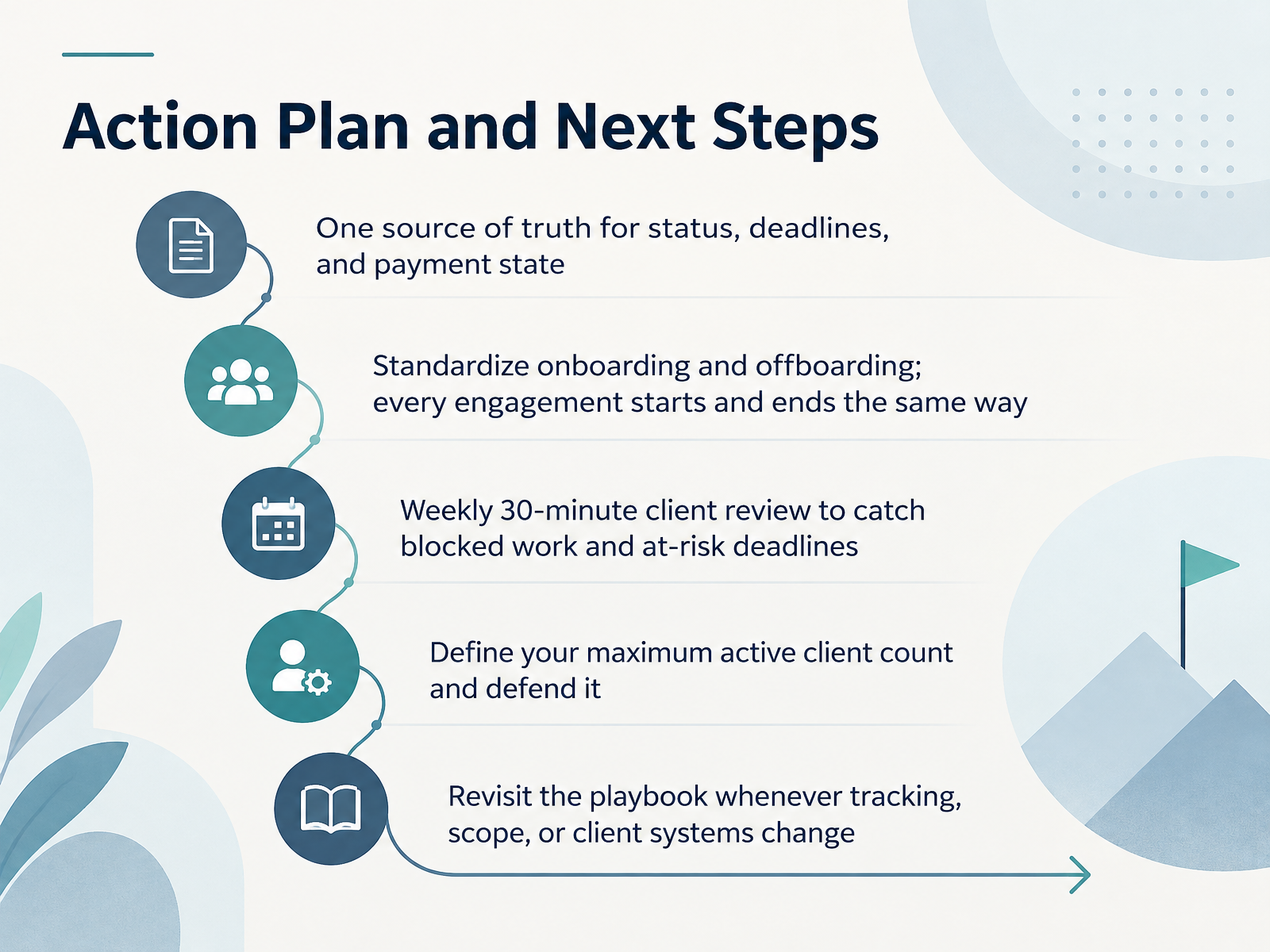
- 14Action Plan and Next StepsLet's close with a short action plan you can start this week. First, keep one source of truth for status, deadlines, and payment state. One spreadsheet is enough. Second, standardize onboarding and offboarding, so every engagement starts and ends the same way. That means an access handover at kickoff, and a clean revocation of access at close. Third, hold a weekly thirty-minute client review to catch blocked work and at-risk deadlines. Fourth, define your maximum active client count and defend it. Fifth, revisit the playbook whenever tracking, scope, or client systems change. Keep it simple, and keep it repeatable. Thank you for working through this course. You already have the discipline. Now put these five habits in place, and your client work will get calmer each week. Thanks for listening, and good luck.
 rock.sotryapprove.complutio.com+21 min
Take the deck with you
Download this course as a file — free, no sign-up needed.
- PDF handoutEvery slide page, ready to print or share.15 pages · 3.3 MBDownload
- Narrated PowerPointThe deck that presents itself — every slide carries the digital human's narration video.15 pages · 12.9 MBDownload
- PowerPoint slidesThe full deck as a .pptx — open it in PowerPoint, Keynote, or Google Slides.15 pages · 3.2 MBDownload
Free to use in your own training — please keep the PersonWise credit page at the end.
Have your own deck? Turn it into a course
Sources consulted
Web sources consulted while building this course.
- Client Management for Freelancers: 7 Rules, a Channel Map, and When to Fire a Client — rock.so
- The Freelancer's Complete Guide to Client Management in 2026 — tryapprove.com
- Freelance Client Onboarding Guide + Checklist (2026) — plutio.com
- Client Management for Freelancers: The Complete Playbook | Priciant — priciant.com
- How to Manage Client Expectations: Agency Guide (2026) — postplanify.com
- Master Online Marketing Services Agreement | Practical Law — content.next.westlaw.com
- Marketing Specialist Contract Guide: What to Include (+ Free Template) | EverestX — everestx.com
- Marketing Contract Checklist: What to Include Before You Sign — techhelp.ca
- Marketing Services Agreement: What to Include | Sprintlaw Australia — sprintlaw.com.au
- Freelance Digital Marketing Contract (Free PDF | 2026) — templateregistry.com
- Manager Accounts (MCC): About user access levels for your manager account - Google Ads Help — support.google.com
- Manage access to your Google Ads account - Google Ads Help — support.google.com
- About access levels in your Google Ads account — support.google.com
- Manager Accounts: Manage Multiple Google Ads Accounts - Google Ads — business.google.com
- User access levels - Google Ads Editor Help — support.google.com
- The Agency Campaign Launch QA Checklist | Trafficomm — trafficomm.com
- Campaign Launch QA Checklist Template - Teamwork.com — teamwork.com
- Paid Media Launch Checklist for Safer Campaign QA — Whathea… — blog.whathead.com
- https://utmcraft.com/blog/downloads/campaign-launch-qa-checklist.txt — utmcraft.com
- Marketing Campaign Launch Checklist for Agencies — 5day.io