Begin
14 pages · ~28 min
Structured Data Fundamentals
Learn to work with structured data by understanding objects, arrays, and JSON for efficient data organization and exchange in programming.
A digital instructor presents all 14 pages. Hold “Ask” at any point and ask out loud — the answer comes from this course. No sign-up needed.
What you’ll learn
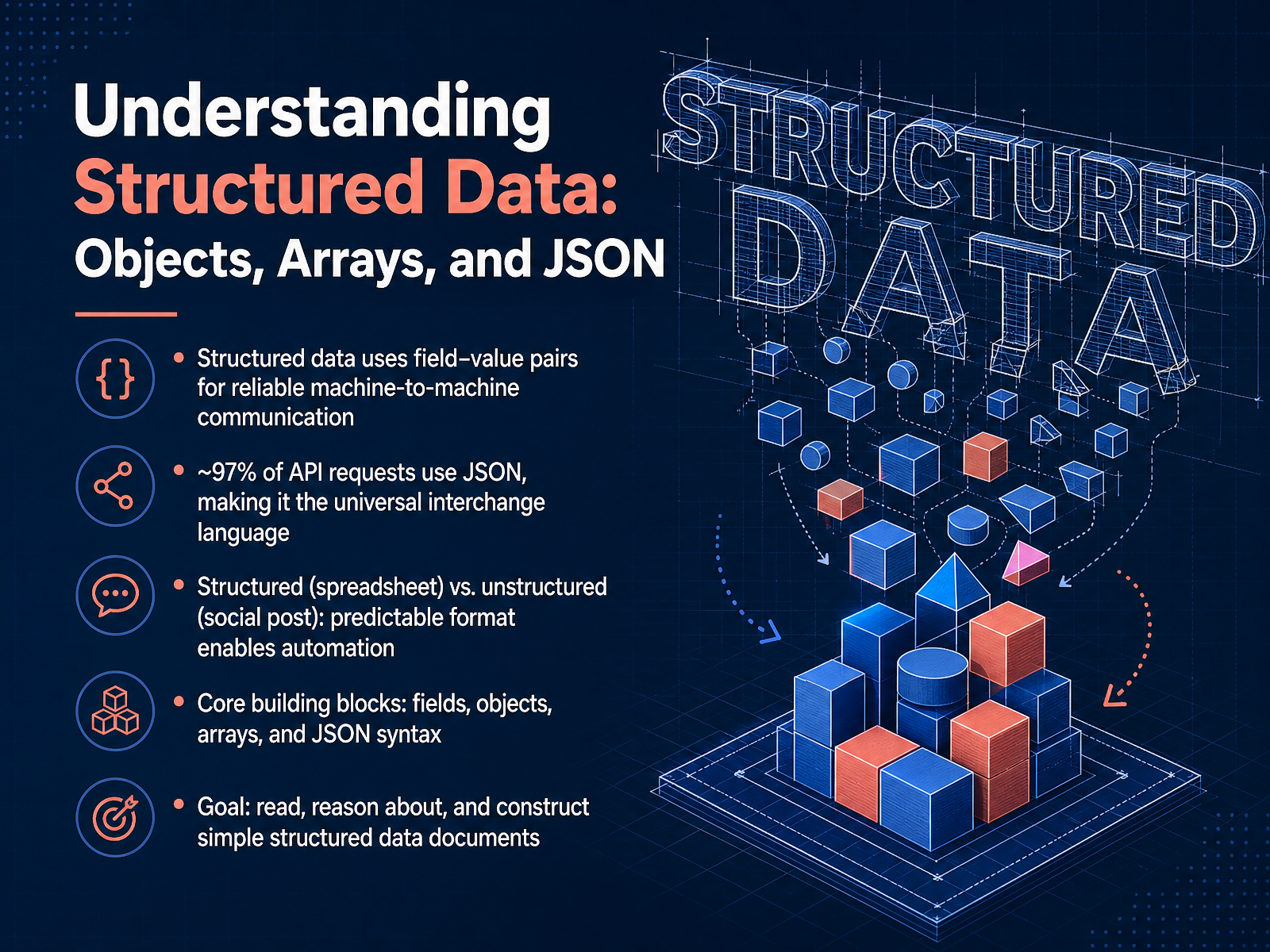
- 01Understanding Structured Data: Objects, Arrays, and JSONWelcome to Understanding Structured Data: Objects, Arrays, and JSON. Think of this course as learning the alphabet of machine-to-machine communication. Our goal today is simple: by the end, you’ll be able to read, reason about, and construct simple structured data documents. We’ll start by exploring how structured data uses predictable field–value pairs to create reliable exchanges—much like a spreadsheet’s rows and columns enable automation, while an unstructured social media post does not. We’ll unpack the core building blocks: fields, objects, arrays, and the specific JSON syntax that packages them together. You should know that this is not just an academic exercise. Modern data shows that roughly ninety-seven percent of A P I requests use JSON, making it the universal interchange language of the web. So, let’s build your foundation, one layer at a time. Next, we move to the smallest building blocks: Fields and Values.glyphwidgets.comthejsonlab.comsourcemeta.com+21 min
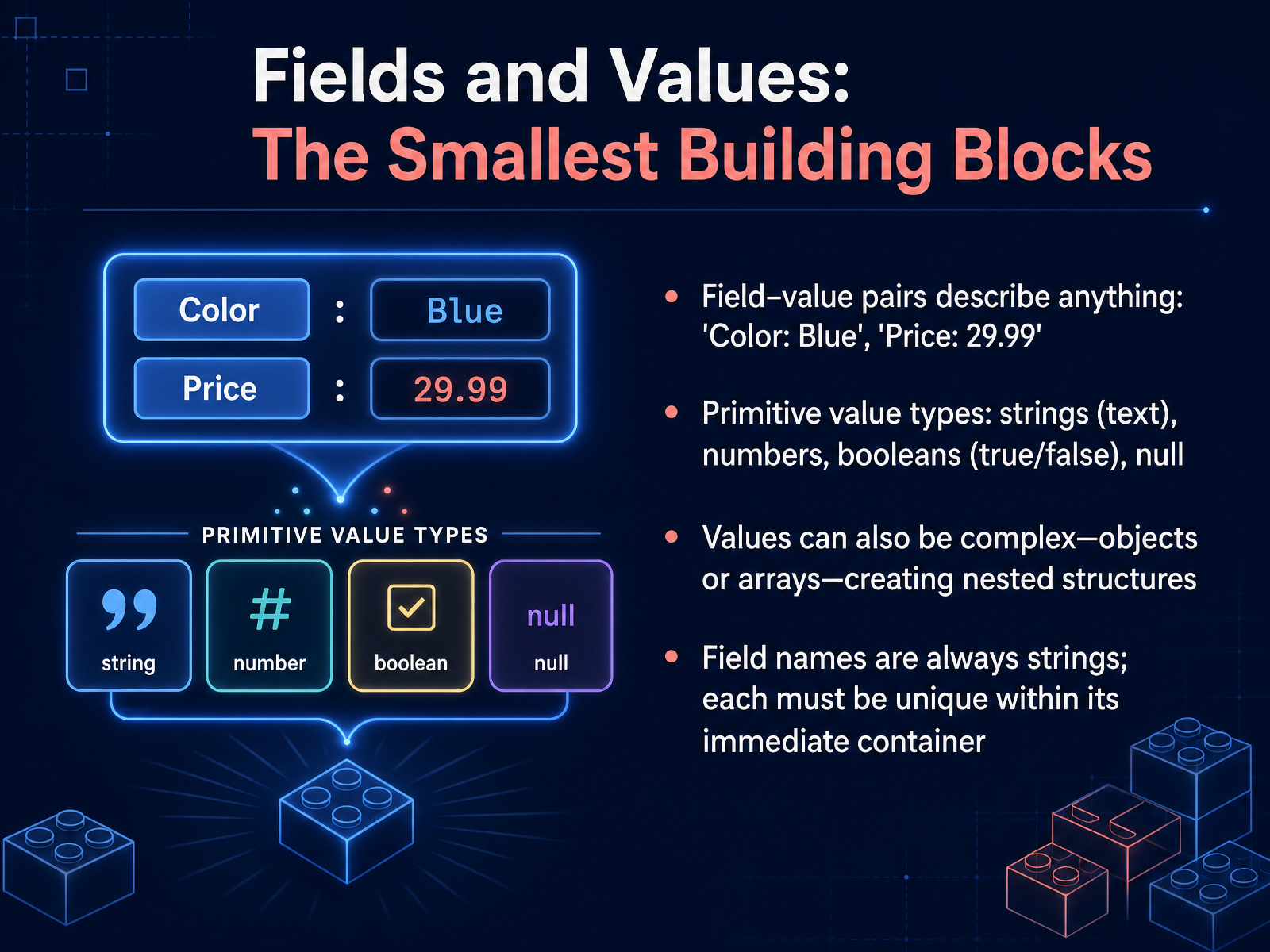
- 02Fields and Values: The Smallest Building BlocksNow let's look at the smallest building blocks of structured data: fields and values. Think of a field-value pair as a simple label for a piece of information, like 'Color' colon 'Blue', or 'Price' colon twenty-nine point nine nine. Values come in a few primitive types: strings, which are sequences of text characters; numbers, which can be integers or decimals; booleans, which are the literal words true or false; and the special value null, meaning no value at all. What makes structured data powerful is that a value isn't limited to a primitive. A value can itself be a complex container—a full object or an array—which nests within the outer structure. Now, the field names are always strings, and they must be unique inside their immediate container, so each label points to only one value at that level. This pairing creates the predictable map-like structure that languages and web services rely on. Next, we'll build on this by organizing data with objects.
 ecma-international.orgecma-international.orgecma-international.org+21 min
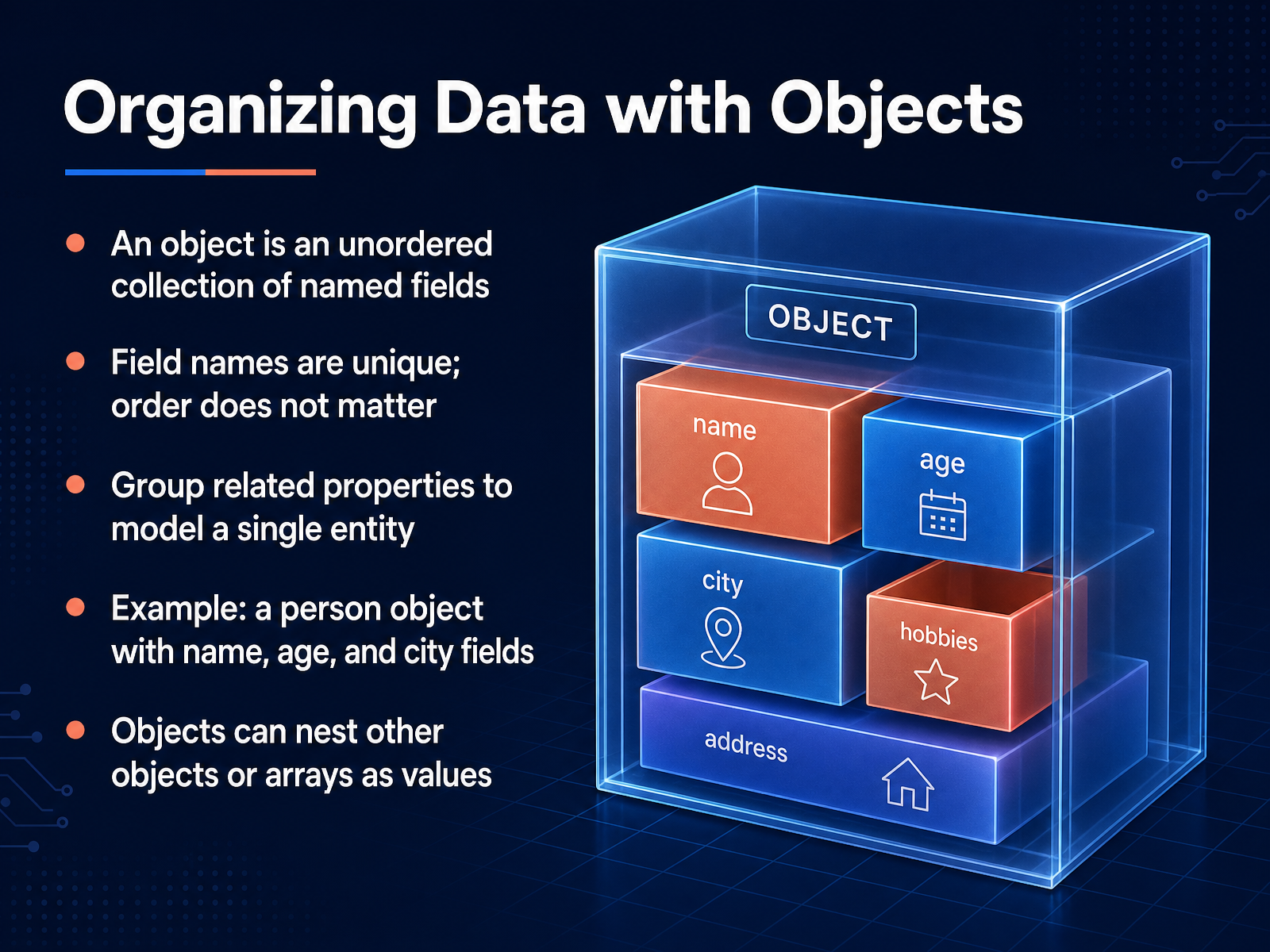
 - 03Organizing Data with ObjectsNow let's look at how we organize data using objects. An object is an unordered collection of named fields. The key idea here is that each field has a unique name, and the order of those fields simply does not matter. We use objects to group related properties together so they model a single real-world entity. Think of a person. A person object might contain fields for name, age, and city. You access the information by the field name, not by its position. This structure maps directly to how we think about things. An object’s values don’t have to be simple text or numbers. A field’s value can also be another entire object, which nests within the parent, or even an array. This nesting capability is what lets us build rich, detailed records. Coming up next, we’ll explore that other core piece, grouping items with arrays.
 1 min
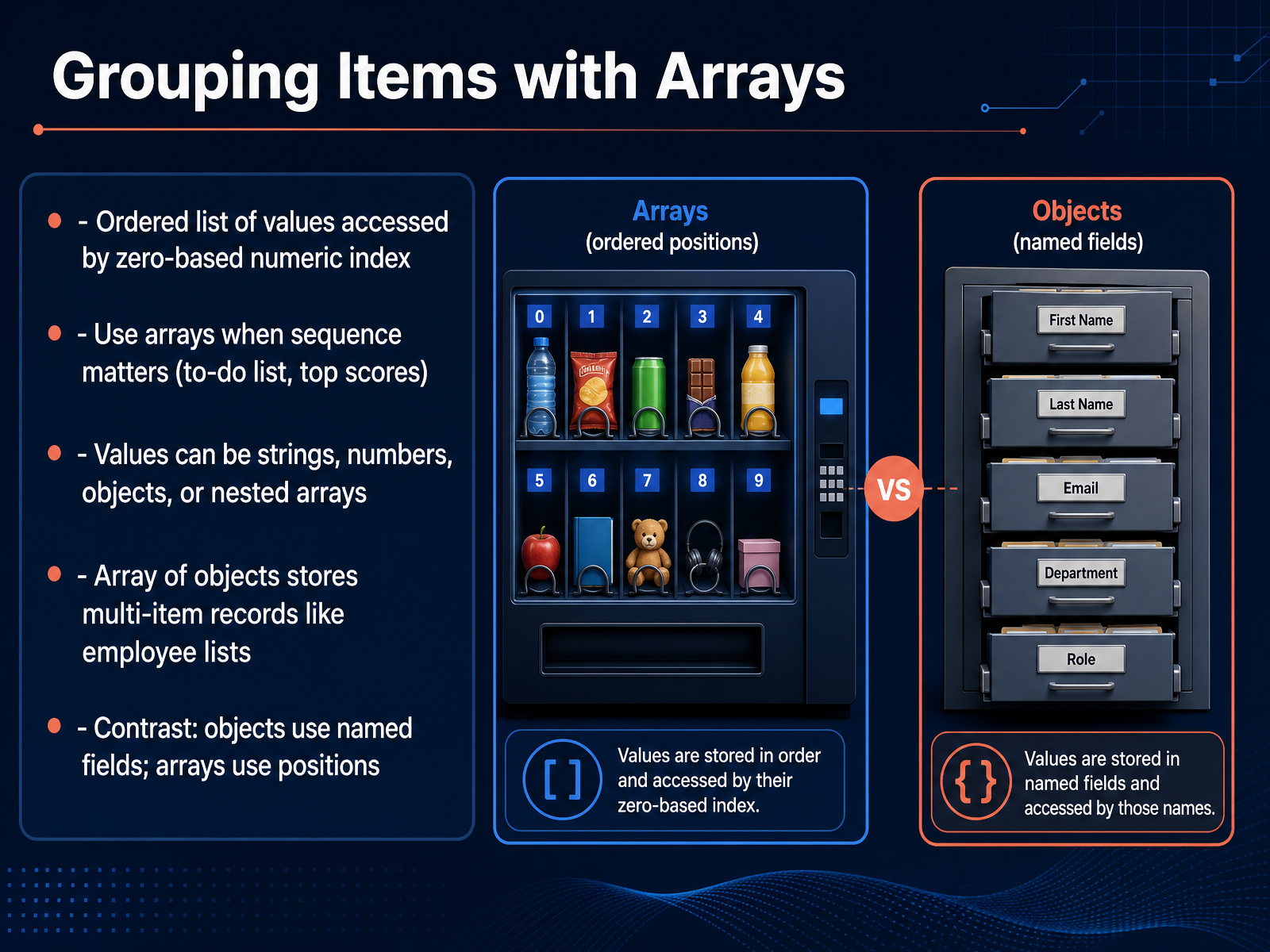
1 min - 04Grouping Items with ArraysMoving from single values to ordered collections, let's talk about arrays. An array is an ordered list of values, and you access each item by its zero-based numeric index—so the first item is at position zero, the second at position one, and so on. Use arrays whenever the sequence matters, like a to-do list, a set of steps, or top scores in a game. The values inside an array can be strings, numbers, other arrays, or even objects. When you have an array of objects, you can store multi-item records cleanly—think of an employee list where each entry is an object with name and title fields. Here's the key contrast: objects use named fields to label their data, while arrays use numeric positions to keep things in order. If you need to maintain a specific sequence, reach for an array. Next, we'll see how combining objects and arrays lets you model real-world information.
 1 min
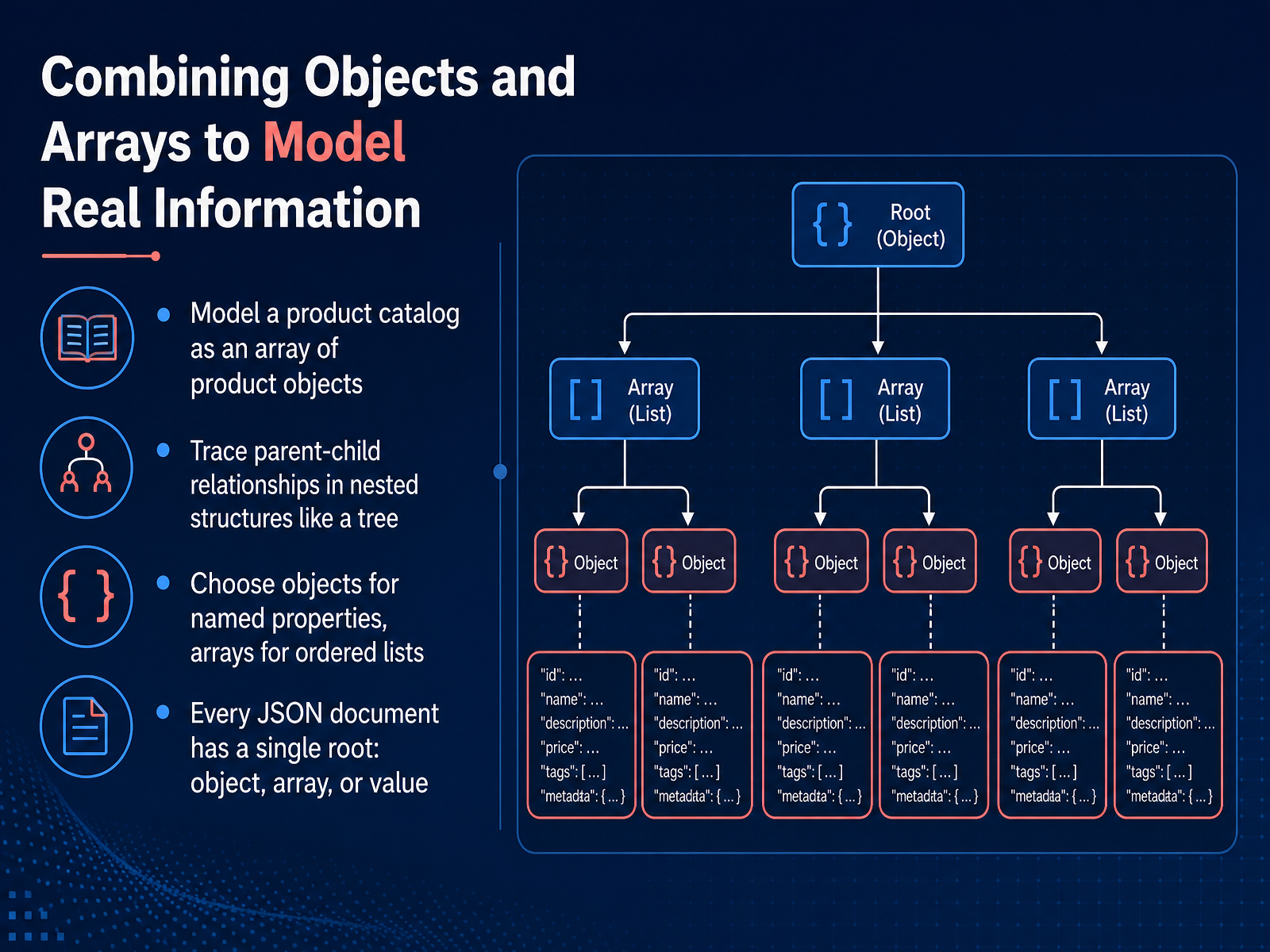
1 min - 05Combining Objects and Arrays to Model Real InformationNow that we have a solid grasp of objects and arrays independently, let's combine them to model real-world information. Think of a product catalog. Conceptually, it's an ordered list of items, which maps perfectly to an array. But each item itself is a bundle of named properties, like a title, a price, and a unique ID, which maps perfectly to an object. So, a catalog becomes an array of product objects. When you trace the structure, you can see clear parent-child relationships, much like a tree. The array is the parent, and each object it contains is a child. That object can, in turn, contain another array or another object as a property, creating deeper nesting. The key decision point is this: if the information is an ordered list of similar things, choose an array. If it's a set of named, descriptive properties of one thing, choose an object. And here's a fundamental rule: every JSON document must have a single root element. That root can be an object, an array, or even a single value like a string. You can't have multiple separate objects just floating at the top level. This foundational combination leads us directly to a universal format we'll explore next: JSON.
 2 min
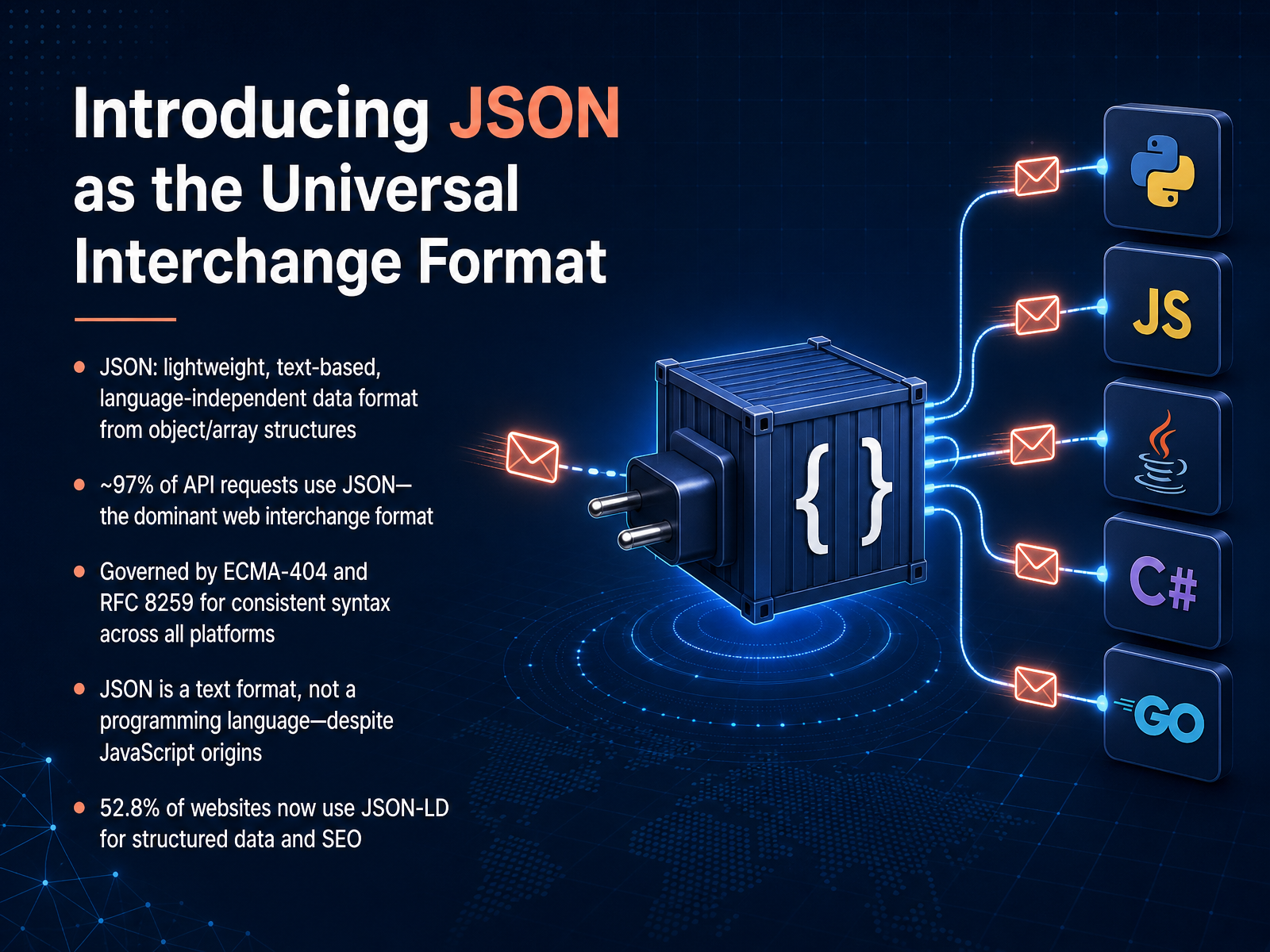
2 min - 06Introducing JSON as the Universal Interchange FormatNow that we understand objects and arrays as building blocks, let's look at how they come together in the most universal way to exchange information—JSON. JSON stands for JavaScript Object Notation, but it's essential to understand that it is a lightweight, text-based data format, not a programming language. Its origin story is in JavaScript, but today it is completely language-independent. JSON is built directly from our object and array structures. An object in JSON maps to a pair of curly braces containing name-value pairs. An array maps to a pair of square brackets containing an ordered list of values. This simple system is so dominant that roughly ninety-seven percent of all API requests now use JSON. Its syntax is governed by two identical standards: ECMA-404 and RFC 8259. These ensure that a JSON file written in Python looks and works exactly the same in Java or Go. Because JSON is just text, it is the perfect intermediary between completely different systems. Its reach extends even further—over fifty-two point eight percent of websites use a format called JSON-LD for structured data and search engine optimization. So, JSON is the universal language that our objects and arrays speak when they travel across the internet. Next, we'll break down the exact syntax rules that make this communication possible: JSON Syntax: The Essential Rules.
 glyphwidgets.comthejsonlab.comsourcemeta.com+22 min
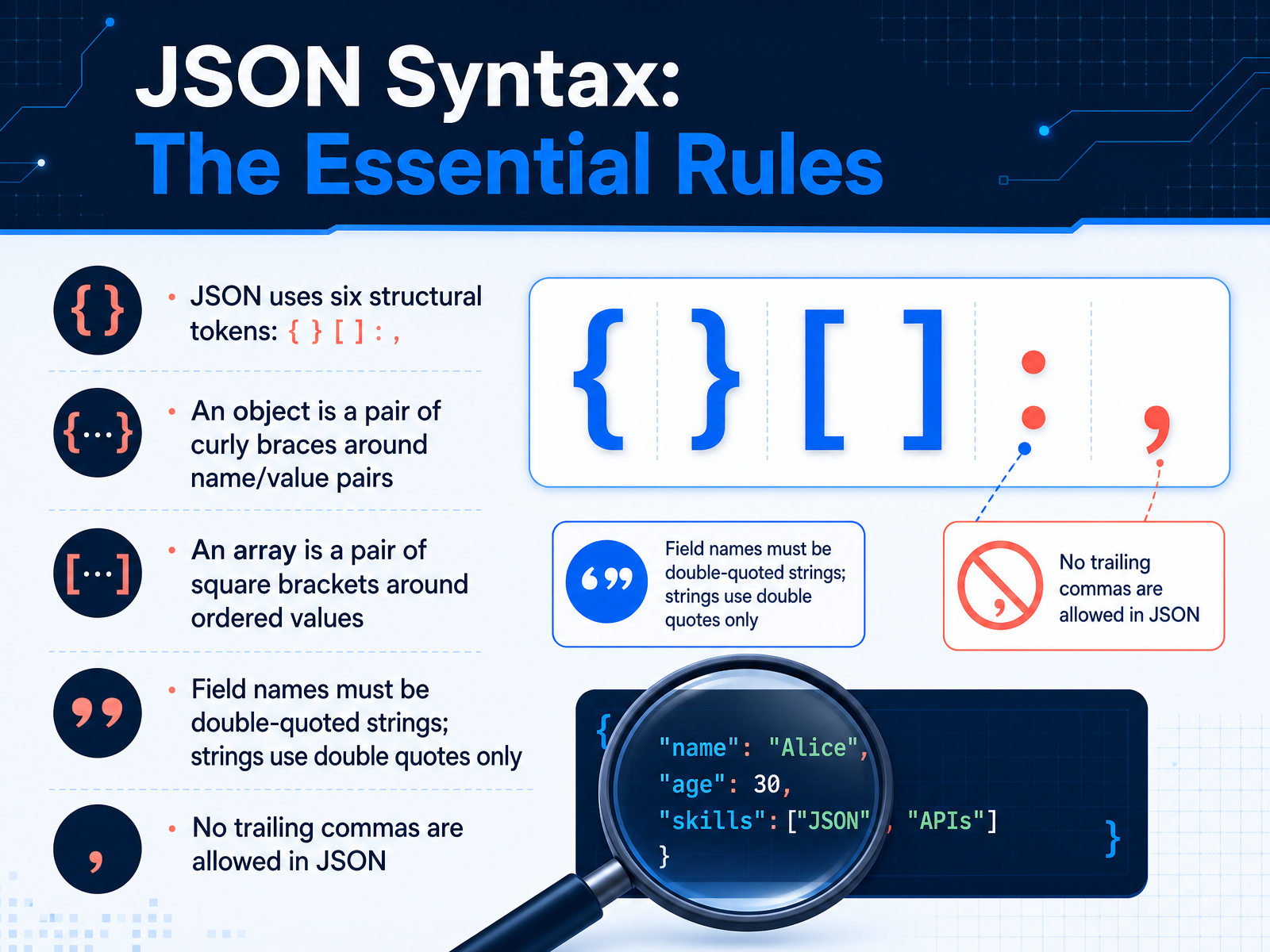
 - 07JSON Syntax: The Essential RulesNow let's look at the essential rules of JSON syntax. JSON uses exactly six structural tokens to build all of its data. These are the left curly brace and right curly brace, the left square bracket and right square bracket, the colon, and the comma. An object begins with a left curly brace and ends with a right curly brace. Inside those braces, it contains name-value pairs. A name is always a double-quoted string, followed by a colon, followed by its value. An array begins with a left square bracket and ends with a right square bracket. Inside those brackets, it contains an ordered list of values separated by commas. Remember that in JSON, all field names and all string values must use double quotes. Single quotes are not valid here. Also, JSON is strict about trailing commas. You cannot place a comma after the last name-value pair in an object or after the last value in an array. These simple, precise rules are what make JSON a reliable format for exchanging structured data. Next, we will explore some common JSON pitfalls and how to avoid them.
 ecma-international.orgecma-international.orgecma-international.org+22 min
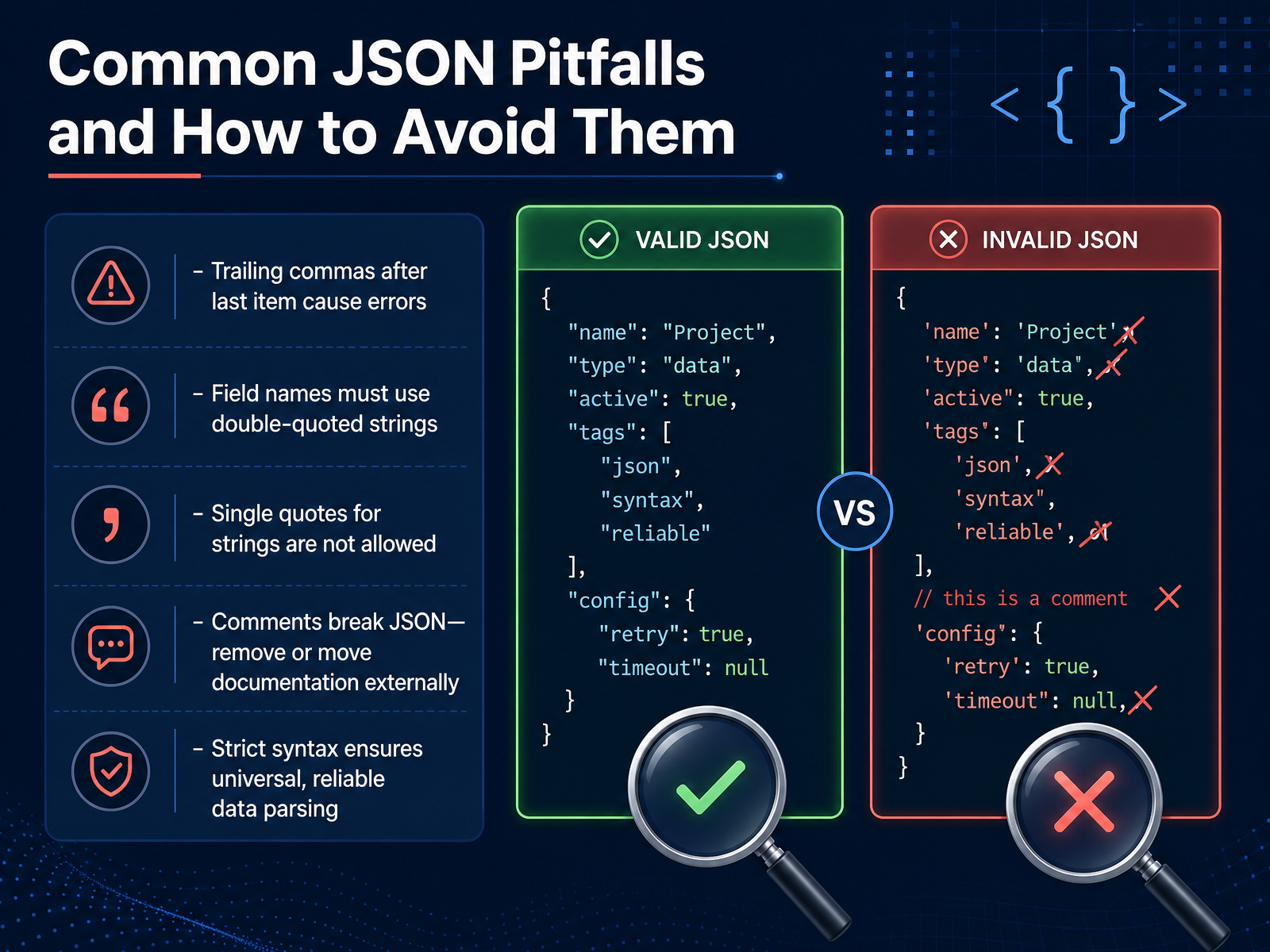
 - 08Common JSON Pitfalls and How to Avoid ThemNow that we can read and write JSON, let's look at a few common mistakes that can break your data. These pitfalls are easy to make, but just as easy to avoid once you know them. First, a trailing comma. If you have a comma after the last item in an object or an array, like after the value 'thirty' before a closing curly brace, the parser will throw an error. Simply remove that final comma. Second, field names must always be wrapped in standard double quotes. Using single quotes, which some languages allow for strings, is not valid here. The same rule applies to string values themselves. Third, comments. A double slash or a block comment that you would normally add for documentation will break the file. JSON does not support comments at all. You should move any explanations into a separate document. These strict rules are not limitations. They guarantee that any compliant parser, anywhere, will read your data exactly the same way. Next, we will explore some practical tools that help you catch these errors instantly, in our discussion on validating JSON.
 2 min
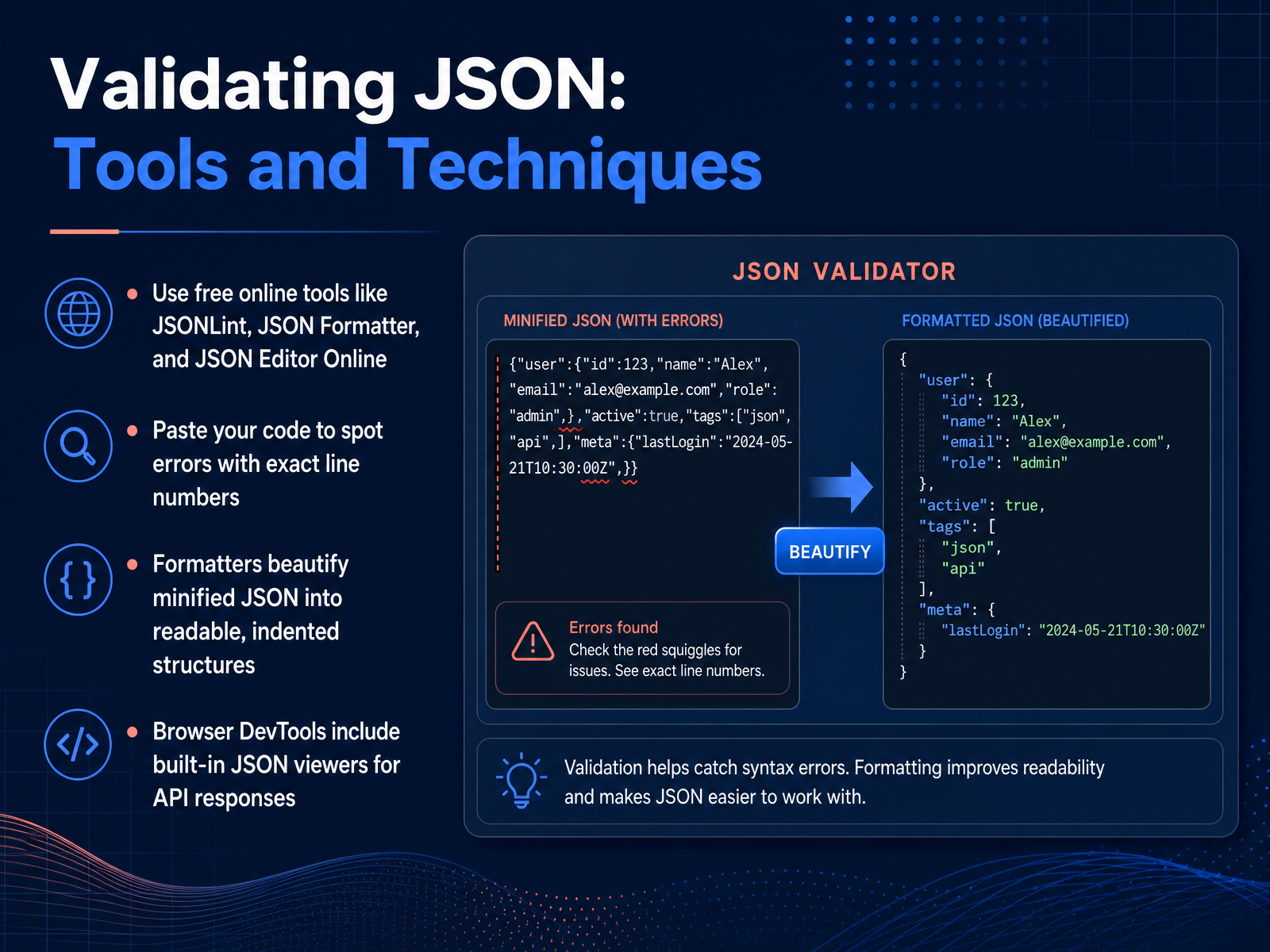
2 min - 09Validating JSON: Tools and TechniquesSometimes, even when you understand JSON structure, a small mistake can break everything. That is where validation tools help. You can use free online validators like JSONLint to check your code. The process is simple: paste in your JSON, and the tool scans it for errors. It pinpoints the exact line number where something is wrong—like a missing comma or an unclosed curly brace. These tools also include formatters. A formatter takes minified JSON, which is all smushed together on one line, and beautifies it. It adds proper indentation and line breaks so the nested objects and arrays become easy to read. For API work, you do not even have to leave your browser. Developer Tools in most modern browsers have built-in JSON viewers. When a server responds with raw JSON, the viewer automatically formats it into a collapsible tree structure. You can expand and collapse objects and arrays to inspect the data right there. So remember: validators catch errors by line, formatters make structure visible, and browser tools let you explore live data. Next, let’s look at how to read and reason about JSON documents directly.
 jsonlint.comjsonformatter.orgjsoneditoronline.org+22 min
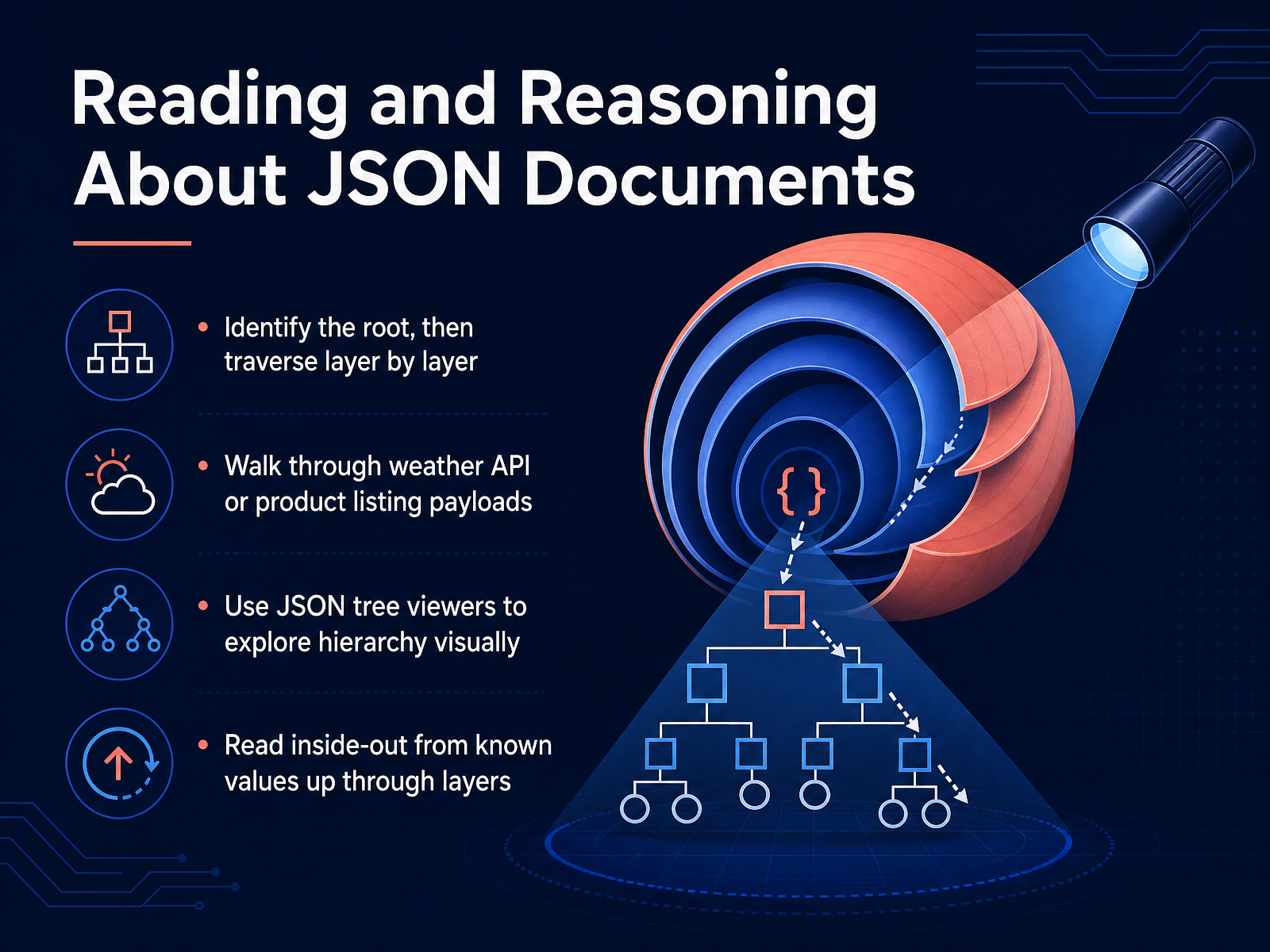
 - 10Reading and Reasoning About JSON DocumentsNow, let's move from building structures to actually reading them. When you encounter a JSON document, your first step is to identify the root. The root is the outermost container, and everything else nests within it. Start there, then traverse layer by layer. Think of it like exploring a set of boxes within boxes. Open the largest box first, then look inside to see what it contains. For practice, try walking through a real payload, like a weather API response or a product listing. Notice how you can follow the field names down through the hierarchy. Another helpful habit is to use a JSON tree viewer. These tools expand the structure visually, so you can click to collapse or drill into objects and arrays. This visual exploration reinforces how fields map to their values. Finally, try reading inside-out. Find a specific value you understand, like a city name or a price. Then trace it upward through its enclosing objects and arrays until you reach the root. This backwards traversal clarifies how that single value fits into the whole document. Next, we'll look at where JSON fits in the real world.
 2 min
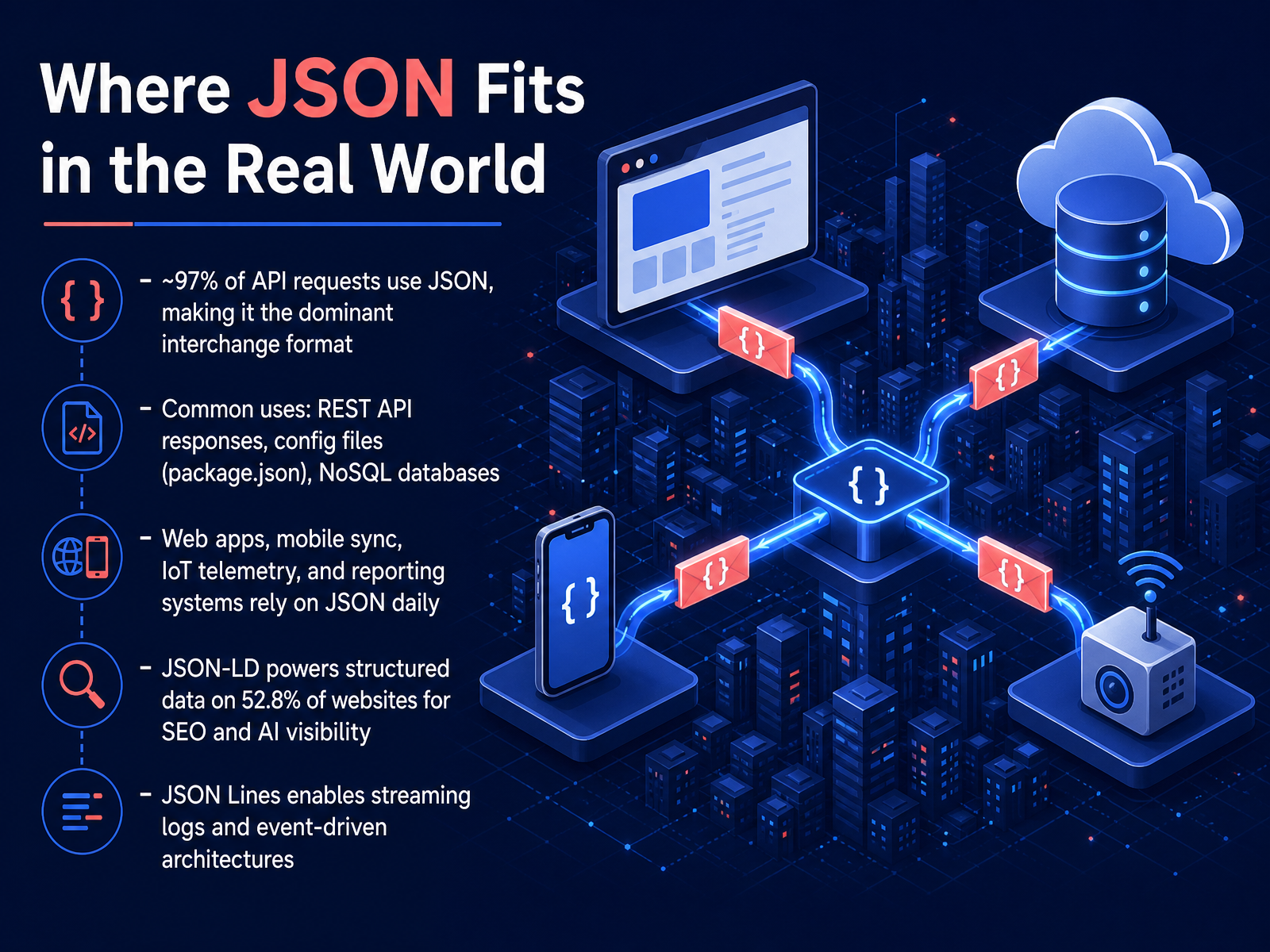
2 min - 11Where JSON Fits in the Real WorldNow let’s see where JSON fits in the real world. The numbers are striking. Roughly ninety-seven percent of all API requests use JSON. It is the dominant data interchange format on the web today. When you call a REST API, read a config file like package dot json, or query a NoSQL database, you are almost certainly working with JSON. Web apps, mobile sync, IoT telemetry, and reporting systems rely on it every single day. But the reach goes further. JSON hyphen LD powers structured data on over half of all websites, specifically fifty-two point eight percent. That markup helps search engines and AI models understand page content, which directly improves visibility. There is also JSON Lines, a format where each line contains an independent JSON object. It is ideal for streaming logs and event-driven architectures because systems can process one record at a time without loading the entire file. In short, JSON is not just a classroom concept; it is the connective tissue of modern software. Next, we turn to JSON alternatives and when they matter.
 glyphwidgets.comthejsonlab.comsourcemeta.com+21 min
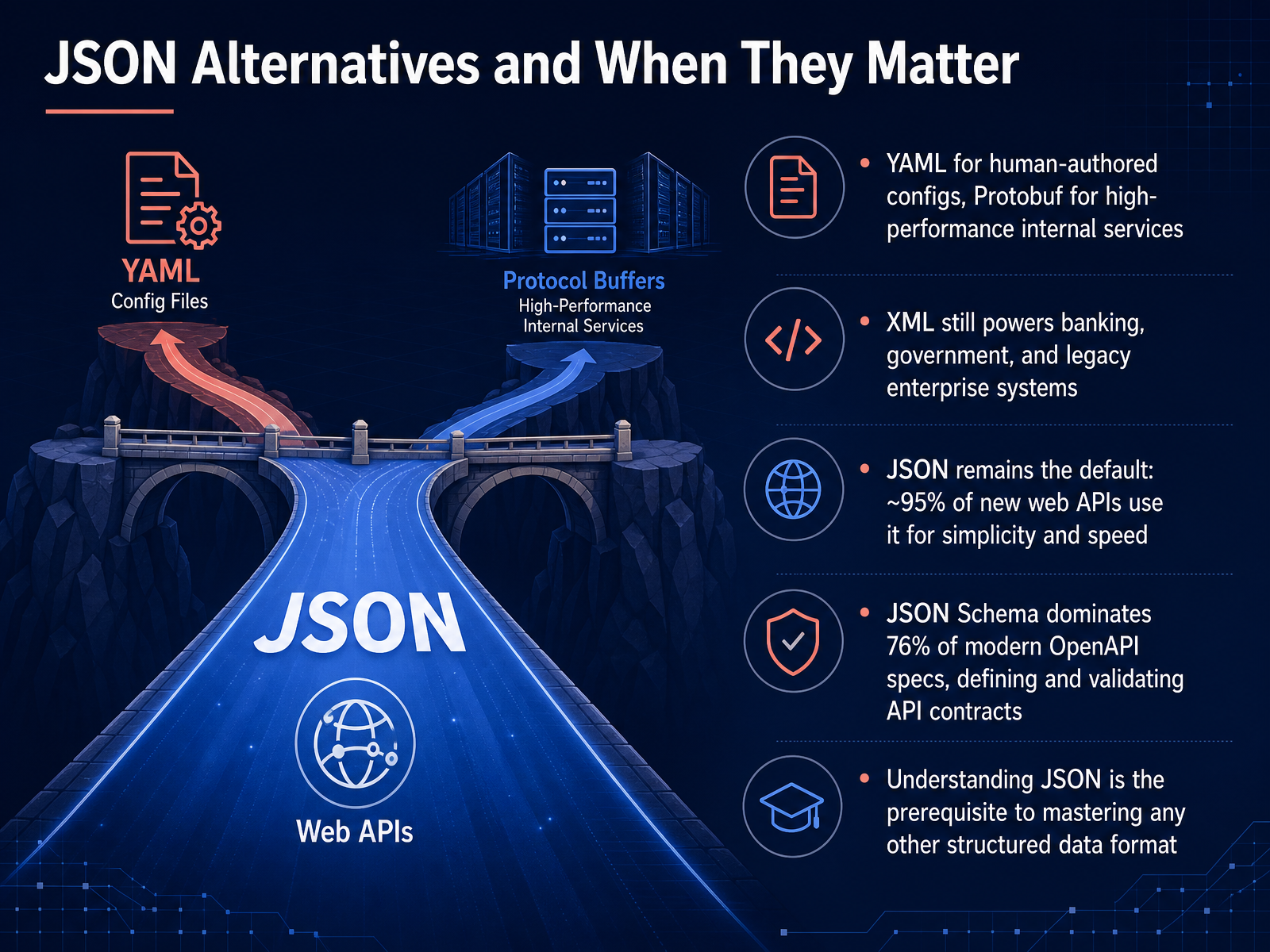
 - 12JSON Alternatives and When They MatterWhile JSON dominates the web, different structured-data formats thrive in specific niches. YAML is popular for human-authored configuration files because it trades strict brackets for meaningful indentation. On the opposite end of the spectrum, Protocol Buffers, or Protobuf, delivers compact, high-performance serialization for internal services where speed matters more than human readability. XML is not gone. It still powers banking, government, and legacy enterprise systems, thanks to its strict schemas and mature document-markup capabilities. But when we look at the broader internet, JSON is the undisputed default. Approximately ninety-five percent of new web APIs use JSON for its balance of simplicity and speed. This dominance is reinforced by JSON Schema, which defines and validates API contracts. In fact, JSON Schema accounts for the majority of content in seventy-six percent of modern OpenAPI specifications. Understanding JSON is not just learning one format. It is the required foundation for mastering YAML, Protobuf, XML, and virtually every other data-interchange format you will encounter. Next, we will put this knowledge into practice by working directly with real JSON APIs.
 glyphwidgets.comthejsonlab.comsourcemeta.com+22 min
 - 13Practice: Working with Real JSON APIsNow let’s put these concepts into practice with real APIs that are built for learning. We recommend starting with JSONPlaceholder. It is a free fake REST API that returns predictable JSON so you can focus entirely on the structure. Open your browser’s DevTools and try a simple fetch call to GET slash posts. The response contains an array of objects, each with fields like userId, id, title, and body. Notice how the square brackets wrap the array, curly braces define each post object, and colons map field names to values. Once you are comfortable parsing that response, try a POST request. You will send a JSON body with the same field structure and receive a new object that mirrors what you sent. DummyJSON and restful-api.dev work the same way and give you different datasets like users, products, and todos. None of these services require registration or API keys. They are designed so you can focus on what matters, which is reading and writing structured data. Inspect every response in the DevTools network tab or a JSON viewer, and pay attention to where objects nest inside arrays and how field names repeat across records. This hands-on repetition locks in the relationships we have been discussing.
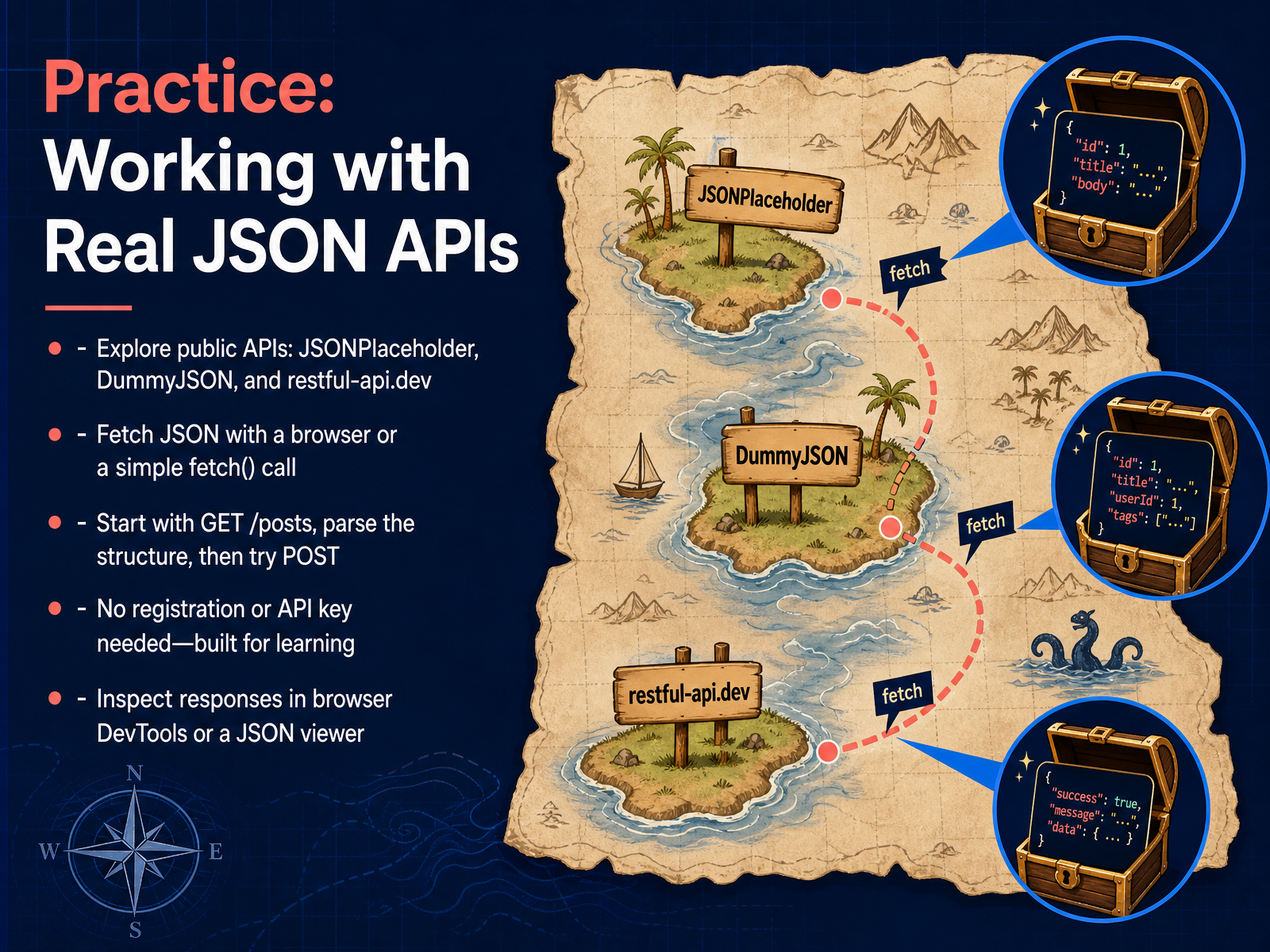 jsonplaceholder.typicode.comdummyjson.comrestful-api.dev+22 min
 - 14Summary and Your Structured Data JourneyAnd here we are, at the final stop on our structured data journey. Let's quickly tie everything together. We started with individual fields and values. We saw how they map into objects, and how those objects can nest within arrays. Finally, we saw how that entire structure gets serialized into a JSON text document, using curly braces, square brackets, and colons. The real power here is that structured data is composable and exchangeable. It bridges any platform. So, what is your next step? I encourage you to explore live JSON from a public A-P-I, like JSONPlaceholder. Try modeling your own data. Your specific challenge is to take a simple contact list and convert it into a valid JSON document. Then, validate it. You now have all the building blocks. Thank you for joining me, and happy structuring.
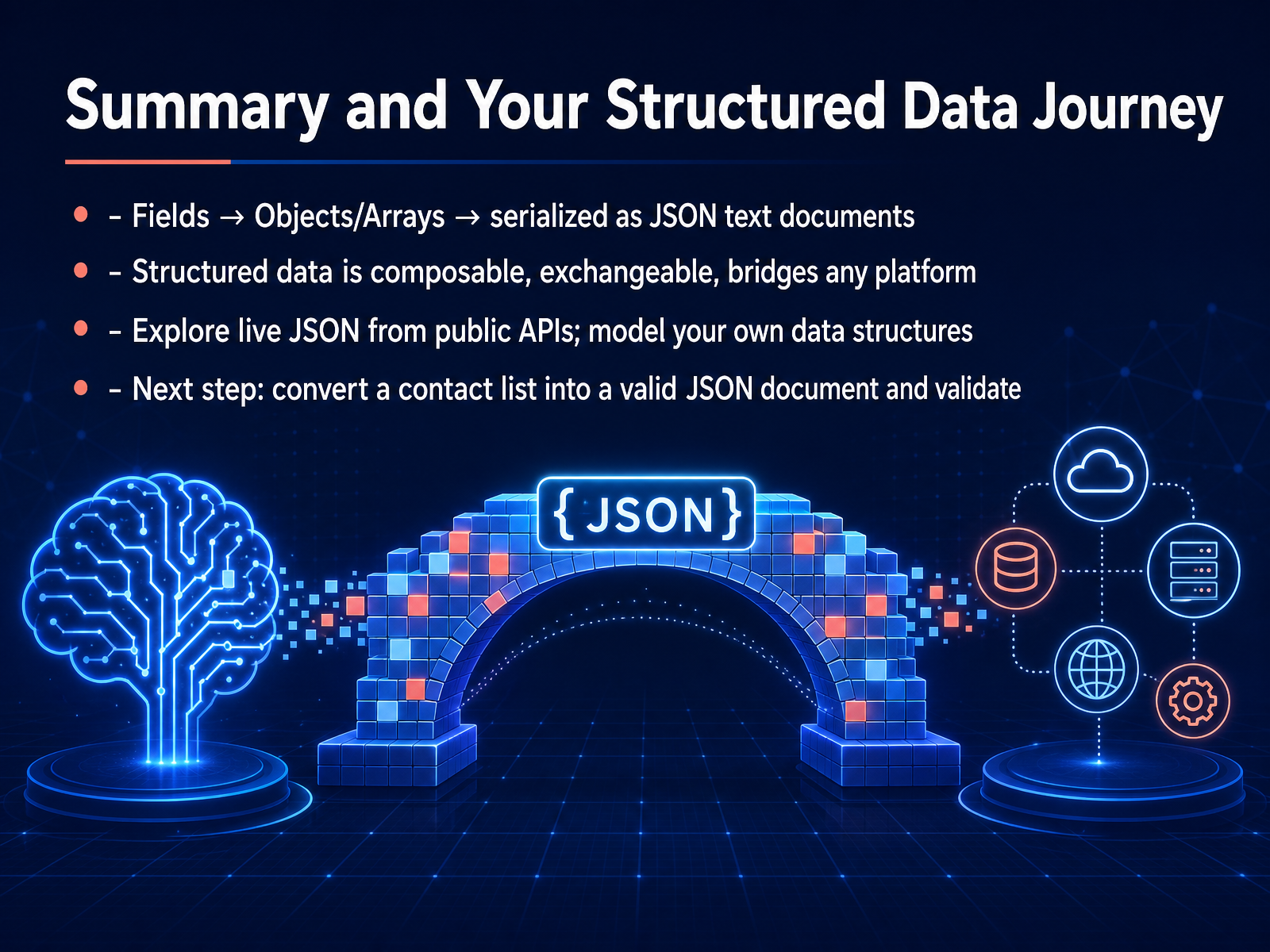 jsonplaceholder.typicode.comdummyjson.comrestful-api.dev+22 min
Take the deck with you
Download this course as a file — free, no sign-up needed.
- PDF handoutEvery slide page, ready to print or share.15 pages · 4.1 MBDownload
- Narrated PowerPointThe deck that presents itself — every slide carries the digital human's narration video.15 pages · 14.5 MBDownload
- PowerPoint slidesThe full deck as a .pptx — open it in PowerPoint, Keynote, or Google Slides.15 pages · 4.0 MBDownload
Free to use in your own training — please keep the PersonWise credit page at the end.
Have your own deck? Turn it into a course
Sources consulted
Web sources consulted while building this course.
- JSON Statistics 2026 : Usage & Adoption — glyphwidgets.com
- JSON in Modern Web Development - 2026 Trends and Best Practices | JSON Lab — thejsonlab.com
- In 76% of modern OpenAPI specs, JSON Schema dominates the specification — sourcemeta.com
- JSON vs XML — When to Use Each in 2026 | WildandFree Tools — wildandfreetools.com
- XML and JSON in 2026 | Engineered.at — engineered.at
- ECMA-404, 2nd edition, December 2017 — ecma-international.org
- ECMA-404 — ecma-international.org
- The JSON Data Interchange Syntax — ecma-international.org
- RFC 8259 - The JavaScript Object Notation (JSON) Data ... — datatracker.ietf.org
- ISO/IEC version of ECMA-404 — archives.ecma-international.org
- JSONLint - The JSON Validator — jsonlint.com
- Best JSON Formatter and JSON Validator: Online JSON ... — jsonformatter.org
- JSON Editor Online: edit JSON, format JSON, query JSON — jsoneditoronline.org
- JSON Checker - The JSON Validator and Formatter — jsonchecker.com
- JSON Formatter Online - Private, Secure & Free — json.site
- JSONPlaceholder - Free Fake REST API — jsonplaceholder.typicode.com
- DummyJSON - Free Fake REST API for Placeholder JSON Data — dummyjson.com
- Free Real REST API – Full CRUD Support (GET, POST, PUT, PATCH, DELETE) for Testing & Learning — restful-api.dev
- typicode/jsonplaceholder — github.com
- api.justapi.dev — Instant deterministic mock APIs — api.justapi.dev