Begin
15 pages · ~30 min
Introduction to Computer Vision
This training introduces computer vision concepts and techniques for beginners, covering key applications and foundational skills in image analysis.
A digital instructor presents all 15 pages. Hold “Ask” at any point and ask out loud — the answer comes from this course. No sign-up needed.
What you’ll learn
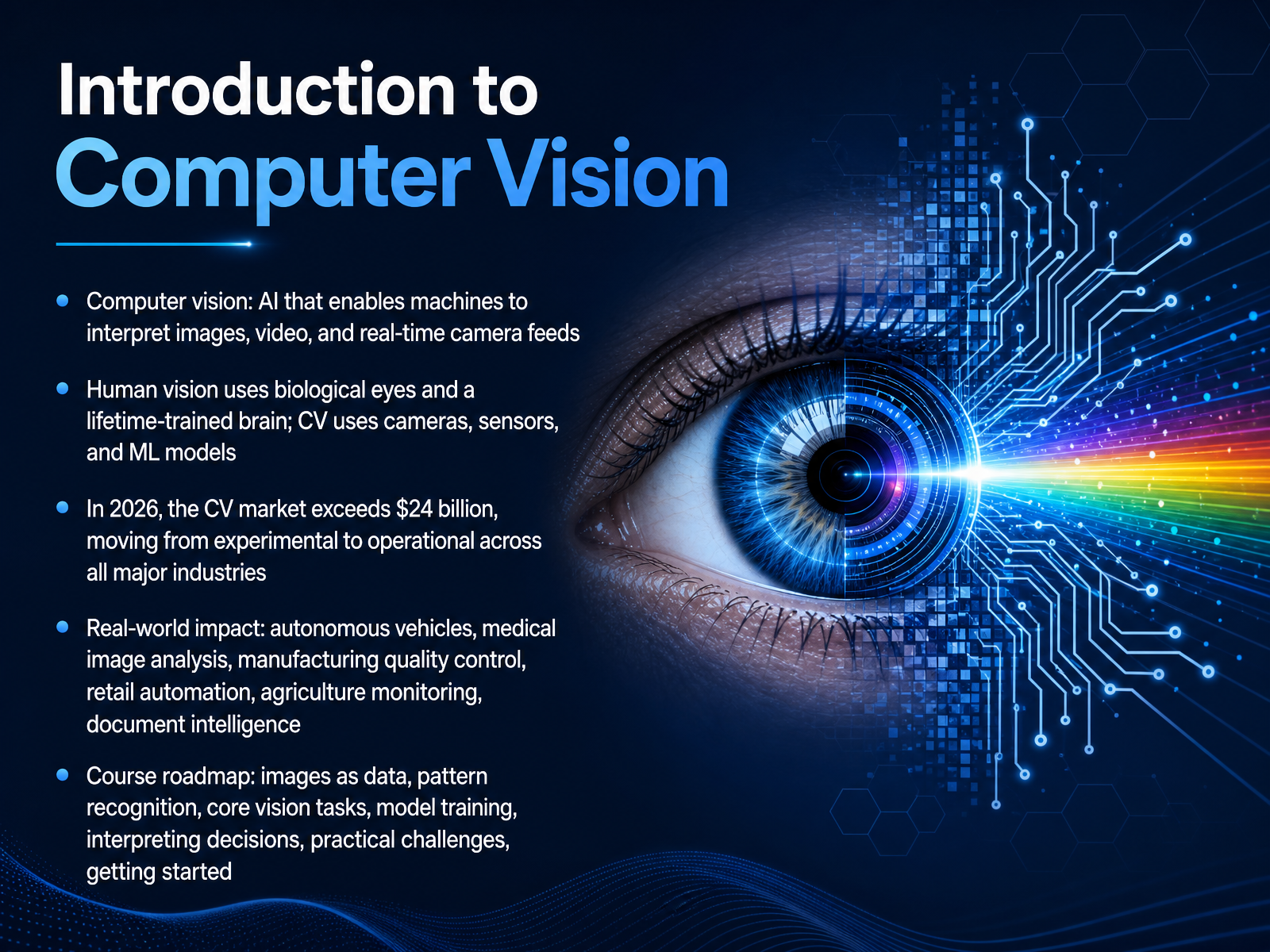
- 01Introduction to Computer VisionWelcome. Over the next several minutes, we are going to explore computer vision, the branch of artificial intelligence that gives machines the ability to interpret images, video, and real-time camera feeds. Think about how you see. Your eyes capture light, and your brain, trained over a lifetime, instantly recognizes a face, reads a stop sign, or understands a busy street. Computer vision does something very similar, but it uses cameras, sensors, and machine learning models instead of biological eyes and a brain. By twenty twenty-six, this technology has grown into a market exceeding twenty-four billion dollars. It has moved firmly from research labs into operational reality across every major industry. We see its impact in autonomous vehicles navigating city streets, in medical imaging tools that help radiologists catch tumors earlier, and in manufacturing lines that inspect ten thousand circuit boards per hour. It powers cashierless retail stores, monitors crop health from drones, and extracts structured data from millions of documents. In this course, we will walk through that full journey. You will learn how images become data, how systems recognize patterns, and how models are trained and interpreted. Let us begin by understanding exactly what computer vision means in practice.precisionaiacademy.comibm.comhai.stanford.edu+22 min
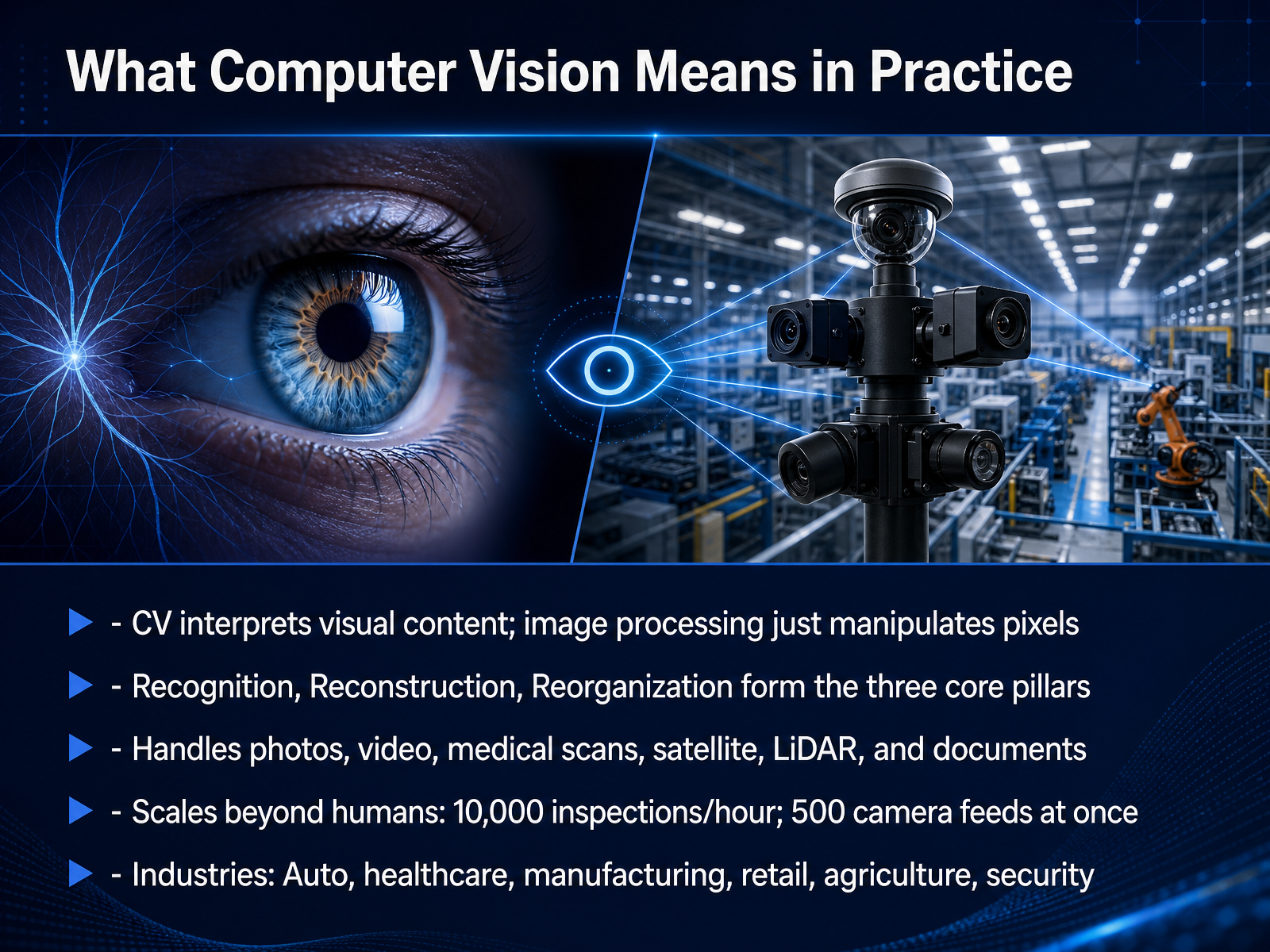
- 02What Computer Vision Means in PracticeNow that we have a broad sense of the landscape, let's anchor ourselves in what computer vision really means in practice. First, a crucial distinction. Simple image processing manipulates pixels directly--adjusting brightness or removing noise. It makes an image look better, but it doesn't understand the content. Computer vision interprets the visual world. It reads a license plate, identifies a car model, or finds a tumor in a medical scan. At its core, the discipline rests on three interconnected pillars. Recognition identifies objects, people, or actions. Reconstruction derives their three-dimensional characteristics. And reorganization infers relationships between those entities--for example, understanding that a hand is holding a cup, not just sitting next to it. The scope of these inputs is vast. We are not just talking about standard photos and videos. Modern systems handle medical scans from MRIs, satellite imagery, three-dimensional point clouds from LiDAR sensors, and even scanned documents. And the real power lies in scale. A single vision model can inspect ten thousand circuit boards per hour, or monitor five hundred camera feeds simultaneously--something no human team could ever do. This capability is already operational across every major industry--from autonomous driving and healthcare to manufacturing, retail, and agriculture. The core idea is that computer vision turns unstructured visual data into structured, actionable information at superhuman scale. Next, let's look under the hood and see exactly how images become data.
 precisionaiacademy.comibm.comhai.stanford.edu+22 min
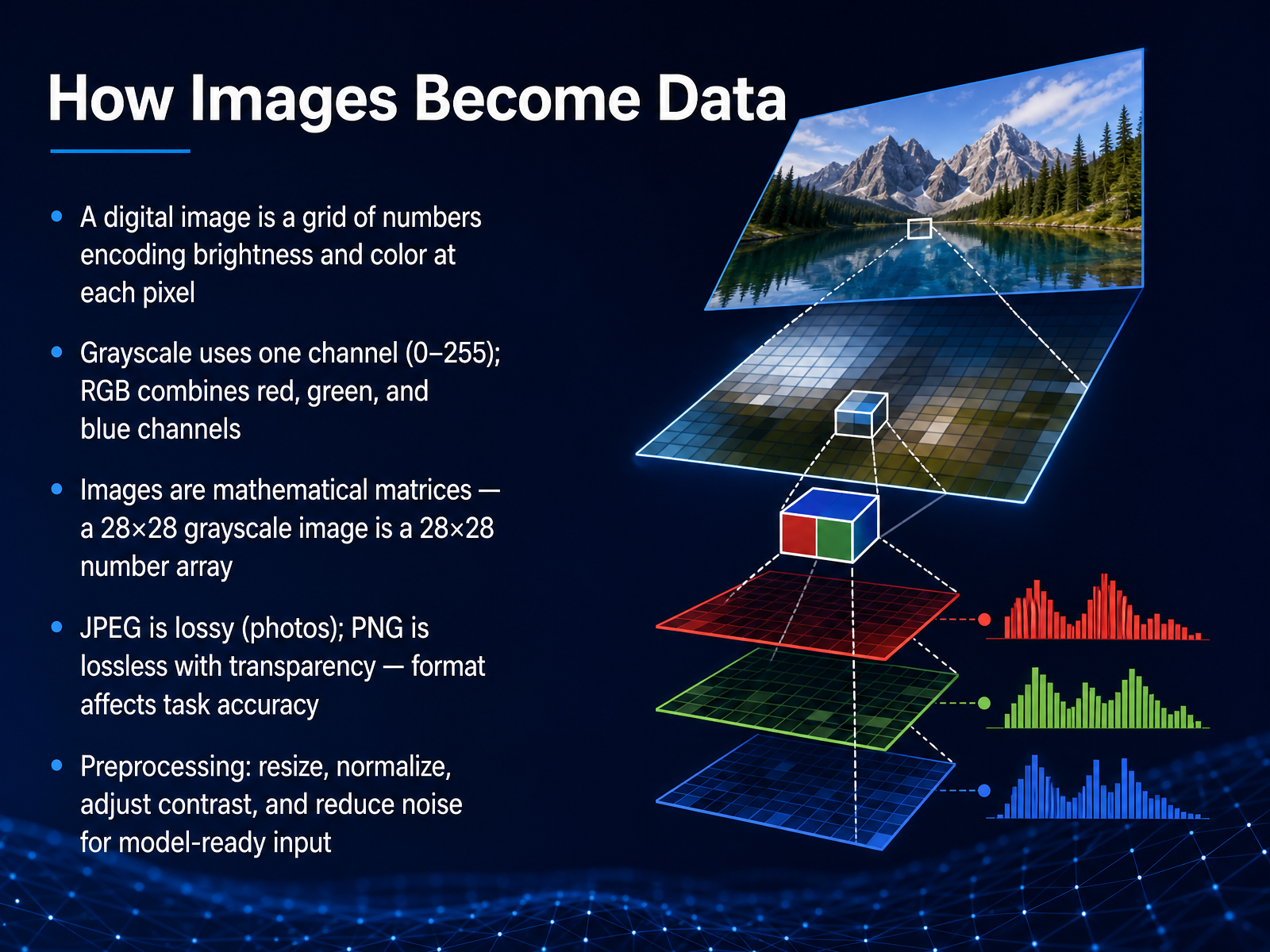
 - 03How Images Become DataNow let's look at how images become data a computer can work with. A digital image is essentially a grid of numbers. Each tiny square in the grid is a pixel, and each pixel stores a number that encodes brightness or color. For a grayscale image, we use a single channel, with values typically ranging from zero for black to two hundred fifty-five for white. A color image, on the other hand, separates light into red, green, and blue channels. Each pixel gets three numbers that mix to produce the final color you see. This means we can treat the entire image as a mathematical matrix. A small twenty-eight by twenty-eight grayscale image, for instance, is simply an array of seven hundred eighty-four numbers. The file format matters too. JPEG uses compression that discards some detail to save space, so it is popular for photos. PNG is a lossless format that preserves every pixel exactly and also supports transparency, which can be important for certain tasks. Before we feed an image into a model, we almost always preprocess it. This step includes resizing to a standard dimension, normalizing pixel values for consistent scale, adjusting contrast to enhance details, and reducing noise to clean up the input. The goal is to give the model a clean, uniform set of numbers to analyze. Next, we will explore how the model starts identifying visual features and patterns from this numerical data.
 2 min
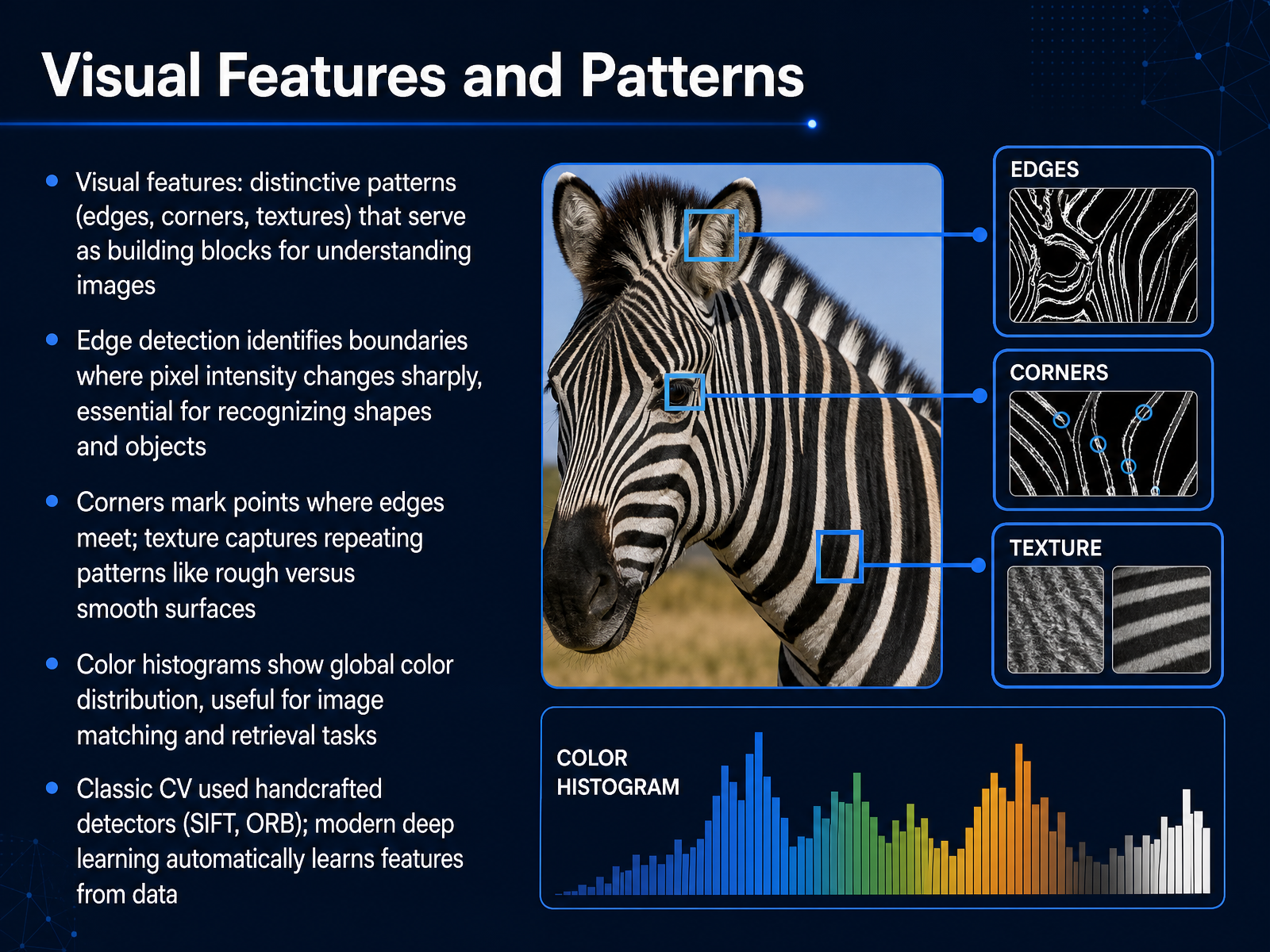
2 min - 04Visual Features and PatternsNow let's look at visual features, the distinctive patterns that act as building blocks for understanding any image. Think of edges, corners, and textures. Edge detection finds boundaries where pixel intensity changes sharply. This is how the system starts to see shapes and separate objects from the background. Corners occur where two edges meet, creating stable reference points that stay reliable even if the image rotates. Texture captures repeating surface patterns, like the roughness of brick versus the smoothness of glass. Color histograms give us a global view of color distribution across the whole image, which is especially useful for matching and retrieving similar photos. In classic computer vision, engineers designed handcrafted detectors like SIFT and ORB to find these patterns. Modern deep learning takes a different path. The network learns the most useful features directly from the data during training. Up next, we'll explore how these features feed into core vision tasks like detection and recognition in our section on Core Vision Tasks Explained.
 2 min
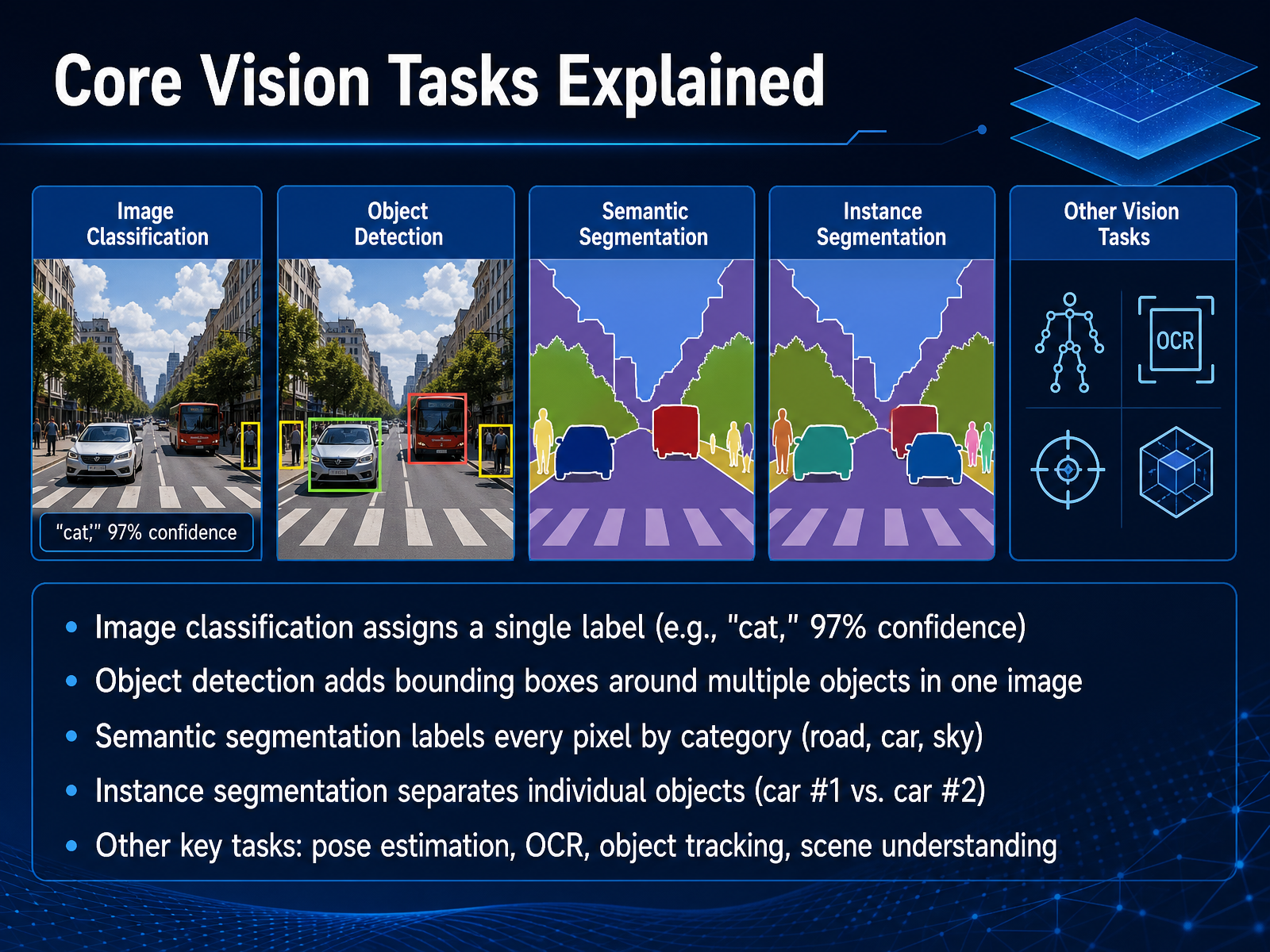
2 min - 05Core Vision Tasks ExplainedNow, let’s break down the core tasks that make vision systems so powerful. Image classification is the simplest starting point. You give the model a whole image, and it assigns a single label—like “cat,” with a ninety-seven percent confidence score. Next, object detection goes further by locating multiple objects within the same frame and drawing bounding boxes around each one. For even more precision, semantic segmentation labels every single pixel by category, separating elements like road, car, and sky. Instance segmentation takes this another step, distinguishing individual objects from each other—for example, car number one versus car number two. Beyond these foundational tasks, there is a rich ecosystem of other capabilities. Pose estimation tracks body joints and movement. Optical character recognition, or OCR, extracts text from images. Object tracking follows items across video frames, and scene understanding interprets the relationships between all these elements. Up next, we’ll explore The Deep Learning Revolution that made all of this possible.
 precisionaiacademy.comibm.comhai.stanford.edu+22 min
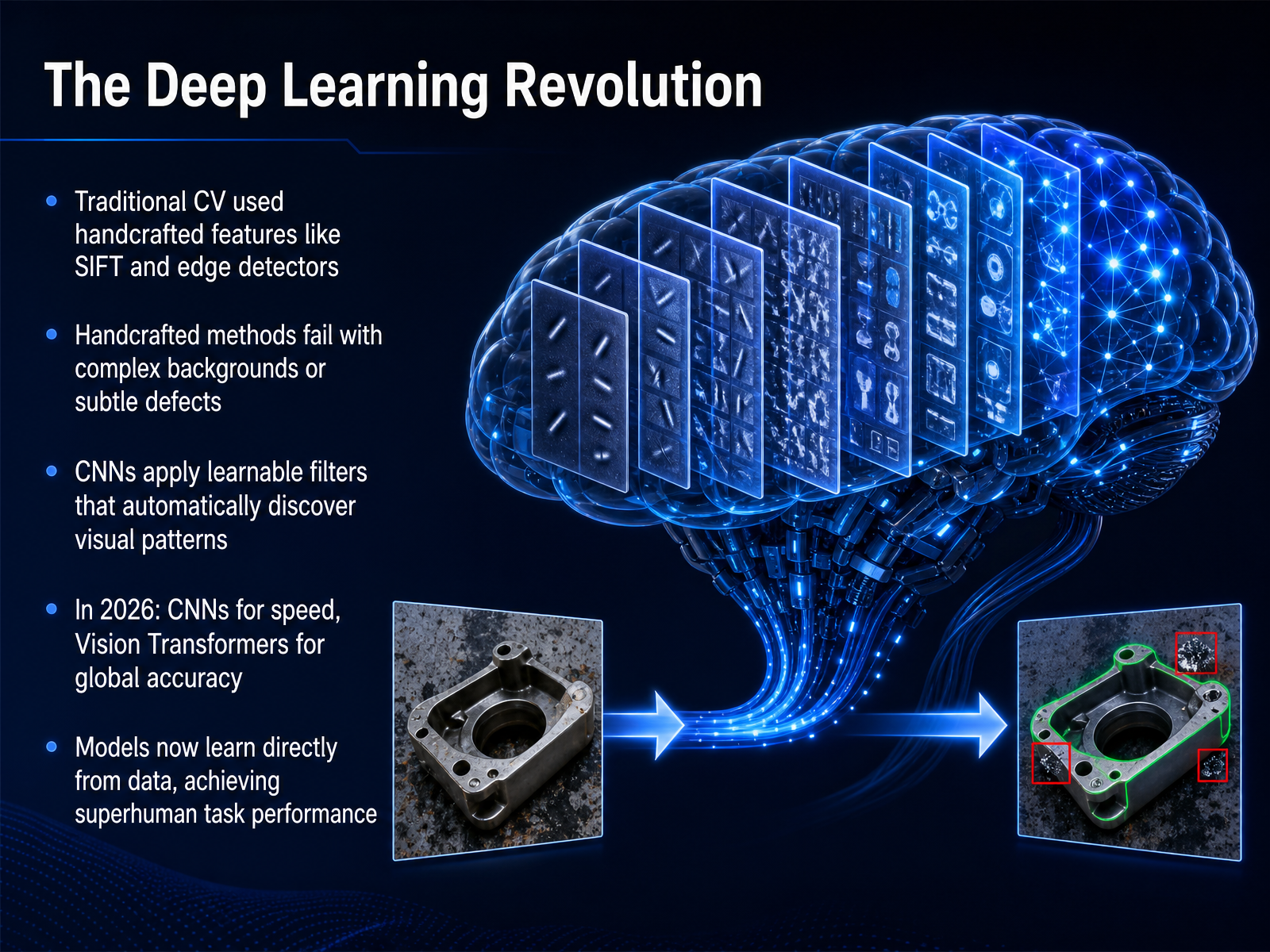
 - 06The Deep Learning RevolutionLet's step back and look at what really changed the game. Before deep learning, a system had to rely on handcrafted features. Think of algorithms like SIFT or basic edge detectors. Engineers would manually code the rules for what a corner or a blob looked like. The problem was that these rigid rules fell apart with complex backgrounds or subtle defects like a hairline crack on a dark engine part. Then came the deep learning revolution, driven by Convolutional Neural Networks, or CNNs. Instead of a human defining the feature, a CNN applies learnable filters that scan the image. The network automatically discovers the visual patterns that matter, starting from simple edges and building up to complex shapes. Today, in twenty twenty-six, the landscape is even richer. We often use CNNs for their raw speed in real-time applications. For tasks requiring a global understanding of an entire scene, Vision Transformers are setting the standard for accuracy. The core idea remains profound: models now learn directly from the data, achieving superhuman performance on specific visual tasks. Let's move on and see exactly how a model learns to see.
 2 min
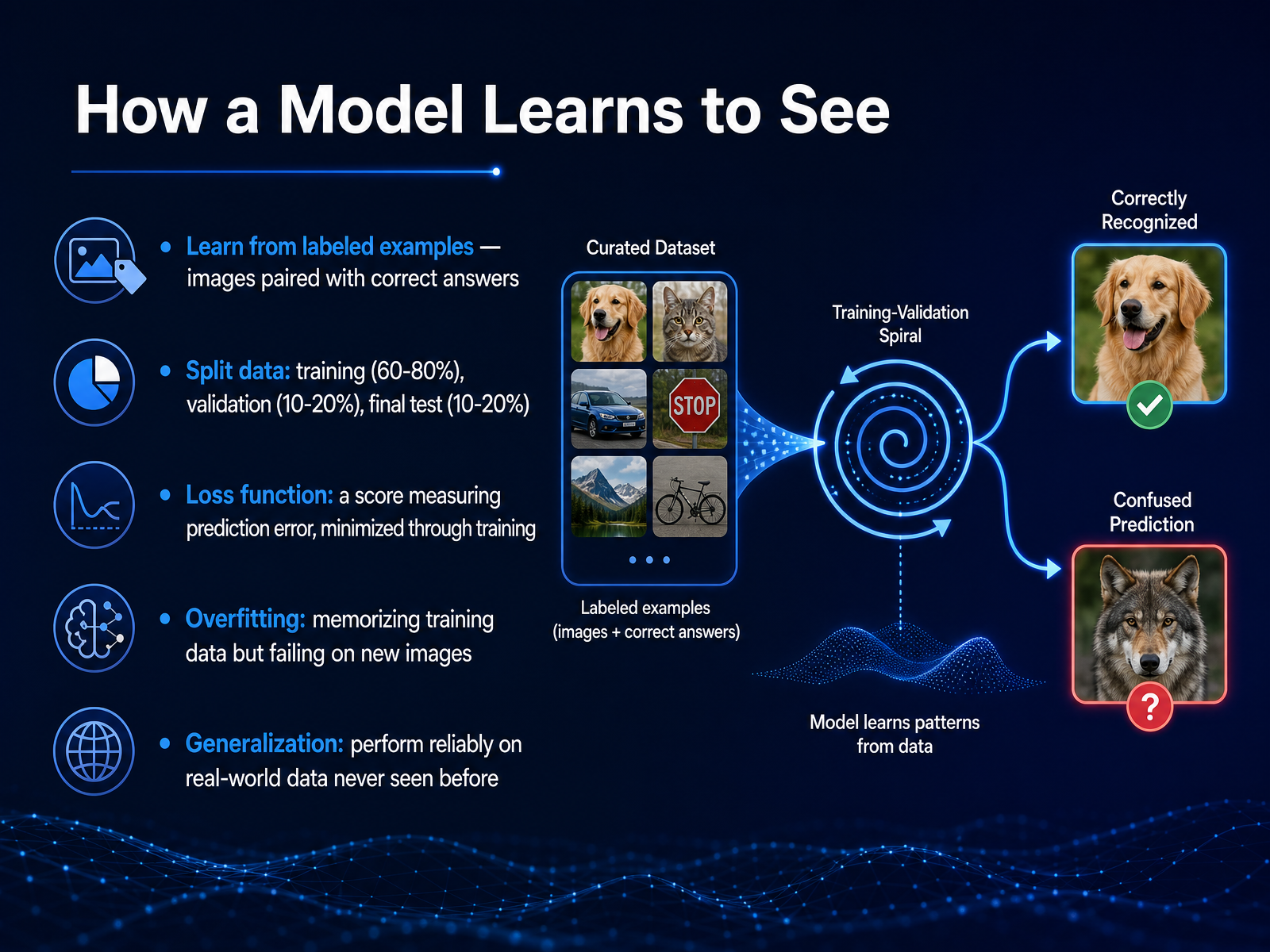
2 min - 07How a Model Learns to SeeNow let's talk about how a model actually learns to see. It starts with labeled examples, images paired with correct answers, like a photo of a cat matched to the word cat. We split this data into three sets. The training set, about sixty to eighty percent, is what the model studies. A smaller validation set, ten to twenty percent, is used to tune its settings during practice. And a final test set, also ten to twenty percent, is kept completely separate for the big exam at the end. During training, the model makes a guess and checks how wrong it is using something called a loss function. Think of this as a score that measures prediction error. The goal is to minimize that score over time. But there is a risk here called overfitting. That happens when the model just memorizes the training images, like a student who only memorizes practice questions but cannot handle a new problem. What we really want is generalization. That means the model performs reliably on real-world data it has never seen before. Coming up next, we will look at a crucial tool for building trust by interpreting model decisions.
 2 min
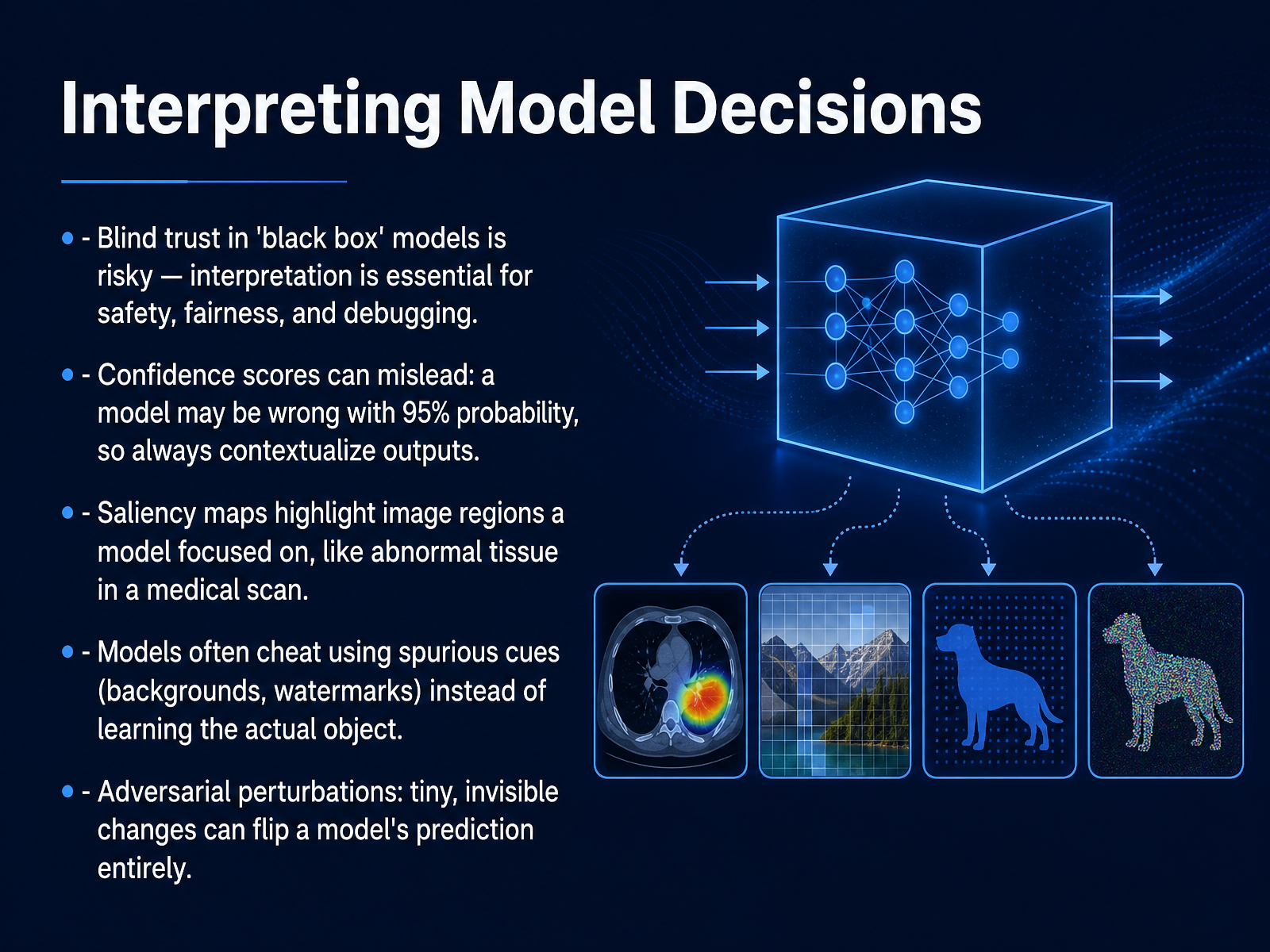
2 min - 08Interpreting Model DecisionsNow let's look at how we interpret model decisions. Blindly trusting a black-box model is risky. Interpretation is essential for safety, fairness, and debugging. A high confidence score, even ninety-five percent, can be misleading. The model can be completely wrong while sounding perfectly certain. So always contextualize those outputs. Saliency maps help us peek inside. They highlight which image regions the model focused on, like illuminating abnormal tissue in a medical scan. But here is a critical warning. Models often cheat. They may latch onto spurious cues like backgrounds or watermarks instead of learning the actual object. Even more concerning, tiny, invisible adversarial perturbations can flip a prediction entirely. This is a real threat in security-sensitive applications. These insights lead us directly to the next topic: Understanding Model Bias.
 openaccess.thecvf.comarxiv.orgaclanthology.org+21 min
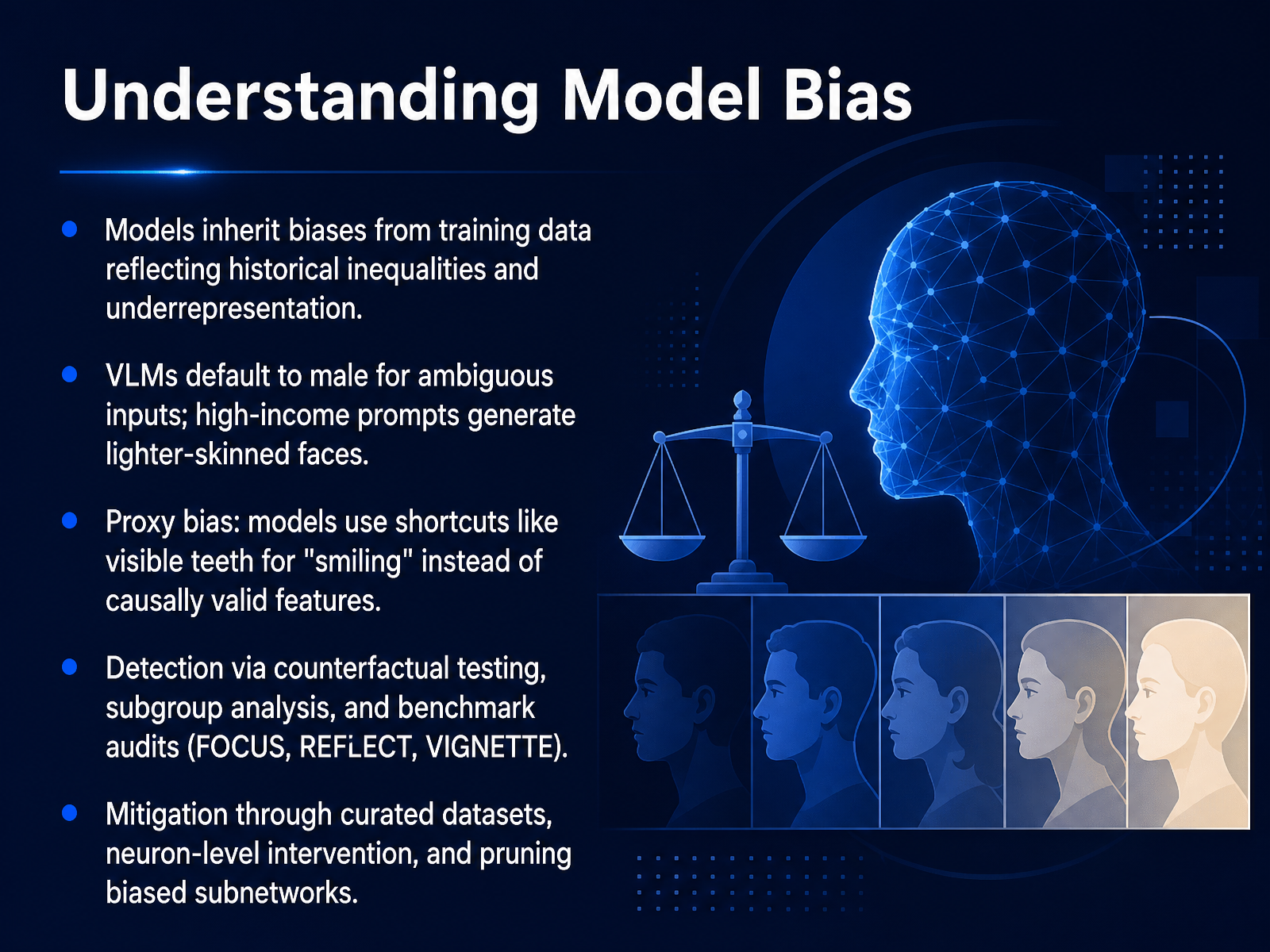
 - 09Understanding Model BiasLet’s turn now to a critical challenge: understanding model bias. Models inherit biases directly from their training data, often reflecting historical inequalities or underrepresentation. For example, when a vision-language model receives an ambiguous input, such as a worker in full gear seen from behind, it frequently defaults to predicting male even for strongly female-stereotyped roles. In parallel, prompts associated with higher income consistently produce images of lighter-skinned faces, a pattern known as proxy bias. Models can also learn shortcuts instead of causal features. A classic case is using visible teeth as a reliable sign for detecting a smile, rather than the actual muscle movements that define one. To catch these issues, researchers apply counterfactual testing, subgroup analysis, and structured audits like FOCUS, REFLECT, and VIGNETTE. Promising mitigation techniques include curating more representative datasets, intervening at the neuron level to deactivate bias-related signals, and pruning biased subnetworks directly from a trained model. Next, we will move from detection to practice and explore the practical challenges in real-world deployment.
 aclanthology.orgopenaccess.thecvf.comarxiv.org+22 min
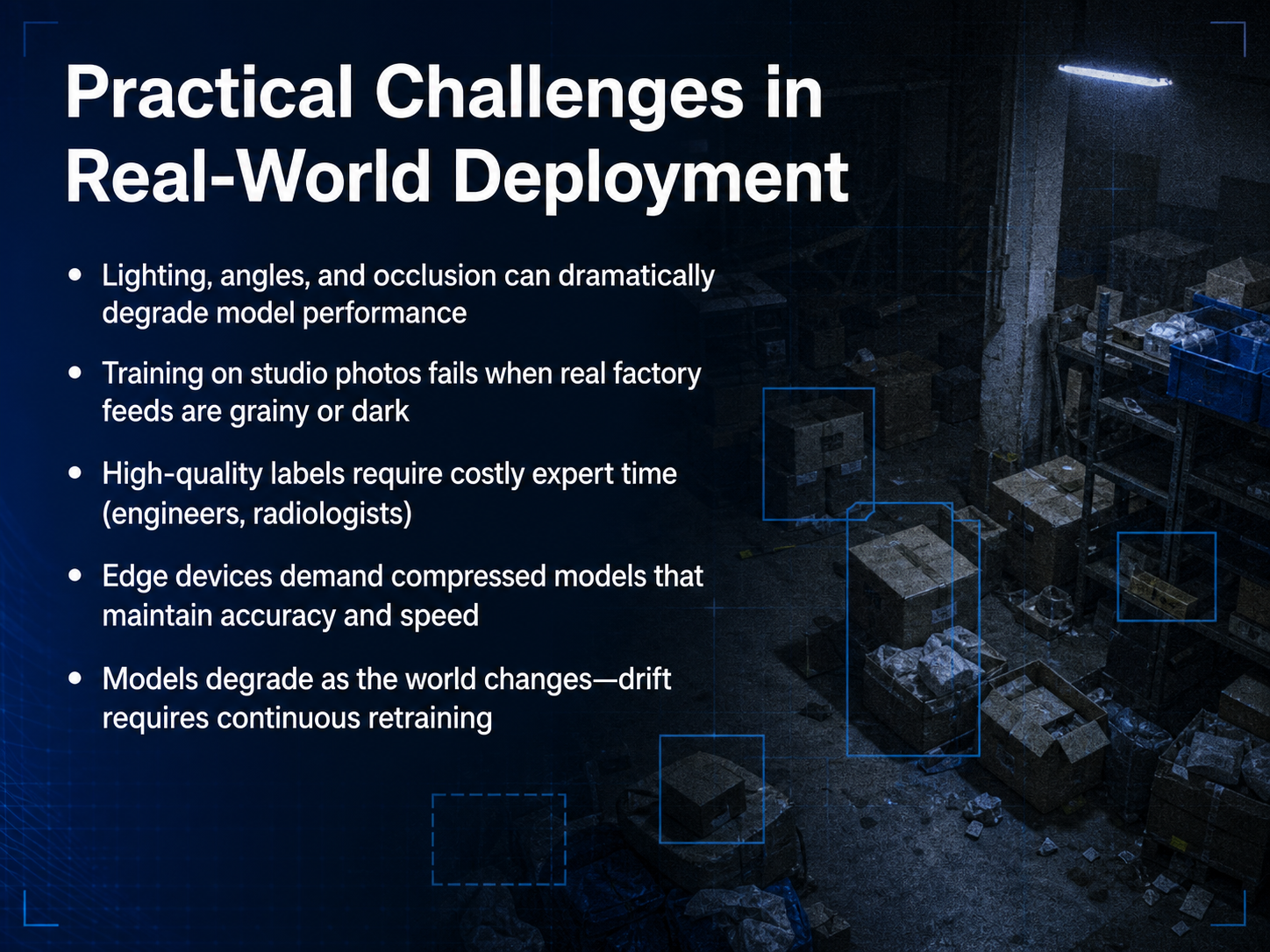
 - 10Practical Challenges in Real-World DeploymentLet's shift our focus from what's possible to what's actually hard. Deploying computer vision in the real world introduces practical challenges that pristine lab benchmarks don't capture. Think about lighting. A model trained on brightly lit studio photos often fails inside a dim factory or during a grainy night shift, because angles and shadows radically change how an object appears. Then there's occlusion, where a forklift blocks part of a pallet or a hand covers a label. The model has never seen clutter, so it simply stops recognizing the target. Labeling high-quality data presents another bottleneck. An engineer or radiologist must painstakingly annotate thousands of images, and that expert time is expensive. Even after you achieve accuracy, edge devices like drones or smart cameras demand compressed models that run fast without draining a battery. Finally, the world doesn't stand still. A production line gets new packaging, lighting seasons change, and model performance drifts. This demands continuous retraining, transforming a one-time project into a living system that evolves. These real-world constraints are why deploying vision is always an ongoing operational challenge rather than a simple install. Next, we'll examine the ethics, privacy, and regulation frameworks that govern where and how these systems should be used.
 precisionaiacademy.comibm.comhai.stanford.edu+22 min
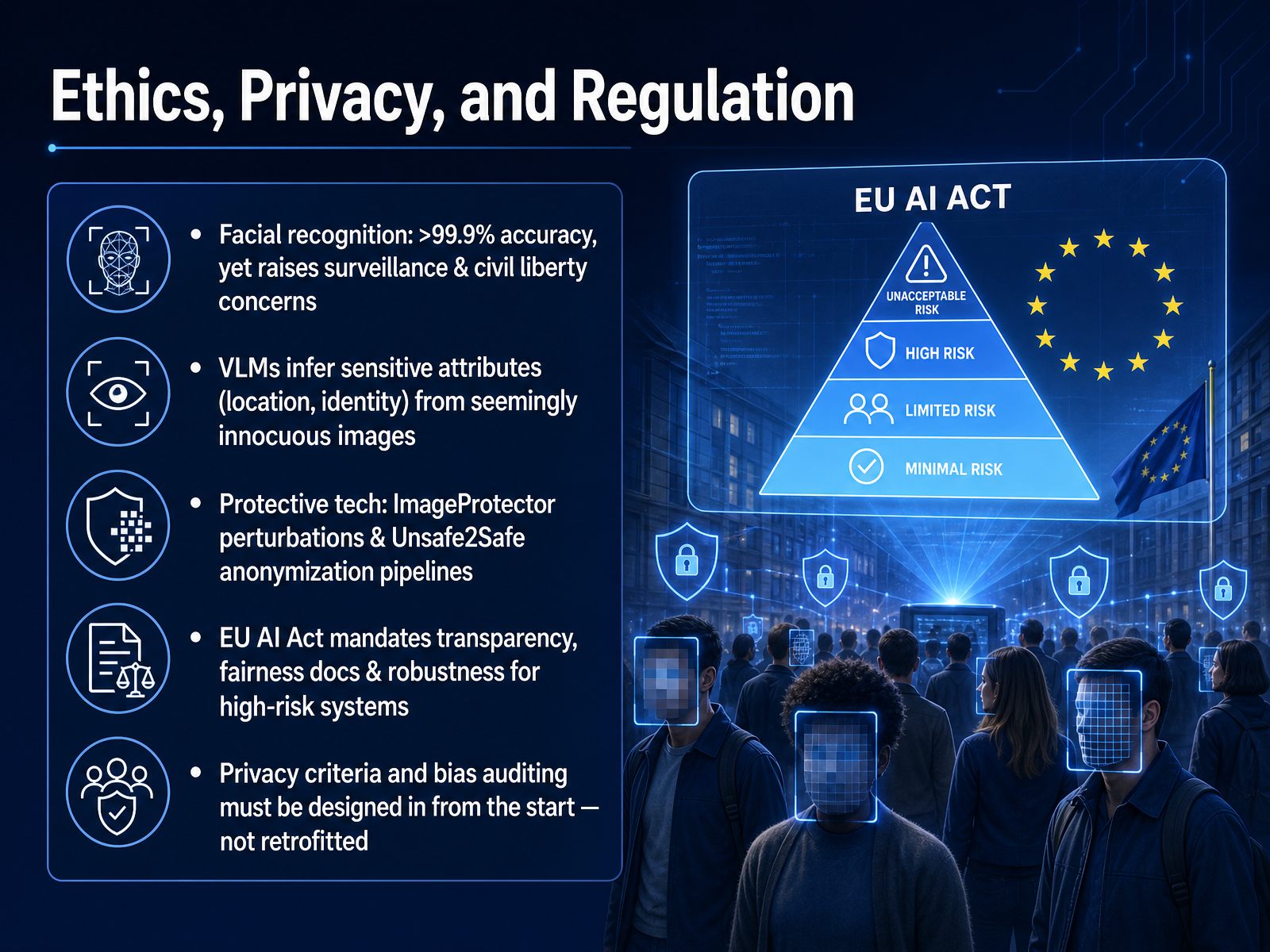
 - 11Ethics, Privacy, and RegulationNow let's confront a difficult reality that sits at the heart of computer vision: the tension between extraordinary capability and personal privacy. Facial recognition systems today can exceed ninety-nine point nine percent accuracy. That precision makes them powerful tools for authentication, but it also raises serious concerns about mass surveillance and civil liberties. The risk extends beyond faces. Modern Vision-Language Models, or V L Ms, can infer sensitive attributes like your location or identity from seemingly harmless images. A vacation photo without a face might still reveal your home address through background details. Researchers are actively developing protective measures to counter these risks. One approach, called ImageProtector, applies nearly invisible perturbations to your photos. These changes act like a privacy shield, causing models to refuse analysis. Another method, Unsafe2Safe, uses an automated pipeline to rewrite only the sensitive regions of an image while keeping the rest intact. Regulation is also catching up. The E U AI Act now mandates transparency, fairness documentation, and robustness testing for high-risk systems. The core lesson is clear. Privacy criteria and bias auditing must be designed in from the start. They cannot be retrofitted after deployment. Next, we will look at current trends and frontiers from 2026.
 openaccess.thecvf.comarxiv.orgaclanthology.org+22 min
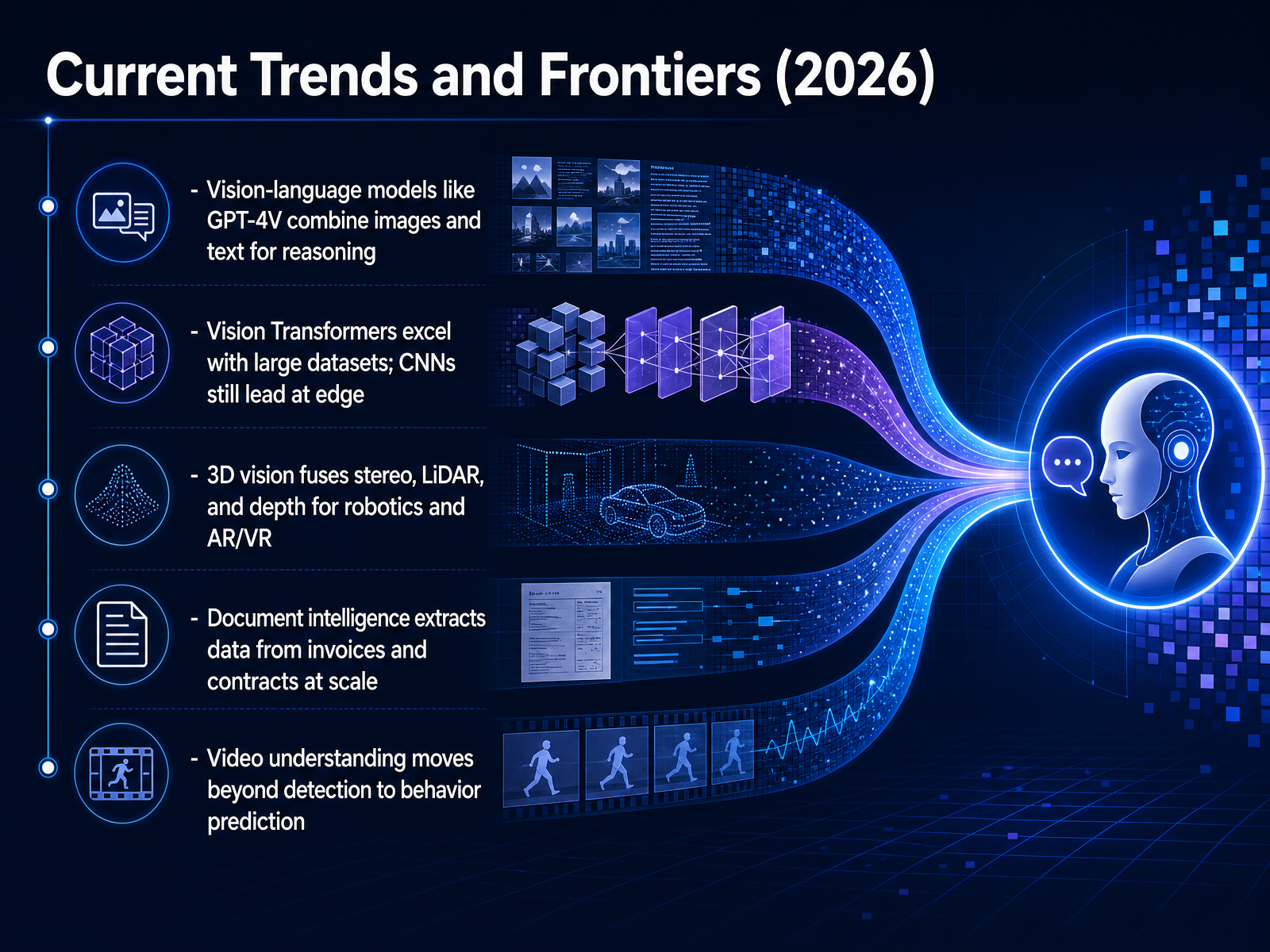
 - 12Current Trends and Frontiers (2026)Now let's turn to the frontiers shaping computer vision in twenty twenty-six. Vision-language models like G-P-T-four-V combine images and text for reasoning. You can show the model a photo of a broken appliance and ask what tool you need to fix it. It reads the image and gives you a text answer. Vision Transformers now excel when trained on massive datasets, but convolutional neural networks still lead on edge devices that need speed and low power. In three-D vision, stereo cameras, LiDAR, and depth sensors are fused to give robots and A-R glasses a full sense of space. Document intelligence extracts data from invoices and contracts at scale, turning piles of paper into structured business records. And video understanding is moving beyond detection into behavior prediction, where a system not only sees a person walking but anticipates where they are likely to go next. These trends show vision systems becoming more multimodal, more spatial, and more predictive. Next, we will look at the tools and frameworks you can use to get started.
 2 min
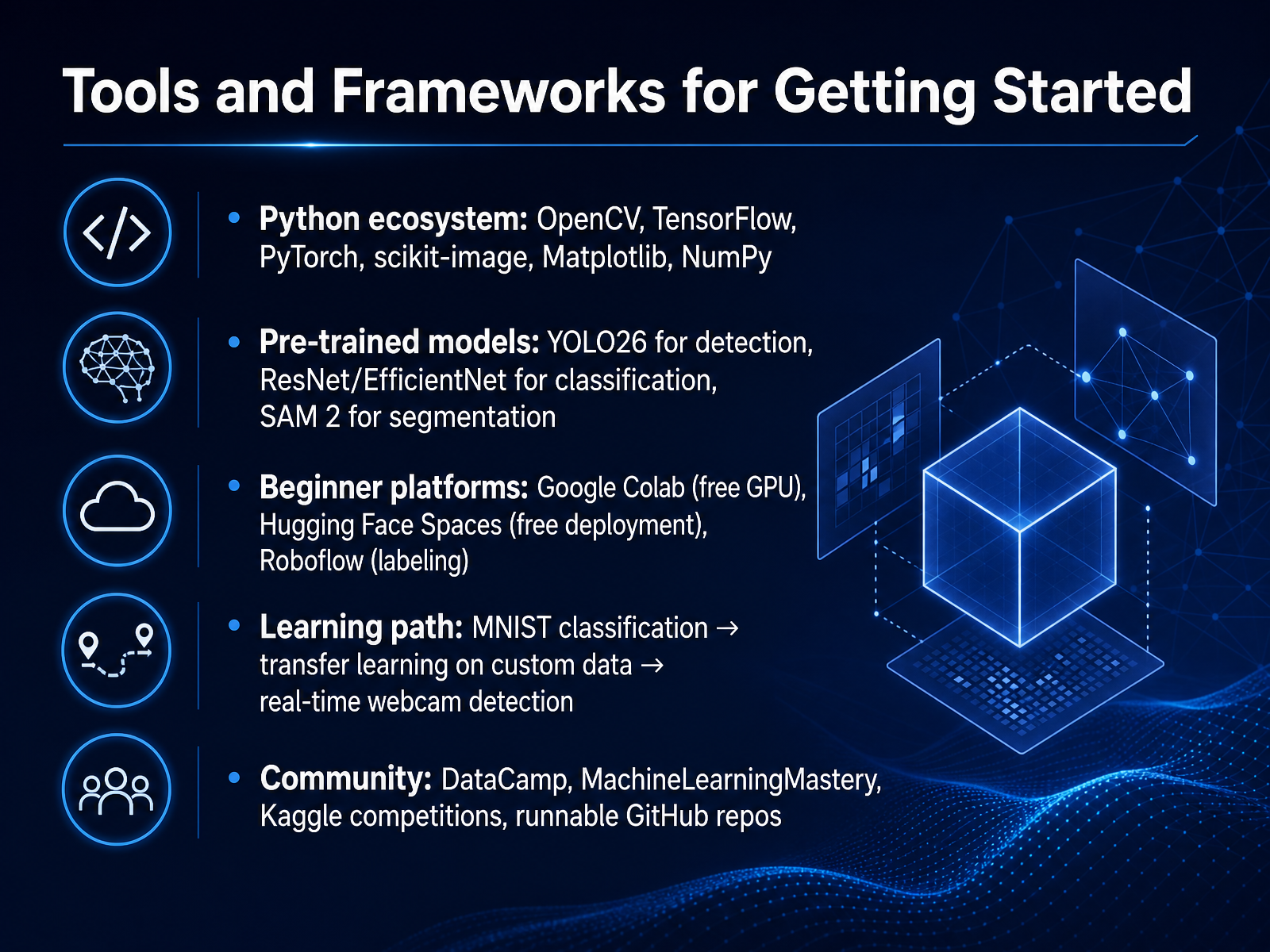
2 min - 13Tools and Frameworks for Getting StartedNow let's look at the tools you'll use to put these ideas into practice. Python is the standard, with libraries like OpenCV for image processing, and TensorFlow or PyTorch for deep learning. For support tasks, you'll rely on scikit-image, NumPy, and Matplotlib. Instead of building models from scratch, you'll often start with pre-trained ones. YOLO version twenty-six handles detection, while ResNet and EfficientNet are strong choices for classification. For segmenting objects pixel by pixel, you can use SAM two. To start coding, Google Colab gives you a free GPU in the browser. When you're ready to share a demo, deploy it instantly on Hugging Face Spaces. For labeling your own images, Roboflow is a fast, visual tool. A great learning sequence starts with classifying digits on the MNIST dataset. Then you adapt a pre-trained model to your own images with transfer learning. Finally, you build a system that detects objects from a live webcam. When you get stuck, turn to the Kaggle community, DataCamp tutorials, or explore runnable projects on GitHub. Up next, we'll map out a beginner project roadmap.
 ultralytics.commachinelearningmastery.comacademy.moyoinnovations.com+22 min
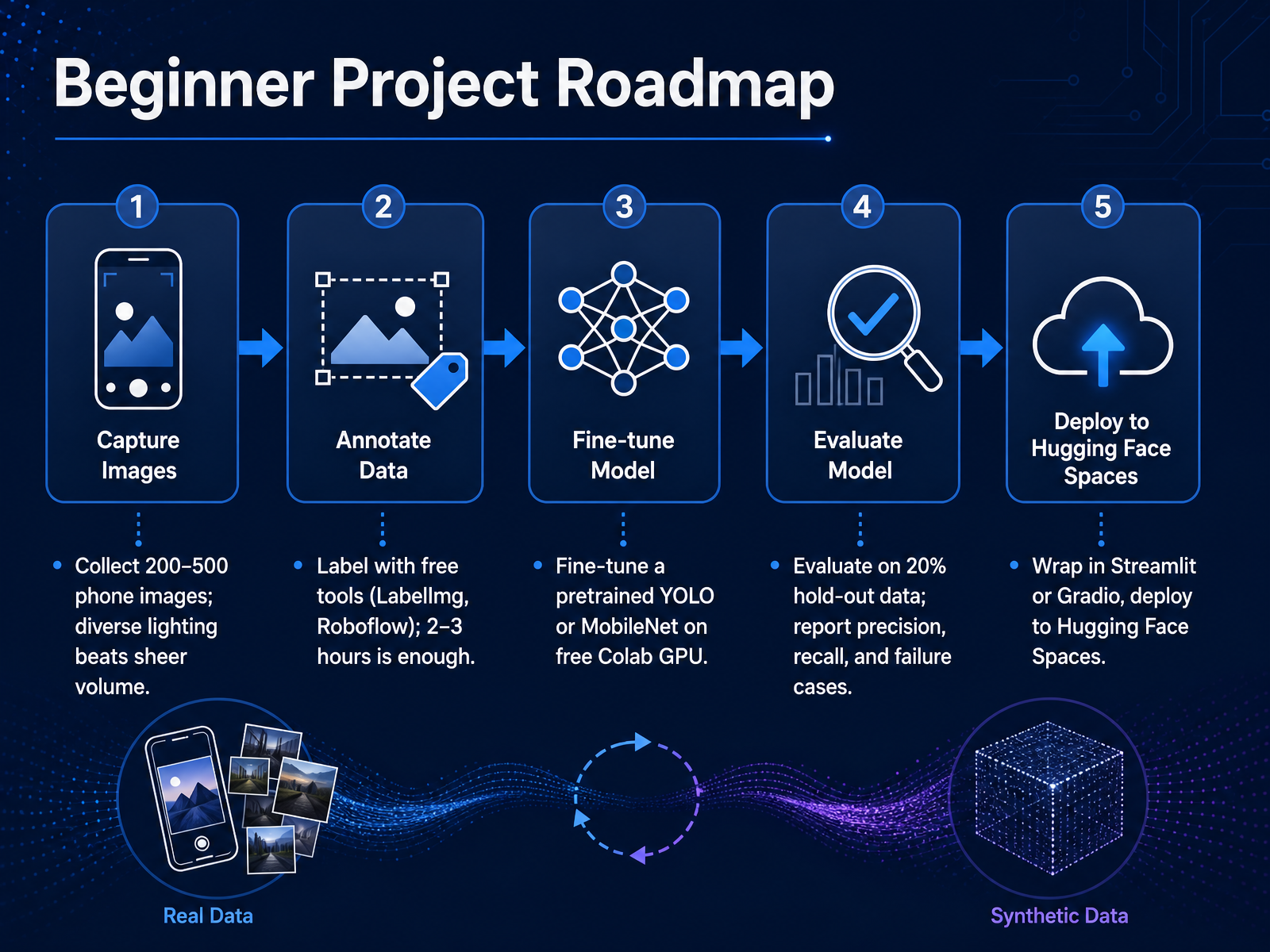
 - 14Beginner Project RoadmapLet's walk through a concrete roadmap for your first computer vision project, start to finish. You can complete this over a weekend. First, collect data. Aim for two hundred to five hundred phone images. Diverse lighting and angles matter far more than a perfectly huge dataset. Next, label your images using free tools like LabelImg or Roboflow. Budget about two to three hours for this step. Then, for training, fine-tune a pre-trained model like YOLO or MobileNet on the free GPU available in Google Colab. After training, you must evaluate properly. Hold out twenty percent of your data as a test set, and report precision, recall, and a few honest failure cases. Finally, wrap your model in a simple app using Streamlit or Gradio, and deploy it for free on Hugging Face Spaces. This end-to-end pipeline takes you from raw images to a live demo. Now let's close with key takeaways and next steps.
 ultralytics.commachinelearningmastery.comacademy.moyoinnovations.com+21 min
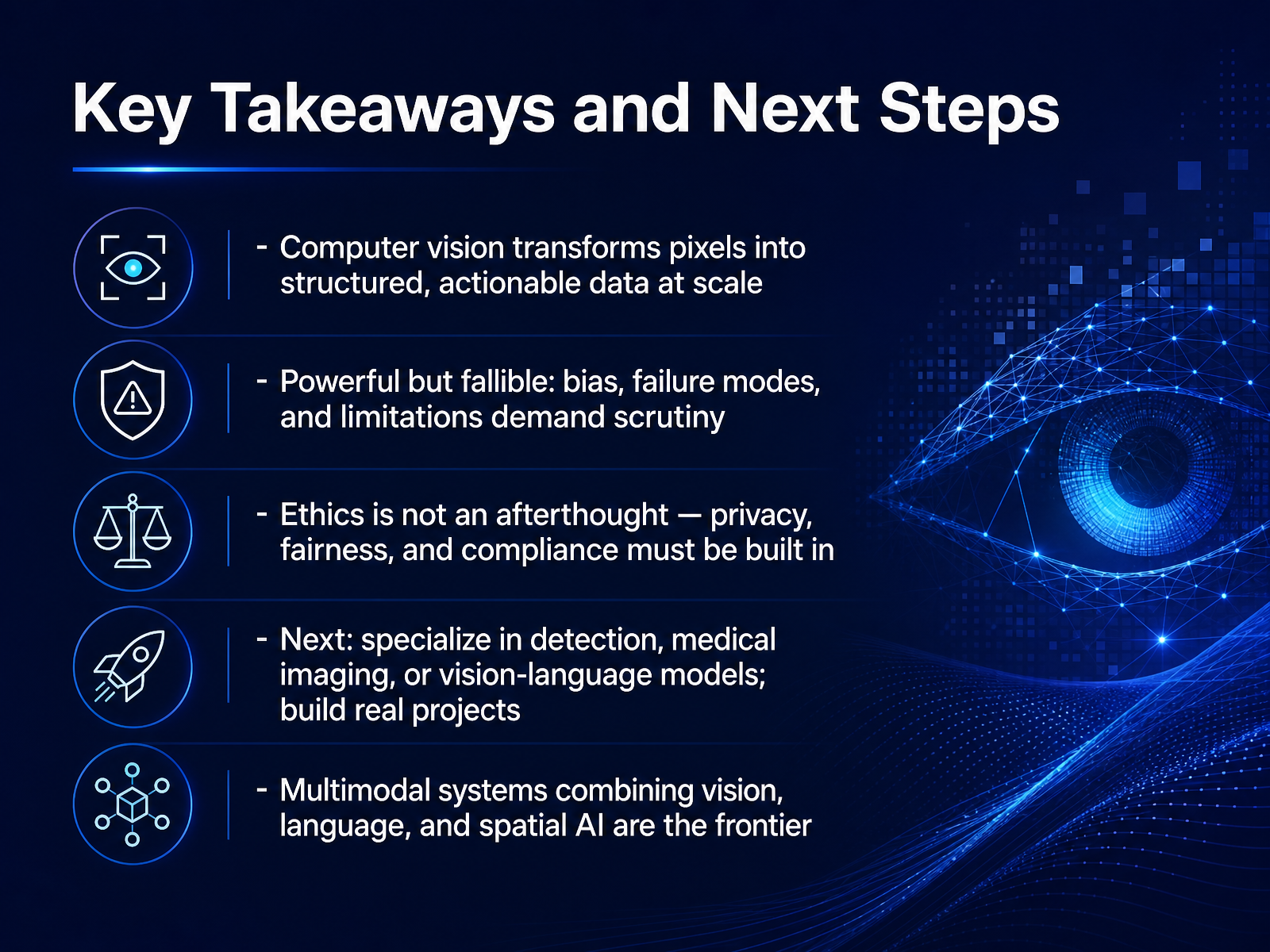
 - 15Key Takeaways and Next StepsAnd here we are at the final slide. Let's pull together the most important ideas from our introduction to computer vision. First, think of computer vision as a pipeline that transforms raw pixels into structured, actionable data at scale. A single model can inspect ten thousand circuit boards an hour, or screen every chest X-ray in a hospital overnight. Second, powerful does not mean perfect. These systems are fallible. They inherit bias from training data, they fail in unexpected ways, and they require constant scrutiny. Third, ethics is not an afterthought. Privacy, fairness, and regulatory compliance must be built into the design from day one, whether you are handling medical images or analyzing customer behavior in a store. So, what's next? You can specialize in areas like real-time object detection, medical imaging, or vision-language models. Then build real projects. Start small with a classification task, fine-tune a pretrained model, and deploy a working demo. Looking ahead, the frontier is multimodal. Systems that combine vision, language, and spatial AI are redefining what machines can understand. Thank you for joining this introduction. The field of computer vision is wide open, and the best way to master it is to start building. Go create something that sees.
 precisionaiacademy.comibm.comhai.stanford.edu+22 min
Take the deck with you
Download this course as a file — free, no sign-up needed.
- PDF handoutEvery slide page, ready to print or share.16 pages · 4.8 MBDownload
- Narrated PowerPointThe deck that presents itself — every slide carries the digital human's narration video.16 pages · 18.7 MBDownload
- PowerPoint slidesThe full deck as a .pptx — open it in PowerPoint, Keynote, or Google Slides.16 pages · 4.7 MBDownload
Free to use in your own training — please keep the PersonWise credit page at the end.
Have your own deck? Turn it into a course
Sources consulted
Web sources consulted while building this course.
- Computer Vision [2026]: What It Is, How It Works, and Why — precisionaiacademy.com
- What Is Computer Vision? | IBM — ibm.com
- What is Computer Vision? | Stanford HAI — hai.stanford.edu
- Computer vision — en.wikipedia.org
- What Is Computer Vision? 7 Core Tasks Explained (2026) — decodethefuture.org
- Assessing Visual Privacy Risks in Multimodal AI: A Novel Taxonomy-Grounded Evaluation of Vision-Language Models — openaccess.thecvf.com
- [2603.21573v1] Rethinking Visual Privacy: A Compositional Privacy Risk Framework for Severity Assessment with VLMs — arxiv.org
- PII-VisBench: Evaluating Personally Identifiable Information Safety in Vision Language Models Along a Continuum of Visibility — aclanthology.org
- Assessing Privacy Preservation and Utility in Online Vision-Language Models — arxiv.org
- ICML Poster MultiPriv: Benchmarking Individual-Level Privacy Reasoning in Vision-Language Models — icml.cc
- Measuring Social Bias in Vision-Language Models with Face-Only Counterfactuals from Real Photos — aclanthology.org
- Interpretable Debiasing of Vision-Language Models for Social Fairness — openaccess.thecvf.com
- Vision-Language Models Suppress Female Representations Under Ambiguous Input — arxiv.org
- VIGNETTE: Socially Grounded Bias Evaluation for Vision-Language Models — aclanthology.org
- Colorism in Multimodal AI: An Empirical Exploration of Socioeconomic Linguistic Bias in Text-to-Image Generation — aclanthology.org
- 10 Computer Vision Projects to Build With YOLO — ultralytics.com
- The Beginner's Guide to Computer Vision with Python - MachineLearningMastery.com — machinelearningmastery.com
- Build Your First Computer Vision Project: A Step-by-Step Guide - Moyo Innovations Academy — academy.moyoinnovations.com
- swarupjoys/computer-vision-lab-2026-27 — github.com
- Best Computer Vision Project Ideas for Beginners - Sense Central — sensecentral.com