Begin
14 pages · ~28 min
Knowledge Management Fundamentals
This course provides foundational knowledge on capturing, organizing, and sharing information effectively for professionals seeking to improve workplace collaboration and decision-making.
A digital instructor presents all 14 pages. Hold “Ask” at any point and ask out loud — the answer comes from this course. No sign-up needed.
What you’ll learn
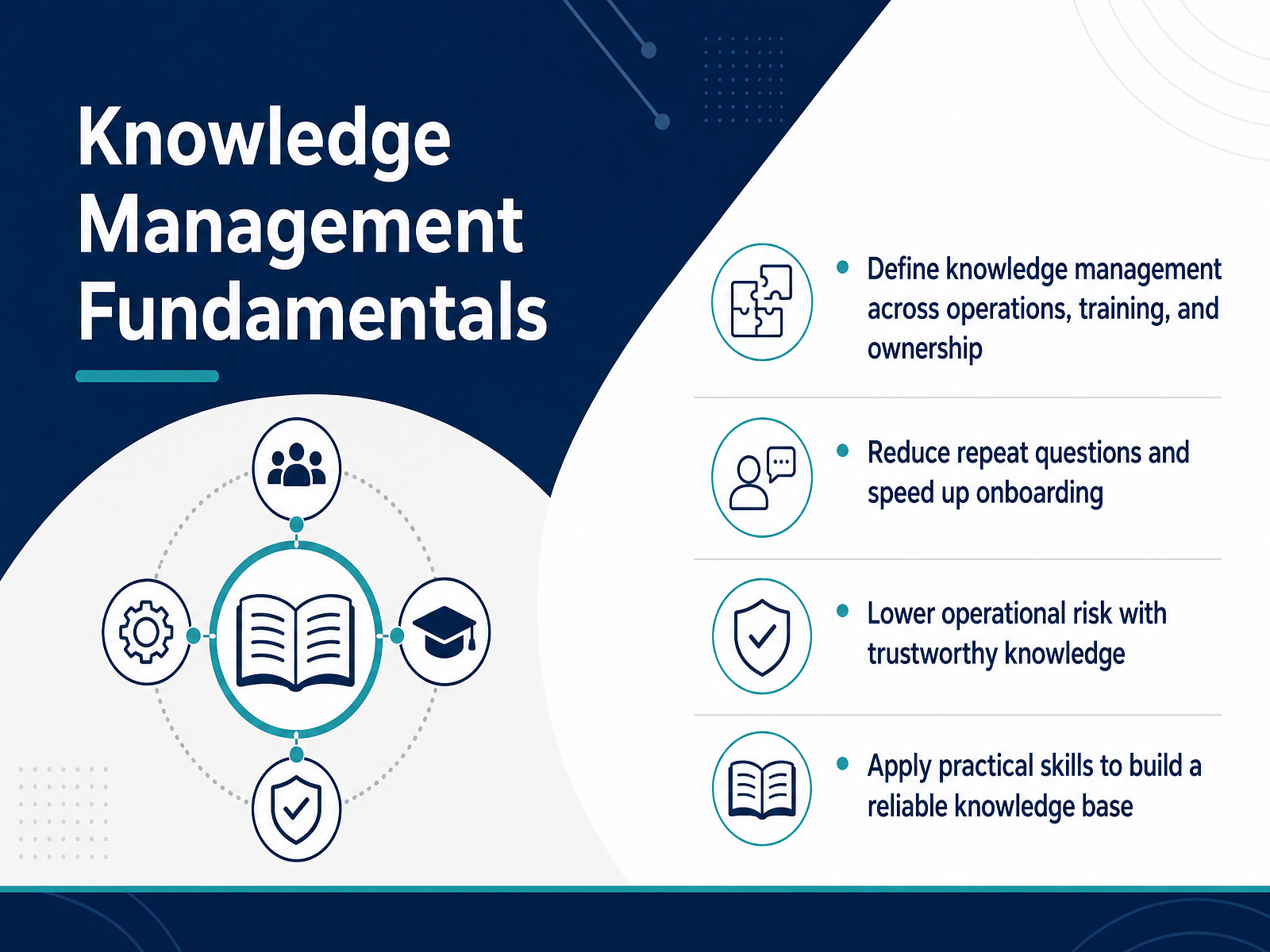
- 01Knowledge Management FundamentalsWelcome. This course is designed to give you and your team a practical, working framework for Knowledge Management. We are not going to focus on theory. Instead, we will focus on how to capture, organize, and maintain information that actually helps people do their jobs better. By the end of this session, you will be able to define knowledge management across three key areas: operations, training, and ownership. We will look at how a solid system reduces the number of repeat questions your teams face every day. It also speeds up onboarding, so new hires become productive faster. Most importantly, we will talk about lowering operational risk. When your team trusts the knowledge base, they stop relying on tribal knowledge or guessing. You will walk away with practical skills to build a reliable resource that prevents duplicated effort and stale content. Let's get started by looking at why this matters right now.1 min
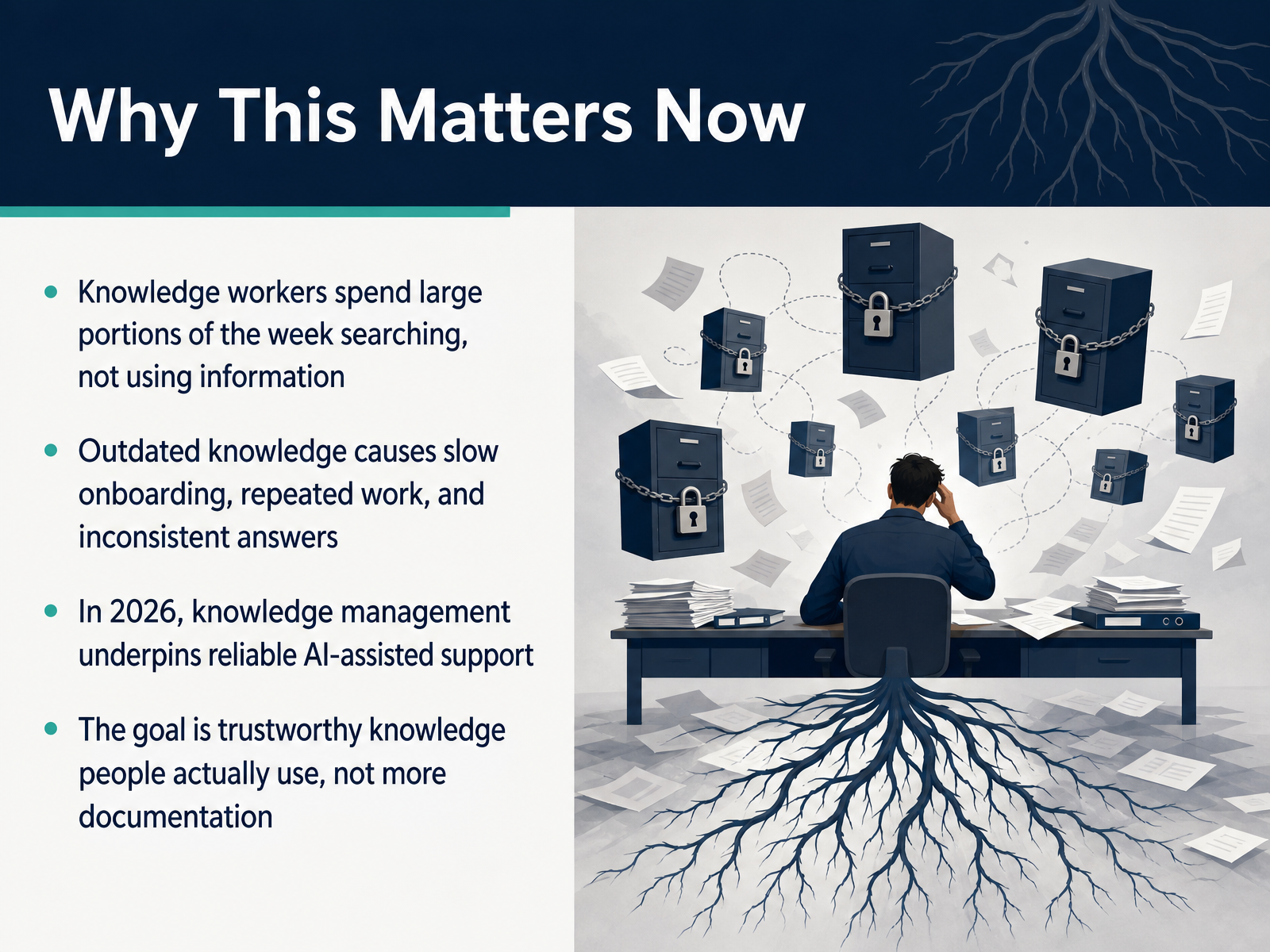
- 02Why This Matters NowLet’s look at why this matters right now. In day to day operations, your team is probably losing a significant amount of time just searching for information. They are hunting through shared drives, chat threads, or old tickets instead of actually applying what they need to know. That search time adds up quickly across a whole organization. At the same time, outdated knowledge creates real operational friction. It slows down onboarding for new hires, leads to repeated work because people cannot find the existing solution, and produces inconsistent answers for customers or internal stakeholders. This is not just a documentation problem. It is an operational reliability problem. And looking ahead, if your organization plans to use AI assisted support or other automated systems, those tools are only as good as the knowledge they draw from. Poor source material leads to poor answers. So the goal here is not to create more documentation. The goal is trustworthy knowledge that your people actually use, and that your systems can rely on. That shift in mindset is the foundation for everything else we will cover. Next, let’s define what knowledge management is, and just as importantly, what it is not.
 2 min
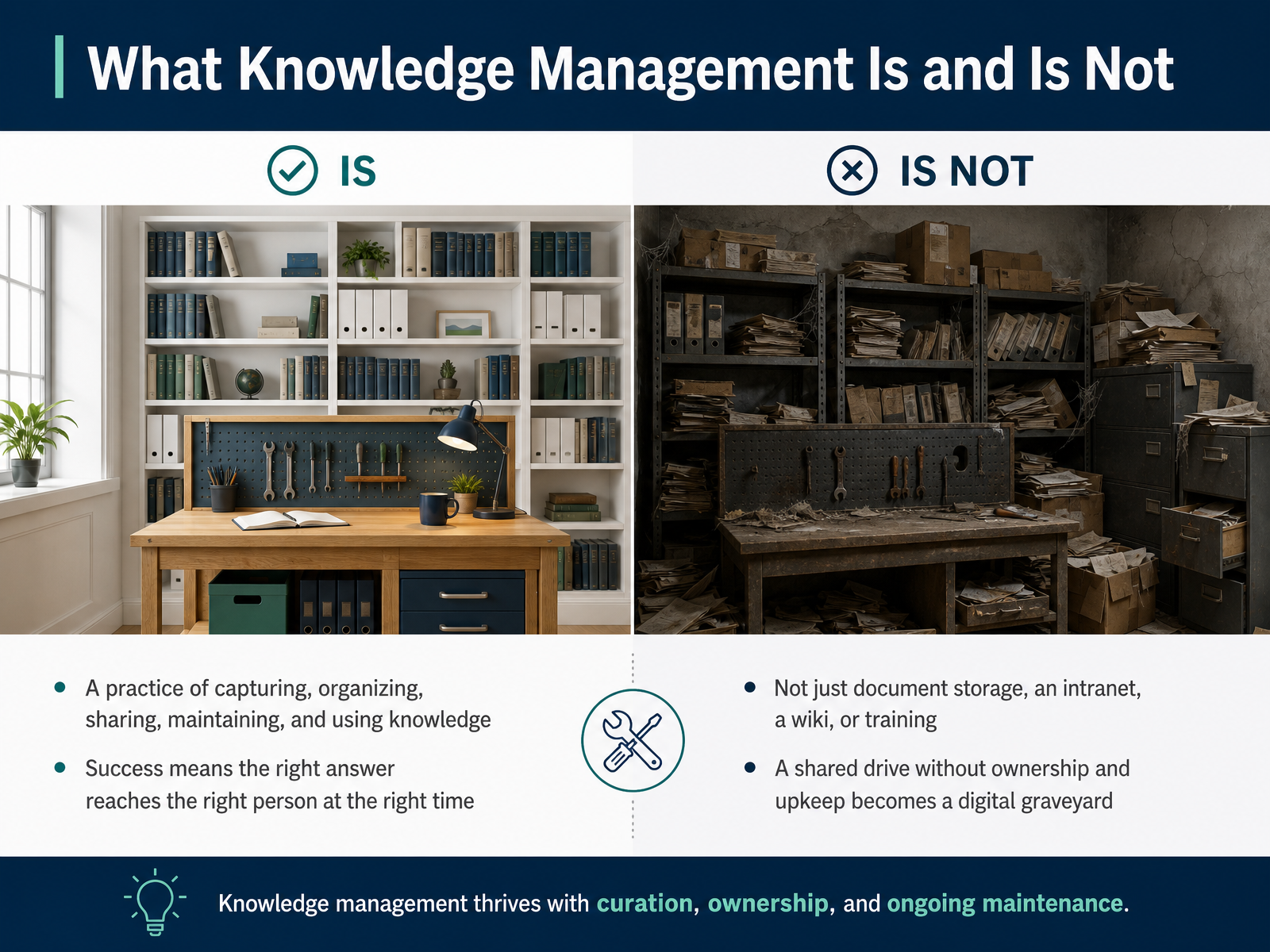
2 min - 03What Knowledge Management Is and Is NotLet's get clear on what knowledge management actually is. At its core, it's the practice of capturing, organizing, sharing, maintaining, and using knowledge. That last part matters more than people expect. It is not just document storage, an intranet, a wiki, or a training course. Those are tools and events. Knowledge management is the ongoing discipline around them. A shared drive without ownership and upkeep becomes a digital graveyard. You have probably seen that happen. Someone saves a file, no one updates it, and six months later your team has two conflicting procedures for the same task. Success looks different. It means the right answer reaches the right person at the right time. For example, during a shift handoff, the incoming operator finds the current escalation rule in seconds, not after searching three folders. When we look at the next slide on the three types of knowledge, keep that definition in mind.
 1 min
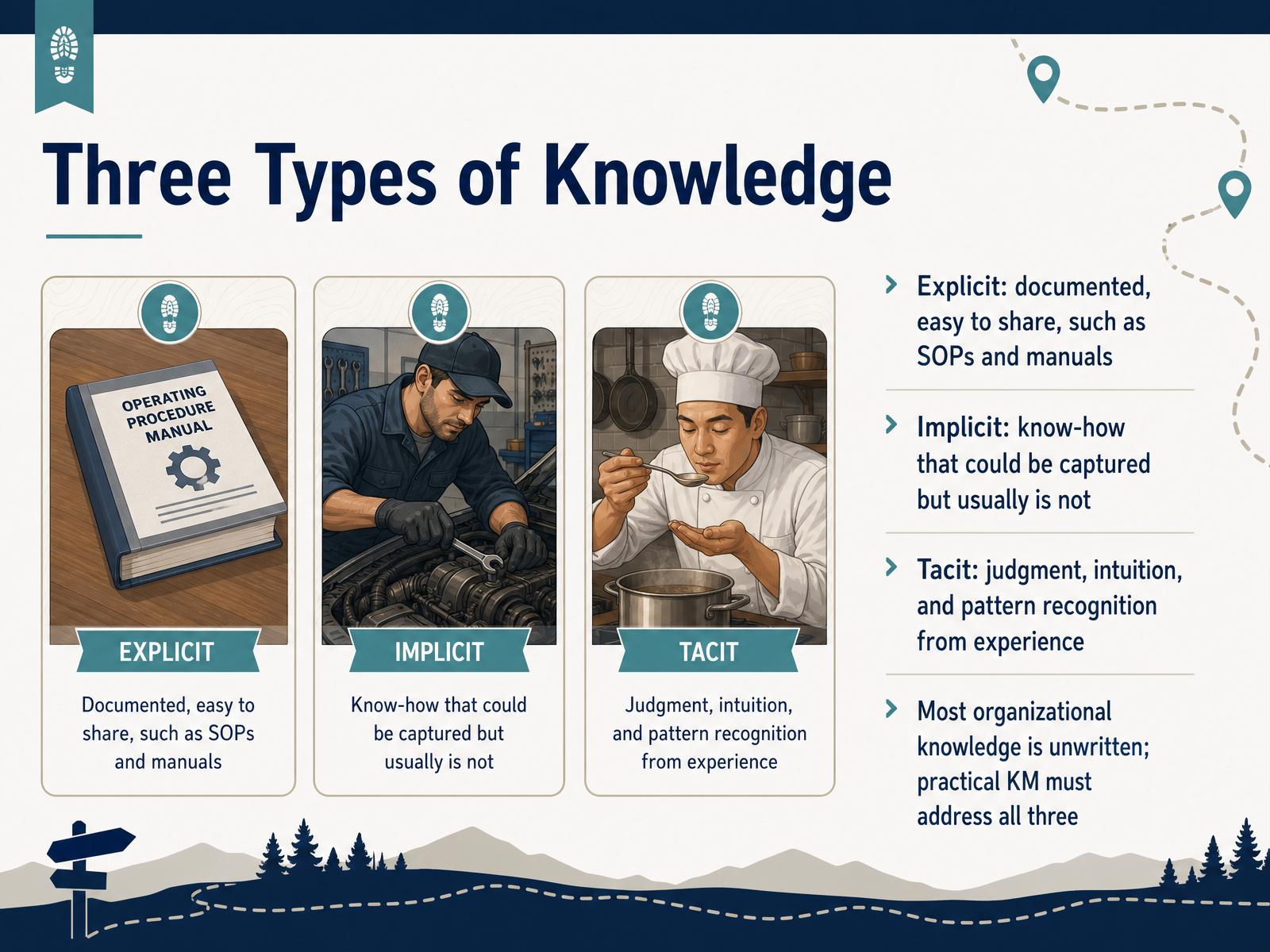
1 min - 04Three Types of KnowledgeNow let's break down the three types of knowledge your team deals with every day. First is explicit knowledge, which is documented and easy to share, like standard operating procedures or training manuals. Second is implicit knowledge, the know-how someone has that could be captured but usually isn't, like the workaround a veteran employee uses but never writes down. Third is tacit knowledge, which is harder to see because it's built from judgment, intuition, and pattern recognition developed over years of experience. Think of a seasoned dispatcher who can hear in a caller's voice that a situation is about to escalate, even when the words sound routine. Here's the key point: most organizational knowledge is unwritten, so a practical knowledge management approach has to address all three types, not just the documents in your shared drive. Next, we'll look at what happens to that knowledge over time in the knowledge lifecycle.
 2 min
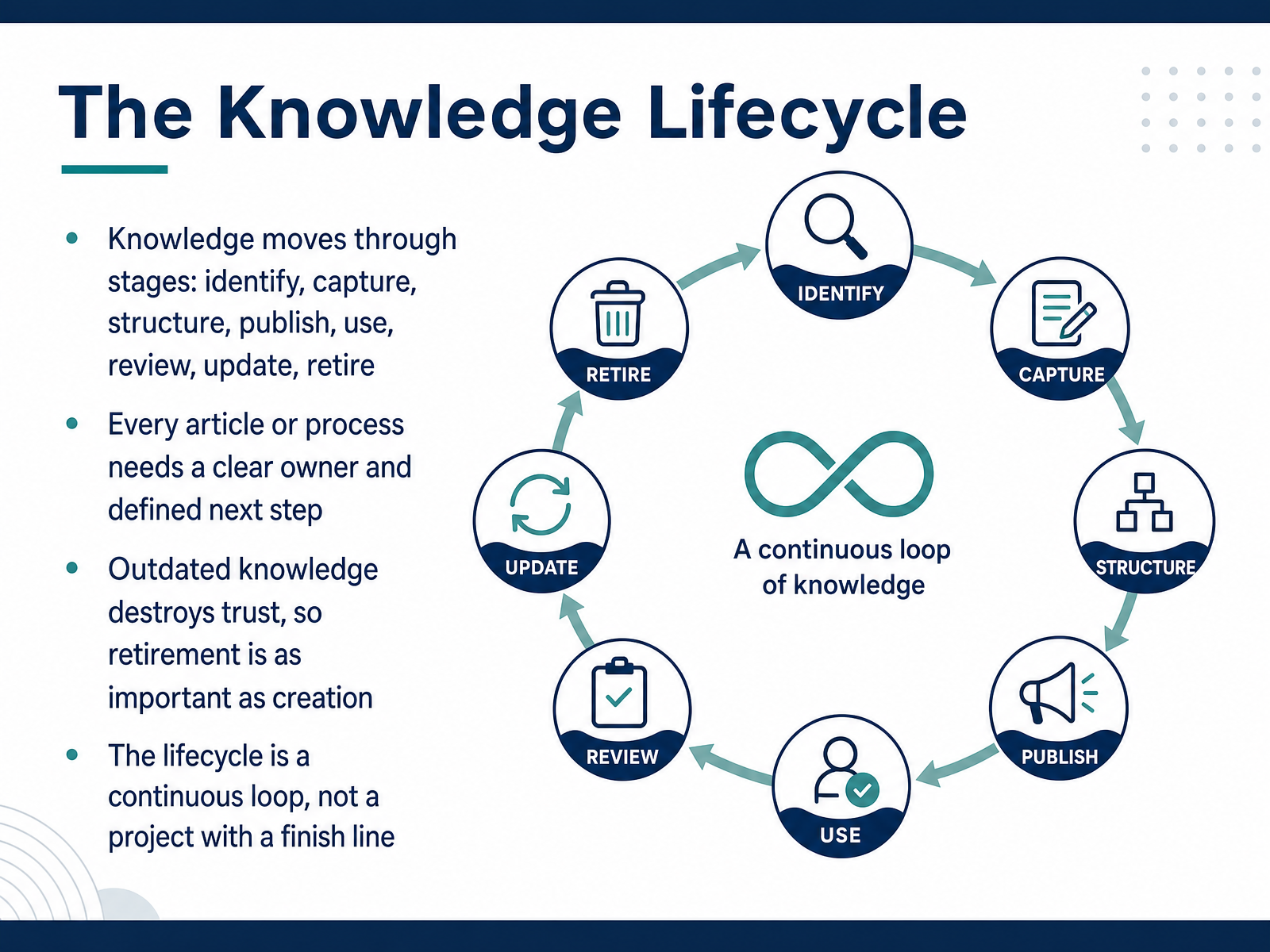
2 min - 05The Knowledge LifecycleNow, let's look at how knowledge actually moves through your organization. It is not a one time event. It is a lifecycle. It starts when you identify a gap, then capture the solution, structure it so others can find it, and publish it. But the work does not stop there. Your team uses it, reviews it, updates it when things change, and eventually retires it when it no longer applies. Every article and process needs a clear owner and a defined next step, otherwise it stalls. Outdated knowledge destroys trust, so retiring old content is just as important as creating new content. Think of this lifecycle as a continuous loop, not a project with a finish line. Keeping that loop moving is what prevents duplicated effort and confusion. Next, we will explore why knowledge management fails in practice.
 1 min
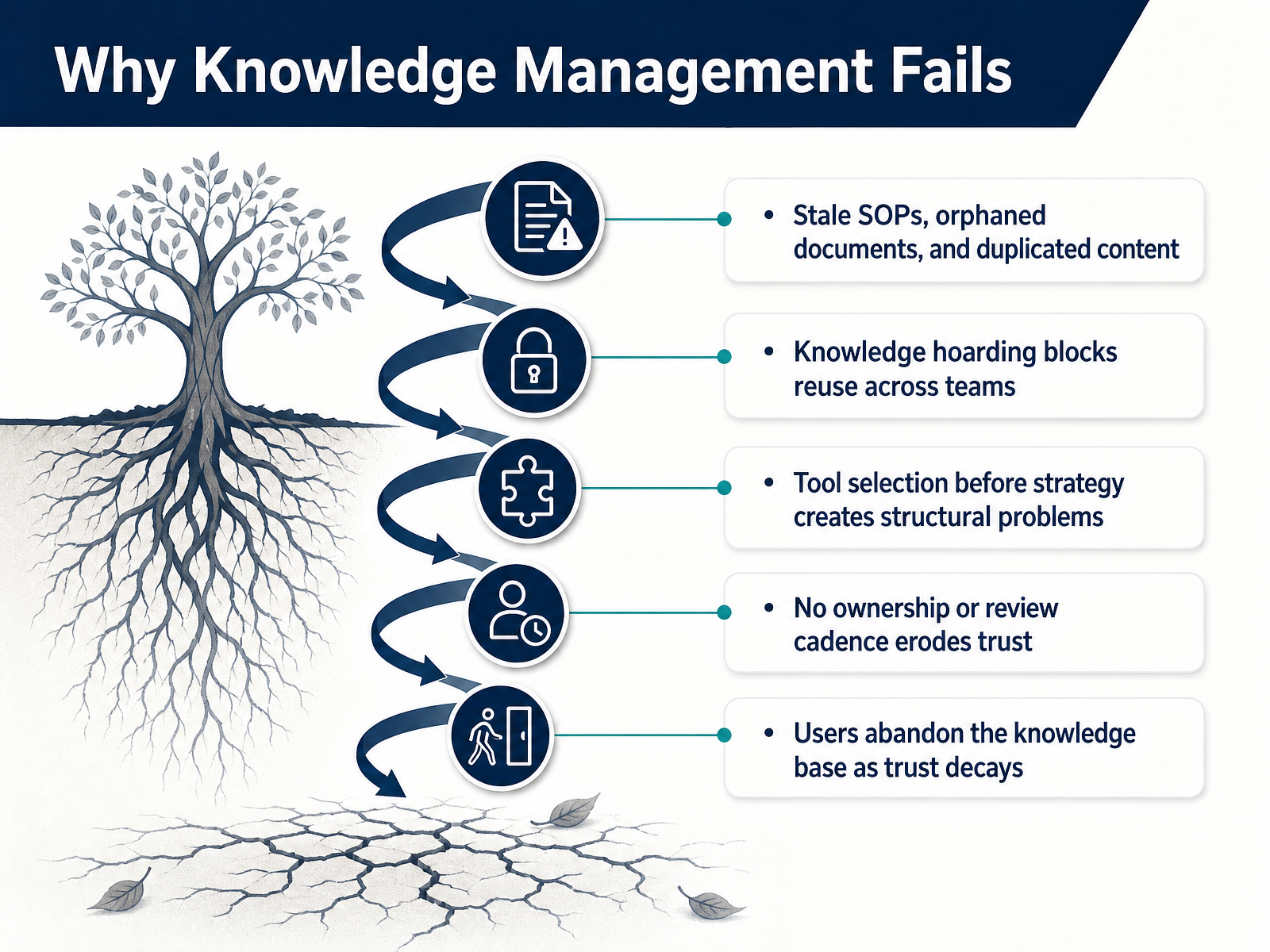
1 min - 06Why Knowledge Management FailsNow let’s talk about why knowledge management efforts fall apart, because the warning signs are usually pretty consistent. Stale SOPs, orphaned documents, and duplicated content create confusion about which version to trust. When a few people hoard what they know, other teams can’t reuse good solutions, and they end up starting from scratch. Choosing a tool before defining your strategy often locks in structure that doesn’t match how your team actually works. Without clear ownership or a regular review cadence, content quietly becomes outdated, and trust erodes. Once trust drops, users stop searching, stop contributing, and the knowledge base quietly fades from daily use. The common thread is that each failure makes the system less reliable, and people stop treating it as part of how work gets done. In the next section, we’ll build a shared vocabulary and define the core concepts that shape a more durable approach.
 1 min
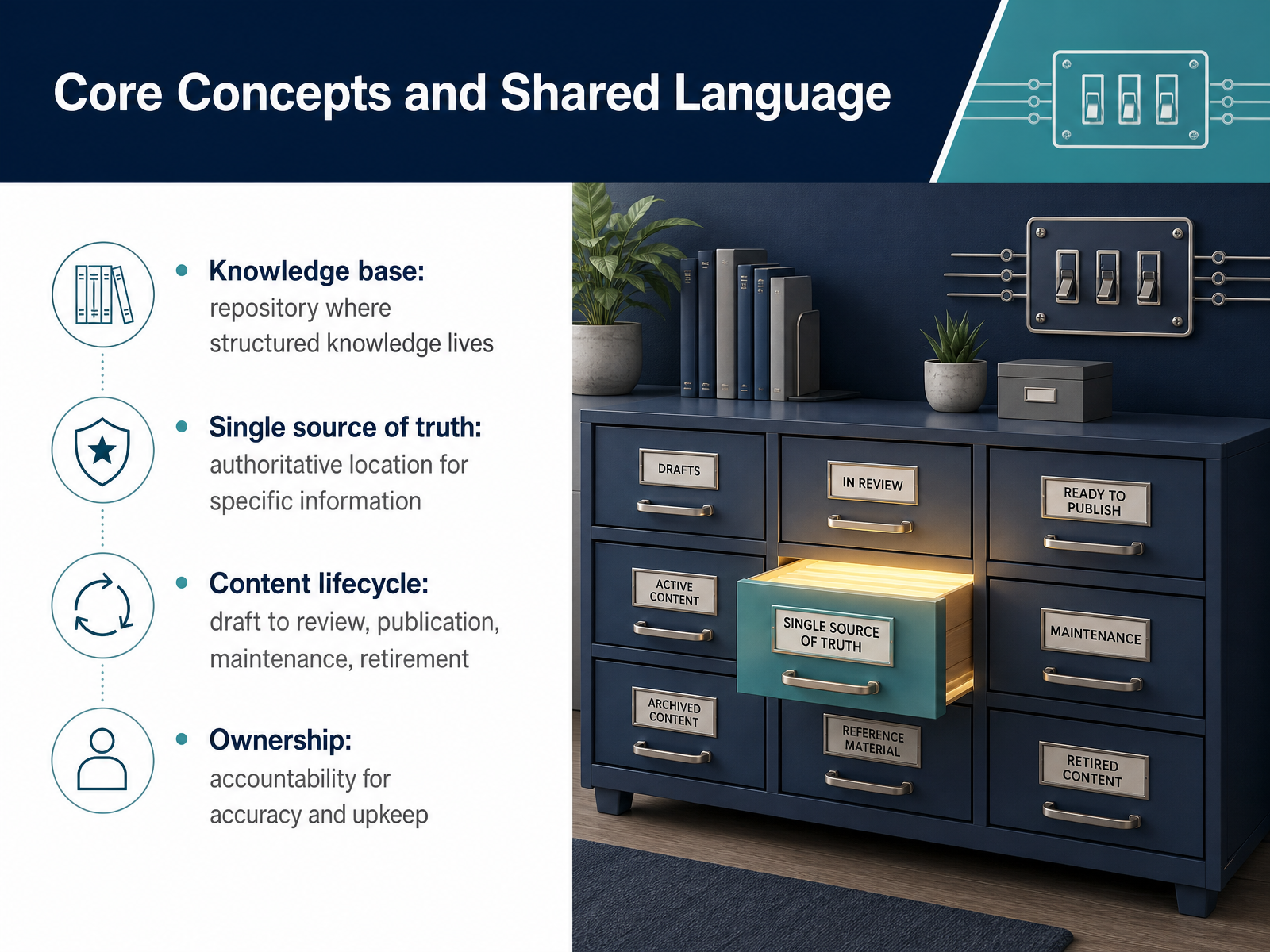
1 min - 07Core Concepts and Shared LanguageLet's establish a few shared terms so your team can move faster and avoid confusion. First, your knowledge base is simply the repository where structured knowledge lives, whether that is a wiki, an intranet, or a dedicated platform. A single source of truth is the authoritative location for specific information. For example, if a billing process changes, the single source of truth is where your team goes to find the current version, not a forwarded email or a chat thread. Next, every piece of content has a lifecycle. It moves from draft to review, then publication, ongoing maintenance, and finally retirement when it becomes outdated. Ownership means one person or role is accountable for accuracy and upkeep. That owner confirms the content is still correct, updates it when processes change, and removes it when it is no longer needed. In short, these concepts give your team a common language for managing knowledge with less duplication and fewer outdated references. Next, we will look at how these concepts map to roles and responsibilities.
 2 min
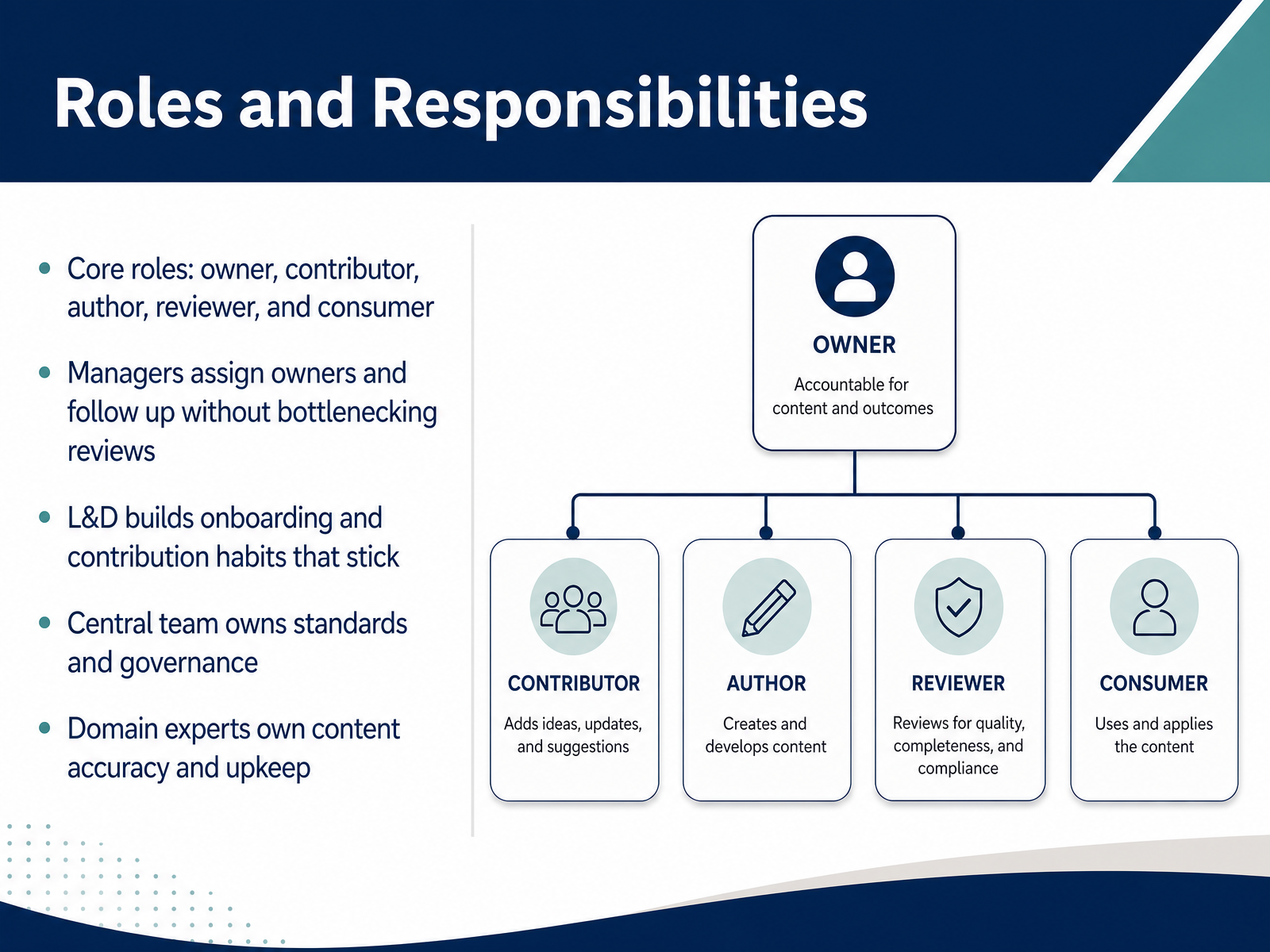
2 min - 08Roles and ResponsibilitiesLet's move on to the roles that keep your knowledge base healthy. There are five core roles you need to define: the owner, the contributor, the author, the reviewer, and the consumer. Each role has a distinct job. Managers should assign owners and follow up on progress without becoming a bottleneck in the review process. Your L&D team plays a critical part here by building onboarding and contribution habits that stick with new hires. Meanwhile, a central team owns the standards and governance so everyone follows the same rules. Finally, your domain experts own content accuracy and ongoing upkeep. Knowing who does what prevents duplicated work and keeps your content fresh. Next, let's look at how to capture and structure that knowledge effectively.
 1 min
1 min - 09Capturing and Structuring KnowledgeNow let's talk about how to actually capture and structure knowledge so it stays useful across your operation. Start by treating everyday work as a knowledge source. Tickets, decisions, post-incident reviews, and meeting notes all contain valuable context that otherwise walks out the door. Next, organize around tasks, processes, and common questions, not just departments. A department-based folder tells you who owns something; a task-based structure tells someone how to get the work done. Prioritize content that prevents recurring issues or supports decisions. If a piece of knowledge stops a repeated ticket or speeds up an approval, it earns its place. Finally, keep formats lightweight. Templates, checklists, decision records, and short standard operating procedures get used far more than long policy documents. Next, we'll look at what it takes to keep that knowledge accurate and trustworthy over time.
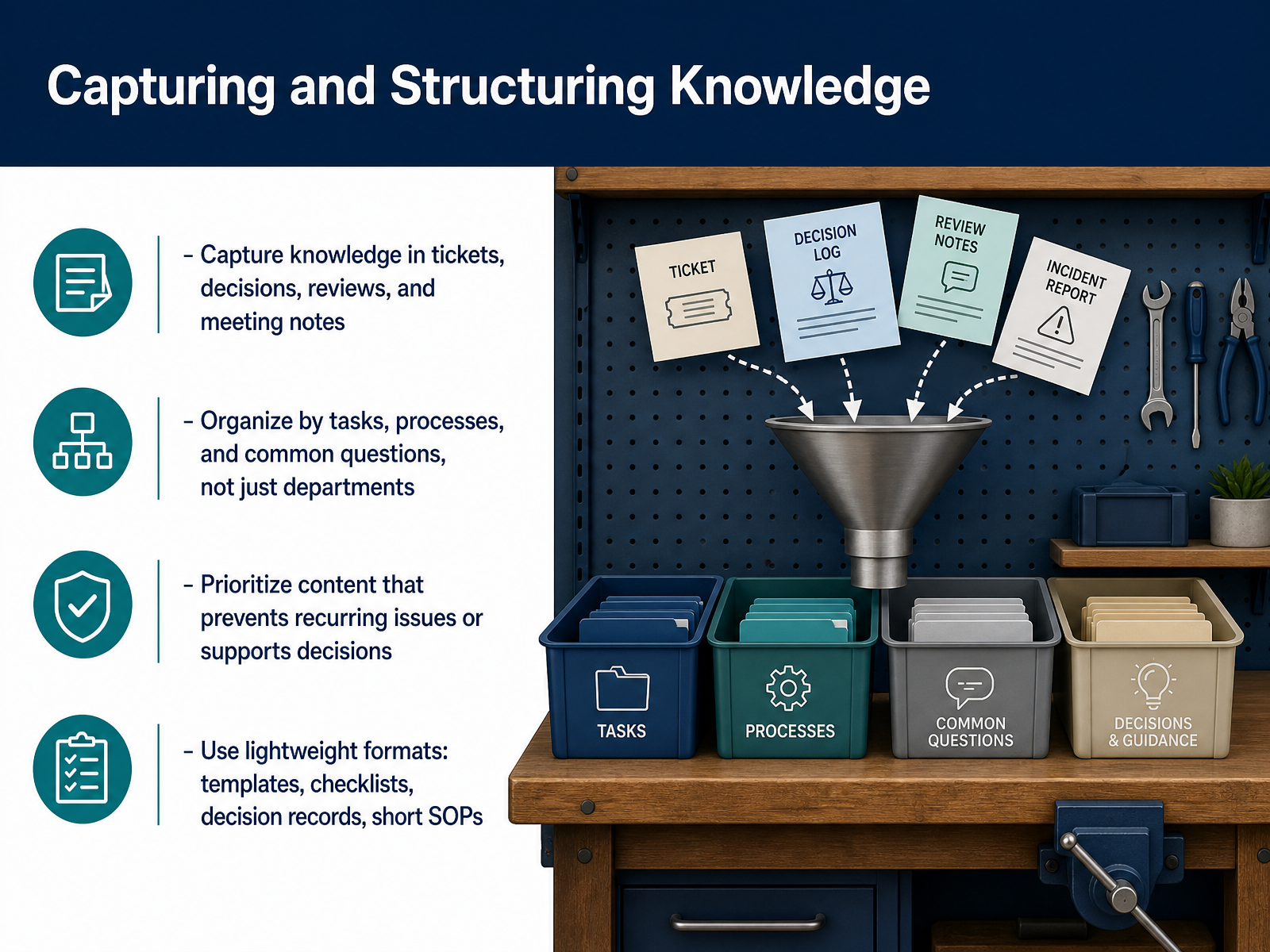 1 min
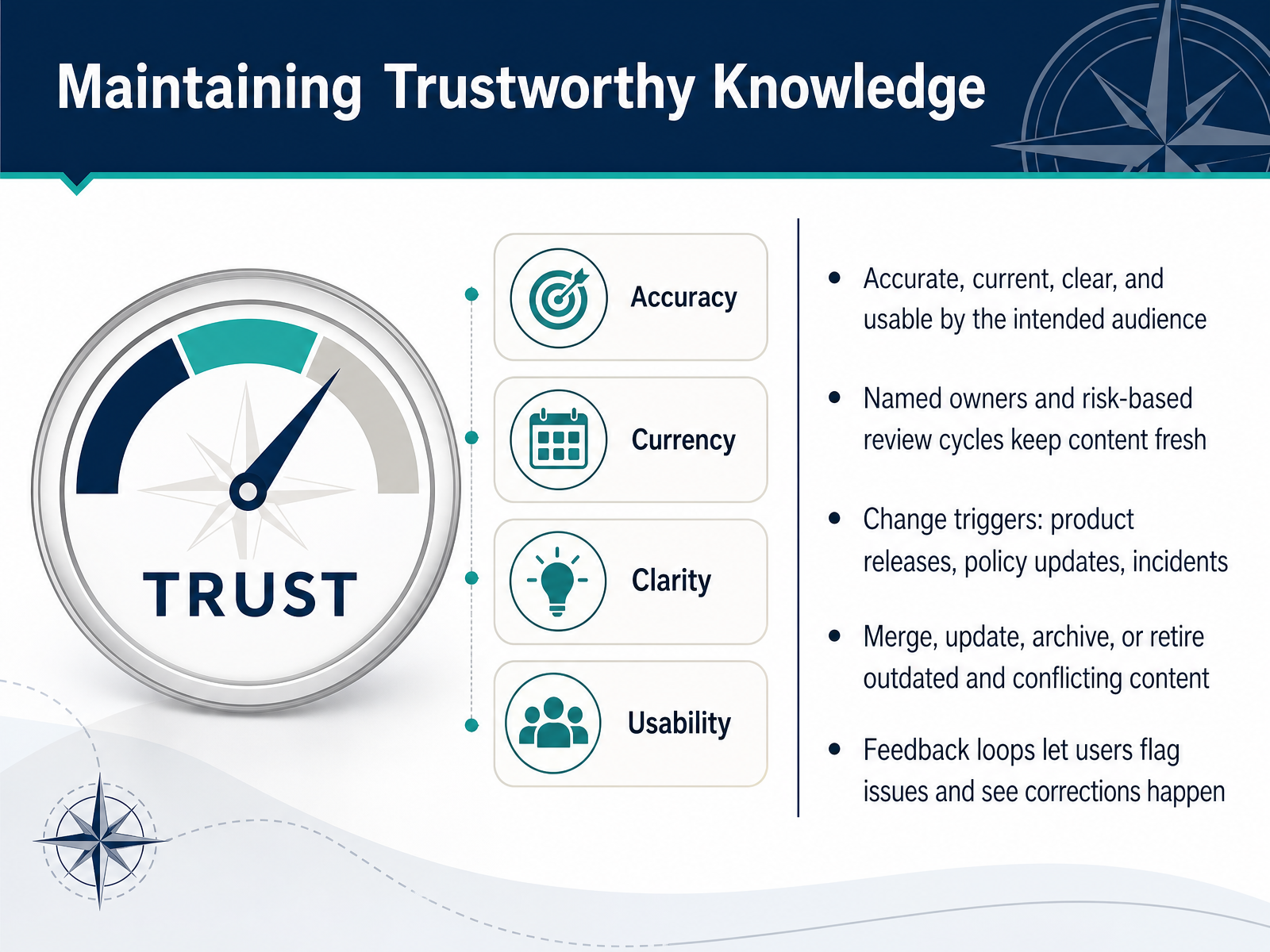
1 min - 10Maintaining Trustworthy KnowledgeNow let's talk about what keeps your knowledge base trustworthy. Trust comes down to four things: accuracy, currency, clarity, and whether your team can actually use the content in their daily work. If any one of those fails, people stop relying on the system. So assign a named owner to each critical article or process, and set review cycles based on risk. A high impact procedure needs a tighter cycle than a simple how-to guide. Watch for change triggers like product releases, policy updates, or a major incident. When those happen, go back and review the related content. Merge duplicates, update what is outdated, archive what is no longer relevant, and retire anything that conflicts with newer guidance. And make sure your feedback loop is visible. When someone flags an issue, let them see that the correction happened. That visibility builds trust faster than any policy. Up next, we'll look at choosing useful tools for your knowledge program.
 2 min
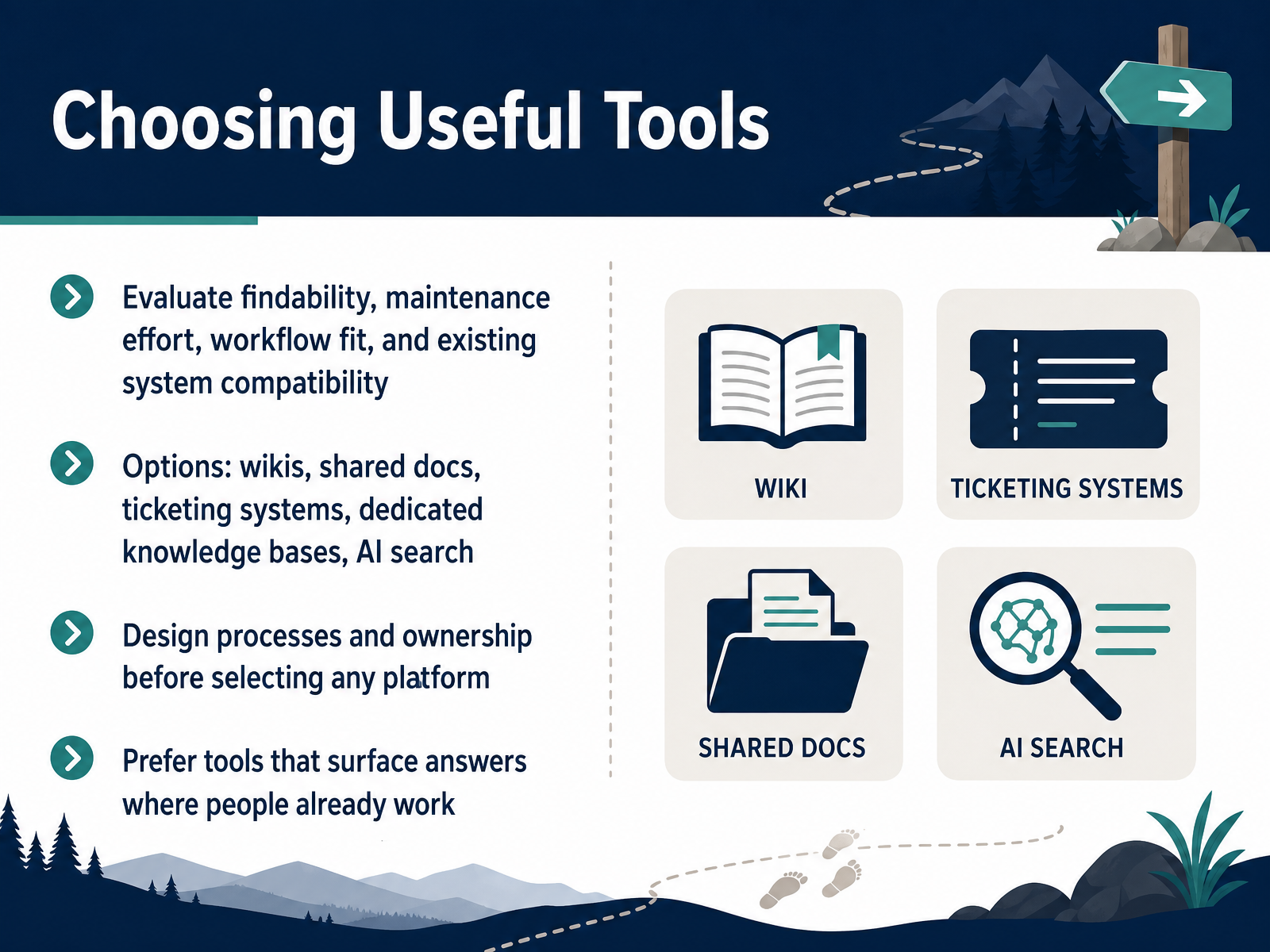
2 min - 11Choosing Useful ToolsLet's move into tool selection, because even the best knowledge process fails inside the wrong platform. When you evaluate options, focus on four things: findability, maintenance effort, workflow fit, and how well the tool works with systems you already use. You may be weighing wikis, shared docs, ticketing systems, dedicated knowledge bases, or AI search. Each has strengths, but the tool matters less than the decisions you make before choosing it. Design your processes and ownership model first. Decide who reviews content, how often, and where the single source of truth lives. Then pick the platform that supports those decisions. Most importantly, prefer tools that surface answers where people already work. If your team lives in Slack or your service desk console, the knowledge should meet them there, not force them into another tab. That is how you reduce duplicated knowledge and stale content. Next, we will look at metrics that guide improvement.
 1 min
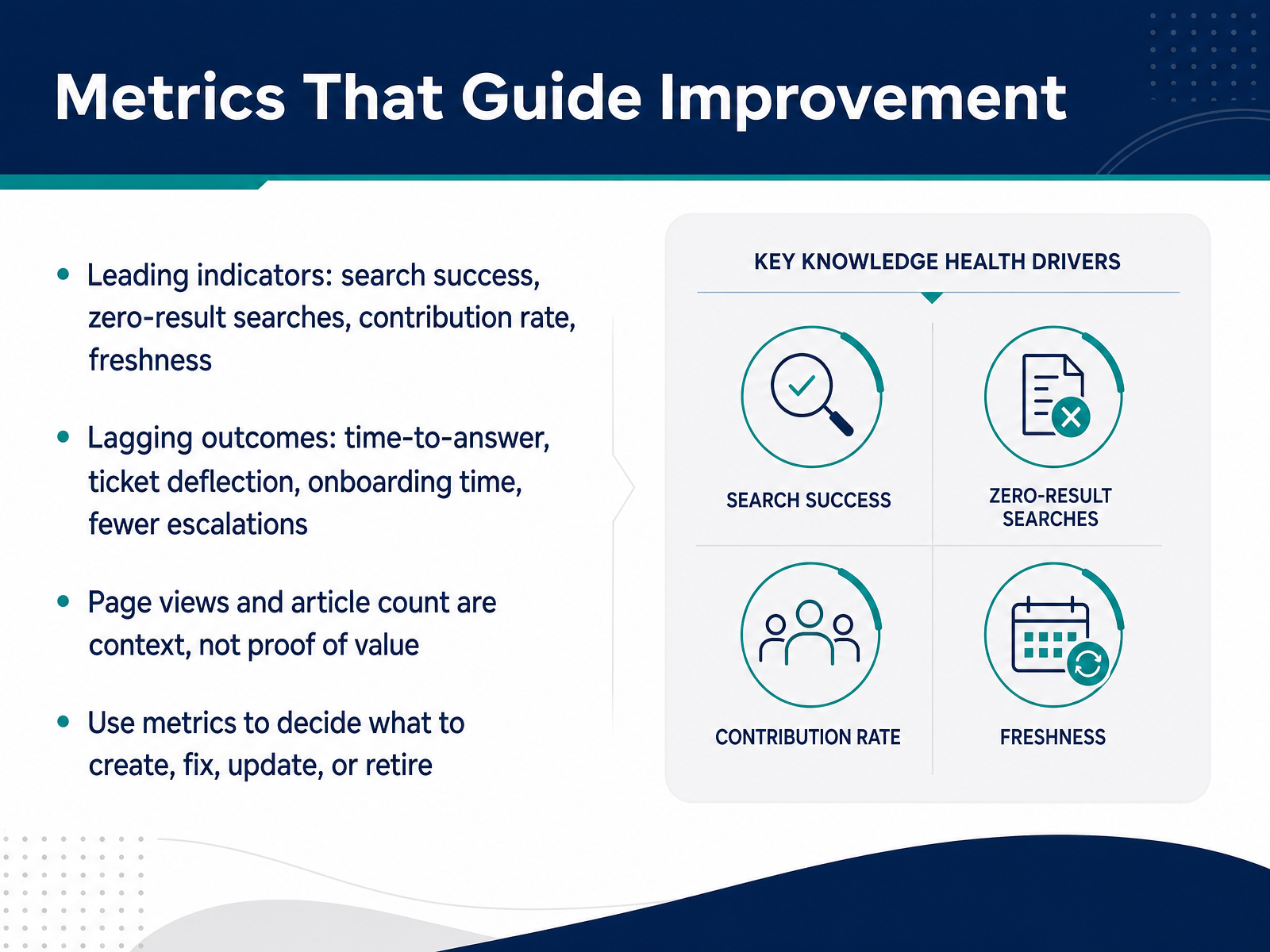
1 min - 12Metrics That Guide ImprovementMetrics tell you whether your knowledge base is actually working for your team. Let’s split that into two groups. Leading indicators show you the health of the system before problems show up. Watch search success, zero-result searches, contribution rate, and freshness. For example, a spike in zero-result searches tells you people are looking for answers you don’t have yet. A low contribution rate often means only one or two people carry the whole knowledge load. Lagging outcomes show the business result. Look at time-to-answer, ticket deflection, onboarding time, and escalations. If those numbers improve, your knowledge is doing real work in operations. One caution here. Page views and article count are context, not proof of value. A page can get thousands of views because the title is misleading, not because the content is useful. Use metrics to decide what to create, fix, update, or retire. If an article is never found, rewrite the title or merge it. If a process changed, update the procedure immediately. And if something is consistently unused and no longer relevant, retire it instead of letting it add noise. In the next part, we’ll turn these practices into sustainable knowledge habits for your team.
 2 min
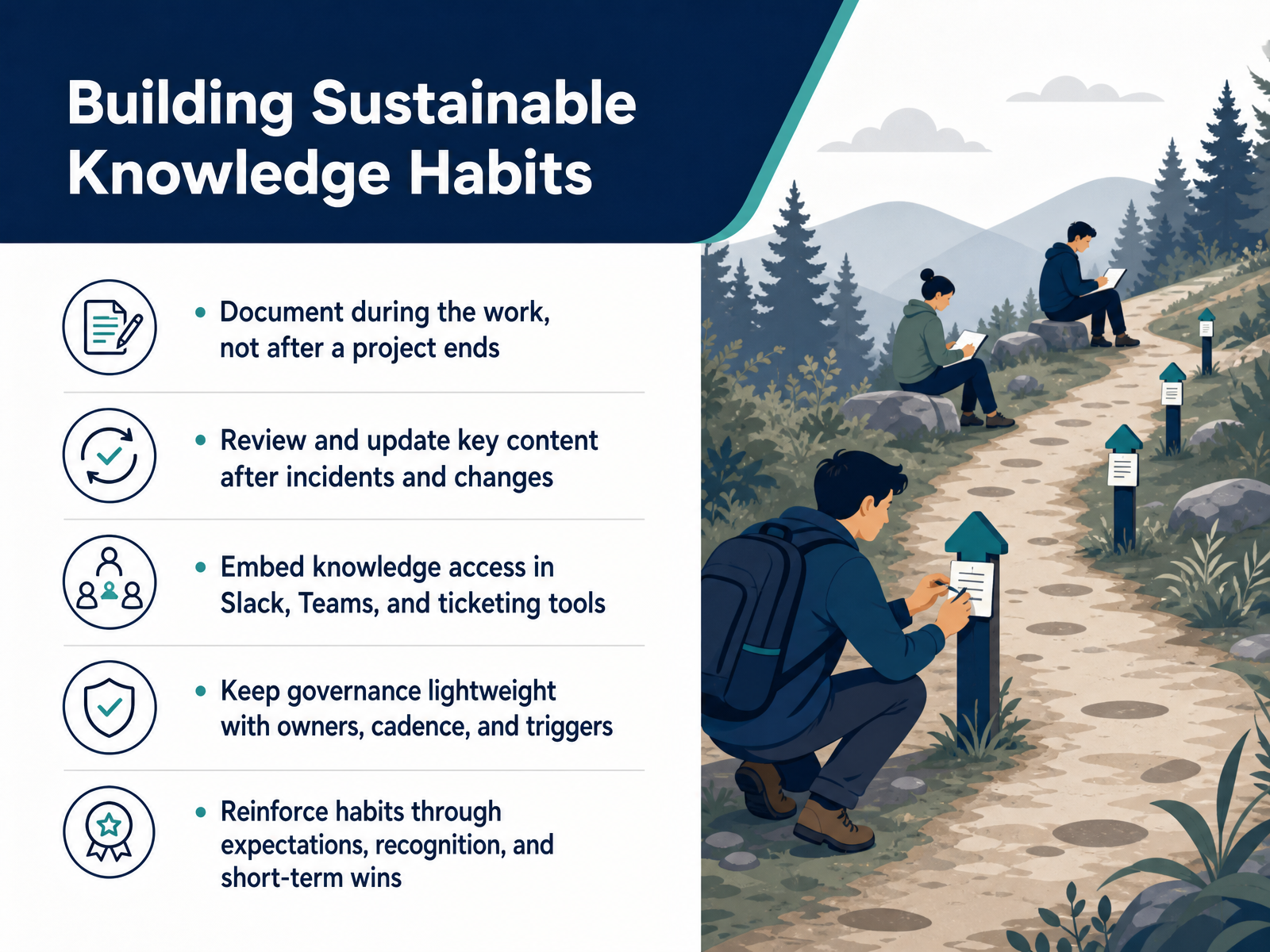
2 min - 13Building Sustainable Knowledge HabitsNow let's talk about making knowledge work a sustainable habit, not a one-time project. First, document during the work itself. The moment a shift ends or a ticket closes, capture what made it successful. Waiting until after a project ends usually means losing the details that mattered most. Second, treat key content as a living asset. After any incident or significant change, review the related articles and update them while the context is fresh. Third, bring knowledge to your team instead of asking them to go find it. Embed links and search directly into Slack, Teams, and your ticketing tools. That small change removes friction and keeps your knowledge base visible every day. Fourth, keep governance lightweight. Assign an owner, set a simple review cadence, and define clear triggers for updates. You do not need heavy approval chains to maintain quality. Finally, reinforce these behaviors through expectations and recognition. Celebrate the first few wins, like a saved escalation or a faster onboarding, so the habit sticks. The goal is consistency, not perfection. Next, let's move into your starting action plan.
 2 min
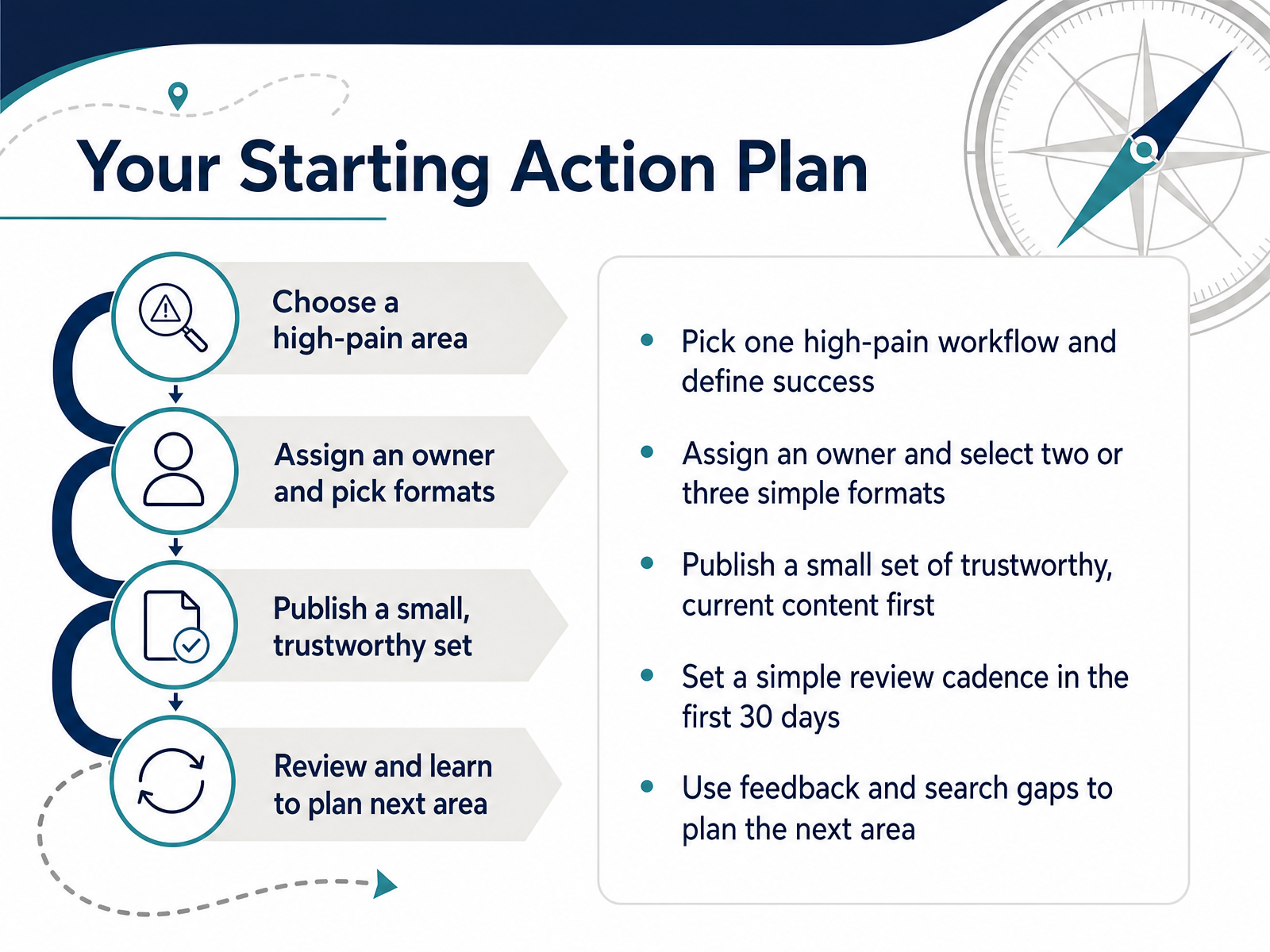
2 min - 14Your Starting Action PlanLet's turn this into a starting action plan you can use right away. First, pick one high-pain workflow and define what success looks like. That might be reducing repeat questions during shift handoffs, or cutting the time it takes to resolve a common ticket type. Give that workflow an owner, and choose just two or three simple formats for your content, like a checklist, a short procedure, and a brief FAQ. Then publish a small set of trustworthy, current content first. Resist the urge to migrate everything at once. A few reliable pages will build more confidence than a large pile of mixed quality. Over the first thirty days, set a simple review cadence, such as a fifteen-minute weekly check for outdated steps or missing answers. Finally, use search gaps and feedback from your team to plan the next area. That keeps your knowledge base growing in the places where it actually reduces friction. This approach builds momentum without adding heavy process. Thank you for investing the time, and good luck putting these fundamentals into practice.
 2 min
2 min
Take the deck with you
Download this course as a file — free, no sign-up needed.
- PDF handoutEvery slide page, ready to print or share.15 pages · 3.6 MBDownload
- Narrated PowerPointThe deck that presents itself — every slide carries the digital human's narration video.15 pages · 24.4 MBDownload
- PowerPoint slidesThe full deck as a .pptx — open it in PowerPoint, Keynote, or Google Slides.15 pages · 3.6 MBDownload
Free to use in your own training — please keep the PersonWise credit page at the end.
Have your own deck? Turn it into a course