Begin
14 pages · ~28 min
Generative AI in Creative Work
Explore how generative AI is transforming creative industries and learn to harness these tools effectively in your own workflow.
A digital instructor presents all 14 pages. Hold “Ask” at any point and ask out loud — the answer comes from this course. No sign-up needed.
What you’ll learn
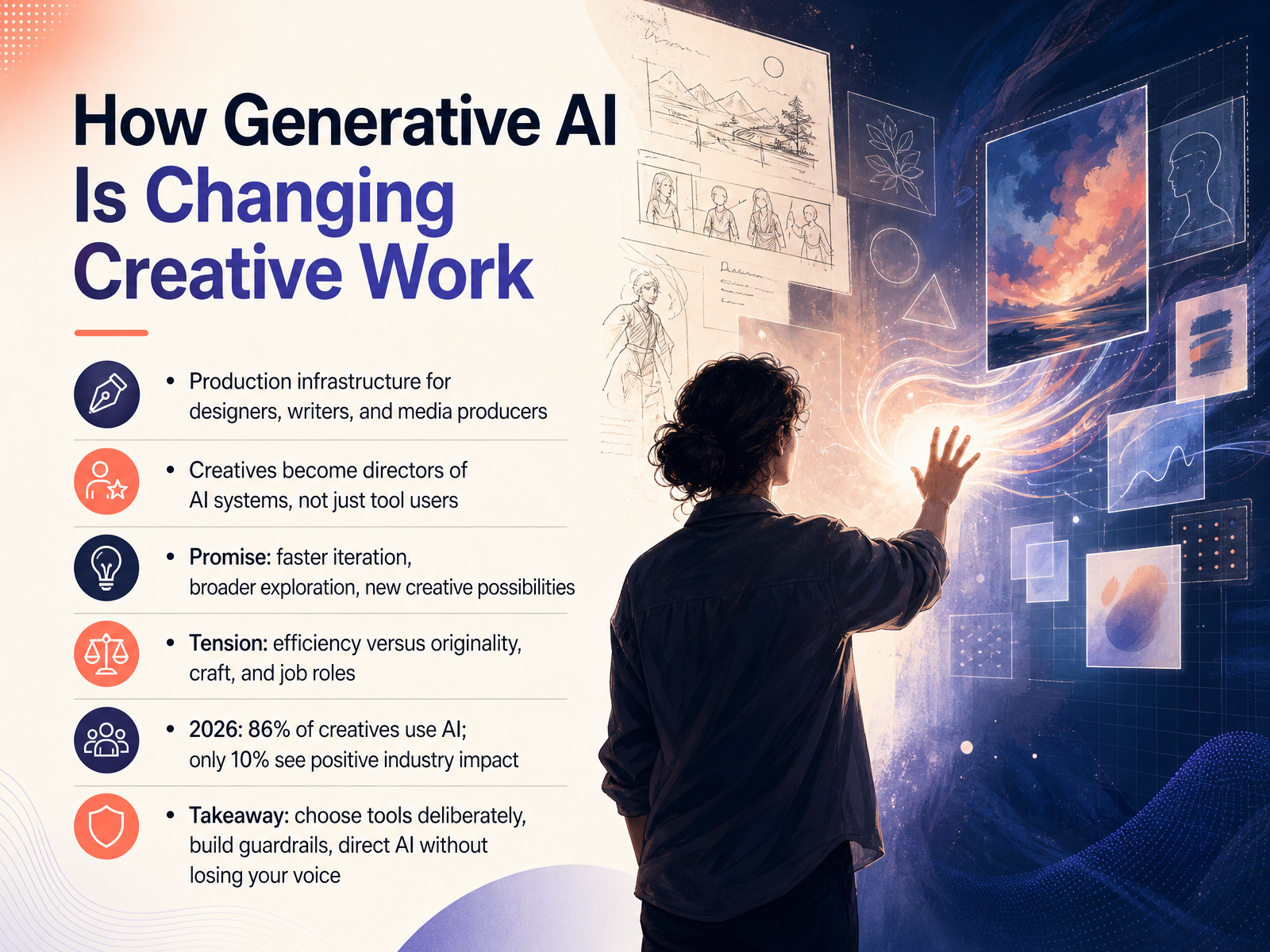
- 01How Generative AI Is Changing Creative WorkWelcome. If you design, write, market, or produce media, you already know generative AI is not a distant experiment. It is your new production infrastructure. By 2026, most creatives use it, but here is the tension: about eighty-six percent of us use these tools, yet only ten percent see a positive impact on the industry. That gap is not about the technology. It is about how we direct it. Your role shifts from being a tool user to being a director of AI systems. That means you set the vision, you make the judgment calls. The promise is real, faster iteration, broader exploration, new possibilities. But the craft risk? That is on you to manage. The takeaway is this: choose your tools deliberately, build your own guardrails, and let AI amplify your voice without ever replacing it. Now let's look at what generative AI actually does. We will break down the mechanics of prompting, iteration, and refinement, so you can see where the leverage really is. Stick with me; this is where the practical work begins.news.adobe.comresearchandmarkets.comlumalabs.ai+22 min
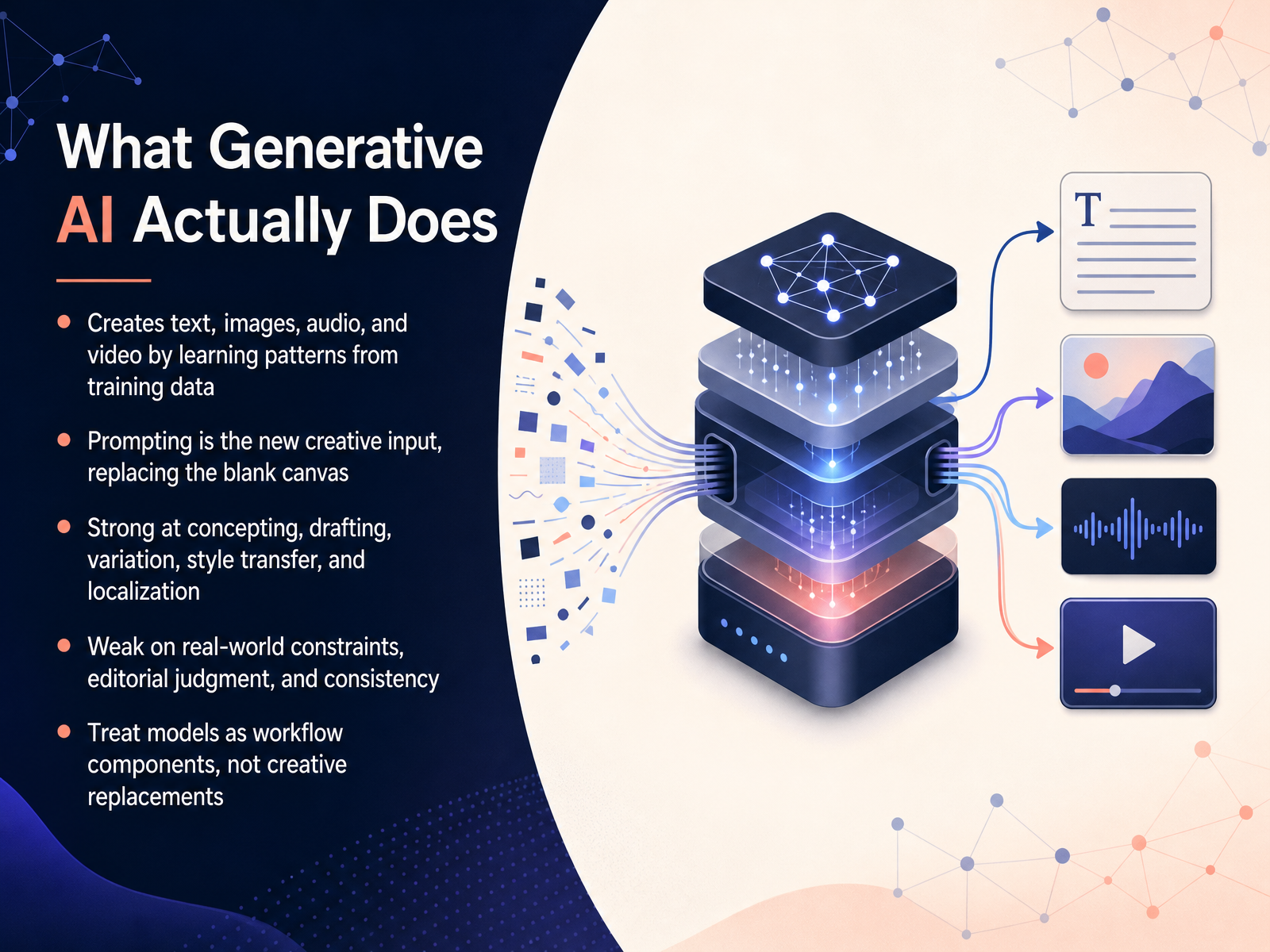
- 02What Generative AI Actually DoesSo let’s get grounded in what generative AI actually does, because once you see its real capabilities, the hype gets a lot easier to cut through. At its simplest, it creates text, images, audio, and even video by learning patterns from massive amounts of training data. You prompt it, and it predicts what comes next, draft by draft. That prompting becomes your new creative input, essentially replacing the blank canvas or the empty page. This is where it shines: quickly producing concepts, drafting copy or rough cuts, generating variations on a theme, and handling style transfer, like turning a photo into an illustration, or localizing a campaign for another market. But let’s be clear about its limits. It has no grasp of real-world constraints like budgets, timelines, or physics. It lacks editorial judgment and can drift in consistency across a series. So, the smartest move is to treat these models as workflow components, not creative replacements. You remain the director, setting the vision, making the calls, and shaping the output. Now, that brings us directly to how this reshapes your everyday workflow, which is what we’re tackling next.
 figma.comadobe.comibm.com+22 min
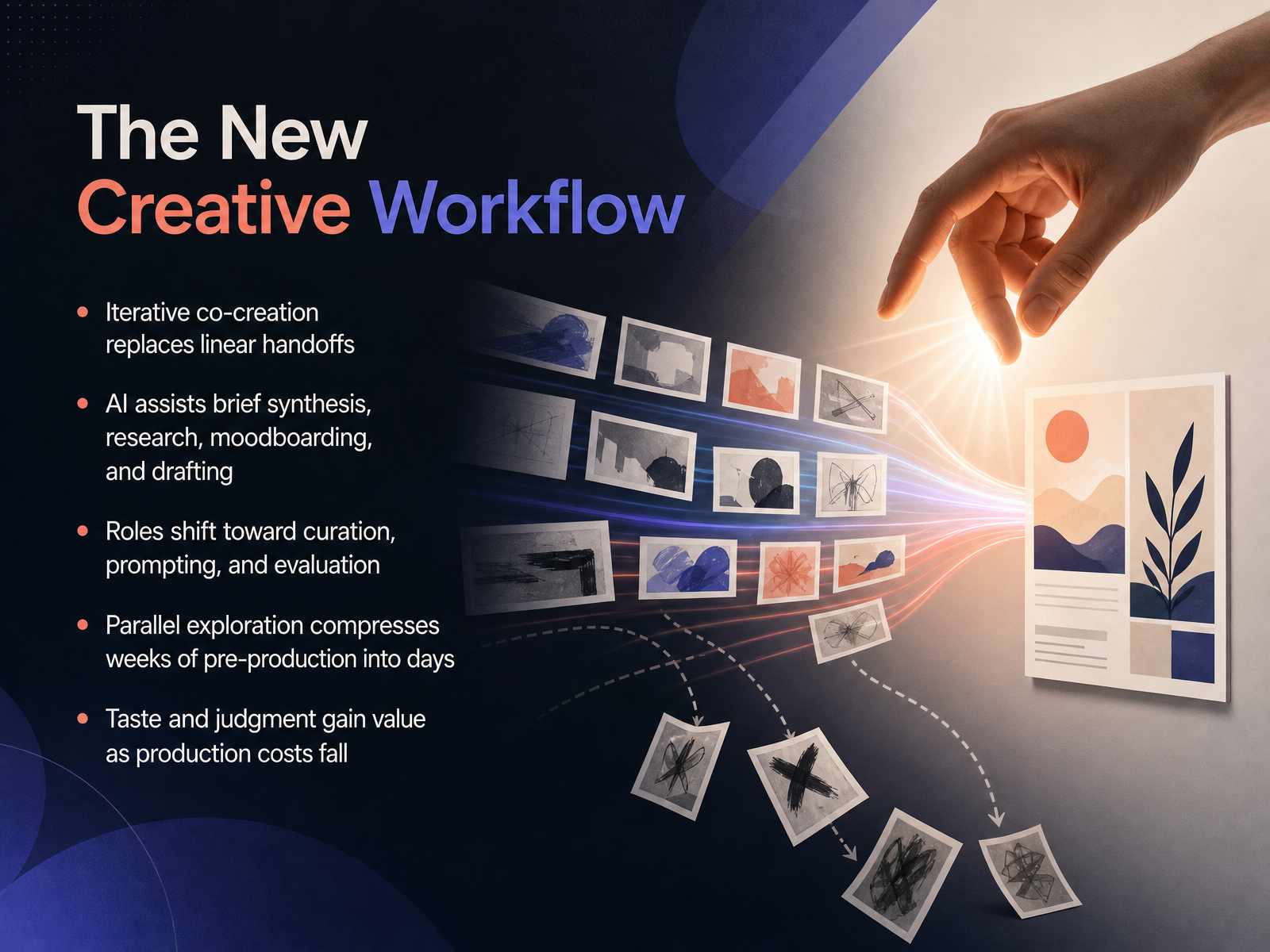
 - 03The New Creative WorkflowLet’s talk about what this actually changes in your day-to-day. The old creative workflow was a relay race: brief goes to research, research goes to moodboards, moodboards go to drafting, and everything waits on the person before you. Generative AI turns that into a parallel playground. You can now synthesize a client brief, scan the cultural landscape, generate moodboard directions, and produce draft concepts in the same breath. Work that used to eat two weeks of pre-production can collapse into two days of focused iteration. That speed shifts your role. You are less often the hands building every pixel from scratch, and more often the curator setting direction, prompting with intent, and—most importantly—deciding what’s worth keeping. Your taste becomes the bottleneck, and that is a good problem to have. As production costs fall, your judgment and editorial eye carry more weight than ever. In practice, this means exploring dozens of visual directions before you commit, stress-testing a campaign idea against simulated audiences, and refining a moodboard in real time with a client watching. You are not handing creative control to a machine; you are clearing away the busywork so your team can spend its energy on sharper strategy, bolder concepts, and the kind of work that actually moves people. Next, let’s look at the essential tools that make this workflow possible.
 superside.comthedrum.comtechdailyshot.com+22 min
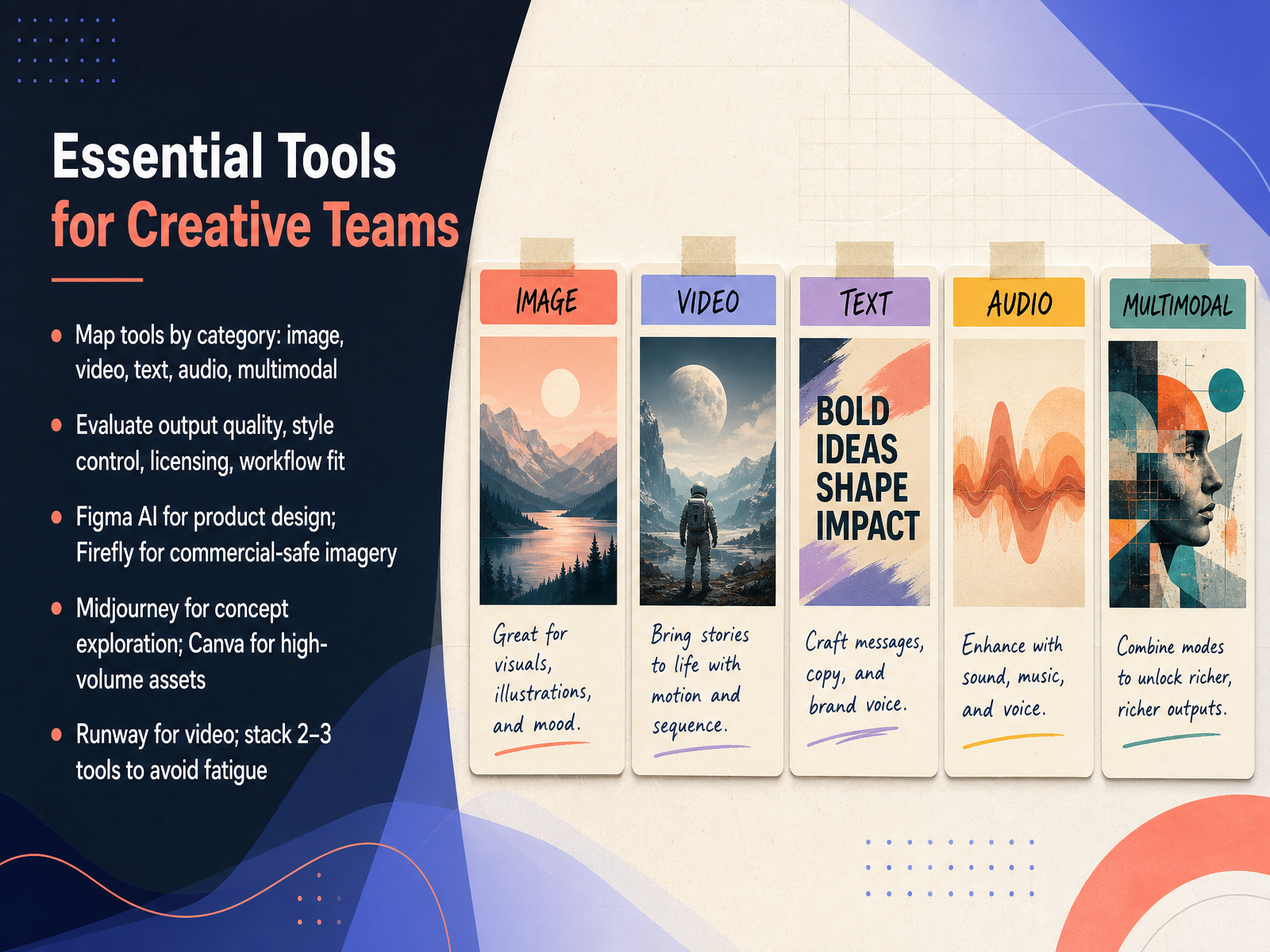
 - 04Essential Tools for Creative TeamsNow let’s talk about the tools themselves, because the landscape can feel overwhelming. The key isn’t finding one perfect platform—it’s mapping tools by category and knowing what each one does best. For images, you’ve got Midjourney for high-end concept exploration and Adobe Firefly for commercially safe, brand-ready visuals. For video, Runway leads the pack. Canva handles high-volume marketing assets with speed, while Figma AI supports collaborative product and UI design. When you evaluate these tools, weigh output quality, style control, licensing, and how well each fits your existing workflow. Notice I didn’t say “pick a favorite.” Most creative teams in 2026 stack two or three specialized tools rather than forcing one platform to do everything. A practical setup might pair Figma as your design hub, Midjourney or Firefly for imagery, and Canva for fast layouts. This approach avoids fatigue and keeps each tool in its sweet spot. The real lesson: choose tools that multiply your judgment, not replace it. Now, let’s turn to a topic that’s just as important—copyright, legal risk, and commercial safety.
 brandappart.comaitoolsobserver.comgitnux.org+21 min
 - 05Copyright, Legal Risk, and Commercial SafetyLet’s talk about the practical side of copyright and commercial safety. In the US, pure machine output carries no copyright protection. That means a competitor could lift an unedited AI image straight from your campaign, and you’d have almost no legal standing to stop them. To stay safe, run every AI-assisted asset through what I call the key trio. Do we own it? Does it infringe? And do our contracts cover it? These are three separate questions, and each needs its own answer. Ownership hinges on documented human authorship, things like editing, arranging, or meaningfully modifying output. Infringement risk drops when you avoid prompting for known artists, trademarks, or specific characters. And contract coverage? That varies wildly. Vendor indemnification terms differ, and most have carve-outs. So make legal review part of your workflow. Finally, keep an evidence trail. Document your prompts, human edits, and approvals. If a dispute ever lands, provenance records are your best defense. Bottom line: treat AI like a powerful junior collaborator, not an automatic rights-clearing machine. A rigorous human review step protects both your creativity and your commercial interests. Up next, we’ll look at what disclosure, ethics, and brand safety mean for your team’s reputation.
 2 min
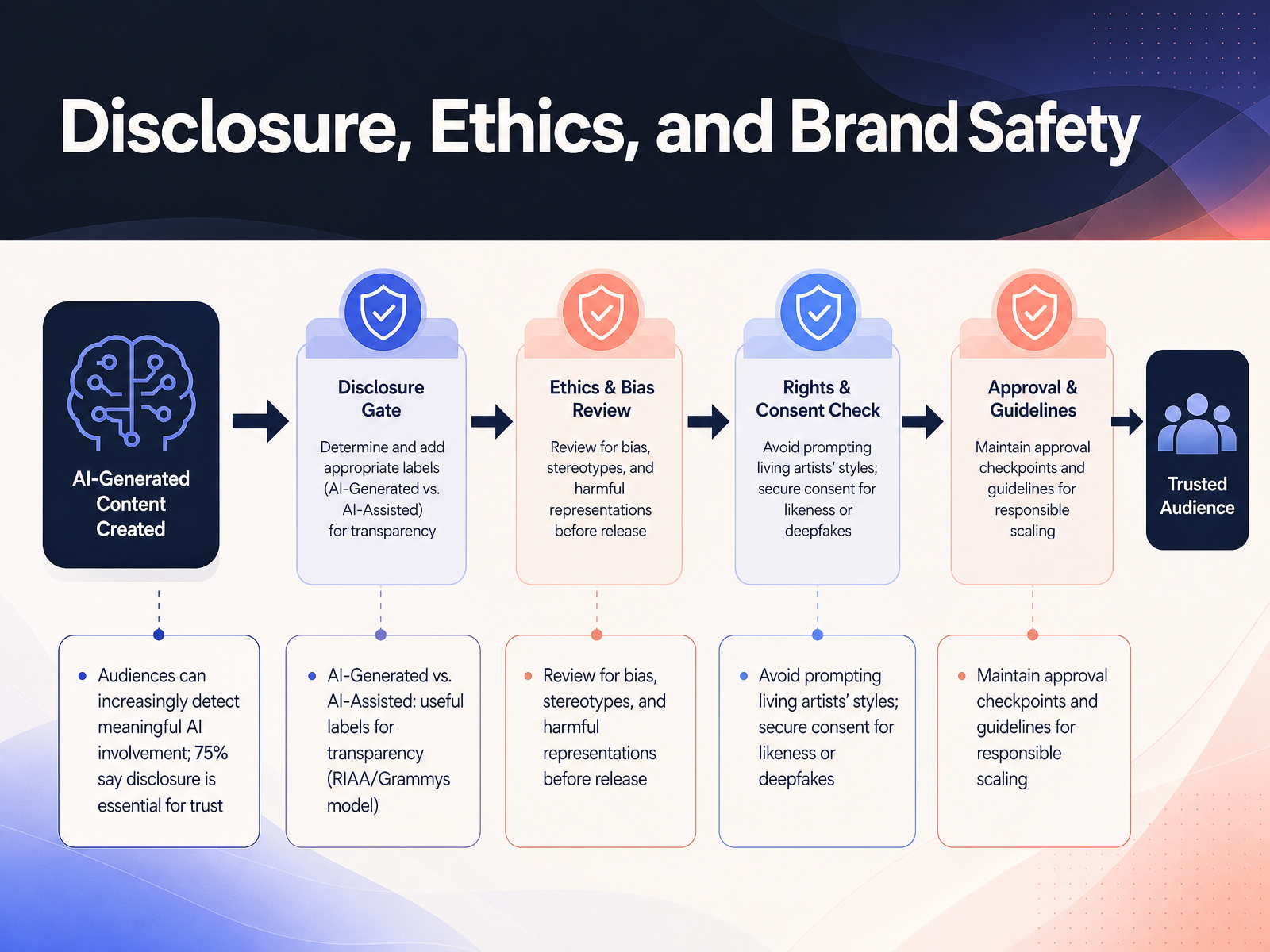
2 min - 06Disclosure, Ethics, and Brand SafetyThis brings us to the point where many creative teams feel the most tension: disclosure, ethics, and brand safety. And here's why this matters now: audiences are paying attention. In fact, around three-quarters of creators believe their audiences can already tell when AI was meaningfully involved in the work. Before you publish, think about what you're comfortable being asked about later. One useful model comes from the music industry: the distinction between AI-Generated and AI-Assisted. That gives you a clean, credible label for transparency. But labeling is just the baseline. You also need to review outputs for bias, stereotypes, or harmful representations before they go live. And avoid prompting living artists' styles without consent, and never create realistic likenesses of real people—including clients, colleagues, or public figures—without explicit permission. Finally, build practical approval checkpoints into your workflow, not as roadblocks, but as guidelines for responsible scaling. You want guardrails that let your team move fast and creatively, without putting the brand at risk. This discipline isn't just about compliance. It's about protecting the trust your audience places in your work. Now, let's turn to how these new capabilities are reshaping the very idea of craft and creative identity.
 news.adobe.comresearchandmarkets.comlumalabs.ai+21 min
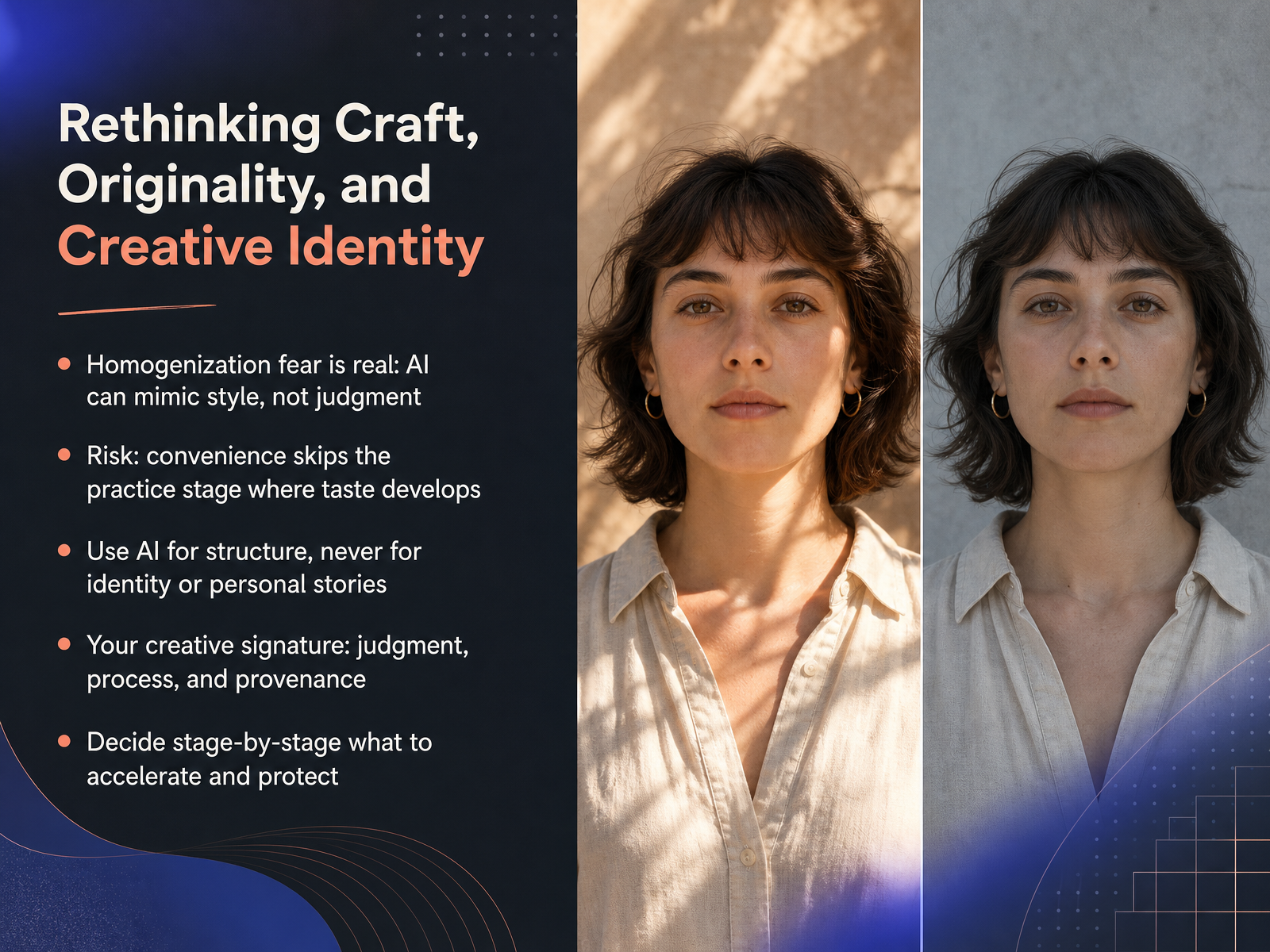
 - 07Rethinking Craft, Originality, and Creative IdentityLet's get honest about the fear that sits under a lot of the AI conversation: homogenization. The worry that if we all lean on the same tools, our work will start to look and sound the same. That fear is real, but here is the more precise version: AI can mimic your style, but it cannot replicate your judgment. Mimicry is surface. Judgment is depth. The bigger risk isn't that AI produces bad work, it's that it makes practice too convenient. The struggle, the revisions, the failed drafts, that tedious middle phase, that is where your taste actually develops. If you automate all of it away, you skip the workout and wonder why you lost the muscle. So use AI for structure, heavy lifting, organization, and iteration. But never outsource your identity. Your personal stories, your lived perspective, and your specific voice are the things AI structurally cannot copy. Protect those fiercely. Think of the work in stages and decide stage by stage which ones you accelerate for speed and which ones you protect for craft. The creative signature you leave on the work is a combination of your judgment, your process, and your provenance. That is what makes it yours. Now, let's talk about your evolving role in all of this, where you shift from creator to director.
 1 min
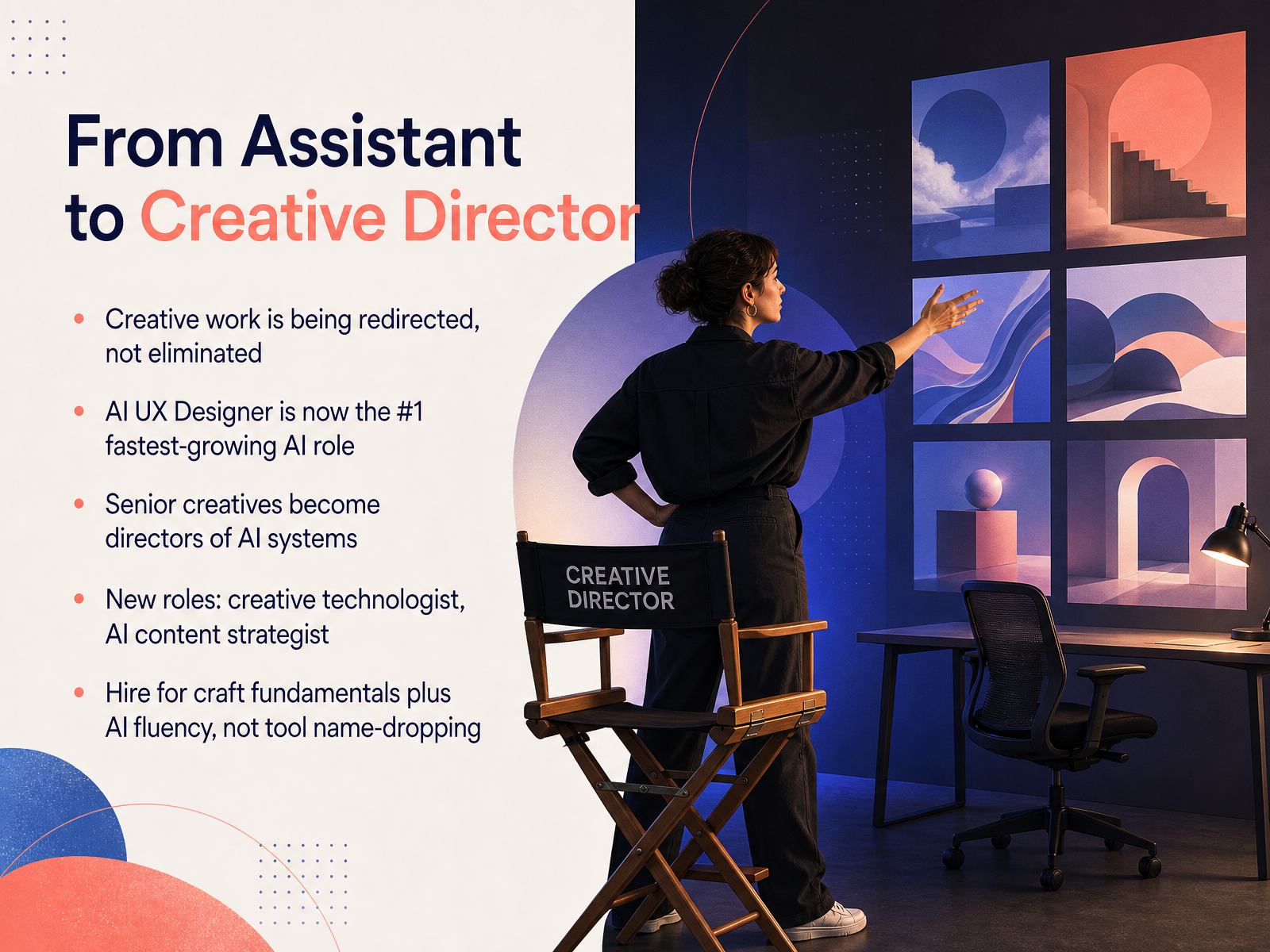
1 min - 08From Assistant to Creative DirectorSo where does that leave your role? It's shifting from assistant to director. Creative work isn't being eliminated, it's being redirected. In fact, the fastest-growing AI job title is now AI UX designer, not AI engineer. That's a big signal. Employers want people who can apply AI to design, content, and strategy, not just build the tools. Senior creatives are becoming directors of AI systems. You're less often the hands-on maker of every pixel or line, and more often the person who sets the vision, directs the tools, and makes judgment calls. New hybrid roles are emerging too, like creative technologist or AI content strategist. These sit at the intersection of craft, brand, and technology. So when you're hiring, look for craft fundamentals plus AI fluency. Tool name-dropping is not enough. You want someone who can think in systems, evaluate output critically, and keep the brand consistent even at high volume. That combination is rare and valuable. And if you're building your own path, focus on workflow design, editorial judgment, and the ability to translate between creative vision and what AI can actually do. Those skills will carry you further than mastering any single tool. Now let's talk about building a responsible AI practice on your team.
 1 min
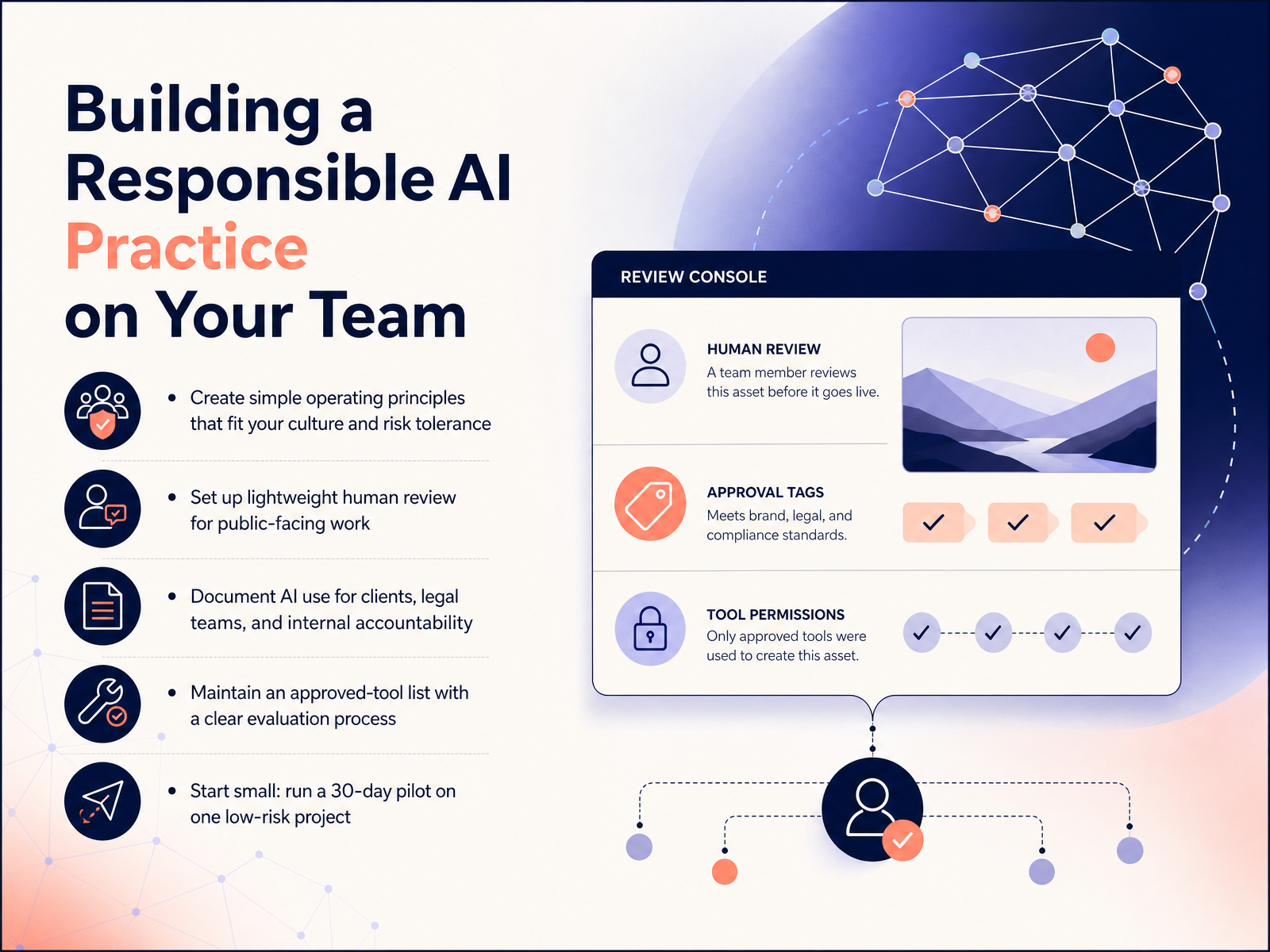
1 min - 09Building a Responsible AI Practice on Your TeamLet’s talk about making this real on your team. A responsible AI practice doesn’t need to be heavy. Start with simple operating principles that fit how your team actually works and what risks you can tolerate. Then, set up a lightweight human review step for anything public-facing. That’s non-negotiable. It keeps quality high and catches issues early. Next, document where you use AI. Clients, legal, and your own team need that clarity, and it builds trust. Keep an approved-tool list with a straightforward evaluation process. If a new tool comes up, review it once, decide, and move on. Finally, start small. Run a thirty-day pilot on one low-risk project. Learn what works, adjust, and then broaden from there. This isn’t about bureaucracy. It’s about protecting your craft and your reputation while you explore. Now, let’s be honest about what adoption really looks like and where the ambivalence shows up.
 2 min
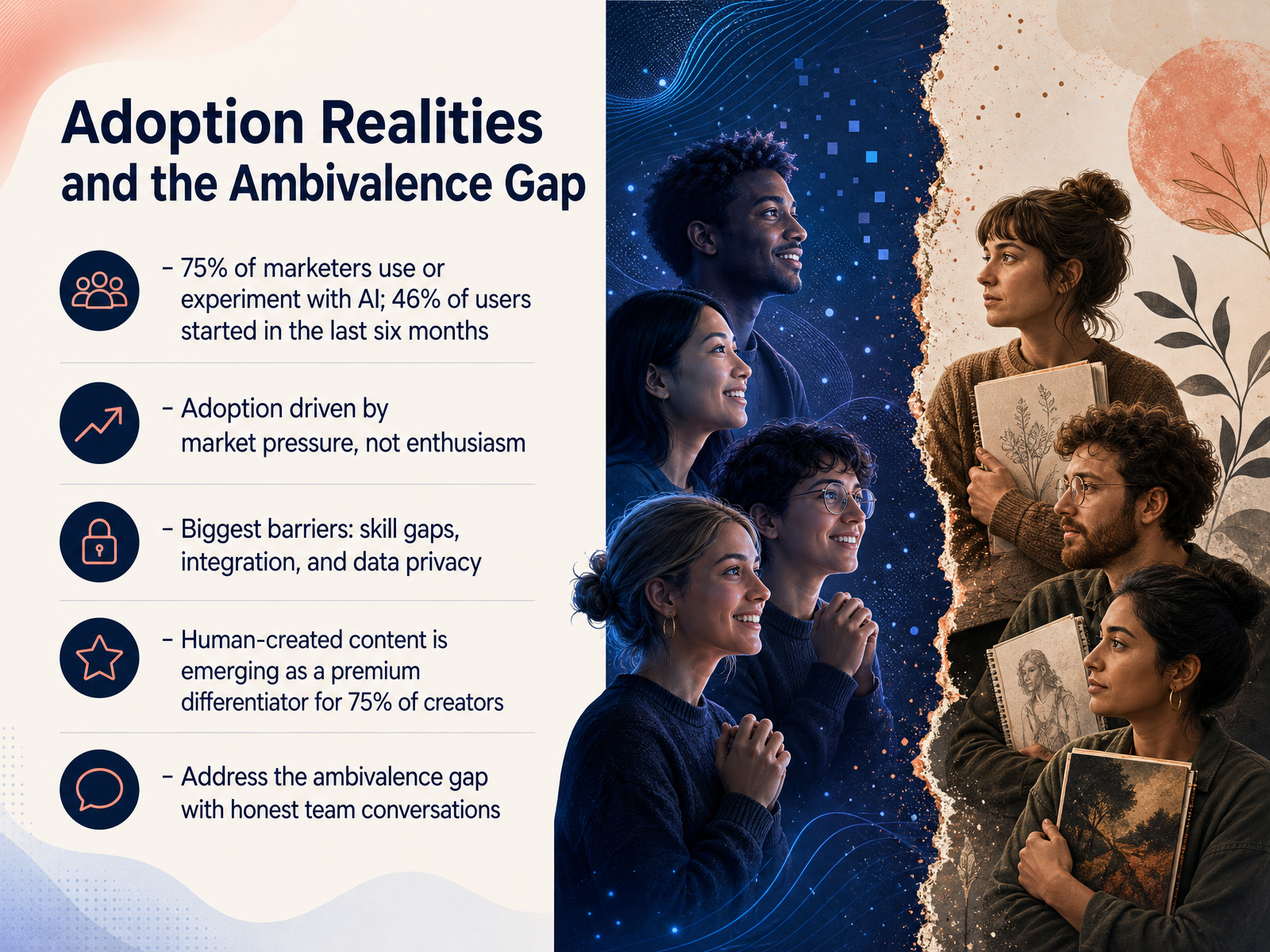
2 min - 10Adoption Realities and the Ambivalence GapHere’s the honest reality: adoption is well ahead of enthusiasm. Around 75 percent of marketers are already using or experimenting with AI, and nearly half of all users started in the last six months. That’s a surge driven more by market pressure than collective excitement. The barriers keep showing up in the same places—skill gaps, clunky integrations, and concerns about data privacy. So what do you do with that ambivalence? Start by naming it. Have real conversations with your team about what AI is doing to your weekly rhythm, your standards for originality, and how it shows up in the work you ship. Because here’s one emerging differentiator: human-crafted work is becoming a premium—75 percent of creators now see it that way. If you can pair that with clear-eyed adoption, you’re not just keeping pace. You’re setting the standard. That’s a position worth building on. Up next, we’ll get into what AI-native workflows actually look like in practice.
 news.adobe.comresearchandmarkets.comlumalabs.ai+21 min
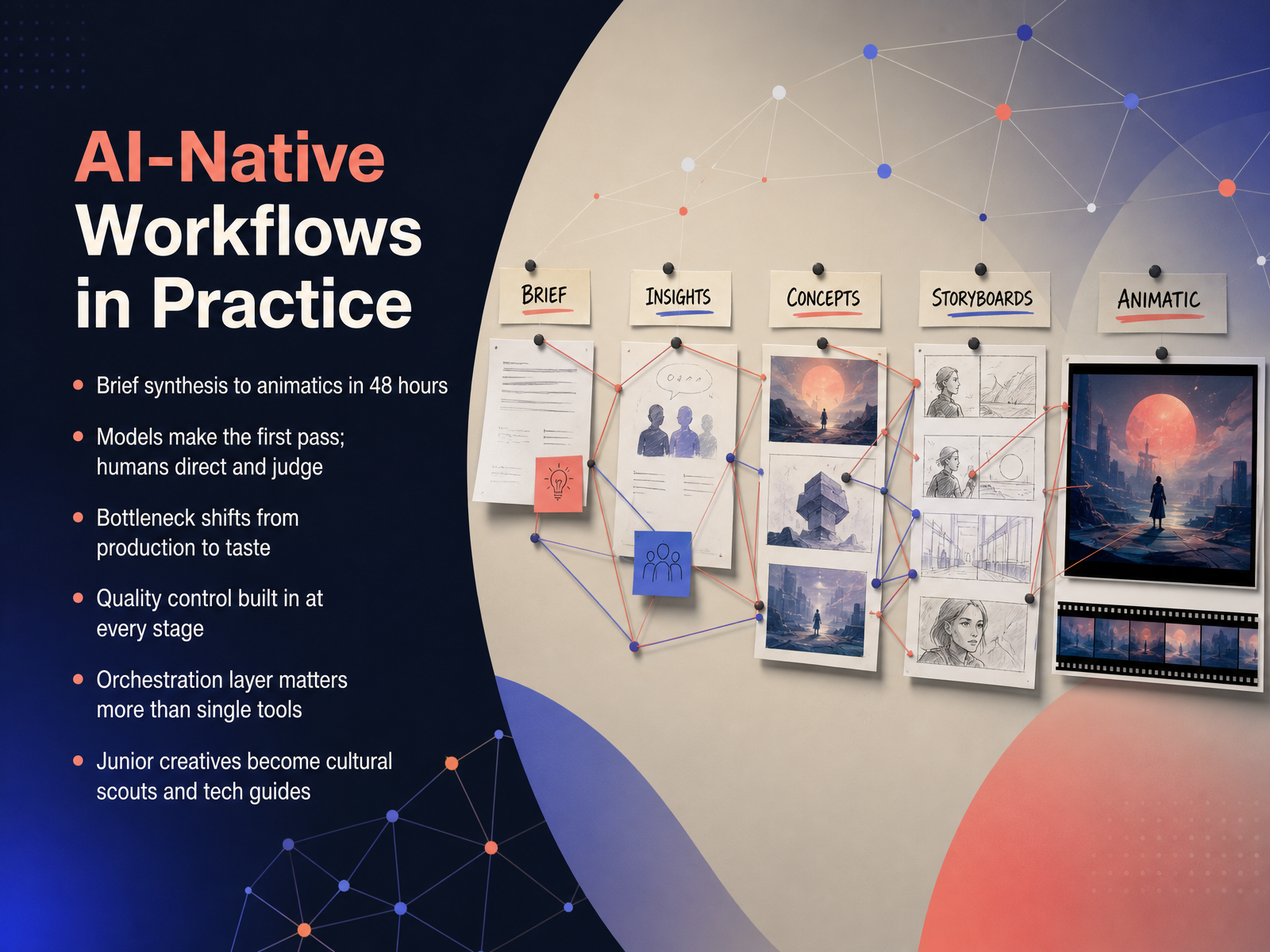
 - 11AI-Native Workflows in PracticeSo what does an AI-native workflow actually look like in practice? Let’s use a concrete example. A brief comes in on Monday morning. By Wednesday, you’ve got client-ready storyboards and animatics. Forty-eight hours. That’s not science fiction; that’s the new cadence. The key shift is that models make the first pass, and humans direct and judge. You’re not hands-on every pixel anymore. Your bottleneck moves from production capacity to taste and decision-making. That’s a good trade. Quality control gets built into every stage, not just at the end. And here’s the thing that surprises most teams: the orchestration layer matters more than any single tool. How the pieces connect is your real competitive advantage. This also changes team dynamics. Junior creatives evolve into cultural scouts and tech guides, bringing fresh tools and cultural signals to the table as they learn to steer these systems. When you are building workflows, think in terms of who owns the judgment call at each stage. The model generates options; your team decides what gets pushed forward.
 superside.comthedrum.comtechdailyshot.com+22 min
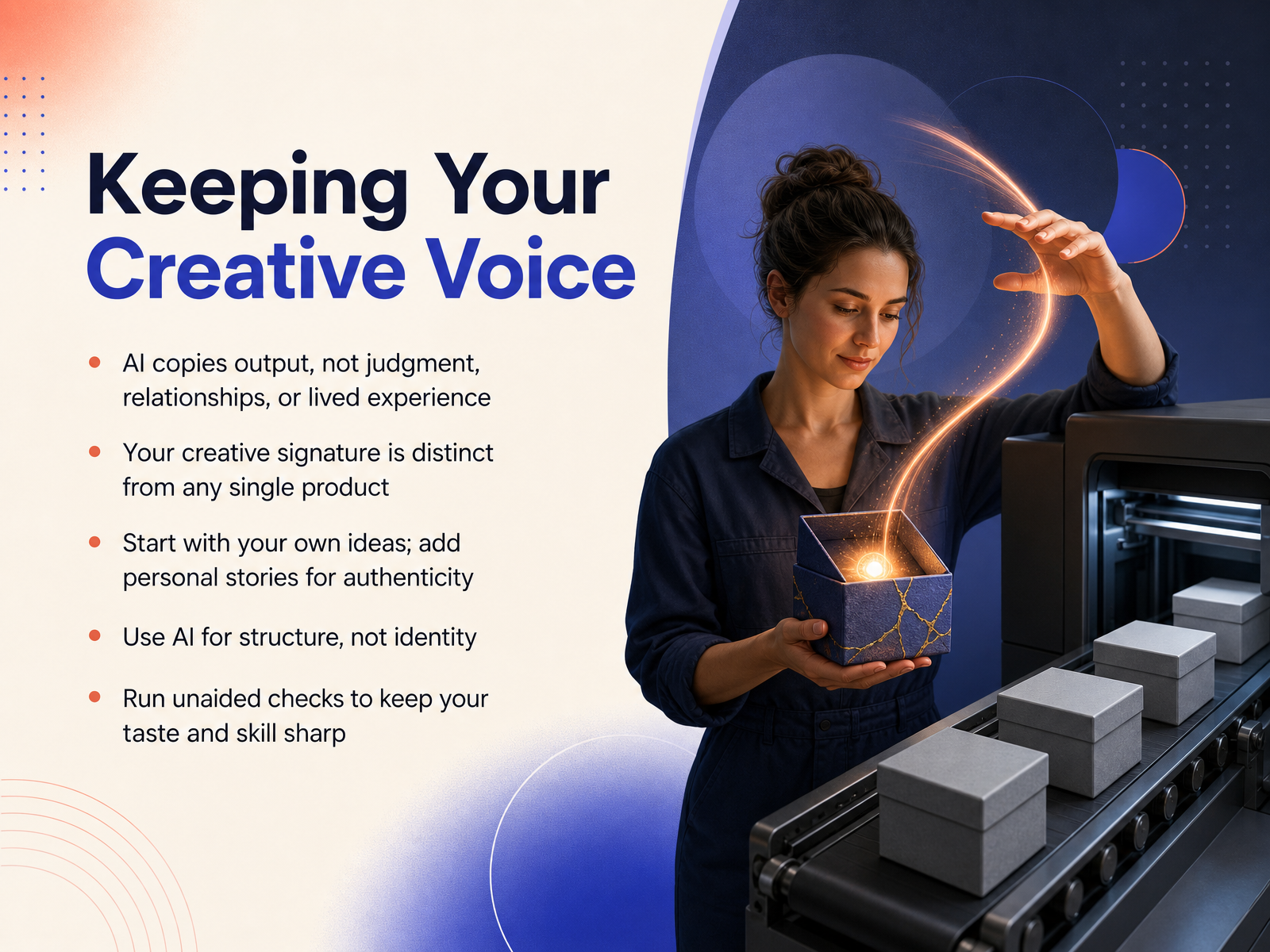
 - 12Keeping Your Creative VoiceLet’s anchor on what you actually bring to the table. Generative AI can mimic your output, but it can't copy your judgment, your relationships, or your lived experience. Your creative signature is a blend of those things. It's bigger than any single campaign, article, or product you've made. So, start with your own ideas. Write rough notes, record a voice memo, and outline your perspective before you bring AI in. Layer in personal stories and lessons learned. That's what transforms information into genuine connection. Use AI for scaffolding structure, not for shaping your identity. Think of it as building a frame; you still decide what the house looks like and what it means. And here's a practical habit: regularly run an unaided check. Make something from scratch, without AI at any stage. If it feels harder than it used to, that's not a failure. That's information. That's how you notice whether convenience is quietly eating away at the taste and skill you've spent years building. Guard that muscle, because in a world of instant output, your distinct point of view is the scarcest resource you have. Now, let's turn the corner and look at where this is all headed next.
 2 min
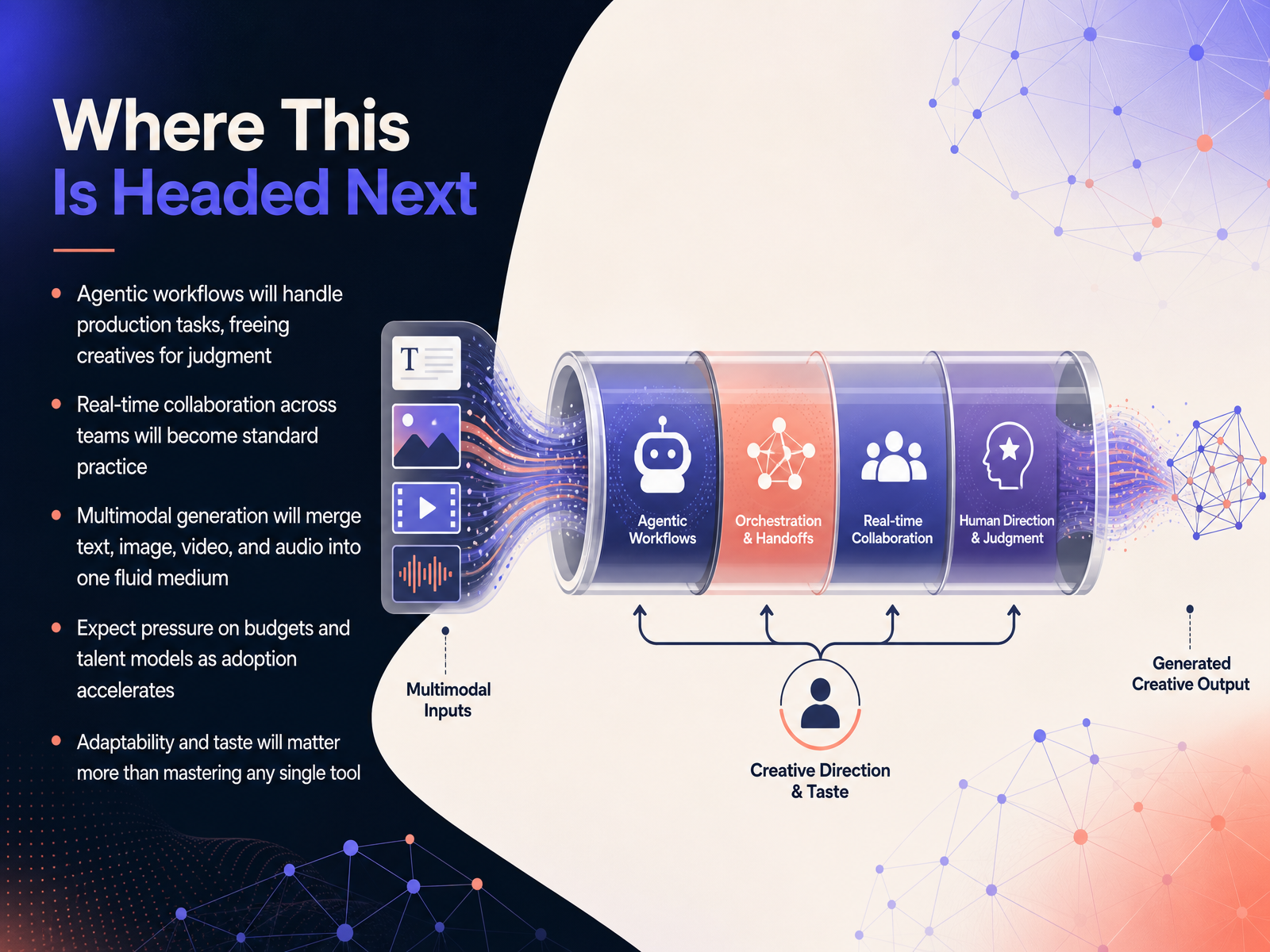
2 min - 13Where This Is Headed NextSo where is this actually heading? By 2027, expect your production tasks to be handled by agentic workflows. That means AI handles the resizing, the draft variations, and the asset cleanup. You focus on judgment, strategy, and the call that only you can make. Real-time collaboration will shift from occasional syncs to the standard way teams create together. And multimodal generation? Text, image, video, and audio will stop being separate pipelines and start acting like one fluid material you shape in real time. Yes, there will be pressure on budgets and talent models as adoption accelerates, but that pressure lands hardest on the routine, not the role. Adaptability and taste will always beat mastering any single tool. The more the output converges, the more your editorial eye and your specific constraints become the differentiator. Keep your creative operating system human-led, and you stay ahead. Next, let's look at your first thirty days putting this into practice.
 thebusinessresearchcompany.com1 min
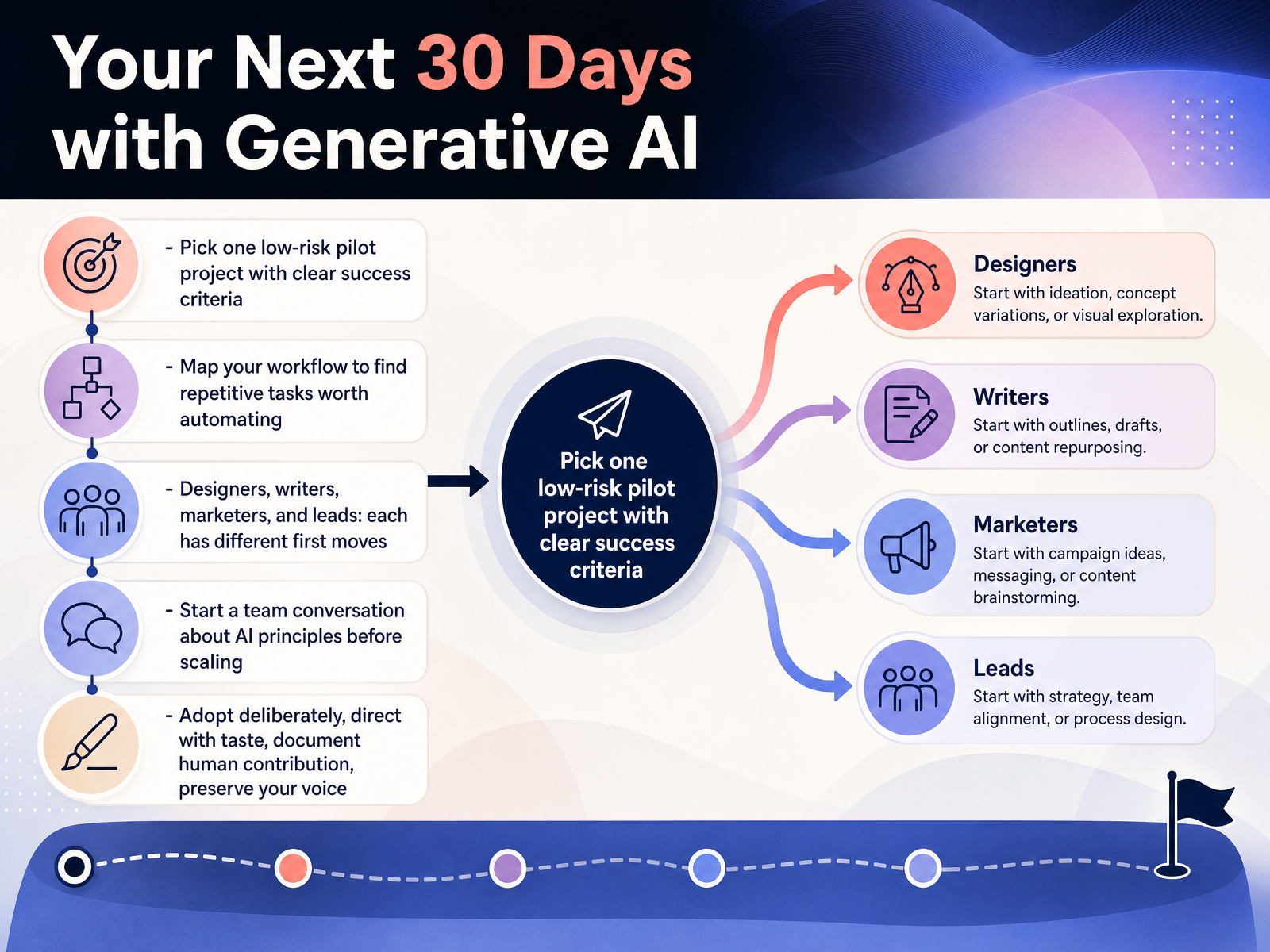
 - 14Your Next 30 Days with Generative AISo here's your thirty-day plan. It's simple, deliberate, and designed to protect both your workflow and your voice. Start by picking one low-risk pilot project with crystal-clear success criteria. Not the flagship campaign, just one project where you can test, learn, and measure without burning client trust. Next, map your current workflow on paper. Look for the repetitive tasks that drain your energy. AI is incredible at removing bottlenecks, not at replacing your taste. Remember, your first moves differ by role. Designers might automate asset versioning or explore moodboards faster. Writers can use it for first-draft exploration and headline variations. Marketers, focus on audience segmentation and A/B testing at scale. And leads, your job is bigger. Start the team conversation about AI principles now, before the tools become urgent. Define adoption deliberately, document your human contribution, and always preserve your voice. When you direct with taste, you don't lose your style, you amplify it. The future of creative work isn't about speed. It's about making room for the ideas only you can have. Thanks for joining. Now go make something that sounds like you.
 superside.comthedrum.comtechdailyshot.com+22 min
Take the deck with you
Download this course as a file — free, no sign-up needed.
- PDF handoutEvery slide page, ready to print or share.15 pages · 4.0 MBDownload
- Narrated PowerPointThe deck that presents itself — every slide carries the digital human's narration video.15 pages · 28.4 MBDownload
- PowerPoint slidesThe full deck as a .pptx — open it in PowerPoint, Keynote, or Google Slides.15 pages · 4.0 MBDownload
Free to use in your own training — please keep the PersonWise credit page at the end.
Have your own deck? Turn it into a course
Sources consulted
Web sources consulted while building this course.
- 87 Percent of Creators Say Creative AI Is Growing Their Business and ... — news.adobe.com
- Generative AI in Creative Industries Market Report 2026 — researchandmarkets.com
- 24 Generative AI Adoption Statistics for Creative Teams in 2026 | Luma — lumalabs.ai
- AI Adoption Plan: Creative Industries - GOV.UK — gov.uk
- Generative AI In Creative Industries Market Share Report 2026-2030 — thebusinessresearchcompany.com
- Generative AI Design: What It Is and How to Use It | Figma — figma.com
- What is generative AI: Meaning & applications - Adobe Firefly — adobe.com
- What is Generative AI? | IBM — ibm.com
- How Does Generative AI Work — microsoft.com
- What is Generative AI and How Does it Work? | NVIDIA Glossary — nvidia.com
- How to Use AI in Creative Workflows (Tips & Examples) — superside.com
- 4 ways AI is rewriting the rules of creative production | The Drum — thedrum.com
- PILLAR: The 2026 Guide to AI Workflow Automation for Creative Teams—Content, Design & Collaboration — Tech Daily Shot — techdailyshot.com
- GenAI Creative Workflows in 2026 | Devanshu Singh — devanshusingh.com
- Multimodal AI Workflows for Scalable Creative Production — gmicloud.ai
- The best AI design platforms for creative teams (2026) — brandappart.com
- Best AI Design Tools 2026: Midjourney, Firefly, Canva, Figma | AiToolsObserver — aitoolsobserver.com
- 10 Tools Compared: Best AI Generation Software (2026) — gitnux.org
- AI for designers 2026 — Figma, Canva, Krea, Firefly compared - — alatirok.com
- Canva AI vs Adobe Firefly vs Midjourney — stackbuilt.co