Begin
16 pages · ~32 min
Relational Databases Fundamentals
This training introduces relational databases, covering key concepts like tables, keys, and SQL for beginners.
A digital instructor presents all 16 pages. Hold “Ask” at any point and ask out loud — the answer comes from this course. No sign-up needed.
What you’ll learn
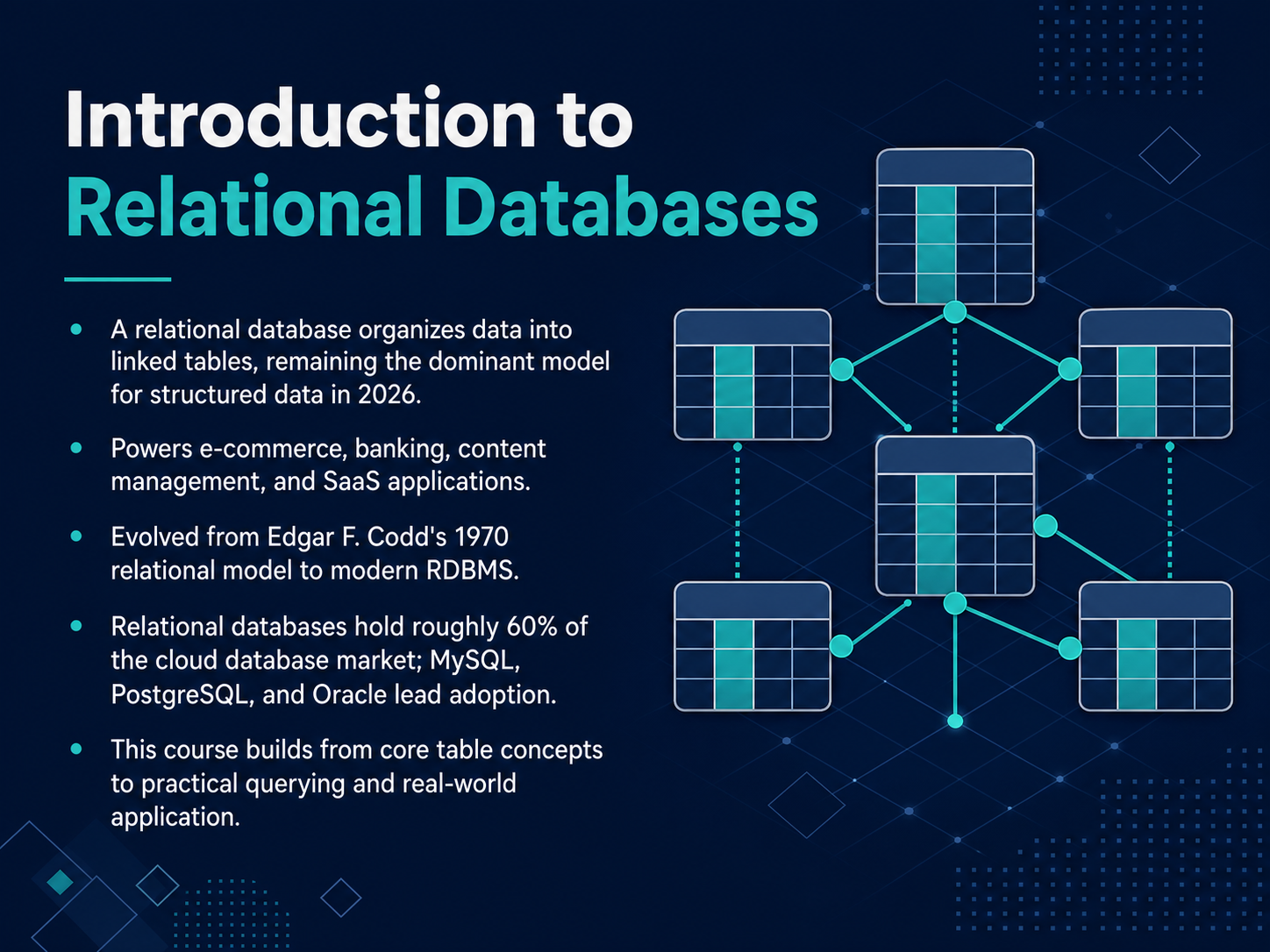
- 01Introduction to Relational DatabasesWelcome to Introduction to Relational Databases. I am glad you are here. Our goal is to build a clear mental model of how data is organized, connected, and retrieved. Think of this as learning how a well-organized filing cabinet works, but for the digital world. Relational databases are the invisible engines behind nearly every application you use, from online shopping to banking. They organize information into linked tables, a concept first introduced by Edgar F. Codd back in 1970, and they still dominate the landscape today. In fact, as of 2026, relational databases hold roughly sixty percent of the cloud database market, with systems like MySQL, PostgreSQL, and Oracle leading the way. In this course, we will start with the core idea of a table and build up to practical querying and real-world application. Let us begin by asking a simple question: why not just use a spreadsheet?6sense.comgiiresearch.comtheregister.com+21 min
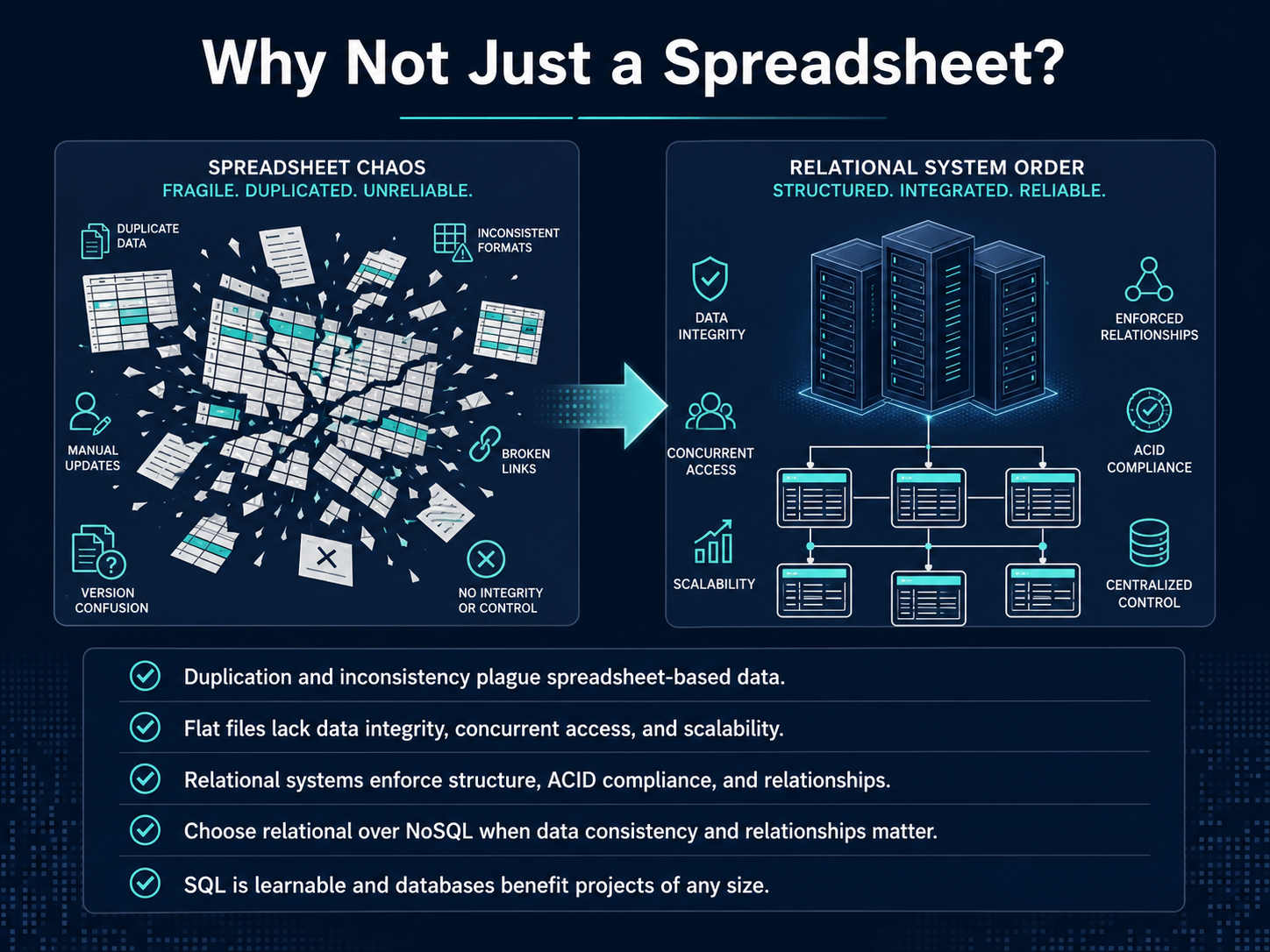
- 02Why Not Just a Spreadsheet?Now, you might be thinking, why can’t we just use a spreadsheet for everything? It’s a fair question. Spreadsheets are great for a personal budget or a small list, but when you start managing real business data, they quickly become a problem. Think about having a customer’s address in ten different sheets. If they move, you have to update it ten times. If you miss one, your data is suddenly inconsistent. That duplication and inconsistency is what plagues flat files. On top of that, spreadsheets struggle with what we call data integrity. If two people try to edit the same cell at the exact same time, who wins? It’s hard to control, and it certainly doesn’t scale to thousands of users. Relational systems solve this by enforcing a clear structure and handling concurrent access safely. They also use something called ACID compliance, which is just a technical promise that your data stays reliable, no matter what. When data consistency and clear relationships really matter, that’s when you choose a relational database. And the good news? The language to talk to them, SQL, is very learnable, and it benefits projects of any size. Let’s move on and look at the actual building blocks of these systems: tables, rows, and columns.
 6sense.comgiiresearch.comtheregister.com+22 min
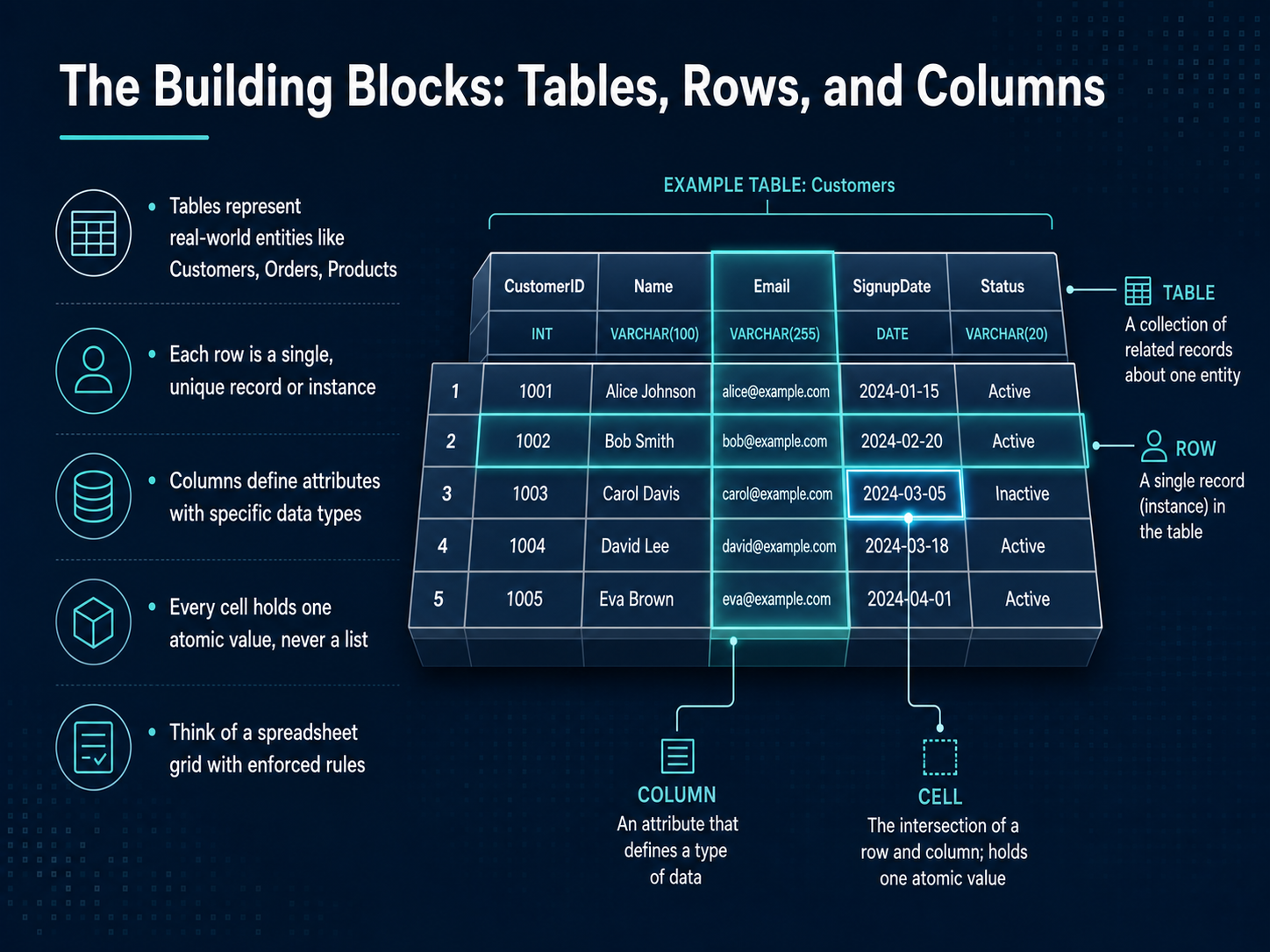
 - 03The Building Blocks: Tables, Rows, and ColumnsNow, let's look at the fundamental building blocks of a relational database. A database is organized into tables, and each table represents a real-world thing, just like a separate sheet in a spreadsheet. You might have a Customers table, an Orders table, or a Products table. Within a table, each individual row is a single, unique record. For example, one row holds all the information for one specific customer. The columns in the table define the attributes of that record, like a customer's name or phone number, and each column is set to a specific type of data. This means a column for a price will only accept numbers, not text. Most importantly, every single cell, the intersection of a row and column, holds exactly one atomic value. You would never put a list of multiple phone numbers in one cell; instead, you enforce a strict rule that each cell is self-contained. So, think of it as a spreadsheet grid with very consistent, enforced rules that keep our data clean and organized. This structure is what gives us the power to work with our data efficiently. Next, we'll explore how we guarantee every row is unique with primary keys.
 2 min
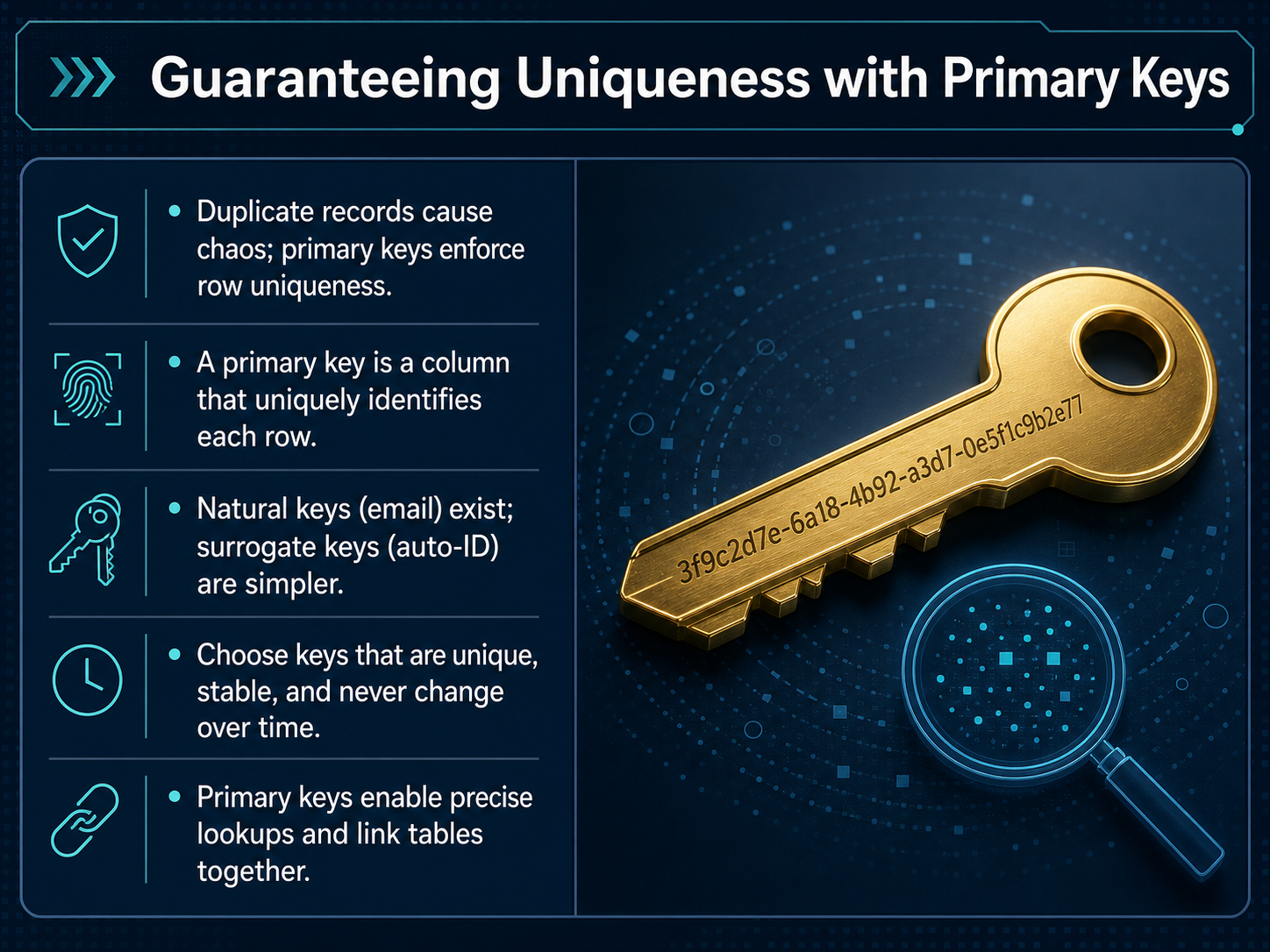
2 min - 04Guaranteeing Uniqueness with Primary KeysNow let's talk about a simple rule that keeps our database tidy. Picture a filing cabinet where two folders have the exact same label. You would never know which one has the real document, and chaos follows. Duplicate rows in a table cause the same problem. So, we need a way to make every single row unmistakably unique. We do that with something called a primary key. A primary key is a column that acts as a unique identifier for each row, like a serial number on a product. Think of it as a guaranteed, no-repeat label. Some data, like an email address, can naturally serve as a key, but those can change. A simpler, more stable approach is to use a surrogate key, which is just a number the database generates automatically, like an auto-ID. This number has no meaning in the real world, but it is perfect for the database. The key principles are to choose an identifier that is unique, stable, and will never change. Once you have a primary key, you can instantly find one specific row without any confusion. And here is the real magic: primary keys are what allow us to connect one table to another. Let's see how that works next, when we explore connecting tables with relationships and foreign keys.
 2 min
2 min - 05Connecting Tables: Relationships and Foreign KeysNow that we have our data stored in separate tables, how do we bring it all back together when we need it? We do that by connecting tables through relationships, and the key to that connection is something called a foreign key. Think of the most common type, a one-to-many relationship. A single customer can place many orders. The customer is one, the orders are many. To make this link, we place a foreign key in the orders table. It's simply a column that holds a cross-reference, like a customer ID, pointing back to the correct customer in the customers table. But what about a many-to-many relationship? Imagine an order that can contain many products, and a product that can be part of many orders. We can't just put a single foreign key in one table. We need a junction table. This new table just holds pairs of foreign keys, linking an order to a product for each line item. This whole process of splitting data across tables is what reduces redundancy and the chance for errors. We store each customer's name only once. And finally, the database enforces referential integrity. This just means it won't let you create an order for a customer that doesn't exist, or delete a customer who still has orders, keeping all our relationships valid. That's the power of connecting tables. Next, we'll move from these connections to a way of visualizing them, with an introduction to entity-relationship thinking.
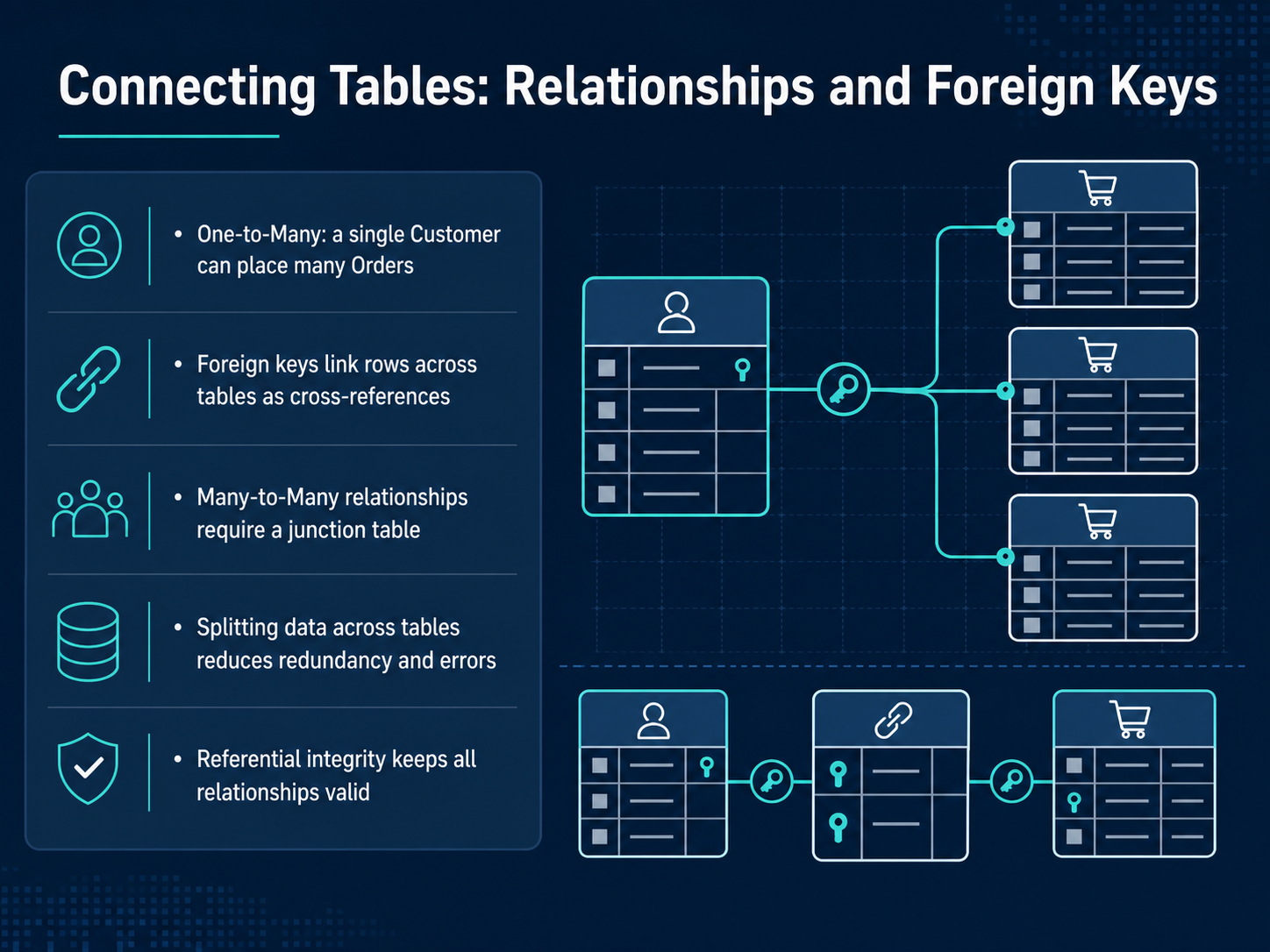 2 min
2 min - 06Entity-Relationship ThinkingLet's step back and think like a database designer. This is often called entity-relationship thinking. It simply means translating a real-world business need into things, which we call entities, and how those things connect, which are the relationships. We capture this visually in an ERD, or entity-relationship diagram. In an ERD, a box represents an entity, like a customer or a product, and a line represents the relationship between them. A little forked line, often called a crow's foot, tells us how many. For example, one customer can place many orders; that's a one-to-many relationship. Let's design a small e-commerce schema together. We know we need a Customers entity, an Orders entity, and a Products entity. Sometimes two things have a many-to-many relationship, like students and courses. A student takes many courses, and a course has many students. We can't draw that directly with a single line, so we resolve it with a junction table. In our e-commerce example, an order can contain many products, and a product can be in many orders. So we need a junction table, perhaps called OrderDetails, to sit between them. The key takeaway is to build this mental model first, sketching boxes and lines, before you ever write a single line of SQL. Next, we will explore the language that brings these models to life: The Language of Data: SQL Basics.
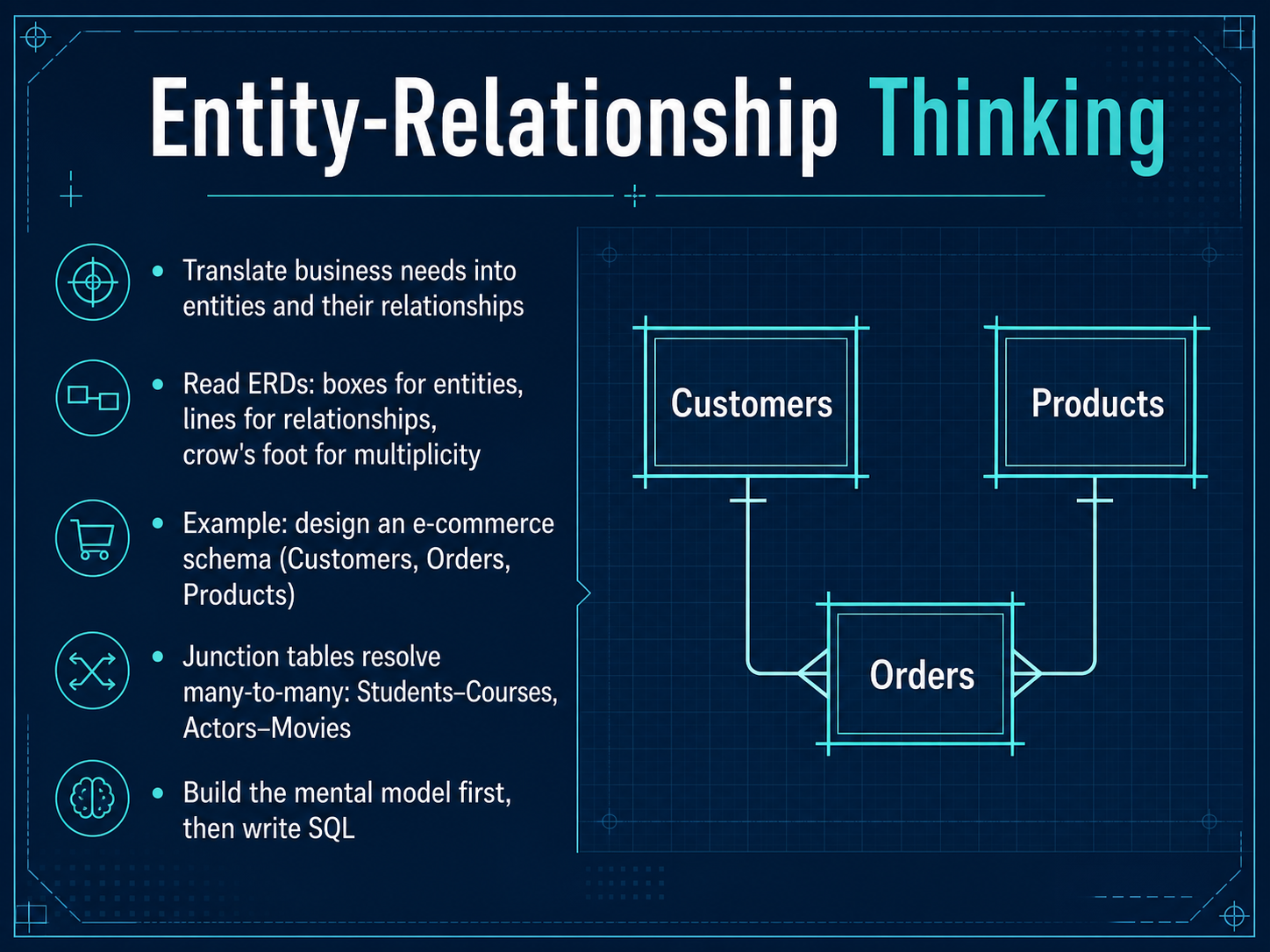 2 min
2 min - 07The Language of Data: SQL BasicsLet's talk about the language every relational database understands. It's called SQL, which stands for Structured Query Language. Think of it as the universal way to have a conversation with your data. The good news is that SQL has been a standard since 1986, so once you learn it, you can use it almost anywhere. At its heart, SQL has four main actions. We use SELECT to read and retrieve data, INSERT to add new rows, UPDATE to change existing information, and DELETE to remove rows. For now, let's focus on reading data with SELECT, because that's where we spend most of our time. The basic pattern is simple: you tell the database which columns you want, and which table they live in. For example, you might ask for the name and city columns from the customers table. We can also add a WHERE clause to filter the results. It's like saying, "Show me the customers, but only the ones in London." This lets us narrow down millions of rows to just the relevant few. We'll practice this together with some real examples, like finding customers by city or listing recent orders. Next, we'll look at some common beginner mistakes and how to avoid them.
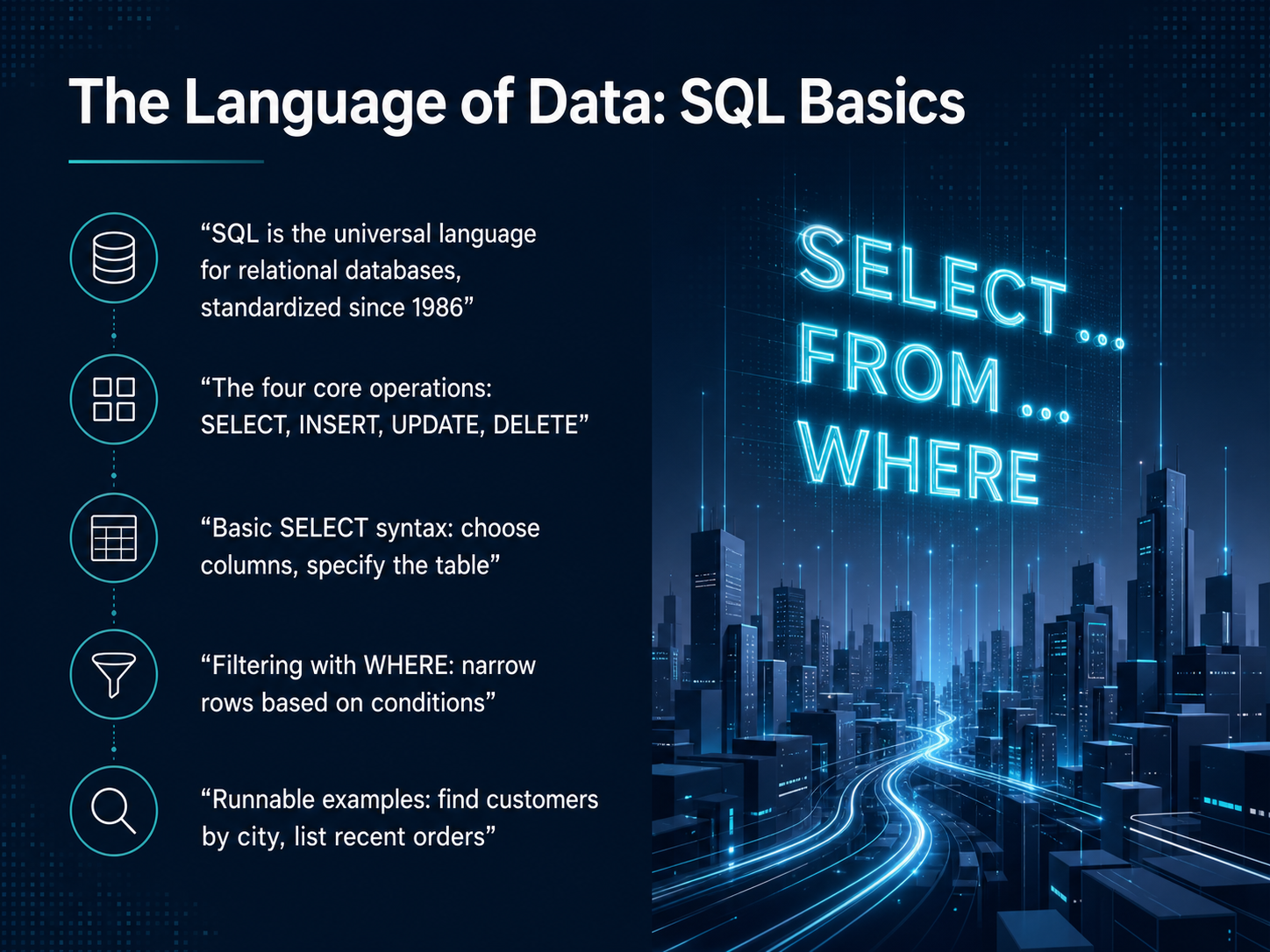 blog.stackademic.comai2sql.ioblog.stackademic.com+22 min
 - 08Common Beginner Mistakes and How to Avoid ThemNow, let's talk about some common mistakes that almost every beginner makes, and how we can avoid them. First, using SELECT star everywhere. Think of a filing cabinet. If you only need a customer's name and email, you wouldn't pull their entire folder, including their history and payment details. Fetch only the columns you need. Next, forgetting the WHERE clause in an UPDATE or DELETE statement. This is a dangerous oversight. Without a WHERE clause, you're telling the database to change or remove every single row in the table. Always double-check your filter. Another trap is trying to find missing values with an equals sign. NULL is not a value; it's the absence of one. So, we use IS NULL and IS NOT NULL instead. Many of us also misuse GROUP BY. The rule is simple: every column in your SELECT that isn't wrapped in an aggregate function, like COUNT or SUM, must appear in the GROUP BY clause. We should also ignore query readability. Formatting, line breaks, and aliases make our queries much easier to understand later. Finally, remember that SQL doesn't execute in the order we write it. The actual execution order is FROM, then WHERE, then GROUP BY, then HAVING, then SELECT, and finally ORDER BY. Keeping this sequence in mind will help you debug many confusing errors. Next, we'll apply what we've learned in your first JOIN, combining tables.
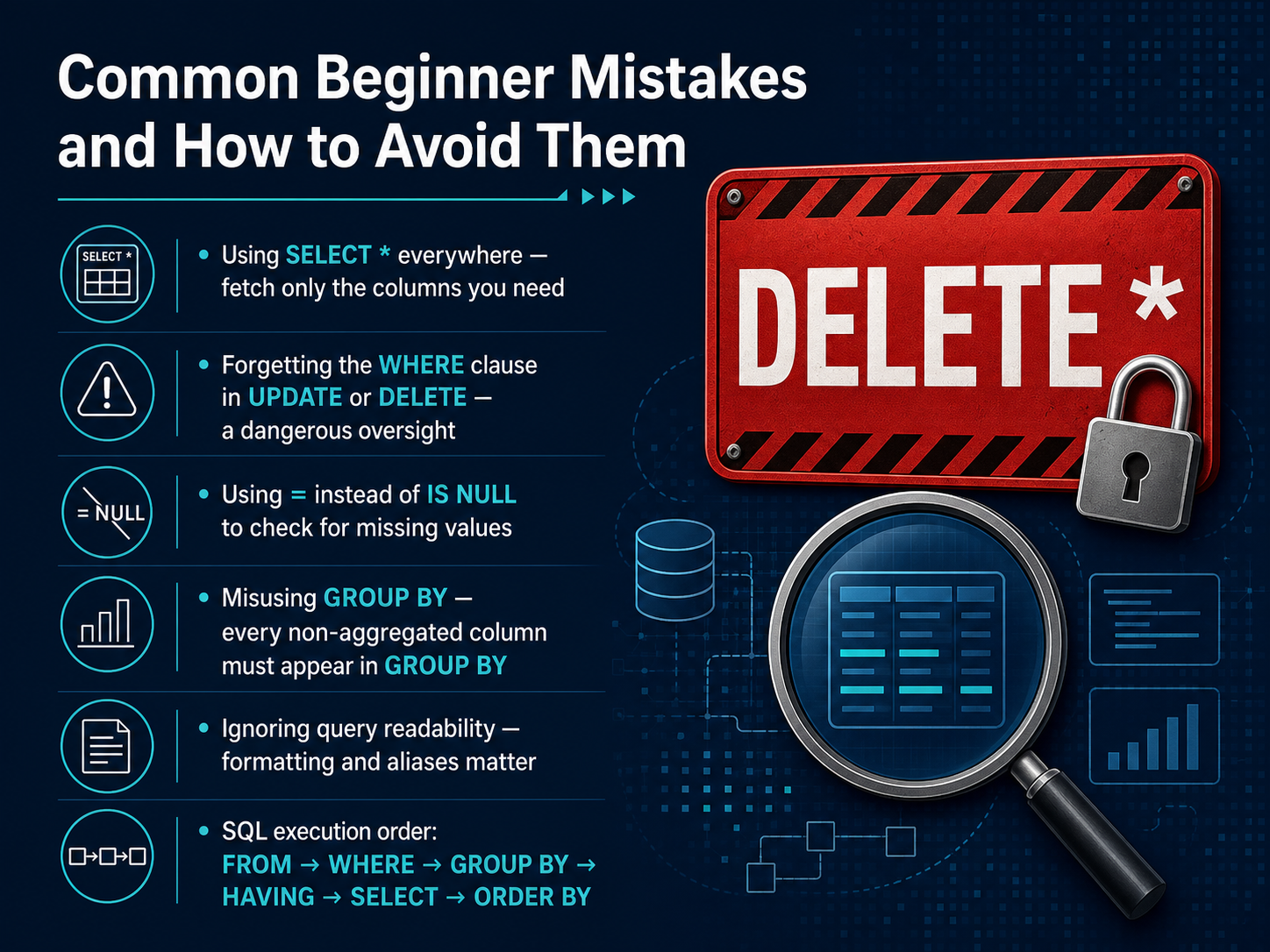 blog.stackademic.comai2sql.ioblog.stackademic.com+22 min
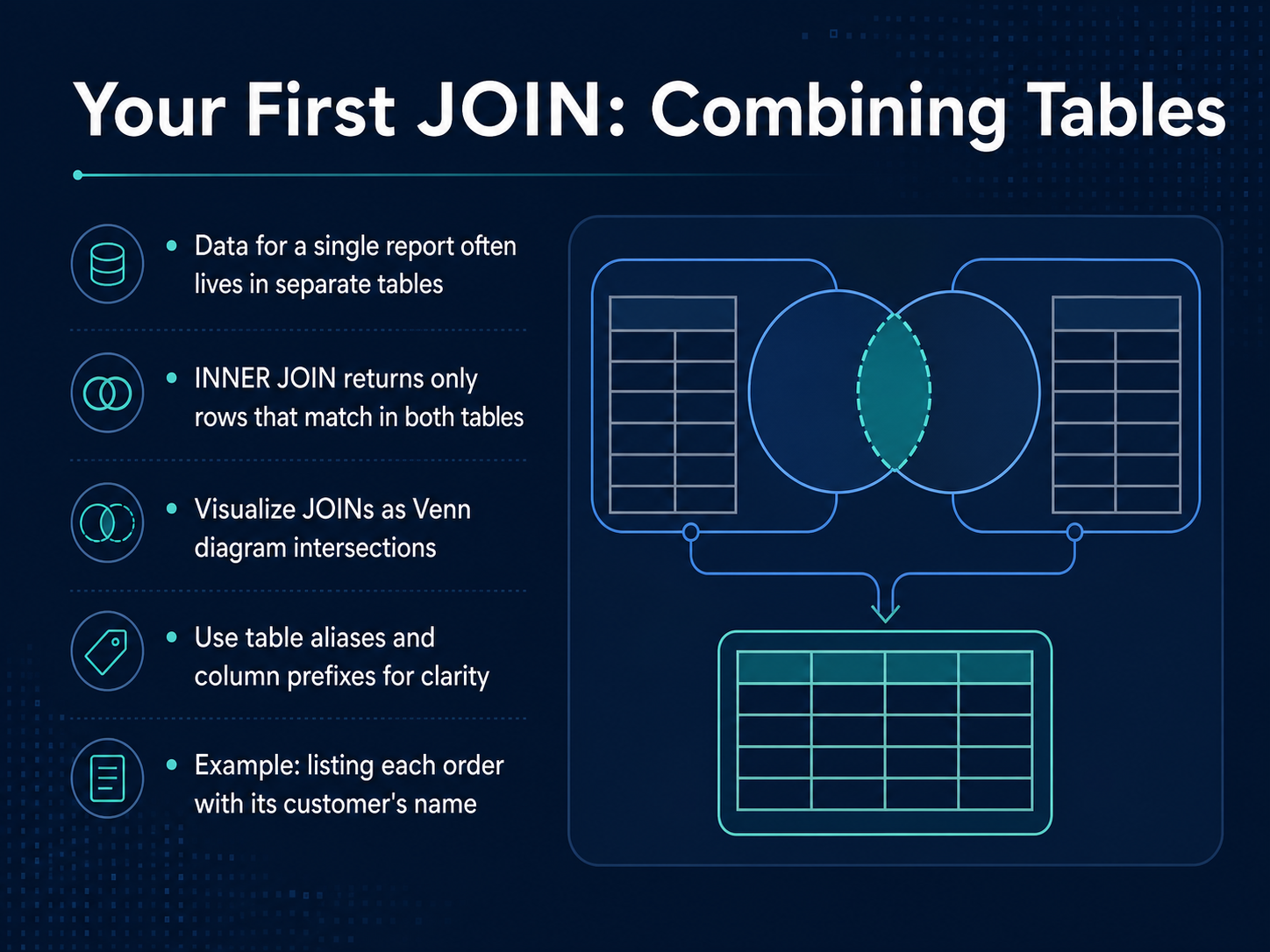
 - 09Your First JOIN: Combining TablesNow we get to one of the most powerful ideas in relational databases: the JOIN. Think about a real report you might need, like a list of all orders with the customer's name. The order details live in one table, and the customer names live in another. A JOIN is how we temporarily connect those tables to get the full picture in one place. The most common type is the INNER JOIN. It returns only the rows that have a match in both tables. You can picture it like the overlapping part of a Venn diagram. If an order has a customer ID, and that customer ID exists in the customer table, the row makes it into the result. To keep things clear, we use short table aliases and column prefixes. For example, we might write O dot order date and C dot customer name, so the database knows exactly which column we mean. Let's look at a quick example. We want to list each order with the customer's name. We select order ID, order date, and customer name from the orders table, inner joined with the customer table on the matching customer ID key. The result is a clean, combined set of rows ready for a report. Next, we'll go beyond the INNER JOIN and explore LEFT, RIGHT, and Self Joins.
 2 min
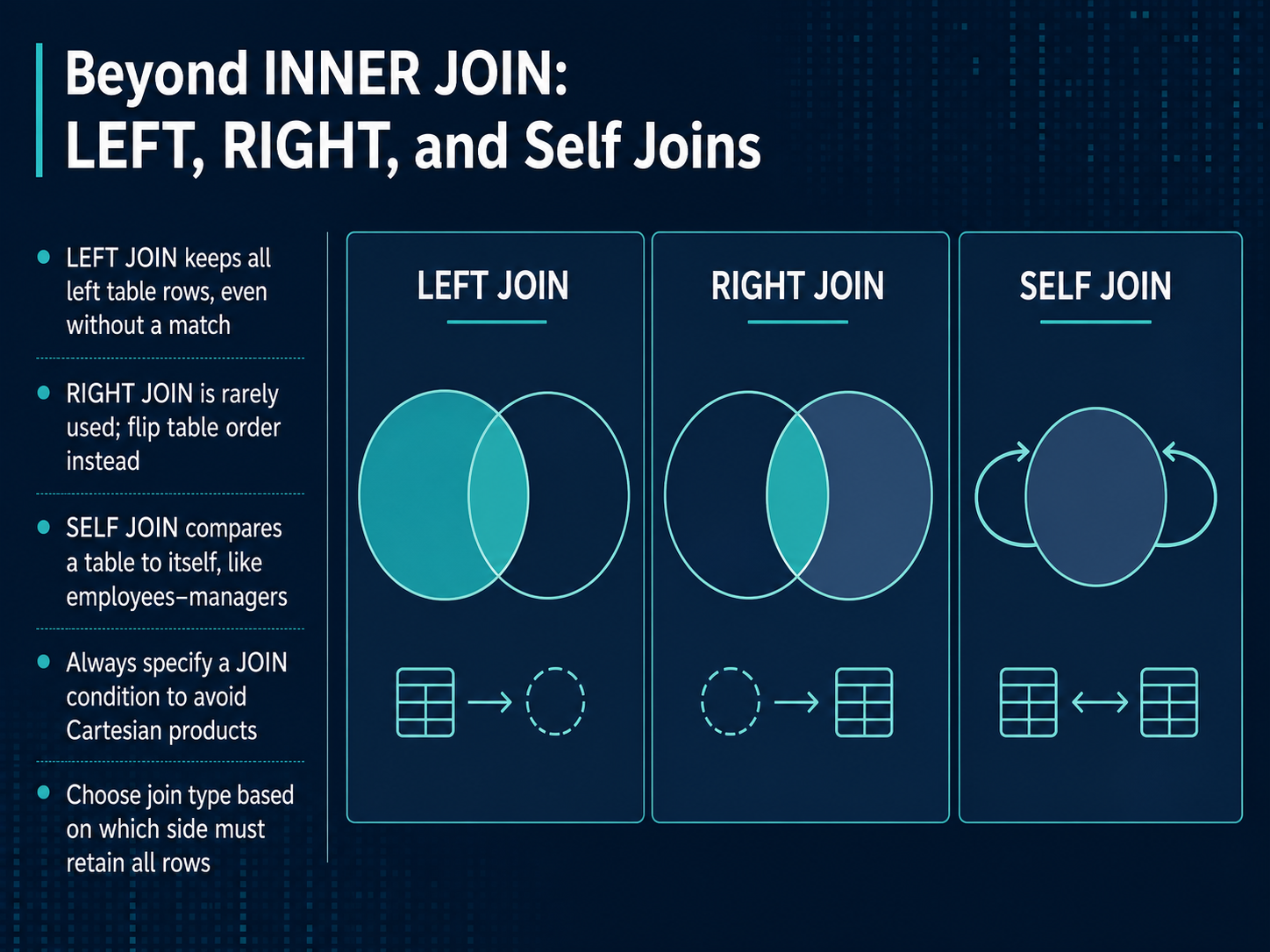
2 min - 10Beyond INNER JOIN: LEFT, RIGHT, and Self JoinsSo far, we have focused on INNER JOINs, which only show rows where both tables have a match. But what if we need to keep all records from one side, even when there is no match? That is where LEFT JOIN comes in. A LEFT JOIN keeps every row from the left table, and fills in empty values from the right table if nothing matches. RIGHT JOIN does the same in reverse, but in practice, we usually just swap the table order and use a LEFT JOIN instead. There is also a SELF JOIN, which is simply a table joining back to itself. This is useful for hierarchies, like linking employees to their managers inside the same employee table. Before we leave joins, one important rule: always set a join condition. Without it, you get a Cartesian product, where every row from one table is paired with every row from the other, which is rarely what we want. So, choose your join type based on which side must keep all its rows. Next, we will look at how to sort, group, and summarize our data to answer even more interesting questions.
 2 min
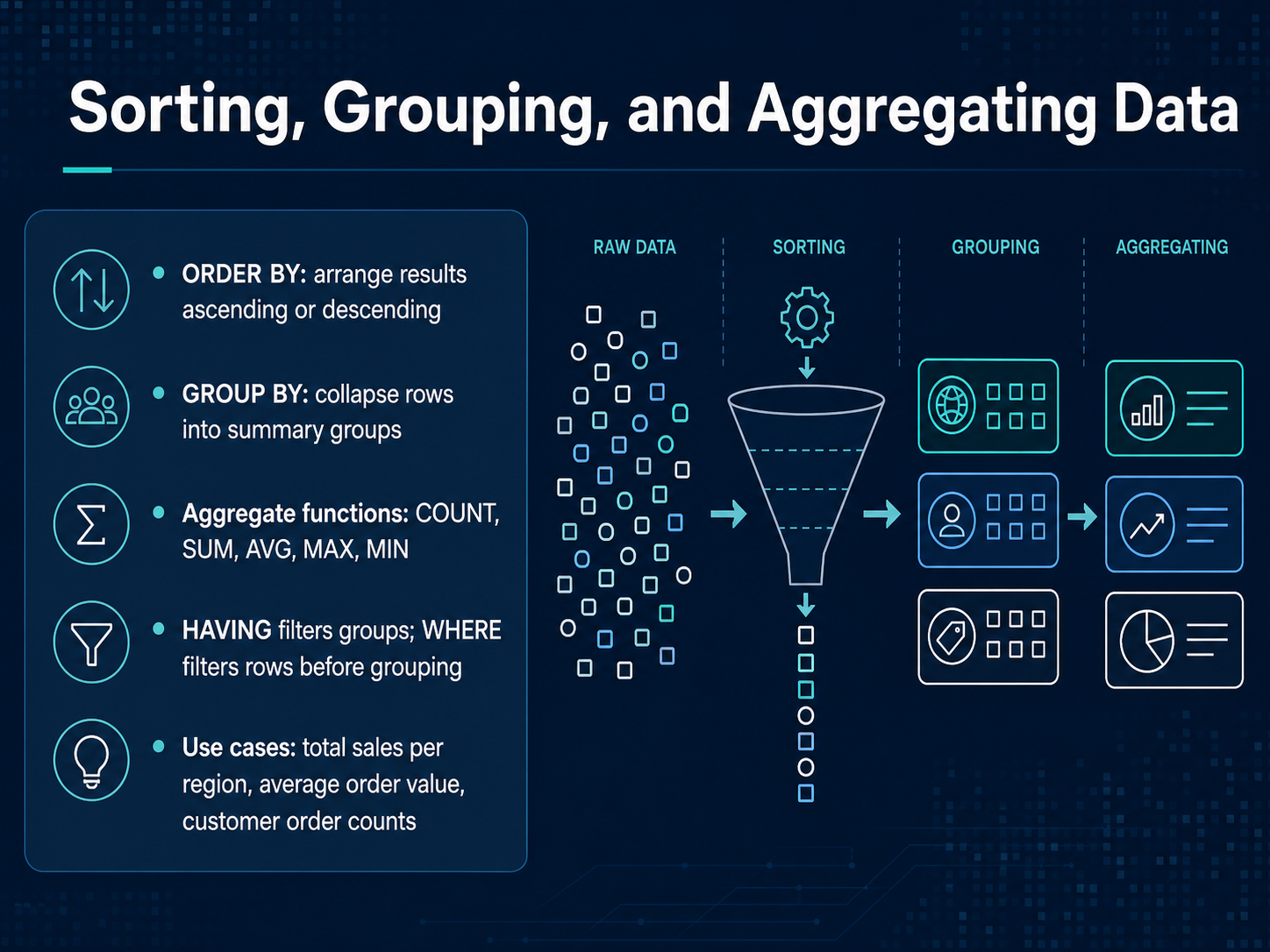
2 min - 11Sorting, Grouping, and Aggregating DataNow that we can pull data from our tables, let's make sense of it by sorting, grouping, and creating summaries. First, sorting is straightforward. Use ORDER BY to arrange your results in ascending or descending order, just like sorting a column in a spreadsheet from A to Z, or largest to smallest. Grouping is where we start to see the real power of a database. The GROUP BY clause lets us collapse rows into summary groups. Think of it like taking a long list of receipts and stacking them by store location. Once you have your groups, you can use aggregate functions to do the math. We have COUNT to tally items, SUM to add them up, AVG for the average, and MAX or MIN to find the highest or lowest value. There is also a filtering rule here. WHERE filters individual rows before they are grouped, while HAVING filters the summary groups themselves. This lets you ask questions like, 'Show me total sales per region, but only for regions where the total exceeds ten thousand dollars.' Common use cases include calculating total sales per region, finding the average order value, or counting how many orders each customer has placed. Up next, we will look at keeping all this data safe with normalization and constraints.
 2 min
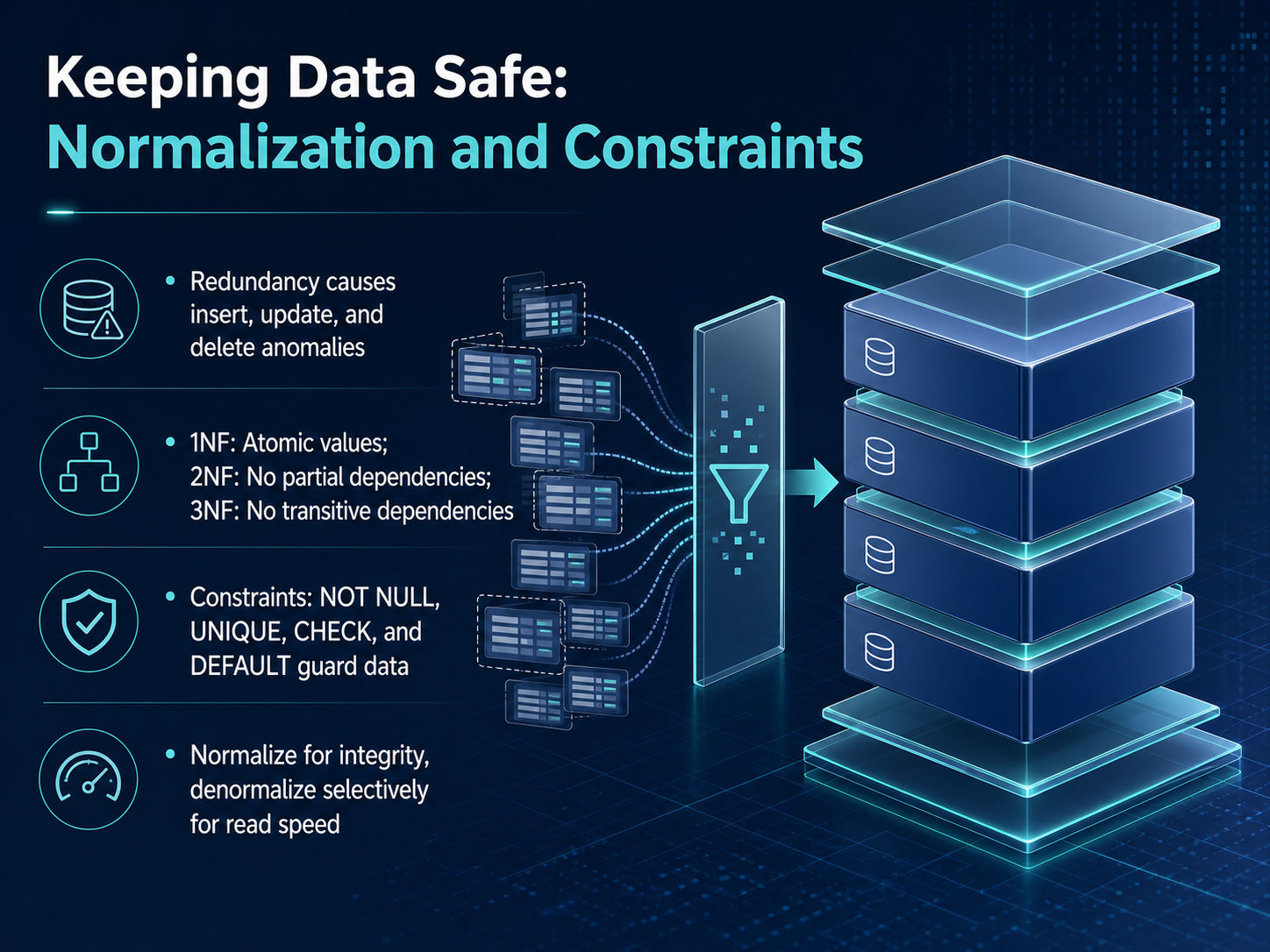
2 min - 12Keeping Data Safe: Normalization and ConstraintsNow, how do we keep all that data safe and tidy? We use two big ideas: normalization and constraints. Think of normalization as a set of rules for organizing your filing cabinet so you don’t keep writing the same customer’s address on ten different forms. When you repeat the same information everywhere, you create problems. Updating that address in one place but not another is an update anomaly. Inserting a new order for a customer who hasn’t bought anything yet can be tricky without a proper customer record—that’s an insert anomaly. And deleting the last order might accidentally delete the customer’s details entirely, which is a delete anomaly. Normalization fixes this through progressive forms. First normal form says each cell holds a single, atomic value—no packing multiple phone numbers into one field. Second normal form removes partial dependencies, and third normal form removes transitive dependencies. We don’t need to memorize the rules right now, just know that each step makes our data more independent and less repeated. On the other hand, constraints are guards we put directly on our tables. We can say a column is NOT NULL, so it must have a value. We can make a value UNIQUE, like a username. We can add a CHECK, like ensuring a price is positive, and provide a DEFAULT value when none is given. We normalize for integrity, to keep our source of truth clean. Later, for reporting speed, we might selectively denormalize, creating some copies on purpose. We’ll see how this clean backend structure powers entire applications next.
 2 min
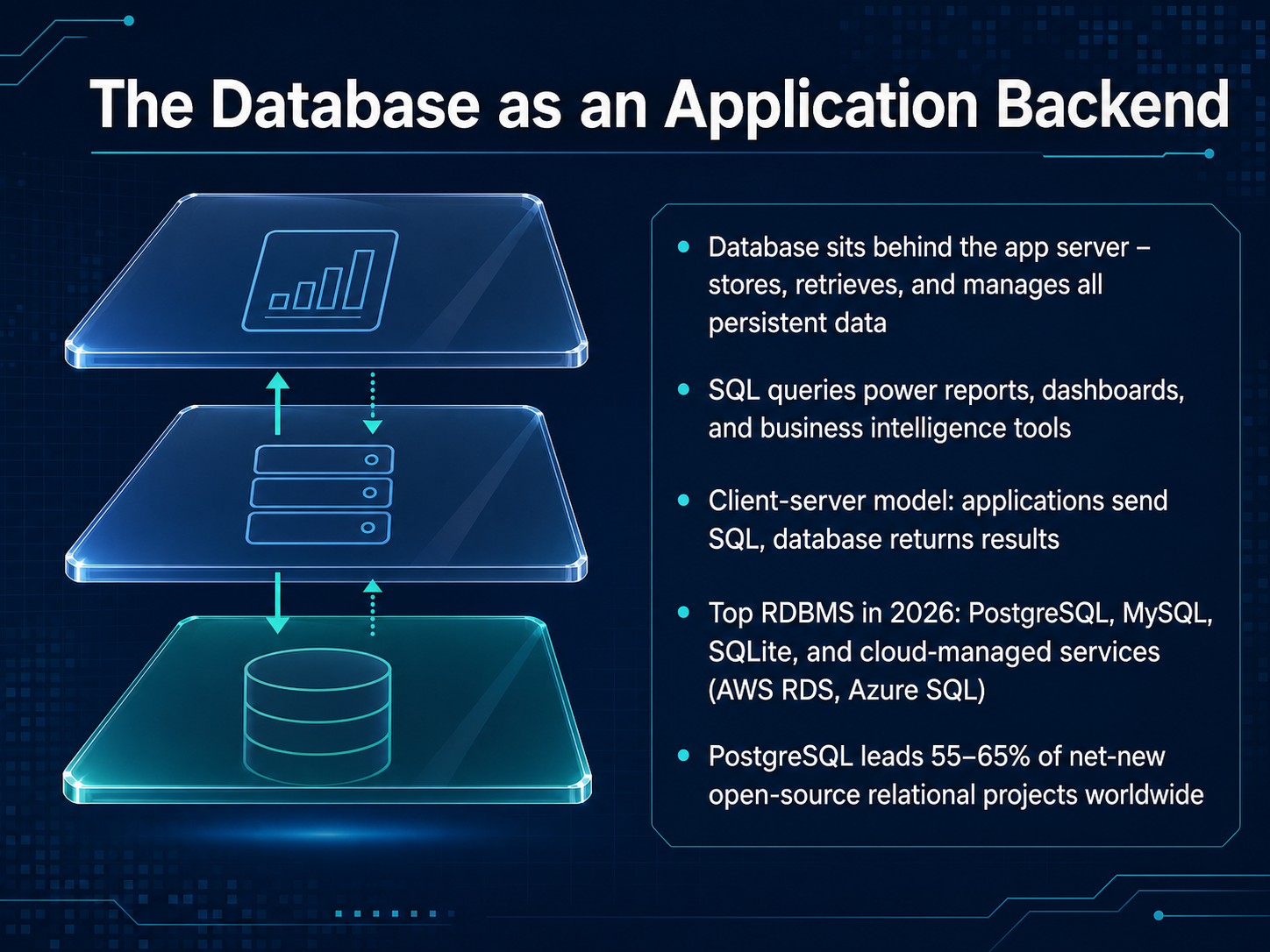
2 min - 13The Database as an Application BackendNow, let's pull the camera back and see where the database lives in the big picture. Think of the database as the application backend. It sits quietly behind the app server, and its main job is storing, retrieving, and managing all the persistent data—the information that needs to stick around even after you close the app. When you look at a sales report or a dashboard, those SQL queries we talked about are what power that view. This is called the client-server model: applications send SQL requests, and the database returns the results. So, which tools are companies choosing today? In 2026, the top relational databases include PostgreSQL, MySQL, SQLite, and cloud-managed services like Amazon RDS and Azure SQL. Among these, PostgreSQL has really taken the lead for new projects, capturing an estimated 55 to 65 percent of net-new open-source relational projects worldwide. Next, we’ll explore how to choose the right database for your project.
 6sense.comgiiresearch.comtheregister.com+21 min
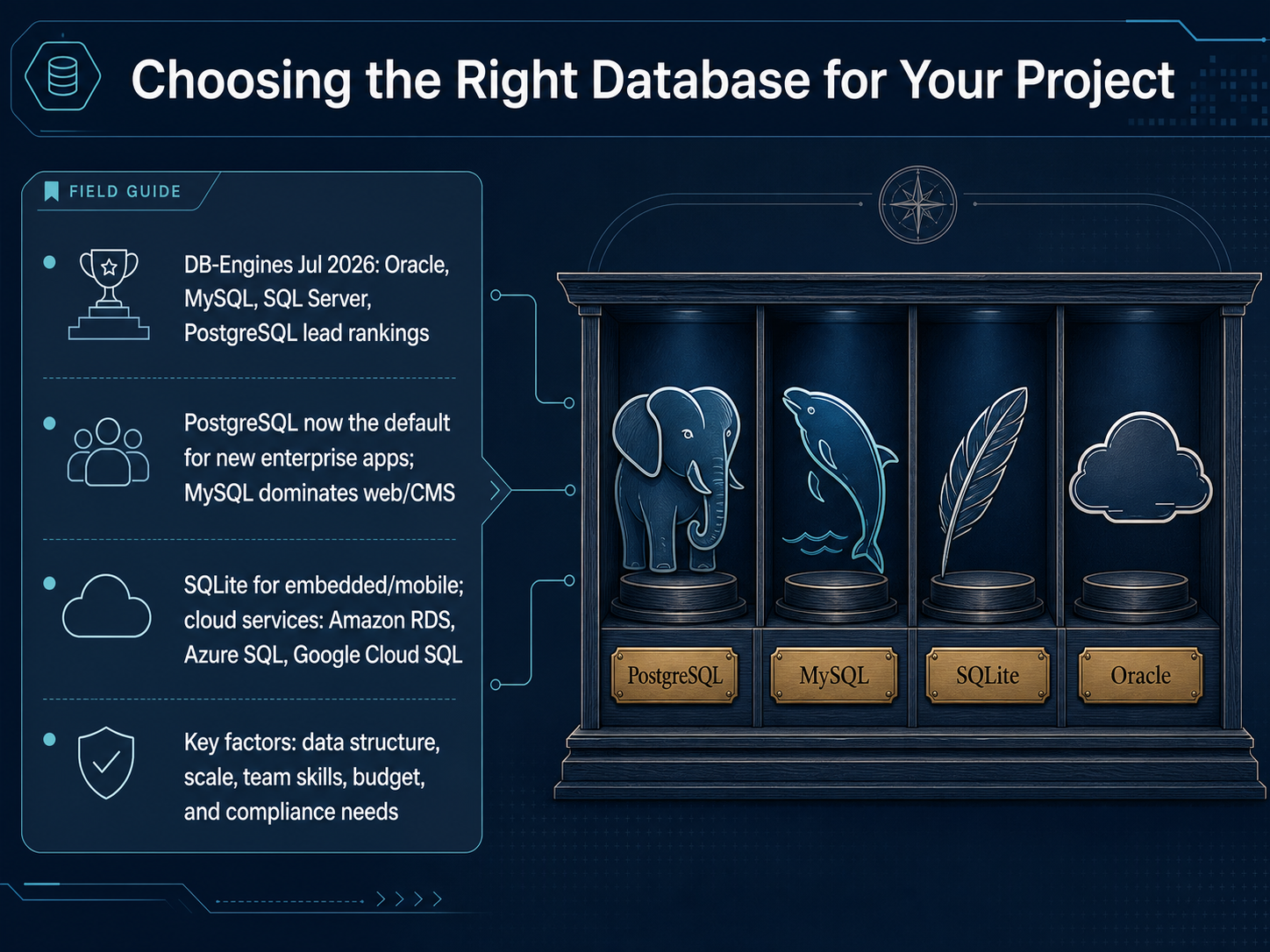
 - 14Choosing the Right Database for Your ProjectSo how do we choose the right database for a project? Let's look at the current landscape. According to the July twenty twenty-six DB-Engines rankings, the top four relational databases by popularity are Oracle, MySQL, Microsoft SQL Server, and PostgreSQL. But popularity isn't everything. For brand-new enterprise applications, PostgreSQL has become the default choice, while MySQL still dominates the world of websites and content management systems like WordPress. For mobile apps or embedded devices, think of SQLite as a tiny, self-contained filing cabinet that doesn't need a separate server. And if you don't want to manage hardware, cloud services like Amazon RDS, Azure SQL, and Google Cloud SQL are ready to go. When you compare options, focus on a few key factors: the structure of your data, the scale you need, your team's existing skills, your budget, and any compliance rules you must follow. Now, let's move from theory to practice. Up next, we'll get hands-on in a safe sandbox environment and write our first SQL queries.
 6sense.comgiiresearch.comtheregister.com+22 min
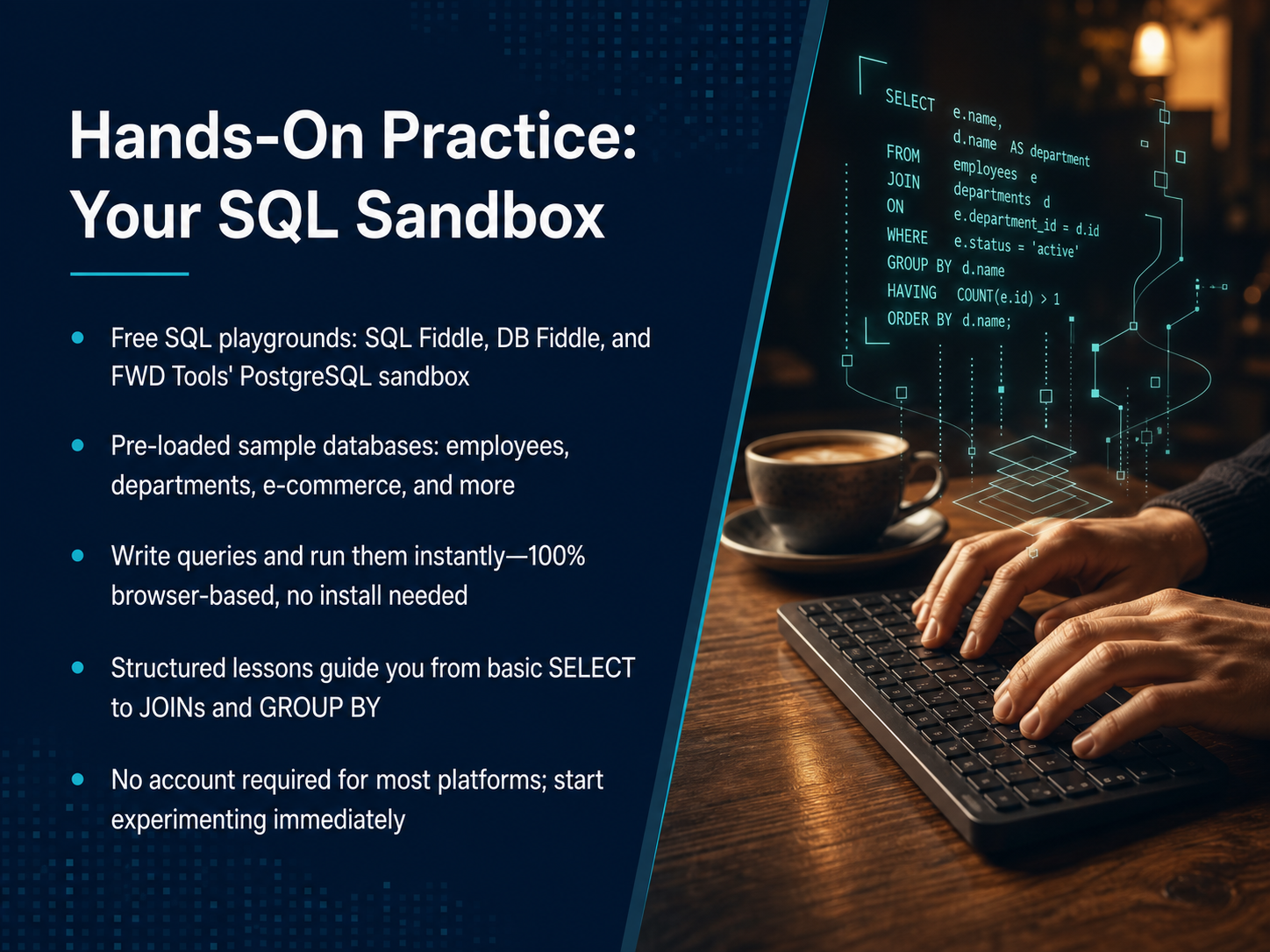
 - 15Hands-On Practice: Your SQL SandboxNow, let’s talk about where you can actually go to start writing your own queries. The best way to learn is to experiment, and there are amazing free sandboxes that let you do exactly that right in your browser. No installs, no account setup. You can think of these as a digital workbench with filing cabinets already full of sample data. Sites like SQL Fiddle, DB Fiddle, and FWD Tools’ PostgreSQL playground give you pre-loaded databases, covering things like employees, departments, and online stores. You can write a SELECT statement, hit run, and instantly see the results. It’s perfectly safe to make mistakes, because you can just reset the data. These platforms even have structured lessons that walk you from retrieving single columns, all the way up to joining multiple tables and grouping your results. So, grab your favorite browser, pick a sandbox, and just start poking around. Let’s shift gears now and look at your next steps and learning resources.
 sqlfiddle.comdbfiddle.devsql-practice.online+22 min
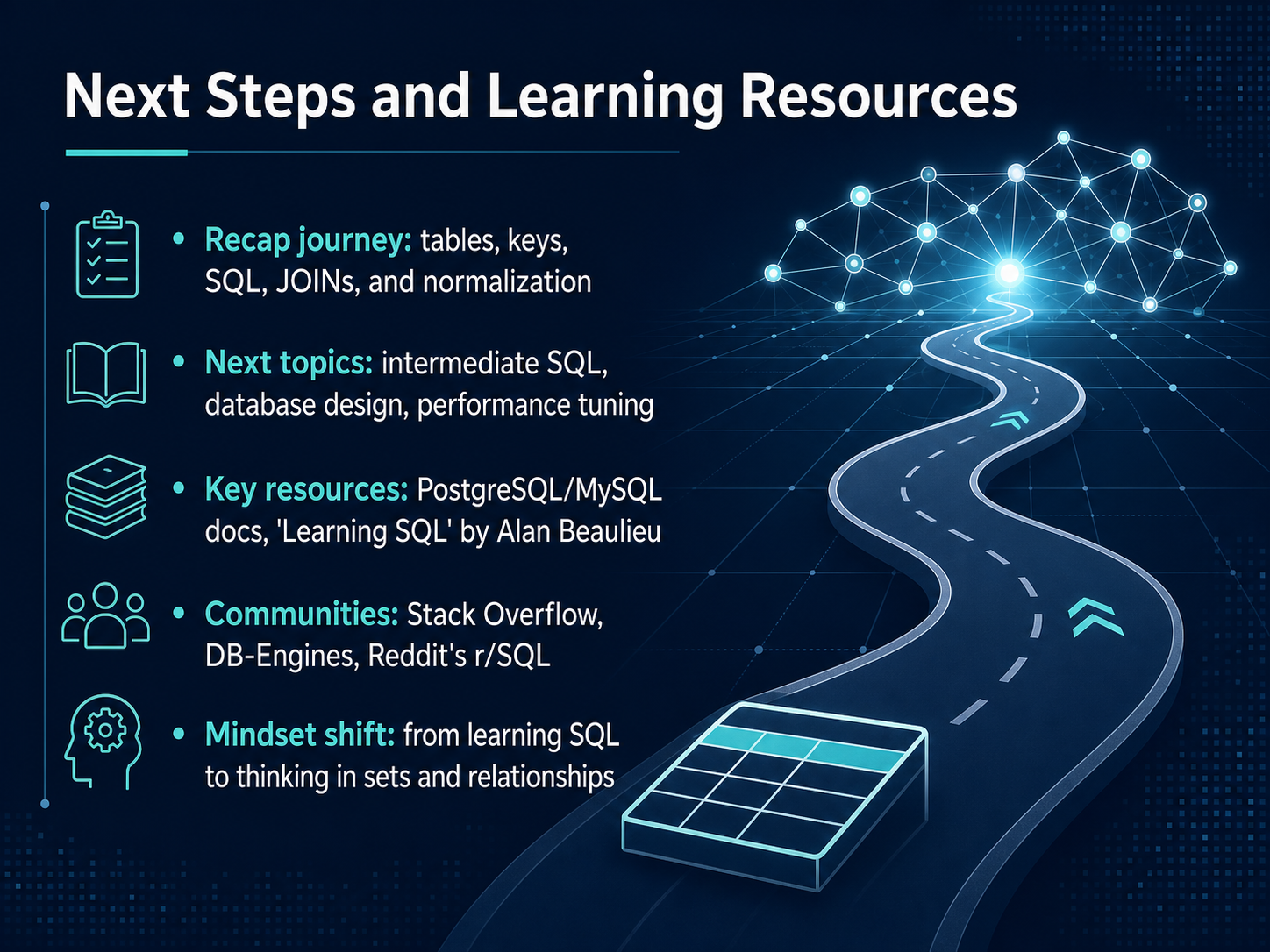
 - 16Next Steps and Learning ResourcesWell, look at how far we've come. We started by thinking about tables as simple lists and spreadsheets. Then we learned how primary keys and foreign keys connect those lists, just like customer IDs linking orders to the right people. We saw how SQL lets us ask questions and pull data from a single filing cabinet, and then how JOINs let us combine information from several cabinets at once to get a complete picture. Finally, we talked about organizing everything neatly through normalization, to avoid repeating ourselves. From here, you might explore more complex SQL, learn how to design a database from scratch, or understand how to make queries run faster. A great next step is to read a book like 'Learning SQL' by Alan Beaulieu, or just dive into the official documentation for PostgreSQL or MySQL. You don't have to do this alone. Communities like Stack Overflow and the r/SQL subreddit are full of people who were once beginners too. The biggest shift now is to start seeing your data not as isolated facts, but as a network of connected sets and relationships. That's the real key. Thank you for joining me on this journey. Keep practicing, stay curious, and I'm excited for the data models you'll build next.
 2 min
2 min
Take the deck with you
Download this course as a file — free, no sign-up needed.
- PDF handoutEvery slide page, ready to print or share.17 pages · 4.1 MBDownload
- Narrated PowerPointThe deck that presents itself — every slide carries the digital human's narration video.17 pages · 16.2 MBDownload
- PowerPoint slidesThe full deck as a .pptx — open it in PowerPoint, Keynote, or Google Slides.17 pages · 4.1 MBDownload
Free to use in your own training — please keep the PersonWise credit page at the end.
Have your own deck? Turn it into a course
Sources consulted
Web sources consulted while building this course.
- Best Relational Databases Software in 2026 — 6sense.com
- Relational Database Global Market Report 2026 — giiresearch.com
- The DBMS chart that shows Oracle's crown is slowly slipping — theregister.com
- Relational Database Market Size, Share Report 2035 — thebusinessresearchcompany.com
- PostgreSQL Secures 55–65% of Net‑New Open‑Source Relational Projects in 2026 - M'Tech Research — mtechresearch.tech
- SQL Mistakes Beginners Don’t Realize They’re Making | by Keyur Harsora | Stackademic — blog.stackademic.com
- 10 Common SQL Mistakes and How to Fix Them (2025 Guide) | AI2sql — ai2sql.io
- You Think You Know SQL… But These 10 Mistakes Prove You’re Still Writing Baby Queries | by Build & Learn | Stackademic — blog.stackademic.com
- The #1 SQL Mistake Every Beginner Makes (And How to Fix It) - The Data Alchemist — thedataalchemist.co
- 7 SQL Mistakes Every Beginner Makes (I Made Them Too) | by Priti Nagi | Data Engineer | May, 2026 | Medium — medium.com
- SQL Fiddle - Online SQL Compiler for learning & practice — sqlfiddle.com
- DB Fiddle — dbfiddle.dev
- SQL Practice Online — Free SQL Compiler & Editor — sql-practice.online
- Free Online SQL Compiler - SQL Practice Online Platform — sqlpractice.in
- Free SQL Playground — Real PostgreSQL in the Browser | FWD Tools — fwdtools.com