Begin
14 pages · ~28 min
UX Design Research Tools for Agile Teams
Learn to integrate UX research tools effectively within agile workflows, covering rapid testing, collaboration, and data-driven design decisions for product teams.
A digital instructor presents all 14 pages. Hold “Ask” at any point and ask out loud — the answer comes from this course. No sign-up needed.
What you’ll learn
- 01UX Design Research Tools for Agile TeamsWelcome. If you're on a UX or product team working in Agile, you know the tension well: research takes time, sprints don't wait. The fix isn't more hours — it's the right tools and the right rhythm. In this training, we'll explore how to run continuous research inside your sprint cycles, not as a separate waterfall phase. You'll learn which tools deliver fast insight with lightweight evidence. You'll see how to balance research rigor with sprint velocity. And you'll get a practical framework for selecting, adopting, and measuring research tools that fit your team's cadence. By the end, you'll have a clear path to make research a natural part of every sprint. Let's start by looking at where traditional research breaks down — and why the sprint clock demands a new approach.koji.somaze.cogreatquestion.co+21 min
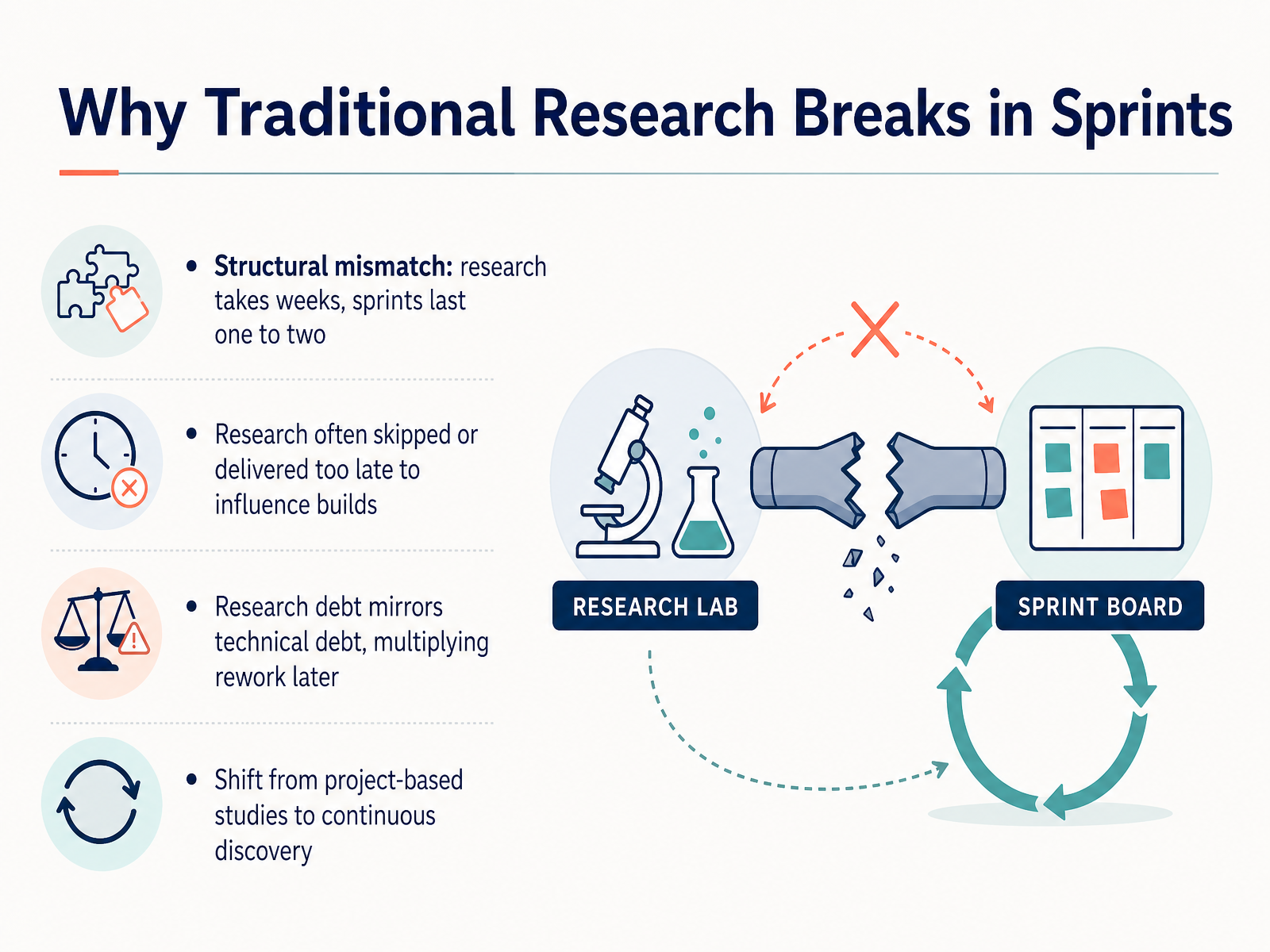
- 02Why Traditional Research Breaks in SprintsLet’s talk about why traditional research breaks in sprints. The structural mismatch is the first problem. A typical research study needs weeks for recruiting, moderation, and analysis. Your sprint lasts one or two weeks. The math simply does not fit. The result is predictable. Research gets skipped, or it lands too late to influence what the team is building right now. That creates what we call research debt. It works exactly like technical debt. Every unanswered question multiplies rework later, and the cost compounds. The fix is not to run studies faster. The fix is to change the model. Stop treating research as a project with a start and an end date. Move to continuous discovery. Small batches of interviews every week, focused on the open questions your team is deciding on right now. That shift is what makes research fit inside an agile rhythm instead of fighting it. Next, let’s look at what agile actually requires from research.
 koji.somaze.cogreatquestion.co+21 min
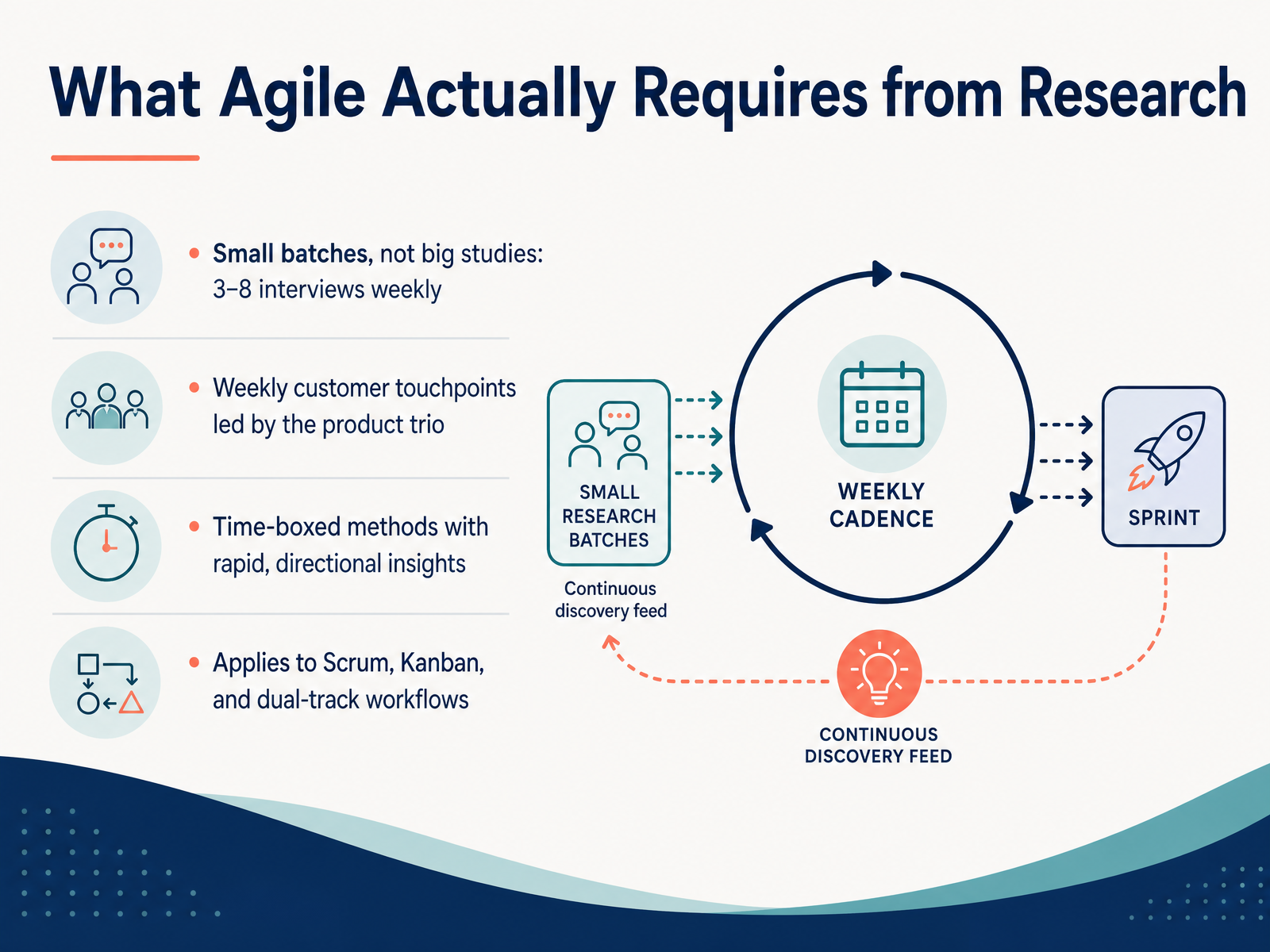
 - 03What Agile Actually Requires from ResearchNow let’s talk about what agile actually requires from research. It’s not about bigger studies—it’s about smaller, more frequent ones. Aim for three to eight interviews per week, not thirty-participant marathons. That small batch keeps insights fresh and decisions moving. Second, make customer contact a weekly habit, led by the product trio—the product manager, designer, and engineer. When all three join the same call, they share the same evidence and can act on it together. Third, time-box your methods. Use fast, directional tools like prototype tests or async interviews that give you signal in hours, not weeks. And finally, this rhythm applies across frameworks—Scrum, Kanban, and dual-track workflows. Discovery runs alongside delivery, not before it. This is how research stays embedded in the sprint cycle. Now let’s map these needs to the tools that fit each stage of the lifecycle.
 ixdf.orgjpattonassociates.comblog.logrocket.com+21 min
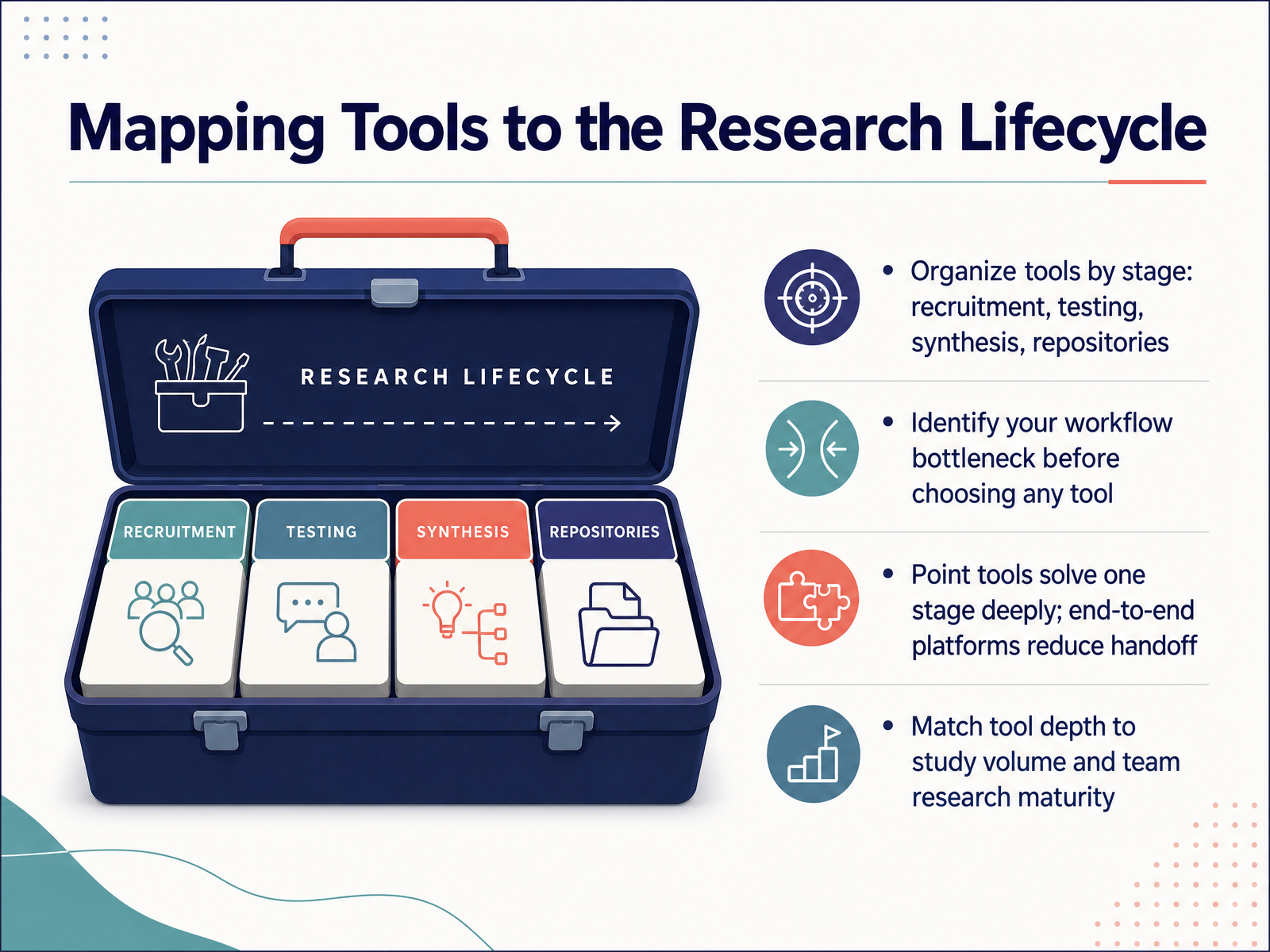
 - 04Mapping Tools to the Research LifecycleLet’s map tools to the research lifecycle. Think in four stages: recruitment, testing, synthesis, and repositories. Before you pick any tool, find your bottleneck. Is recruiting slow? Is synthesis eating your sprint? That’s where you invest. Point tools solve one stage deeply. End-to-end platforms reduce handoff. Match tool depth to your study volume and team maturity. A small team running a few tests a sprint can thrive with a point tool like Maze or Lyssna. A mature org running continuous research may need a full platform like Great Question or UserTesting. The rule is simple. Start with the bottleneck, not the brand. Choose the tool that removes friction where you feel it most. Then, as your practice matures, consolidate. Next, let’s talk remote usability testing and prototype feedback.
 userinterviews.comcleverx.comfigr.design+21 min
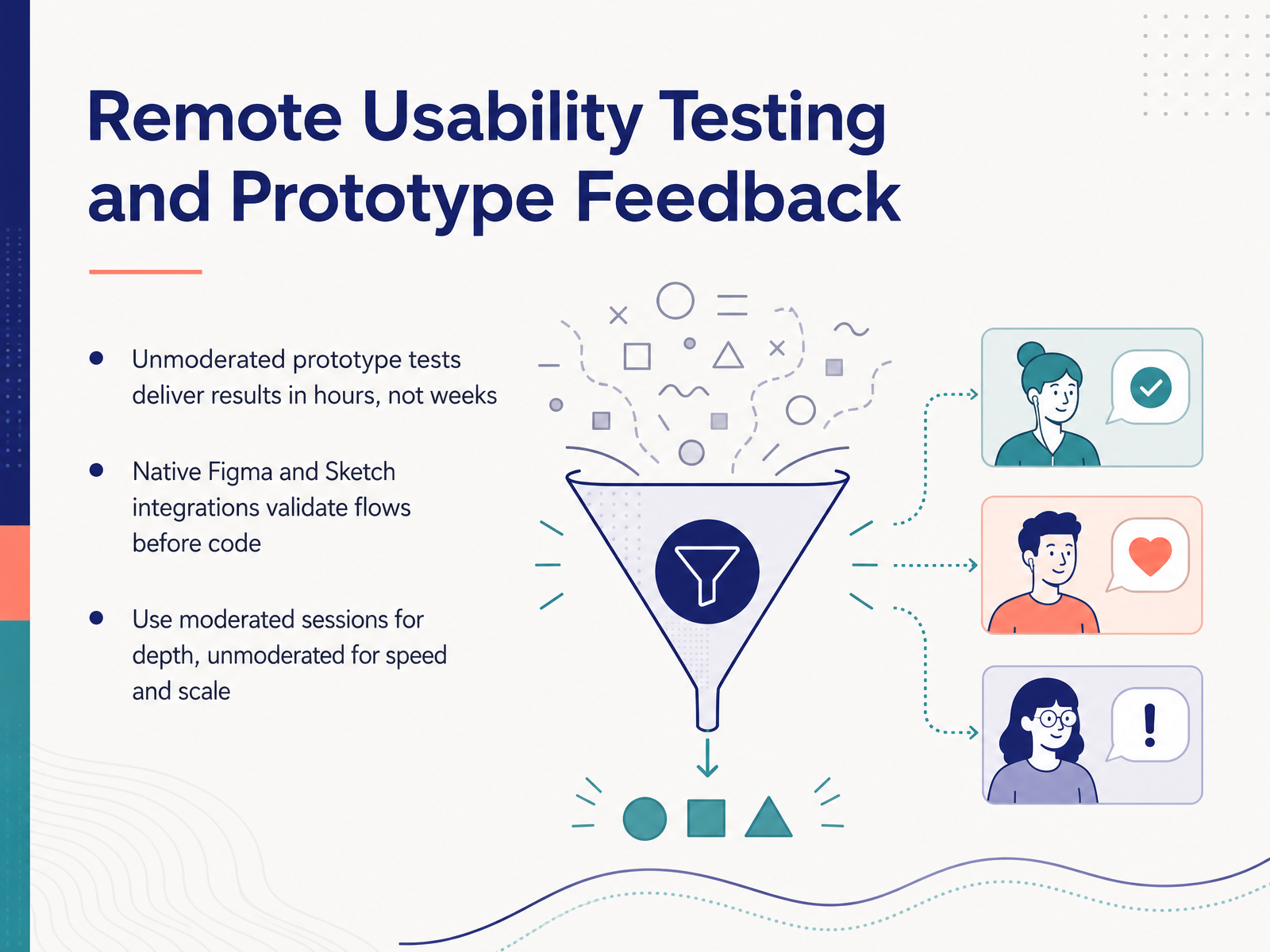
 - 05Remote Usability Testing and Prototype FeedbackNow let’s talk about remote usability testing and prototype feedback. When your team needs to validate a flow before sprint review, unmoderrated tests are the fastest path. Tools like Maze and Useberry plug directly into Figma and Sketch, so you can launch a study in minutes and get results in hours, not weeks. No scheduling, no moderator. Participants complete tasks on their own, and the platform automatically scores completion rates, misclicks, and time on task. For example, test three variants of your checkout flow side by side, and you’ll know which one survives contact with real users before you write a line of code. But unmoderated tests have a ceiling. They show you where users struggle, not always why. That’s where moderated sessions come in. Use a tool like Lookback for live, one-on-one sessions when you need to probe deeper into a confusing interaction or observe body language and hesitation in real time. The tradeoff is speed. Moderated sessions take time to schedule and run, so reserve them for high-risk flows or complex logic. A solid rhythm looks like this: run unmoderated tests early and often to catch obvious issues, then bring in moderated sessions when you need depth before a major commit. That balance keeps your sprint moving and your design grounded in evidence. Next, we’ll look at how analytics, session replay, and heatmaps give you quantitative signals from the live product.
 maze.couseberry.comrelease-docs.protopie.io+22 min
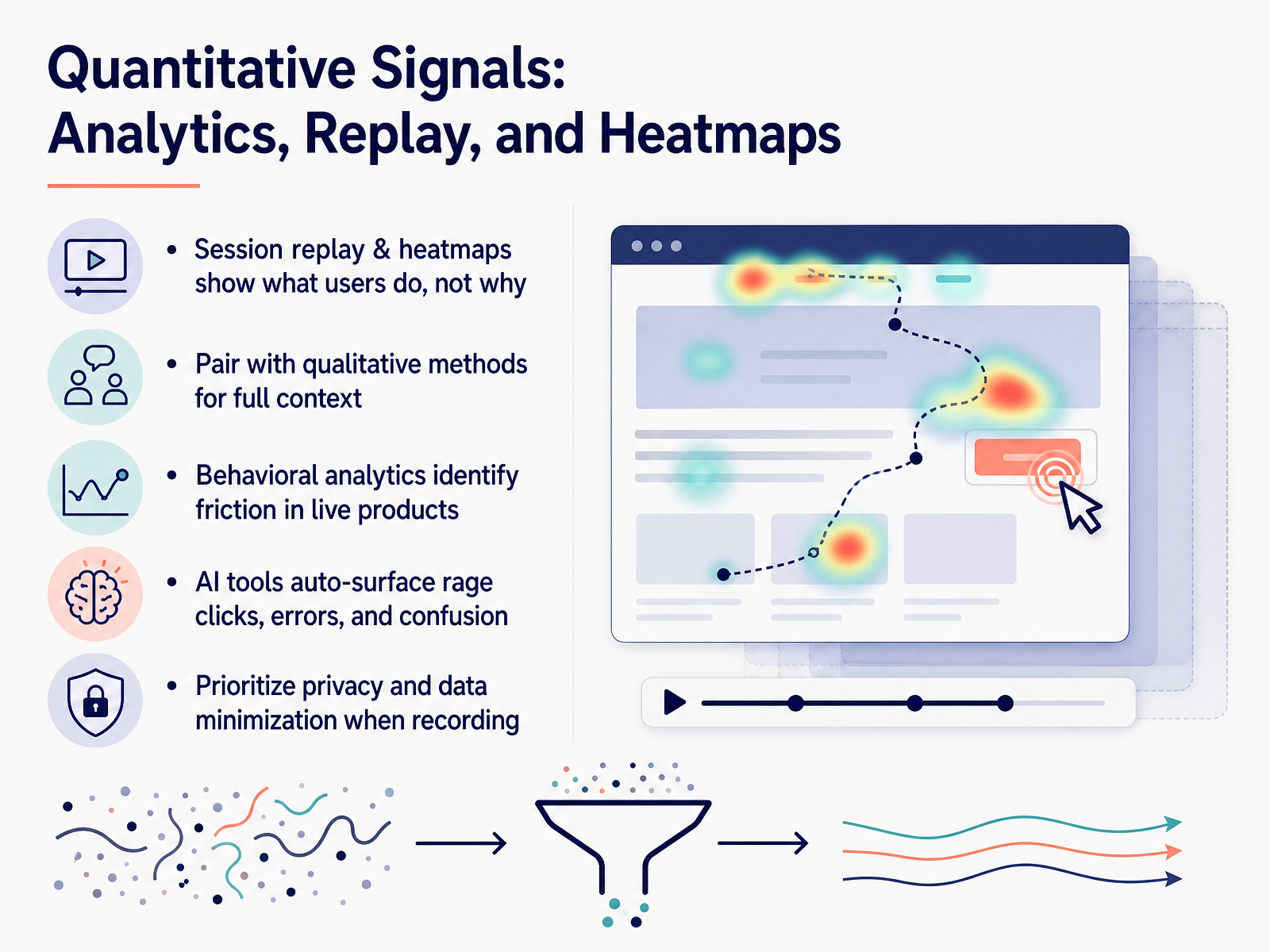
 - 06Quantitative Signals: Analytics, Replay, and HeatmapsLet’s shift from talking to users to watching what they actually do. Session replay and heatmaps show you behavior — where users click, scroll, hesitate, and abandon. Tools like FullSession, UXCam, and Hotjar capture these signals on live products. But remember: they show what happened, not why. A rage click tells you there’s friction. It doesn’t tell you the user’s intent. That’s why you pair these tools with qualitative methods. Watch a replay, then run a targeted interview or a micro-survey to get the story behind the behavior. Modern platforms use AI to do the heavy lifting. They automatically surface rage clicks, JavaScript errors, and signs of confusion — like rapid mouse movement or repeated form submissions. This saves your team hours of manual session review. Revisit even auto-creates Jira tickets from detected issues. When you set this up, prioritize privacy from day one. Mask sensitive input fields, avoid recording passwords or payment details, and apply data minimization. Event-based recording, rather than full-screen video, gives you the insight you need without the liability. Use these signals to prioritize fixes in your backlog — then confirm the fix moved the metric. That closes the loop. Up next, we’ll look at research repositories and shared team memory.
 getperspective.aiuserinterviews.comcleverx.com+21 min
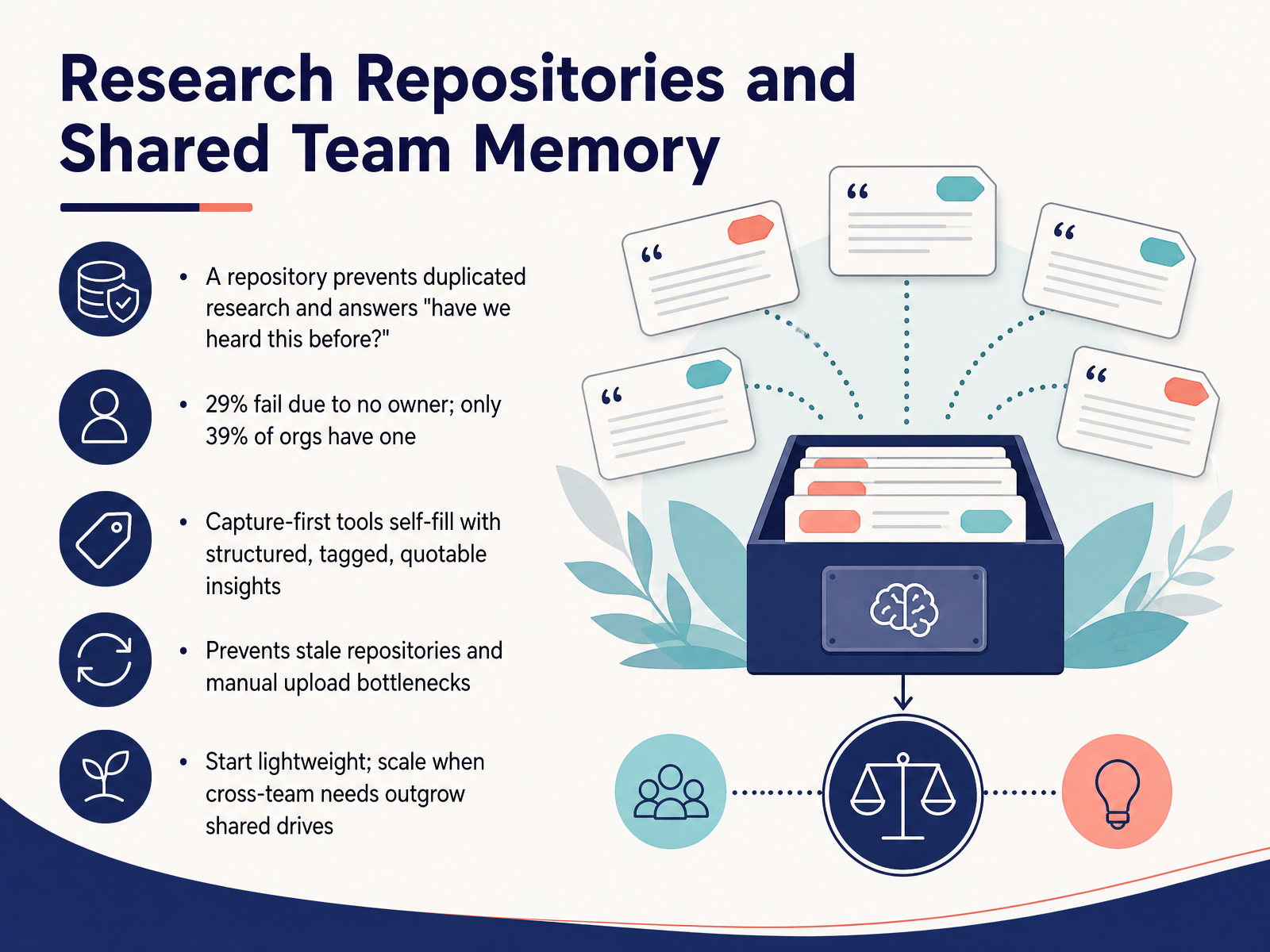
 - 07Research Repositories and Shared Team MemoryNow let’s talk about where all that research lives. A research repository prevents duplicated work and answers the question, “Have we heard this before?” But here’s the sobering stat: twenty-nine percent of repositories fail because nobody owns them, and only thirty-nine percent of organizations even have one. So the real challenge isn’t the tool—it’s keeping it alive. Capture-first tools solve this by self-filling with structured, tagged, quotable insights. No manual uploads, no stale archives. When your team faces the “where did that insight go?” moment, a self-filling repository means the answer is already there. Start lightweight—a simple tool your team will actually use. Scale when cross-team needs outgrow shared drives. Next, let’s look at how AI-native research becomes the sprint catalyst.
 getperspective.aiuserinterviews.comcleverx.com+21 min
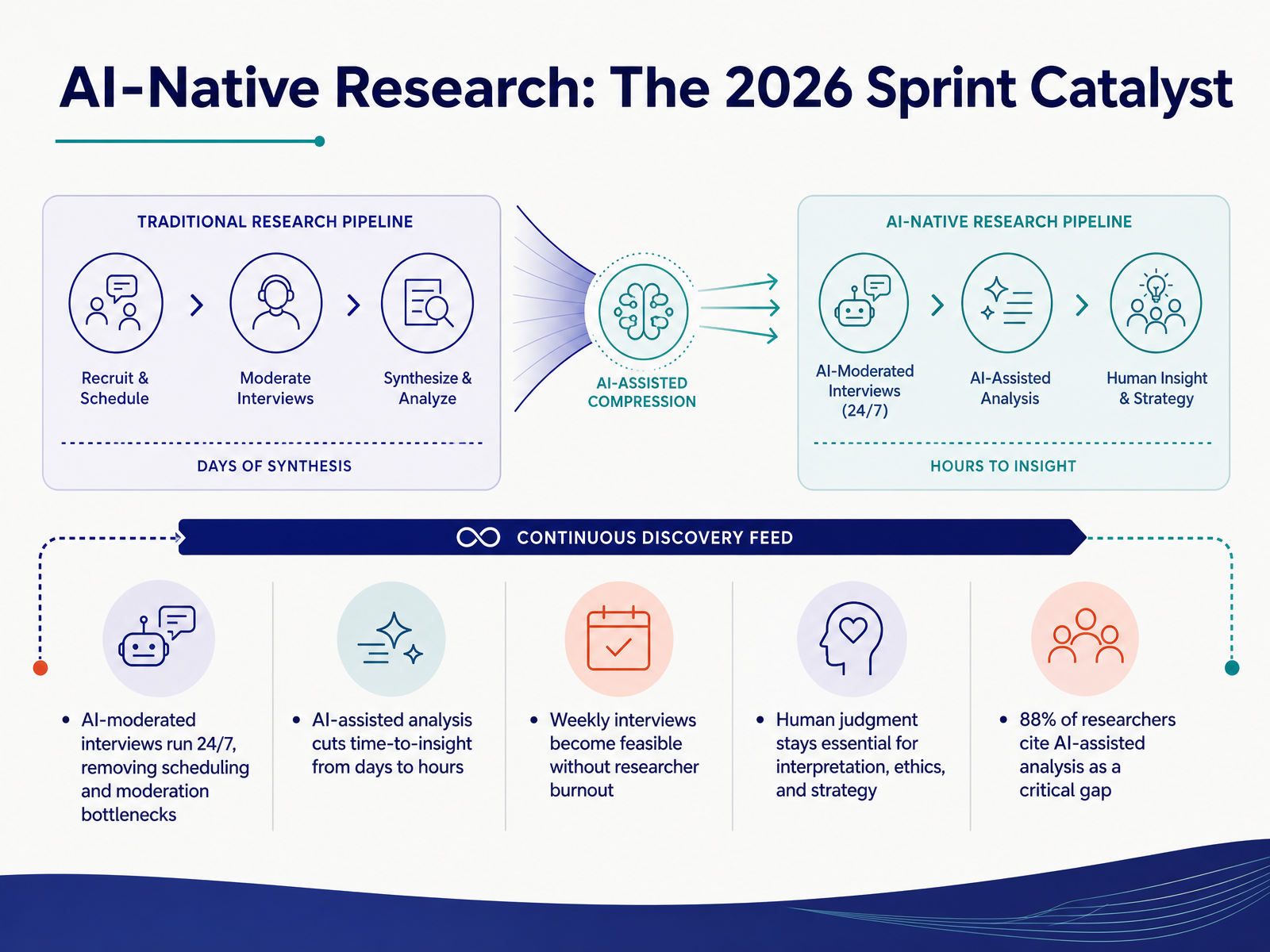
 - 08AI-Native Research: The 2026 Sprint CatalystNow let's talk about the shift that's making weekly research actually feasible. AI-native research tools are the catalyst for sprint-driven teams in 2026. With AI-moderated interviews, you can run conversations around the clock. No more scheduling bottlenecks, no more moderator fatigue. Launch a study, share a link, and the AI handles the probing and follow-ups while you focus on the decisions at hand. Analysis is where the time savings really add up. What used to take days now compresses into hours. That means weekly interviews become a realistic rhythm, not a burnout risk. But here's the key: the human role doesn't disappear. You still own interpretation, ethics, and strategy. The AI surfaces themes and quotes, you decide what matters and why. The demand is clear—88 percent of researchers now cite AI-assisted analysis as a critical gap in their toolset. So when you're evaluating platforms, ask what the AI actually does with your data and where your judgment still needs to step in. That balance is what makes continuous discovery sustainable. Next, let's look at how to choose the right tools for your team.
 koji.somaze.cogreatquestion.co+21 min
 - 09Choosing the Right Tools for Your TeamNow let's talk about choosing the right tools for your team. This decision can feel overwhelming with so many options, but the key is to match tools to your team size and research maturity. A small startup needs lightweight, affordable tools that anyone can pick up quickly, while an enterprise team needs security, compliance, and integration capabilities from day one. Next, select based on your most frequent method, not the feature count. If you run usability tests every sprint, get a platform with deep usability features. Don't be tempted by an all-in-one that does everything only adequately. Fewer tools with deeper usage beat many underused ones. A tool your team never learns is a tool that won't deliver its value. Before committing budget, pilot on a real study. Most platforms offer fourteen to thirty day trials, so use them. Set up a test within thirty minutes, run a real study, and see if it fits your workflow. Finally, security, compliance, and data residency are gating criteria. Check for SOC 2 Type II certification, GDPR compliance, and whether the vendor can sign a data processing agreement. Verify where data is stored and how deletion requests are handled. These requirements are non-negotiable in regulated industries. Remember, there's no universal best tool, only the right fit for your team. In the next section, we'll talk about privacy, compliance, and procurement in more depth.
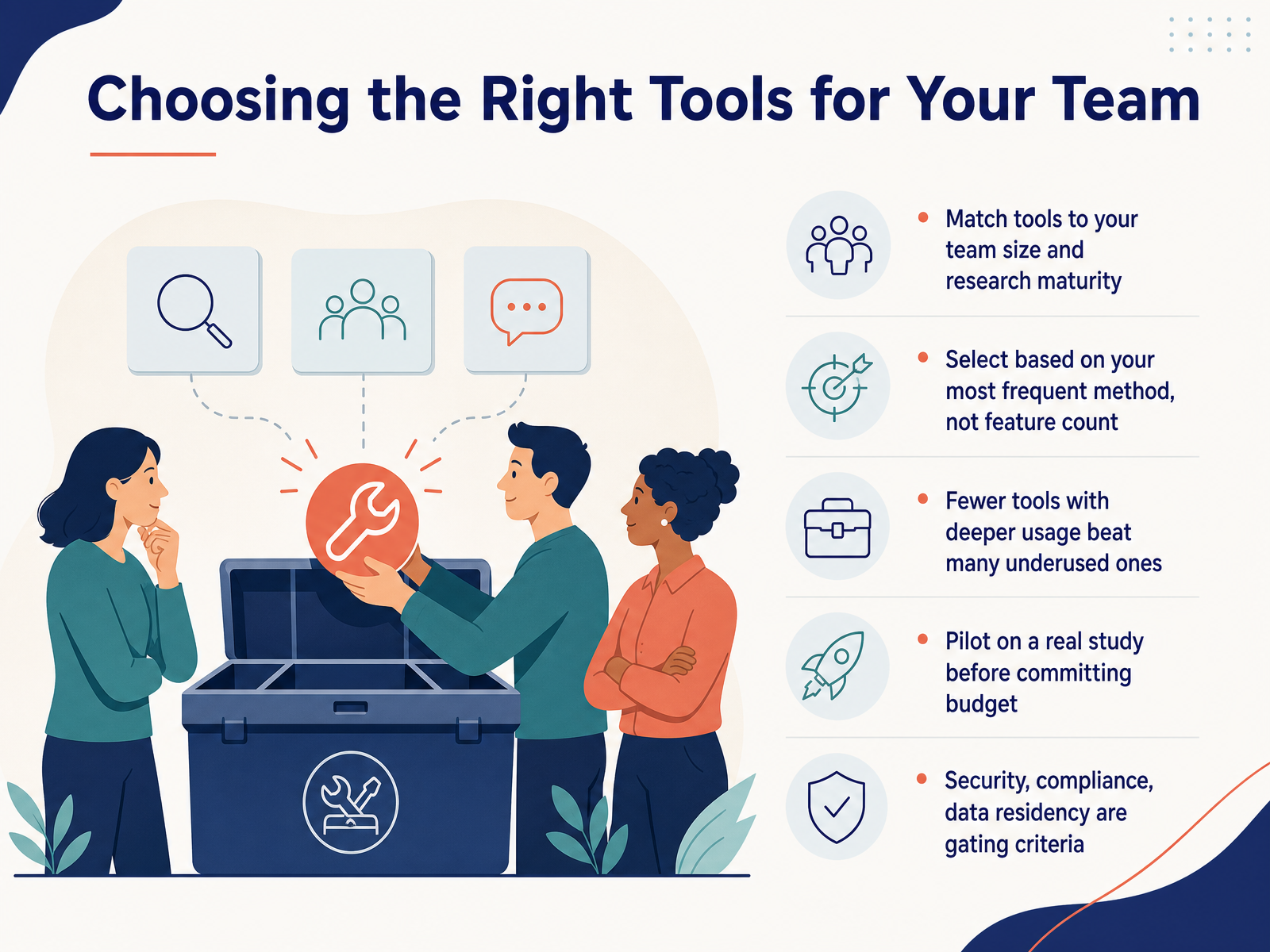 userinterviews.comcleverx.comfigr.design+22 min
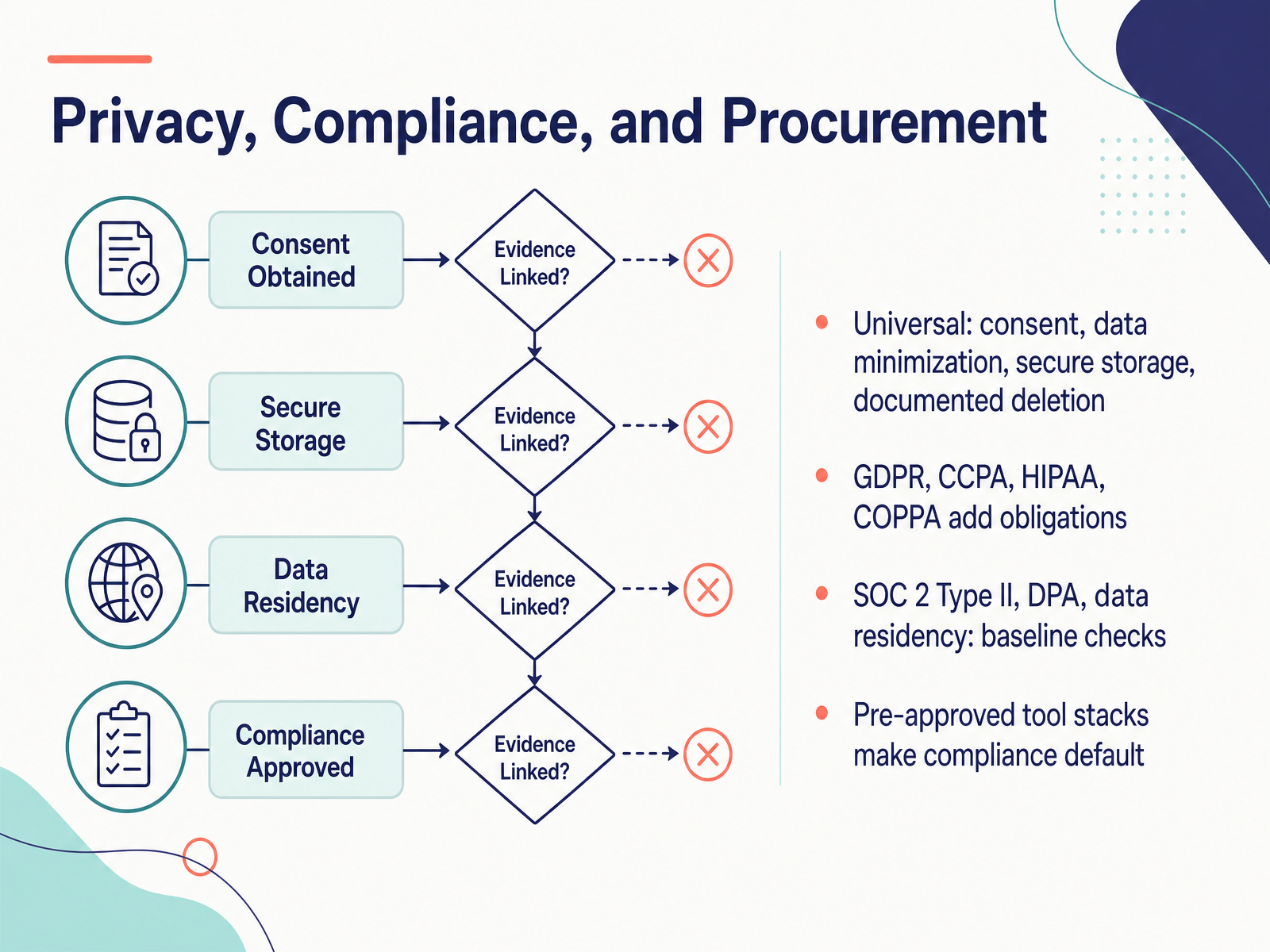
 - 10Privacy, Compliance, and ProcurementLet’s talk about the gatekeeper: privacy, compliance, and procurement. As your team evaluates tools, these three forces will shape your stack more than any feature list. Start with the universal baseline. Informed consent, data minimization, secure storage, and documented deletion. These apply to every study, no exceptions. Then layer on geography and industry. GDPR for European participants, CCPA for California residents, HIPAA for health data, COPPA for anyone under thirteen. Each one adds specific obligations to your workflow. When you shortlist a vendor, verify the fundamentals. SOC 2 Type II certification is the meaningful benchmark, not Type I. Require a data processing agreement. Confirm data residency matches your needs. And check whether the vendor uses your participant data to train AI models. That is a common hidden risk. Here is the pragmatic move for agile teams. Build a pre-approved tool stack. Have legal and security vet tools once, then make compliance the default. When your sprint starts, you should not be negotiating vendor contracts. You should be recruiting participants and running the study. The mature teams treat this as infrastructure, not as a per-study activity. Get your stack approved, then move fast. Next, let’s look at how these tools fit into your sprint rituals.
 2 min
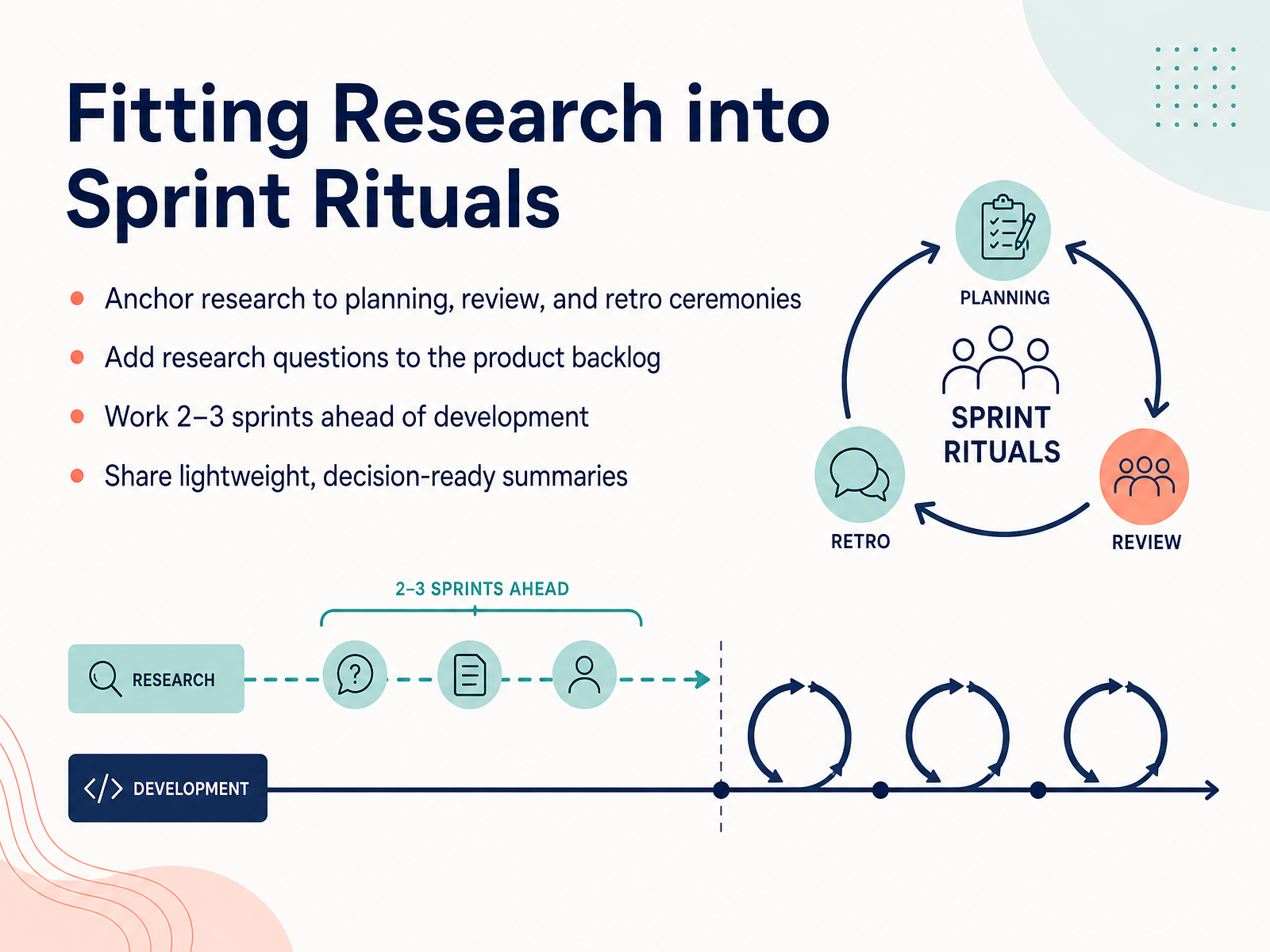
2 min - 11Fitting Research into Sprint RitualsNow let’s talk about fitting research into your sprint rituals. Start by anchoring research to the ceremonies you already have. In sprint planning, identify the biggest unknowns. Frame them as research questions, not feature requests. During the review, share what you learned. And in the retro, discuss whether the research cadence worked. Next, put those research questions directly on the product backlog. When research is invisible, it gets deprioritized. But when it sits beside feature work, everyone sees the assumptions being tested. Treat it like any other backlog item. Here’s the trick that changes everything: work two to three sprints ahead of development. Research in sprint twelve informs what gets built in sprint fourteen. That way, developers never wait on insights, and decisions are already validated when the build starts. Finally, share lightweight summaries. You don’t need a fifty-page report. Three bullets with the key findings and a supporting quote are enough. Directional data beats perfect data every time. Make it easy for engineers and product managers to act on what you found. Keep this rhythm going, and research becomes part of the sprint, not an interruption. Next, we’ll look at how collaboration and handoffs can happen without re-work.
 koji.somaze.cogreatquestion.co+22 min
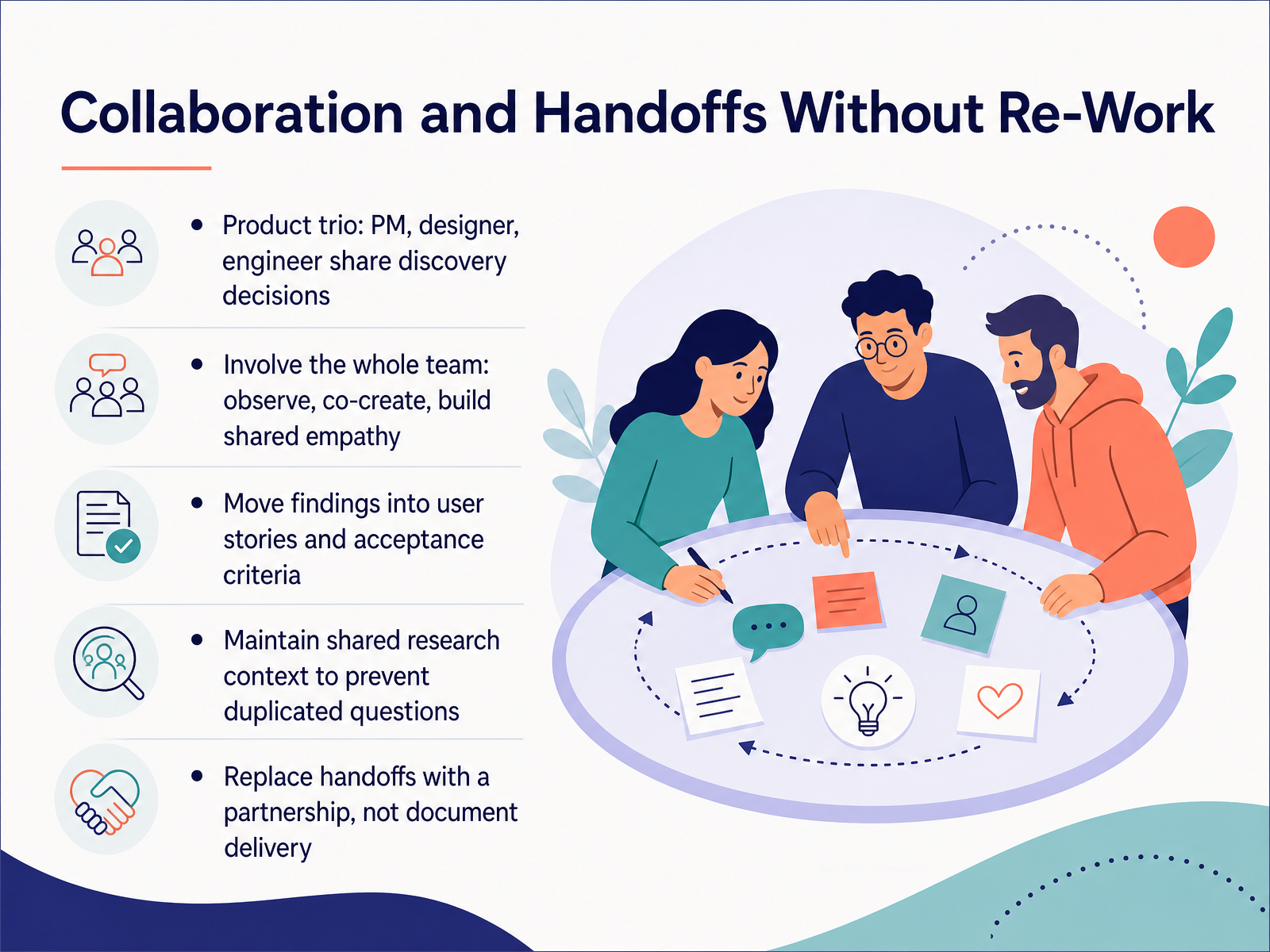
 - 12Collaboration and Handoffs Without Re-WorkLet's talk about collaboration and handoffs without rework. The old model—where the PM writes a spec, the designer hands over mockups, and the engineer estimates—is where insights go to die. Instead, build a product trio: PM, designer, and engineer sharing discovery decisions together. When your team faces a big unknown, have the trio sit in on the same interviews. Observe together. Co-create together. That shared exposure builds empathy that no readout document can replicate. Then, translate findings directly into user stories and acceptance criteria. Don't write a separate research report that gets filed away. Put the evidence right into the work item. This also means maintaining a shared research context so you stop answering the same questions twice. If someone asks, 'Have we heard this before?' you should be able to find the answer in a repository, not in someone's memory. The goal is to replace handoffs with a partnership. It's not about delivering a document; it's about making a decision together. That's how you avoid rework and keep the user at the center. Next, let's look at how to measure success and demonstrate the impact of your research.
 koji.somaze.cogreatquestion.co+22 min
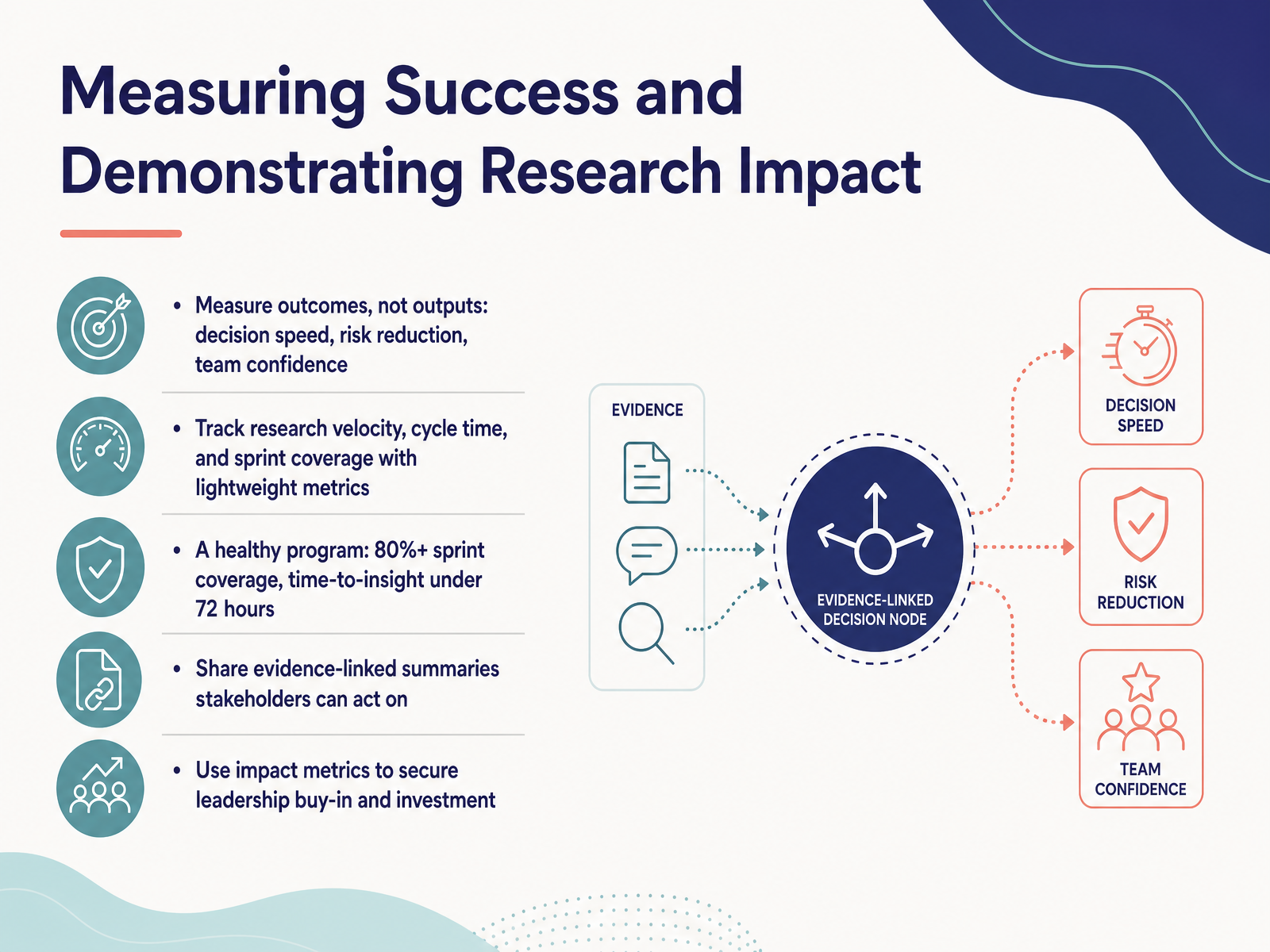
 - 13Measuring Success and Demonstrating Research ImpactLet's shift from tooling to impact, because a research practice only survives when it demonstrably helps the team. You want to measure outcomes, not outputs. Nobody cares how many studies you ran. They care that decisions got faster, risk went down, and the team gained confidence. Track research velocity, cycle time, and sprint coverage with lightweight metrics. Aim for a healthy program: over eighty percent sprint coverage, and time-to-insight under seventy-two hours. When you share findings, create evidence-linked summaries stakeholders can act on immediately—not raw data dumps. A simple three-bullet key findings summary links directly back to the source quote. That traceability builds trust. And finally, use those impact metrics to secure leadership buy-in and investment. When you show research cut a bad bet before it hit the backlog, you earn the next budget cycle. That's how you move from a nice-to-have to a strategic asset. Now, let's look at how to make this sustainable beyond individual sprints.
 koji.somaze.cogreatquestion.co+21 min
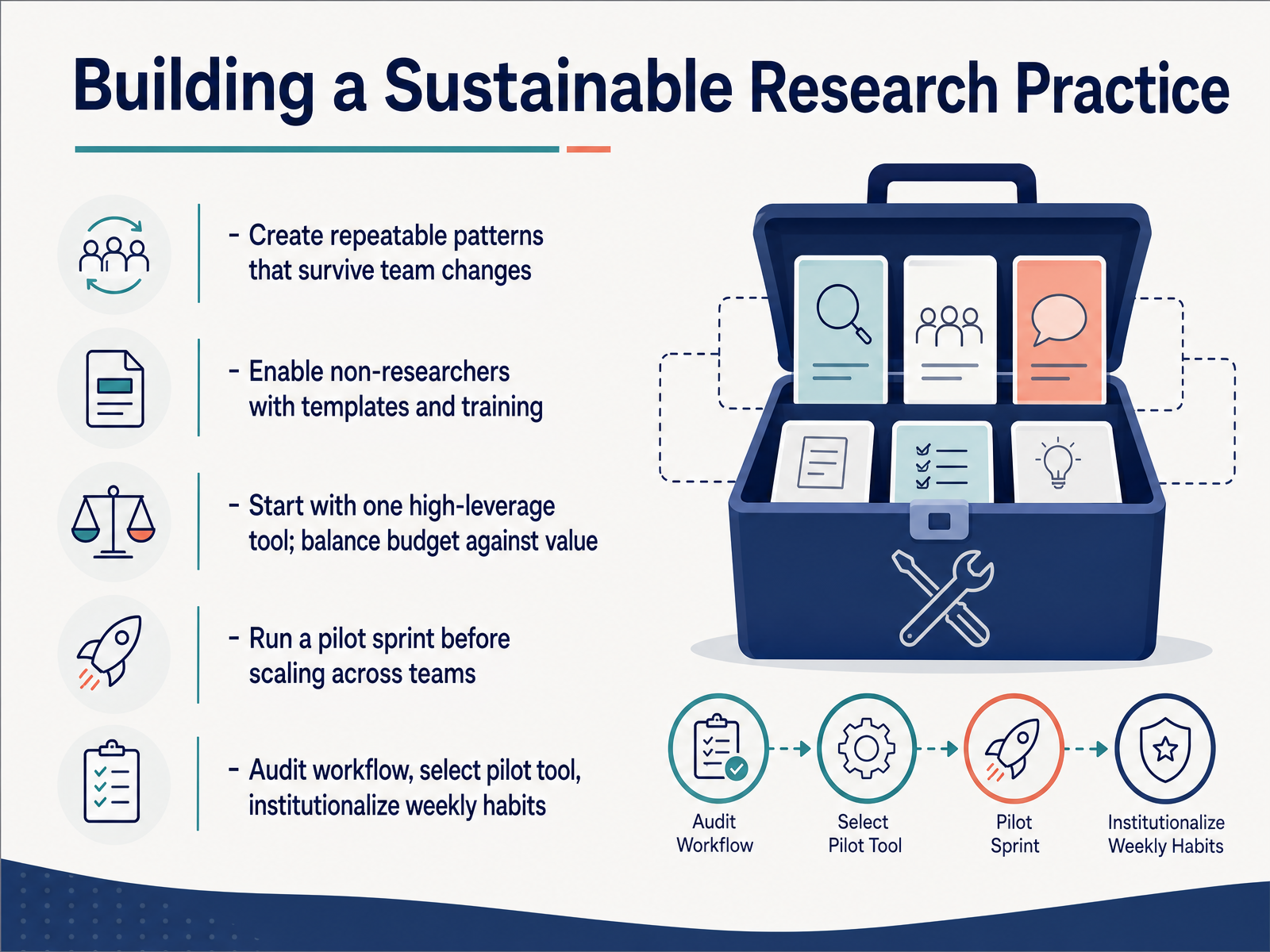
 - 14Building a Sustainable Research PracticeLet’s close by making this last. A sustainable practice outlives any single tool or team. Build repeatable patterns so when teammates change, your research rhythm doesn’t miss a beat. That means enabling non-researchers with templates and short training sessions. Start with one high-leverage tool. Balance what it costs against the value it returns. Before scaling to every team, run a pilot sprint. Watch what works, adjust, then expand. Audit your current workflow, pick your pilot tool, and institutionalize weekly habits like a Friday review of insights. A few small rituals, repeated every sprint, will compound. Thank you for your attention. Now go run your pilot sprint and build a practice that lasts.
 koji.somaze.cogreatquestion.co+21 min
Take the deck with you
Download this course as a file — free, no sign-up needed.
- PDF handoutEvery slide page, ready to print or share.15 pages · 3.1 MBDownload
- Narrated PowerPointThe deck that presents itself — every slide carries the digital human's narration video.15 pages · 12.9 MBDownload
- PowerPoint slidesThe full deck as a .pptx — open it in PowerPoint, Keynote, or Google Slides.15 pages · 3.1 MBDownload
Free to use in your own training — please keep the PersonWise credit page at the end.
Have your own deck? Turn it into a course
Sources consulted
Web sources consulted while building this course.
- Agile User Research: Running Continuous Research in Sprints (2026) — koji.so
- The Future of User Research Report 2026: Trends & Insights — maze.co
- Best user research tools in 2026: 22 platforms compared - Great Question — greatquestion.co
- 3 UX research trends product teams can't ignore in 2026 - LogRocket Blog — blog.logrocket.com
- UX Research Methods: The Complete 2026 Guide - Userlytics — userlytics.com
- What Is Continuous Discovery? — updated 2026 — ixdf.org
- Dual Track Development is not Duel Track – Product thinking made fun, practical, & profitable — jpattonassociates.com
- Dual-track agile and continuous discovery: What you need ... — blog.logrocket.com
- Dual-Track Agile - Silicon Valley Product Group ... — svpg.com
- UX Design and Agile: Dual-Track Done Right in 2026 | CorsoUX | CorsoUX — courseux.com
- UX Research Tools Map 2026 — userinterviews.com
- Best Research Platforms Supporting Surveys, Interviews, and Usability Tests in 2026 | CleverX Blog — cleverx.com
- Best UX Research Tools: A 2026 Comparison — figr.design
- 12 Best User Research Tools for Remote UX Teams 2026 — alphonsolabs.com
- Prototype Testing | Maze — maze.co
- https://www.useberry.com/prototype-testing/ — useberry.com
- https://release-docs.protopie.io/features/protopie-user-testing — release-docs.protopie.io
- Remote Usability Testing of Figma Prototypes with reVISit | Home | ReVISit — revisit.dev
- User Research Platform for UX Designers | inamo — inamo.ai
- UX Research Repository Tools in 2026: 8 Platforms ... — getperspective.ai