Begin
14 pages · ~28 min
Editorial Calendar Planning
Learn to plan and manage an editorial calendar to organize content, streamline publishing, and align with marketing goals.
A digital instructor presents all 14 pages. Hold “Ask” at any point and ask out loud — the answer comes from this course. No sign-up needed.
What you’ll learn
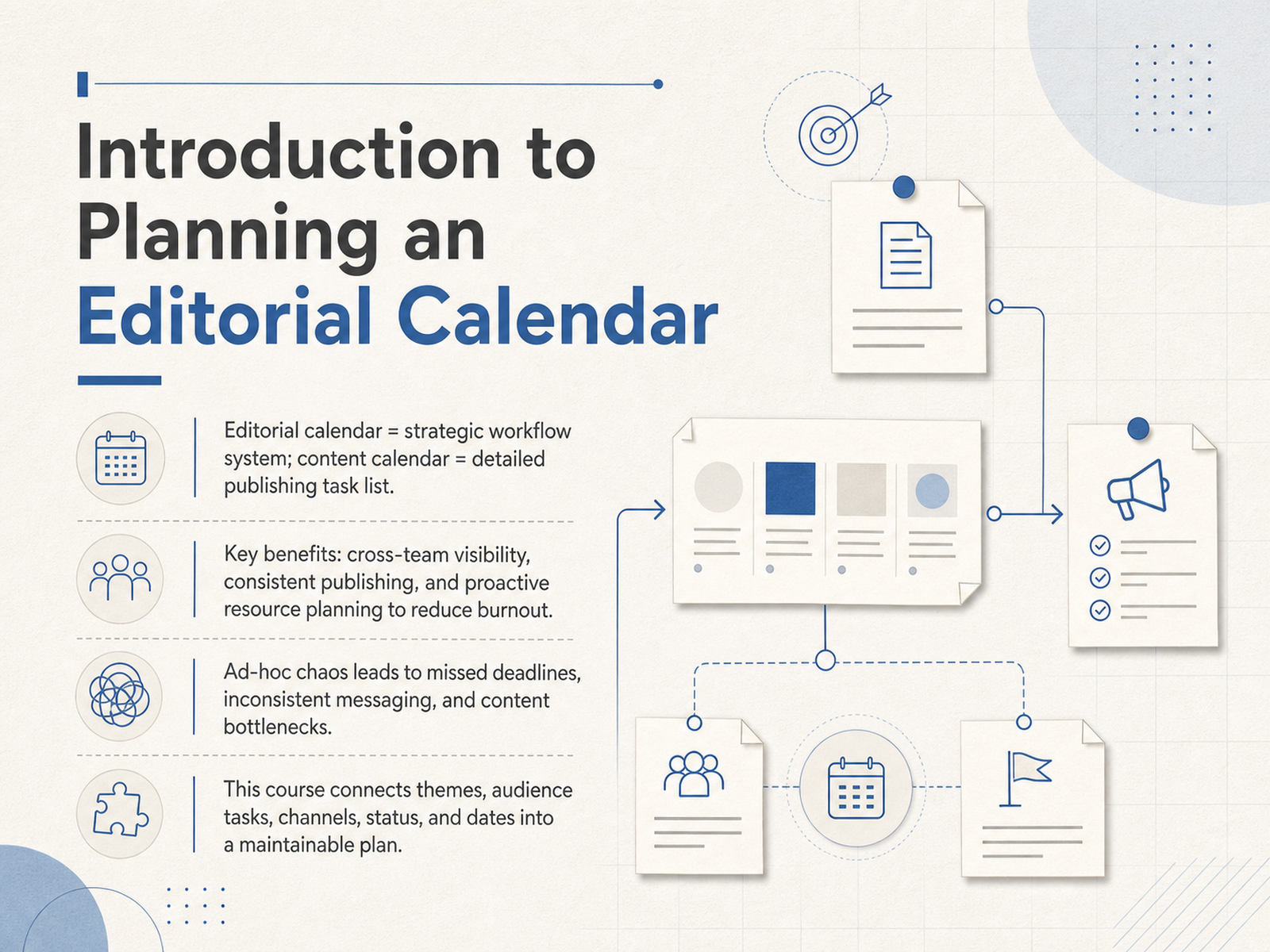
- 01Introduction to Planning an Editorial CalendarWelcome to Planning an Editorial Calendar. In this course, we move beyond simple to-do lists and build a strategic workflow that keeps your content engine running smoothly. Let's start by clarifying a common point of confusion: an editorial calendar is not just a detailed publishing task list. Think of the editorial calendar as your strategic workflow system, providing the big-picture view of themes and team responsibilities. The content calendar is the detailed task list that lives inside it. Adopting this system gives your team three immediate benefits. First, you get cross-team visibility, so everyone knows who is doing what. Second, you achieve consistent publishing that builds audience trust. And third, you enable proactive resource planning, which is the most effective way to reduce team burnout. Without this structure, you're stuck in ad-hoc chaos. That means missed deadlines, inconsistent messaging, and frustrating content bottlenecks. This course is your hands-on guide to connecting the five essential pillars: content themes, audience tasks, distribution channels, production status, and publishing dates. By the end, you'll organize these elements into a single, maintainable plan. Let's get started by exploring why this strategic foundation is no longer optional.indeed.comblog.hubspot.comstackby.com+22 min
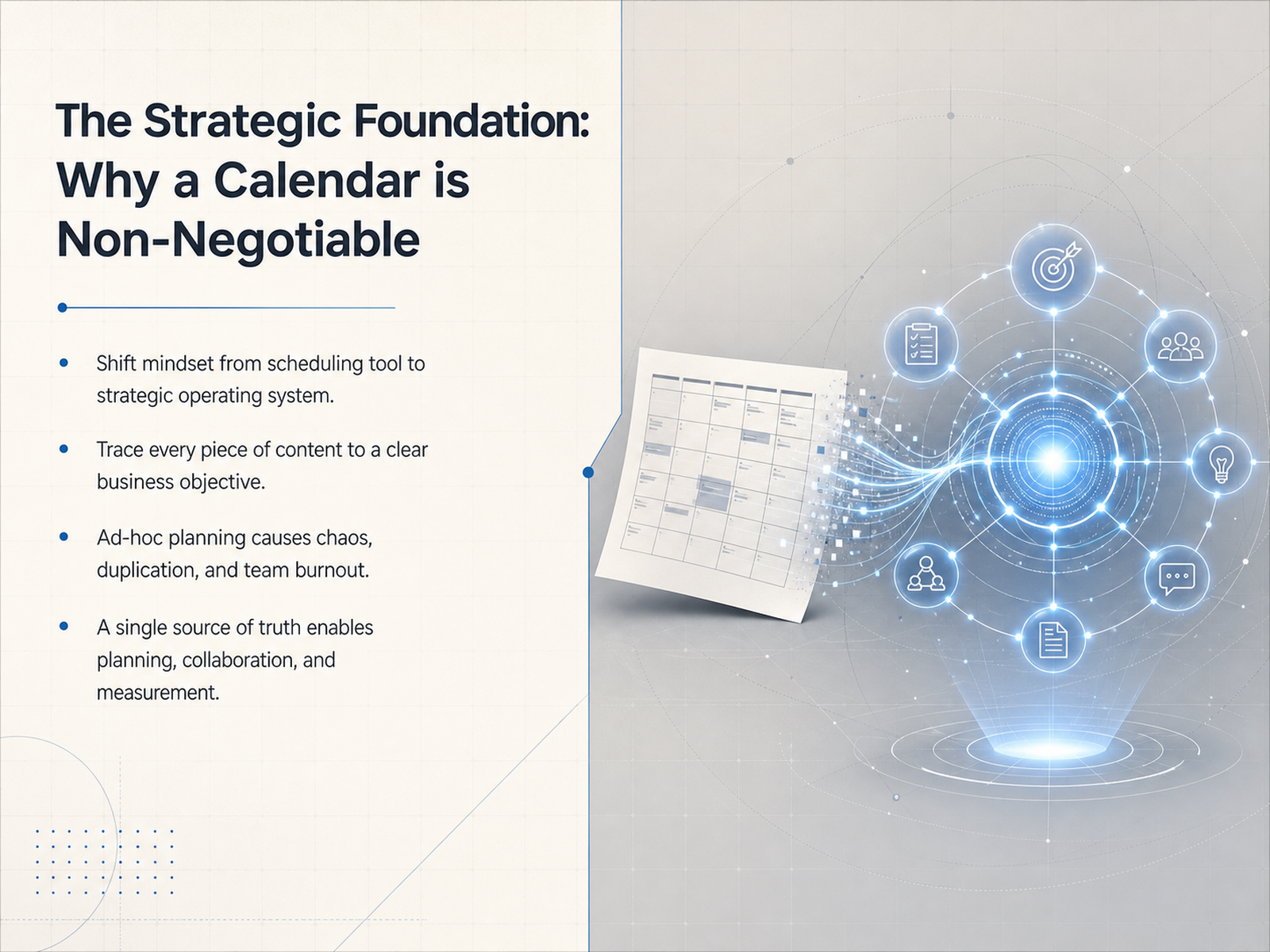
- 02The Strategic Foundation: Why a Calendar is Non-NegotiableNow, let's build the foundation. Why is planning an editorial calendar non-negotiable? Think of it not just as a scheduling tool, but as your team’s strategic operating system. A well-built calendar lets you trace every single piece of content back to a clear business objective, whether that's brand awareness or lead generation. Without it, ad-hoc planning takes over. You end up with duplicated efforts, chaotic workflows, and team burnout. In fact, recent research shows that over 56 percent of marketers worry about burnout, and a documented strategy significantly separates high performers from the rest. Your calendar acts as a single source of truth. It enables genuine planning, real-time collaboration, and meaningful performance measurement. Next, we will explore the core building blocks: the five essential dimensions that make up this system.
 indeed.comblog.hubspot.comstackby.com+21 min
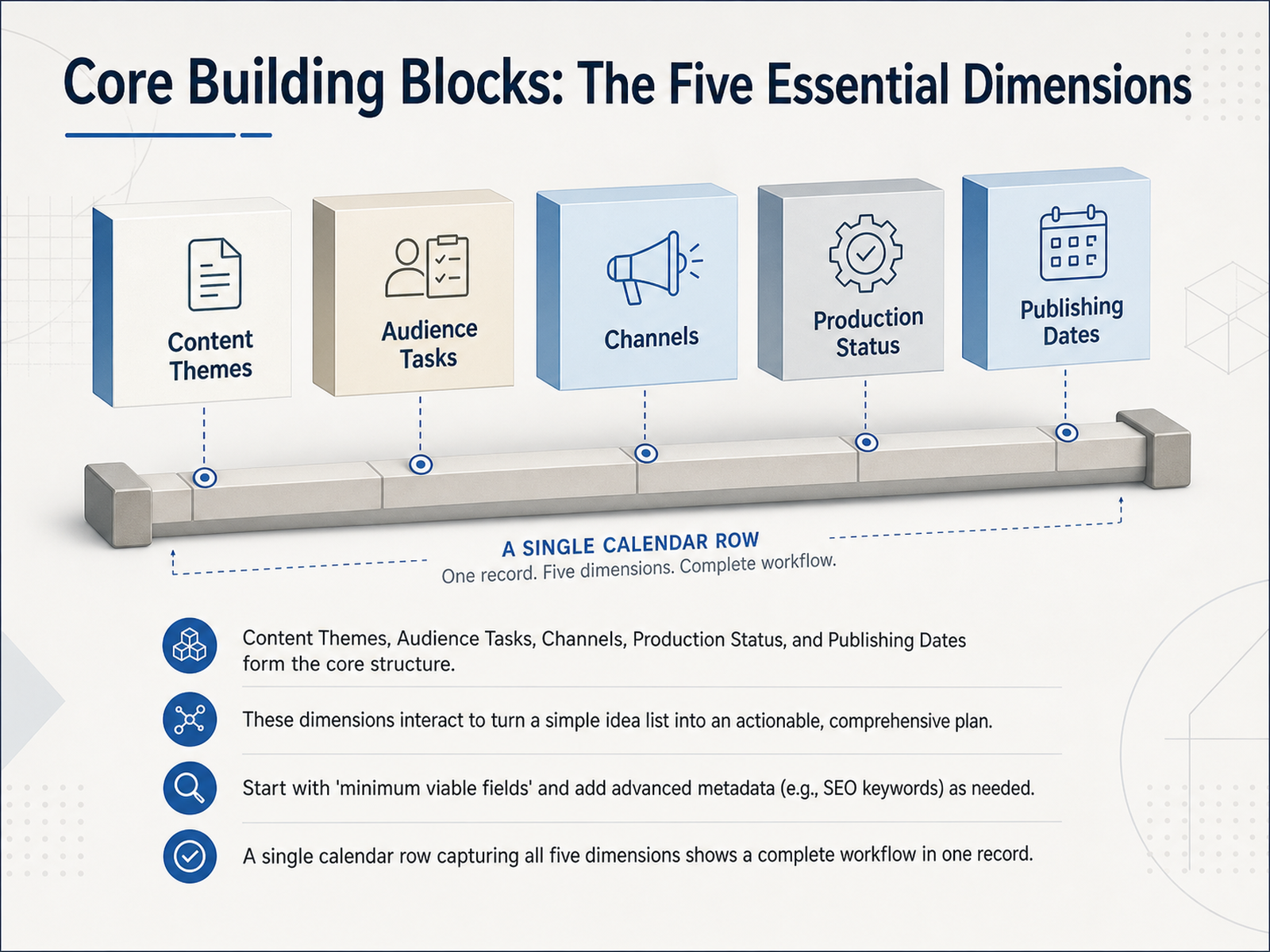
 - 03Core Building Blocks: The Five Essential DimensionsLet's break down the core building blocks that turn a list of ideas into a real, workable schedule. We call these the five essential dimensions. They are your content themes, audience tasks, the channels you'll use, your production status, and the publishing dates. When you see all five dimensions together in one calendar row, you're not just looking at a topic anymore. You're seeing a complete mini-workflow, from the big-picture theme right down to the exact day it goes live. If you're just starting out, begin with these core fields. You can always add more detail later, like SEO keywords, once the basic structure feels solid. The real power comes from how these pieces interact. For example, a status update shows you if designing a social graphic is blocking your publishing date. This structure helps you spot problems early and keep everything moving. Next, let's zoom in on the first of these dimensions: Content Themes, your strategic filter.
 indeed.comblog.hubspot.comstackby.com+21 min
 - 04Content Themes: Your Strategic FilterNow, let's talk about content themes, which act as your strategic filter. Think of your themes as content pillars, the broad topic areas you want to own. Under each pillar, you build topic clusters, or specific articles and posts, that keep your brand focused and relevant. You should balance three types of themes for a resilient mix: evergreen content that stays useful long-term, seasonal content tied to predictable events, and campaign-driven content to support specific launches. But most importantly, map every single piece you plan back to a specific business goal and a specific audience segment. If it doesn't serve a clear purpose for a group of people, question why it's on the calendar. Finally, use your themes to spot gaps in your coverage, avoid repeating the same idea, and carve out room to run small, measured content experiments. This strategic filter turns a simple schedule into a purposeful plan. Next, we'll apply this thinking directly to your audience using a jobs-to-be-done lens.
 indeed.comblog.hubspot.comstackby.com+22 min
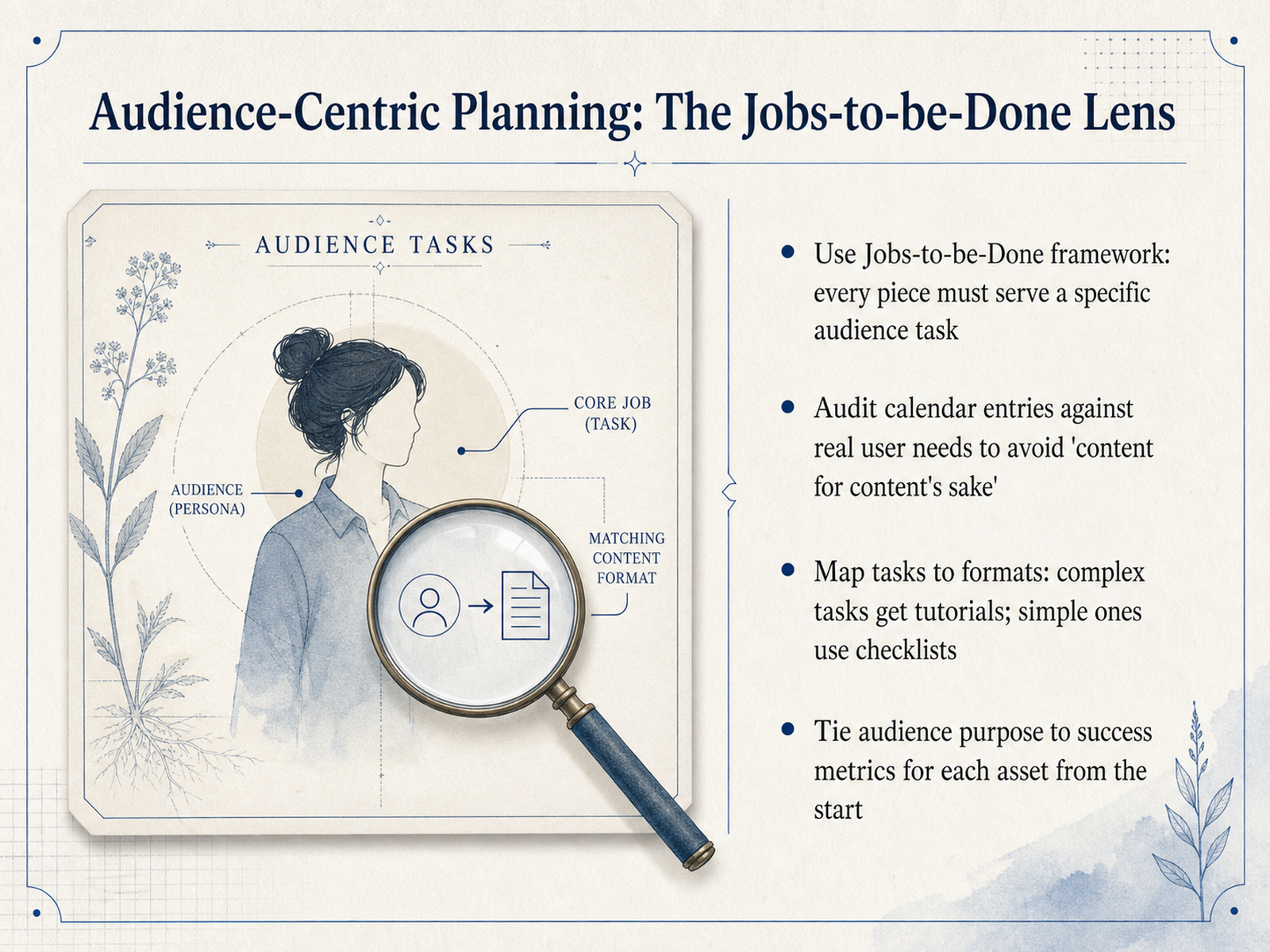
 - 05Audience-Centric Planning: The Jobs-to-be-Done LensNow let's shift our lens to the audience, using the Jobs-to-be-Done framework. The core idea is simple: every piece of content you create should serve a specific audience task. Think of it as hiring your article or video to do a job for the reader. Does it help them solve a problem, compare options, or learn a new skill? If it doesn't have a clear job, it's just content for content's sake, and we need to audit our calendar to remove that. Next, map these audience tasks to the right format. Complex, multi-step jobs are best served by in-depth tutorials or walkthroughs. Simple, quick jobs work well as checklists or short tips. And from the very start, tie your audience's purpose to a success metric. If the job is to teach configuration, the metric might be task completion. Connecting the job, the format, and the metric makes every asset accountable. Next, we'll take this audience-first plan and apply it across channels in 'Omnichannel Orchestration: Planning Without Duplication'.
 indeed.comblog.hubspot.comstackby.com+22 min
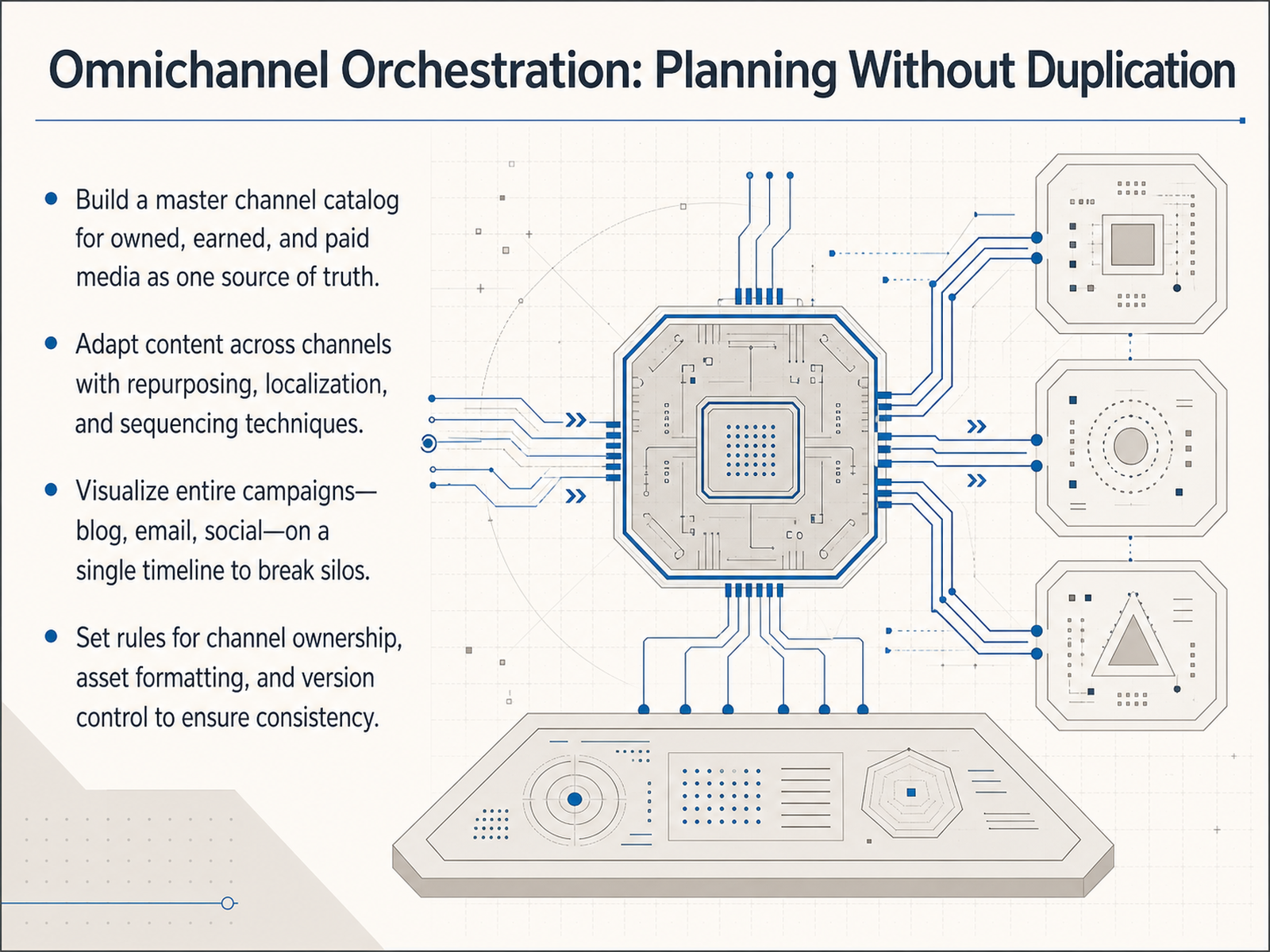
 - 06Omnichannel Orchestration: Planning Without DuplicationNow, let's talk about managing an editorial calendar that works across multiple channels without duplicating effort. The foundation is a single source of truth—a master channel catalog that covers your owned, earned, and paid media. This means your blog, email, social, and paid ads all trace back to one plan. From there, adapt your content for each channel. You're not starting from scratch. Use repurposing for different formats, localization for different audiences, and sequencing so the same core idea rolls out at the right time everywhere. To see the whole picture, visualize your entire campaign on one timeline. When you can see the blog post, the supporting email, and the social promotions sharing a single row, content silos disappear and you spot gaps instantly. Finally, set clear rules for channel ownership, asset formatting, and version control. Everyone should know exactly who publishes where and which file version is current. This keeps your signature consistent and your team aligned. Next, we'll move from planning to execution with 'The Workflow Engine: Production Status and Ownership.'
 narranta.commulticollab.comwpengine.com+22 min
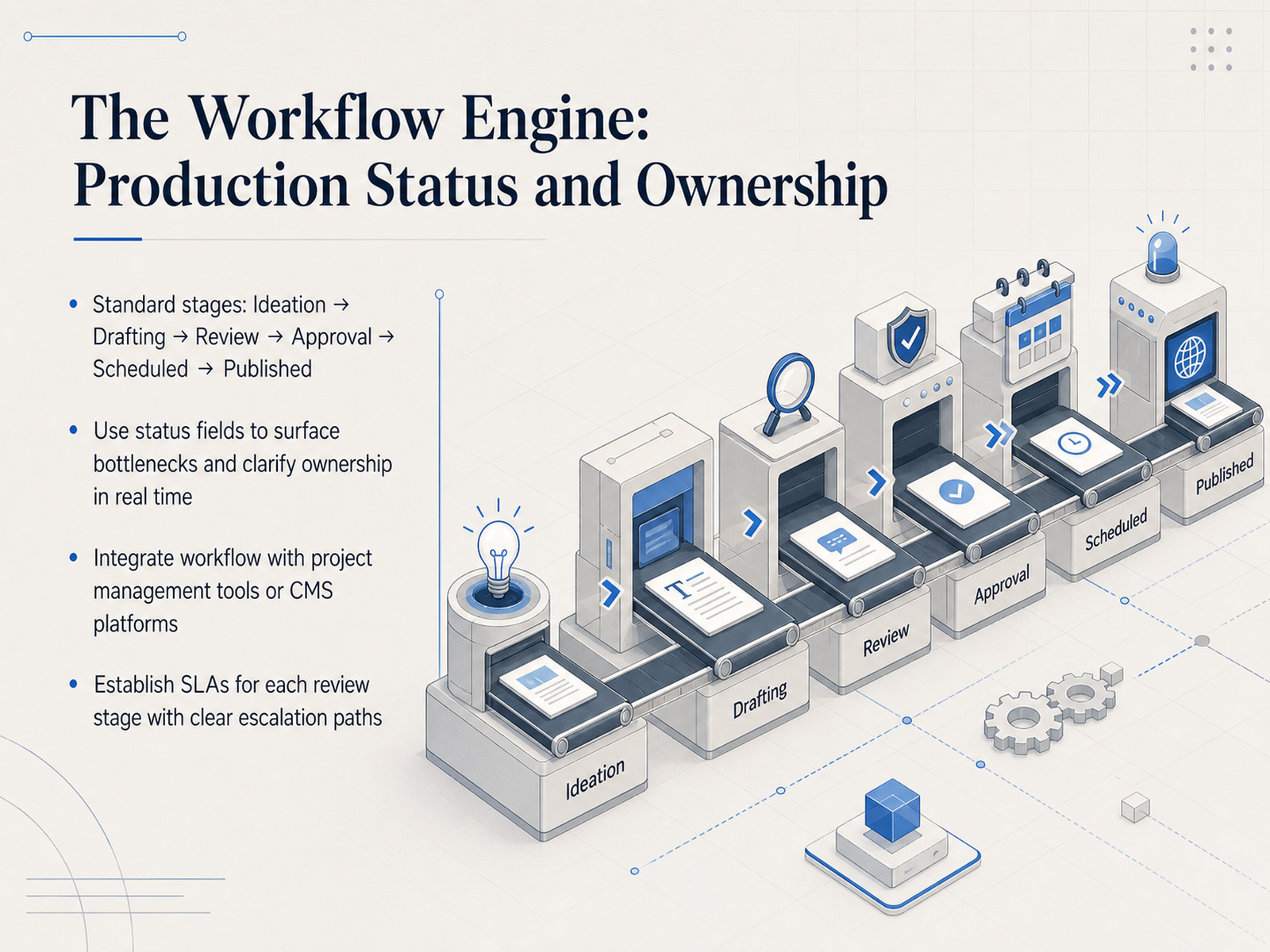
 - 07The Workflow Engine: Production Status and OwnershipNow, let's look at the engine that keeps your editorial calendar moving: the production workflow. Think of this as the standardized path every piece of content follows, from the first idea all the way to publication. The standard stages are Ideation, Drafting, Review, Approval, Scheduled, and Published. By using these status fields, you can immediately spot bottlenecks. For example, if several articles are stuck in Review, you know exactly where to focus your attention and who needs to take the next step. This visibility clarifies ownership in real time, so no one has to chase down updates. To make this seamless, integrate this workflow with your existing project management tools or your content management system, keeping everything in one shared space. Most importantly, establish service-level agreements for each review stage, setting clear deadlines like two business days for an editorial review. Pair these deadlines with clear escalation paths so your team knows exactly what to do if a review is delayed. By formalizing these stages and rules, you transform your calendar from a simple list of dates into an efficient publishing engine. Next, we'll move into designing a scalable and clear approval process.
 narranta.commulticollab.comwpengine.com+22 min
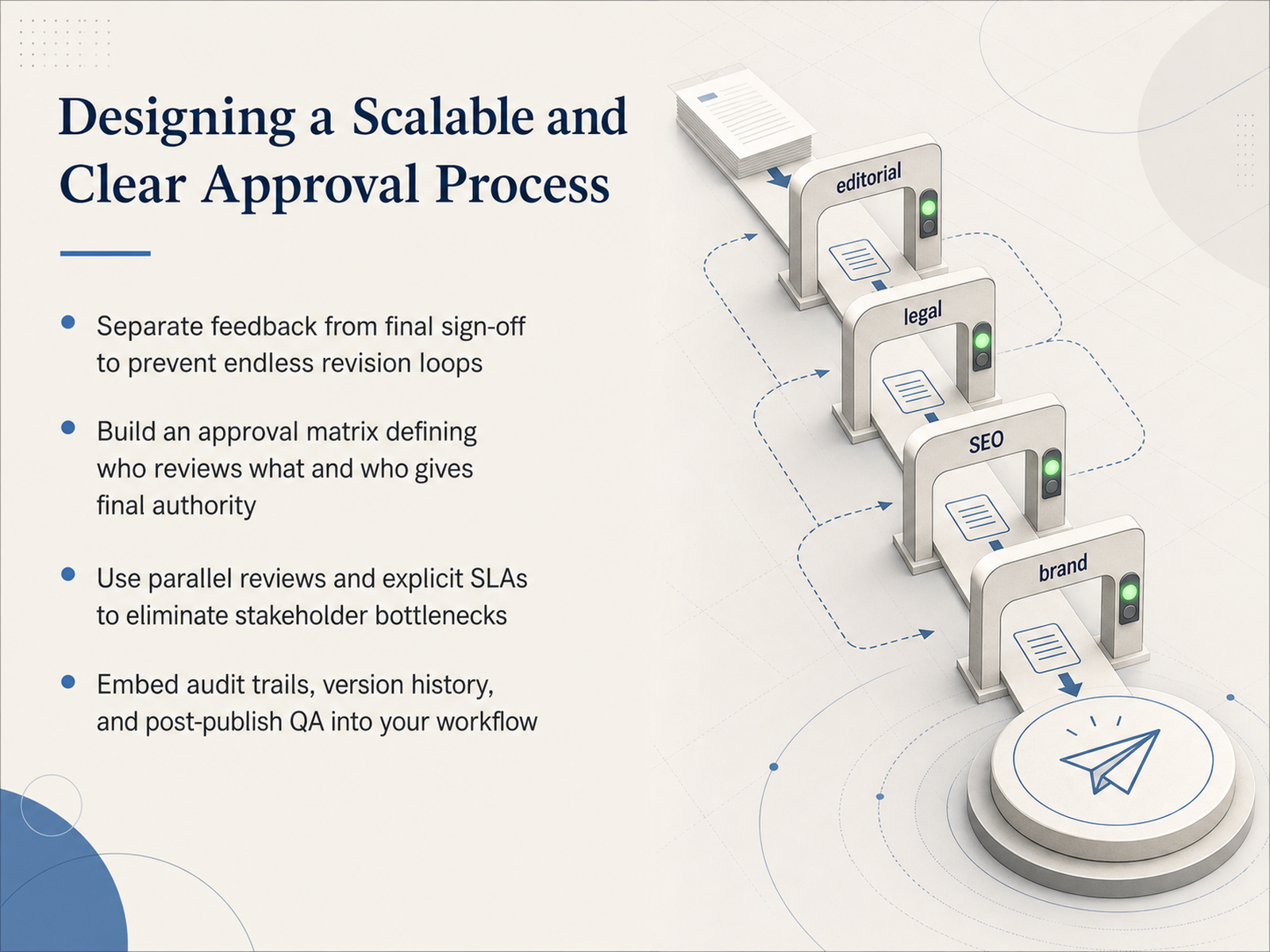
 - 08Designing a Scalable and Clear Approval ProcessA scalable editorial calendar depends on an approval process that moves fast without skipping steps. Let's look at how to design one that stays clear as your content operation grows. First, separate feedback from final sign-off. Reviewers suggest improvements, but one person gives the final go-ahead. This keeps revision loops from spinning endlessly. Next, build an approval matrix. It simply answers: who reviews what, and who holds final authority. When everyone knows their lane, you avoid the all-hands bottleneck. Then, shift from sequential to parallel reviews whenever you can. Let legal, brand, and SEO check the draft at the same time, backed by explicit turnaround times, so no single stakeholder holds up the publish button. Finally, embed audit trails, version history, and a quick post-publish quality check right into your workflow. You will always know what changed, who approved it, and whether the live page is working. With those safeguards in place, let's move on to building a sustainable publishing cadence.
 narranta.commulticollab.comwpengine.com+22 min
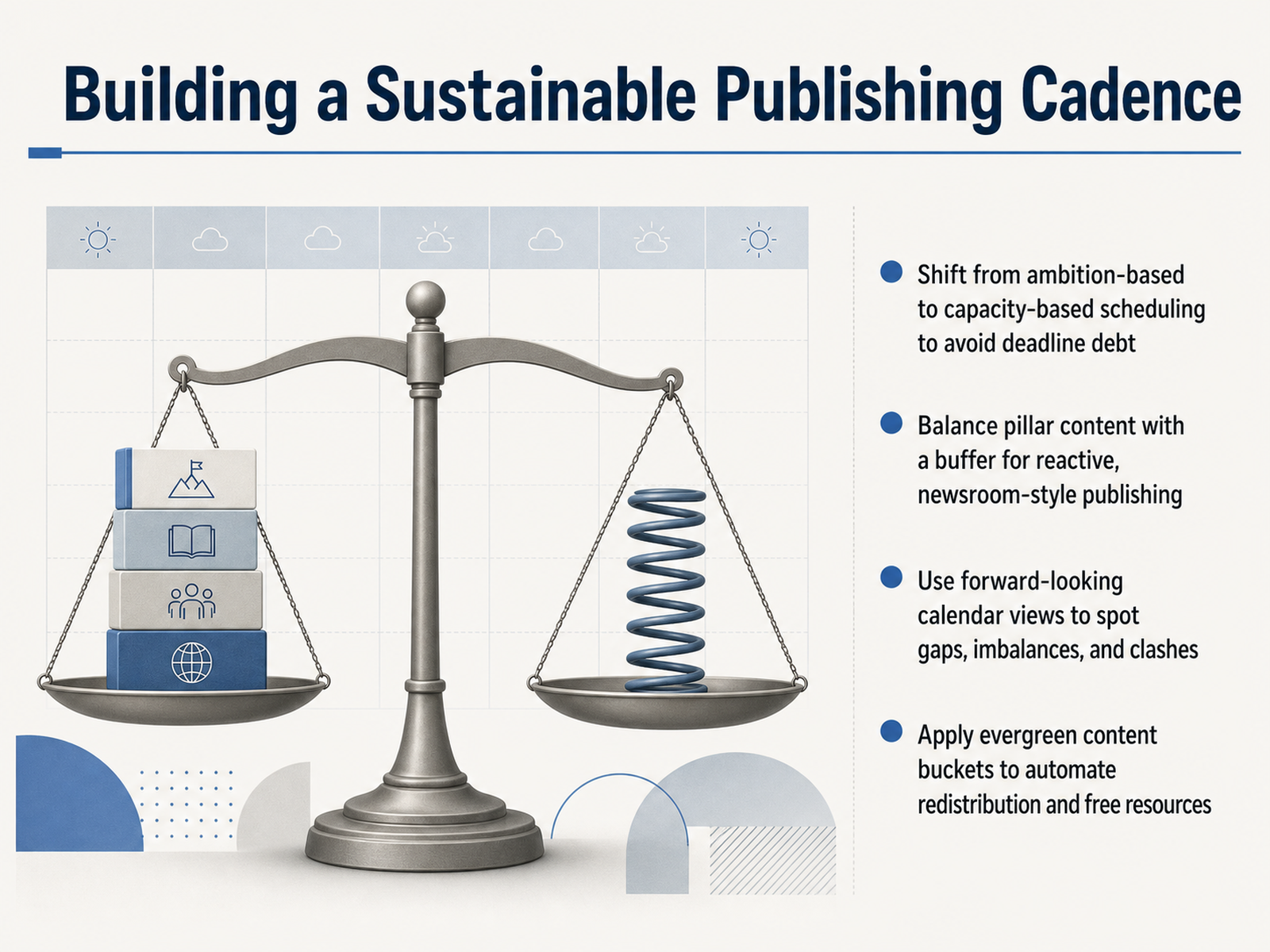
 - 09Building a Sustainable Publishing CadenceLet’s shift our focus to building a publishing cadence that you can actually sustain. The biggest mistake teams make is planning based on ambition instead of capacity. When you schedule more than your team can realistically produce, you create deadline debt that compounds every week. So start by matching your calendar to your real output, not your wishful thinking. Next, balance your pillar content with a small buffer for reactive, newsroom-style pieces, so you can respond to trends without dropping your core plan. Use forward-looking calendar views to spot gaps, imbalances, and clashes before they become emergencies. A monthly or quarterly glance makes it easy to see if one topic is dominating or if a launch week is overloaded. Finally, organize evergreen content into reusable buckets and automate their redistribution. This frees up resources and keeps proven material working for you long after publish day. These habits turn your calendar into a resilient operating system, not a source of stress. Next, we’ll explore how to choose the right tool for your stack, covering spreadsheets, platforms, and integrated systems.
 narranta.commulticollab.comwpengine.com+22 min
 - 10Choosing the Right Tool: Spreadsheets, Platforms, and StacksNow that we understand what goes into the calendar, let’s talk about where to build it. The right tool depends on the job. A spreadsheet works fine for a simple publication plan. A social-first scheduler like Hootsuite or Later handles posts and previews beautifully. A dedicated marketing calendar, such as CoSchedule, connects campaign dates to the full editorial workflow. When evaluating any option, look at four things: workflow visibility, collaboration quality, calendar clarity, and cost per active user. Pay attention to per-seat pricing, because it adds up quickly as your team grows. Your template must still capture all five dimensions: themes, audience tasks, channels, status, and dates. If you migrate to a new tool, don't switch everything at once. Build one real campaign inside it first. Plan the content, assign the tasks, route the approvals, and confirm everyone can see the full week on one screen before the team moves over. Next, let’s explore governance, review rhythms, and keeping the calendar alive.
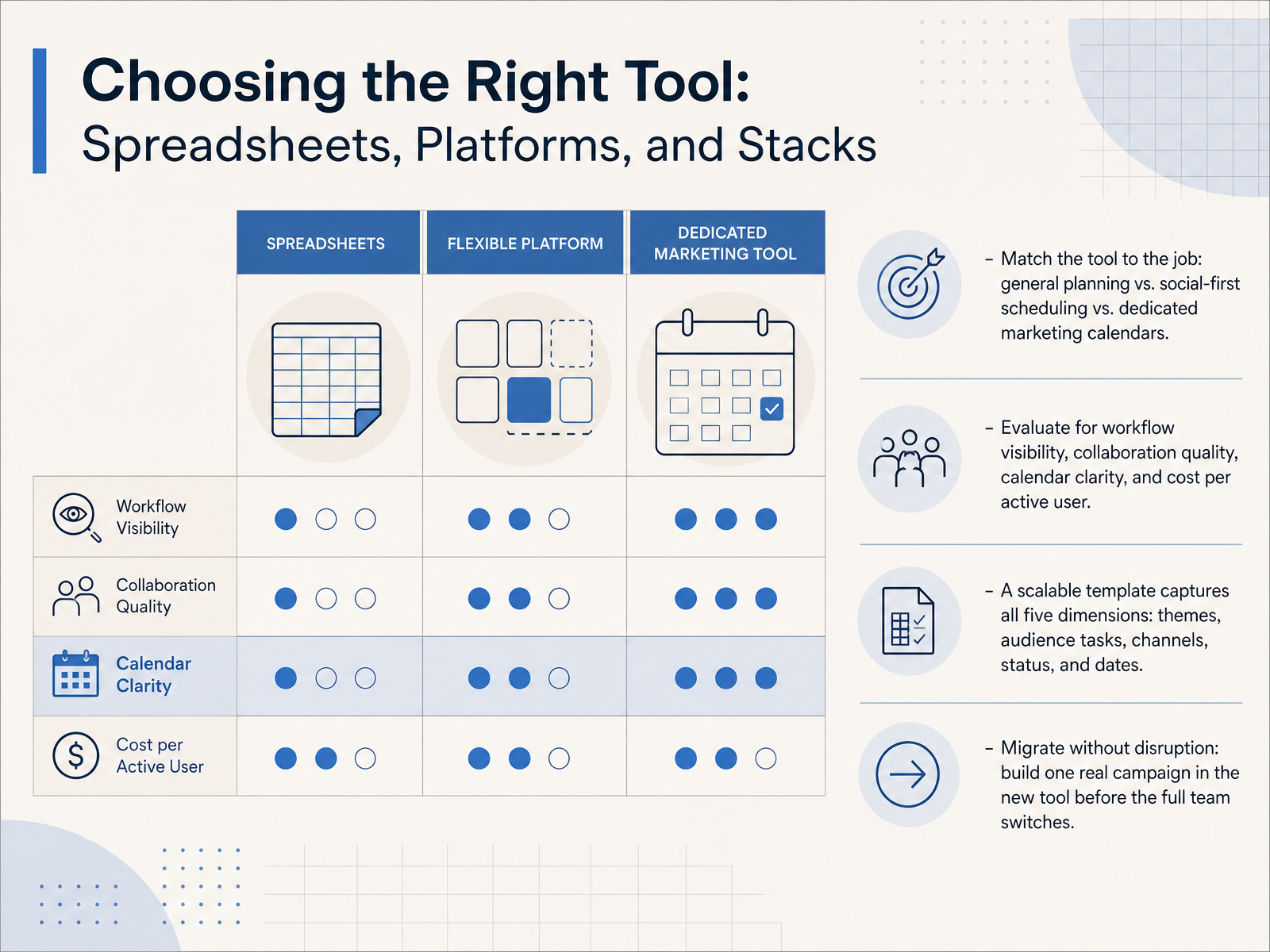 asana.compostplanify.comgitnux.org+21 min
 - 11Governance, Review Rhythms, and Keeping the Calendar AliveNow, let's talk about how to keep your editorial calendar alive. A plan that sits unmaintained isn't much better than no plan at all. The key is building a lightweight governance model. This simply means establishing a single source of truth, one central place where everyone checks status, so you stop chasing updates in emails or chat threads. To keep momentum, establish clear review rhythms. Run a brief weekly check-in to spot immediate blockers. Hold a monthly performance review to look at metrics, and schedule a quarterly strategic recalibration to ensure your plan still aligns with bigger goals. While you're doing this, track three core metrics: your time-to-publish, your approval velocity, and your on-time percentage. These numbers show you exactly where your process slows down. Finally, make continuous improvement a habit. Run short post-mortems or retrospectives after key projects. Ask what worked, what didn't, and make one small change to your workflow each time. This turns your calendar from a static document into a living system that gets more efficient every month. Next, we'll explore how to translate these operational signals into strategic decisions with data-driven improvement, measuring what truly matters.
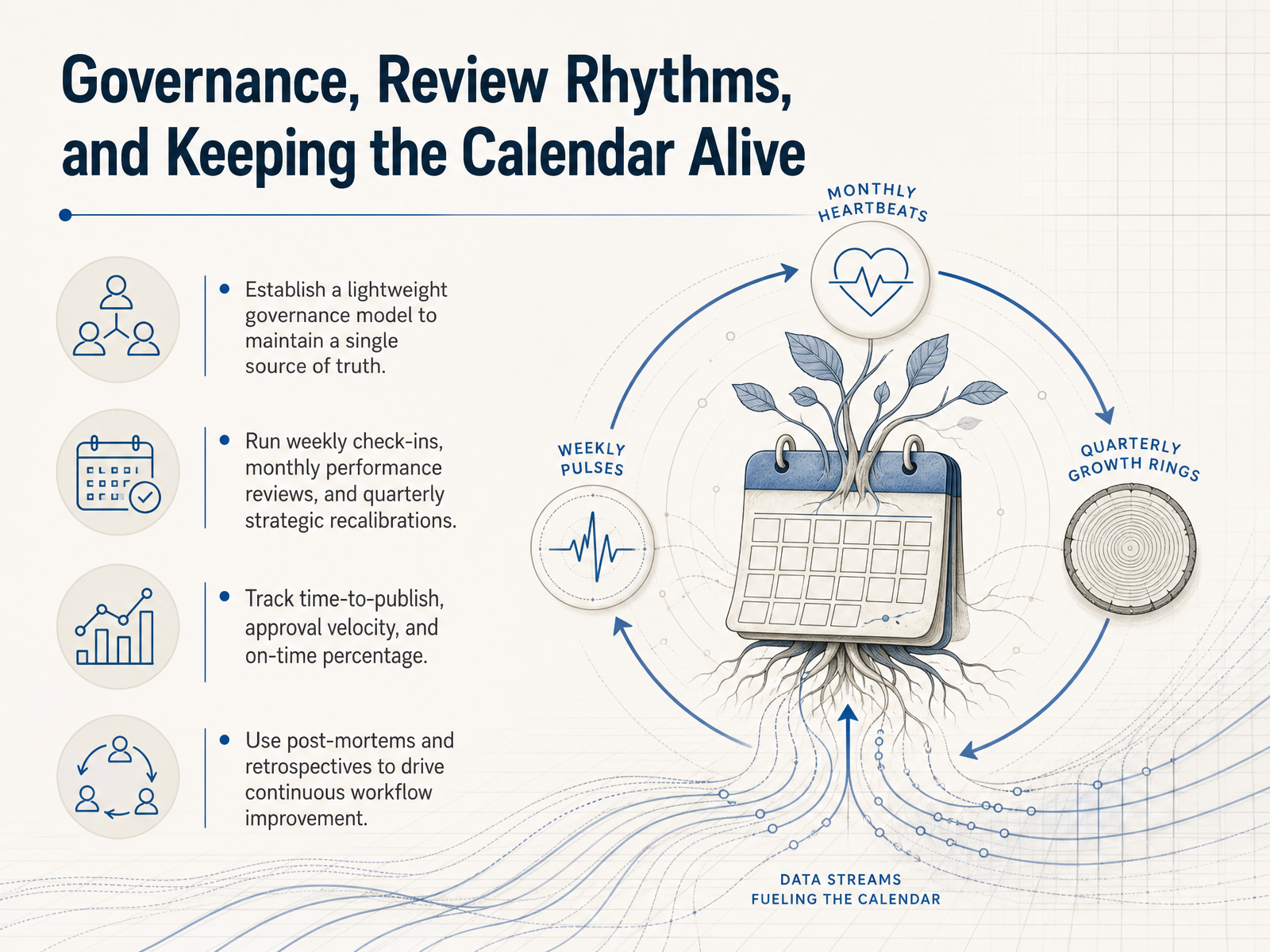 narranta.commulticollab.comwpengine.com+22 min
 - 12Data-Driven Improvement: Measuring What MattersNow let's make the calendar smarter over time. This is where planning becomes a cycle of continuous improvement. Start by connecting performance data to each piece's specific job-to-be-done. An awareness article should not be judged by the same numbers as a product case study. For reach, look at views and attention from the right audience. For conversions, track leads and click-through paths. Use those insights to optimize the calendar itself. Give more room to the themes and formats that consistently deliver results. At the same time, retire or refresh stale content that gets impressions but no meaningful follow-through. This transforms a static plan into a dynamic, data-informed operating system. Regular monthly reviews keep the schedule honest, helping you spot delays, shift resources, and keep every publishing slot accountable to a real business outcome. Next, we'll look at common pitfalls and how to avoid them.
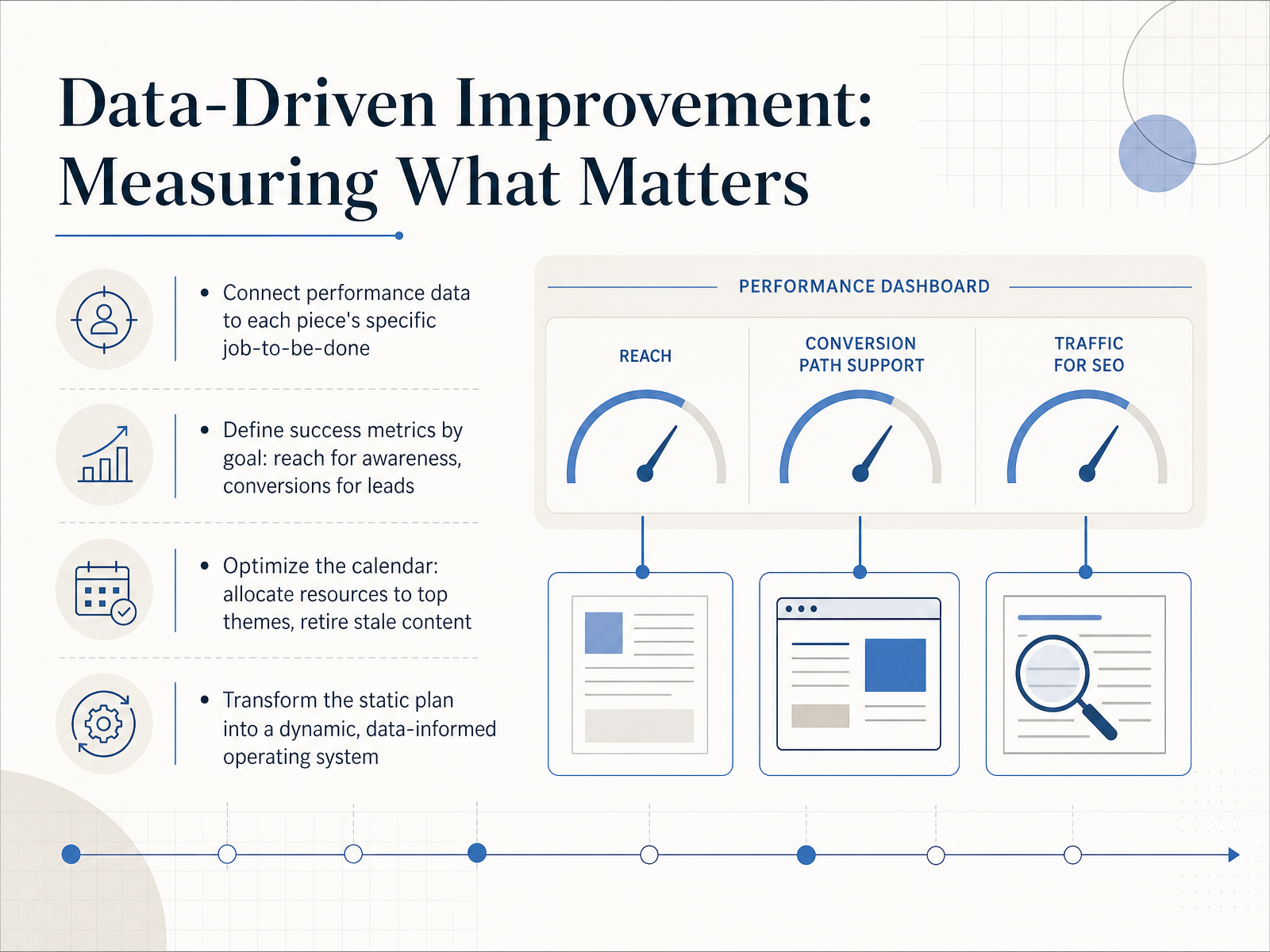 indeed.comblog.hubspot.comstackby.com+22 min
 - 13Common Pitfalls and How to Avoid ThemNow let's talk about the common pitfalls that can quietly break your editorial plan, and how to avoid them. First, schedule overload. Trying to publish more than your team can realistically handle leads straight to burnout. Plan against your actual capacity, not your ambition. Next, missing content briefs. A vague one-line idea is not enough. Make detailed briefs mandatory before drafting begins, so writers never start lost. Another trap is vague approval criteria. When reviewers don't know what 'good' looks like, you get endless revision loops. Replace that with explicit checklists for each stage. Watch out for cultural traps, too. If your final approver lacks real authority, or if stakeholders reopen strategy during the final edit, progress stalls. Finally, use a self-diagnosis checklist to audit your workflow. It helps you spot processes that are too heavy, too loose, or just plain broken. Let's move to our final slide, From Plan to Practice, where we'll lay out your 90-day implementation roadmap.
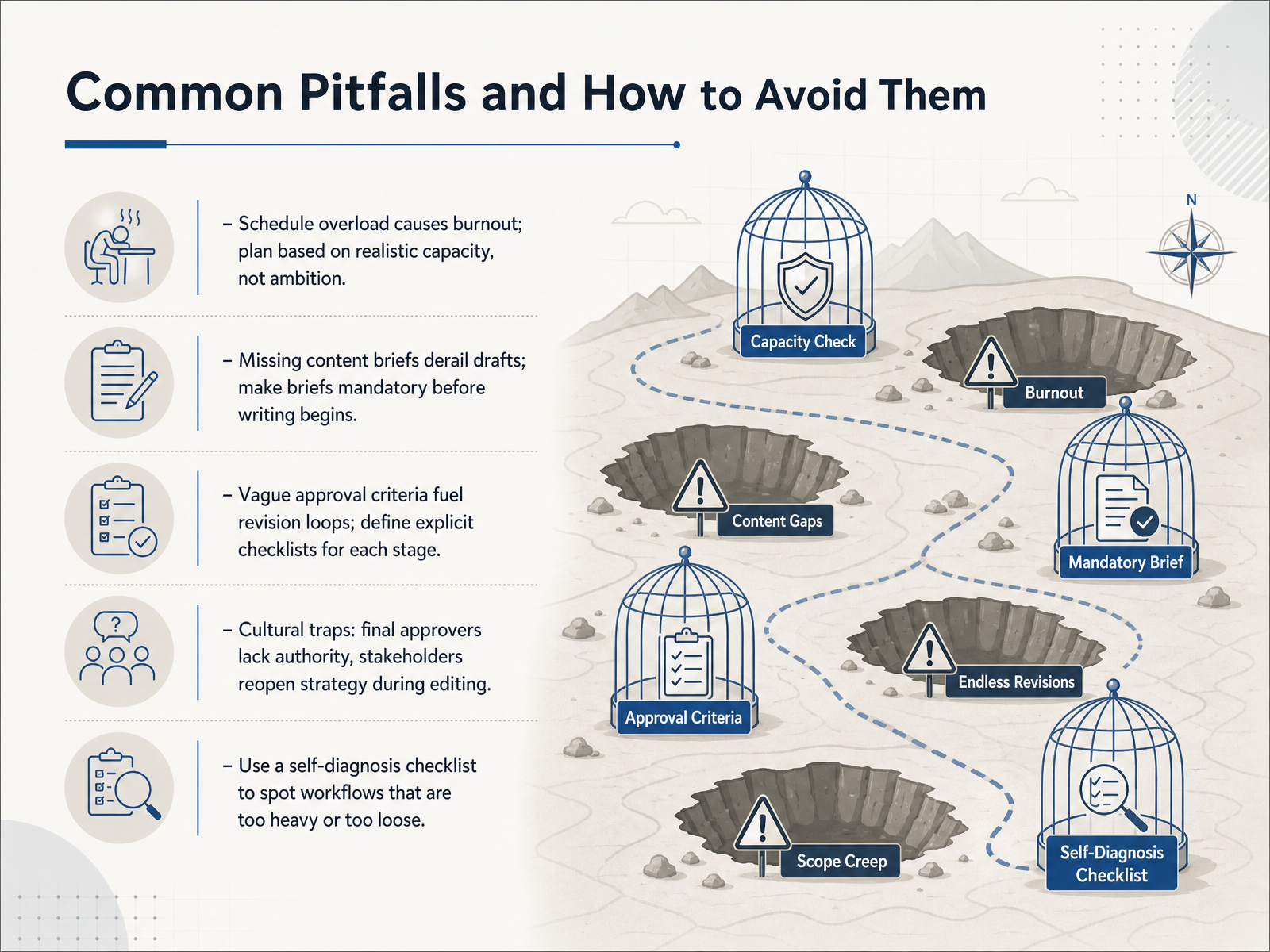 narranta.commulticollab.comwpengine.com+22 min
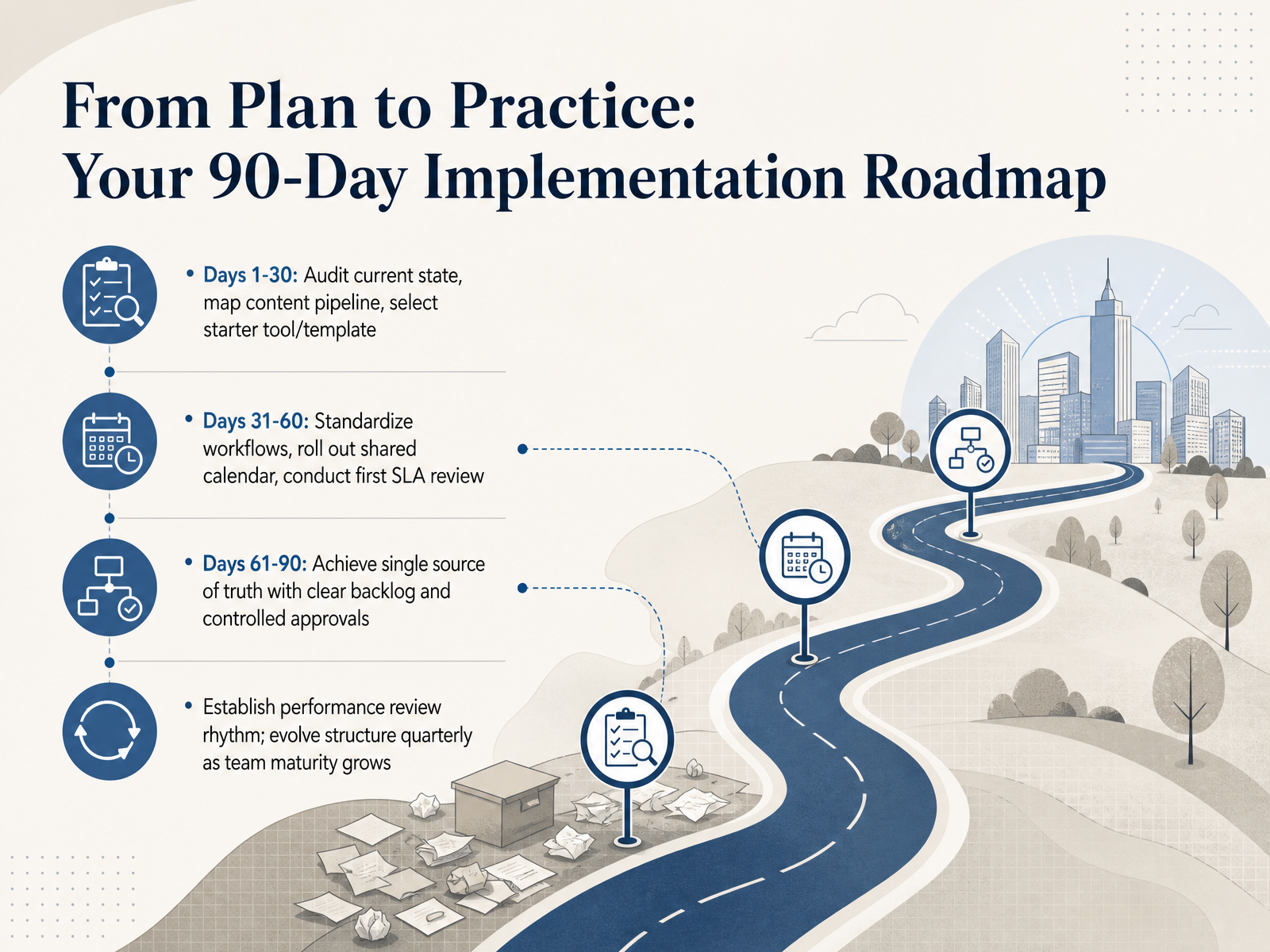
 - 14From Plan to Practice: Your 90-Day Implementation RoadmapLet's close with your ninety-day roadmap, turning our planning into real, practiced momentum. In the first thirty days, your goal is clarity through discovery. Audit your current content, map your production pipeline as it actually works, and choose a starter tool like a shared spreadsheet or a Kanban board to capture every step. During days thirty-one to sixty, shift into structure. Standardize your workflows so every draft moves through the same defined stages, roll out a shared editorial calendar that shows owners and deadlines, and run your first service-level agreement review with the team. For the final sprint, days sixty-one to ninety, establish a true single source of truth. This means a visible backlog of ideas, controlled approval gates, and one place where everyone sees what is publishing when. After ninety days, protect what you have built by setting a quarterly review rhythm. Look at your data, streamline bottlenecks, and let your structure evolve as your team matures. A maintainable editorial calendar is never a one-time setup; it is a living system you refine together. Thank you for joining this session. Start small, stay consistent, and trust the process you have designed.
 narranta.commulticollab.comwpengine.com+22 min
Take the deck with you
Download this course as a file — free, no sign-up needed.
- PDF handoutEvery slide page, ready to print or share.15 pages · 3.7 MBDownload
- Narrated PowerPointThe deck that presents itself — every slide carries the digital human's narration video.15 pages · 13.7 MBDownload
- PowerPoint slidesThe full deck as a .pptx — open it in PowerPoint, Keynote, or Google Slides.15 pages · 3.6 MBDownload
Free to use in your own training — please keep the PersonWise credit page at the end.
Have your own deck? Turn it into a course
Sources consulted
Web sources consulted while building this course.
- What Is an Editorial Calendar? (With Template and Example) — indeed.com
- What is an editorial calendar? My guide to building one [examples + ... — blog.hubspot.com
- What is an Editorial Calendar? [12 Free Templates for 2025] — stackby.com
- Why editorial calendars are essential for content marketing success — imprintcontent.com
- Master Editorial Calendar Management: 2026 Guide - EvergreenFeed Blog — evergreenfeed.com
- What Is an Editorial Workflow? A Practical Guide for Content Teams | Narranta — narranta.com
- How to Scale Editorial Workflow in WordPress — multicollab.com
- Editorial Workflow Efficiency for Enterprise Publishers — wpengine.com
- Collaborative Content Approval Workflows 2025 |... — influenceflow.io
- Content Approval Workflows: Speed Up Your Editorial Process — editorialge.com
- 12 Best Content Calendar Software, Compared and Ranked [2026] — asana.com
- 13 Best Content Calendar Tools Compared (2026 Guide) — postplanify.com
- Top 10 Best Editorial Calendar Software: 2026 Comparison — gitnux.org
- Best Editorial Calendar Tools Compared — historian.site
- I Tested 12 of the Best Editorial Calendar Tools in 2026. Here's What ... — narrareach.com