Begin
14 pages · ~28 min
Call Recording Tools Research
Learn to select and use call recording tools to capture, organize, and analyze user research interviews efficiently, improving data accuracy and workflow for UX researchers and product teams.
A digital instructor presents all 14 pages. Hold “Ask” at any point and ask out loud — the answer comes from this course. No sign-up needed.
What you’ll learn
- 01Call Recording Tools for User ResearchWelcome. If you run user research, you already know the value of a good conversation. But conversations are fragile. Memory fades, notes miss details, and stakeholders can't hear what they weren't present for. That's why recording matters. This course covers call recording tools for user research: how to choose them, configure them, and govern them responsibly. We'll focus on the core tension you face every day: capturing durable evidence while honoring consent, security, and compliance. Whether you're a UX researcher, part of a research operations team, or on a privacy-conscious product team, this is for you. We'll walk through the full lifecycle: capturing sessions, selecting the right tool, storing recordings securely, analyzing them for insights, and retaining them only as long as needed. You'll leave with practical steps you can apply immediately. Let's start by looking at why recording beats notes alone.cleverx.comblog.buildbetter.aiairtape.co+21 min
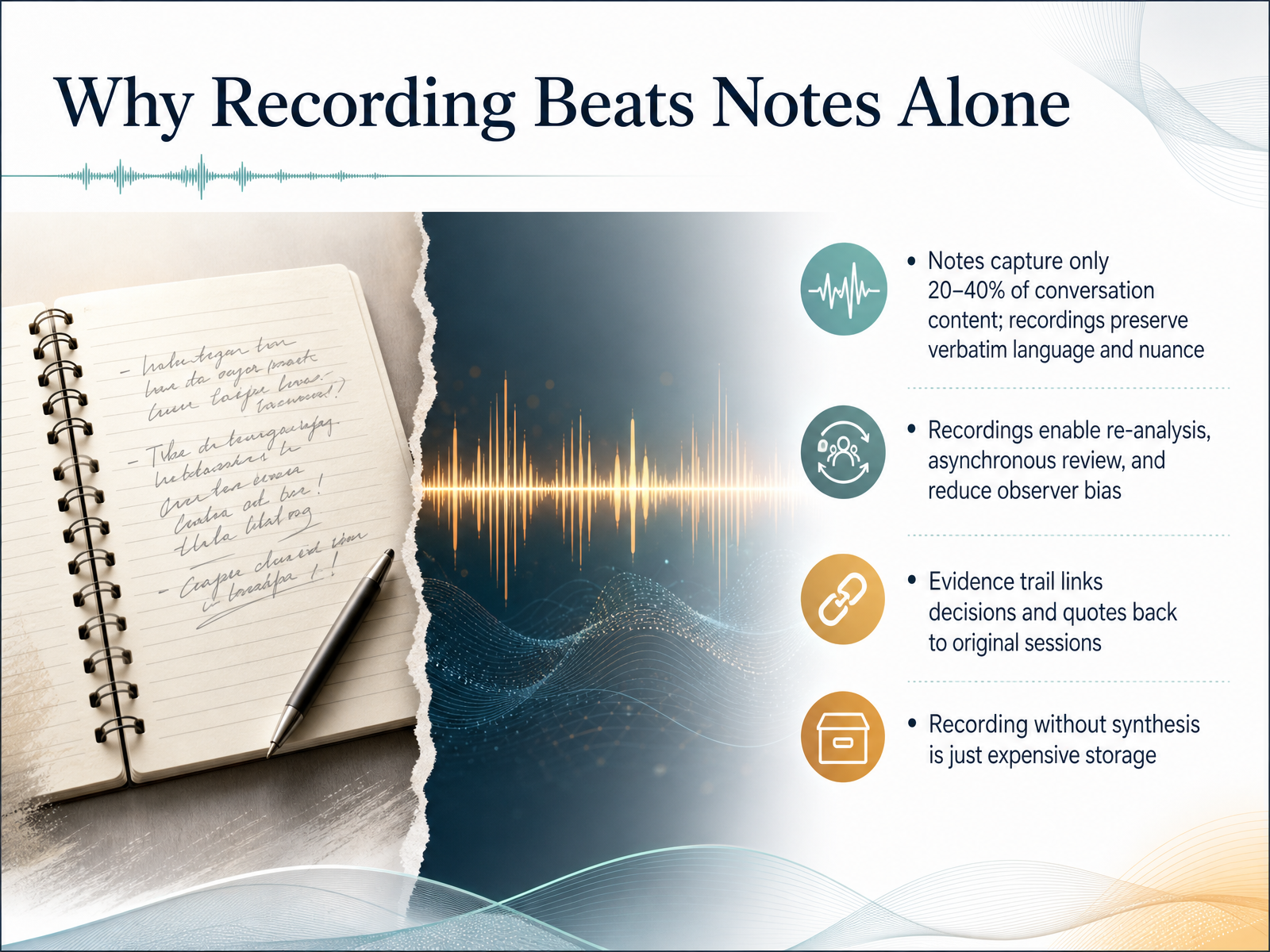
- 02Why Recording Beats Notes AloneLet's be honest about why we record sessions in the first place. If you're relying only on notes, you're missing most of the conversation. Industry surveys suggest notes capture only twenty to forty percent of what's actually said. That's a big gap. Recordings preserve the full verbatim language, including the hesitations, the emotional undertones, and the unexpected phrasing that often holds the real insight. Second, recordings let you re-analyze. You can revisit a session weeks later with fresh eyes or when a new hypothesis emerges. They also enable asynchronous review, so stakeholders who couldn't attend can still hear the participant's voice. And because you're not filtering through your own interpretation in the moment, you reduce observer bias. Third, recordings build an evidence trail. When you make a design decision or share a quote, you can trace it directly back to the original session. That kind of audit trail turns research from opinion into evidence. But here's the catch: recording without synthesis is just expensive storage. A raw file sitting in a folder does nothing. The value comes from tagging, clipping, and analyzing. So record with a plan for how you'll extract insights and connect them to decisions. Before we pick tools, though, we need to establish the foundation that makes all of this possible and legal: privacy and consent. Let's build that foundation first.
 gov.ukuxrfieldguide.comthestory.is+22 min
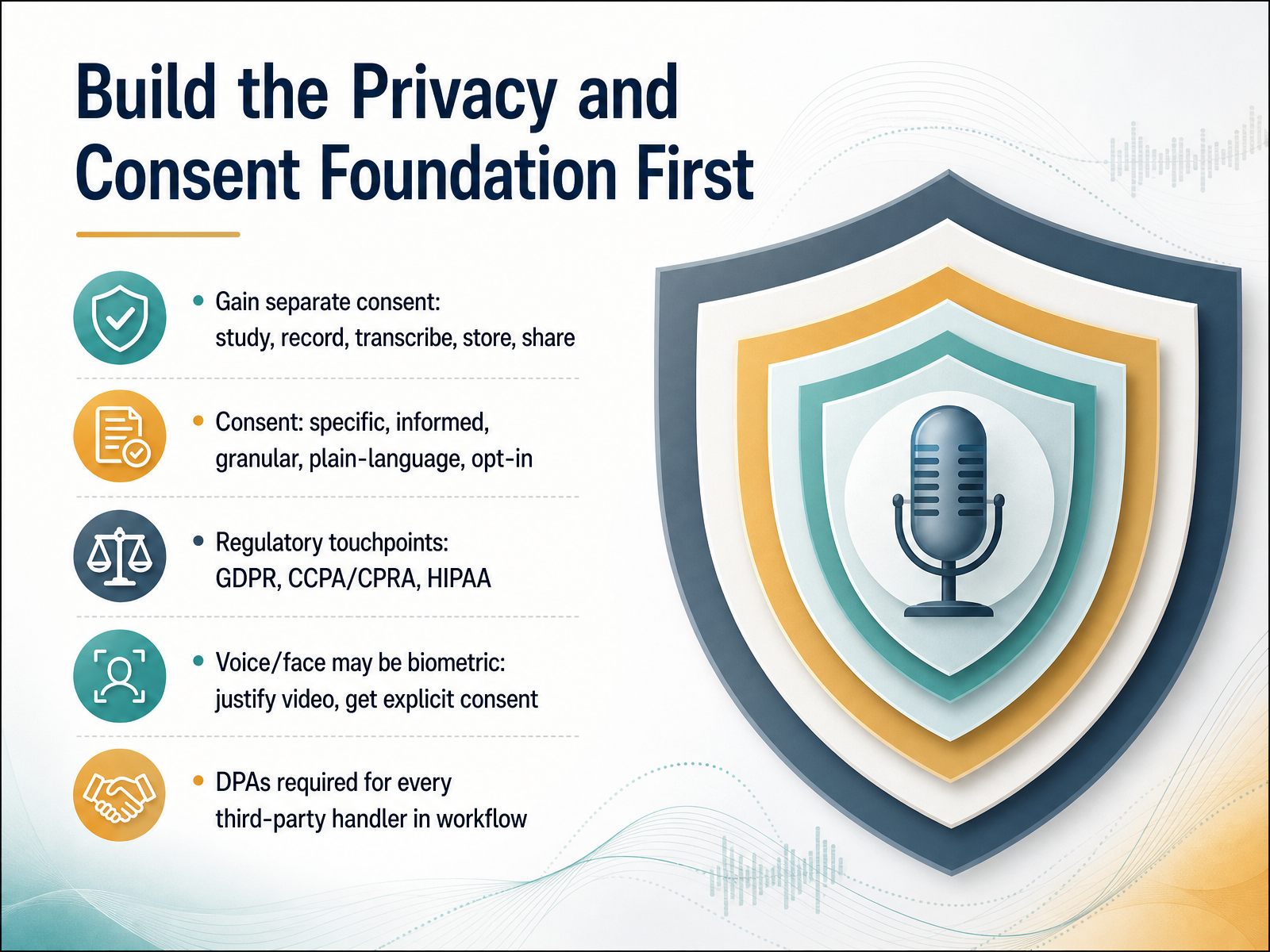
 - 03Build the Privacy and Consent Foundation FirstNow let’s build the privacy and consent foundation before you pick any tool. Start by getting separate consent for each activity: the study itself, recording, transcription, storage, and sharing. This should be specific, informed, granular, and written in plain language. Use opt-in checkboxes, never pre-checked ones. Be aware of your regulatory touchpoints like GDPR, CCPA, and HIPAA. Voice and face recordings can count as biometric data. That means you need to justify why video is necessary and get explicit consent for it. Also, remember that every third-party handler in your workflow needs a signed data processing agreement. This includes your recording tool, transcription service, and cloud storage. Get these in place before you run a single session. Next, we will map the tool landscape and look at the difference between capture and analysis tools.
 cleverx.comhappyscribe.cominterviewwatch.com+21 min
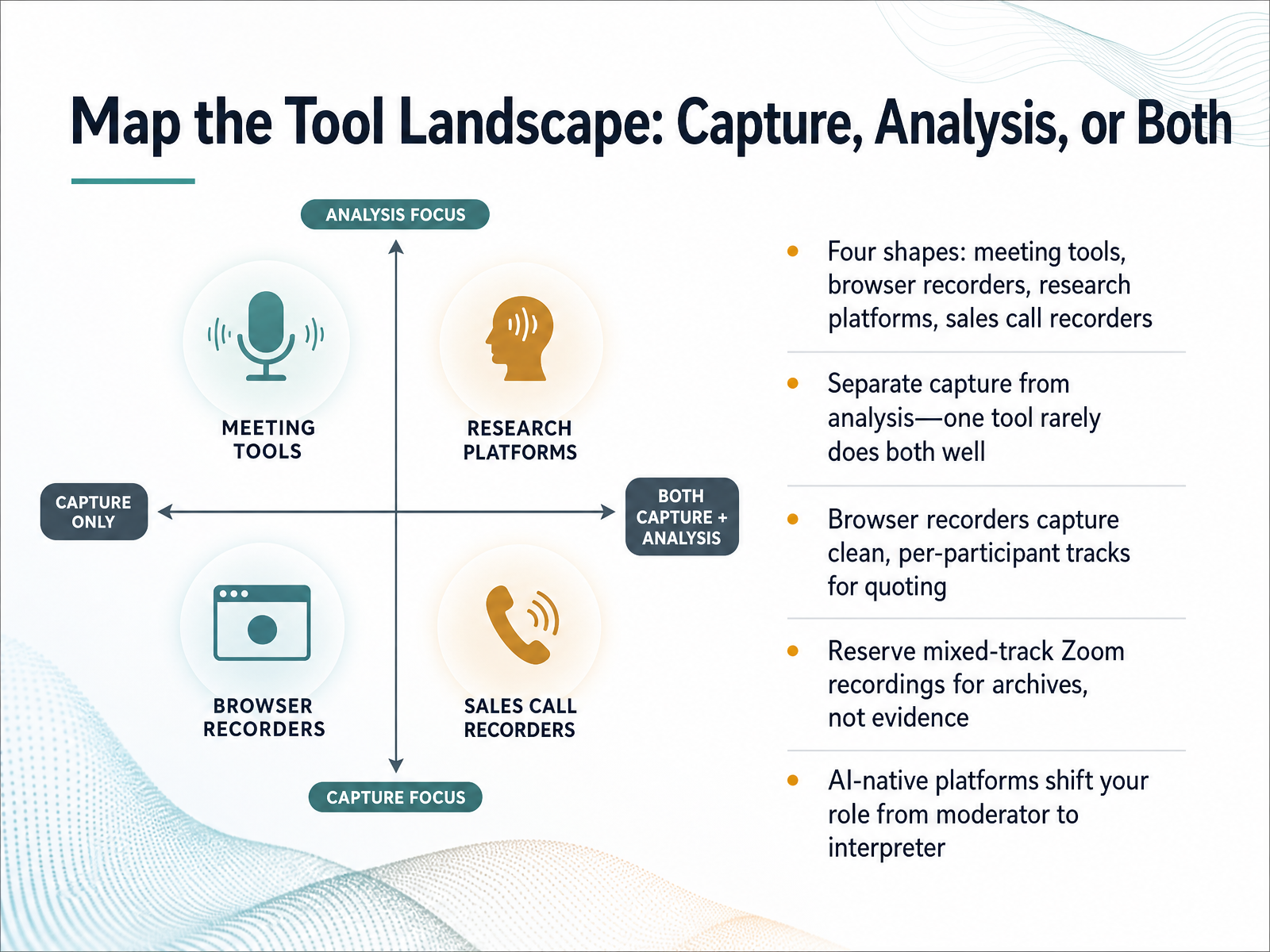
 - 04Map the Tool Landscape: Capture, Analysis, or BothLet's map the tool landscape. If you scan what teams actually use, the tools cluster into four shapes: general meeting tools, browser-based recorders, research platforms, and sales call recorders. The key move is to separate capture from analysis. One tool rarely does both well. Browser recorders capture clean, per-participant tracks, which makes pulling a quote for a stakeholder deck straightforward. Zoom records a single mixed track at meeting quality. Your own voice will overlap the customer's line, and you cannot mute yourself in post. So reserve those mixed-track recordings for archives, not for evidence. Research platforms add the analysis layer. Tools like Dovetail make it easy to tag clips and build themes across sessions. A common pattern that works well: capture with a browser recorder for clean tracks, then push those recordings into a research repository. Sales call recorders are excellent for transcription, but they are built for pipeline intelligence, not research artifacts. Finally, AI-native platforms shift your role. You stop moderating and start interpreting what the system surfaced. That is a real change in how you spend your time. Now, let's look at how to select the right tool for your context.
 cleverx.comblog.buildbetter.aiairtape.co+22 min
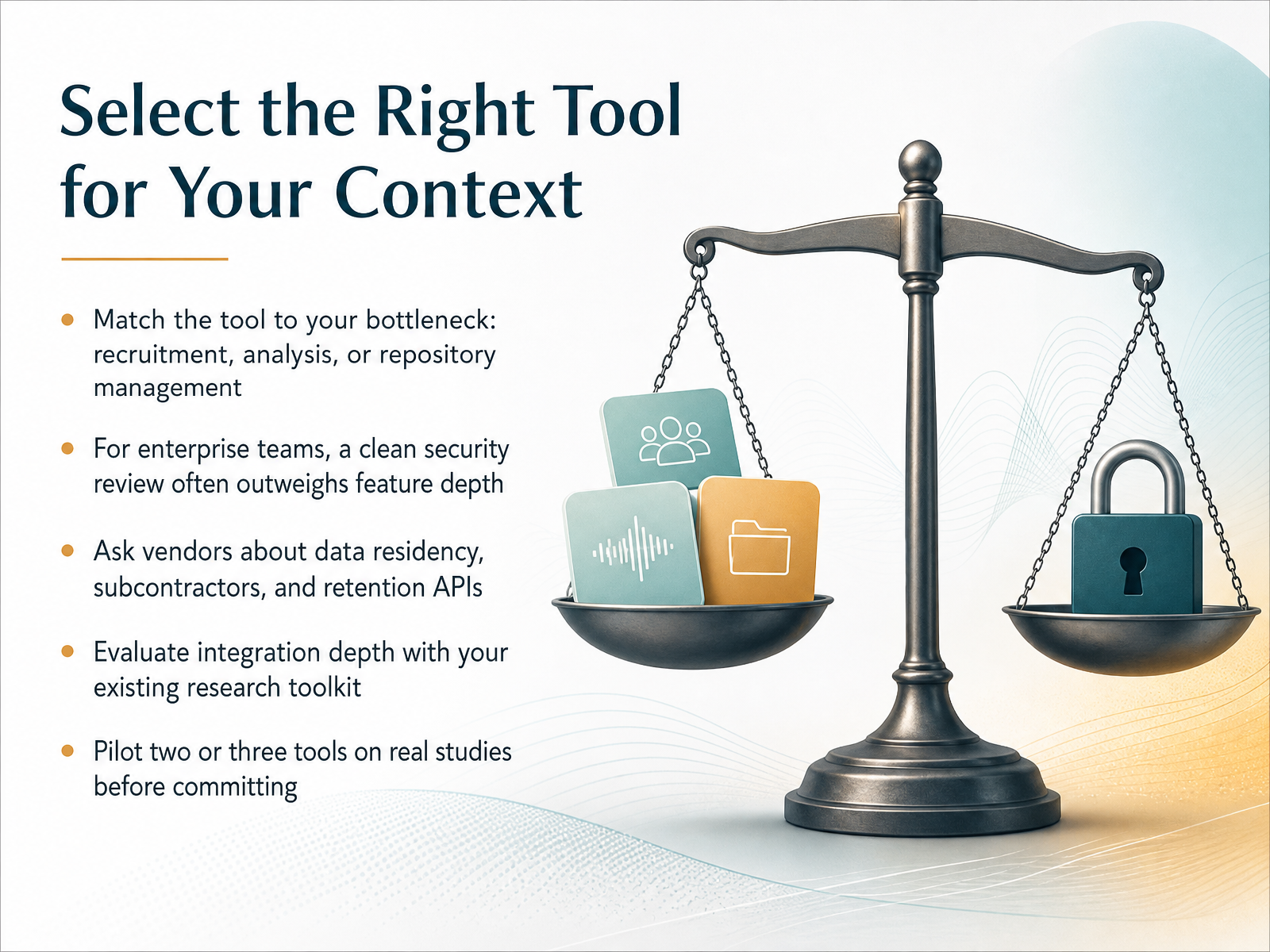
 - 05Select the Right Tool for Your ContextNow let's turn that evaluation into a decision. The first move is to match the tool to your bottleneck. Are you struggling to recruit participants, to analyze transcripts, or to keep findings organized? Pick the tool that solves that specific problem first, not the one with the longest feature list. For enterprise teams, a clean security review often outweighs feature depth. Procurement will ask where participant data lives, who can access it, and whether the vendor passes your SOC 2 review. Ask vendors directly about data residency, subcontractors, and retention APIs. If you cannot delete a recording when a participant asks, that tool is a liability. Check integration depth with your existing research toolkit, like your repository or calendar system. A tool that forces you to export and re-upload files will quietly die. Before you commit, pilot two or three tools on real studies. Run a live session, run an unmoderated one, and test the analysis workflow. That hands-on trial will tell you more than any comparison chart. Next, we will look at how to capture clean audio and screen evidence in those sessions.
 cleverx.comblog.buildbetter.aiairtape.co+21 min
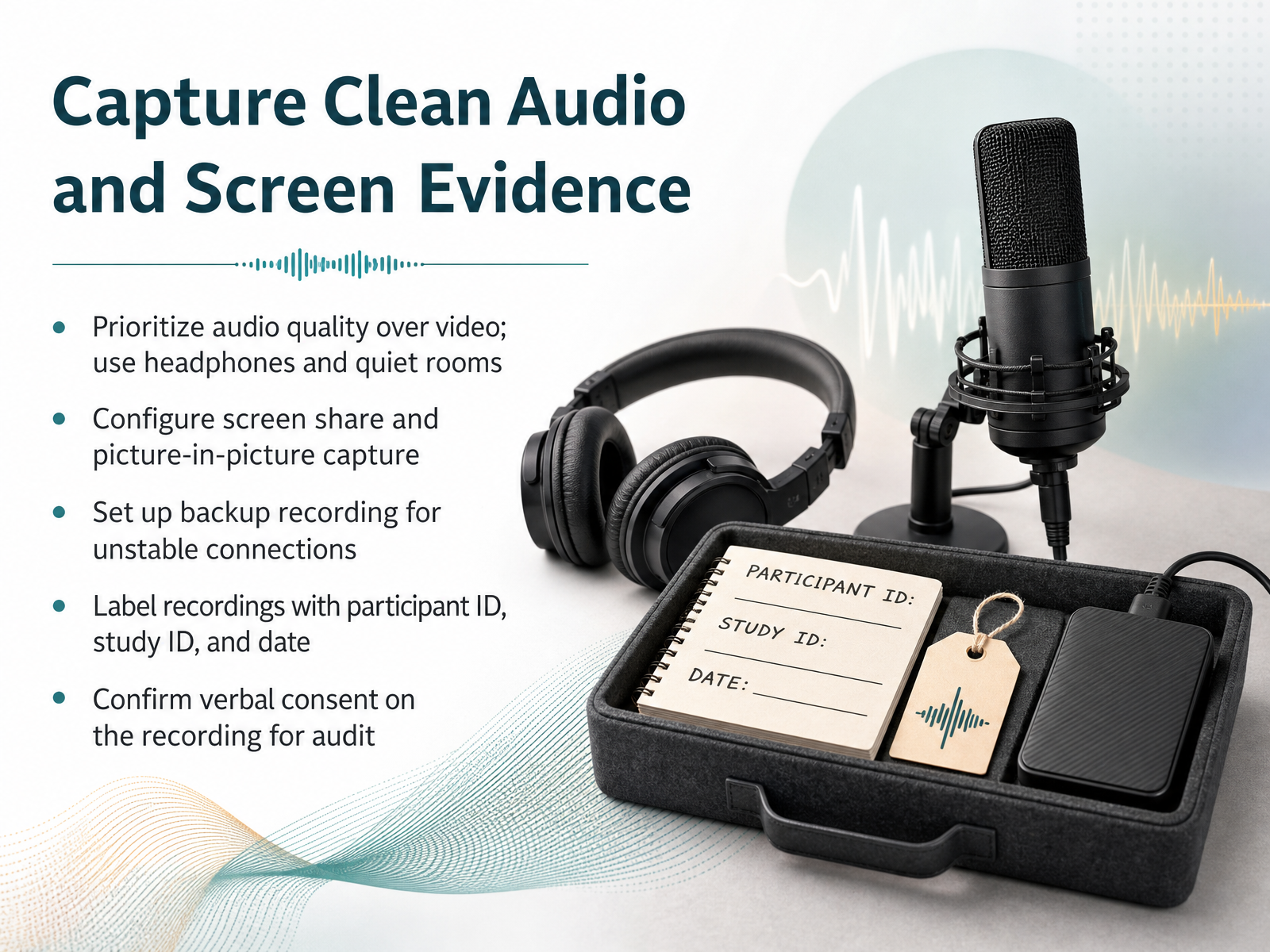
 - 06Capture Clean Audio and Screen EvidenceNext, let’s focus on capturing clean audio and solid screen evidence. The right setup makes the difference between usable footage and a frustrating archive. Prioritize audio quality over video. Participants think out loud, and a muddy track will make transcription painful. You and the participant should use headphones and quiet rooms. This simple step filters out echo and background noise before they become problems. Configure screen share and picture-in-picture capture so you get both the interface and the person’s reactions. Separate tracks per participant are ideal, but if your tool mixes audio, keep your own interruptions minimal. Always set up a backup recording. Unstable connections happen, and you do not want to discover a corrupted source file after the session ends. A local recorder on each device is the most reliable safety net. Label each file immediately. Use the participant ID, study ID, and date in the filename itself. This keeps your repository organized and makes it easy to honor deletion requests later. Finally, confirm verbal consent on the recording at the start. State the participant’s name, the study, and that they agree to be recorded, transcribed, and stored. This gives you a clean audit trail that written consent alone cannot provide. With clean capture and clear labels in place, we can now turn to how you store those files securely and control who can access them.
 cleverx.comblog.buildbetter.aiairtape.co+22 min
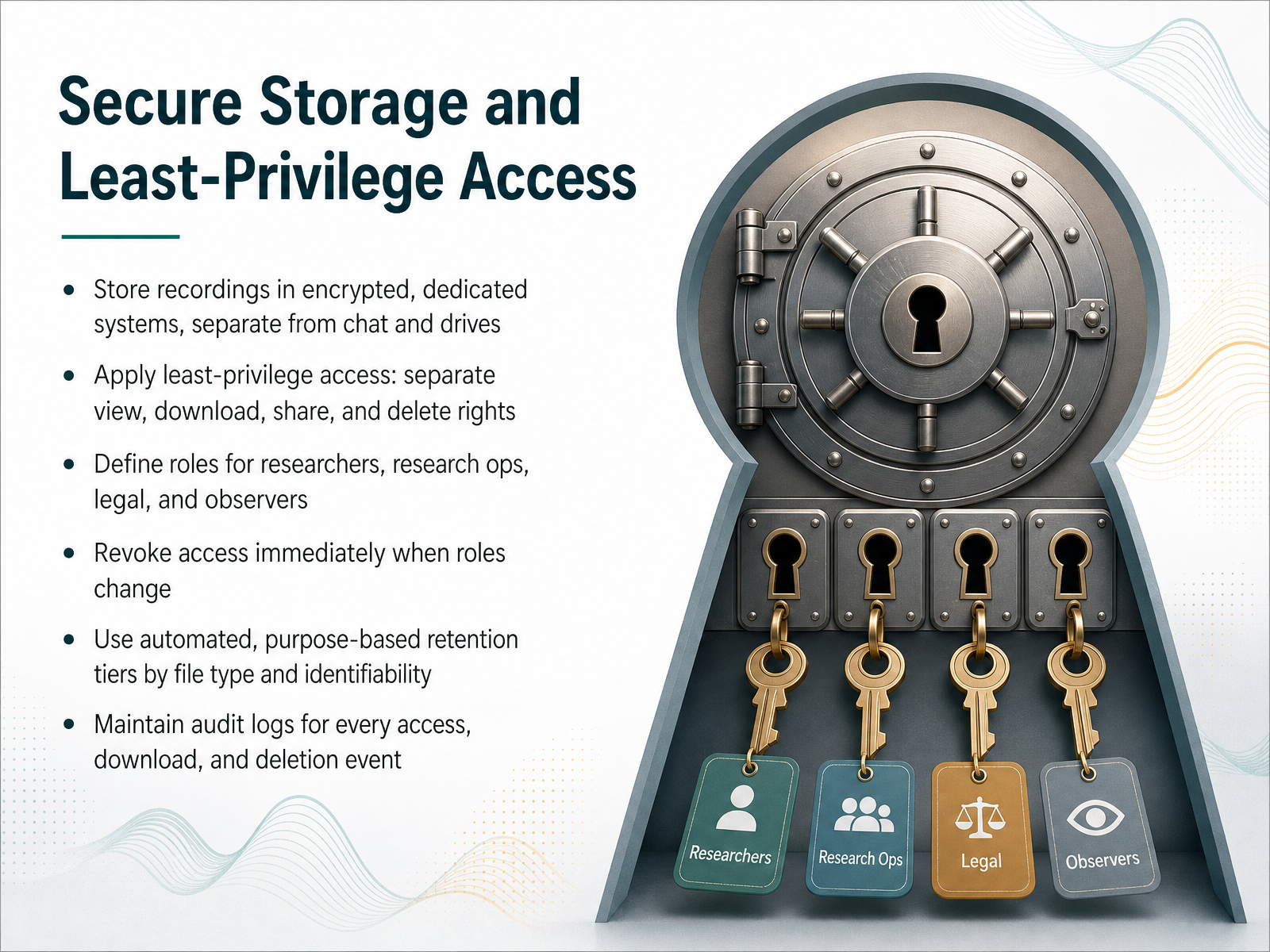
 - 07Secure Storage and Least-Privilege AccessLet's talk about where these recordings actually live and who gets in. Store recordings in an encrypted, dedicated system, separate from your regular chat tools and shared drives. This separation limits accidental exposure. Apply least-privilege access with distinct rights for viewing, downloading, sharing, and deleting. A researcher who can review a session shouldn't automatically be able to export it. Define clear roles for researchers, research ops, legal, and observers. When someone changes roles, revoke their access immediately through your identity provider. Don't wait for a quarterly review. Use automated, purpose-based retention tiers, split by file type and identifiability. Raw audio might be kept only through transcript verification, while de-identified transcripts are kept longer for analysis. Set these rules in the system so deletion happens on schedule, and make sure a legal hold can pause that schedule when needed. Finally, maintain audit logs for every access, download, and deletion event. If you can't prove who saw a file and when, you can't demonstrate compliance. This also helps you spot unusual patterns, like bulk downloads. Next, we will walk through transcription, search, and analysis workflows to see how these controls apply in daily practice.
 gotranscript.compmc.ncbi.nlm.nih.govdoi.org+22 min
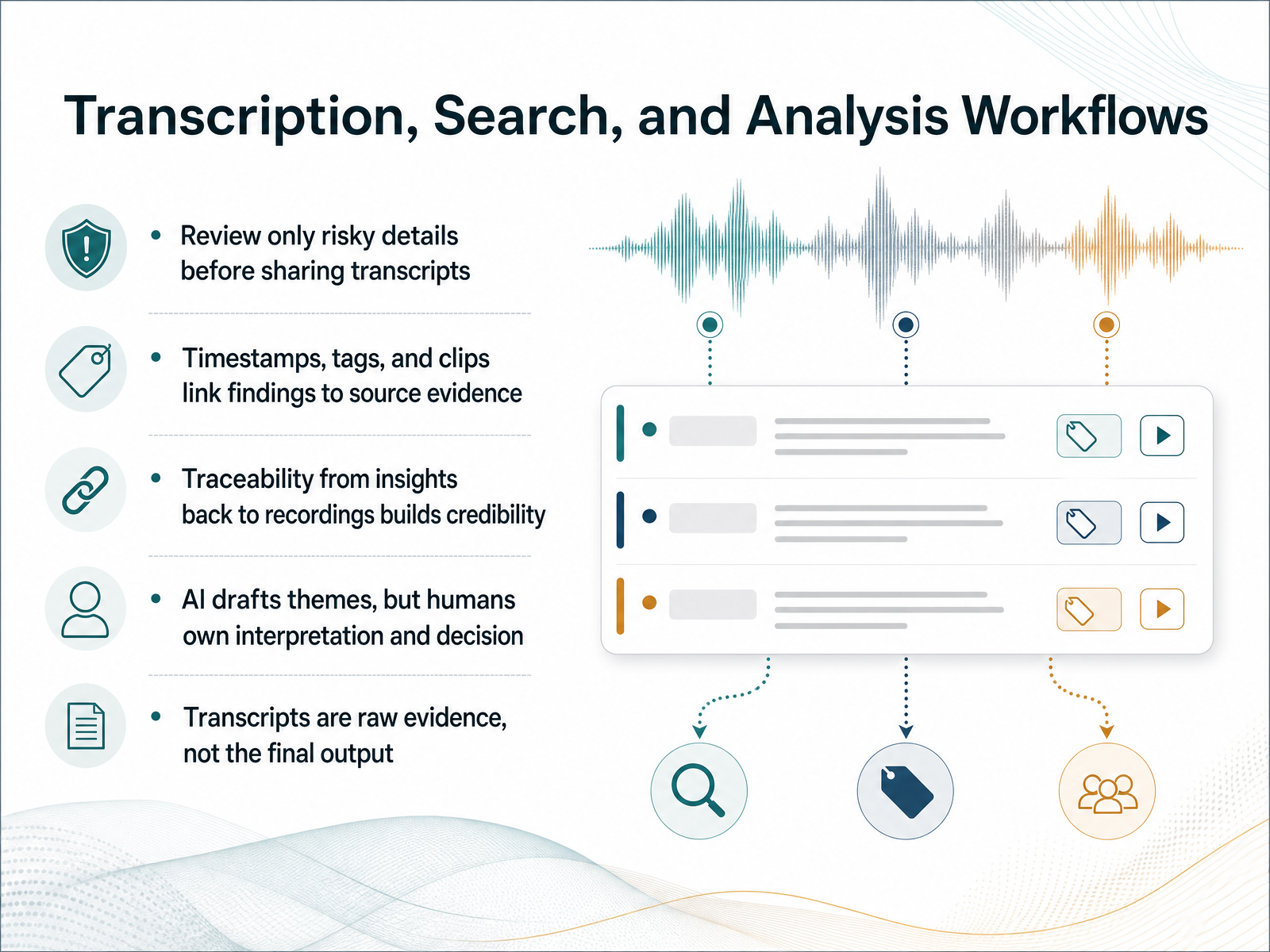
 - 08Transcription, Search, and Analysis WorkflowsLet's talk about what happens after the recording stops: turning raw transcripts into searchable, traceable evidence. The rule here is simple. The transcript is raw evidence, not the final output. Before you share a transcript with anyone, review only the risky details. Names, revenue numbers, partner company names, anything that could identify a specific customer. You are not polishing filler words. You are checking the sensitive parts so you can share clean material while preserving the source of truth. Timestamps, tags, and short clips are your best friends in analysis. Attach a timestamp to every meaningful quote you pull. Tag moments like frustration, workarounds, or trust signals while the interview is fresh, and link each insight back to the exact moment it came from. This traceability is what makes your findings credible. When you say users struggle with setup, you can point to three specific timestamps and let stakeholders verify that claim themselves. AI transcription and suggested codes can handle a lot of the heavy lifting, but you need to review it against the actual audio, especially tone. A transcript can read neutral when the participant was deeply frustrated. Let AI draft the themes, but you own the interpretation and the final decision. The output should be three to five synthesized findings tied to a decision, not a forty-page transcript dump. Have an action attached to each theme before you share it. Keep the transcript as the source of truth, with your quotes and timestamps, so everything remains verifiable. We will look at how to share research clips with stakeholders responsibly next.
 talkful.io2 min
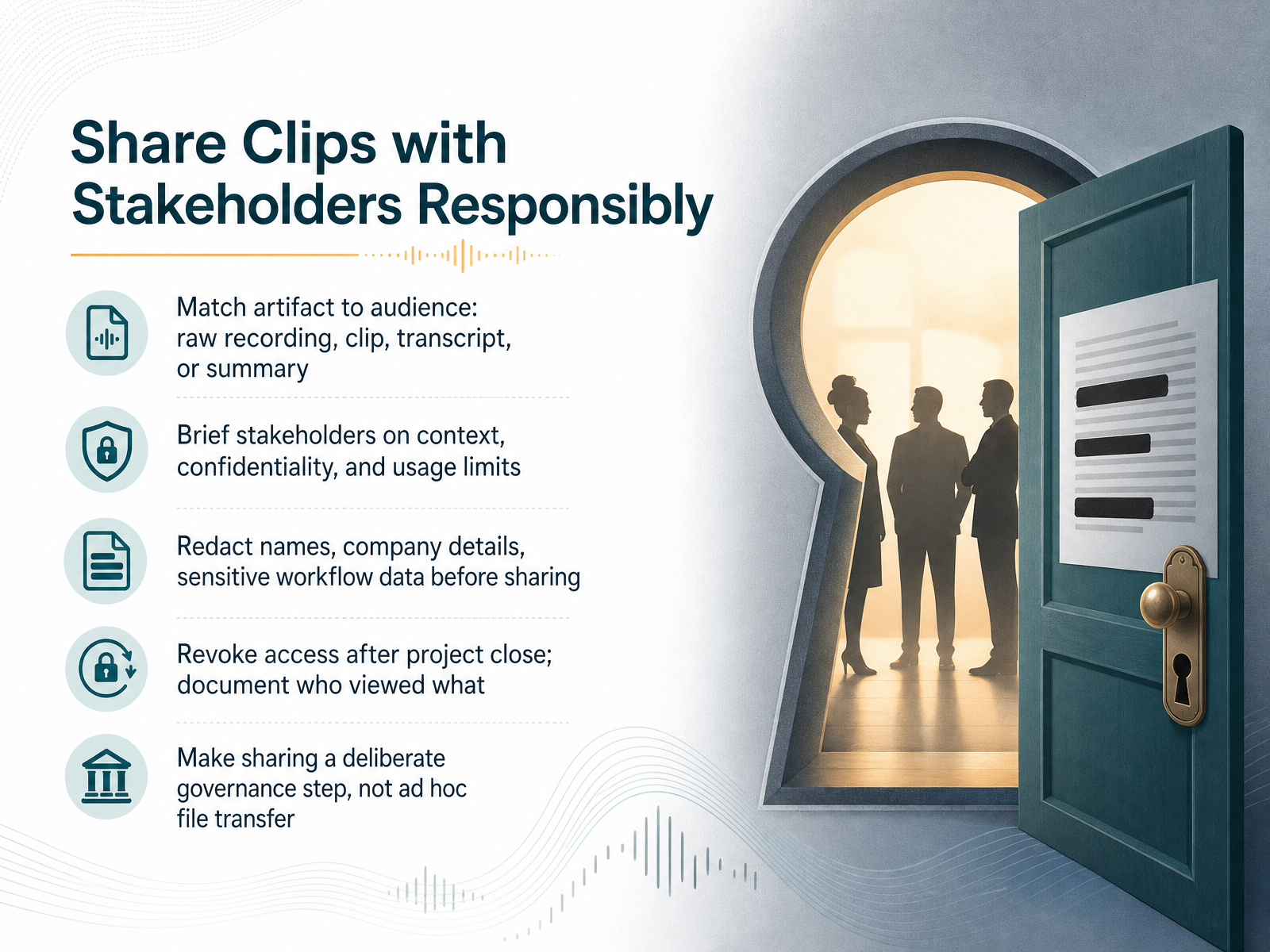
 - 09Share Clips with Stakeholders ResponsiblyNow let’s talk about sharing clips with stakeholders responsibly. The first rule is to match the artifact to the audience. A raw recording is rarely the right thing to send. A clipped highlight, a clean transcript, or a written summary often serves the purpose better and reduces exposure. Before you share anything, brief your stakeholders. Remind them of the study context, confidentiality expectations, and exactly what they can use the material for. Then, redact. Remove names, company details, and any sensitive workflow data before a clip leaves your research environment. This is non-negotiable, even for internal teams. When the project closes, revoke access promptly. Document who viewed what so you have a clear audit trail. Sharing should be a deliberate governance step, not an ad hoc file transfer. Treat it with the same care as your consent process. From here, we’ll look at turning your raw recording into a durable research artifact.
 cleverx.comhappyscribe.cominterviewwatch.com+22 min
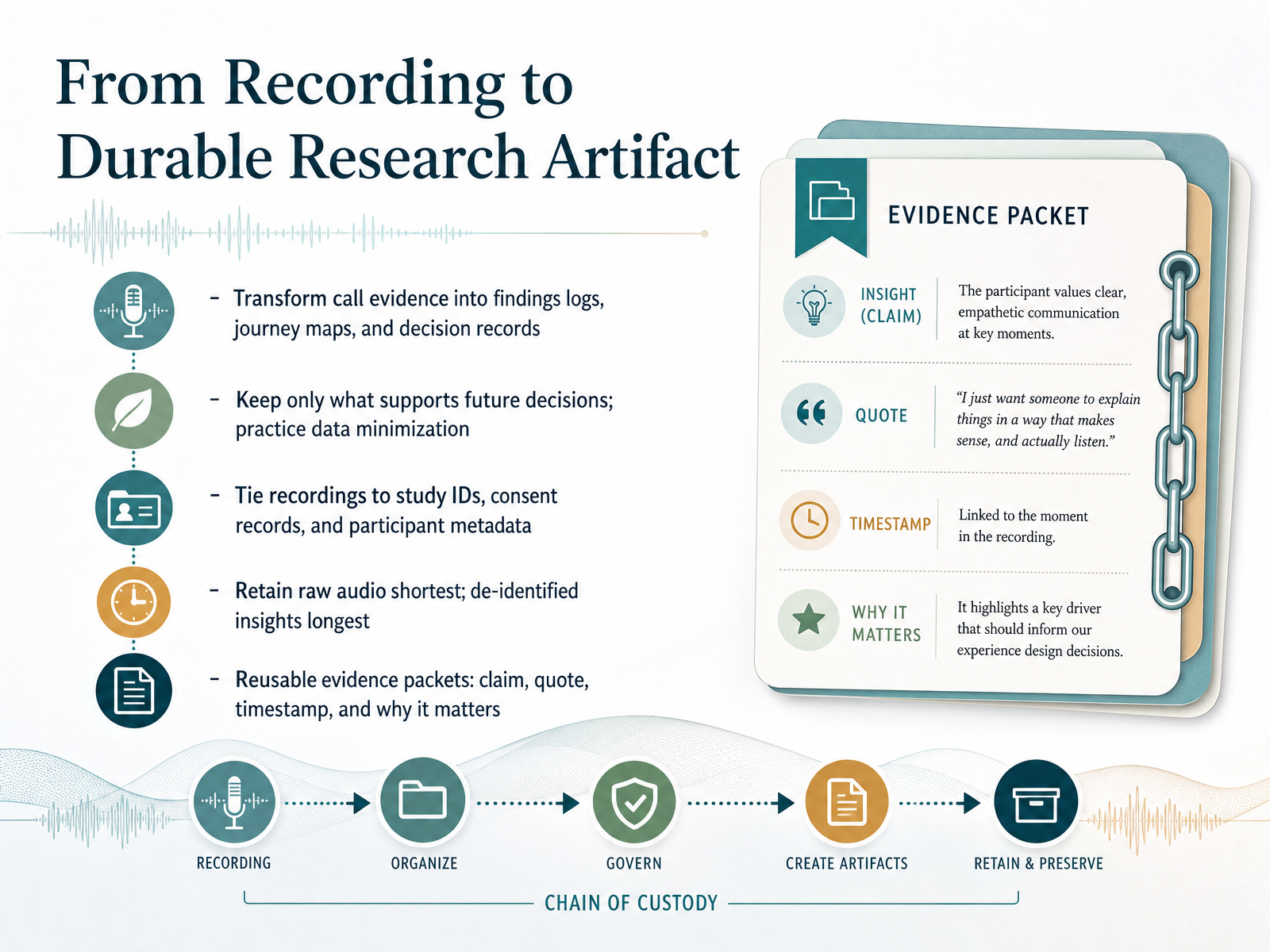
 - 10From Recording to Durable Research ArtifactNow, let's turn raw recordings into durable research artifacts. The goal isn't to store hours of audio. It's to extract what supports future decisions and package it so your team can actually use it. Start by transforming call evidence into findings logs, journey maps, and decision records. Then practice data minimization. Keep only what you need. For each recording, tie it to a stable study ID, the consent record, and participant metadata. This keeps the chain of evidence clear. Retention works in tiers. Keep raw audio the shortest amount of time, just long enough to verify the transcript and resolve disputes. Keep de-identified insights the longest, since they carry the value without the exposure risk. The most reusable output is an evidence packet. One claim, one supporting quote, one timestamp, and a note on why it matters. That packet is what stakeholders can verify and what you can defend. Build these packets during analysis, and you won't need to re-listen to a single call later. Next, we'll cover retention and deletion policies that actually work.
 gotranscript.compmc.ncbi.nlm.nih.govdoi.org+22 min
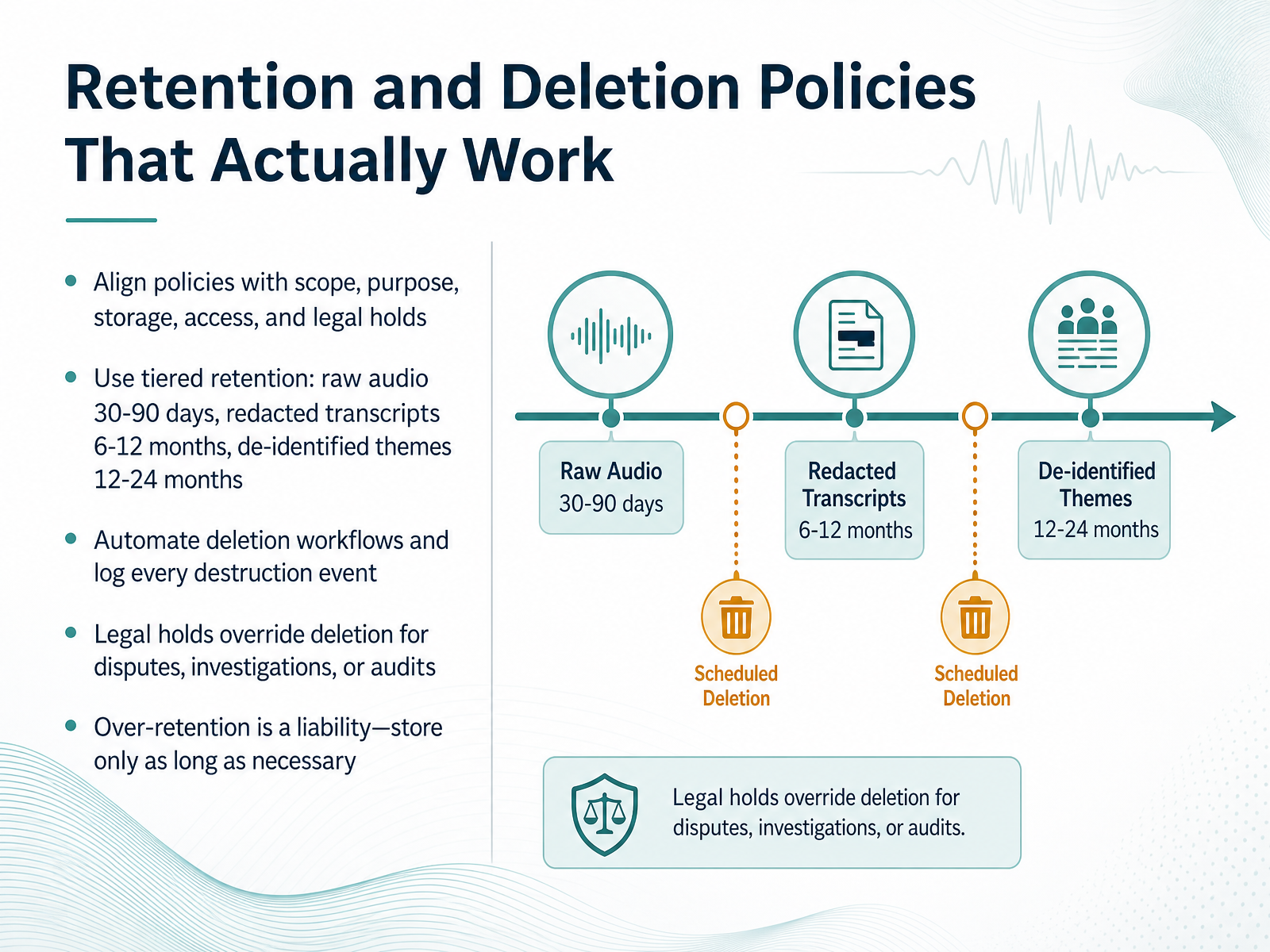
 - 11Retention and Deletion Policies That Actually WorkNow let's talk about retention and deletion policies that actually work. The core principle is simple: align your retention period with your consent form, your IRB protocol, and your stated research purpose. A practical model is tiered retention. Keep raw audio for thirty to ninety days, just long enough to verify transcripts and resolve disputes. Keep redacted transcripts for six to twelve months for coding and analysis. And keep de-identified themes for twelve to twenty-four months, or longer if you have approval for future use. Automate your deletion workflows. Schedule them and log every destruction event. Manual deletion drifts, and a policy you don't enforce is worse than no policy at all. Remember the legal hold. If an investigation, audit, or dispute is anticipated, that hold overrides deletion for scoped records until it's formally released. Over-retention is a liability, not a safety net. Every file you hold is data you must secure and could be compelled to produce. Store only as long as necessary. And we'll look at designing a consent flow that holds up next.
 gotranscript.compmc.ncbi.nlm.nih.govdoi.org+21 min
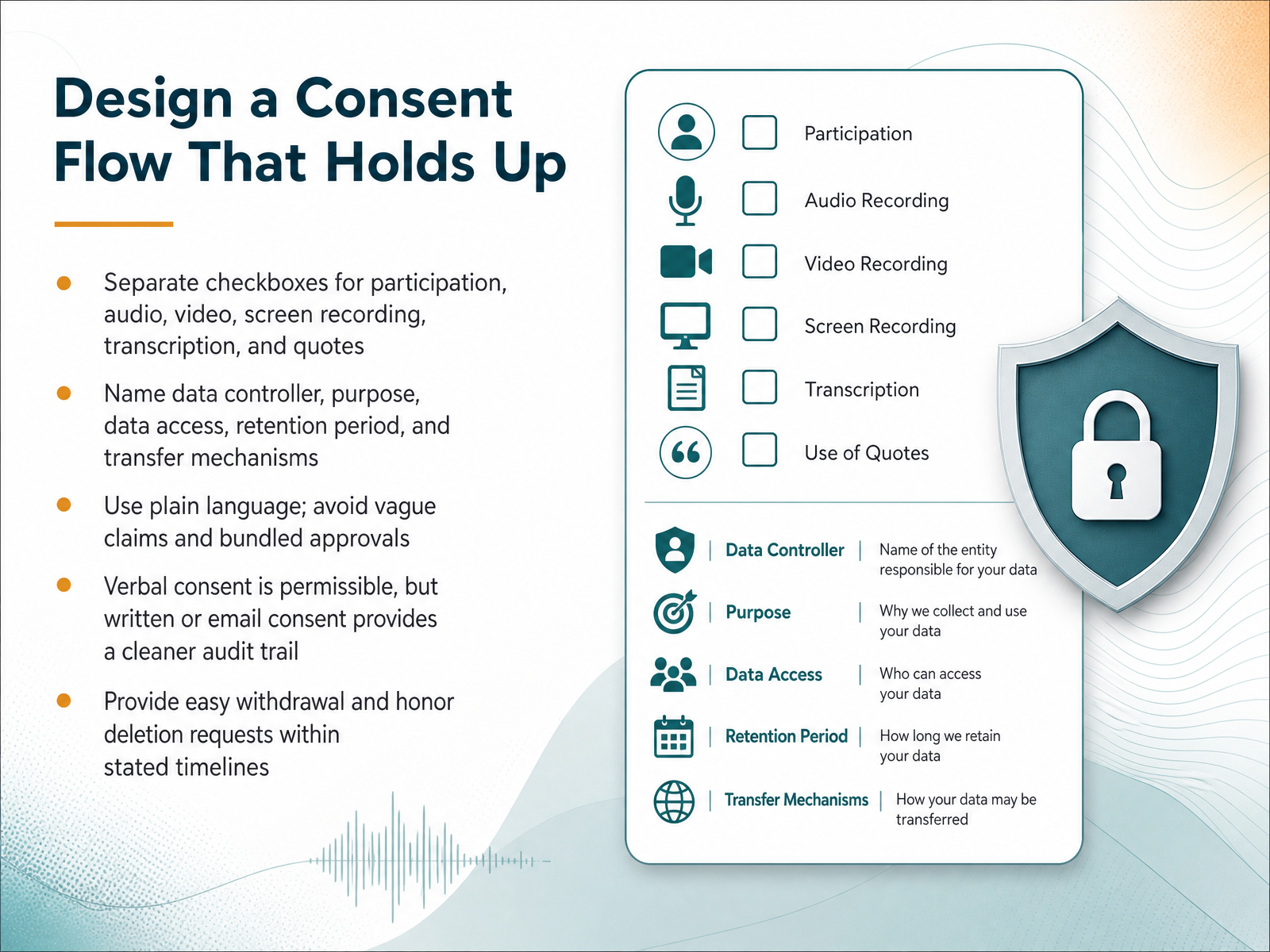
 - 12Design a Consent Flow That Holds UpNow let’s design a consent flow that holds up under scrutiny. Separate the checkboxes. Participation is one thing. Audio, video, screen recording, transcription, and quotes each deserve their own consent. Bundled approvals are a compliance risk, and participants notice them. Use plain language. Name the data controller, the purpose, who gets access, how long you keep the data, and any transfer mechanisms. Vague statements like “we may use your data for research” do not meet the specific and informed standard. Verbal consent is legal, but written or email consent gives you a cleaner audit trail when you need proof later. Make it easy to see the decision. Unchecked boxes by default, and a clear path to withdraw. If a participant asks for deletion, honor that request within your stated timeline. A clean consent flow builds participant trust and protects your team when questions come up later. Now let’s look at a practical checklist for privacy-conscious recording programs.
 cleverx.comhappyscribe.cominterviewwatch.com+21 min
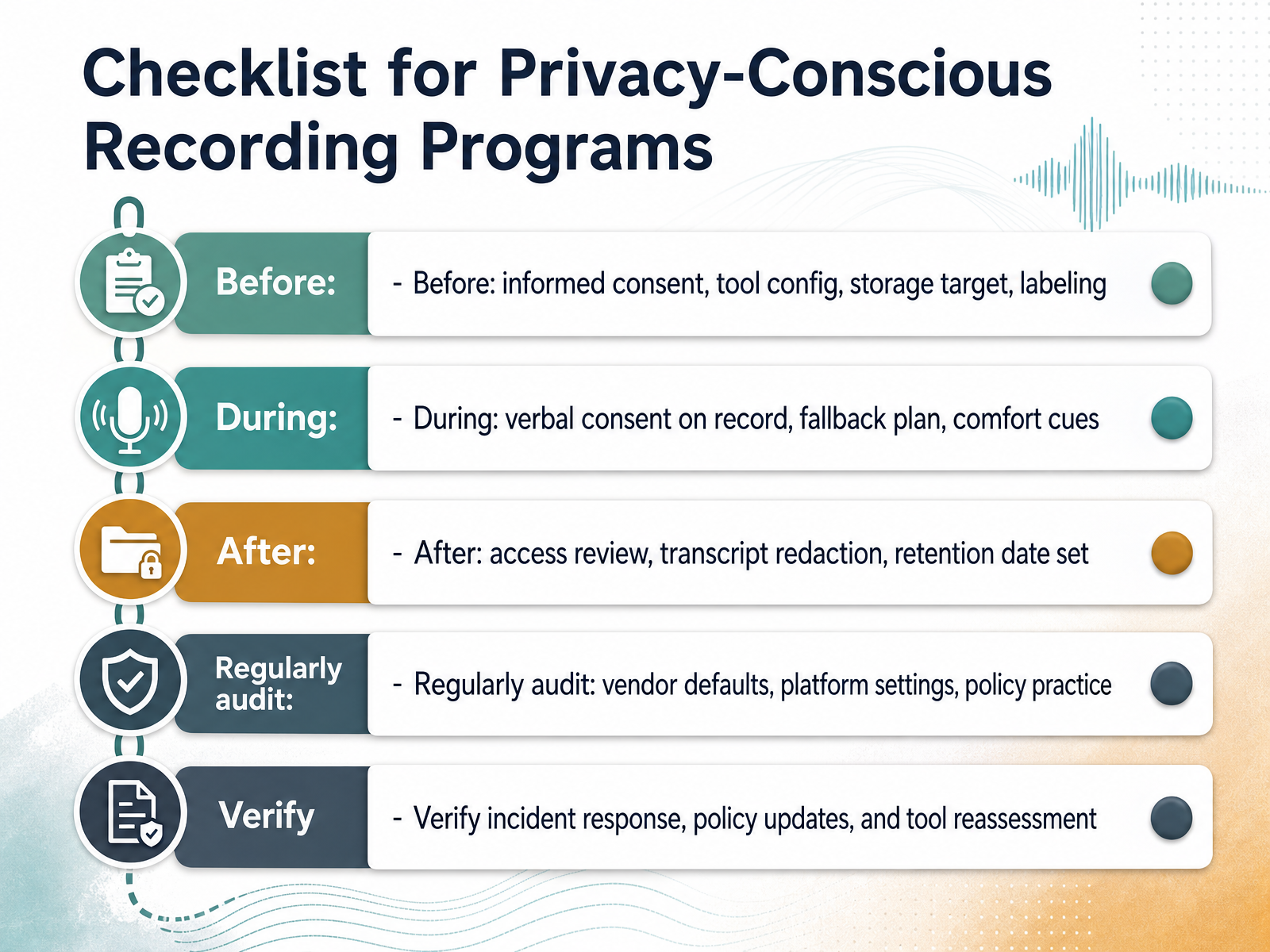
 - 13Checklist for Privacy-Conscious Recording ProgramsNow let’s turn that framework into a working checklist. Think of it in three phases. Before the session: get informed consent in writing, configure your recording tool so it only captures what you need, confirm your storage target is approved, and label every file clearly so you can find it later. During the session: get verbal consent on the recording itself, have a fallback plan if a participant declines recording or wants it paused, and watch for comfort cues. If someone hesitates, slow down and give them control. After the session: review who has access, redact transcripts before sharing them broadly, and set a firm deletion date. Then make auditing routine: check vendor defaults, review your platform settings, and verify your team is actually following the policy you wrote. Finally, know your incident response plan, update it as policy changes, and reassess your tools when your needs change. A quick audit cycle here prevents a messy surprise later. From Policy to Practice: we’ll close with how to run a recording program that lasts.
 cleverx.comhappyscribe.cominterviewwatch.com+22 min
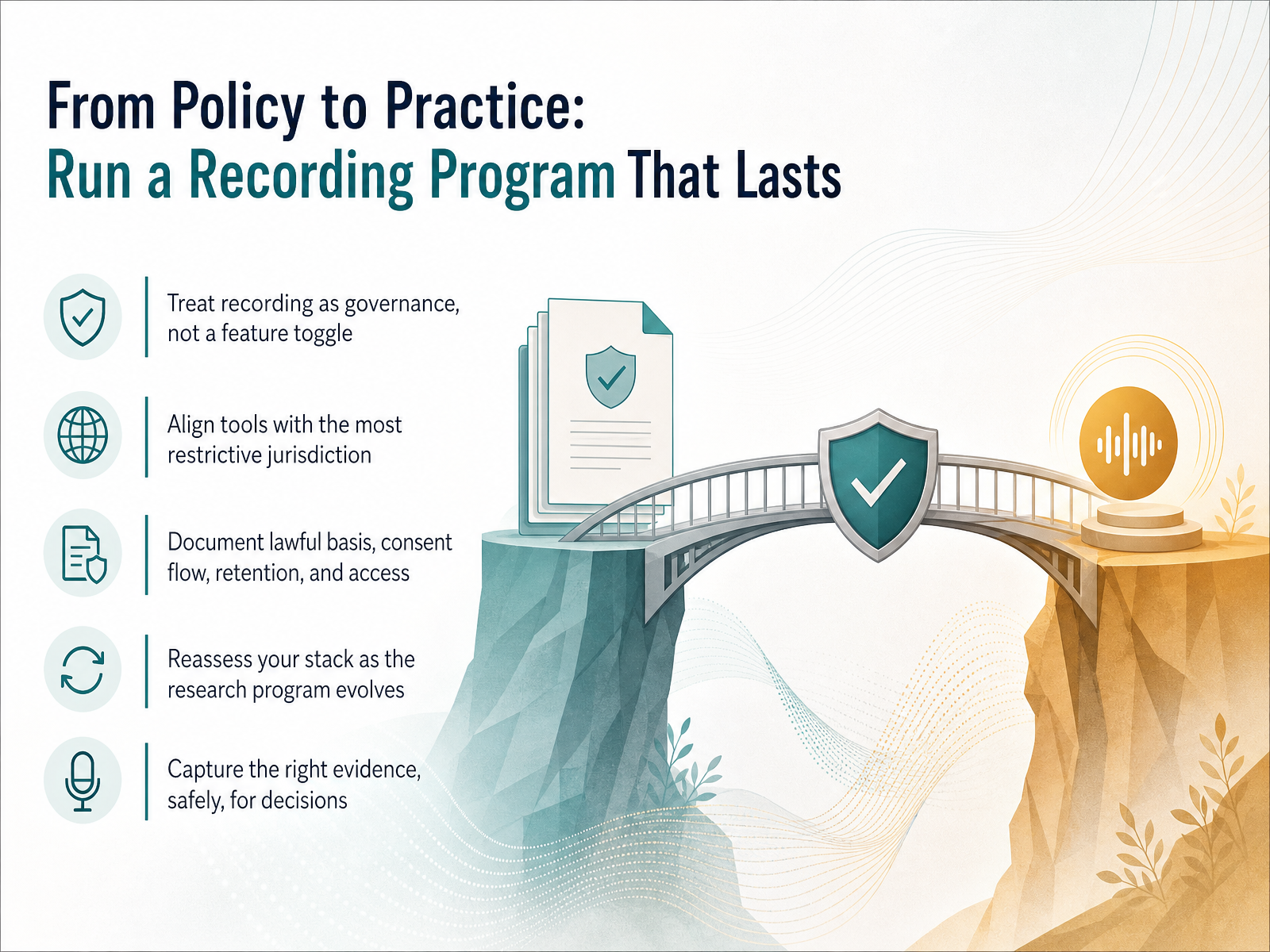
 - 14From Policy to Practice: Run a Recording Program That LastsWe've covered a lot of ground, so here is how it all comes together. Run recording as a governed program, not a feature toggle. That means standard policies, consistent workflows, and one person accountable. Start with your most restrictive jurisdiction and make that your global baseline. If you operate under GDPR standards, apply them everywhere. Document the lawful basis for each data type, your consent flow, your retention windows, and exactly who has access. Reassess the stack as your program evolves. A tool that fits pilot studies may not serve longitudinal research. The goal is to capture the right evidence, safely, so your product decisions stand on firm ground. Thanks for working through this. You now have the practical framework to build a recording program that is defensible, repeatable, and lasts.
 cleverx.comblog.buildbetter.aiairtape.co+21 min
Take the deck with you
Download this course as a file — free, no sign-up needed.
- PDF handoutEvery slide page, ready to print or share.15 pages · 3.9 MBDownload
- Narrated PowerPointThe deck that presents itself — every slide carries the digital human's narration video.15 pages · 15.2 MBDownload
- PowerPoint slidesThe full deck as a .pptx — open it in PowerPoint, Keynote, or Google Slides.15 pages · 3.8 MBDownload
Free to use in your own training — please keep the PersonWise credit page at the end.
Have your own deck? Turn it into a course
Sources consulted
Web sources consulted while building this course.
- User Interview Tools With Recording: 10 Picks for 2026 | CleverX Blog — cleverx.com
- Call Recording for User Research: Complete 2026 Guide — blog.buildbetter.ai
- Tools for Recording Customer Interviews: An Honest Comparison | Airtape Studio — airtape.co
- 7 best customer interview software for 2026 - Guideflow Blog — guideflow.com
- Best Customer Interview Recording Tools 2026: 9 Compared | Koji — koji.so
- Taking notes and recording user research sessions — gov.uk
- Recording — uxrfieldguide.com
- Recording sessions in UX Research — thestory.is
- User Interviews for UX Research – Why Record and Transcribe - Scribie Blog — scribie.com
- GDPR-Compliant User Research Methods: A Complete Compliance Guide for Product Teams | CleverX Guides — cleverx.com
- GDPR Consent for Recording and Transcribing Interviews: What EU Researchers Need to Know — happyscribe.com
- Consent-First Interview Monitoring (GDPR & CCPA) | InterviewWatch — interviewwatch.com
- GDPR Compliance in Qualitative Research: A Complete Guide | Qualz.ai Blog — qualz.ai
- Recording and Transcribing Research Interviews: Consent Requirements Around the World — happyscribe.com
- Retention Timeline for Recordings and Transcripts: IRB-Friendly Plan (Template) | GoTranscript — gotranscript.com
- Academic Research Record-Keeping: Best Practices for ... — pmc.ncbi.nlm.nih.gov
- Longform recordings of everyday life: Ethics for best practices — doi.org
- Meeting Recording Security Guide 2026 — spinach.ai
- How to Build a Call Recording Retention Policy | UnifiedRecorder Blog — blog.unifiedrecorder.com
- How to analyze user interview transcripts · Talkful — talkful.io